fuel HYUNDAI I20 2012 Owner's Manual
[x] Cancel search | Manufacturer: HYUNDAI, Model Year: 2012, Model line: I20, Model: HYUNDAI I20 2012Pages: 207, PDF Size: 2.46 MB
Page 119 of 207
447
Features of your vehicle
D150334APB
Electric power steering
(EPS) system warning light
(if equipped)
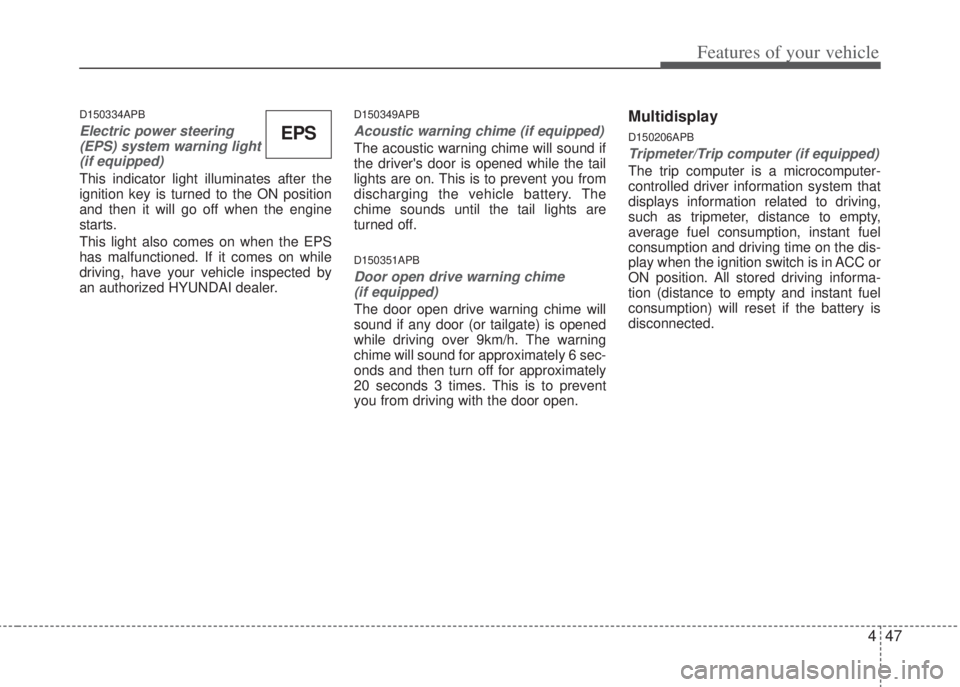
This indicator light illuminates after the
ignition key is turned to the ON position
and then it will go off when the engine
starts.
This light also comes on when the EPS
has malfunctioned. If it comes on while
driving, have your vehicle inspected by
an authorized HYUNDAI dealer.
D150349APB
Acoustic warning chime (if equipped)
The acoustic warning chime will sound if
the driver's door is opened while the tail
lights are on. This is to prevent you from
discharging the vehicle battery. The
chime sounds until the tail lights are
turned off.
D150351APB
Door open drive warning chime
(if equipped)
The door open drive warning chime will
sound if any door (or tailgate) is opened
while driving over 9km/h. The warning
chime will sound for approximately 6 sec-
onds and then turn off for approximately
20 seconds 3 times. This is to prevent
you from driving with the door open.
Multidisplay
D150206APB
Tripmeter/Trip computer (if equipped)
The trip computer is a microcomputer-
controlled driver information system that
displays information related to driving,
such as tripmeter, distance to empty,
average fuel consumption, instant fuel
consumption and driving time on the dis-
play when the ignition switch is in ACC or
ON position. All stored driving informa-
tion (distance to empty and instant fuel
consumption) will reset if the battery is
disconnected.
EPS
Page 120 of 207
Features of your vehicle
48 4
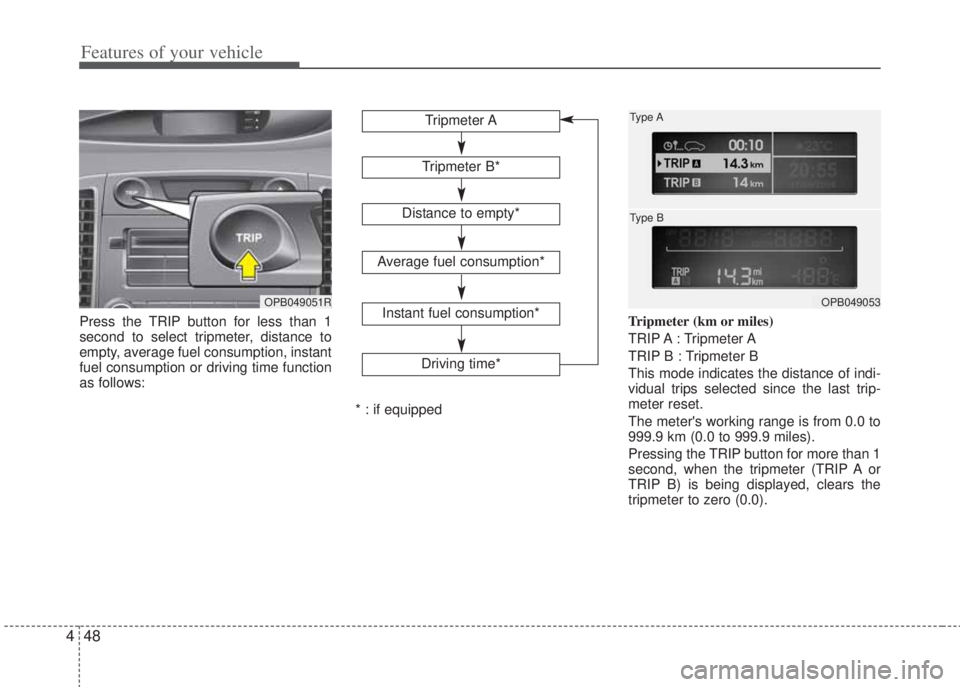
Press the TRIP button for less than 1
second to select tripmeter, distance to
empty, average fuel consumption, instant
fuel consumption or driving time function
as follows:Tripmeter (km or miles)
TRIP A : Tripmeter A
TRIP B : Tripmeter B
This mode indicates the distance of indi-
vidual trips selected since the last trip-
meter reset.
The meter's working range is from 0.0 to
999.9 km (0.0 to 999.9 miles).
Pressing the TRIP button for more than 1
second, when the tripmeter (TRIP A or
TRIP B) is being displayed, clears the
tripmeter to zero (0.0).
OPB049051R
Tripmeter B*
Average fuel consumption*
Instant fuel consumption*
Driving time*
Tripmeter A
Distance to empty*
* : if equipped
OPB049053 Type A
Type B
Page 121 of 207
449
Features of your vehicle
Distance to empty (if equipped)
(km or miles)
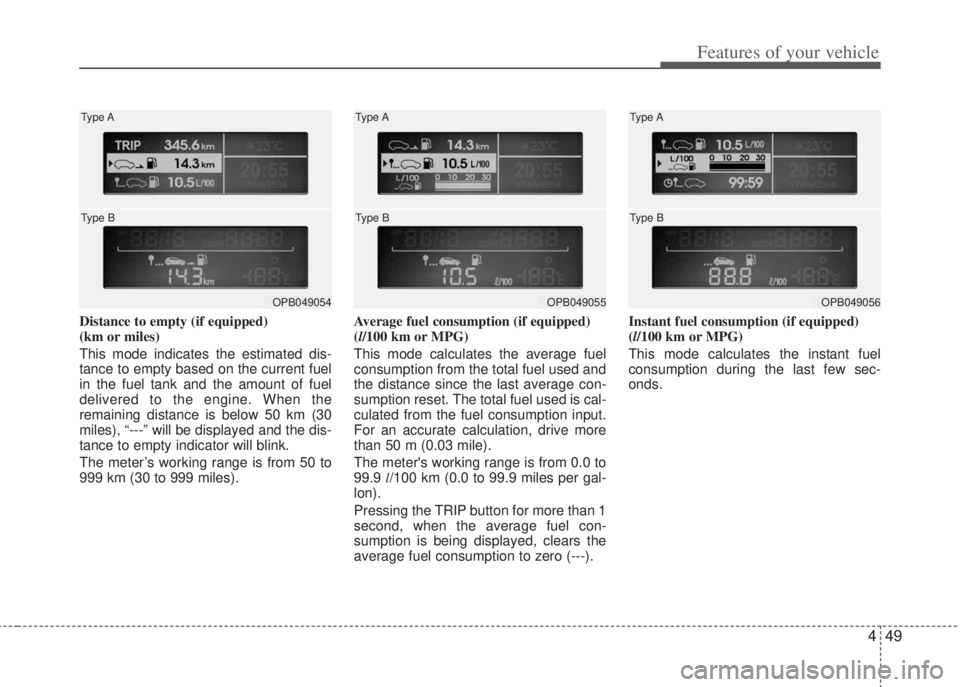
This mode indicates the estimated dis-
tance to empty based on the current fuel
in the fuel tank and the amount of fuel
delivered to the engine. When the
remaining distance is below 50 km (30
miles), “---” will be displayed and the dis-
tance to empty indicator will blink.
The meter’s working range is from 50 to
999 km (30 to 999 miles).Average fuel consumption (if equipped)
(l/100 km or MPG)
This mode calculates the average fuel
consumption from the total fuel used and
the distance since the last average con-
sumption reset. The total fuel used is cal-
culated from the fuel consumption input.
For an accurate calculation, drive more
than 50 m (0.03 mile).
The meter's working range is from 0.0 to
99.9 l/100 km (0.0 to 99.9 miles per gal-
lon).
Pressing the TRIP button for more than 1
second, when the average fuel con-
sumption is being displayed, clears the
average fuel consumption to zero (---).Instant fuel consumption (if equipped)
(l/100 km or MPG)
This mode calculates the instant fuel
consumption during the last few sec-
onds.
OPB049054 Type A
Type BOPB049055 Type A
Type BOPB049056 Type A
Type B
Page 122 of 207
Features of your vehicle
50 4
Driving time (if equipped)
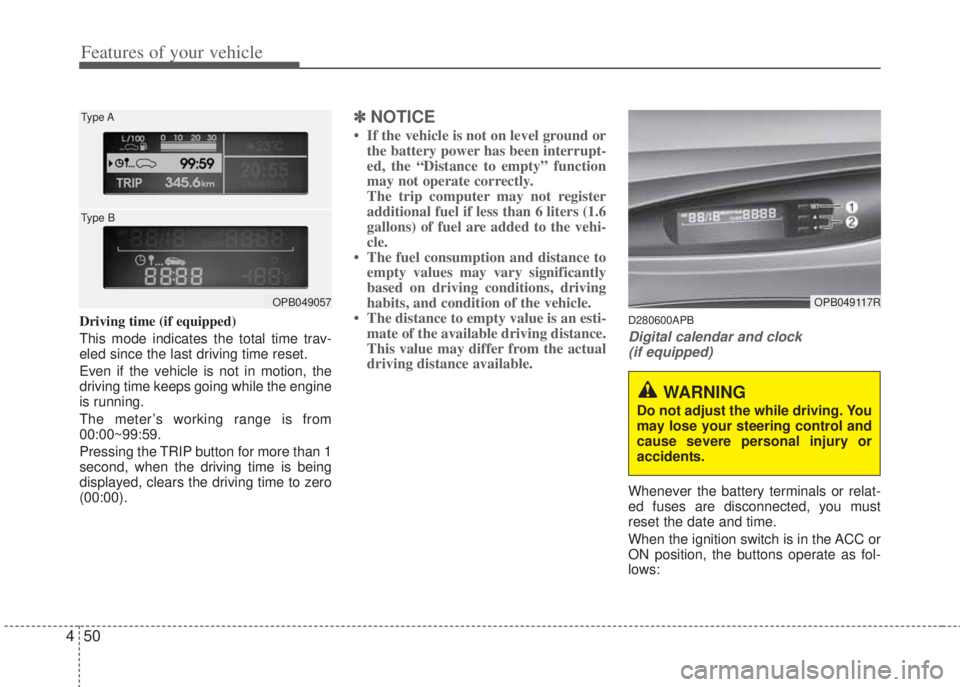
This mode indicates the total time trav-
eled since the last driving time reset.
Even if the vehicle is not in motion, the
driving time keeps going while the engine
is running.
The meter’s working range is from
00:00~99:59.
Pressing the TRIP button for more than 1
second, when the driving time is being
displayed, clears the driving time to zero
(00:00).
✽NOTICE
• If the vehicle is not on level ground or
the battery power has been interrupt-
ed, the “Distance to empty” function
may not operate correctly.
The trip computer may not register
additional fuel if less than 6 liters (1.6
gallons) of fuel are added to the vehi-
cle.
• The fuel consumption and distance to
empty values may vary significantly
based on driving conditions, driving
habits, and condition of the vehicle.
• The distance to empty value is an esti-
mate of the available driving distance.
This value may differ from the actual
driving distance available.
D280600APB
Digital calendar and clock
(if equipped)
Whenever the battery terminals or relat-
ed fuses are disconnected, you must
reset the date and time.
When the ignition switch is in the ACC or
ON position, the buttons operate as fol-
lows:
OPB049057 Type A
Type BOPB049117R
WARNING
Do not adjust the while driving. You
may lose your steering control and
cause severe personal injury or
accidents.
Page 195 of 207
Driving your vehicle
12 5
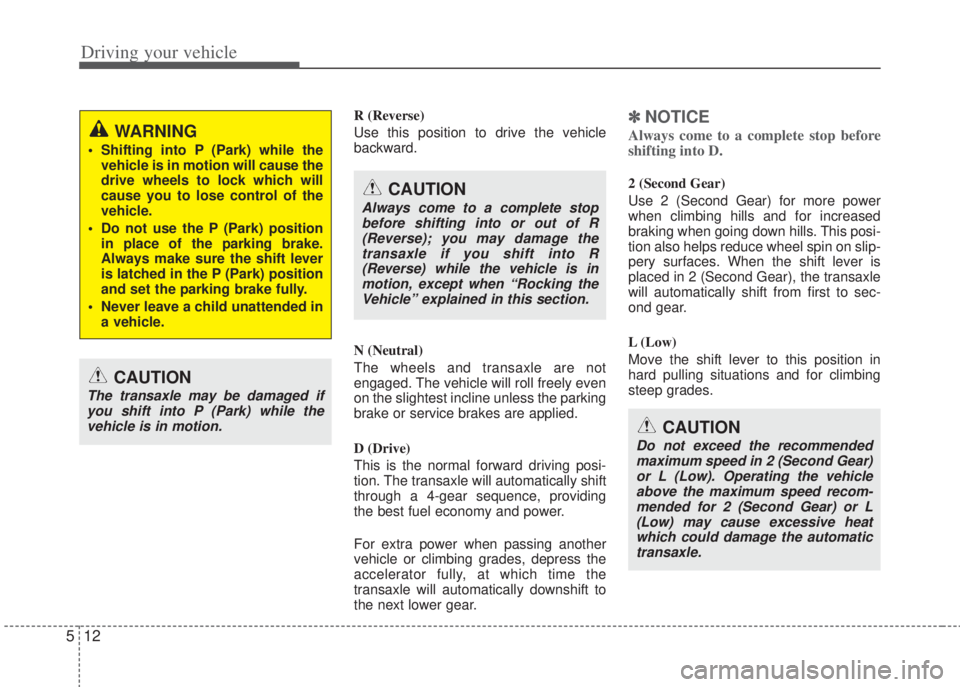
R (Reverse)
Use this position to drive the vehicle
backward.
N (Neutral)
The wheels and transaxle are not
engaged. The vehicle will roll freely even
on the slightest incline unless the parking
brake or service brakes are applied.
D (Drive)
This is the normal forward driving posi-
tion. The transaxle will automatically shift
through a 4-gear sequence, providing
the best fuel economy and power.
For extra power when passing another
vehicle or climbing grades, depress the
accelerator fully, at which time the
transaxle will automatically downshift to
the next lower gear.✽NOTICE
Always come to a complete stop before
shifting into D.
2 (Second Gear)
Use 2 (Second Gear) for more power
when climbing hills and for increased
braking when going down hills. This posi-
tion also helps reduce wheel spin on slip-
pery surfaces. When the shift lever is
placed in 2 (Second Gear), the transaxle
will automatically shift from first to sec-
ond gear.
L (Low)
Move the shift lever to this position in
hard pulling situations and for climbing
steep grades.
WARNING
• Shifting into P (Park) while the
vehicle is in motion will cause the
drive wheels to lock which will
cause you to lose control of the
vehicle.
• Do not use the P (Park) position
in place of the parking brake.
Always make sure the shift lever
is latched in the P (Park) position
and set the parking brake fully.
• Never leave a child unattended in
a vehicle.
CAUTION
The transaxle may be damaged if
you shift into P (Park) while the
vehicle is in motion.
CAUTION
Always come to a complete stop
before shifting into or out of R
(Reverse); you may damage the
transaxle if you shift into R
(Reverse) while the vehicle is in
motion, except when “Rocking the
Vehicle” explained in this section.
CAUTION
Do not exceed the recommended
maximum speed in 2 (Second Gear)
or L (Low). Operating the vehicle
above the maximum speed recom-
mended for 2 (Second Gear) or L
(Low) may cause excessive heat
which could damage the automatic
transaxle.