light HYUNDAI I30 2017 Owners Manual
[x] Cancel search | Manufacturer: HYUNDAI, Model Year: 2017, Model line: I30, Model: HYUNDAI I30 2017Pages: 659, PDF Size: 17.14 MB
Page 425 of 659
5-121
Driving your vehicle
5
The Driver Attention Alert system
utilizes the camera sensor on the
front windshield for its operation.
To keep the camera sensor in the
best condition, you should
observe the followings:
NEVER install any accessoriesor stickers on the front wind-
shield, nor tint the front wind-
shield.
NEVER locate any reflective objects (i.e. white paper, mirror)
over the dashboard. Any light
reflection may cause a malfunc-
tion of the Driver Attention Alert
(DAA) system.
Pay extreme caution to keep the camera sensor out of water.
NEVER arbitrarily disassemble the camera assembly, nor apply
any impact on the camera
assembly.
Playing the vehicle audio sys- tem at high volume may offset
the Driver Attention Alert sys-
tem warning sounds.
NOTICE
The Driver Attention Alert sys-
tem may not properly operate
with limited alerting in the fol-
lowing situations:
The lane detection perform-
ance is limited. (For more
information, refer to "Lane
Keeping Assist System
(LKAS)" in this chapter.)
The vehicle is violently driven
or is abruptly turned for
obstacle avoidance (e.g. con-
struction area, other vehicles,
fallen objects, bumpy road).
Forward drivability of the
vehicle is severely under-
mined (possibly due to wide
variation in tire pressures,
uneven tire wear-out, toe-
in/toe-out alignment).
The vehicle drives on a curvy
road.
The vehicle drives on a
bumpy road.
(Continued)
CAUTION(Continued)
The vehicle drives through a
windy area.
The vehicle is controlled by
the following driving assist
systems:
- Lane Keeping Assist System
(LKAS)
- Autonomous Emergency Braking (AEB) System
Page 428 of 659
5-124
Driving your vehicle
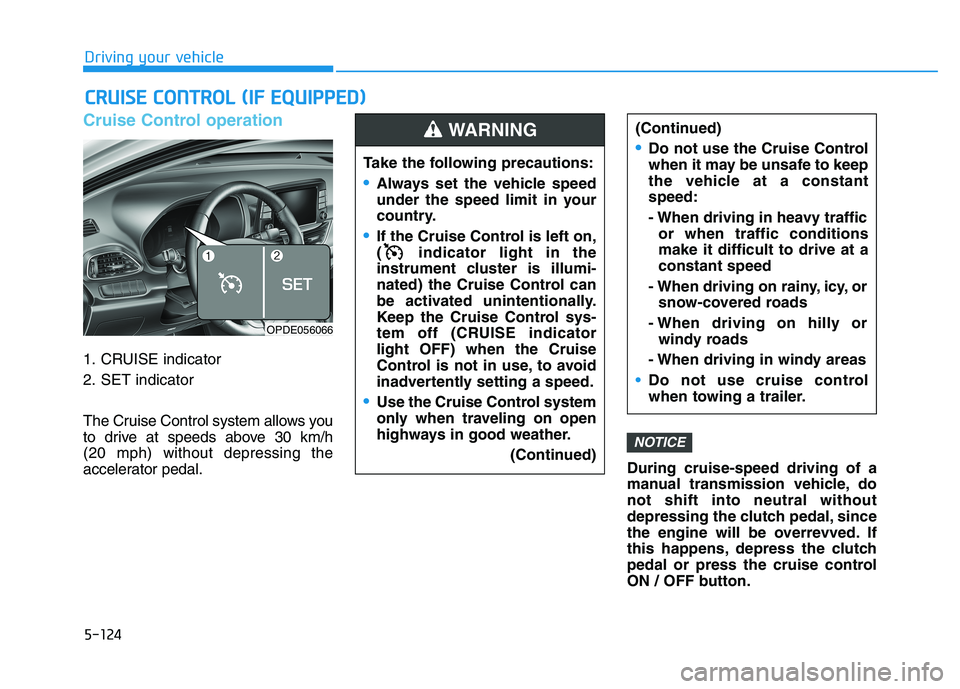
Cruise Control operation
1. CRUISE indicator
2. SET indicator
The Cruise Control system allows you
to drive at speeds above 30 km/h
(20 mph) without depressing the
accelerator pedal.During cruise-speed driving of a
manual transmission vehicle, do
not shift into neutral without
depressing the clutch pedal, since
the engine will be overrevved. If
this happens, depress the clutch
pedal or press the cruise control
ON / OFF button.
NOTICE
C
C R
R U
U I
I S
S E
E
C
C O
O N
N T
T R
R O
O L
L
(
( I
I F
F
E
E Q
Q U
U I
I P
P P
P E
E D
D )
)
Take the following precautions:
Always set the vehicle speed
under the speed limit in your
country.
If the Cruise Control is left on,
( indicator light in the
instrument cluster is illumi-
nated) the Cruise Control can
be activated unintentionally.
Keep the Cruise Control sys-
tem off (CRUISE indicator
light OFF) when the Cruise
Control is not in use, to avoid
inadvertently setting a speed.
Use the Cruise Control system
only when traveling on open
highways in good weather.
(Continued)
(Continued)
Do not use the Cruise Control
when it may be unsafe to keep
the vehicle at a constant
speed:
- When driving in heavy trafficor when traffic conditions
make it difficult to drive at a
constant speed
- When driving on rainy, icy, or snow-covered roads
- When driving on hilly or windy roads
- When driving in windy areas
Do not use cruise control
when towing a trailer.
WARNING
OPDE056066
Page 430 of 659
5-126
Driving your vehicle
To set Cruise Control speed
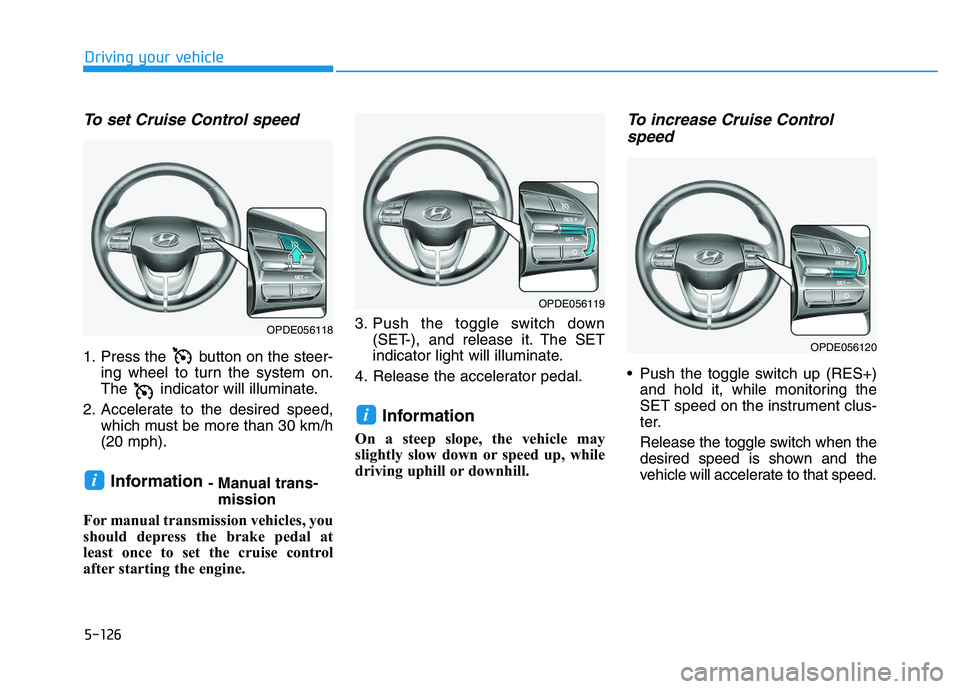
1. Press the button on the steer-ing wheel to turn the system on.
The indicator will illuminate.
2. Accelerate to the desired speed, which must be more than 30 km/h
(20 mph).
Information - Manual trans-mission
For manual transmission vehicles, you
should depress the brake pedal at
least once to set the cruise control
after starting the engine. 3. Push the toggle switch down
(SET-), and release it. The SET
indicator light will illuminate.
4. Release the accelerator pedal.
Information
On a steep slope, the vehicle may
slightly slow down or speed up, while
driving uphill or downhill.
To increase Cruise Control speed
Push the toggle switch up (RES+)
and hold it, while monitoring the
SET speed on the instrument clus-
ter.
Release the toggle switch when the
desired speed is shown and the
vehicle will accelerate to that speed.
i
i
OPDE056118
OPDE056119
OPDE056120
Page 431 of 659
5-127
Driving your vehicle
5
Push the toggle switch up (RES+)and release it immediately. The
cruising speed will increase 2.0
km/h (1.2 mph) each time the tog-
gle switch is operated in this man-
ner.
Depress the accelerator pedal. When the vehicle attains the
desired speed, push the toggle
switch down (SET-).To decrease Cruise Controlspeed
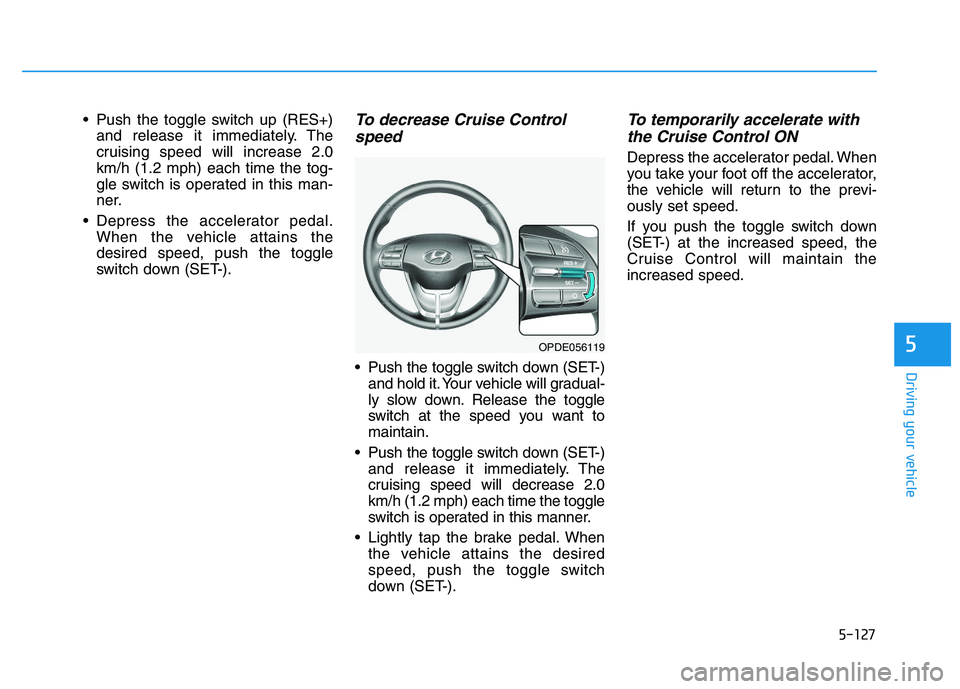
Push the toggle switch down (SET-)
and hold it. Your vehicle will gradual-
ly slow down. Release the toggle
switch at the speed you want to
maintain.
Push the toggle switch down (SET-) and release it immediately. The
cruising speed will decrease 2.0
km/h (1.2 mph) each time the toggle
switch is operated in this manner.
Lightly tap the brake pedal. When the vehicle attains the desired
speed, push the toggle switch
down (SET-).
To temporarily accelerate withthe Cruise Control ON
Depress the accelerator pedal. When
you take your foot off the accelerator,
the vehicle will return to the previ-
ously set speed.
If you push the toggle switch down
(SET-) at the increased speed, the
Cruise Control will maintain the
increased speed.
OPDE056119
Page 432 of 659
5-128
Driving your vehicle
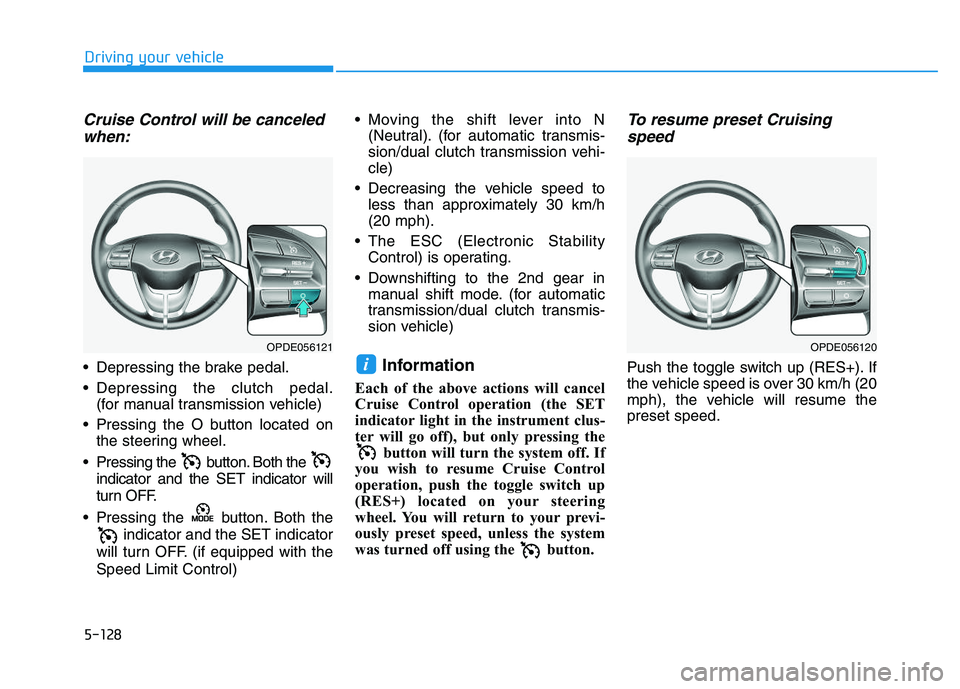
Cruise Control will be canceledwhen:
Depressing the brake pedal.
Depressing the clutch pedal.
(for manual transmission vehicle)
Pressing the O button located on the steering wheel.
Pressing the button. Both the indicator and the SET indicator will
turn OFF.
Pressing the button. Both the indicator and the SET indicator
will turn OFF. (if equipped with the
Speed Limit Control) Moving the shift lever into N
(Neutral). (for automatic transmis-
sion/dual clutch transmission vehi-
cle)
Decreasing the vehicle speed to less than approximately 30 km/h
(20 mph).
The ESC (Electronic Stability Control) is operating.
Downshifting to the 2nd gear in manual shift mode. (for automatic
transmission/dual clutch transmis-
sion vehicle)Information
Each of the above actions will cancel
Cruise Control operation (the SET
indicator light in the instrument clus-
ter will go off), but only pressing the button will turn the system off. If
you wish to resume Cruise Control
operation, push the toggle switch up
(RES+) located on your steering
wheel. You will return to your previ-
ously preset speed, unless the system
was turned off using the button.
To resume preset Cruising speed
Push the toggle switch up (RES+). If
the vehicle speed is over 30 km/h (20
mph), the vehicle will resume the
preset speed.i
OPDE056120OPDE056121
Page 433 of 659
5-129
Driving your vehicle
5
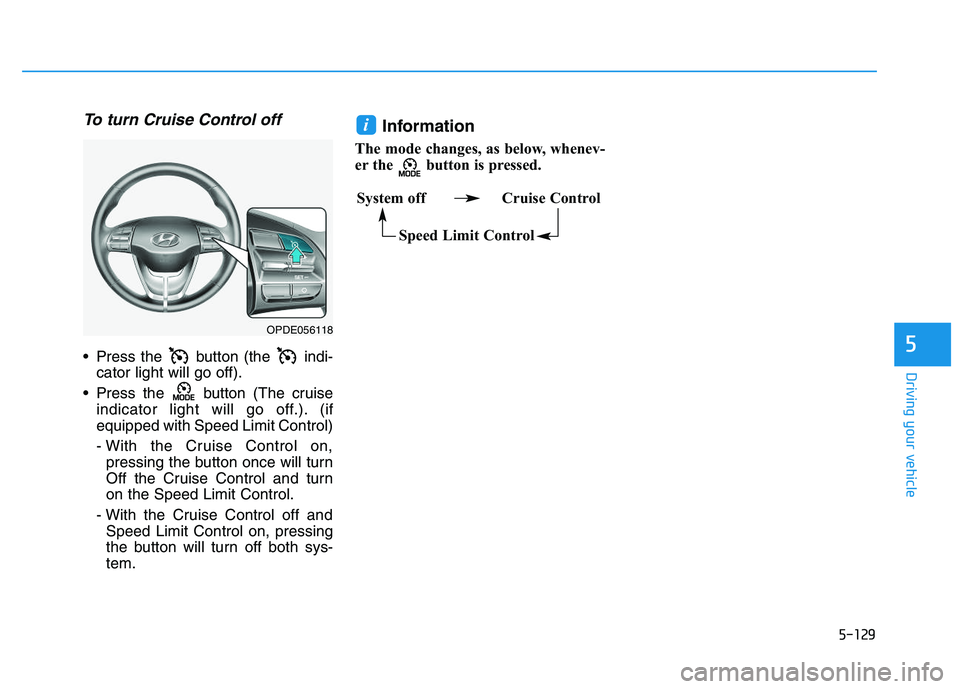
To turn Cruise Control off
Press the button (the indi-cator light will go off).
Press the button (The cruise indicator light will go off.). (if
equipped with Speed Limit Control)
- With the Cruise Control on,pressing the button once will turn
Off the Cruise Control and turn
on the Speed Limit Control.
- With the Cruise Control off and Speed Limit Control on, pressing
the button will turn off both sys-
tem.
Information
The mode changes, as below, whenev-
er the button is pressed.
i
System off Cruise Control
Speed Limit Control
OPDE056118
Page 434 of 659
5-130
Driving your vehicle
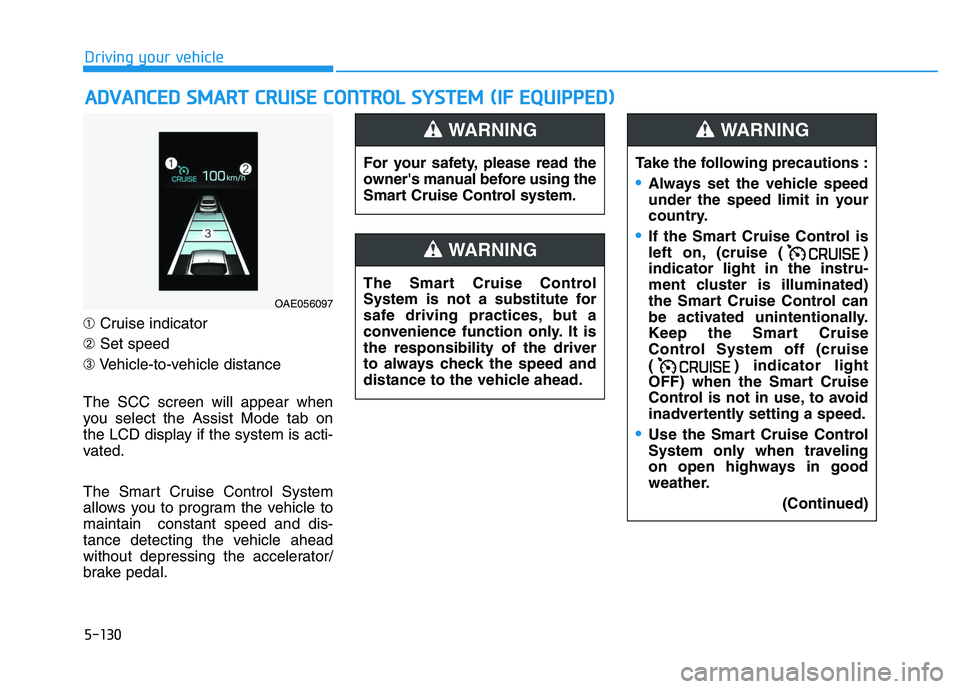
➀ Cruise indicator
➁ Set speed
➂ Vehicle-to-vehicle distance
The SCC screen will appear when
you select the Assist Mode tab on
the LCD display if the system is acti-
vated.
The Smart Cruise Control System
allows you to program the vehicle to
maintain constant speed and dis-
tance detecting the vehicle ahead
without depressing the accelerator/
brake pedal.
A
A D
D V
V A
A N
N C
C E
E D
D
S
S M
M A
A R
R T
T
C
C R
R U
U I
I S
S E
E
C
C O
O N
N T
T R
R O
O L
L
S
S Y
Y S
S T
T E
E M
M
(
( I
I F
F
E
E Q
Q U
U I
I P
P P
P E
E D
D )
)
For your safety, please read the
owner's manual before using the
Smart Cruise Control system.
WARNING
The Smart Cruise Control
System is not a substitute for
safe driving practices, but a
convenience function only. It is
the responsibility of the driver
to always check the speed and
distance to the vehicle ahead.
WARNING
Take the following precautions :
Always set the vehicle speed
under the speed limit in your
country.
If the Smart Cruise Control is
left on, (cruise ( )
indicator light in the instru-
ment cluster is illuminated)
the Smart Cruise Control can
be activated unintentionally.
Keep the Smart Cruise
Control System off (cruise
( ) indicator light
OFF) when the Smart Cruise
Control is not in use, to avoid
inadvertently setting a speed.
Use the Smart Cruise Control
System only when traveling
on open highways in good
weather.
(Continued)
WARNING
OAE056097
Page 436 of 659
5-132
Driving your vehicle
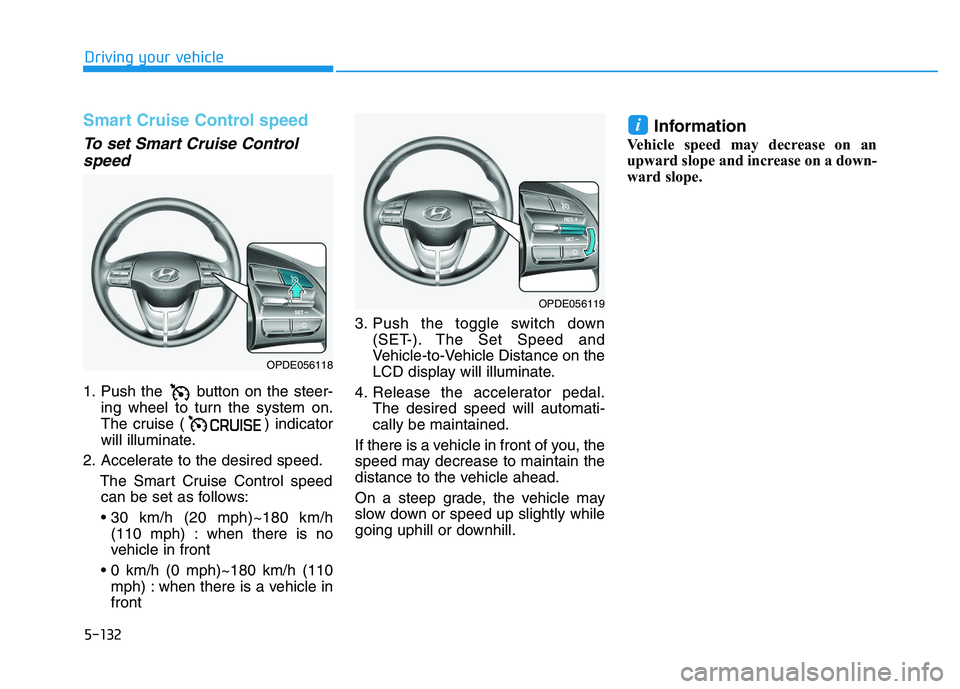
Smart Cruise Control speed
To set Smart Cruise Controlspeed
1. Push the button on the steer-
ing wheel to turn the system on.
The cruise ( ) indicator
will illuminate.
2. Accelerate to the desired speed. The Smart Cruise Control speedcan be set as follows:
(110 mph) : when there is no
vehicle in front
mph) : when there is a vehicle in
front 3. Push the toggle switch down
(SET-). The Set Speed and
Vehicle-to-Vehicle Distance on the
LCD display will illuminate.
4. Release the accelerator pedal. The desired speed will automati-
cally be maintained.
If there is a vehicle in front of you, the
speed may decrease to maintain the
distance to the vehicle ahead.
On a steep grade, the vehicle may
slow down or speed up slightly while
going uphill or downhill.
Information
Vehicle speed may decrease on an
upward slope and increase on a down-
ward slope.
i
OPDE056118
OPDE056119
Page 440 of 659
5-136
Driving your vehicle
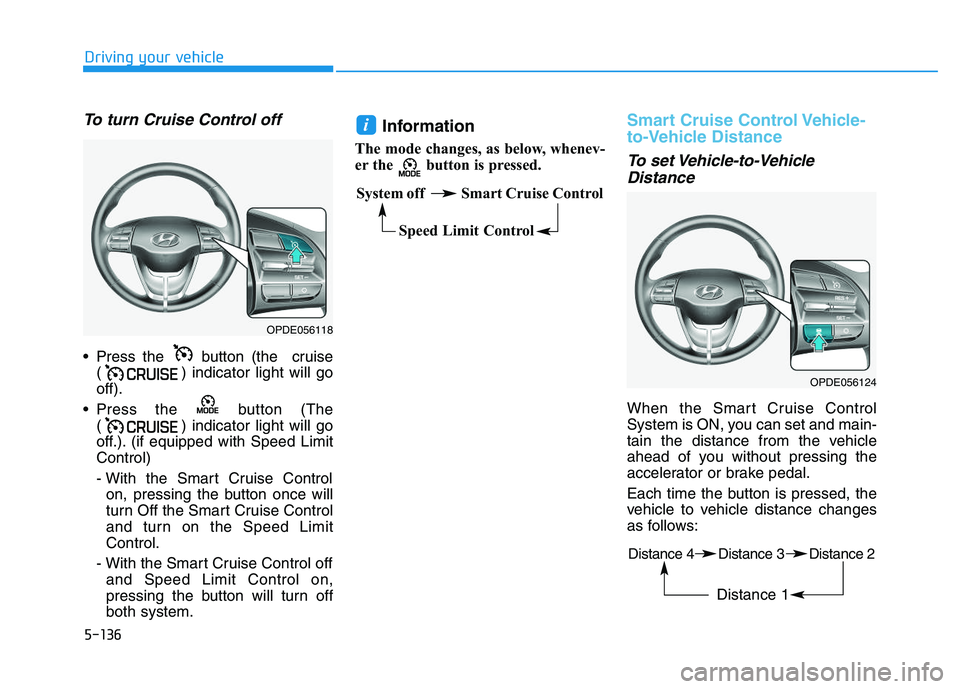
To turn Cruise Control off
Press the button (the cruise( ) indicator light will go
off).
Press the button (The ( ) indicator light will go
off.). (if equipped with Speed Limit
Control)
- With the Smart Cruise Controlon, pressing the button once will
turn Off the Smart Cruise Control
and turn on the Speed Limit
Control.
- With the Smart Cruise Control off and Speed Limit Control on,
pressing the button will turn off
both system.
Information
The mode changes, as below, whenev-
er the button is pressed.
Smart Cruise Control Vehicle-
to-Vehicle Distance
To set Vehicle-to-VehicleDistance
When the Smart Cruise Control
System is ON, you can set and main-
tain the distance from the vehicle
ahead of you without pressing the
accelerator or brake pedal.
Each time the button is pressed, the
vehicle to vehicle distance changes
as follows:
i
OPDE056118
System off Smart Cruise Control
Speed Limit Control
OPDE056124
Distance 4 Distance 3 Distance 2
Distance 1
Page 445 of 659
5-141
Driving your vehicle
5
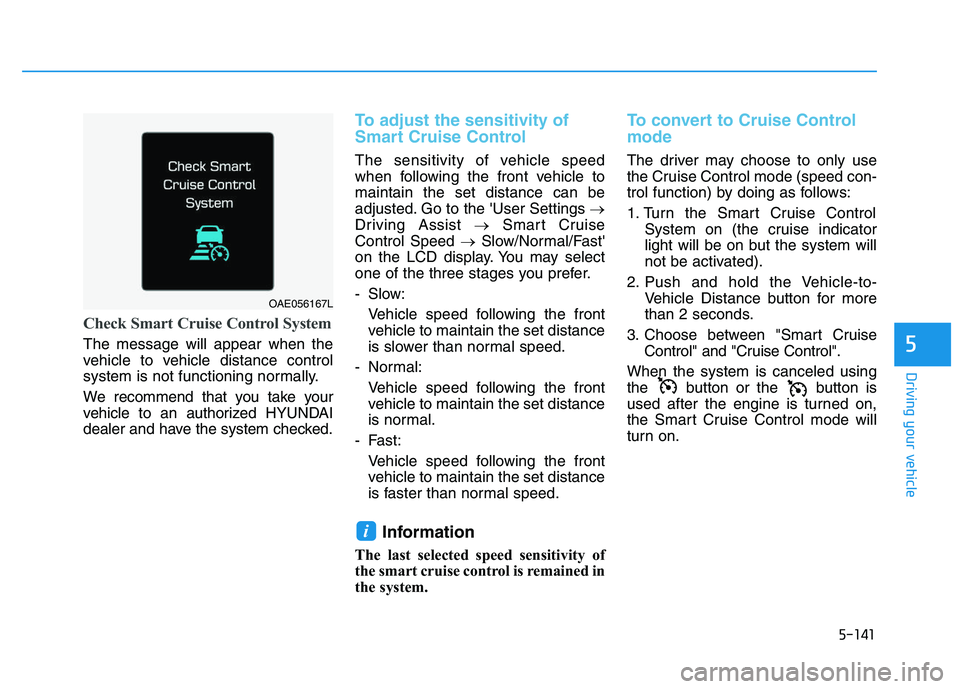
Check Smart Cruise Control System
The message will appear when the
vehicle to vehicle distance control
system is not functioning normally.
We recommend that you take your
vehicle to an authorized HYUNDAI
dealer and have the system checked.
To adjust the sensitivity of
Smart Cruise Control
The sensitivity of vehicle speed
when following the front vehicle to
maintain the set distance can be
adjusted. Go to the 'User Settings →
Driving Assist →Smart Cruise
Control Speed →Slow/Normal/Fast'
on the LCD display. You may select
one of the three stages you prefer.
- Slow:
Vehicle speed following the frontvehicle to maintain the set distance
is slower than normal speed.
- Normal: Vehicle speed following the frontvehicle to maintain the set distance
is normal.
- Fast: Vehicle speed following the frontvehicle to maintain the set distance
is faster than normal speed.
Information
The last selected speed sensitivity of
the smart cruise control is remained in
the system.
To convert to Cruise Control
mode
The driver may choose to only use
the Cruise Control mode (speed con-
trol function) by doing as follows:
1. Turn the Smart Cruise Control System on (the cruise indicator
light will be on but the system will
not be activated).
2. Push and hold the Vehicle-to- Vehicle Distance button for more
than 2 seconds.
3. Choose between "Smart Cruise Control" and "Cruise Control".
When the system is canceled using
the button or the button is
used after the engine is turned on,
the Smart Cruise Control mode will
turn on.
i
OAE056167L