Mph HYUNDAI IONIQ 5 2023 User Guide
[x] Cancel search | Manufacturer: HYUNDAI, Model Year: 2023, Model line: IONIQ 5, Model: HYUNDAI IONIQ 5 2023Pages: 680, PDF Size: 48.22 MB
Page 371 of 680
06
6-45
WARNING
Do not drive across the contour of steep
hills. A slight change in the wheel angle
can destabilize the vehicle, or a stable
vehicle may lose stability if the vehicle
stops its forward motion. Your vehicle
may roll over and lead to a serious injury
or death.
Driving through water
• Try to avoid driving in deep standing
water.
• If you need to drive in water, stop
your vehicle, set the vehicle in Multi
Terrain mode and drive under 5 mph
(8 km/h).
• Do not change gear while driving in
water.
CAUTION
Always drive slowly in water. If you drive
too fast, water may get into the motor
compartment, causing your vehicle to
suddenly stop.
Additional driving conditions
• Become familiar with the off-road
conditions before driving.
• Always pay attention when driving off-
road and avoid dangerous areas.
• Drive slowly when driving in heavy wind.
• Reduce vehicle speed when
cornering. The center of gravity
of AWD vehicles is higher than
conventional 2WD vehicles, making
them more likely to roll over when you
rapidly turn corners.
• Always hold the steering wheel firmly
when you are driving off-road.
WARNING
Do not grab the inside of the steering
wheel when you are driving off-road.
You may hurt your arm by a sudden
steering maneuver or from steering
wheel rebound due to an impact with
objects on the ground. You could lose
control of the steering wheel which may
lead to serious injury or death.
Emergency Precautions
Tires
When replacing tires, be sure to equip
all four tires with the same size, type,
tread patterns, brand and load-carrying
capacity.
WARNING
Do not use tire and wheel with different
size and type from the one originally
installed on your vehicle. It can affect
the safety and performance of your
vehicle, which could lead to steering
failure or rollover causing serious injury.
Page 379 of 680
06
6-53
Rocking the Vehicle
If it is necessary to rock the vehicle to
free it from snow, sand, or mud, first turn
the steering wheel right and left to clear
the area around your front wheels. Then,
shift back and forth between R (Reverse)
and a forward gear.
Try to avoid spinning the wheels, and do
not race the vehicle.
To prevent reduction gear wear, wait
until the wheels stop spinning before
shifting gears. Release the accelerator
pedal while shifting, and press lightly on
the accelerator pedal while the reduction
gear is in gear. Slowly spinning the
wheels in forward and reverse directions
causes a rocking motion that may free
the vehicle.
WARNING
If the vehicle is stuck and excessive
wheel spin occurs, the temperature
in the tires can increase very quickly.
If the tires become damaged, a tire
blow out or tire explosion can occur.
This condition is dangerous - you and
others may be injured. Do not attempt
this procedure if people or objects are
anywhere near the vehicle.
If you attempt to free the vehicle, the
vehicle can overheat quickly, possibly
causing an motor compartment fire or
other damage. Try to avoid spinning the
wheels as much as possible to prevent
overheating of either the tires or the
motor. DO NOT allow the vehicle to spin
the wheels above 35 mph (56 km/h).
Hazardous Driving Conditions
When hazardous driving elements
are encountered such as water, snow,
ice, mud and sand, take the following
precautions: • Drive cautiously and maintain a longer
braking distance.
• Avoid abrupt braking or steering.
• When your vehicle is stuck in
snow, mud, or sand, use second
gear. Accelerate slowly to avoid unnecessary wheel spin.
• Put sand, rock salt, tire chains or other
non-slip materials under the wheels to
provide additional traction while the
vehicle becomes stuck in ice, snow, or mud.
WARNING
Changing the tire speed suddenly could
cause the tires to skid while driving
on slippery surface. Be careful when
driving on slippery surfaces.
Special driving conditionS
Page 384 of 680
Driving Your Vehicle
6-58
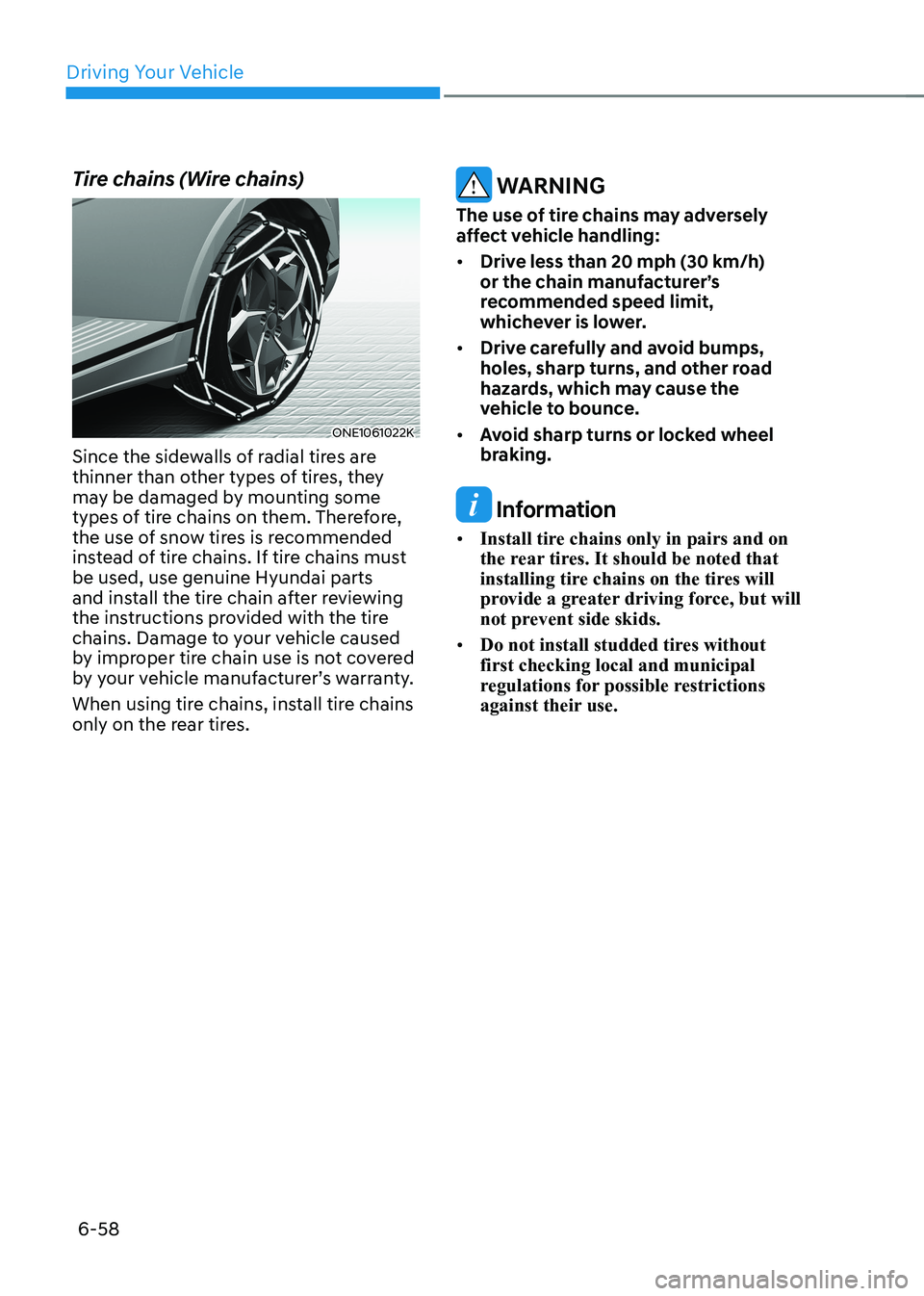
Tire chains (Wire chains)
ONE1061022K
Since the sidewalls of radial tires are
thinner than other types of tires, they
may be damaged by mounting some
types of tire chains on them. Therefore,
the use of snow tires is recommended
instead of tire chains. If tire chains must be used, use genuine Hyundai parts
and install the tire chain after reviewing
the instructions provided with the tire
chains. Damage to your vehicle caused
by improper tire chain use is not covered
by your vehicle manufacturer’s warranty.
When using tire chains, install tire chains
only on the rear tires.
WARNING
The use of tire chains may adversely
affect vehicle handling: • Drive less than 20 mph (30 km/h)
or the chain manufacturer’s
recommended speed limit,
whichever is lower.
• Drive carefully and avoid bumps,
holes, sharp turns, and other road
hazards, which may cause the
vehicle to bounce.
• Avoid sharp turns or locked wheel
braking.
Information
• Install tire chains only in pairs and on
the rear tires. It should be noted that
installing tire chains on the tires will
provide a greater driving force, but will
not prevent side skids.
• Do not install studded tires without first checking local and municipal
regulations for possible restrictions
against their use.
Page 385 of 680
06
6-59
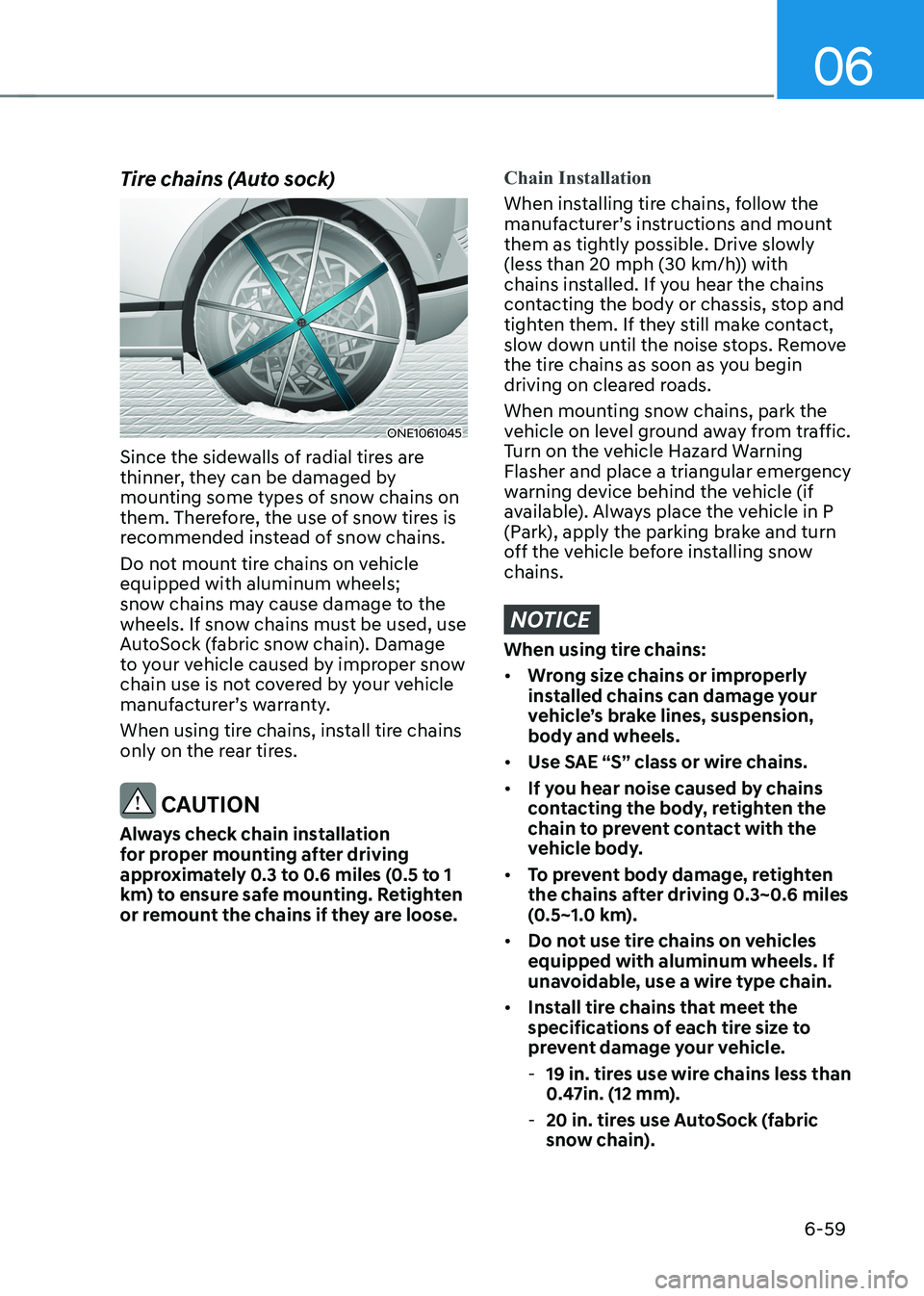
Tire chains (Auto sock)
ONE1061045
Since the sidewalls of radial tires are
thinner, they can be damaged by
mounting some types of snow chains on
them. Therefore, the use of snow tires is
recommended instead of snow chains.
Do not mount tire chains on vehicle equipped with aluminum wheels;
snow chains may cause damage to the
wheels. If snow chains must be used, use
AutoSock (fabric snow chain). Damage
to your vehicle caused by improper snow
chain use is not covered by your vehicle
manufacturer’s warranty.
When using tire chains, install tire chains
only on the rear tires.
CAUTION
Always check chain installation
for proper mounting after driving
approximately 0.3 to 0.6 miles (0.5 to 1
km) to ensure safe mounting. Retighten
or remount the chains if they are loose.
Chain Installation
When installing tire chains, follow the
manufacturer’s instructions and mount
them as tightly possible. Drive slowly
(less than 20 mph (30 km/h)) with
chains installed. If you hear the chains
contacting the body or chassis, stop and
tighten them. If they still make contact,
slow down until the noise stops. Remove
the tire chains as soon as you begin
driving on cleared roads.
When mounting snow chains, park the
vehicle on level ground away from traffic.
Turn on the vehicle Hazard Warning
Flasher and place a triangular emergency
warning device behind the vehicle (if
available). Always place the vehicle in P
(Park), apply the parking brake and turn
off the vehicle before installing snow chains.
NOTICE
When using tire chains: • Wrong size chains or improperly
installed chains can damage your
vehicle’s brake lines, suspension, body and wheels.
• Use SAE “S” class or wire chains.
• If you hear noise caused by chains
contacting the body, retighten the
chain to prevent contact with the
vehicle body.
• To prevent body damage, retighten
the chains after driving 0.3~0.6 miles
(0.5~1.0 km).
• Do not use tire chains on vehicles
equipped with aluminum wheels. If
unavoidable, use a wire type chain.
• Install tire chains that meet the
specifications of each tire size to
prevent damage your vehicle.
- 19 in. tires use wire chains less than
0.47in. (12 mm).
- 20 in. tires use AutoSock (fabric
snow chain).
Page 394 of 680
Driving Your Vehicle
6-68
If you are considering to tow with your
vehicle, you should first your country’s
legal requirements. As laws vary the
requirements for towing trailers, cars, or
other types of vehicles or apparatus may
differ. Ask an authorized HYUNDAI dealer
for further details before towing.
Remember that trailering is different
than just driving your vehicle by itself.
Trailering means changes in handling,
durability, and electric energy economy.
Successful, safe trailering requires
correct equipment, and it has to be used
properly. Damage to your vehicle caused
by improper trailer towing is not covered
by your vehicle manufacturer’s warranty.
This section contains many time-tested,
important trailering tips and safety
rules. Many of these are important for
your safety and that of your passengers.
Please read this section carefully before
you pull a trailer.
WARNING
Take the following precautions: • If you don’t use the correct
equipment and/or drive improperly,
you can lose control of the vehicle
when you are pulling a trailer. For
example, if the trailer is too heavy,
the braking performance may be
reduced. You and your passengers
could be seriously or fatally injured.
Pull a trailer only if you have followed
all the steps in this section.
• Before towing, make sure the
total trailer weight, GCW (Gross
Combination Weight), GVW (Gross
Vehicle Weight), GAW (Gross Axle
Weight) and trailer tongue load are all within the limits.
If You Decide to Pull a Trailer
Here are some important points if you
decide to pull a trailer: • Consider using a sway control. You
can ask a trailer hitch dealer about
sway control.
• Do not do any towing with your
vehicle during its first 1,200 miles
(2,000 km) in order to allow the
vehicle to properly break in. Failure to
heed this caution may result in serious
motor damage.
• When towing a trailer, consult an
authorized HYUNDAI dealer for
further information on additional
requirements such as towing kit etc.
• Always drive your vehicle at a
moderate speed (less than 60 mph
(100 km/h)) or posted towing speed limit.
• On a long uphill grade, do not exceed
45 mph (70 km/h) or the posted
towing speed limit, whichever is
lower.
• Carefully observe the weight and load
limits provided in the following pages.
trailer toWing
Page 400 of 680
Driving Your Vehicle
6 -74
Driving on hills
Reduce speed before you start down a
long or steep downgrade.
On a long uphill grade, reduce your
speed to around 45 mph (70 km/h)
to reduce the possibility of motor
overheating.
NOTICE
To prevent motor overheating:
When towing a trailer, your vehicle
speed may be much slower than the
general flow of traffic, especially when
climbing an uphill grade. Use the right
hand lane when towing a trailer on an
uphill grade. Choose your vehicle speed
according to the maximum posted
speed limit for vehicles with trailers, the
steepness of the grade, and your trailer
weight.Parking on hills
Generally, if you have a trailer attached
to your vehicle, you should not park your
vehicle on a hill.
However, if you ever have to park your
trailer on a hill, here’s how to do it: 1.
Pull the vehicle into the parking space.
Turn the steering wheel in the
direction of the curb (right if headed
down hill, left if headed up hill).
2. Shift the gear to P (Park).
3. Set the parking brake and shut off the vehicle.
4. Place wheel chocks under the trailer
wheels on the down hill side of the wheels.
5. Start the vehicle, hold the brakes, shift to neutral, release the parking brake
and slowly release the brakes until the
trailer chocks absorb the load.
6. Reapply the brakes and parking brakes.
7. Shift the gear to P (Park) when the
vehicle is parked on a uphill grade and
in R (Reverse) on a downhill.
8. Shut off the vehicle and release the vehicle brakes but leave the parking
brake set.
Page 410 of 680
Driver Assistance System
7-8
Forward Collision-Avoidance
Assist Operation
Basic function
Warning and control
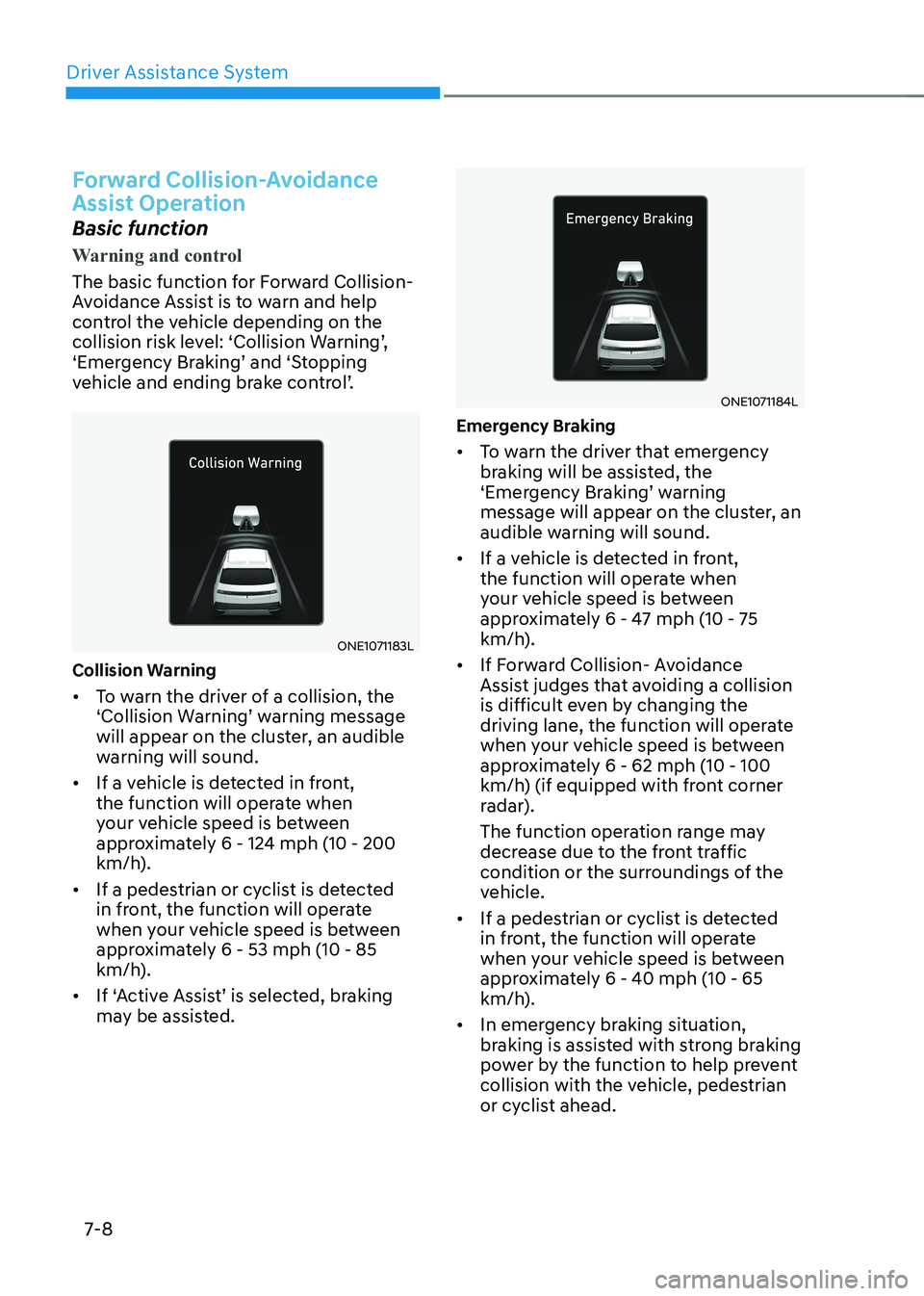
The basic function for Forward Collision-
Avoidance Assist is to warn and help
control the vehicle depending on the
collision risk level: ‘Collision Warning’,
‘Emergency Braking’ and ‘Stopping
vehicle and ending brake control’.
ONE1071183L
Collision Warning • To warn the driver of a collision, the
‘Collision Warning’ warning message
will appear on the cluster, an audible
warning will sound.
• If a vehicle is detected in front,
the function will operate when
your vehicle speed is between
approximately 6 - 124 mph (10 - 200
km/h).
• If a pedestrian or cyclist is detected
in front, the function will operate
when your vehicle speed is between
approximately 6 - 53 mph (10 - 85
km/h).
• If ‘Active Assist’ is selected, braking
may be assisted.
ONE1071184L
Emergency Braking • To warn the driver that emergency
braking will be assisted, the
‘Emergency Braking’ warning
message will appear on the cluster, an
audible warning will sound.
• If a vehicle is detected in front,
the function will operate when
your vehicle speed is between
approximately 6 - 47 mph (10 - 75
km/h).
• If Forward Collision- Avoidance
Assist judges that avoiding a collision
is difficult even by changing the
driving lane, the function will operate
when your vehicle speed is between
approximately 6 - 62 mph (10 - 100
km/h) (if equipped with front corner
radar).
The function operation range may
decrease due to the front traffic
condition or the surroundings of the
vehicle.
• If a pedestrian or cyclist is detected
in front, the function will operate
when your vehicle speed is between
approximately 6 - 40 mph (10 - 65
km/h).
• In emergency braking situation,
braking is assisted with strong braking
power by the function to help prevent
collision with the vehicle, pedestrian
or cyclist ahead.
Page 411 of 680
07
7-9
ONE1071185L
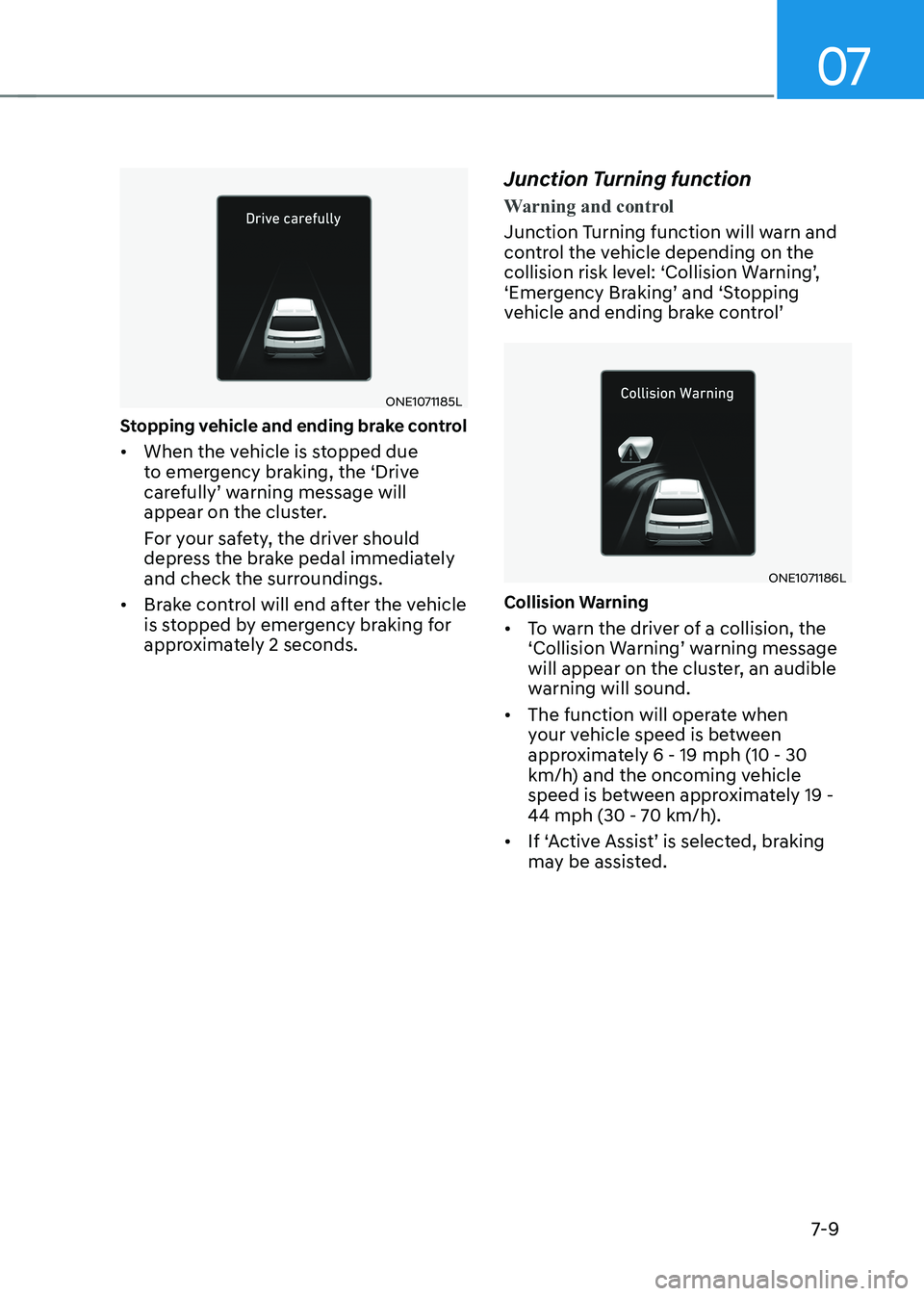
Stopping vehicle and ending brake control • When the vehicle is stopped due
to emergency braking, the ‘Drive
carefully’ warning message will
appear on the cluster.
For your safety, the driver should
depress the brake pedal immediately
and check the surroundings.
• Brake control will end after the vehicle
is stopped by emergency braking for
approximately 2 seconds. Junction Turning function
Warning and control
Junction Turning function will warn and
control the vehicle depending on the
collision risk level: ‘Collision Warning’,
‘Emergency Braking’ and ‘Stopping
vehicle and ending brake control’
ONE1071186L
Collision Warning • To warn the driver of a collision, the
‘Collision Warning’ warning message
will appear on the cluster, an audible
warning will sound.
• The function will operate when
your vehicle speed is between
approximately 6 - 19 mph (10 - 30
km/h) and the oncoming vehicle
speed is between approximately 19 -
44 mph (30 - 70 km/h).
• If ‘Active Assist’ is selected, braking
may be assisted.
Page 412 of 680
Driver Assistance System
7-10
ONE1071188L
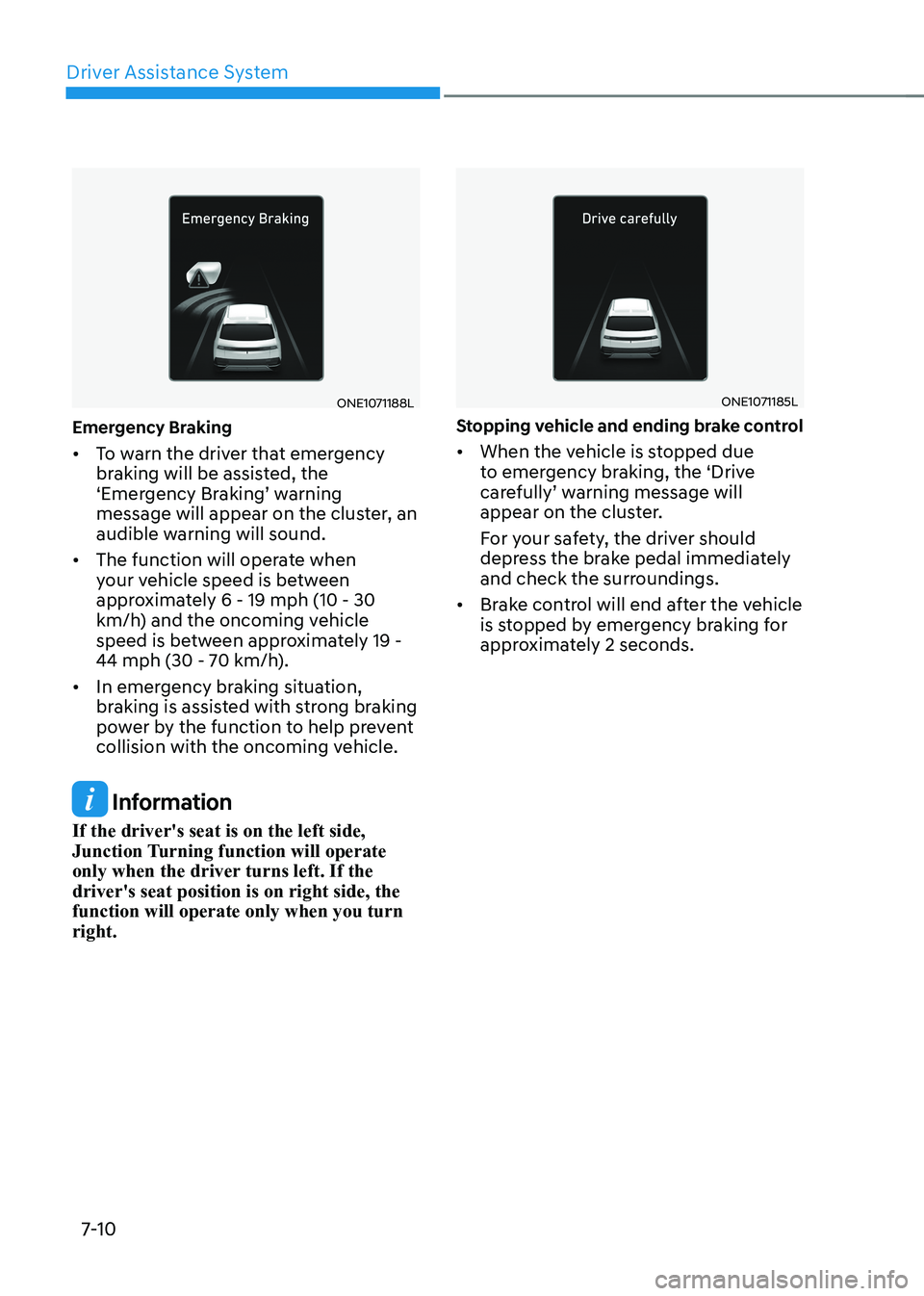
Emergency Braking • To warn the driver that emergency
braking will be assisted, the
‘Emergency Braking’ warning
message will appear on the cluster, an
audible warning will sound.
• The function will operate when
your vehicle speed is between
approximately 6 - 19 mph (10 - 30
km/h) and the oncoming vehicle
speed is between approximately 19 -
44 mph (30 - 70 km/h).
• In emergency braking situation,
braking is assisted with strong braking
power by the function to help prevent
collision with the oncoming vehicle.
Information
If the driver's seat is on the left side,
Junction Turning function will operate
only when the driver turns left. If the driver's seat position is on right side, the function will operate only when you turn right.
ONE1071185L
Stopping vehicle and ending brake control • When the vehicle is stopped due
to emergency braking, the ‘Drive
carefully’ warning message will
appear on the cluster.
For your safety, the driver should
depress the brake pedal immediately
and check the surroundings.
• Brake control will end after the vehicle
is stopped by emergency braking for
approximately 2 seconds.
Page 413 of 680
07
7-11
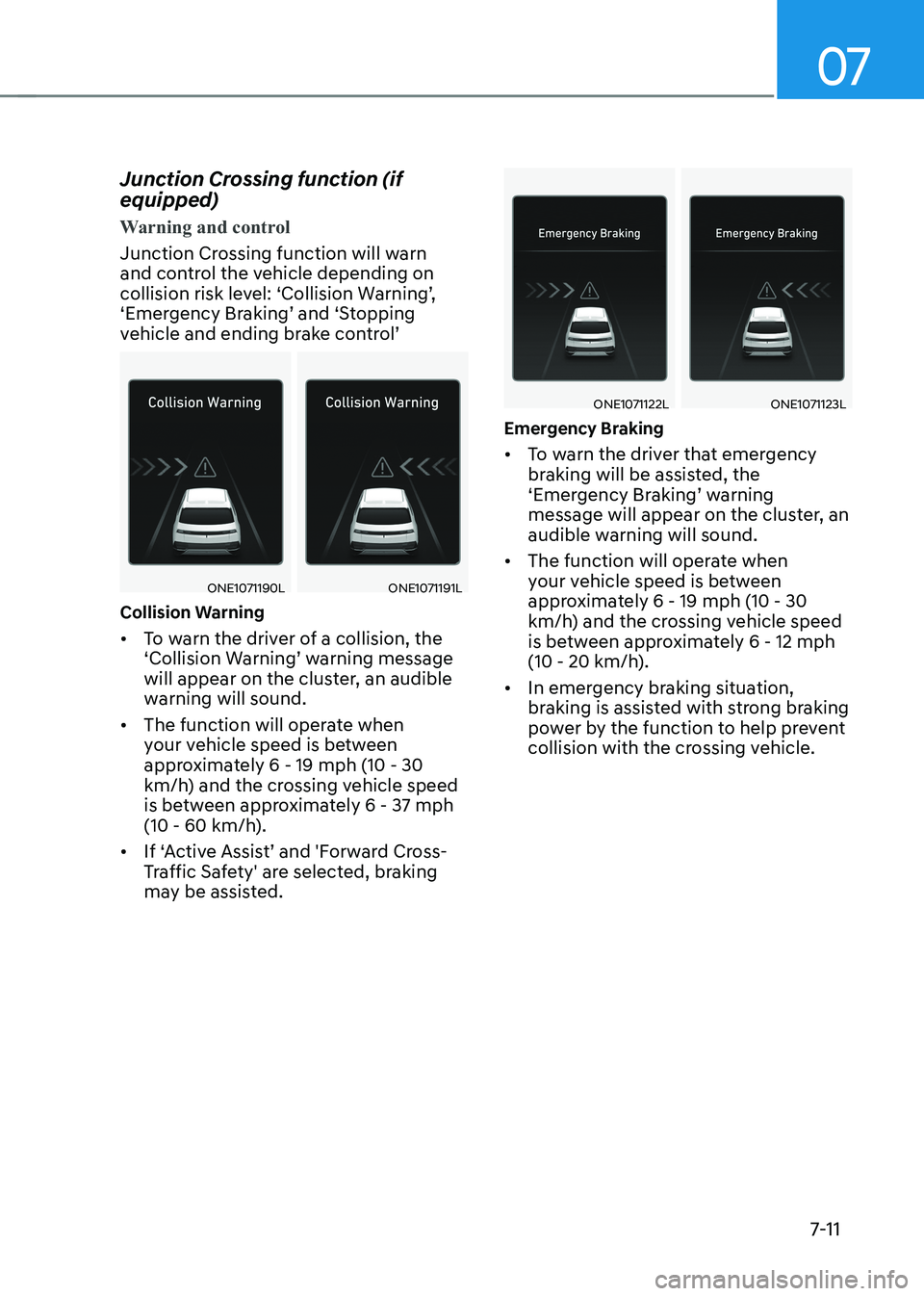
Junction Crossing function (if equipped)
Warning and control
Junction Crossing function will warn
and control the vehicle depending on
collision risk level: ‘Collision Warning’,
‘Emergency Braking’ and ‘Stopping
vehicle and ending brake control’
ONE1071190LONE1071191L
Collision Warning • To warn the driver of a collision, the
‘Collision Warning’ warning message
will appear on the cluster, an audible
warning will sound.
• The function will operate when
your vehicle speed is between
approximately 6 - 19 mph (10 - 30
km/h) and the crossing vehicle speed
is between approximately 6 - 37 mph
(10 - 60 km/h).
• If ‘Active Assist’ and 'Forward Cross-
Traffic Safety' are selected, braking
may be assisted.
ONE1071122LONE1071123L
Emergency Braking • To warn the driver that emergency
braking will be assisted, the
‘Emergency Braking’ warning
message will appear on the cluster, an
audible warning will sound.
• The function will operate when
your vehicle speed is between
approximately 6 - 19 mph (10 - 30
km/h) and the crossing vehicle speed
is between approximately 6 - 12 mph
(10 - 20 km/h).
• In emergency braking situation,
braking is assisted with strong braking
power by the function to help prevent
collision with the crossing vehicle.