Mph HYUNDAI IONIQ 5 2023 Owner's Manual
[x] Cancel search | Manufacturer: HYUNDAI, Model Year: 2023, Model line: IONIQ 5, Model: HYUNDAI IONIQ 5 2023Pages: 680, PDF Size: 48.22 MB
Page 414 of 680
Driver Assistance System
7-12
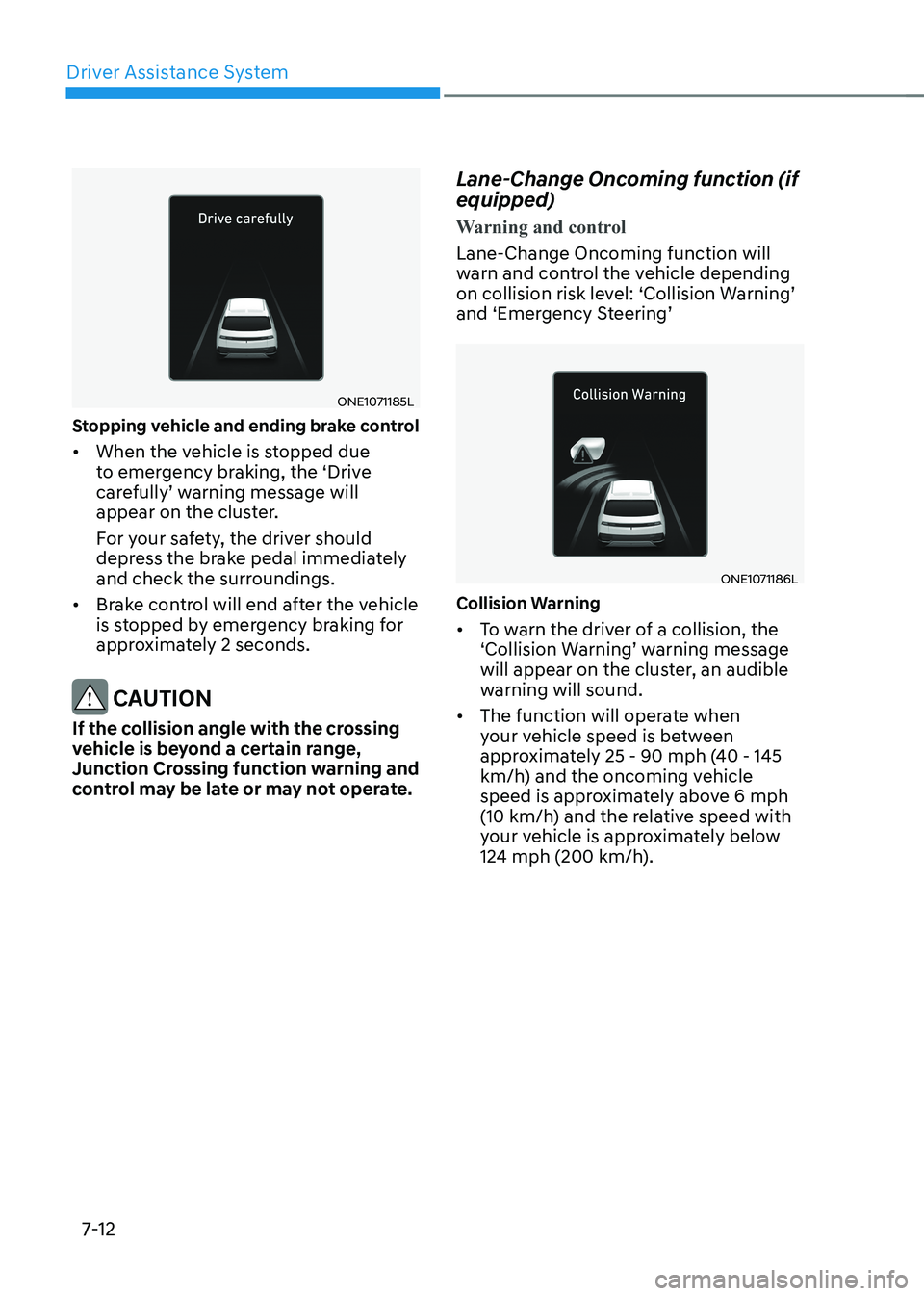
ONE1071185L
Stopping vehicle and ending brake control • When the vehicle is stopped due
to emergency braking, the ‘Drive
carefully’ warning message will
appear on the cluster.
For your safety, the driver should
depress the brake pedal immediately
and check the surroundings.
• Brake control will end after the vehicle
is stopped by emergency braking for
approximately 2 seconds.
CAUTION
If the collision angle with the crossing
vehicle is beyond a certain range,
Junction Crossing function warning and
control may be late or may not operate. Lane-Change Oncoming function (if equipped)
Warning and control
Lane-Change Oncoming function will
warn and control the vehicle depending
on collision risk level: ‘Collision Warning’
and ‘Emergency Steering’
ONE1071186L
Collision Warning • To warn the driver of a collision, the
‘Collision Warning’ warning message
will appear on the cluster, an audible
warning will sound.
• The function will operate when
your vehicle speed is between
approximately 25 - 90 mph (40 - 145
km/h) and the oncoming vehicle
speed is approximately above 6 mph
(10 km/h) and the relative speed with
your vehicle is approximately below
124 mph (200 km/h).
Page 415 of 680
07
7-13
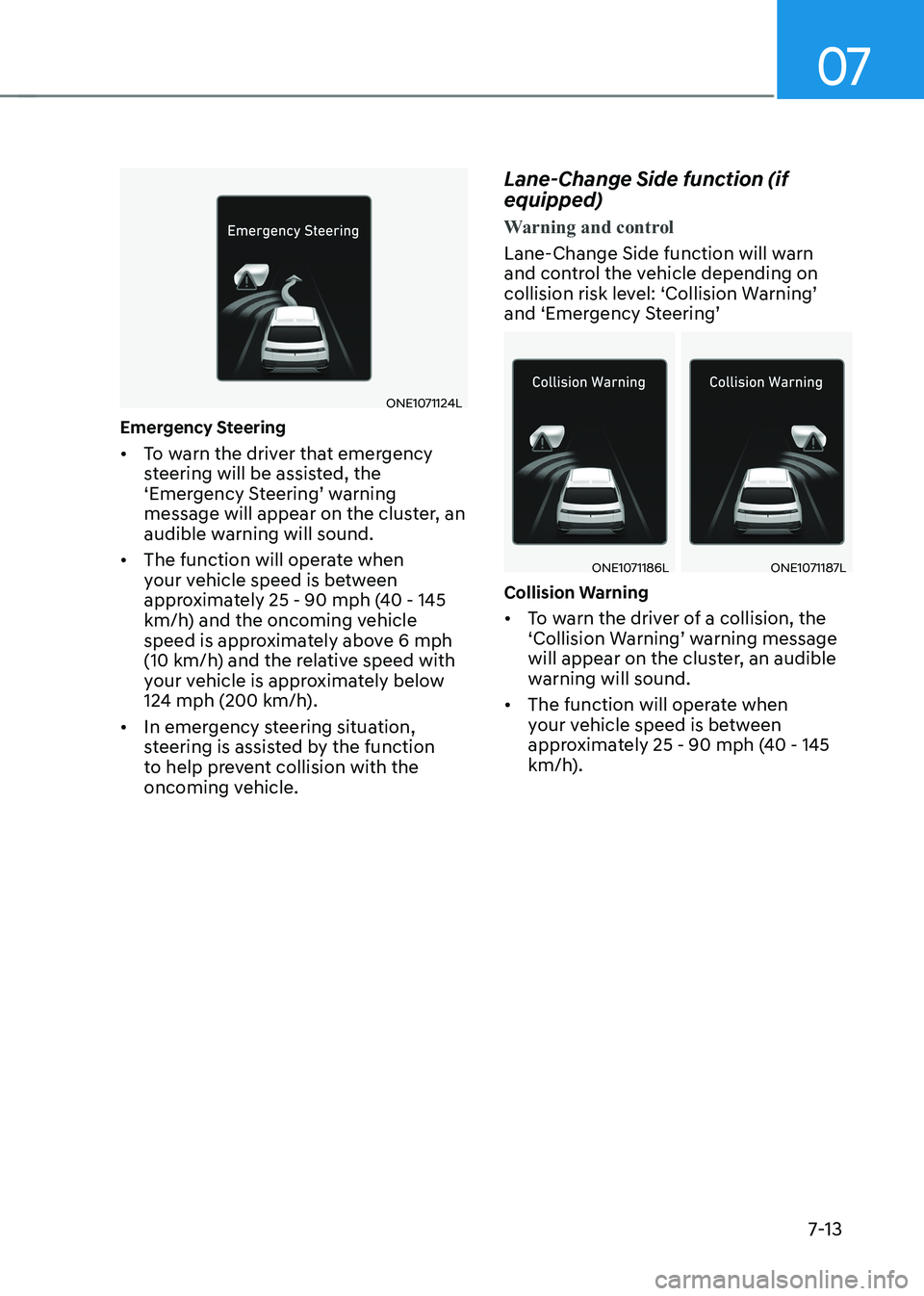
ONE1071124L
Emergency Steering • To warn the driver that emergency
steering will be assisted, the
‘Emergency Steering’ warning
message will appear on the cluster, an
audible warning will sound.
• The function will operate when
your vehicle speed is between
approximately 25 - 90 mph (40 - 145
km/h) and the oncoming vehicle
speed is approximately above 6 mph
(10 km/h) and the relative speed with
your vehicle is approximately below
124 mph (200 km/h).
• In emergency steering situation,
steering is assisted by the function
to help prevent collision with the
oncoming vehicle. Lane-Change Side function (if equipped)
Warning and control
Lane-Change Side function will warn
and control the vehicle depending on
collision risk level: ‘Collision Warning’
and ‘Emergency Steering’
ONE1071186LONE1071187L
Collision Warning • To warn the driver of a collision, the
‘Collision Warning’ warning message
will appear on the cluster, an audible
warning will sound.
• The function will operate when
your vehicle speed is between
approximately 25 - 90 mph (40 - 145
km/h).
Page 416 of 680
Driver Assistance System
7-14
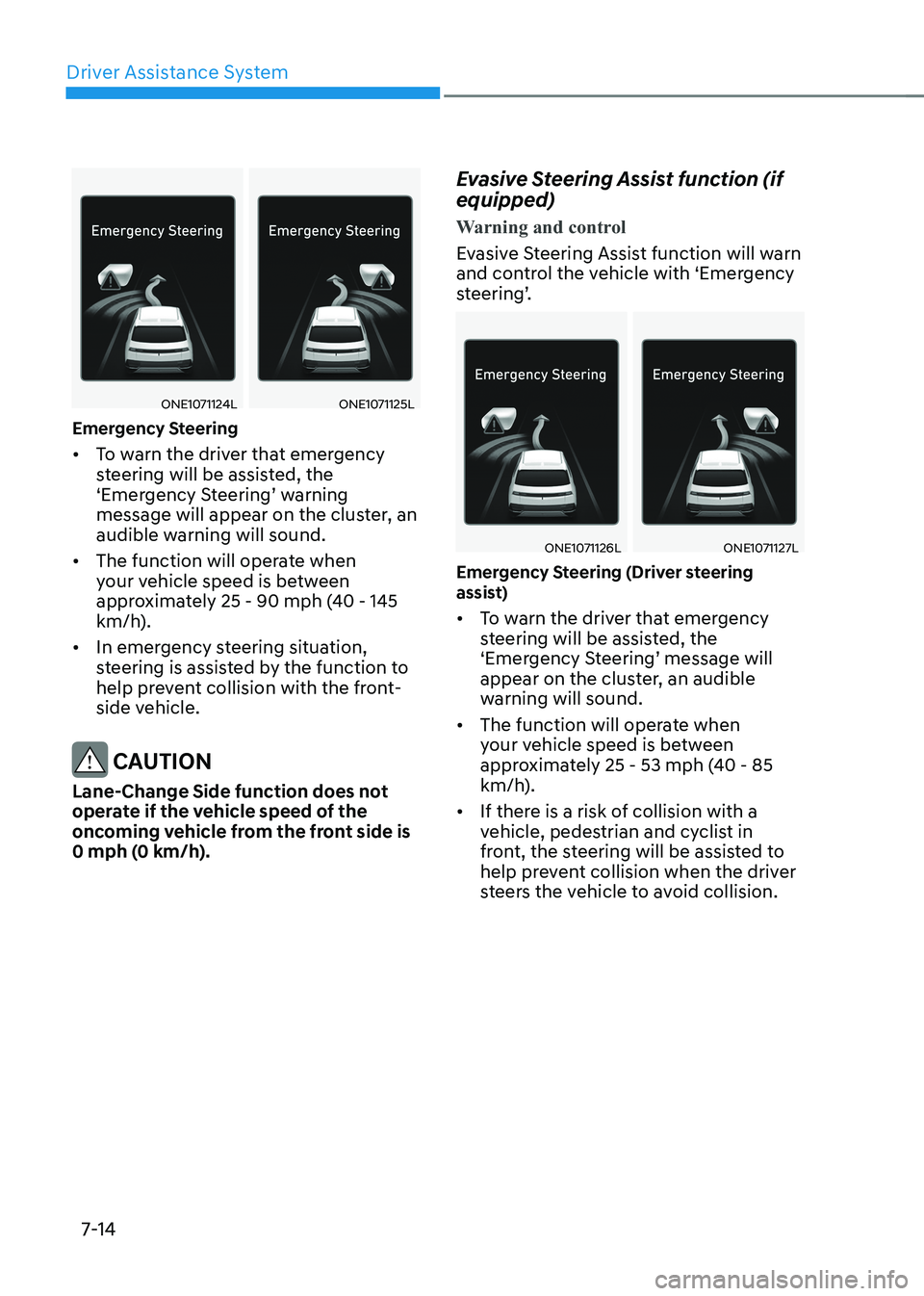
ONE1071124LONE1071125L
Emergency Steering • To warn the driver that emergency
steering will be assisted, the
‘Emergency Steering’ warning
message will appear on the cluster, an
audible warning will sound.
• The function will operate when
your vehicle speed is between
approximately 25 - 90 mph (40 - 145
km/h).
• In emergency steering situation,
steering is assisted by the function to
help prevent collision with the front-
side vehicle.
CAUTION
Lane-Change Side function does not
operate if the vehicle speed of the
oncoming vehicle from the front side is
0 mph (0 km/h). Evasive Steering Assist function (if equipped)
Warning and control
Evasive Steering Assist function will warn
and control the vehicle with ‘Emergency
steering’.
ONE1071126LONE1071127L
Emergency Steering (Driver steering
assist) • To warn the driver that emergency
steering will be assisted, the
‘Emergency Steering’ message will
appear on the cluster, an audible
warning will sound.
• The function will operate when
your vehicle speed is between
approximately 25 - 53 mph (40 - 85
km/h).
• If there is a risk of collision with a
vehicle, pedestrian and cyclist in
front, the steering will be assisted to
help prevent collision when the driver
steers the vehicle to avoid collision.
Page 417 of 680
07
7-15
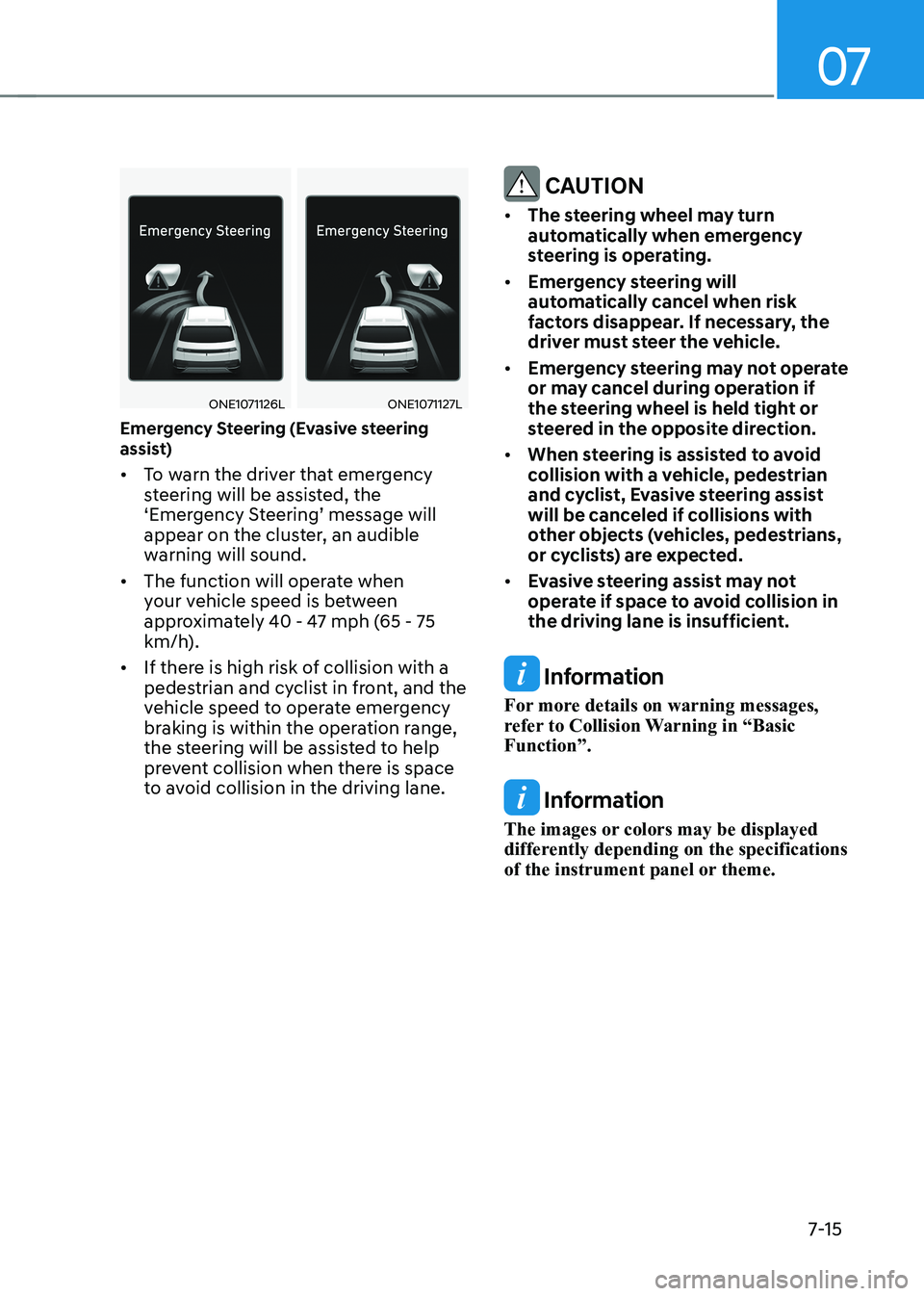
ONE1071126LONE1071127L
Emergency Steering (Evasive steering
assist) • To warn the driver that emergency
steering will be assisted, the
‘Emergency Steering’ message will
appear on the cluster, an audible
warning will sound.
• The function will operate when
your vehicle speed is between
approximately 40 - 47 mph (65 - 75
km/h).
• If there is high risk of collision with a
pedestrian and cyclist in front, and the
vehicle speed to operate emergency
braking is within the operation range,
the steering will be assisted to help
prevent collision when there is space
to avoid collision in the driving lane.
CAUTION
• The steering wheel may turn
automatically when emergency
steering is operating.
• Emergency steering will
automatically cancel when risk
factors disappear. If necessary, the
driver must steer the vehicle.
• Emergency steering may not operate
or may cancel during operation if
the steering wheel is held tight or
steered in the opposite direction.
• When steering is assisted to avoid
collision with a vehicle, pedestrian
and cyclist, Evasive steering assist
will be canceled if collisions with
other objects (vehicles, pedestrians,
or cyclists) are expected.
• Evasive steering assist may not
operate if space to avoid collision in
the driving lane is insufficient.
Information
For more details on warning messages,
refer to Collision Warning in “Basic Function”.
Information
The images or colors may be displayed
differently depending on the specifications
of the instrument panel or theme.
Page 430 of 680
Driver Assistance System
7-28
Lane Keeping Assist Operation
Warning and control
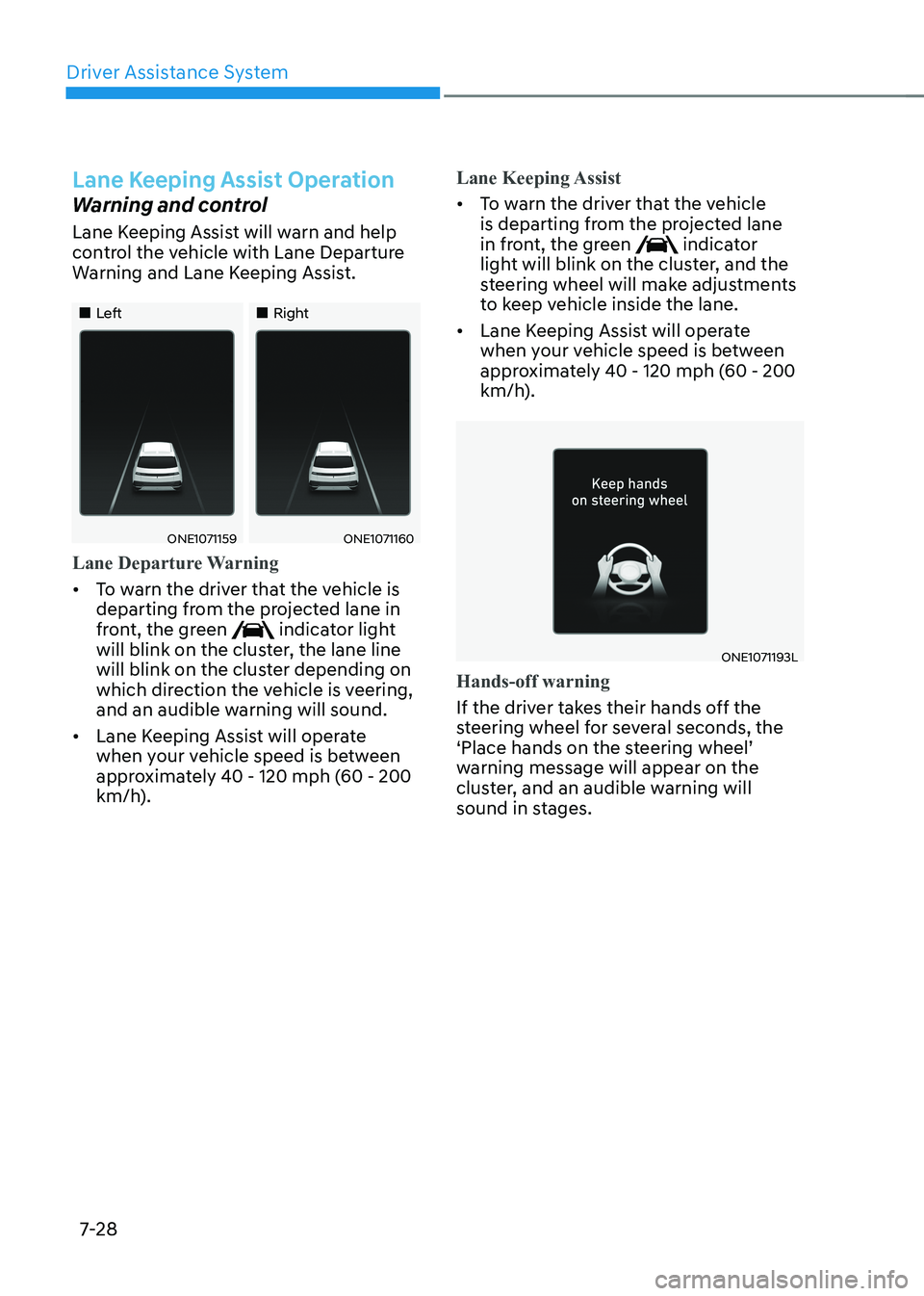
Lane Keeping Assist will warn and help
control the vehicle with Lane Departure
Warning and Lane Keeping Assist.
„„Left„„Right
ONE1071159ONE1071160
Lane Departure Warning
• To warn the driver that the vehicle is
departing from the projected lane in
front, the green
indicator light
will blink on the cluster, the lane line
will blink on the cluster depending on
which direction the vehicle is veering,
and an audible warning will sound.
• Lane Keeping Assist will operate
when your vehicle speed is between
approximately 40 - 120 mph (60 - 200
km/h).
Lane Keeping Assist
• To warn the driver that the vehicle
is departing from the projected lane
in front, the green
indicator
light will blink on the cluster, and the
steering wheel will make adjustments
to keep vehicle inside the lane.
• Lane Keeping Assist will operate
when your vehicle speed is between
approximately 40 - 120 mph (60 - 200
km/h).
ONE1071193L
Hands-off warning
If the driver takes their hands off the
steering wheel for several seconds, the
‘Place hands on the steering wheel’
warning message will appear on the
cluster, and an audible warning will
sound in stages.
Page 433 of 680
07
7-31
WARNING
Take the following precautions when
using Lane Keeping Assist: • The driver should hold the
responsibility to safely drive and
control the vehicle. Do not solely rely
on Lane Keeping Assist and drive
dangerously.
• The operation of Lane Keeping Assist
can be canceled or not work properly
depending on road conditions and
surroundings. Always be cautious while driving.
• Refer to “Limitations of Lane Keeping
Assist” if the lane is not detected
properly.
• When you are towing a trailer or
another vehicle, turn off Lane
Keeping Assist for safety reasons.
• If the vehicle is driven at high speed,
the steering wheel will not be
controlled. The driver must always
follow the speed limit when using
Lane Keeping Assist.
• If any other system’s warning
message is displayed or audible
warning is generated, Lane Keeping
Assist warning message may not be
displayed and audible warning may
not be generated. •
You may not hear the warning
sound of Lane Keeping Assist if the
surrounding is noisy.
• If you attach objects to the steering
wheel, steering may not be assisted
properly.
• Lane Keeping Assist may not operate
for 15 seconds after the vehicle is
started, or the front view camera is
initialized.
• Lane Keeping Assist will not operate when:
- The turn signal or hazard warning flasher is turned on.
- The vehicle is not driven in the
center of the lane when Lane
Keeping Assist is turned on or right
after changing a lane.
- ESC (Electronic Stability Control)
or VSM (Vehicle Stability
Management) is activated.
- The vehicle is driven on a sharp
curve.
- Vehicle speed is below 35 mph
(55 km/h) or above 130 mph
(210 km/h).
- The vehicle makes sharp lane changes.
- The vehicle brakes suddenly.
Page 438 of 680
Driver Assistance System
7-36
ONE1071202N
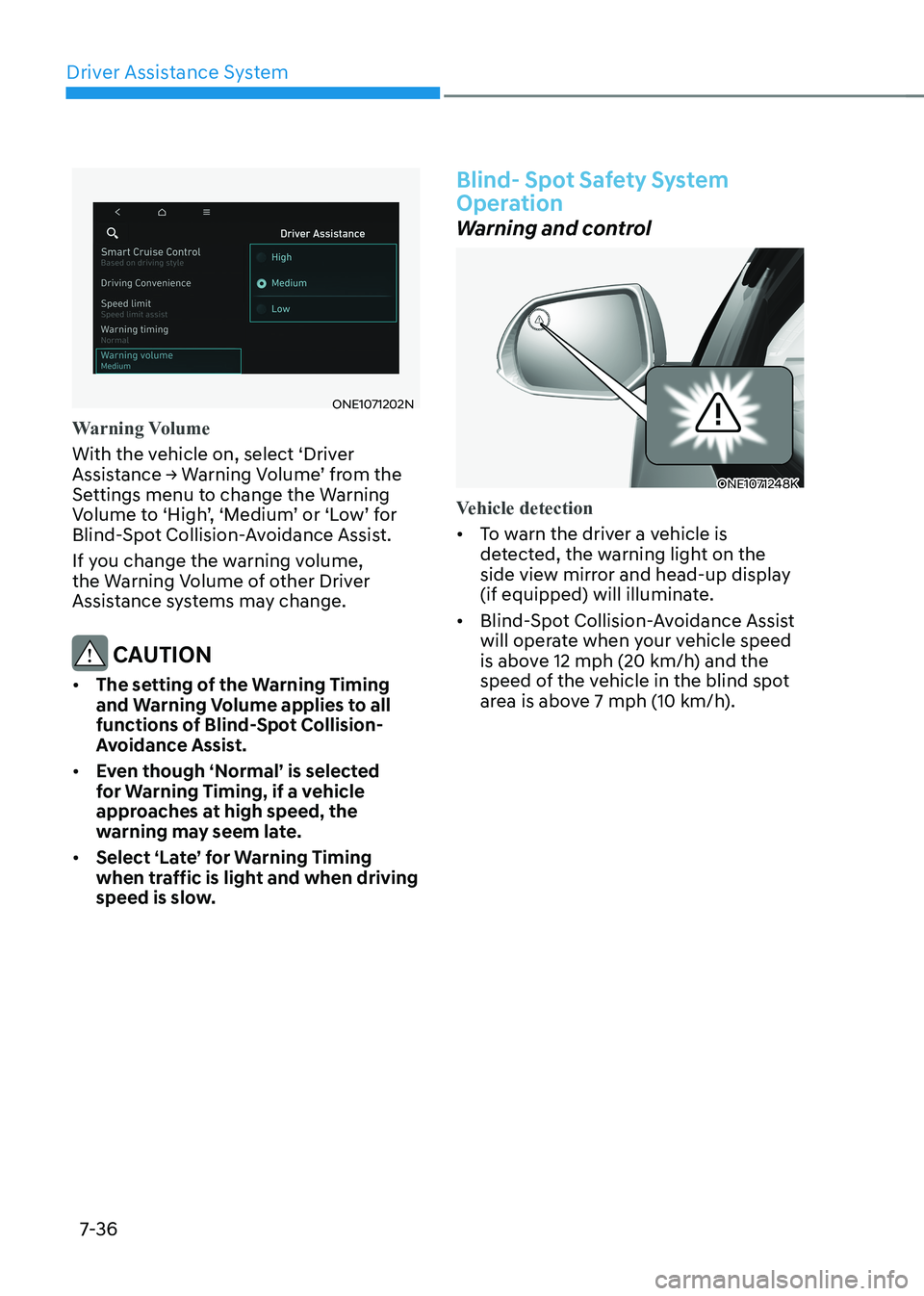
Warning Volume
With the vehicle on, select ‘Driver
Assistance → Warning Volume’ from the
Settings menu to change the Warning
Volume to ‘High’, ‘Medium’ or ‘Low’ for
Blind-Spot Collision-Avoidance Assist.
If you change the warning volume,
the Warning Volume of other Driver
Assistance systems may change.
CAUTION
• The setting of the Warning Timing
and Warning Volume applies to all
functions of Blind-Spot Collision-
Avoidance Assist.
• Even though ‘Normal’ is selected
for Warning Timing, if a vehicle
approaches at high speed, the
warning may seem late.
• Select ‘Late’ for Warning Timing
when traffic is light and when driving
speed is slow.
Blind- Spot Safety System
Operation
Warning and control
ONE1071248K
Vehicle detection
• To warn the driver a vehicle is
detected, the warning light on the
side view mirror and head-up display
(if equipped) will illuminate.
• Blind-Spot Collision-Avoidance Assist
will operate when your vehicle speed
is above 12 mph (20 km/h) and the
speed of the vehicle in the blind spot
area is above 7 mph (10 km/h).
Page 440 of 680
Driver Assistance System
7-38
ONE1071195L
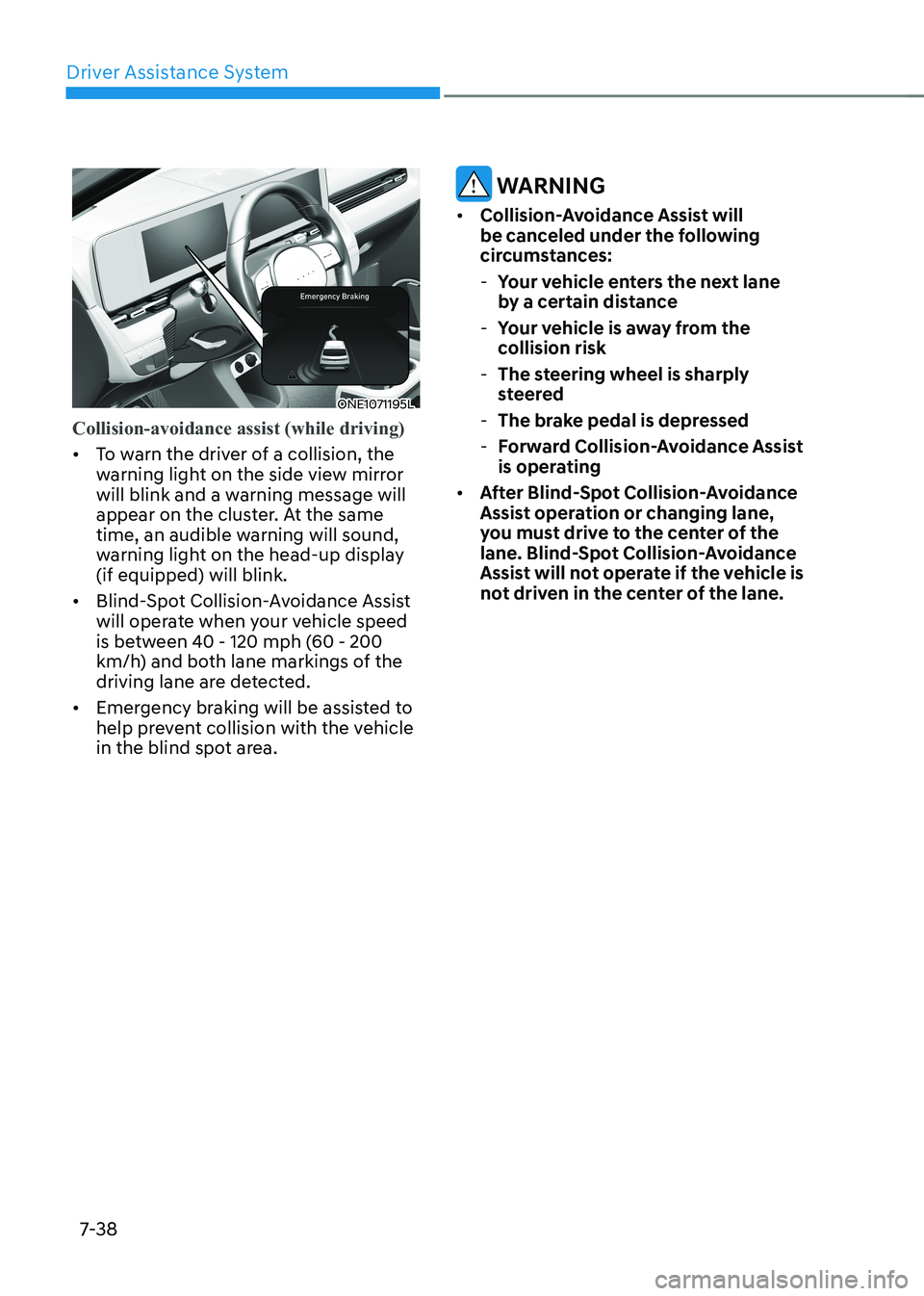
Collision-avoidance assist (while driving)
• To warn the driver of a collision, the
warning light on the side view mirror
will blink and a warning message will
appear on the cluster. At the same
time, an audible warning will sound,
warning light on the head-up display (if equipped) will blink.
• Blind-Spot Collision-Avoidance Assist
will operate when your vehicle speed
is between 40 - 120 mph (60 - 200
km/h) and both lane markings of the
driving lane are detected.
• Emergency braking will be assisted to
help prevent collision with the vehicle
in the blind spot area.
WARNING
• Collision-Avoidance Assist will
be canceled under the following
circumstances:
- Your vehicle enters the next lane
by a certain distance
- Your vehicle is away from the
collision risk
- The steering wheel is sharply
steered
- The brake pedal is depressed
- Forward Collision-Avoidance Assist
is operating
• After Blind-Spot Collision-Avoidance
Assist operation or changing lane,
you must drive to the center of the
lane. Blind-Spot Collision-Avoidance
Assist will not operate if the vehicle is
not driven in the center of the lane.
Page 441 of 680
07
7-39
ONE1071196L
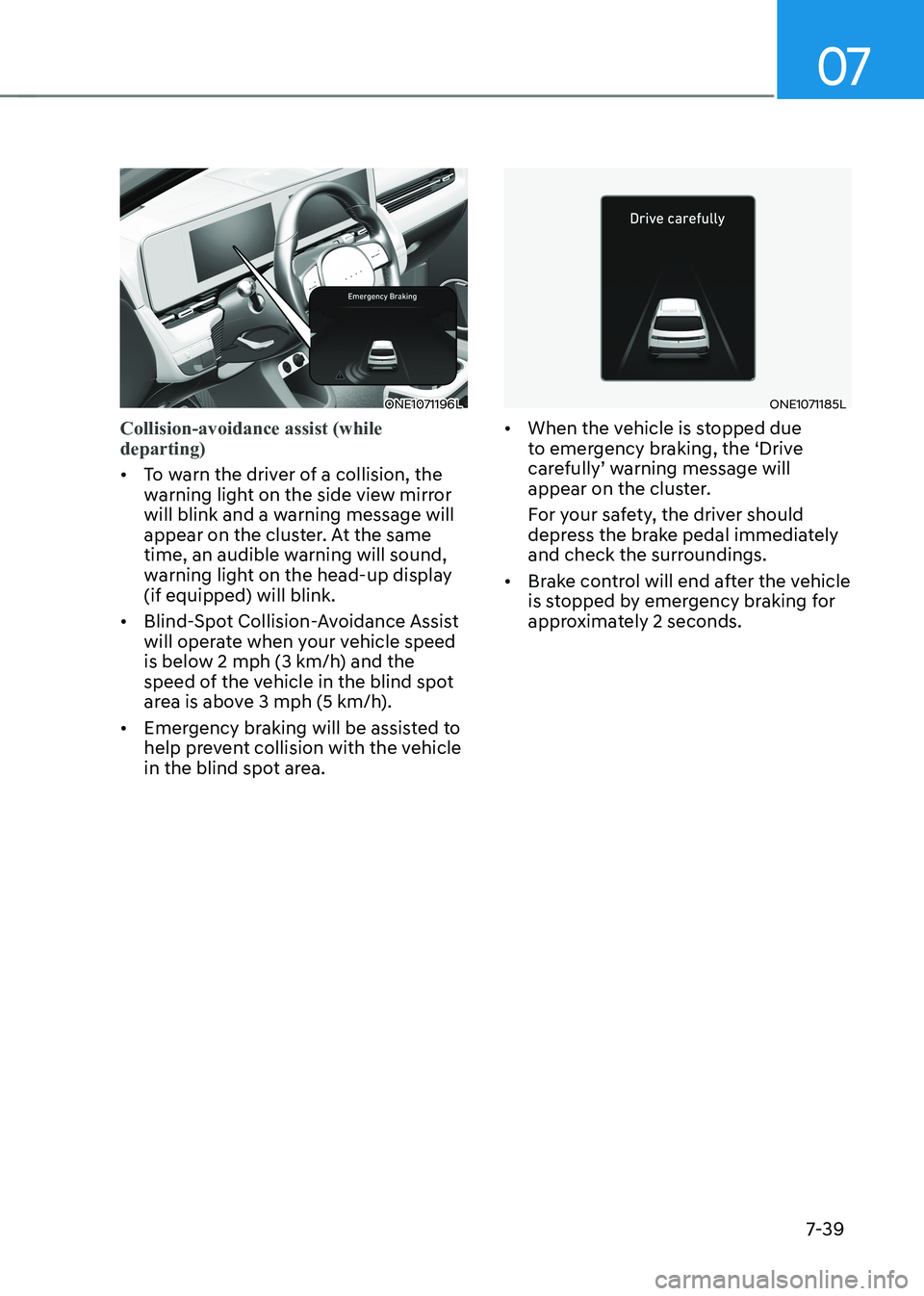
Collision-avoidance assist (while departing)
• To warn the driver of a collision, the
warning light on the side view mirror
will blink and a warning message will
appear on the cluster. At the same
time, an audible warning will sound,
warning light on the head-up display (if equipped) will blink.
• Blind-Spot Collision-Avoidance Assist
will operate when your vehicle speed
is below 2 mph (3 km/h) and the
speed of the vehicle in the blind spot
area is above 3 mph (5 km/h).
• Emergency braking will be assisted to
help prevent collision with the vehicle
in the blind spot area.
ONE1071185L
• When the vehicle is stopped due
to emergency braking, the ‘Drive
carefully’ warning message will
appear on the cluster.
For your safety, the driver should
depress the brake pedal immediately
and check the surroundings.
• Brake control will end after the vehicle
is stopped by emergency braking for
approximately 2 seconds.
Page 450 of 680
Driver Assistance System
7-48
ONE1071202N
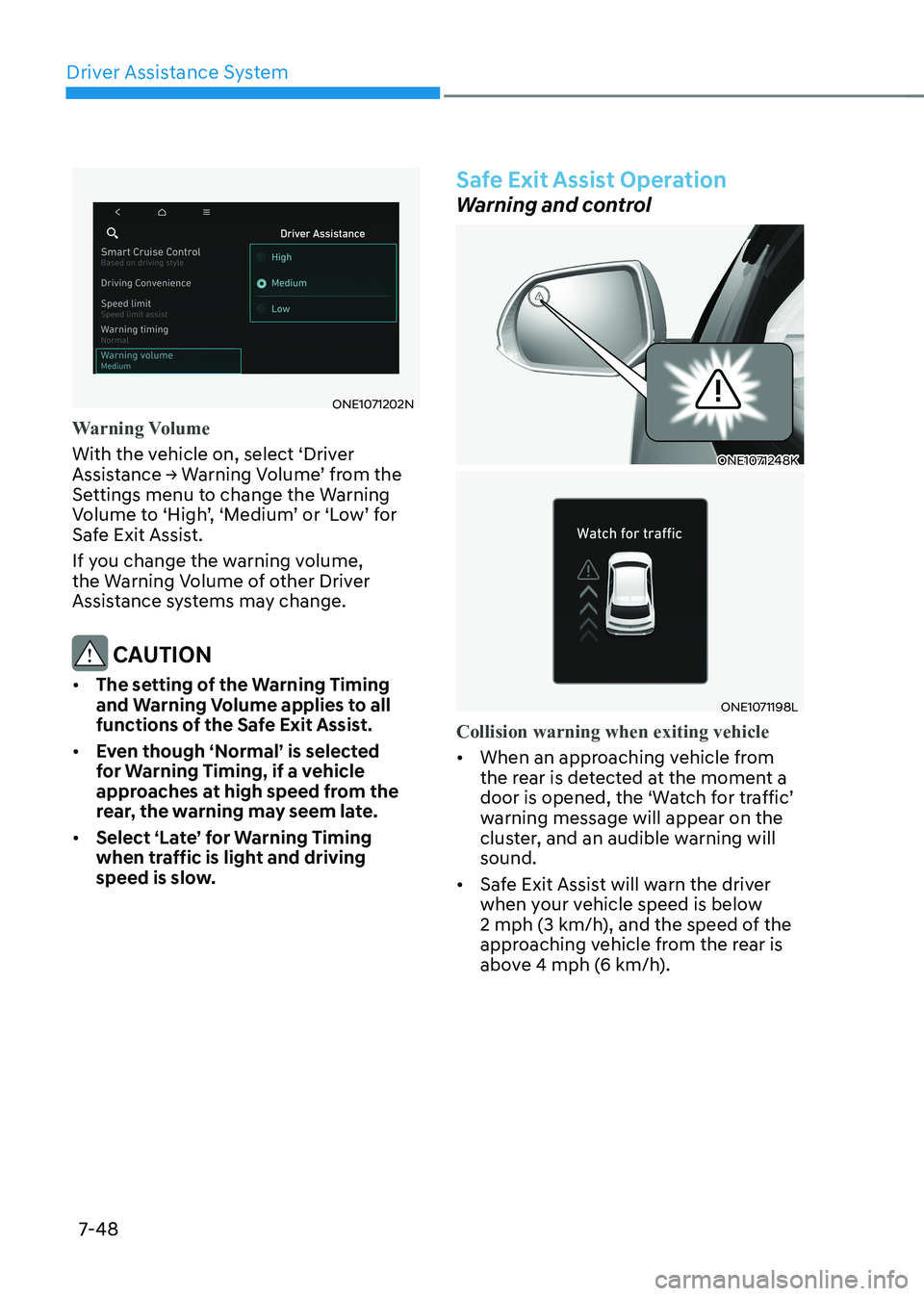
Warning Volume
With the vehicle on, select ‘Driver
Assistance → Warning Volume’ from the
Settings menu to change the Warning
Volume to ‘High’, ‘Medium’ or ‘Low’ for
Safe Exit Assist.
If you change the warning volume,
the Warning Volume of other Driver
Assistance systems may change.
CAUTION
• The setting of the Warning Timing
and Warning Volume applies to all
functions of the Safe Exit Assist.
• Even though ‘Normal’ is selected
for Warning Timing, if a vehicle
approaches at high speed from the
rear, the warning may seem late.
• Select ‘Late’ for Warning Timing
when traffic is light and driving
speed is slow.
Safe Exit Assist Operation
Warning and control
ONE1071248K
ONE1071198L
Collision warning when exiting vehicle
• When an approaching vehicle from
the rear is detected at the moment a
door is opened, the ‘Watch for traffic’
warning message will appear on the
cluster, and an audible warning will sound.
• Safe Exit Assist will warn the driver
when your vehicle speed is below
2 mph (3 km/h), and the speed of the
approaching vehicle from the rear is
above 4 mph (6 km/h).