reset HYUNDAI IONIQ 5 2023 User Guide
[x] Cancel search | Manufacturer: HYUNDAI, Model Year: 2023, Model line: IONIQ 5, Model: HYUNDAI IONIQ 5 2023Pages: 680, PDF Size: 48.22 MB
Page 233 of 680
05
5-41
Resetting the System
Take the following procedures to reset
integrated memory system, when it does
not operate properly.
Resetting integrated memory
system
1. Stop the vehicle and open the driver’s door with the Start/Stop button in the
ON position and the vehicle shifted to
P (Park).
2. Adjust the driver’s seat and seatback to the foremost position.
3. Press the memory button 1 (or 2) and push forward the driver’s seat
movement switch over 2 seconds
simultaneously.
While resetting integrated memory
system
1. Resetting starts with a notification sound.
2. The driver’s seat and seatback is adjusted to the rearward position with
the notification sound.
3. The driver’s seat and seatback is re-adjusted to the default position
(central position) with the notification sound.
However, in the following cases, the
resetting procedure and the notification
sound may stop. • The memory button is pressed.
• The seat control switch is operated.
• The gear is shifted out of P (Park).
• The driving speed exceeds 3 km/h
(2 mph).
• The driver’s door is closed.
NOTICE
• While integrated memory system
is being reset, if the resetting
and notification sound stops
incompletely, restart the resetting
procedure again.
• Make sure that there is no objects
around the driver’s seat in advance
of resetting the integrated memory
system.
• After resetting the integrated
memory system, the adjustment for
the driver seat must be stored again
to recall the memory position.
Page 254 of 680
Convenience Features
5-62
Reverse parking aid user settings mode
You may change the angle of the outside
rearview mirror if it is difficult to see
the rear view with the basic downward
mirror angle provided when reversing.
When the vehicle is first delivered, the
set downward angle of the left and right
outside rearview mirror are different to
ensure driver visibility.
1. Make sure the vehicle is stopped.
2. Depress the brake pedal and shift the
gear to R (Reverse). When L (Left) or R
(Right) button is pressed, both outside
rearview mirror angle will move
downward to the basic set position.
3. Press either L or R button to select the outside rearview mirror you would like
to adjust. Then press “ ▼, ▲ , ◄ , ► ”
switch to adjust the outside rearview
mirror to the desired angle.
4. After adjusting the angle to save the
adjusted outside rearview mirror
angle, shift the gear to another
position other than R (Reverse), or
change the L and R buttons to the
neutral position (L and R buttons are
not pressed).
5. Set the other outside rearview mirror following the above procedure 1 to 4.
Resetting reverse parking aid user settings mode
To change the outside rearview mirror
angle back to the basic angle, shift the
gear to R (Reverse), and adjust the mirror angle higher than when the gear is in P
(Park), N (Neutral) and D (Drive).
NOTICE
When changing the angle of both
outside rearview mirrors, it is
recommended to change the angle one
side at a time following the procedure
1 to 4.
Page 256 of 680
Convenience Features
5-64
Power Windows
The Start/Stop button must be in
the ON position to be able to raise or
lower the windows. Each door has a
Power Window switch to control that
door’s window. The driver has a Power
Window Lock button which can block
the operation of passenger windows.
The power windows will operate for
approximately 3 minutes after the
Start/Stop button is in the ACC or OFF
position. However, if the front doors are
opened, the Power Windows will not
operate even within the 3 minute period.
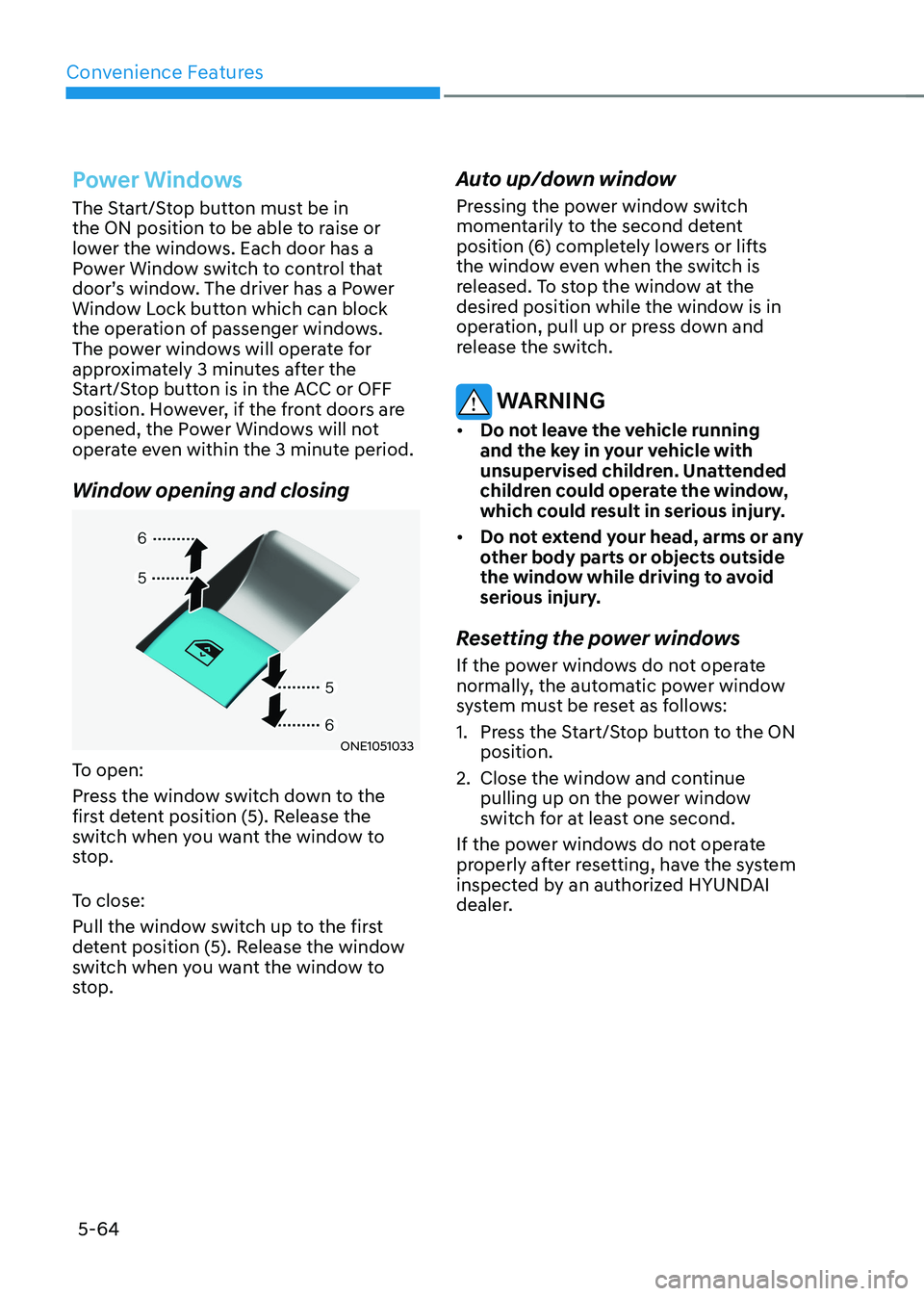
Window opening and closing
ONE1051033
To open:
Press the window switch down to the
first detent position (5). Release the
switch when you want the window to
stop.
To close:
Pull the window switch up to the first
detent position (5). Release the window
switch when you want the window to
stop. Auto up/down window
Pressing the power window switch
momentarily to the second detent
position (6) completely lowers or lifts
the window even when the switch is
released. To stop the window at the
desired position while the window is in
operation, pull up or press down and
release the switch.
WARNING
• Do not leave the vehicle running
and the key in your vehicle with
unsupervised children. Unattended
children could operate the window,
which could result in serious injury.
• Do not extend your head, arms or any
other body parts or objects outside
the window while driving to avoid
serious injury.
Resetting the power windows
If the power windows do not operate
normally, the automatic power window
system must be reset as follows:
1. Press the Start/Stop button to the ON position.
2. Close the window and continue pulling up on the power window
switch for at least one second.
If the power windows do not operate
properly after resetting, have the system
inspected by an authorized HYUNDAI
dealer.
Page 261 of 680
05
5-69
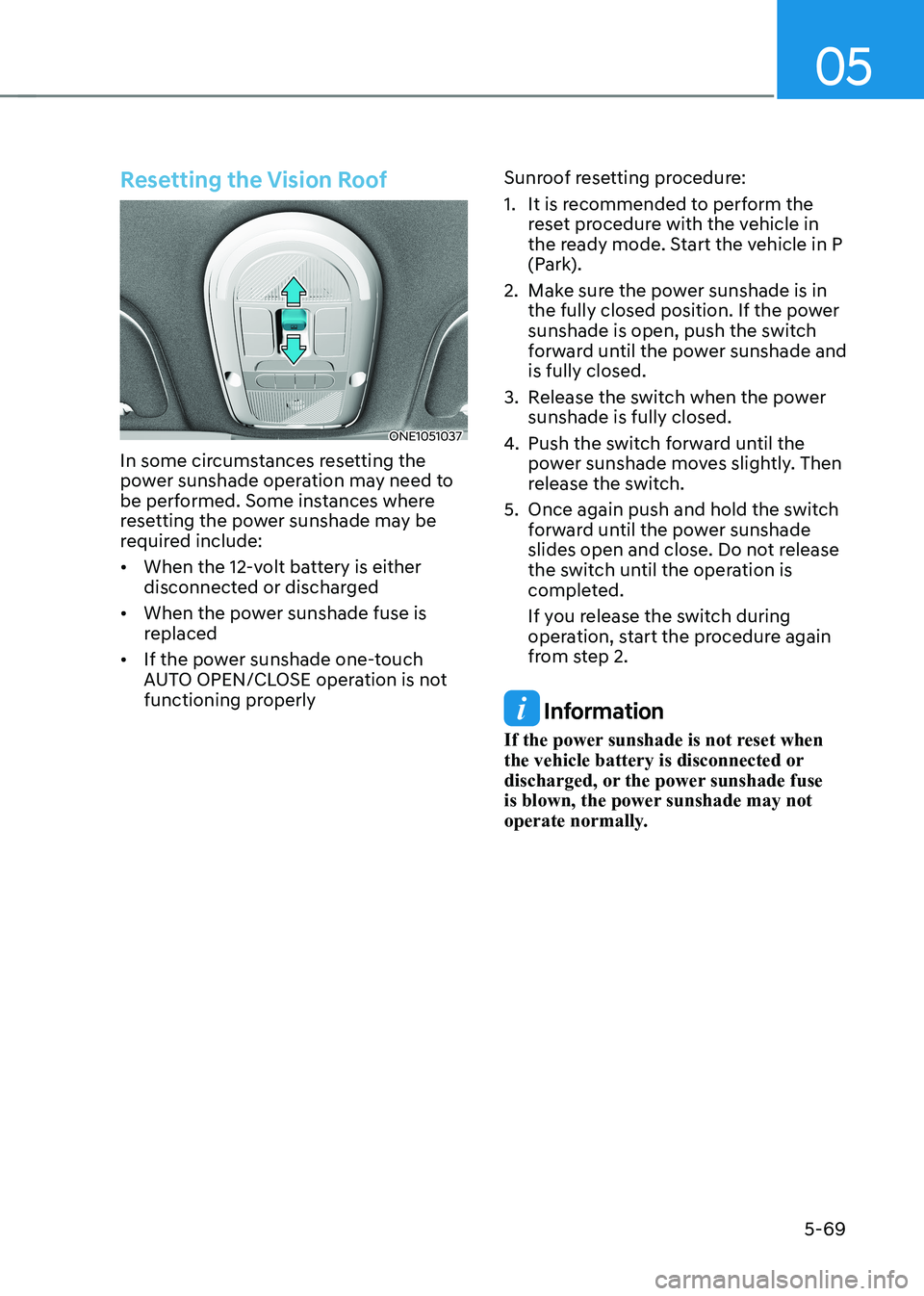
Resetting the Vision Roof
ONE1051037
In some circumstances resetting the
power sunshade operation may need to
be performed. Some instances where
resetting the power sunshade may be
required include: • When the 12-volt battery is either
disconnected or discharged
• When the power sunshade fuse is
replaced
• If the power sunshade one-touch
AUTO OPEN/CLOSE operation is not
functioning properly Sunroof resetting procedure:
1. It is recommended to perform the
reset procedure with the vehicle in
the ready mode. Start the vehicle in P
(Park).
2. Make sure the power sunshade is in the fully closed position. If the power
sunshade is open, push the switch
forward until the power sunshade and is fully closed.
3. Release the switch when the power sunshade is fully closed.
4. Push the switch forward until the
power sunshade moves slightly. Then
release the switch.
5. Once again push and hold the switch forward until the power sunshade
slides open and close. Do not release
the switch until the operation is
completed.
If you release the switch during
operation, start the procedure again
from step 2.
Information
If the power sunshade is not reset when
the vehicle battery is disconnected or
discharged, or the power sunshade fuse
is blown, the power sunshade may not
operate normally.
Page 269 of 680
05
5-77
Resetting the power liftgate
If the battery has been discharged or
disconnected, or if the power liftgate
fuse has been replaced or removed, reset
the power liftgate by performing the
following procedure: 1.
With the vehicle off or on, put the gear
in P (Park).
2. Press the power liftgate close button. And then press the power liftgate
outer handle switch for more than
3 seconds with pressing the power
liftgate close button. The chime will sound.
3. Close the liftgate manually.
4. Open the liftgate by pressing the
power liftgate outer button (B).
5. The liftgate will open with a chime sound.
If the power liftgate does not work
properly after the above procedure,
have the system inspected by an
authorized HYUNDAI dealer.
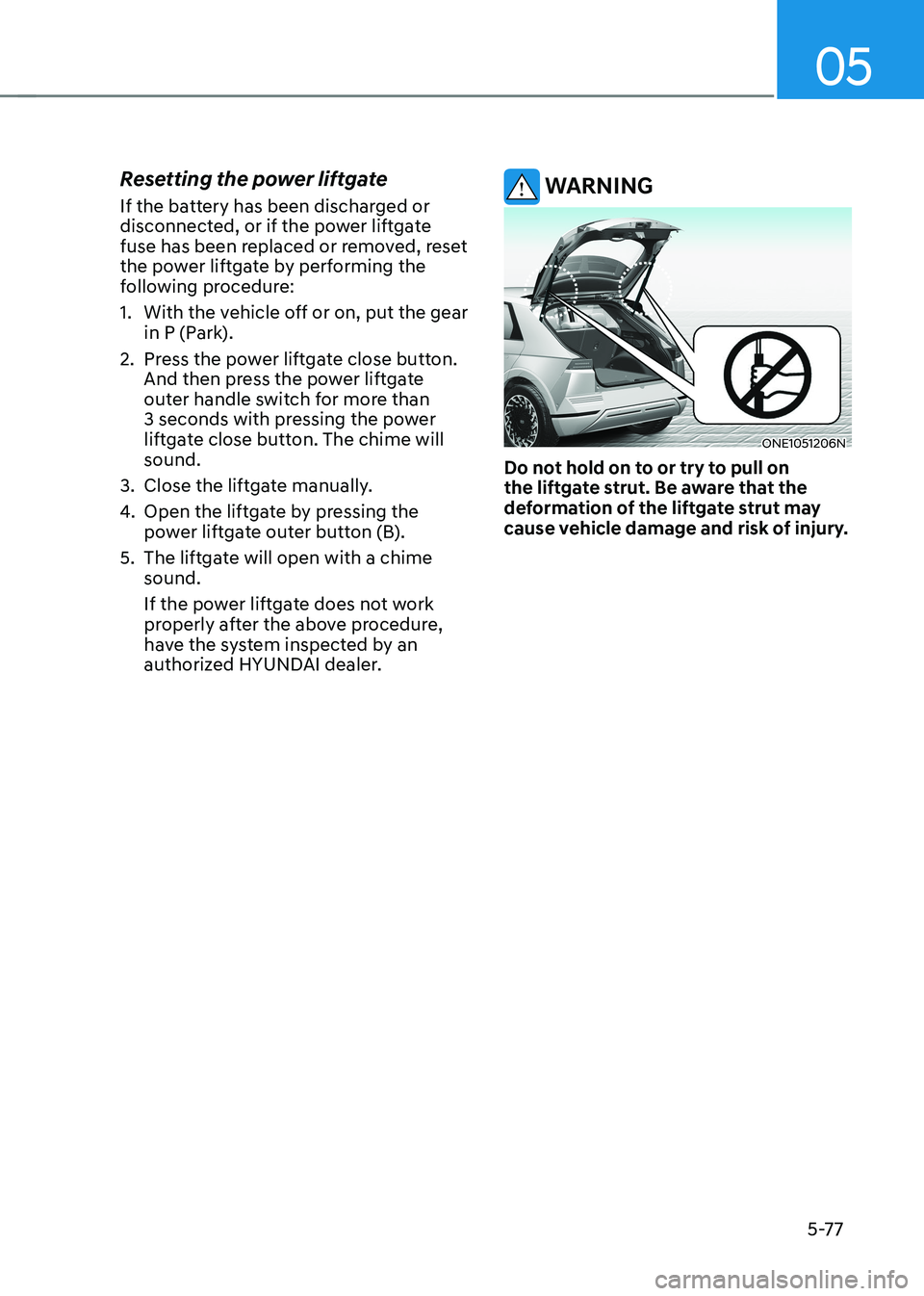
WARNING
ONE1051206N
Do not hold on to or try to pull on
the liftgate strut. Be aware that the
deformation of the liftgate strut may
cause vehicle damage and risk of injury.
Page 306 of 680
Convenience Features
5-114
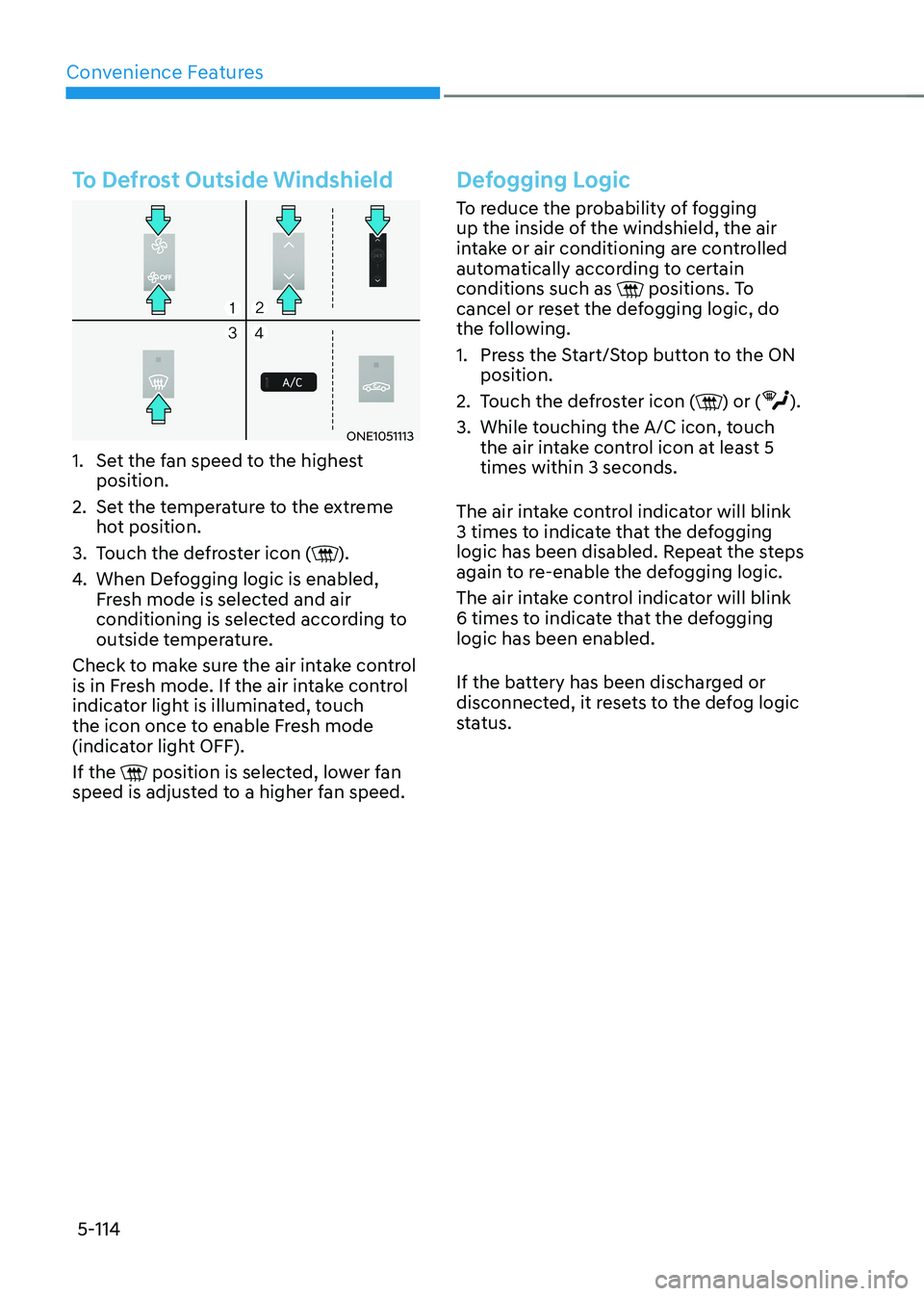
To Defrost Outside Windshield
ONE1051113
1. Set the fan speed to the highest position.
2. Set the temperature to the extreme hot position.
3. Touch the defroster icon (
).
4. When Defogging logic is enabled,
Fresh mode is selected and air
conditioning is selected according to
outside temperature.
Check to make sure the air intake control
is in Fresh mode. If the air intake control
indicator light is illuminated, touch
the icon once to enable Fresh mode
(indicator light OFF). If the
position is selected, lower fan
speed is adjusted to a higher fan speed.
Defogging Logic
To reduce the probability of fogging
up the inside of the windshield, the air
intake or air conditioning are controlled
automatically according to certain conditions such as
positions. To
cancel or reset the defogging logic, do
the following.
1. Press the Start/Stop button to the ON position.
2. Touch the defroster icon (
) or ().
3. While touching the A/C icon, touch the air intake control icon at least 5 times within 3 seconds.
The air intake control indicator will blink
3 times to indicate that the defogging
logic has been disabled. Repeat the steps
again to re-enable the defogging logic.
The air intake control indicator will blink
6 times to indicate that the defogging logic has been enabled.
If the battery has been discharged or
disconnected, it resets to the defog logic
status.
Page 309 of 680
05
5-117
Turning the Auto Defogging System ON or OFF
Climate control system
Touch the front windshield defroster
icon for 3 seconds when the Start/Stop
button is in the ON position. When the
Auto Defogging System is turned off, the
ADS OFF symbol will blink 3 times and
ADS OFF will be displayed on the climate
control information screen.
When the Auto Defogging System is
turned on, the ADS OFF symbol will blink 6 times without a signal.
Infotainment system
Auto Defogging System can be turned
on and off by selecting ‘Setup →
Vehicle Settings → Climate → Defog/
Defrost Options → Auto Defog’ from the
infotainment system screen.
For detailed information, refer to the
separately supplied infotainment
system manual.
Information
• When the air conditioning is turned
on by Auto Defogging System, if you
try to turn off the air conditioning, the
indicator will blink 3 times and the air conditioning will not be turned off.
• To maintain the effectiveness and
efficiency of the Auto Defogging
System, do not select Recirculation mode while the system is operating.
• When Auto Defogging System is operating, fan speed adjustment,
temperature adjustment, and air intake
control selection are all disabled.
NOTICE
Do not remove the sensor cover located
on the upper end of the windshield glass.
Damage to system parts could occur
and may not be covered by your vehicle
warranty.
Auto Dehumidify (if equipped)
To increase cabin air quality and reduce
windshield misting, recirculation mode
switches off automatically after about
5 minutes, depending on the outside
temperature, and the air intake will
change to fresh mode.
Turning Auto Dehumidify ON or OFF
Climate control system
To turn the Auto Dehumidify feature on
or off, select Face level () mode and
touch the air intake control icon at least
five times within three seconds. When
Auto Dehumidify is turned on, the air
intake control button indicator will blink
6 times. When turned off, the indicator will blink 3 times.
Infotainment system
Auto Dehumidify can be turned on and
off by selecting ‘Setup → Vehicle Settings
→ Climate → Automatic Ventilation →
Auto Dehumidify’ from the infotainment
system screen.
Information
If the battery (12V) is discharged or
disconnected, Auto dehumidify settings
will be reset. Readjust the settings to
turning Auto dehumidify option ON or
OFF.
For detailed information, refer to the separately supplied infotainment system manual.
Page 325 of 680
05
5-133
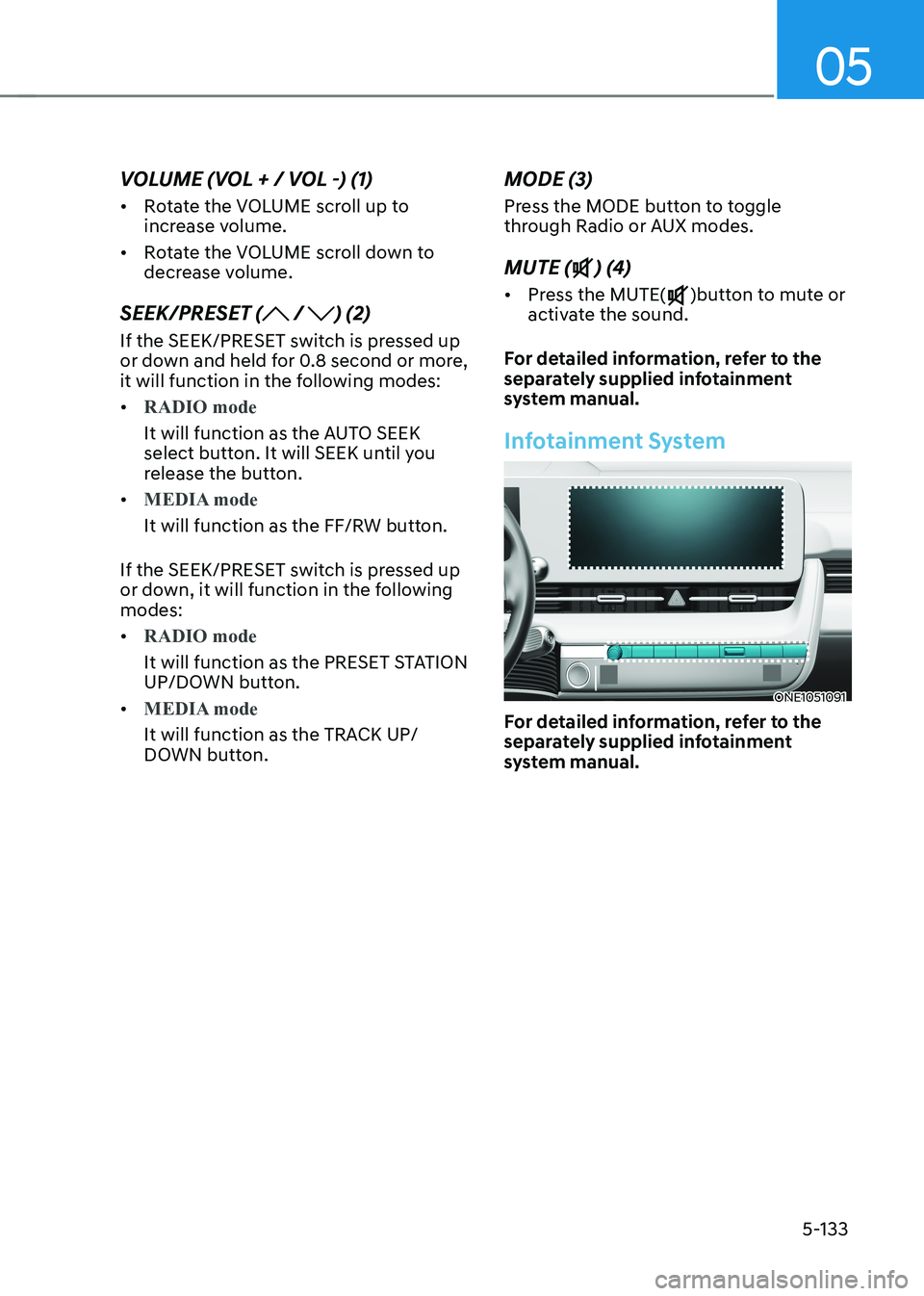
VOLUME (VOL + / VOL -) (1) •
Rotate the VOLUME scroll up to
increase volume.
• Rotate the VOLUME scroll down to
decrease volume.
SEEK/PRESET (
/ ) (2)
If the SEEK/PRESET switch is pressed up
or down and held for 0.8 second or more,
it will function in the following modes: •
RADIO mode
It will function as the AUTO SEEK
select button. It will SEEK until you
release the button.
•
MEDIA mode
It will function as the FF/RW button.
If the SEEK/PRESET switch is pressed up
or down, it will function in the following modes: •
RADIO mode
It will function as the PRESET STATION
UP/DOWN button.
•
MEDIA mode
It will function as the TRACK UP/
DOWN button. MODE (3)
Press the MODE button to toggle
through Radio or AUX modes. MUTE (
) (4)
• Press the MUTE(
)button to mute or
activate the sound.
For detailed information, refer to the
separately supplied infotainment
system manual.
Infotainment System
ONE1051091
For detailed information, refer to the
separately supplied infotainment
system manual.
Page 343 of 680
06
6-17
ONE1061036
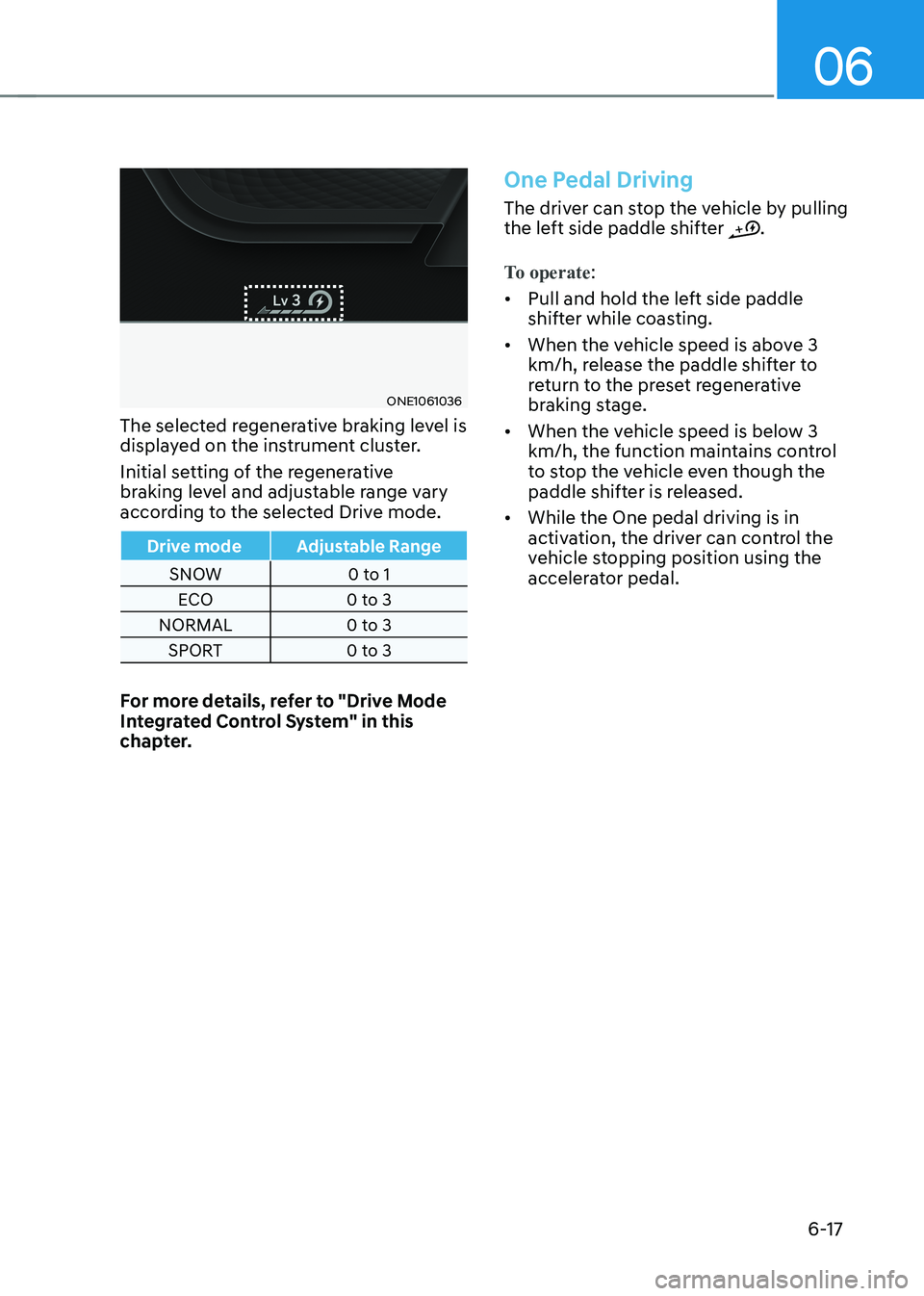
The selected regenerative braking level is
displayed on the instrument cluster.
Initial setting of the regenerative
braking level and adjustable range vary
according to the selected Drive mode.
Drive mode Adjustable Range
SNOW 0 to 1 ECO 0 to 3
NORMAL 0 to 3 SPORT 0 to 3
For more details, refer to "Drive Mode
Integrated Control System" in this
chapter.
One Pedal Driving
The driver can stop the vehicle by pulling
the left side paddle shifter .
To operate:
• Pull and hold the left side paddle
shifter while coasting.
• When the vehicle speed is above 3
km/h, release the paddle shifter to
return to the preset regenerative
braking stage.
• When the vehicle speed is below 3
km/h, the function maintains control
to stop the vehicle even though the
paddle shifter is released.
• While the One pedal driving is in
activation, the driver can control the
vehicle stopping position using the
accelerator pedal.
Page 455 of 680
07
7-53
ONE1071107N
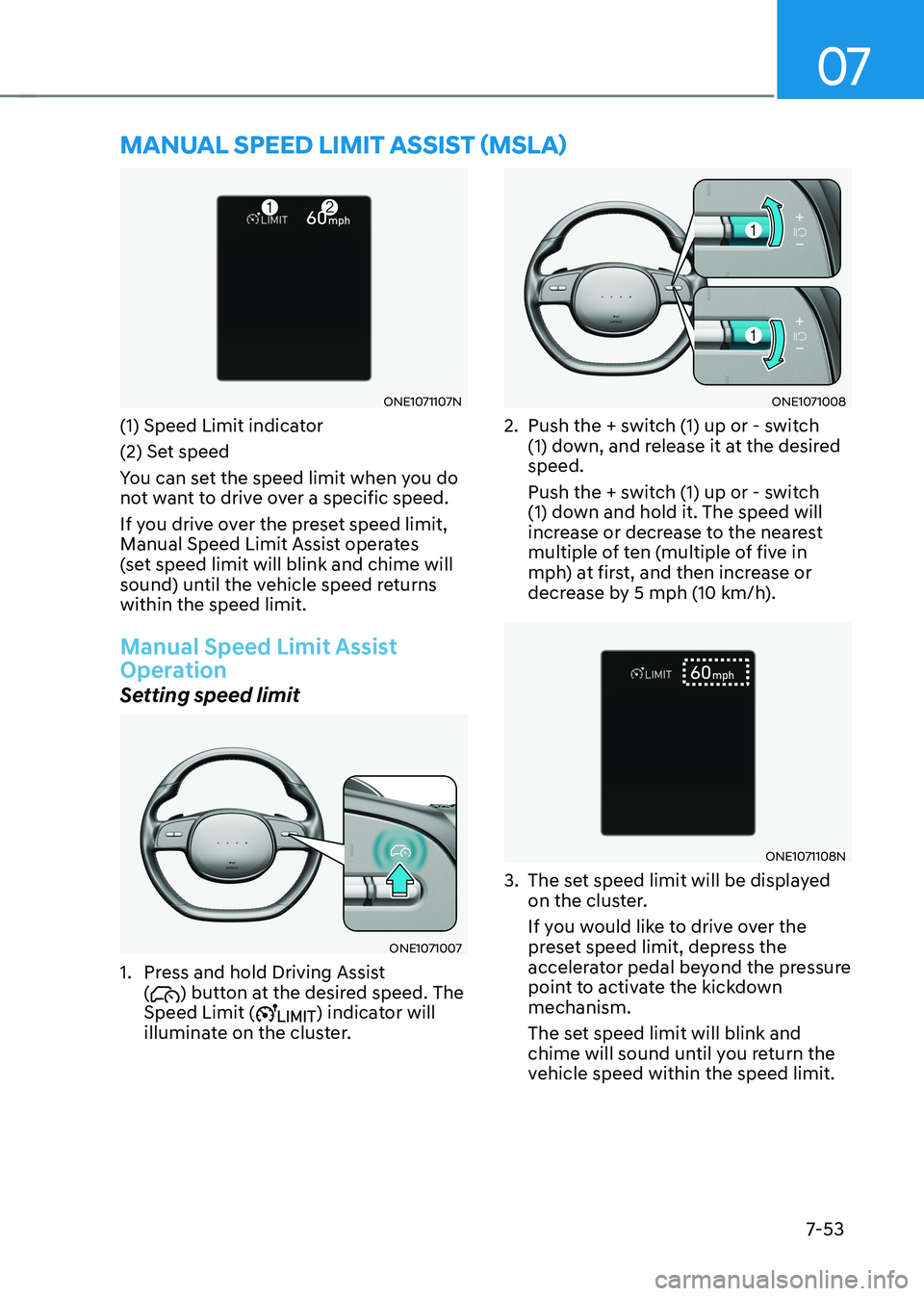
(1) Speed Limit indicator
(2) Set speed
You can set the speed limit when you do
not want to drive over a specific speed.
If you drive over the preset speed limit,
Manual Speed Limit Assist operates
(set speed limit will blink and chime will
sound) until the vehicle speed returns within the speed limit.
Manual Speed Limit Assist
Operation
Setting speed limit
ONE1071007
1. Press and hold Driving Assist (
) button at the desired speed. The
Speed Limit () indicator will
illuminate on the cluster.
ONE1071008
2. Push the + switch (1) up or - switch (1) down, and release it at the desired speed.
Push the + switch (1) up or - switch
(1) down and hold it. The speed will
increase or decrease to the nearest
multiple of ten (multiple of five in
mph) at first, and then increase or
decrease by 5 mph (10 km/h).
ONE1071108N
3. The set speed limit will be displayed on the cluster.
If you would like to drive over the
preset speed limit, depress the
accelerator pedal beyond the pressure
point to activate the kickdown mechanism.
The set speed limit will blink and
chime will sound until you return the
vehicle speed within the speed limit.
MANUAL SPEED LIMIT ASSIST (MSLA)