cruise control HYUNDAI IONIQ 5 2023 Owner's Manual
[x] Cancel search | Manufacturer: HYUNDAI, Model Year: 2023, Model line: IONIQ 5, Model: HYUNDAI IONIQ 5 2023Pages: 680, PDF Size: 48.22 MB
Page 480 of 680
Driver Assistance System
7-7 8
OTM070113N
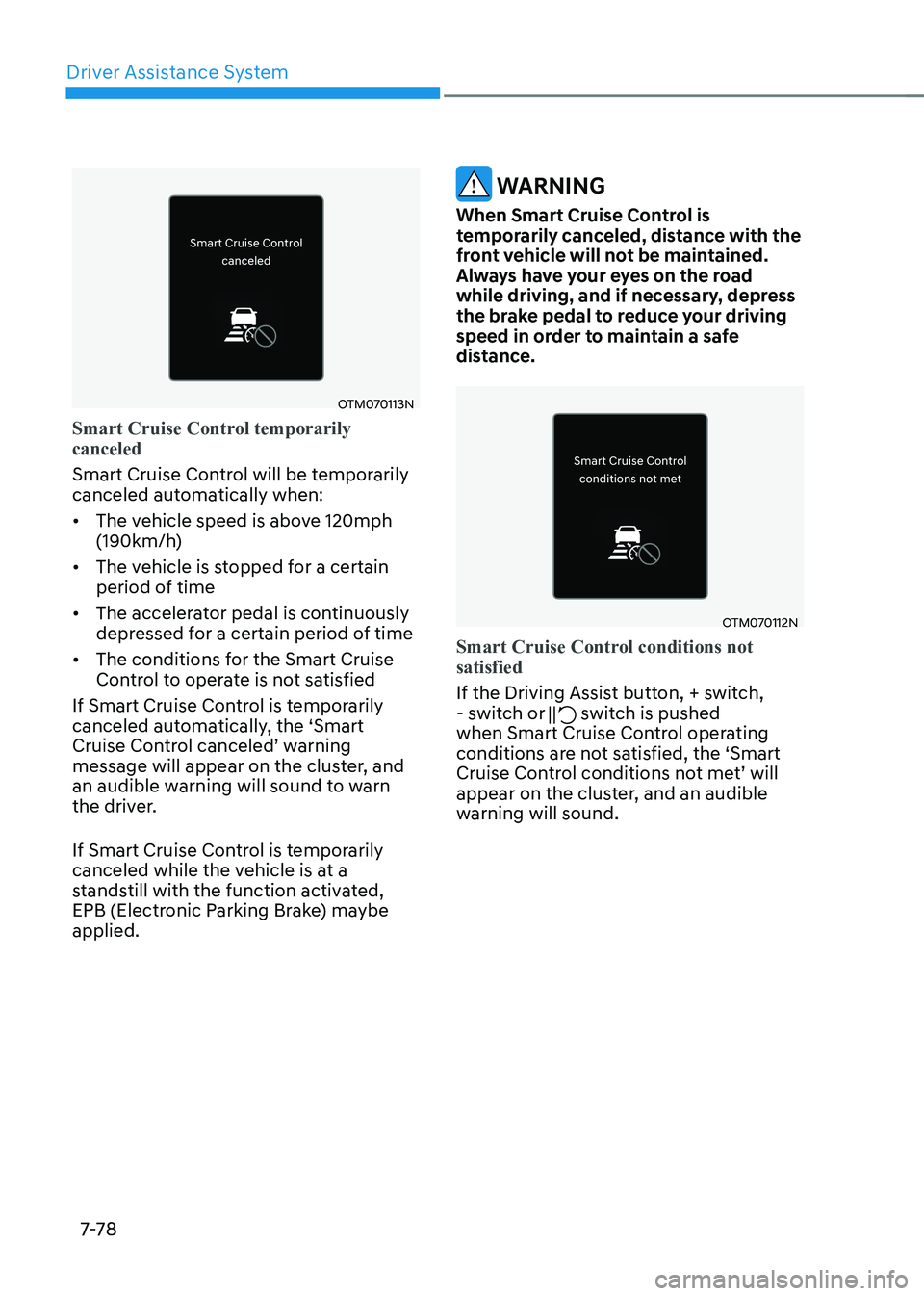
Smart Cruise Control temporarily canceled
Smart Cruise Control will be temporarily
canceled automatically when: • The vehicle speed is above 120mph
(190km/h)
• The vehicle is stopped for a certain
period of time
• The accelerator pedal is continuously
depressed for a certain period of time
• The conditions for the Smart Cruise
Control to operate is not satisfied
If Smart Cruise Control is temporarily
canceled automatically, the ‘Smart
Cruise Control canceled’ warning
message will appear on the cluster, and
an audible warning will sound to warn
the driver.
If Smart Cruise Control is temporarily
canceled while the vehicle is at a
standstill with the function activated,
EPB (Electronic Parking Brake) maybe applied.
WARNING
When Smart Cruise Control is
temporarily canceled, distance with the
front vehicle will not be maintained.
Always have your eyes on the road
while driving, and if necessary, depress
the brake pedal to reduce your driving
speed in order to maintain a safe
distance.
OTM070112N
Smart Cruise Control conditions not satisfied
If the Driving Assist button, + switch,
- switch or switch is pushed
when Smart Cruise Control operating
conditions are not satisfied, the ‘Smart
Cruise Control conditions not met’ will
appear on the cluster, and an audible
warning will sound.
Page 481 of 680
07
7-7 9
OTM070114L
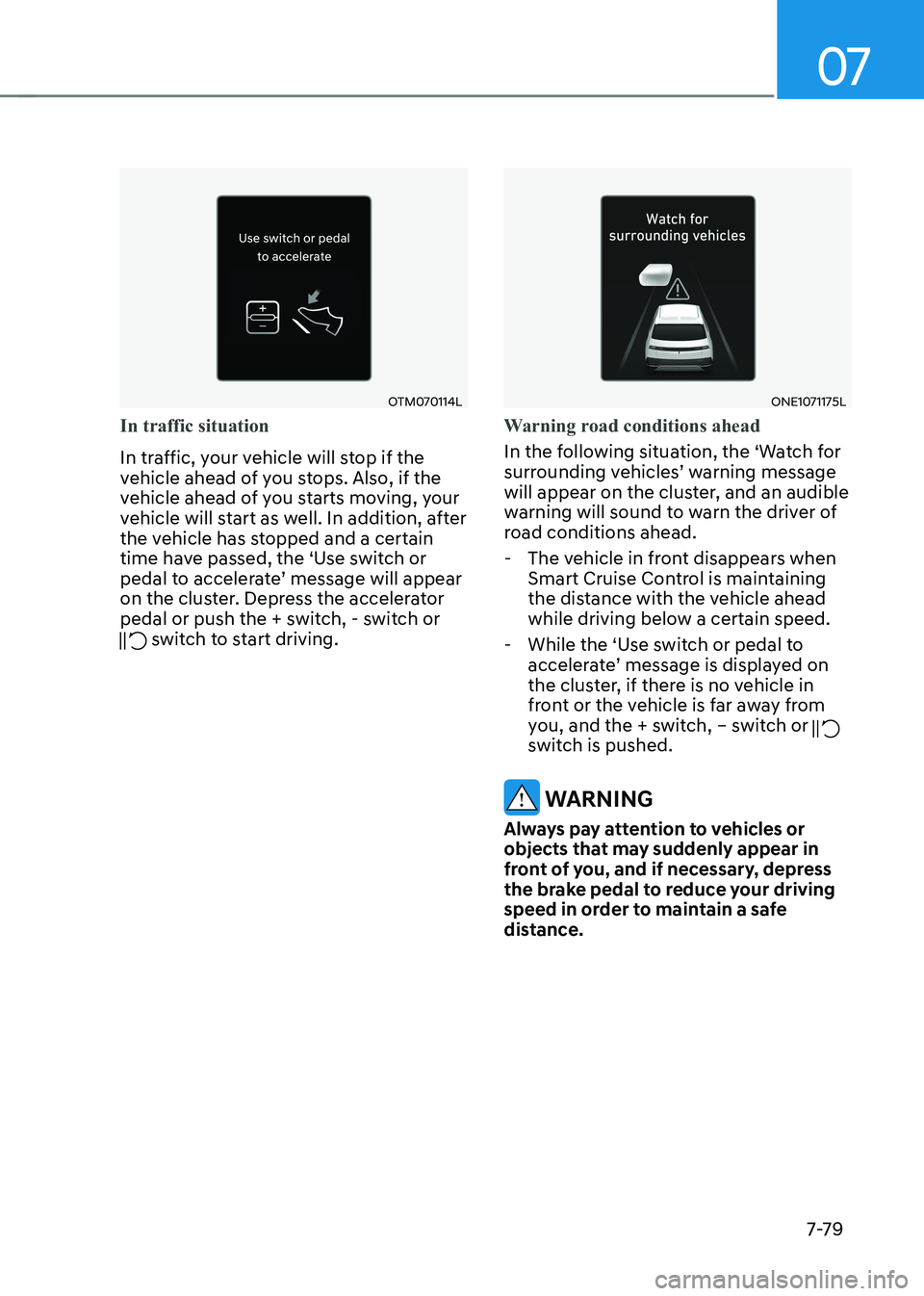
In traffic situation
In traffic, your vehicle will stop if the
vehicle ahead of you stops. Also, if the
vehicle ahead of you starts moving, your
vehicle will start as well. In addition, after
the vehicle has stopped and a certain
time have passed, the ‘Use switch or
pedal to accelerate’ message will appear
on the cluster. Depress the accelerator
pedal or push the + switch, - switch or
switch to start driving.
ONE1071175L
Warning road conditions ahead
In the following situation, the ‘Watch for
surrounding vehicles’ warning message
will appear on the cluster, and an audible
warning will sound to warn the driver of
road conditions ahead. - The vehicle in front disappears when Smart Cruise Control is maintaining
the distance with the vehicle ahead
while driving below a certain speed.
- While the ‘Use switch or pedal to accelerate’ message is displayed on
the cluster, if there is no vehicle in
front or the vehicle is far away from
you, and the + switch, – switch or
switch is pushed.
WARNING
Always pay attention to vehicles or
objects that may suddenly appear in
front of you, and if necessary, depress
the brake pedal to reduce your driving
speed in order to maintain a safe
distance.
Page 482 of 680
Driver Assistance System
7-80
ONE1071183L
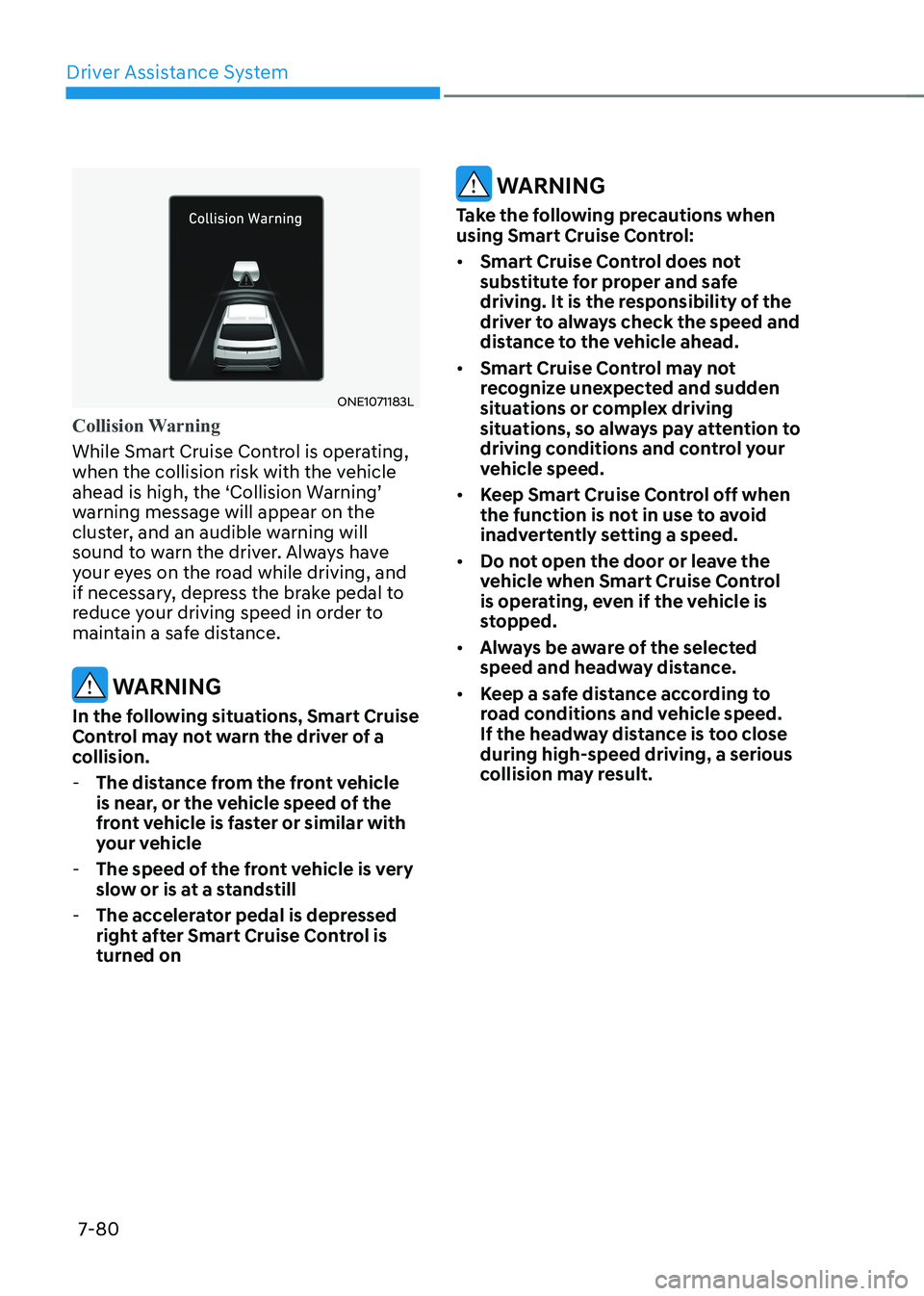
Collision Warning
While Smart Cruise Control is operating,
when the collision risk with the vehicle
ahead is high, the ‘Collision Warning’
warning message will appear on the
cluster, and an audible warning will
sound to warn the driver. Always have
your eyes on the road while driving, and
if necessary, depress the brake pedal to
reduce your driving speed in order to
maintain a safe distance.
WARNING
In the following situations, Smart Cruise
Control may not warn the driver of a
collision. - The distance from the front vehicle
is near, or the vehicle speed of the
front vehicle is faster or similar with
your vehicle
- The speed of the front vehicle is very
slow or is at a standstill
- The accelerator pedal is depressed
right after Smart Cruise Control is turned on
WARNING
Take the following precautions when
using Smart Cruise Control: • Smart Cruise Control does not
substitute for proper and safe
driving. It is the responsibility of the
driver to always check the speed and
distance to the vehicle ahead.
• Smart Cruise Control may not
recognize unexpected and sudden
situations or complex driving
situations, so always pay attention to
driving conditions and control your
vehicle speed.
• Keep Smart Cruise Control off when
the function is not in use to avoid
inadvertently setting a speed.
• Do not open the door or leave the
vehicle when Smart Cruise Control
is operating, even if the vehicle is
stopped.
• Always be aware of the selected
speed and headway distance.
• Keep a safe distance according to
road conditions and vehicle speed.
If the headway distance is too close during high-speed driving, a serious
collision may result.
Page 483 of 680
07
7-81
•
When maintaining distance with
the vehicle ahead, if the front
vehicle disappears, Smart Cruise
Control may suddenly accelerate to
the set speed. Always be aware of
unexpected and sudden situations
from occurring.
• Vehicle speed may decrease on an
upward slope and increase on a
downward slope.
• Always be aware of situations such
as when a vehicle cuts in suddenly.
• When you are turn off Smart Cruise
Control for safety reasons.
• Turn off Smart Cruise Control when
your vehicle is being towed.
• Smart Cruise Control may not
operate properly if interfered by
strong electromagnetic waves.
• Smart Cruise Control may not
detect an obstacle in front and lead
to a collision. Always look ahead
cautiously to prevent unexpected
and sudden situations from
occurring. •
Vehicles moving in front of you with
a frequent lane change may cause
a delay in Smart Cruise Control
reaction or may cause Smart Cruise
Control to react to a vehicle actually
in an adjacent lane. Always drive
cautiously to prevent unexpected
and sudden situations from
occurring.
• Always be aware of the surroundings
and drive safely, even though a
warning message does not appear or
an audible warning does not sound.
• If any other system’s warning
message is displayed or warning
sound is generated, Smart Cruise
Control warning message may not
be displayed and warning sound may
not be generated.
• You may not hear the warning sound
of Forward Collision-Avoidance
Assist if the surrounding is noisy.
• The vehicle manufacturer is not
responsible for any traffic violation
or accidents caused by the driver.
• Always set the vehicle speed under
the speed limit in your country.
• Vehicle distance, acceleration and
reaction speed may change if the
driver’s driving style changes.
Page 484 of 680
Driver Assistance System
7-82
CAUTION
• The vehicle must be driven
sufficiently to reflect the actual
driving style of the driver, such as
inter-vehicle distance, acceleration
and reaction speed.
• Based on Driving style does not
reflect whether the driver has
changed when determining the
driver's driving style.
• If you are driving in special
conditions, such as snow, rain, fog
or steep slopes, the vehicle may not
be driven according to the driver’s
driving style.
Information
• Smart Cruise Control may not operate
for 15 seconds after the vehicle is
started or the front view camera or
front radar is initialized.
• You may hear a sound when the brake
is controlled by Smart Cruise Control.
• Based on Driving Style may not reflect
the driver’s driving style or driving
conditions that affects driving safety.
• Based on Driving Style does not reflect
any other driving style other than
inter-vehicle distance, acceleration and
reaction speed.
• The paddle shifter does not operate
when Smart Cruise Control system is activated.
Information
The images or colors may be displayed
differently depending on the specifications
of the instrument panel or theme.
Smart Cruise Control
Malfunction and Limitations
Smart Cruise Control malfunction
OTM070116N
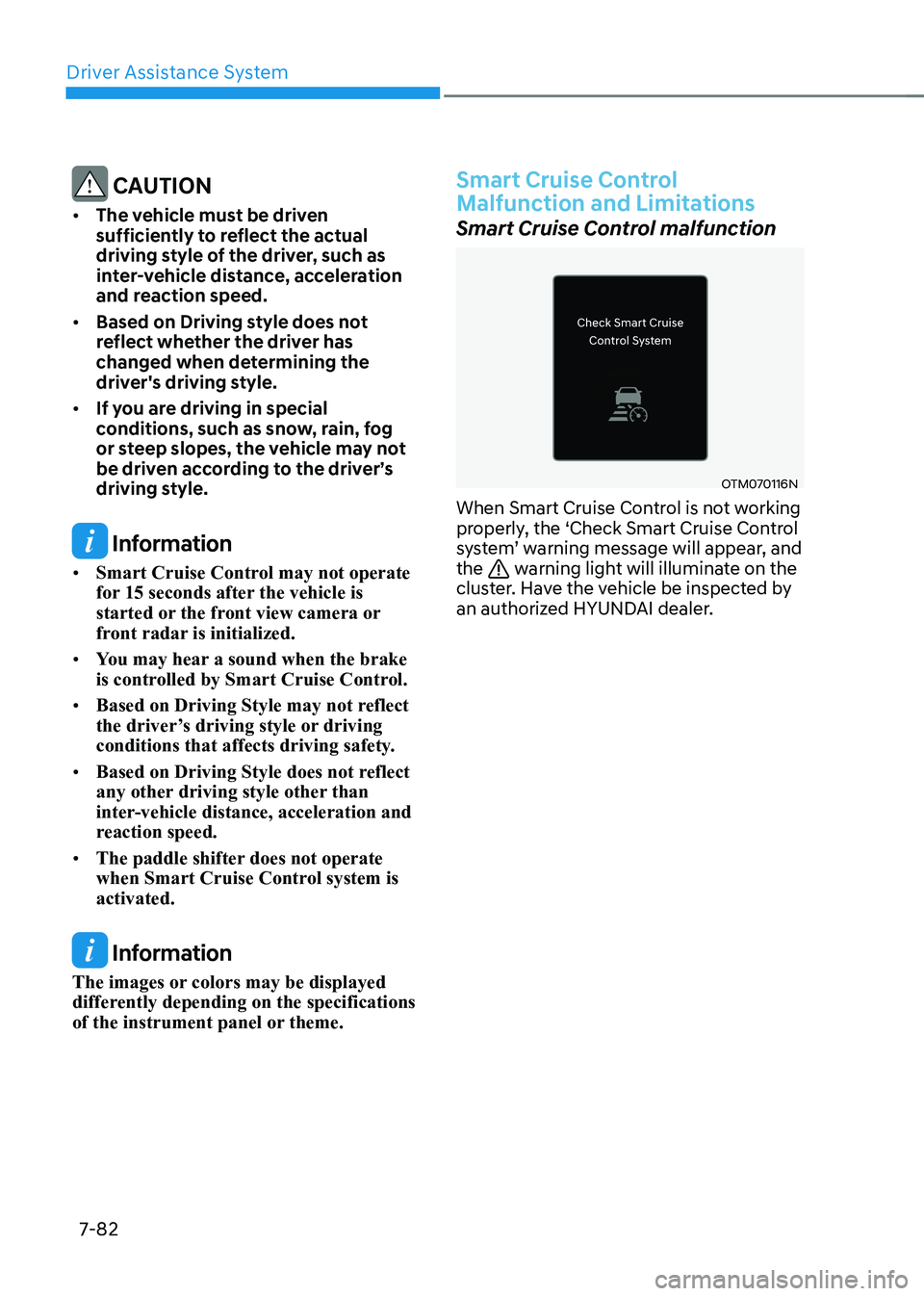
When Smart Cruise Control is not working
properly, the ‘Check Smart Cruise Control
system’ warning message will appear, and the
warning light will illuminate on the
cluster. Have the vehicle be inspected by
an authorized HYUNDAI dealer.
Page 485 of 680
07
7-83
Smart Cruise Control disabled
OTM070115N
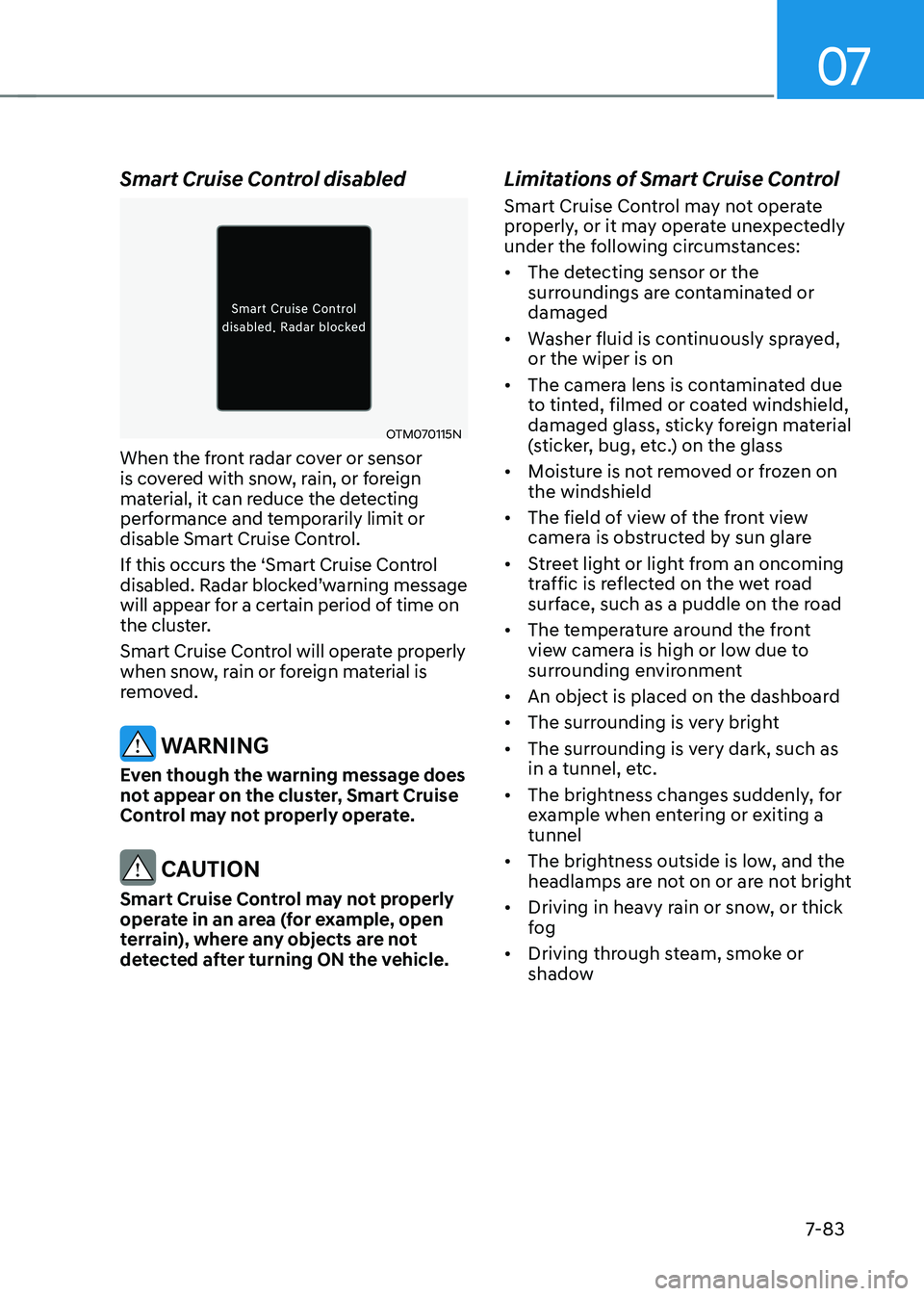
When the front radar cover or sensor
is covered with snow, rain, or foreign
material, it can reduce the detecting
performance and temporarily limit or
disable Smart Cruise Control.
If this occurs the ‘Smart Cruise Control
disabled. Radar blocked’warning message
will appear for a certain period of time on
the cluster.
Smart Cruise Control will operate properly
when snow, rain or foreign material is
removed.
WARNING
Even though the warning message does
not appear on the cluster, Smart Cruise
Control may not properly operate.
CAUTION
Smart Cruise Control may not properly
operate in an area (for example, open
terrain), where any objects are not
detected after turning ON the vehicle. Limitations of Smart Cruise Control
Smart Cruise Control may not operate
properly, or it may operate unexpectedly
under the following circumstances: •
The detecting sensor or the
surroundings are contaminated or damaged
• Washer fluid is continuously sprayed, or the wiper is on
• The camera lens is contaminated due
to tinted, filmed or coated windshield,
damaged glass, sticky foreign material
(sticker, bug, etc.) on the glass
• Moisture is not removed or frozen on the windshield
• The field of view of the front view
camera is obstructed by sun glare
• Street light or light from an oncoming
traffic is reflected on the wet road
surface, such as a puddle on the road
• The temperature around the front
view camera is high or low due to
surrounding environment
• An object is placed on the dashboard
• The surrounding is very bright
• The surrounding is very dark, such as
in a tunnel, etc.
• The brightness changes suddenly, for
example when entering or exiting a tunnel
• The brightness outside is low, and the
headlamps are not on or are not bright
• Driving in heavy rain or snow, or thick
fog
• Driving through steam, smoke or
shadow
Page 487 of 680
07
7-85
•
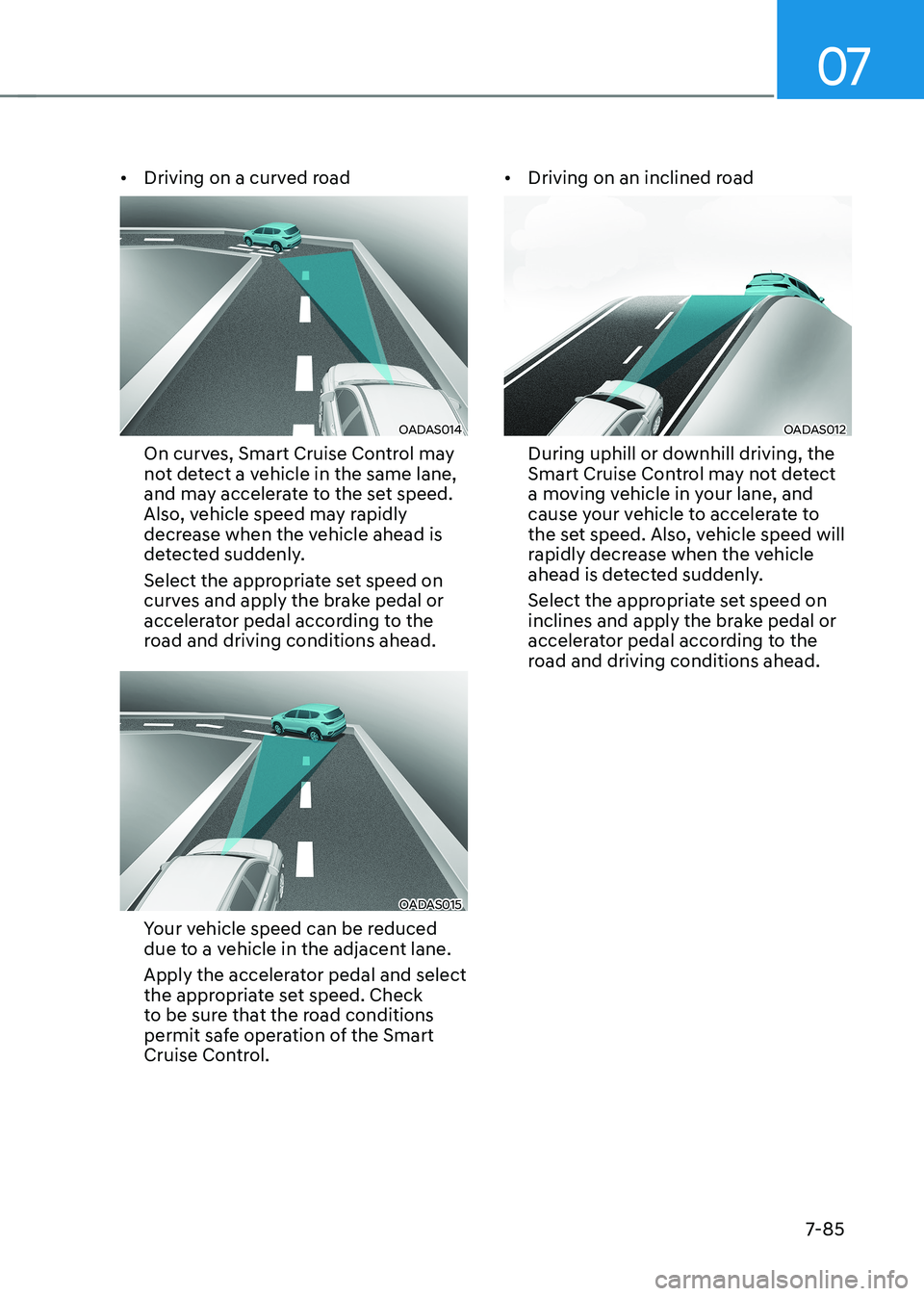
Driving on a curved road
OADAS014
On curves, Smart Cruise Control may
not detect a vehicle in the same lane,
and may accelerate to the set speed.
Also, vehicle speed may rapidly
decrease when the vehicle ahead is
detected suddenly.
Select the appropriate set speed on
curves and apply the brake pedal or
accelerator pedal according to the
road and driving conditions ahead.
OADAS015
Your vehicle speed can be reduced
due to a vehicle in the adjacent lane.
Apply the accelerator pedal and select
the appropriate set speed. Check
to be sure that the road conditions
permit safe operation of the Smart
Cruise Control. •
Driving on an inclined road
OADAS012
During uphill or downhill driving, the
Smart Cruise Control may not detect
a moving vehicle in your lane, and
cause your vehicle to accelerate to
the set speed. Also, vehicle speed will
rapidly decrease when the vehicle
ahead is detected suddenly.
Select the appropriate set speed on
inclines and apply the brake pedal or
accelerator pedal according to the
road and driving conditions ahead.
Page 488 of 680
![HYUNDAI IONIQ 5 2023 Owners Manual Driver Assistance System
7-86
•
Changing lanes
OADAS030
[A] : Your vehicle, [B] : Lane changing vehicle
When a vehicle moves into your lane
from an adjacent lane, it cannot be
detected by the s](/img/35/56168/w960_56168-487.png "HYUNDAI IONIQ 5 2023 Owners Manual Driver Assistance System
7-86
•
Changing lanes
OADAS030
[A] : Your vehicle, [B] : Lane changing vehicle
When a vehicle moves into your lane
from an adjacent lane, it cannot be
detected by the s")
Driver Assistance System
7-86
•
Changing lanes
OADAS030
[A] : Your vehicle, [B] : Lane changing vehicle
When a vehicle moves into your lane
from an adjacent lane, it cannot be
detected by the sensor until it is in the
sensor's detection range. Smart Cruise
Control may not immediately detect
the vehicle when the vehicle changes
lanes abruptly. In this case, you must
maintain a safe braking distance, and
if necessary, depress the brake pedal
to reduce your driving speed in order
to maintain a safe distance. •
Detecting vehicle
OJX1079181
In the following cases, some vehicles
in your lane cannot be detected by the sensor:
- Vehicles offset to one side
- Slow-moving vehicles or sudden- decelerating vehicles
- Oncoming vehicles
- Stopped vehicles
- Vehicles with small rear profile, such
as trailers
- Narrow vehicles, such as motorcycles or bicycles
- Special vehicles
- Animals and pedestrians
Adjust your vehicle speed by
depressing the brake pedal according
to the road and driving conditions ahead.
Page 489 of 680
07
7-87
ONE1071156
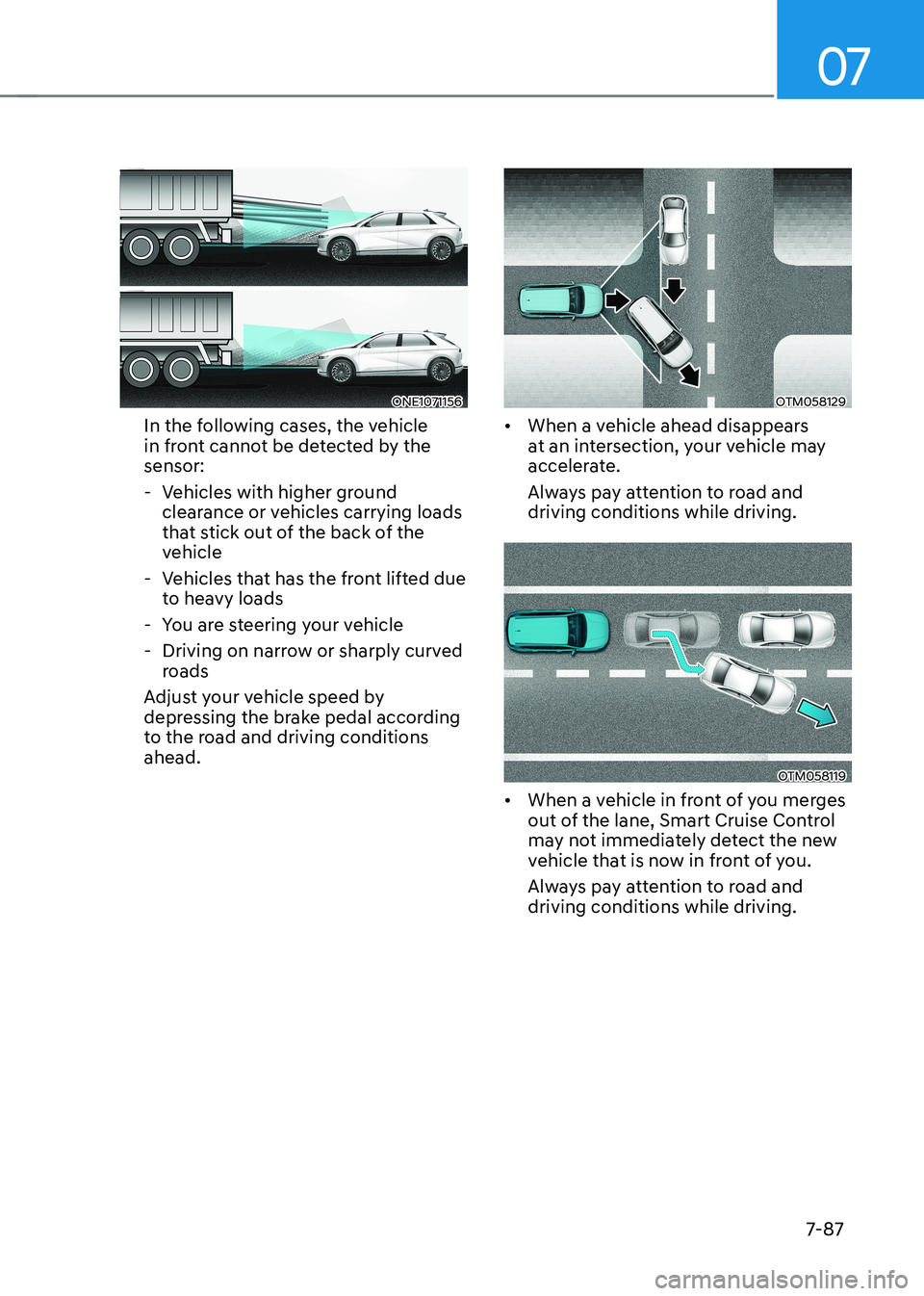
In the following cases, the vehicle
in front cannot be detected by the sensor:
- Vehicles with higher ground clearance or vehicles carrying loads
that stick out of the back of the
vehicle
- Vehicles that has the front lifted due to heavy loads
- You are steering your vehicle
- Driving on narrow or sharply curved roads
Adjust your vehicle speed by
depressing the brake pedal according
to the road and driving conditions ahead.OTM058129
• When a vehicle ahead disappears
at an intersection, your vehicle may
accelerate.
Always pay attention to road and driving conditions while driving.
OTM058119
• When a vehicle in front of you merges
out of the lane, Smart Cruise Control
may not immediately detect the new
vehicle that is now in front of you.
Always pay attention to road and driving conditions while driving.
Page 491 of 680
07
7-89
Navigation-based Smart Cruise Control
can helps drive at a certain speed
according to the road conditions when
driving on highways by using road
information from the navigation system
while Smart Cruise Control is operating.
Information
• Navigation-based Smart Cruise Control
is available only on controlled access
road of certain highways.
à Controlled access road indicates
roads with limited entrances and exits that allow uninterrupted high
speed traffic flow. Only passenger
cars and motorcycles are allowed on
controlled access roads.
• Additional highways may be expanded
by future navigation updates.
Information
Navigation-based Smart Cruise Control
operates on main roads of highways,
and does not operate on interchanges or junctions.
Highway Curve Zone Auto Slowdown
If vehicle speed is high, Highway Curve
Zone Auto Slowdown function will
temporarily decelerate your vehicle
or limit acceleration to help you drive
safely on a curve based on the curve
information from the navigation.
Highway Set Speed Auto Change
Highway Set Speed Auto Change
function automatically changes Smart
Cruise Control set speed based on
the speed limit information from the
navigation.
Navigation-based Smart Cruise
Control Settings
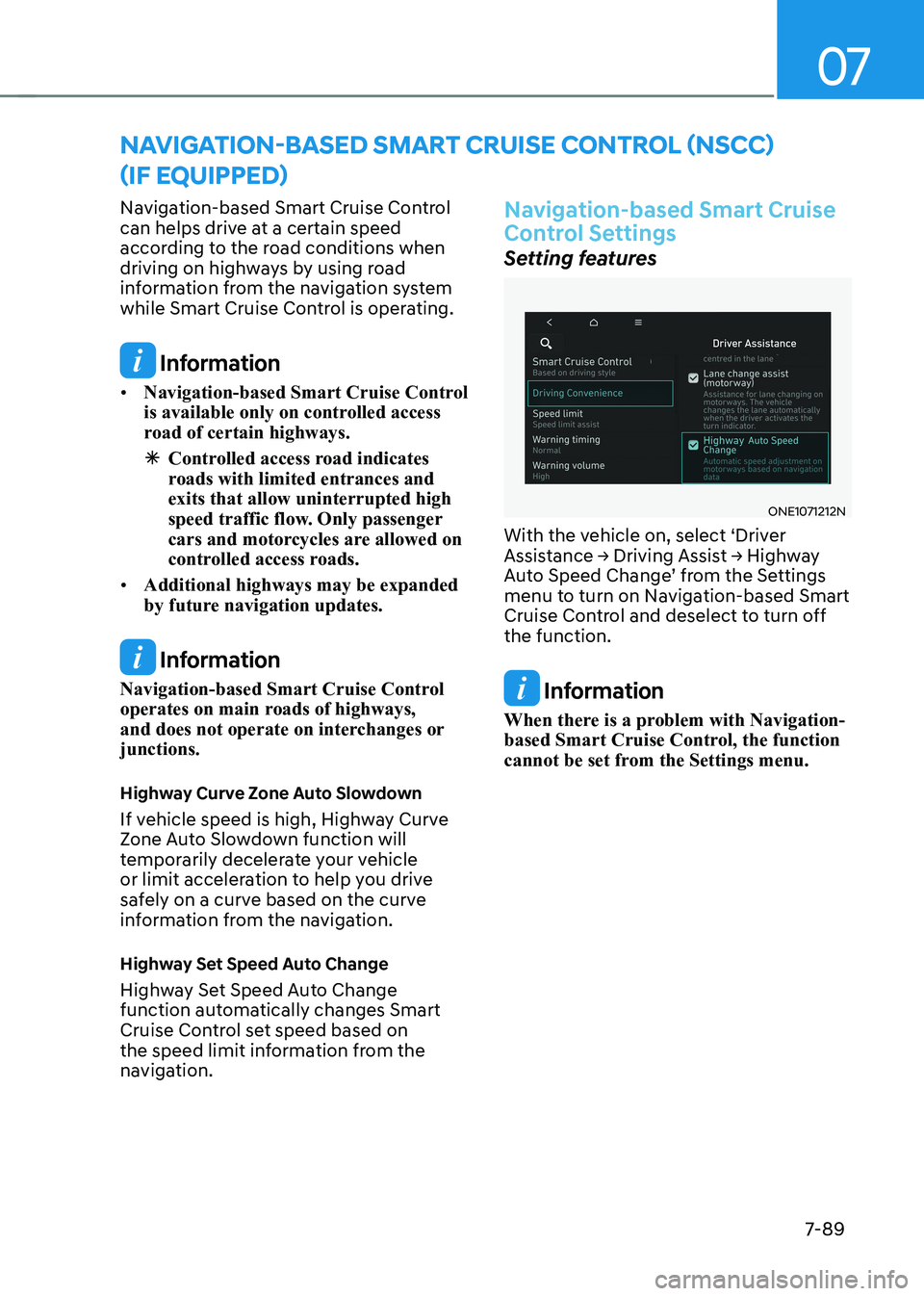
Setting features
ONE1071212N
With the vehicle on, select ‘Driver
Assistance → Driving Assist → Highway
Auto Speed Change’ from the Settings
menu to turn on Navigation-based Smart
Cruise Control and deselect to turn off the function.
Information
When there is a problem with Navigation-
based Smart Cruise Control, the function
cannot be set from the Settings menu.
NAVIGATION-BASED SMART CRUISE CONTROL (NSCC)
(IF EQUIPPED)