brake Hyundai Kona 2018 User Guide
[x] Cancel search | Manufacturer: HYUNDAI, Model Year: 2018, Model line: Kona, Model: Hyundai Kona 2018Pages: 523, PDF Size: 33.6 MB
Page 129 of 523
3-46
Convenient features of your vehicle
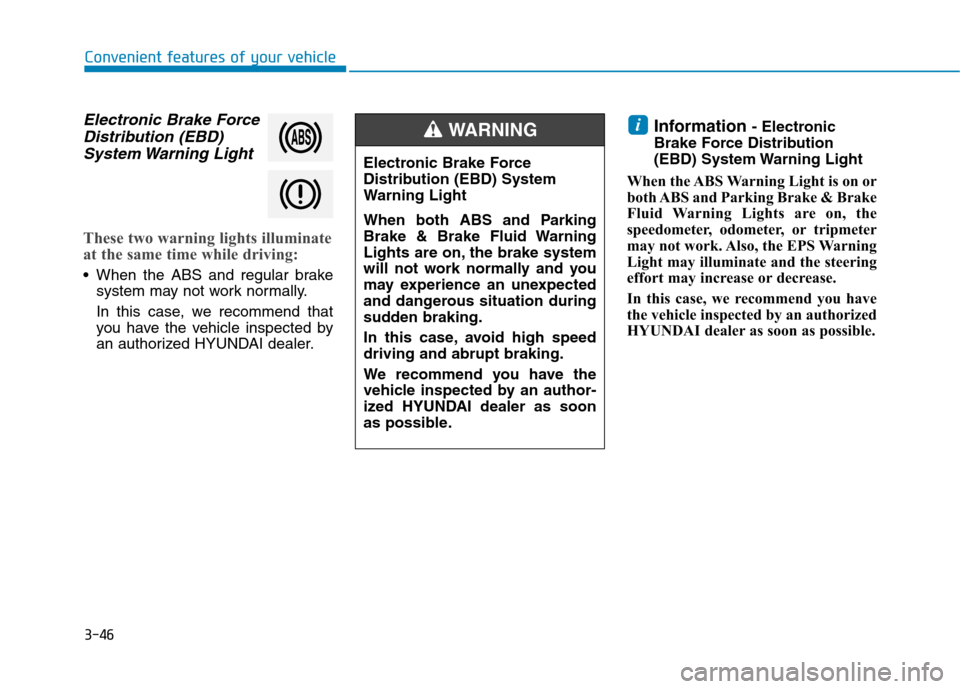
Electronic Brake ForceDistribution (EBD)
System Warning Light
These two warning lights illuminate
at the same time while driving:
When the ABS and regular brake system may not work normally.
In this case, we recommend that
you have the vehicle inspected by
an authorized HYUNDAI dealer. Information
- Electronic
Brake Force Distribution
(EBD) System Warning Light
When the ABS Warning Light is on or
both ABS and Parking Brake & Brake
Fluid Warning Lights are on, the
speedometer, odometer, or tripmeter
may not work. Also, the EPS Warning
Light may illuminate and the steering
effort may increase or decrease.
In this case, we recommend you have
the vehicle inspected by an authorized
HYUNDAI dealer as soon as possible.
i
Electronic Brake Force
Distribution (EBD) System
Warning Light
When both ABS and Parking
Brake & Brake Fluid Warning
Lights are on, the brake system
will not work normally and you
may experience an unexpected
and dangerous situation during
sudden braking.
In this case, avoid high speed driving and abrupt braking.
We recommend you have the
vehicle inspected by an author-
ized HYUNDAI dealer as soon
as possible.
WARNING
Page 133 of 523
3-50
Convenient features of your vehicle
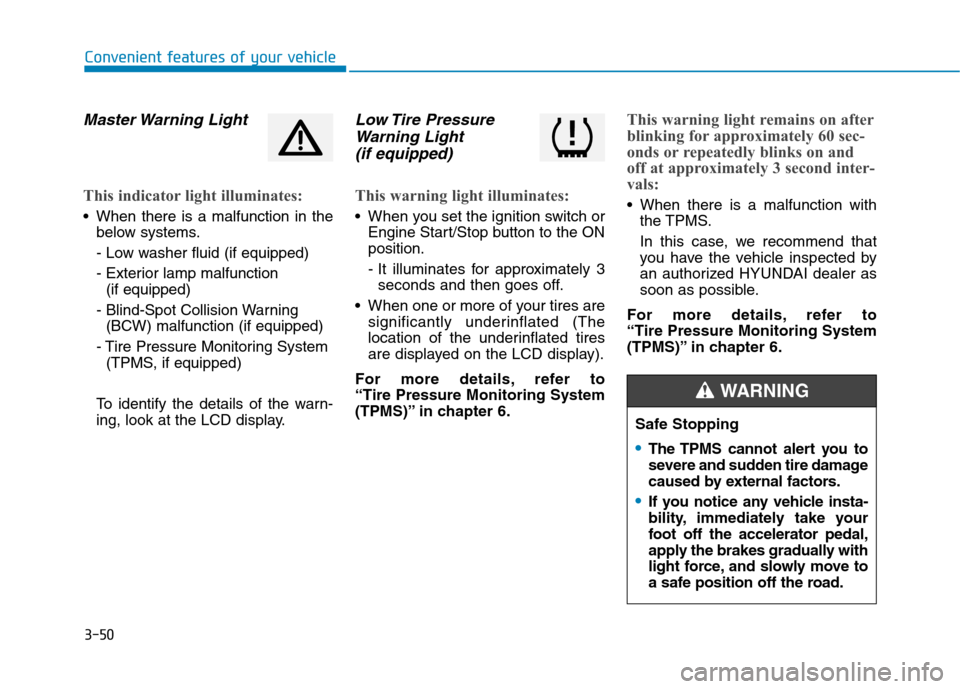
Master Warning Light
This indicator light illuminates:
When there is a malfunction in thebelow systems.
- Low washer fluid (if equipped)
- Exterior lamp malfunction(if equipped)
- Blind-Spot Collision Warning (BCW) malfunction (if equipped)
- Tire Pressure Monitoring System (TPMS, if equipped)
To identify the details of the warn-
ing, look at the LCD display.
Low Tire Pressure Warning Light
(if equipped)
This warning light illuminates:
When you set the ignition switch or Engine Start/Stop button to the ON position.
- It illuminates for approximately 3seconds and then goes off.
When one or more of your tires are significantly underinflated (The
location of the underinflated tires
are displayed on the LCD display).
For more details, refer to “Tire Pressure Monitoring System
(TPMS)” in chapter 6.
This warning light remains on after
blinking for approximately 60 sec-
onds or repeatedly blinks on and
off at approximately 3 second inter-
vals:
When there is a malfunction with the TPMS.
In this case, we recommend that
you have the vehicle inspected by
an authorized HYUNDAI dealer as
soon as possible.
For more details, refer to “Tire Pressure Monitoring System
(TPMS)” in chapter 6.
Safe Stopping
The TPMS cannot alert you to
severe and sudden tire damage
caused by external factors.
If you notice any vehicle insta-
bility, immediately take your
foot off the accelerator pedal,
apply the brakes gradually with
light force, and slowly move to
a safe position off the road.
WARNING
Page 135 of 523
3-52
Convenient features of your vehicle
AUTO STOP IndicatorLight (if equipped)
This indicator light illuminates:
When the engine enters the Idle Stop mode of the ISG (Idle Stop and Go) system.
This indicator light blinks:
When the automatic starting occurs,the AUTO STOP indicator on the
cluster will blink for 5 seconds.
For more details, refer to the “ISG
(Idle Stop and Go) system” in chap-ter 5.
Information
When the engine automatically starts
by the ISG system, some warning
lights(ABS, ESC, ESC OFF, EPS or
Parking brake warning light) may
turn on for a few seconds.
This happens because of low battery
voltage. It does not mean the system
has malfunctioned.
Immobilizer Indicator Light (without smart key)
(if equipped)
This indicator light illuminates:
When the vehicle detects the immobilizer in the key with the igni-
tion switch in the ON position.
- At this time, you can start theengine.
- The indicator light goes off after starting the engine.
This indicator light blinks:
When there is a malfunction with the immobilizer system.
In this case, we recommend that
you have the vehicle inspected by
an authorized HYUNDAI dealer.
Immobilizer Indicator
Light (with smart key)
(if equipped)
This indicator light illuminates for
up to 30 seconds:
When the vehicle detects the smart key in the vehicle with the
Engine Start/Stop button in the
ACC or ON position.
- At this time, you can start theengine.
- The indicator light goes off after starting the engine.
This indicator light blinks for a few
seconds:
When the smart key is not in the vehicle.
- At this time, you cannot start theengine.i
Page 139 of 523
3-56
Convenient features of your vehicle
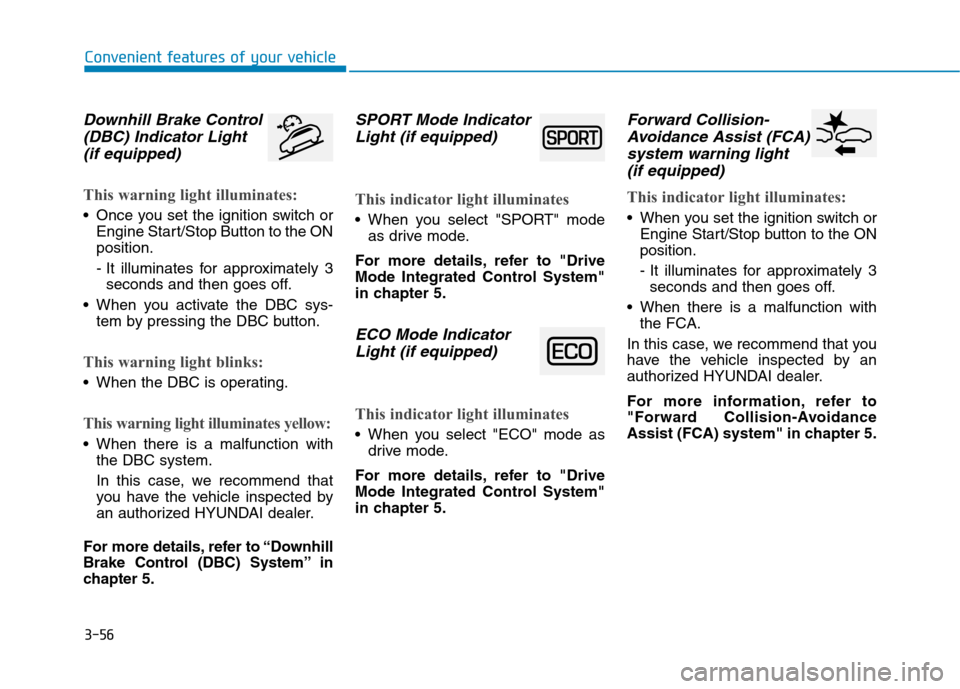
Downhill Brake Control(DBC) Indicator Light
(if equipped)
This warning light illuminates:
Once you set the ignition switch or Engine Start/Stop Button to the ON position.
- It illuminates for approximately 3seconds and then goes off.
When you activate the DBC sys- tem by pressing the DBC button.
This warning light blinks:
When the DBC is operating.
This warning light illuminates yellow:
When there is a malfunction withthe DBC system.
In this case, we recommend that
you have the vehicle inspected by
an authorized HYUNDAI dealer.
For more details, refer to “Downhill
Brake Control (DBC) System” in
chapter 5.
SPORT Mode Indicator Light (if equipped)
This indicator light illuminates
When you select "SPORT" mode as drive mode.
For more details, refer to "Drive
Mode Integrated Control System"
in chapter 5.
ECO Mode Indicator Light (if equipped)
This indicator light illuminates
When you select "ECO" mode as drive mode.
For more details, refer to "Drive
Mode Integrated Control System"
in chapter 5.
Forward Collision- Avoidance Assist (FCA)
system warning light (if equipped)
This indicator light illuminates:
When you set the ignition switch or Engine Start/Stop button to the ON position.
- It illuminates for approximately 3seconds and then goes off.
When there is a malfunction with the FCA.
In this case, we recommend that you
have the vehicle inspected by an
authorized HYUNDAI dealer.
For more information, refer to
"Forward Collision-Avoidance
Assist (FCA) system" in chapter 5.
Page 141 of 523
3-58
Convenient features of your vehicle
Press START button while turn-ing wheel (for smart key sys-
tem)
This warning message is displayed if
the steering wheel does not unlock
normally when the Engine Start/Stop
button is pressed.
You should press the Engine Start/Stop
button while turning the steering wheel
right and left.
Steering wheel not locked (for smart key system)
This warning message is displayed if
the steering wheel is not locked while
the Engine Start/Stop button changesto the OFF position.
Check Steering Wheel LockSystem (for smart key system)
This warning message is displayed if
the steering wheel does not lock nor-
mally while the Engine Start/Stop but-ton changes to the OFF position.
Press brake pedal to start engine(for smart key system and dual
clutch transmission)
This warning message is displayed if
the Engine Start/Stop button changes
to the ACC position twice by pressing
the button repeatedly without depress-
ing the brake pedal.
You can start the vehicle by depressing
the brake pedal.
Press clutch pedal to start engine (for smart key system
and manual transmission)
This warning message is displayed if
the Engine Start/Stop button is in the
ACC position twice by pressing the
button repeatedly without depressingthe clutch pedal.
Depress the clutch pedal to start the
engine.
Key not in vehicle(for smart key system)
This warning message is displayed if
the smart key is not in the vehicle
when you open or close door in the
ACC position or ON position. The
warning sound is heard when you
close door without a smart key in
vehicle.
When attempting to start the vehicle
always have the smart key with you.
Key not detected (for smart key system)
This warning message is displayed if
the smart key is not detected when you
press the Engine Start/Stop button.
Page 142 of 523
3-59
Convenient features of your vehicle
3
Press START button with key(for smart key system)
This warning message is displayed if
you press the Engine Start/Stop but-
ton while the warning message “Key
not detected” is displayed.
At this time, the immobilizer indicator
light blinks.
Press START button again (for smart key system)
This message is displayed if you
were unable to start the vehicle when
the Engine Start/Stop button waspressed.
If this occurs, attempt to start the
engine by pressing the Engine
Start/Stop button again.
If the warning message appears
each time you press the Engine
Start/Stop button, we recommend
that you have your vehicle inspected
by an authorized HYUNDAI dealer.
Check BRAKE SWITCH fuse (for smart key system and dual
clutch transmission)
This warning message is displayed if
the brake switch fuse is disconnected.
You need to replace the fuse with a
new one. If that is not possible, you
can start the engine by pressing the
Engine Start/Stop button for 10 sec-
onds in the ACC position.
Shift to P or N to start engine (for smart key system and dual
clutch transmission)
This warning message is displayed if
you try to start the engine with the
shift lever not in the P (Park) or N
(Neutral) position.
Information
You can start the engine with the shift
lever in the N (Neutral) position. But,
for your safety, we recommend that
you start the engine with the shift
lever in the P (Park) position.
i
Page 149 of 523
3-66
Convenient features of your vehicle
Shift to P to edit settings /Engage parking brake to edit
settings
This warning message illuminates if
you try to select an item from the
User Settings mode while driving.
- Manual transmission
For your safety, change the User
Settings after engaging the parking
brake.
- Dual clutch transmission For your safety, change the User
Settings after parking the vehicle,
applying the parking brake and
moving the shift lever to P (Park).
Quick guide (Help, if equipped)
This mode provides quick guides forthe systems in the User Settings
mode. Select an item, press and hold the
OK button.
For more details about each sys-
tem, refer to this Owner’s Manual.
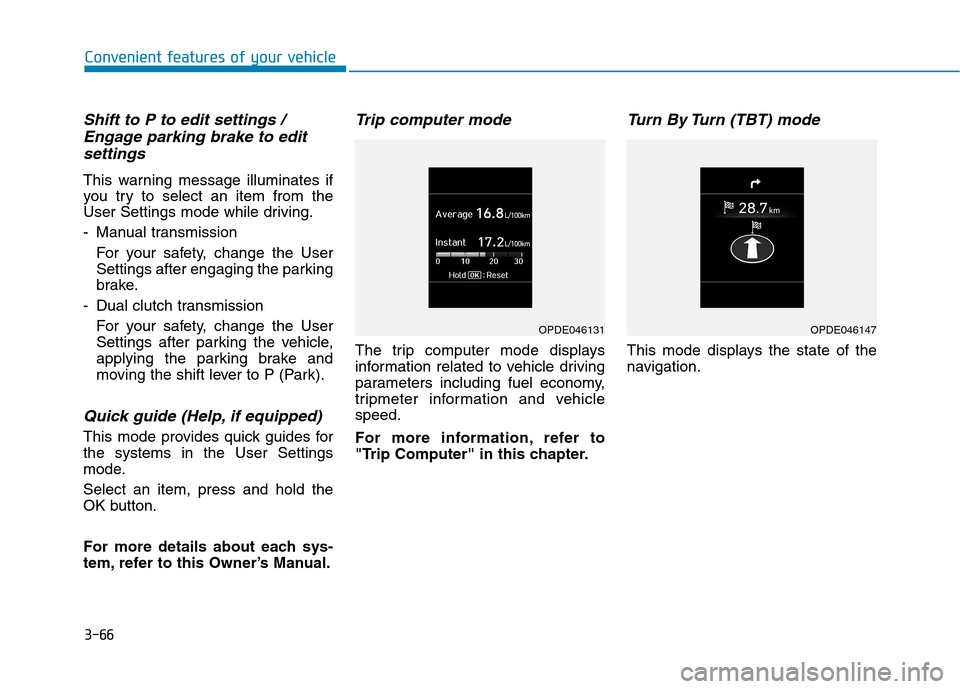
Trip computer mode
The trip computer mode displays
information related to vehicle driving
parameters including fuel economy,
tripmeter information and vehiclespeed.
For more information, refer to
"Trip Computer" in this chapter.
Turn By Turn (TBT) mode
This mode displays the state of the
navigation.
OPDE046131OPDE046147
Page 185 of 523

3-102
Convenient features of your vehicle
Non-operational conditions ofParking Distance Warning
(Reverse) system
The Parking Distance Warning
(Reverse) system may not operate
normally when:
Moisture is frozen to the sensor.
Sensor is covered with foreign mat- ter, such as snow or water, or the
sensor cover is blocked.
There is a possibility of the Parking
Distance Warning (Reverse) system
malfunction when:
Driving on uneven road surfacessuch as unpaved roads, gravel,
bumps, or gradient.
Objects generating excessive noise such as vehicle horns, loud motor-
cycle engines, or truck air brakes
can interfere with the sensor.
Heavy rain or water spray is present.
Wireless transmitters or mobile phones are present near the sensor.
The sensor is covered with snow.
Any non-factory equipment or acces- sories have been installed, or if the
vehicle bumper height or sensorinstallation has been modified.
Detecting range may decrease when:
Outside air temperature is extreme-ly hot or cold.
Undetectable objects smaller than 1 m (40 inches) and narrower than
14 cm (6 inches) in diameter.
Page 189 of 523
3-106
Convenient features of your vehicle
Non-operational conditions ofParking Distance Warning
(Reverse/Forward) system
Parking Distance Warning
(Reverse/Forward) system may not
operate normally when:
Moisture is frozen to the sensor.
Sensor is covered with foreign mat- ter, such as snow or water, or the
sensor cover is blocked.
There is a possibility of Parking
Distance Warning (Reverse/Forward)
system malfunction when:
Driving on uneven road surfacessuch as unpaved roads, gravel,
bumps, or gradient.
Objects generating excessive noise such as vehicle horns, loud motor-
cycle engines, or truck air brakes
can interfere with the sensor.
Heavy rain or water spray is present.
Wireless transmitters or mobile phones are present near the sensor.
The sensor is covered with snow.
Any non-factory equipment or accessories have been installed, or
if the vehicle bumper height or sen-sor installation has been modified.
Detecting range may decrease when:
Outside air temperature isextremely hot or cold.
Undetectable objects smaller than 1 m and narrower than 14 cm in
diameter.
The following objects may not be
recognized by the sensor:
Sharp or slim objects such asropes, chains or small poles.
Objects, which tend to absorb sen- sor frequency such as clothes,
spongy material or snow.
Parking Distance Warning
(Reverse/Forward) system
precautions
The Parking Distance Warning (Reverse/Forward) system may notsound consistently depending on thespeed and shapes of the objectsdetected.
The Parking Distance Warning (Reverse/Forward) system may mal-
function if the vehicle bumper heightor sensor installation has been mod-
ified or damaged. Any non-factory
installed equipment or accessories
may also interfere with the sensor
performance.
The sensor may not recognize objects less than 30 cm (11 in.) from
the sensor, or it may sense an incor-
rect distance. Use caution.
When the sensor is frozen or stained with snow, dirt, or water, the sensor
may be inoperative until the stains
are removed using a soft cloth.
Do not push, scratch or strike the sensor. Sensor damage could occur.
Do not spray the sensors or its sur- rounding area directly with a high
pressure washer. Shock applied
from high pressure water may cause
the device to not operate normally.
Your new vehicle warranty does
not cover any accidents or dam-
age to the vehicle or injuries toits occupants related to a
Parking Distance Warning
(Reverse/Forward) system.
Always drive safely and cau-
tiously.
WARNING
Page 255 of 523
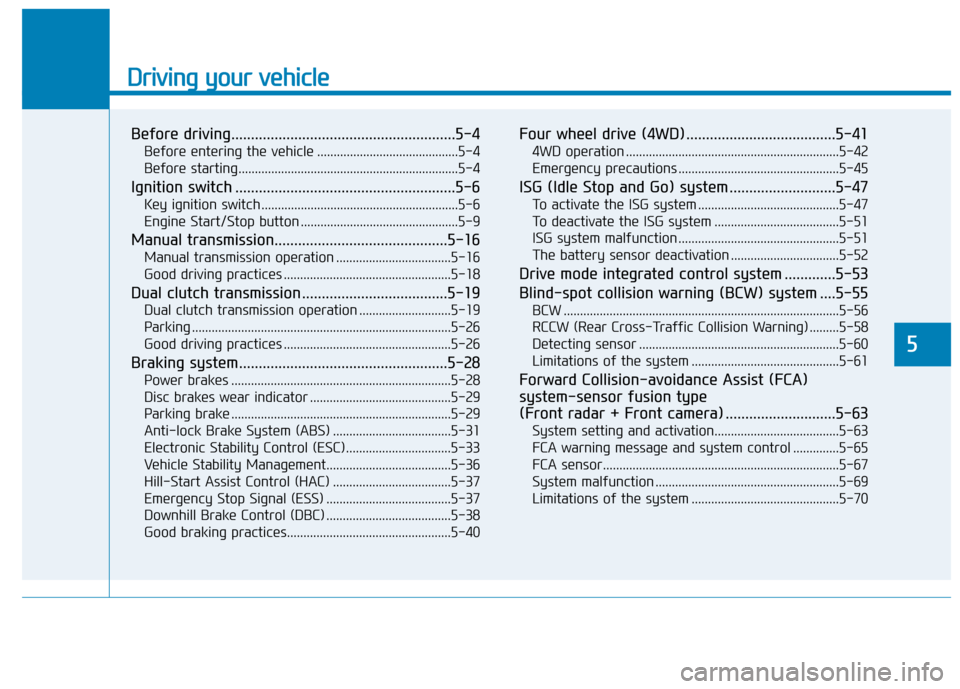
Driving your vehicle
Before driving.........................................................5-4Before entering the vehicle ...........................................5-4
Before starting...................................................................5-4
Ignition switch ........................................................5-6 Key ignition switch ............................................................5-6
Engine Start/Stop button ................................................5-9
Manual transmission............................................5-16 Manual transmission operation ...................................5-16
Good driving practices ...................................................5-18
Dual clutch transmission .....................................5-19 Dual clutch transmission operation ............................5-19
Parking ...............................................................................5-26
Good driving practices ...................................................5-26
Braking system.....................................................5-28 Power brakes ...................................................................5-28
Disc brakes wear indicator ...........................................5-29
Parking brake ...................................................................5-29
Anti-lock Brake System (ABS) ....................................5-31
Electronic Stability Control (ESC)................................5-33
Vehicle Stability Management......................................5-36
Hill-Start Assist Control (HAC) ....................................5-37
Emergency Stop Signal (ESS) ......................................5-37
Downhill Brake Control (DBC) ......................................5-38
Good braking practices..................................................5-40 Four wheel drive (4WD) ......................................5-41
4WD operation .................................................................5-42
Emergency precautions .................................................5-45
ISG (Idle Stop and Go) system ...........................5-47 To activate the ISG system ...........................................5-47
To deactivate the ISG system ......................................5-51
ISG system malfunction .................................................5-51
The battery sensor deactivation .................................5-52
Drive mode integrated control system .............5-53
Blind-spot collision warning (BCW) system ....5-55 BCW ....................................................................................5-56
RCCW (Rear Cross-Traffic Collision Warning) .........5-58
Detecting sensor .............................................................5-60
Limitations of the system .............................................5-61
Forward Collision-avoidance Assist (FCA)system-sensor fusion type
(Front radar + Front camera) ............................5-63 System setting and activation......................................5-63
FCA warning message and system control ..............5-65
FCA sensor........................................................................5-67
System malfunction ........................................................5-69
Limitations of the system .............................................5-70
5