bluetooth Hyundai Kona 2018 Owner's Guide
[x] Cancel search | Manufacturer: HYUNDAI, Model Year: 2018, Model line: Kona, Model: Hyundai Kona 2018Pages: 523, PDF Size: 33.6 MB
Page 251 of 523
![Hyundai Kona 2018 Owners Guide 4-30
Multimedia System
Contacts
Press the [PHONE]button on the
audio system ➟Select [Contacts] ➟
Select letter (ABC) ➟Contacts dis-
played.
(1) Contacts: Display downloaded contacts.
If one](/img/35/16231/w960_16231-250.png "Hyundai Kona 2018 Owners Guide 4-30
Multimedia System
Contacts
Press the [PHONE]button on the
audio system ➟Select [Contacts] ➟
Select letter (ABC) ➟Contacts dis-
played.
(1) Contacts: Display downloaded contacts.
If one")
4-30
Multimedia System
Contacts
Press the [PHONE]button on the
audio system ➟Select [Contacts] ➟
Select letter (ABC) ➟Contacts dis-
played.
(1) Contacts: Display downloaded contacts.
If one phone number is saved, the
number will be dialled whenselected.
If two or more phone numbers are
saved, a list of saved numbers will
be displayed when selected.
Menu
Press the [MENU]button, and select
the desired function.
Download: Download contacts from connected Bluetooth ®
devices.
Information
Only supported contacts format can be downloaded and displayed from
the Bluetooth device, contacts from
some applications will not be included.
Up to 2,000 contacts can be saved.
In some cases, additional confirma- tion from your Bluetooth ®
device is
necessary when downloading con-
tacts. If downloading of contacts
unsuccessful, consult your Bluetooth ®
device’s settings or the audio screen to
approve the download.
Contacts without phone numbers are not displayed.
Settings
Press the [PHONE]button on the
audio ➟Select [Settings].
- For more details, refer to Setup ➟
Bluetooth page.
i
Page 252 of 523
![Hyundai Kona 2018 Owners Guide 4-31
Multimedia System
4
Setup
Access Display, Sound, Date/Time,
Bluetooth, System and Display Off
settings. Press the [SETUP/CLOCK] button
on the audio system.
Display
Press the [SETUP/CLOCK] butt](/img/35/16231/w960_16231-251.png "Hyundai Kona 2018 Owners Guide 4-31
Multimedia System
4
Setup
Access Display, Sound, Date/Time,
Bluetooth, System and Display Off
settings. Press the [SETUP/CLOCK] button
on the audio system.
Display
Press the [SETUP/CLOCK] butt")
4-31
Multimedia System
4
Setup
Access Display, Sound, Date/Time,
Bluetooth, System and Display Off
settings. Press the [SETUP/CLOCK] button
on the audio system.
Display
Press the [SETUP/CLOCK] button
on the audio system ➟Select
[Display].
Dimming mode: Brightness is auto- matically adjusted according to the
headlight use.
Brightness: The brightness of the audio screen can be changed.
Screensaver: Set the information displayed when the audio system
is switched off or the screen is
turned off.
Sound
Press the [SETUP/CLOCK] button
on the audio system ➟Select
[Sound].
Position: Sound balance and fader can be adjusted.
Equaliser: Sound tone color can be adjusted.
Speed dependent volume control: Automatically adjust volume based
on vehicle speed.
Rear parking sensors prioritised: Automatically lower audio volume
while reversing.
Date/Time
Press the [SETUP/CLOCK] button
on the audio system ➟Select
[Date/Time].
Set time: Set the time displayed on the audio screen.
Time format: Choose betw een 12-
hour and 24-hour time formats.
Set date: Set the date displayed on the audio screen.
Page 253 of 523
![Hyundai Kona 2018 Owners Guide 4-32
Multimedia System
Bluetooth
Press the [SETUP/CLOCK] button
➟ Select [Bluetooth].
Connections: Control pairing, dele- tion, connection and disconnection of Bluetooth ®
devices.
Auto connectio](/img/35/16231/w960_16231-252.png "Hyundai Kona 2018 Owners Guide 4-32
Multimedia System
Bluetooth
Press the [SETUP/CLOCK] button
➟ Select [Bluetooth].
Connections: Control pairing, dele- tion, connection and disconnection of Bluetooth ®
devices.
Auto connectio")
4-32
Multimedia System
Bluetooth
Press the [SETUP/CLOCK] button
➟ Select [Bluetooth].
Connections: Control pairing, dele- tion, connection and disconnection of Bluetooth ®
devices.
Auto connection priority: Set the connection priority of Bluetooth ®
devices when the vehicle is started.
Update contacts: Contacts can be
downloaded from connectedBluetooth ®
devices.
Bluetooth voice guidance: Play or mute voice prompts for Bluetooth ®
device pairing, connection and
errors. Information
When paired devices are deleted, the call history and contacts of the
device saved to the audio system are
deleted.
For Bluetooth ®
connections with
low connection priority, some time
may be required for the connection
to be established.
Contacts can be downloaded only from the currently connected
Bluetooth ®
device.
If no Bluetooth ®
device is connected,
the Download Contacts button is
disabled.
If the language setting is Slovakian or Hungarian, Bluetooth voice guid-
ance is not supported.
System
Press the [SETUP/CLOCK] button
on the audio system ➟Select
[System].
Language: Change the user lan- guage.
Default: Reset the audio system.
Information
The system resets to the default val-
ues, and all saved data and settings
are lost.
Display Off
To prevent glare, the screen can be
turned off with the audio system in
operation. Press the [SETUP/CLOCK] button
on the audio system ➟Select
[Display Off].
Information
Use ‘Screensaver’ to set the informa-
tion to be displayed when the screen is
turned off.
i
i
i
Page 513 of 523
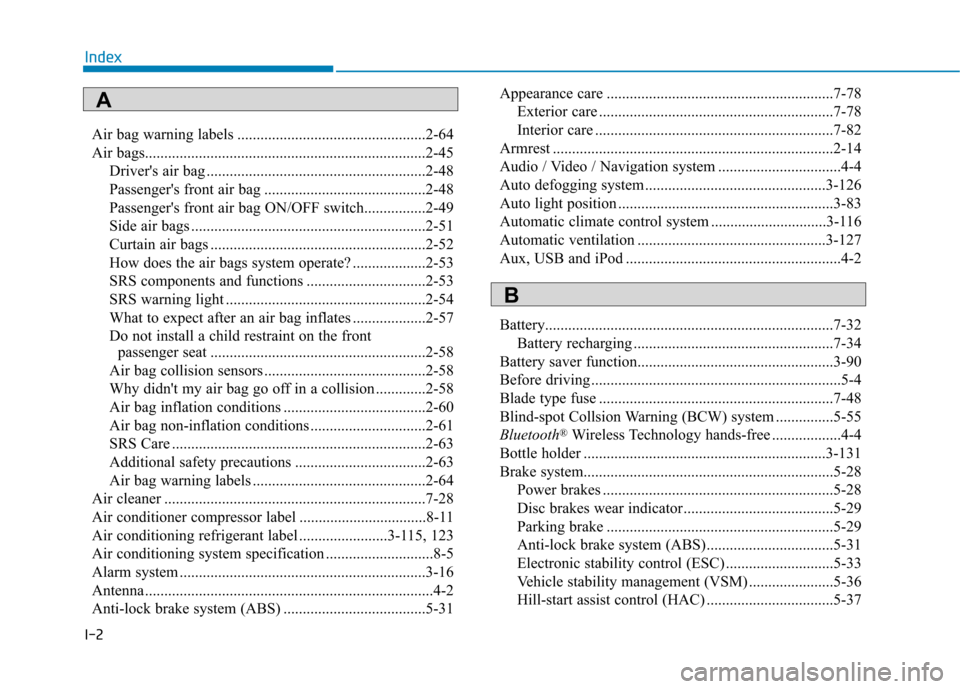
I-2Air bag warning labels .................................................2-64
Air bags.........................................................................2-45
Driver's air bag .........................................................2-48
Passenger's front air bag ..........................................2-48
Passenger's front air bag ON/OFF switch................2-49
Side air bags .............................................................2-51
Curtain air bags ........................................................2-52
How does the air bags system operate? ...................2-53
SRS components and functions ...............................2-53
SRS warning light ....................................................2-54
What to expect after an air bag inflates ...................2-57
Do not install a child restraint on the front passenger seat ........................................................2-58
Air bag collision sensors ..........................................2-58
Why didn't my air bag go off in a collision .............2-58
Air bag inflation conditions .....................................2-60
Air bag non-inflation conditions ..............................2-61
SRS Care ..................................................................2-63
Additional safety precautions ..................................2-63
Air bag warning labels .............................................2-64
Air cleaner ....................................................................7-28
Air conditioner compressor label .................................8-11
Air conditioning refrigerant label .......................3-115, 123
Air conditioning system specification ............................8-5
Alarm system ................................................................3-16
Antenna ...........................................................................4-2
Anti-lock brake system (ABS) .....................................5-31 Appearance care ...........................................................7-78
Exterior care .............................................................7-78
Interior care ..............................................................7-82
Armrest .........................................................................2-14
Audio / Video / Navigation system ................................4-4
Auto defogging system ...............................................3-126
Auto light position ........................................................3-83
Automatic climate control system ..............................3-116
Automatic ventilation .................................................3-127
Aux, USB and iPod ........................................................4-2
Battery...........................................................................7-32 Battery recharging ....................................................7-34
Battery saver function...................................................3-90
Before driving .................................................................5-4
Blade type fuse .............................................................7-48
Blind-spot Collsion Warning (BCW) system ...............5-55
Bluetooth ®
Wireless Technology hands-free ..................4-4
Bottle holder ...............................................................3-131
Brake system.................................................................5-28 Power brakes ............................................................5-28
Disc brakes wear indicator.......................................5-29
Parking brake ...........................................................5-29
Anti-lock brake system (ABS).................................5-31
Electronic stability control (ESC) ............................5-33
Vehicle stability management (VSM) ......................5-36
Hill-start assist control (HAC) .................................5-37
Index
A
B
Page 519 of 523
I-8Light bulbs ....................................................................7-64
Lighting.........................................................................3-83
Auto light position ...................................................3-83
Position lamp position..............................................3-84
Headlamp position ...................................................3-84
High beam operation ................................................3-84
High beam assist (HBA) ..........................................3-85
Turn signals ..............................................................3-88
Lane change signals .................................................3-88
Rear fog lamp...........................................................3-89
Battery saver function ..............................................3-90
Headlamp delay function .........................................3-90
Daytime running light (DRL) ..................................3-91
Headlamp leveling device ........................................3-91
Low Beam Assist-Static light...................................3-92
Low Beam Assist-Static light .......................................3-92
Lubricants and capacities ...............................................8-7
Luggage compartment lamp .........................................3-94
Luggage net (holder) ..................................................3-136
Luggage tray ...............................................................3-130
Main fuse ......................................................................7-49
Maintenance services......................................................7-4 Maintenance services .................................................7-4
Owner maintenance....................................................7-5
Scheduled maintenance services ................................7-7
Normal maintenance schedule ............................7-8, 13 Maintenance under severe usage conditions......7-11, 17
Explanation of scheduled maintenance items ..........7-19
Tire maintenance ......................................................7-41
Maintenance under severe usage conditions (for Europe) ................................................................7-11
Maintenance under severe usage conditions (except Europe) ..........................................................7-17
Manual climate control system...................................3-108
Manual transmission .....................................................5-16 Using the clutch .......................................................5-16
Downshifting ............................................................5-17
Good driving practices .............................................5-18
Manual transmission shift indicator .............................3-42
Mirrors ..........................................................................3-19 Day/night rearview mirror .......................................3-19
Electric chromic mirror (ECM) ...............................3-20
Inside rearview mirror..............................................3-19
Outside rearview mirror ...........................................3-20
Adjusting the outside rearview mirrors ...................3-21
Folding/Unfolding the outside rearview mirror.......3-22
Moonroof, see sunroof..................................................3-27
Multi box ....................................................................3-129
Multi fuse......................................................................7-49
Multimedia system .........................................................4-2 Aux, USB and iPod....................................................4-2
Antenna ......................................................................4-2
Steering wheel audio control .....................................4-3
Audio / Video / Navigation system............................4-4
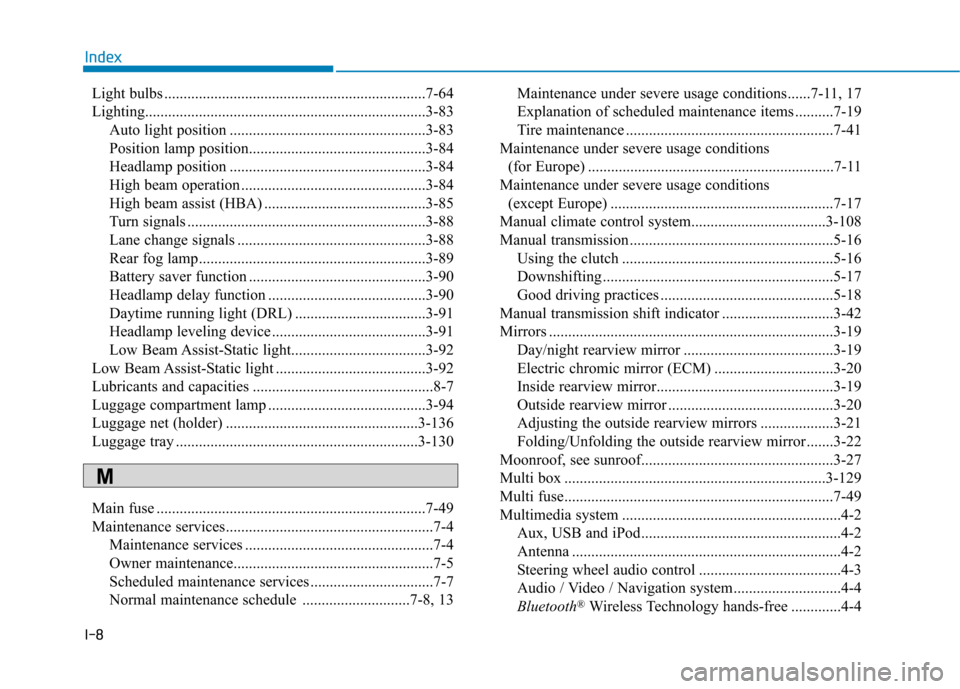
Bluetooth ®
Wireless Technology hands-free .............4-4
Index
M