warning HYUNDAI KONA EV 2023 Owners Manual
[x] Cancel search | Manufacturer: HYUNDAI, Model Year: 2023, Model line: KONA EV, Model: HYUNDAI KONA EV 2023Pages: 548, PDF Size: 49.14 MB
Page 406 of 548
07
7-7 3
•
When you are towing a trailer or
another vehicle, we recommend that
Smart Cruise Control is turned off
due to safety reasons.
• Turn off Smart Cruise Control when
your vehicle is being towed.
• Smart Cruise Control may not
operate normally if interfered by
strong electromagnetic waves.
• Smart Cruise Control may not
detect an obstacle in front and lead
to a collision. Always look ahead
cautiously to prevent unexpected
and sudden situations from
occurring.
• vehicles moving in front of you with
a frequent lane change may cause
a delay in the function reaction or
may cause the function to react to a
vehicle actually in an adjacent lane.
Always drive cautiously to prevent
unexpected and sudden situations
from occurring.
• Always be aware of the surroundings
and drive safely, even though a
warning message does not appear or
an audible warning does not sound.
• If any other system’s warning
message is displayed or warning
sound is generated, Smart Cruise
Control warning message may not
be displayed and warning sound may
not be generated.
• You may not hear the warning sound
of Forward Collision-Avoidance
Assist if the surrounding is noisy.
• The vehicle manufacturer is not
responsible for any traffic violation
or accidents caused by the driver.
• Always set the vehicle speed under
the speed limit in your country.
• vehicle distance, acceleration and
reaction speed may change if the
driver’s driving style changes.
CAUTION
• The vehicle must be driven
sufficiently to reflect the actual
driving style of the driver, such as
inter-vehicle distance, acceleration
and reaction speed.
• Based on driving style does not
reflect whether the driver has
changed when determining the
driver's driving style.
• If you are driving in special
conditions, such as snow, rain, fog
or steep slopes, the vehicle may not
be driven according to the driver’s
driving style.
Information
• Smart Cruise Control may not operate
for 15 seconds after the vehicle is
started or the front view camera or
front radar is initialized.
• You may hear a sound when the brake
is controlled by Smart Cruise Control.
Page 407 of 548
Driver assistance system
7-74
Smart Cruise Control
malfunction and limitations
Smart Cruise Control malfunction
OTM070116N
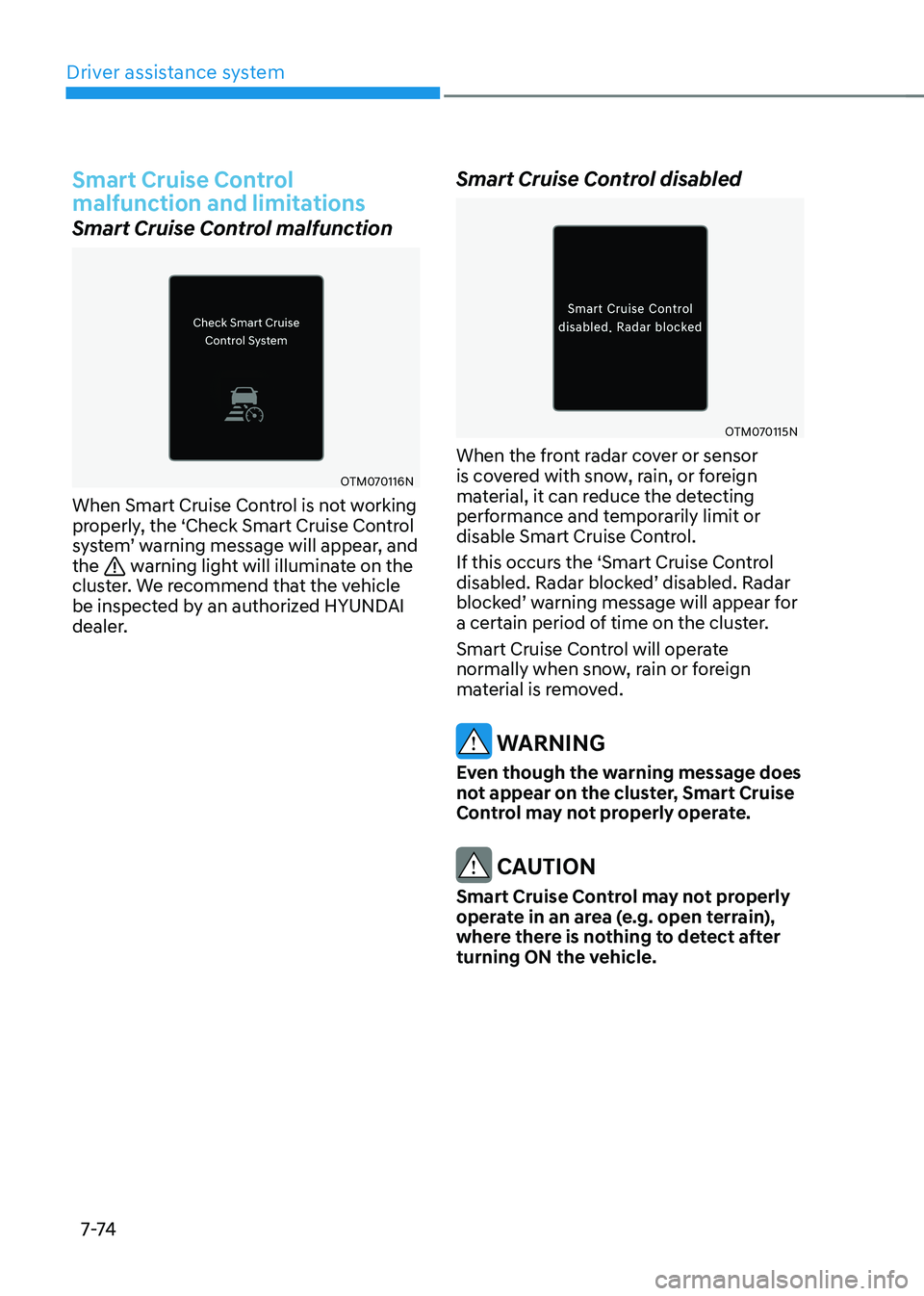
When Smart Cruise Control is not working
properly, the ‘Check Smart Cruise Control
system’ warning message will appear, and the
warning light will illuminate on the
cluster. We recommend that the vehicle
be inspected by an authorized HYUNDAI
dealer. Smart Cruise Control disabled
OTM070115N
When the front radar cover or sensor
is covered with snow, rain, or foreign
material, it can reduce the detecting
performance and temporarily limit or
disable Smart Cruise Control.
If this occurs the ‘Smart Cruise Control
disabled. Radar blocked’ disabled. Radar
blocked’ warning message will appear for
a certain period of time on the cluster.
Smart Cruise Control will operate
normally when snow, rain or foreign
material is removed.
warning
even though the warning message does
not appear on the cluster, Smart Cruise
Control may not properly operate.
CAUTION
Smart Cruise Control may not properly
operate in an area (e.g. open terrain),
where there is nothing to detect after
turning ON the vehicle.
Page 414 of 548
07
7-81
Navigation-based Smart Cruise
Control operation
Operating conditions
Navigation-based Smart Cruise Control
is ready to operate if all of the following
conditions are satisfied: • Smart Cruise Control is operating
• Driving on main roads of highways (or
motorways)
Information
For more details on how to operate Smart
Cruise Control, refer to “Smart Cruise
Control (SCC)” section in this chapter.
Navigation-based Smart Cruise
Control display and control
When Navigation-based Smart Cruise
Control operates, it will be displayed on
the cluster as follows: • Navigation-based Smart Cruise
Control standby
OTM070160
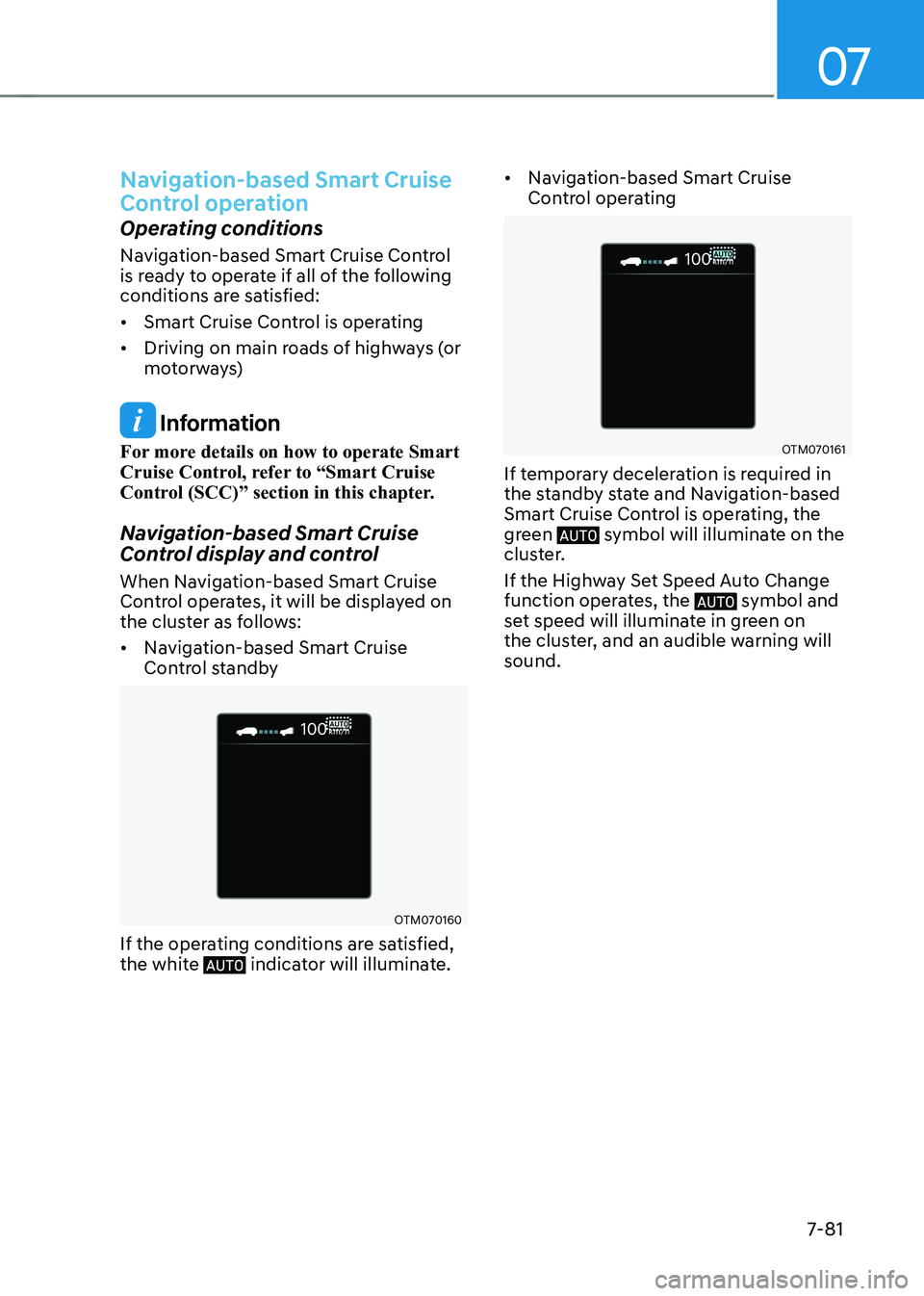
If the operating conditions are satisfied,
the white
indicator will illuminate. •
Navigation-based Smart Cruise
Control operating
OTM070161
If temporary deceleration is required in
the standby state and Navigation-based
Smart Cruise Control is operating, the
green
symbol will illuminate on the
cluster.
If the Highway Set Speed Auto Change
function operates, the
symbol and
set speed will illuminate in green on
the cluster, and an audible warning will sound.
Page 415 of 548
Driver assistance system
7-82
warning
OOSEV071123N
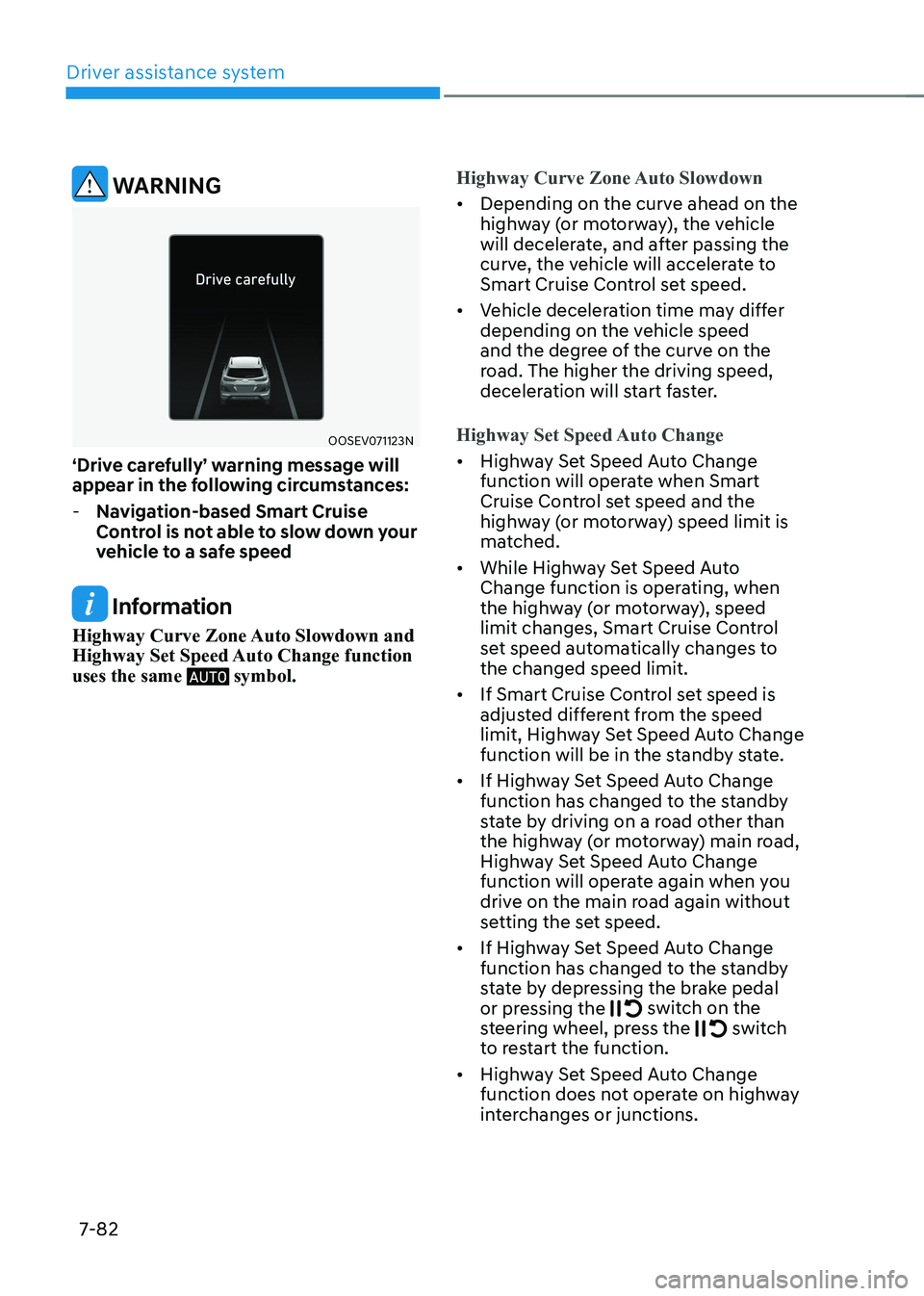
‘Drive carefully’ warning message will
appear in the following circumstances:
- Navigation-based Smart Cruise
Control is not able to slow down your
vehicle to a safe speed
Information
Highway Curve Zone Auto Slowdown and
Highway Set Speed Auto Change function uses the same
symbol.
Highway Curve Zone Auto Slowdown
• Depending on the curve ahead on the
highway (or motorway), the vehicle
will decelerate, and after passing the
curve, the vehicle will accelerate to
Smart Cruise Control set speed.
• Vehicle deceleration time may differ
depending on the vehicle speed
and the degree of the curve on the
road. The higher the driving speed,
deceleration will start faster.
Highway Set Speed Auto Change
• Highway Set Speed Auto Change
function will operate when Smart
Cruise Control set speed and the
highway (or motorway) speed limit is
matched.
• While Highway Set Speed Auto
Change function is operating, when
the highway (or motorway), speed
limit changes, Smart Cruise Control
set speed automatically changes to the changed speed limit.
• If Smart Cruise Control set speed is
adjusted different from the speed
limit, Highway Set Speed Auto Change
function will be in the standby state.
• If Highway Set Speed Auto Change
function has changed to the standby
state by driving on a road other than
the highway (or motorway) main road,
Highway Set Speed Auto Change
function will operate again when you
drive on the main road again without
setting the set speed.
• If Highway Set Speed Auto Change
function has changed to the standby
state by depressing the brake pedal
or pressing the
switch on the
steering wheel, press the switch
to restart the function.
• Highway Set Speed Auto Change
function does not operate on highway
interchanges or junctions.
Page 418 of 548
![HYUNDAI KONA EV 2023 Owners Manual 07
7-85
OJX1070281L
[1] : Set route, [2] : Branch line, [3] : Driving route,
[4] : Main road, [5] : Curved road section • When there is a difference between
the navigation route (main road)
an](/img/35/56170/w960_56170-417.png "HYUNDAI KONA EV 2023 Owners Manual 07
7-85
OJX1070281L
[1] : Set route, [2] : Branch line, [3] : Driving route,
[4] : Main road, [5] : Curved road section • When there is a difference between
the navigation route (main road)
an")
07
7-85
OJX1070281L
[1] : Set route, [2] : Branch line, [3] : Driving route,
[4] : Main road, [5] : Curved road section • When there is a difference between
the navigation route (main road)
and the driving route (branch line),
Highway Curve Zone Auto Slowdown
function will operate based on the
curve information on the main road.
• When it is judged that you are driving
out of the route by entering the
highway interchange or junction,
Highway Curve Zone Auto Slowdown
function will not operate.
OJX1070282L
[1] : Driving route, [2] : Branch line,
[3] : Curved road section, [4] : Main road • If there is no destination set on the
navigation, Highway Curve Zone Auto
Slowdown function will operate based
on the curve information on the main
road.
• Even if you depart from the main road,
Highway Curve Zone Auto Slowdown
function may temporarily operate
due to navigation information of the
highway curve section.
warning
• Navigation-based Smart Cruise
Control is not a substitute for safe
driving practices, but a convenience
function. Always have your eyes on
the road, and it is the responsibility
of the driver to avoid violating traffic
laws.
• The navigation’s speed limit
information may differ from the
actual speed limit information on the
road. It is the driver's responsibility
to check the speed limit on the
actual driving road or lane.
• Navigation-based Smart Cruise
Control will automatically be
cancelled when you leave the
highway (or motorway) main road.
Always pay attention to road and
driving conditions while driving.
• Navigation-based Smart Cruise
Control may not operate due to the
existence of leading vehicles and
the driving conditions of the vehicle.
Always pay attention to road and
driving conditions while driving.
• When you are towing a trailer or
another vehicle, we recommend
that Navigation-based Smart Cruise
Control is turned off due to safety
reasons.
• After you pass through a tollgate on a
highway (or motorway), Navigation-
based Smart Cruise Control will
operate based on the first lane. If
you enter one of the other lanes, the
function might not operate properly.
Page 421 of 548
Driver assistance system
7-88
OOS070110N
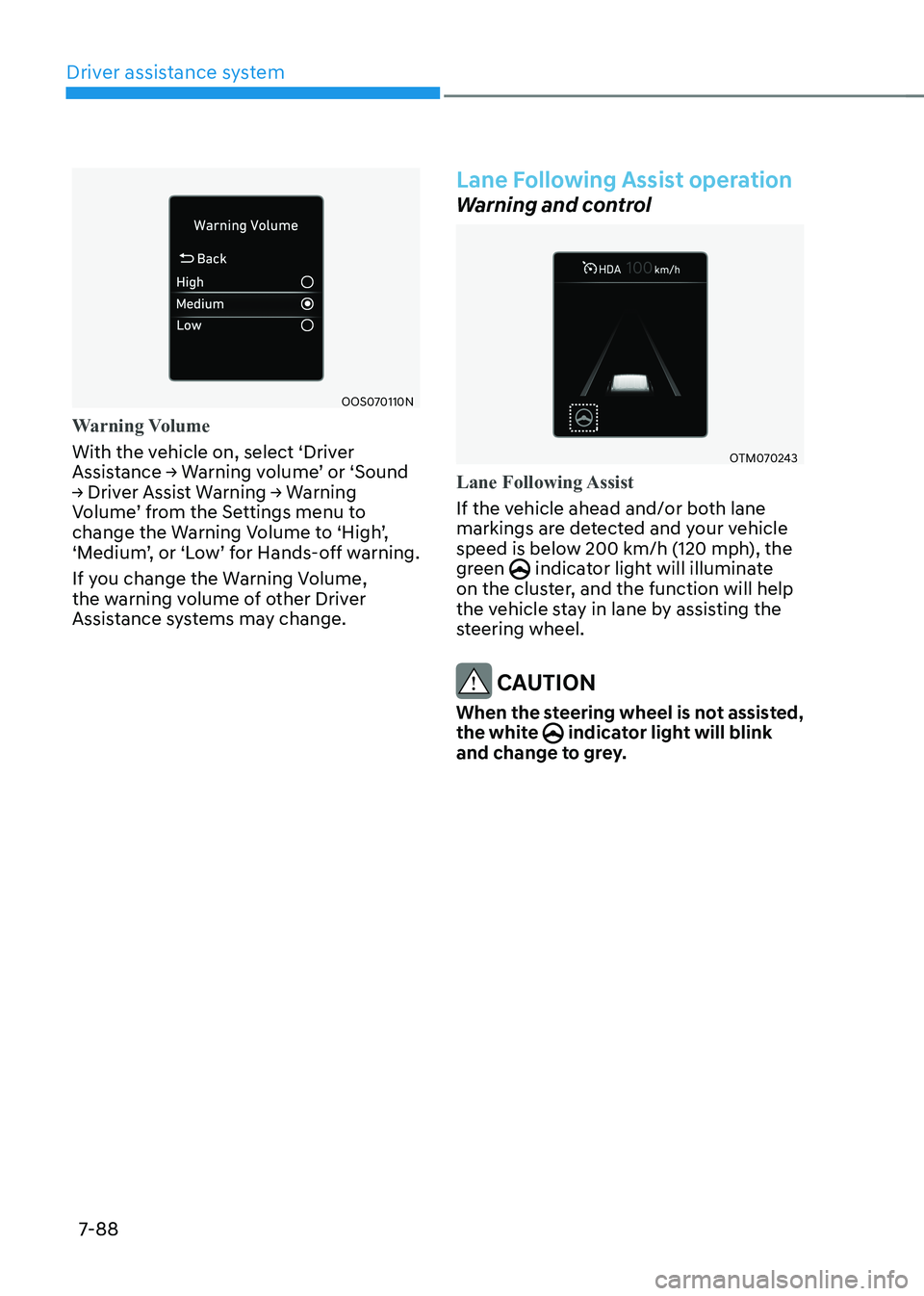
Warning Volume
With the vehicle on, select ‘Driver
Assistance → Warning volume’ or ‘Sound
→ Driver Assist Warning → Warning
Volume’ from the Settings menu to
change the Warning Volume to ‘High’,
‘Medium’, or ‘Low’ for Hands-off warning.
If you change the Warning Volume,
the warning volume of other Driver
Assistance systems may change.
Lane Following Assist operation
Warning and control
OTM070243
Lane Following Assist
If the vehicle ahead and/or both lane
markings are detected and your vehicle
speed is below 200 km/h (120 mph), the
green
indicator light will illuminate
on the cluster, and the function will help
the vehicle stay in lane by assisting the
steering wheel.
CAUTION
When the steering wheel is not assisted,
the white
indicator light will blink
and change to grey.
Page 422 of 548
07
7-89
OTM070037N
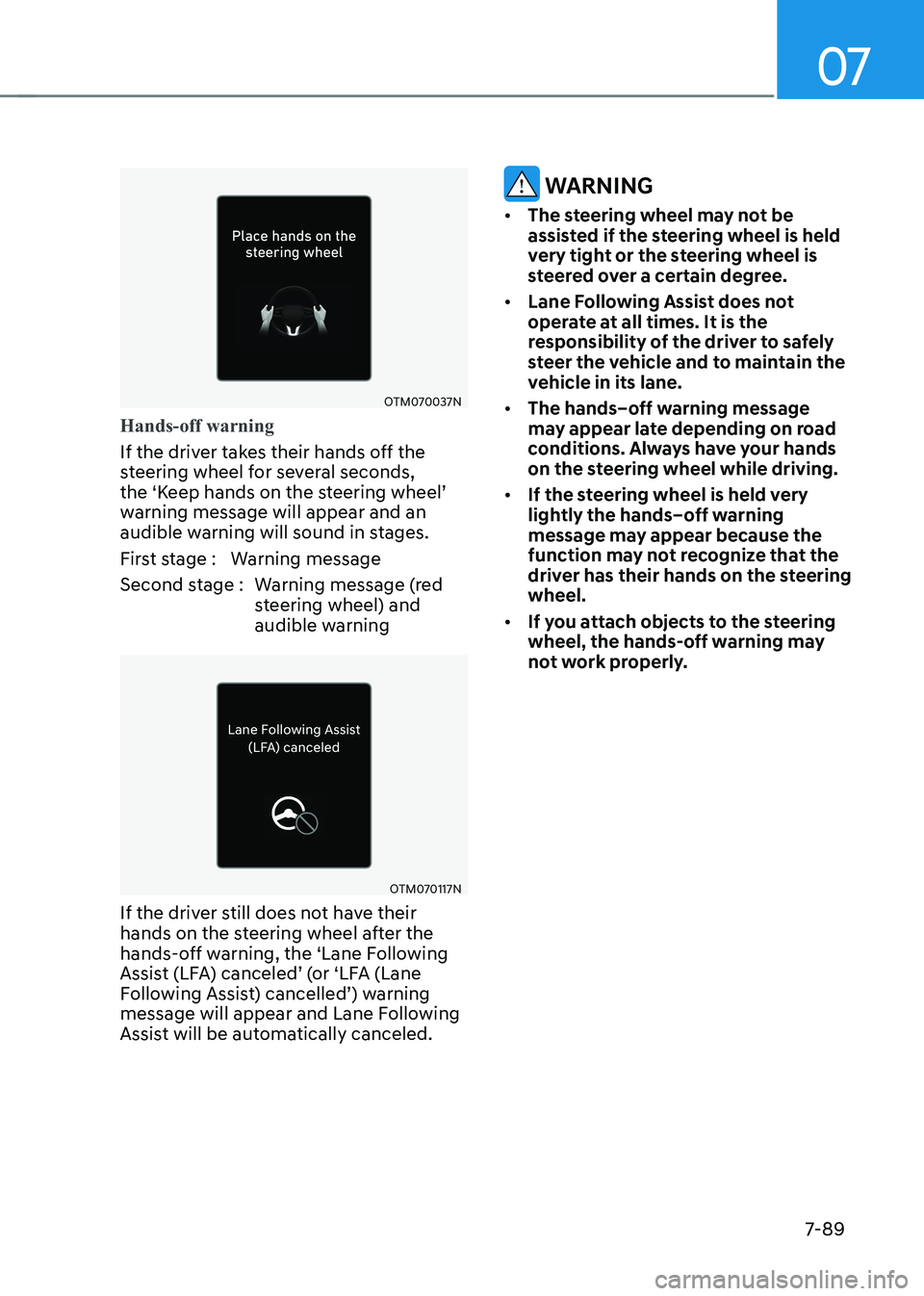
Hands-off warning
If the driver takes their hands off the
steering wheel for several seconds,
the ‘Keep hands on the steering wheel’
warning message will appear and an
audible warning will sound in stages.
First stage : Warning message
Second stage : Warning message (red steering wheel) and
audible warning
OTM070117N
If the driver still does not have their
hands on the steering wheel after the
hands-off warning, the ‘Lane Following
Assist (LFA) canceled’ (or ‘LFA (Lane
Following Assist) cancelled’) warning
message will appear and Lane Following
Assist will be automatically canceled.
warning
• The steering wheel may not be
assisted if the steering wheel is held
very tight or the steering wheel is
steered over a certain degree.
• Lane Following Assist does not
operate at all times. It is the
responsibility of the driver to safely
steer the vehicle and to maintain the
vehicle in its lane.
• The hands–off warning message
may appear late depending on road
conditions. Always have your hands
on the steering wheel while driving.
• If the steering wheel is held very
lightly the hands–off warning
message may appear because the
function may not recognize that the
driver has their hands on the steering wheel.
• If you attach objects to the steering
wheel, the hands-off warning may
not work properly.
Page 423 of 548
Driver assistance system
7-90
Information
• For more details on setting the functions in the infotainment system,
refer to “Vehicle Settings” section in
chapter 4.
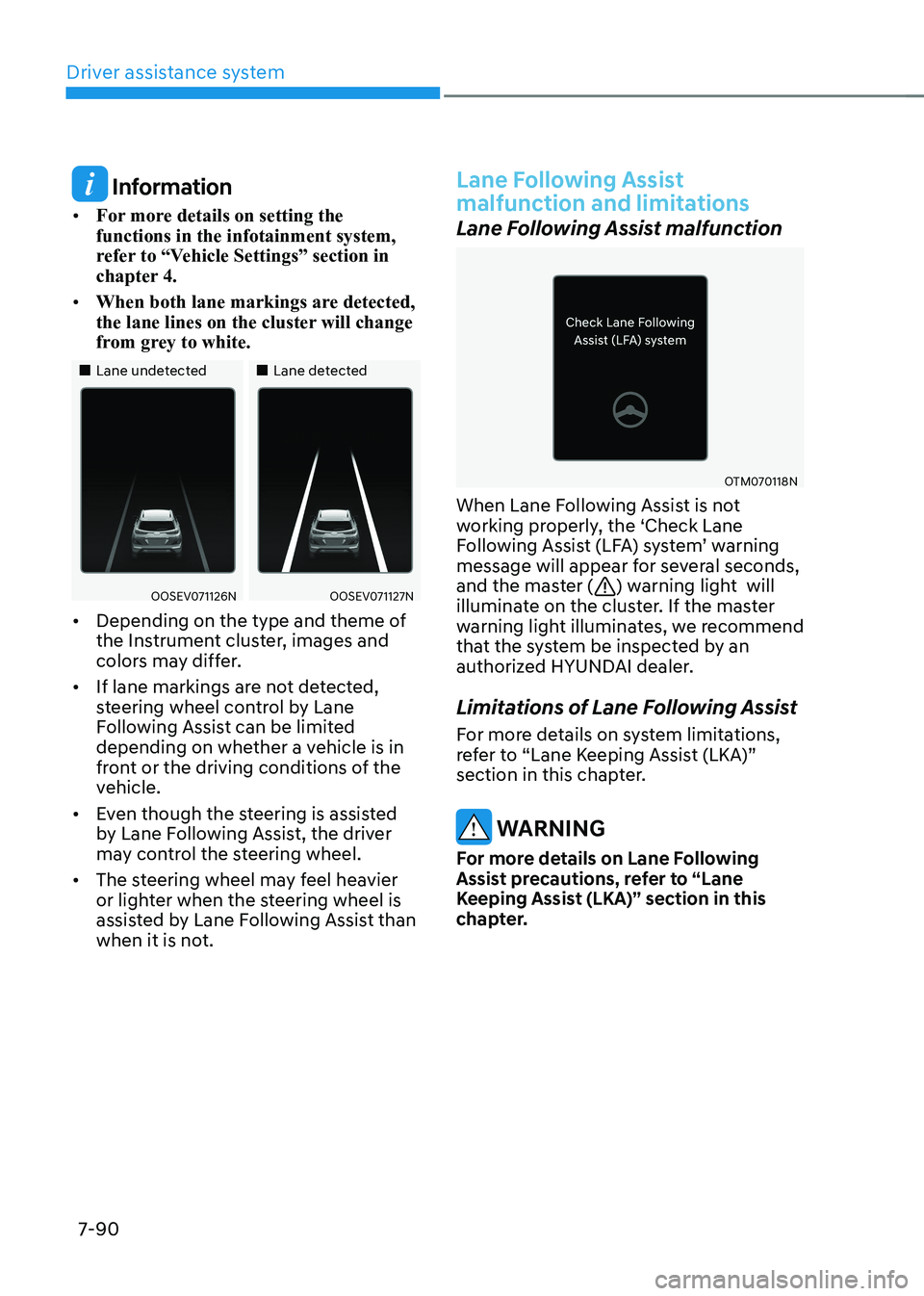
• When both lane markings are detected,
the lane lines on the cluster will change
from grey to white.
„„Lane undetected „„Lane detected
OOSEV071126NOOSEV071127N
• Depending on the type and theme of
the Instrument cluster, images and
colors may differ.
• If lane markings are not detected,
steering wheel control by Lane
Following Assist can be limited
depending on whether a vehicle is in
front or the driving conditions of the
vehicle.
• Even though the steering is assisted
by Lane Following Assist, the driver
may control the steering wheel.
• The steering wheel may feel heavier
or lighter when the steering wheel is
assisted by Lane Following Assist than
when it is not.
Lane Following Assist
malfunction and limitations
Lane Following Assist malfunction
OTM070118N
When Lane Following Assist is not
working properly, the ‘Check Lane
Following Assist (LFA) system’ warning
message will appear for several seconds,
and the master (
) warning light will
illuminate on the cluster. If the master
warning light illuminates, we recommend
that the system be inspected by an
authorized HYUNDAI dealer.
Limitations of Lane Following Assist
For more details on system limitations,
refer to “Lane Keeping Assist (LKA)”
section in this chapter.
warning
For more details on Lane Following
Assist precautions, refer to “Lane
Keeping Assist (LKA)” section in this
chapter.
Page 425 of 548
Driver assistance system
7-92
Highway Driving Assist settings
Setting features
OTM070193N
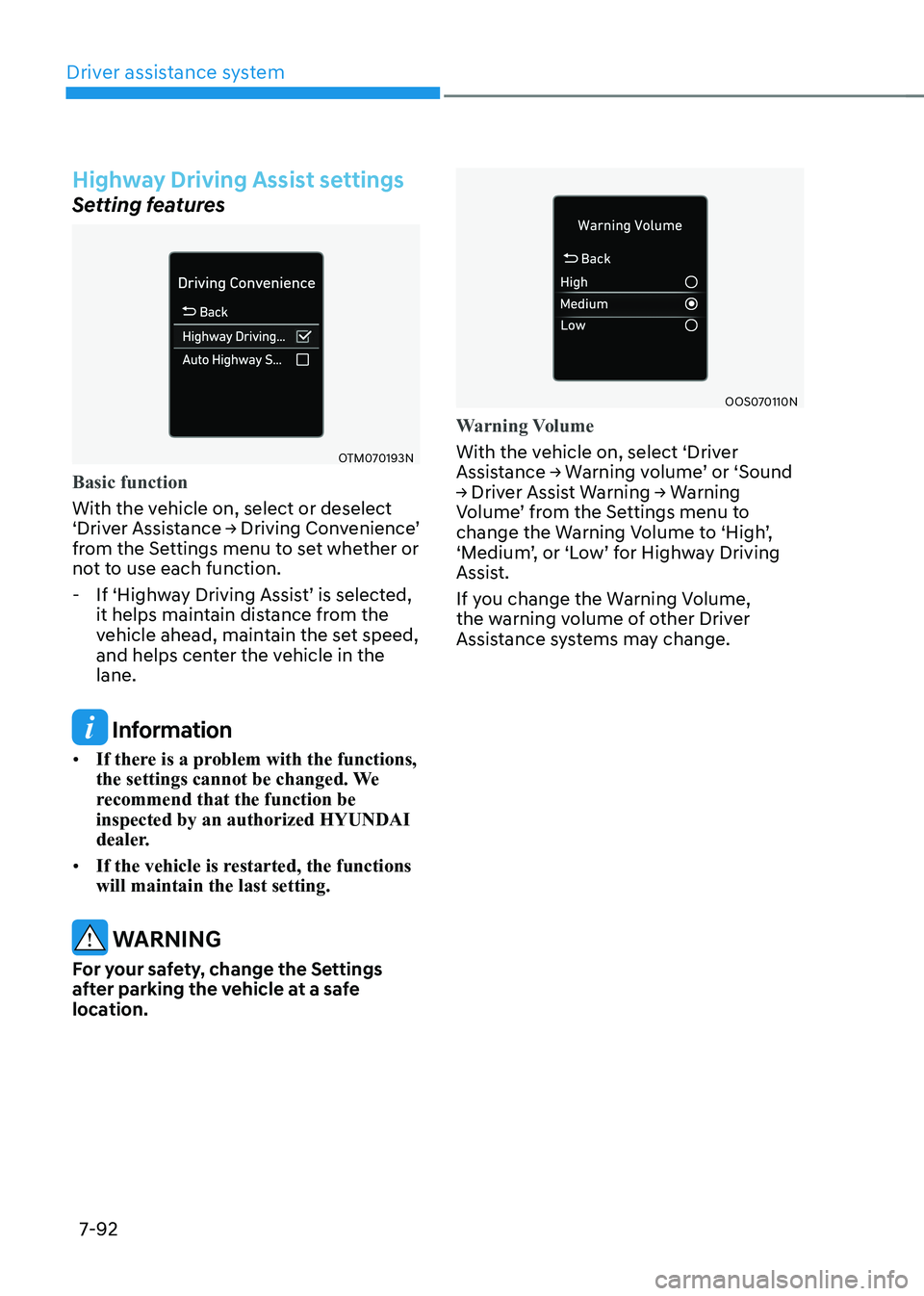
Basic function
With the vehicle on, select or deselect
‘Driver Assistance → Driving Convenience’
from the Settings menu to set whether or
not to use each function.
- If ‘Highway Driving Assist’ is selected,
it helps maintain distance from the
vehicle ahead, maintain the set speed,
and helps center the vehicle in the lane.
Information
• If there is a problem with the functions,
the settings cannot be changed. We
recommend that the function be inspected by an authorized HYUNDAI
dealer.
• If the vehicle is restarted, the functions will maintain the last setting.
warning
For your safety, change the Settings
after parking the vehicle at a safe
location.
OOS070110N
Warning Volume
With the vehicle on, select ‘Driver
Assistance → Warning volume’ or ‘Sound
→ Driver Assist Warning → Warning
Volume’ from the Settings menu to
change the Warning Volume to ‘High’,
‘Medium’, or ‘Low’ for Highway Driving
Assist.
If you change the Warning Volume,
the warning volume of other Driver
Assistance systems may change.
Page 427 of 548
Driver assistance system
7-94
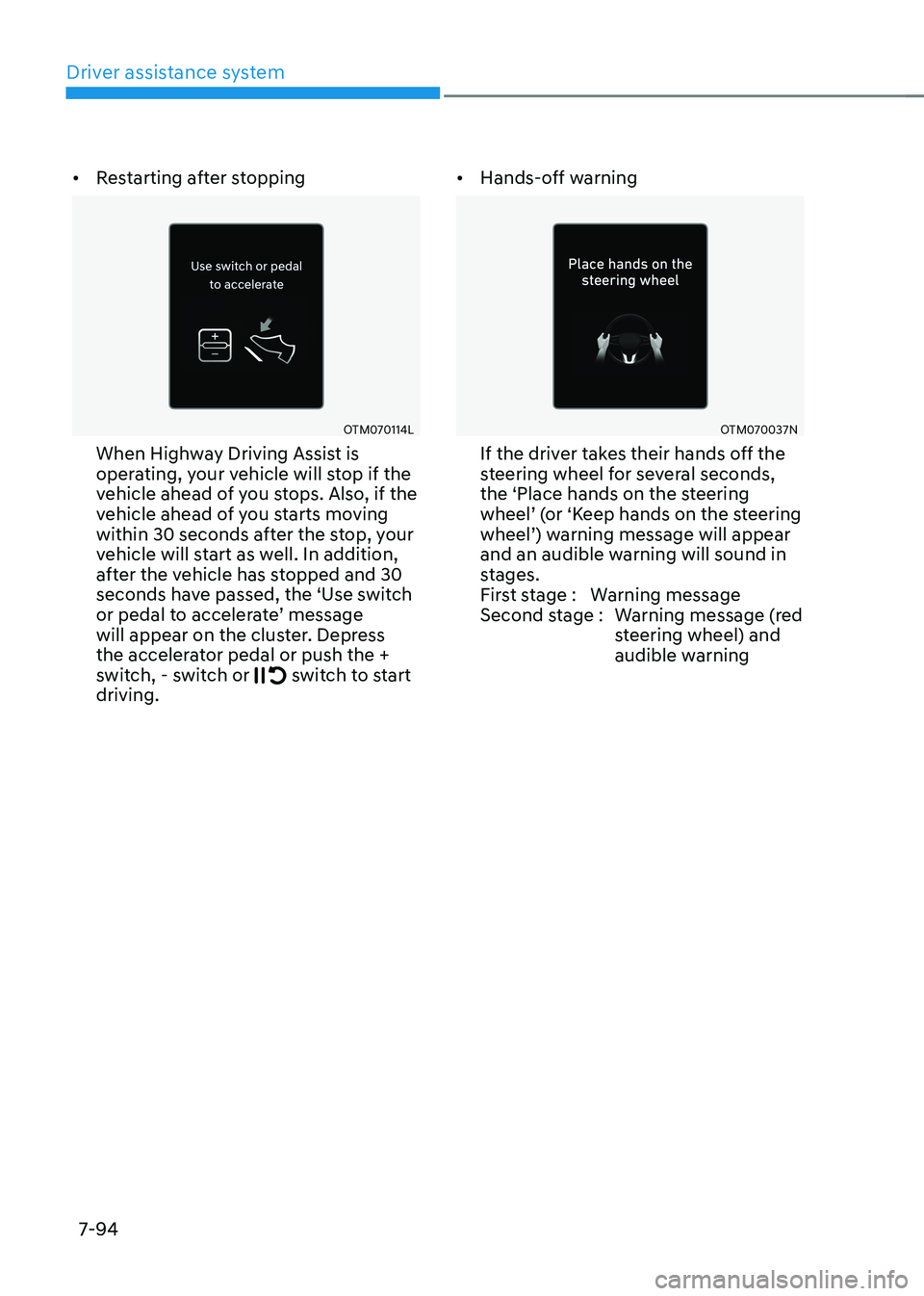
•
Restarting after stopping
OTM070114L
When Highway Driving Assist is
operating, your vehicle will stop if the
vehicle ahead of you stops. Also, if the
vehicle ahead of you starts moving
within 30 seconds after the stop, your
vehicle will start as well. In addition,
after the vehicle has stopped and 30
seconds have passed, the ‘Use switch
or pedal to accelerate’ message
will appear on the cluster. Depress
the accelerator pedal or push the +
switch, - switch or
switch to start
driving. •
Hands-off warning
OTM070037N
If the driver takes their hands off the
steering wheel for several seconds,
the ‘Place hands on the steering
wheel’ (or ‘Keep hands on the steering
wheel’) warning message will appear
and an audible warning will sound in
stages.
First stage : Warning message
Second stage : Warning message (red steering wheel) and
audible warning