ignition Hyundai Matrix 2006 Owner's Guide
[x] Cancel search | Manufacturer: HYUNDAI, Model Year: 2006, Model line: Matrix, Model: Hyundai Matrix 2006Pages: 490, PDF Size: 11.58 MB
Page 76 of 490

1FEATURES OF YOUR HYUNDAI
62
B350A01O-AAT Tail Gate Wiper And Washer Switch
1. :The washer fluid will be sprayed
onto the rear window and the wiper operates while the rearwindow wiper barrel is placed in this position.
2.OFF
3.INT : To use the intermittent wiper
feature, place the rear windowwiper barrel in the "INT" posi-tion.
4.ON : When the point indicates "ON",
the rear window wiper operatescontinuously.
B350D01FC
B370A01A-AAT The hazard warning system should be used whenever you find it necessary to stop the car in a hazardous location.When you must make such an emer- gency stop, always pull off the road as far as possible.The hazard warning lights are turned on by pushing in the hazard switch. This causes all turn signal lights toblink. The hazard warning lights will operate even though the key is not in the ignition.To turn the hazard warning lights off, push the switch a second time. HFC2078
HAZARD WARNING SYS- TEM
B350C01FC-GAT Adjustable Intermittent Wiper Operation (If installed) To use the intermittent wiper feature, place the wiper switch in the "INT" position. With the switch in this posi- tion, the interval between wipes can bevaried from approximately 1 to 18 sec- onds by turning the interval adjuster barrel. B350C01FC
Page 77 of 490
1
FEATURES OF YOUR HYUNDAI
63FOG LIGHT SWITCH
NOTE: The ignition must be in the "ON" position for the rear window defroster to operate.
CAUTION:
Do not clean the inner side of thefront/rear window glass with an abra-sive type of glass cleaner or use a scraper to remove foreign deposits from the inner surface of the glass asthis may cause damage to the de- froster elements.
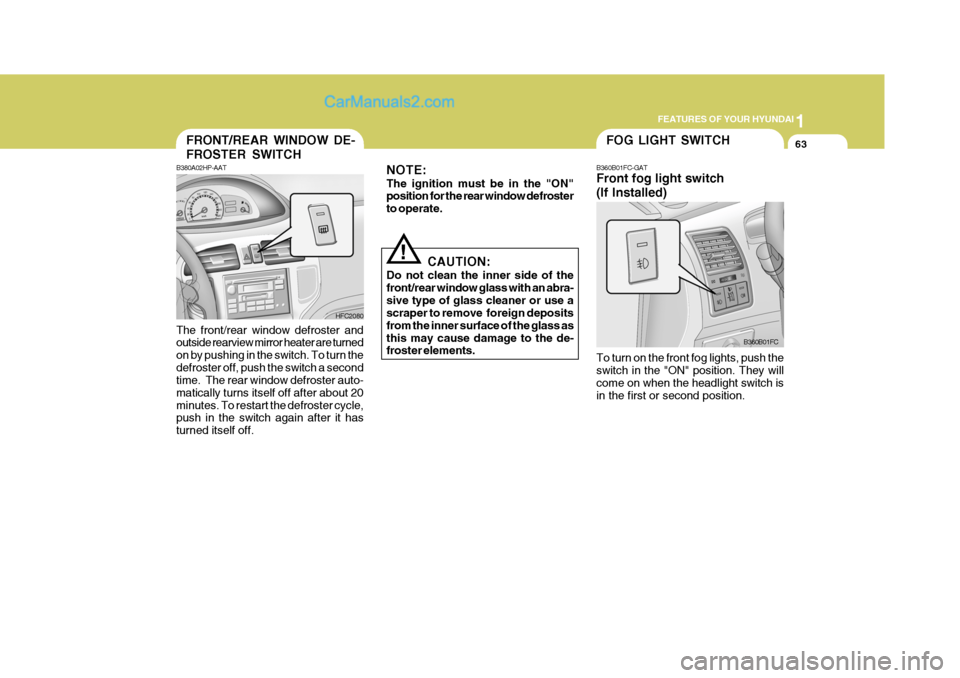
! B360B01FC-GAT Front fog light switch (If Installed) To turn on the front fog lights, push the switch in the "ON" position. They will come on when the headlight switch is in the first or second position.
B360B01FC
B380A02HP-AAT
HFC2080
FRONT/REAR WINDOW DE- FROSTER SWITCH
The front/rear window defroster and outside rearview mirror heater are turned on by pushing in the switch. To turn thedefroster off, push the switch a second time. The rear window defroster auto- matically turns itself off after about 20minutes. To restart the defroster cycle, push in the switch again after it has turned itself off.
Page 82 of 490
1FEATURES OF YOUR HYUNDAI
68
!
PARKING BRAKE
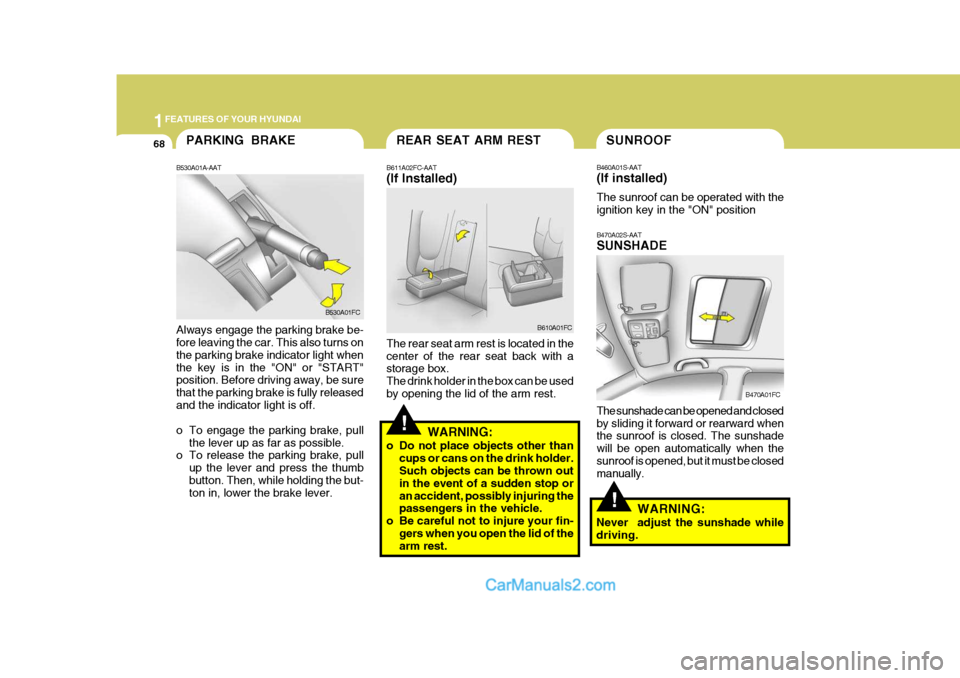
B530A01A-AAT Always engage the parking brake be- fore leaving the car. This also turns on the parking brake indicator light whenthe key is in the "ON" or "START" position. Before driving away, be sure that the parking brake is fully releasedand the indicator light is off.
o To engage the parking brake, pull
the lever up as far as possible.
o To release the parking brake, pull
up the lever and press the thumb button. Then, while holding the but- ton in, lower the brake lever. B530A01FC
SUNROOF
B470A02S-AAT SUNSHADE The sunshade can be opened and closed by sliding it forward or rearward when the sunroof is closed. The sunshade will be open automatically when thesunroof is opened, but it must be closed manually.
B460A01S-AAT (If installed) The sunroof can be operated with the ignition key in the "ON" position
B470A01FCREAR SEAT ARM REST
B611A02FC-AAT (If Installed) The rear seat arm rest is located in the center of the rear seat back with a storage box. The drink holder in the box can be usedby opening the lid of the arm rest. B610A01FC
WARNING:
o Do not place objects other than cups or cans on the drink holder. Such objects can be thrown out in the event of a sudden stop oran accident, possibly injuring the passengers in the vehicle.
o Be careful not to injure your fin-
gers when you open the lid of thearm rest.
!
WARNING:
Never adjust the sunshade while driving.
Page 85 of 490

1
FEATURES OF YOUR HYUNDAI
71
oON In the "ON" position, the light stays on at all times.
CAUTION:
Do not leave the switch in this posi-tion for an extended period time when the vehicle is not running.
o OFF In the "OFF" position, the light stays off at all times even though a door is open.
!
B490A02E-AAT Interior Light The interior courtesy light has a switch of three positions. The three positions are:
oDR In the "DR" position, the interior cour- tesy light comes on when any door isopened regardless of the ignition key position. The light goes out when the door is closed. HFC490
With Sunroof Without Sunroof
B480A01E-AAT FRONT INTERIOR LIGHT Map Light The two map light switches are located on both sides of the front overheadconsole. Push in the map light switch to turn the light on or off. This light produces a spot beam for convenientuse as a map light at night or as a personal light for the driver and the passenger.With Sunroof
HFC480
Without Sunroof
INTERIOR LIGHT
Page 117 of 490
1
FEATURES OF YOUR HYUNDAI
103
1
FEATURES OF YOUR HYUNDAI
103
H210B03O-AAT
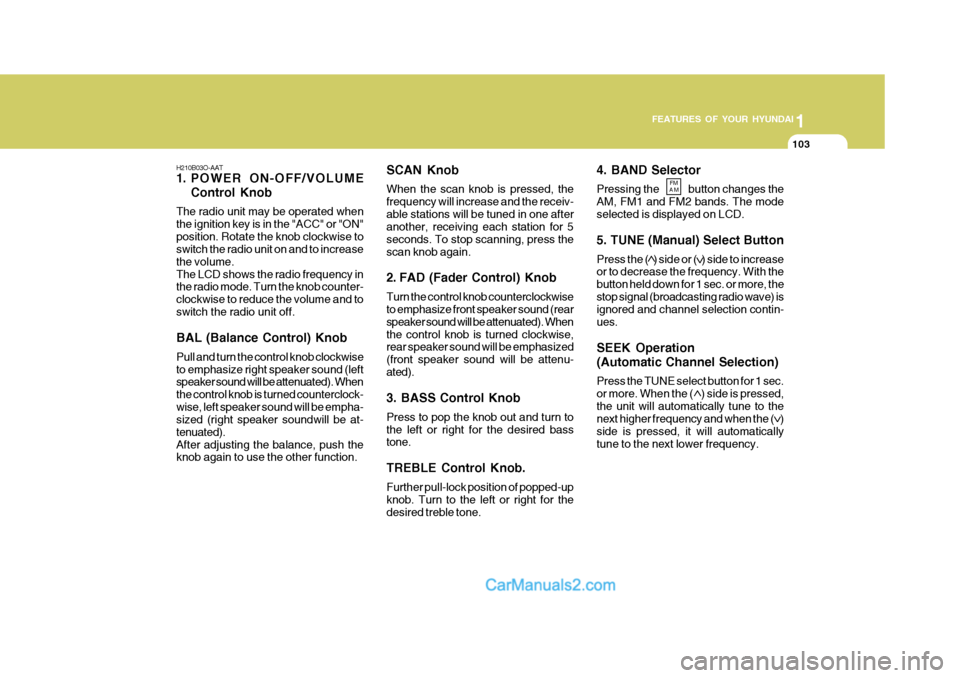
1. POWER ON-OFF/VOLUME
Control Knob
The radio unit may be operated when the ignition key is in the "ACC" or "ON"position. Rotate the knob clockwise to switch the radio unit on and to increase the volume.The LCD shows the radio frequency in the radio mode. Turn the knob counter- clockwise to reduce the volume and toswitch the radio unit off. BAL (Balance Control) Knob Pull and turn the control knob clockwise to emphasize right speaker sound (left speaker sound will be attenuated). When the control knob is turned counterclock-wise, left speaker sound will be empha- sized (right speaker soundwill be at- tenuated).After adjusting the balance, push the knob again to use the other function. 4. BAND Selector Pressing the button changes the AM, FM1 and FM2 bands. The modeselected is displayed on LCD. 5. TUNE (Manual) Select Button Press the ( ) side or ( ) side to increase or to decrease the frequency. With the button held down for 1 sec. or more, thestop signal (broadcasting radio wave) is ignored and channel selection contin- ues. SEEK Operation (Automatic Channel Selection) Press the TUNE select button for 1 sec. or more. When the ( ) side is pressed,the unit will automatically tune to the next higher frequency and when the ( ) side is pressed, it will automaticallytune to the next lower frequency.
SCAN Knob When the scan knob is pressed, the frequency will increase and the receiv-able stations will be tuned in one after another, receiving each station for 5 seconds. To stop scanning, press thescan knob again.
2. FAD (Fader Control) Knob Turn the control knob counterclockwise to emphasize front speaker sound (rear speaker sound will be attenuated). Whenthe control knob is turned clockwise, rear speaker sound will be emphasized (front speaker sound will be attenu-ated). 3. BASS Control Knob Press to pop the knob out and turn to the left or right for the desired bass tone. TREBLE Control Knob. Further pull-lock position of popped-up knob. Turn to the left or right for thedesired treble tone.
FM
AM
Page 120 of 490
1FEATURES OF YOUR HYUNDAI
106
4. BAND Selector Pressing the button changes the AM, FM1 and FM2 bands. The modeselected is displayed on LCD. 5. TUNE (Manual) Select Button Press the ( ) side or ( ) side to increase or to decrease the frequency. With the button held down for 1 sec. or more, thestop signal (broadcasting radio wave) is ignored and channel selection contin- ues. SEEK Operation (Automatic Channel Selection) Press the TUNE select button for 1 sec. or more. When the ( ) side is pressed,the unit will automatically tune to the next higher frequency and when the ( ) side is pressed, it will automaticallytune to the next lower frequency.
H210B03O-AAT
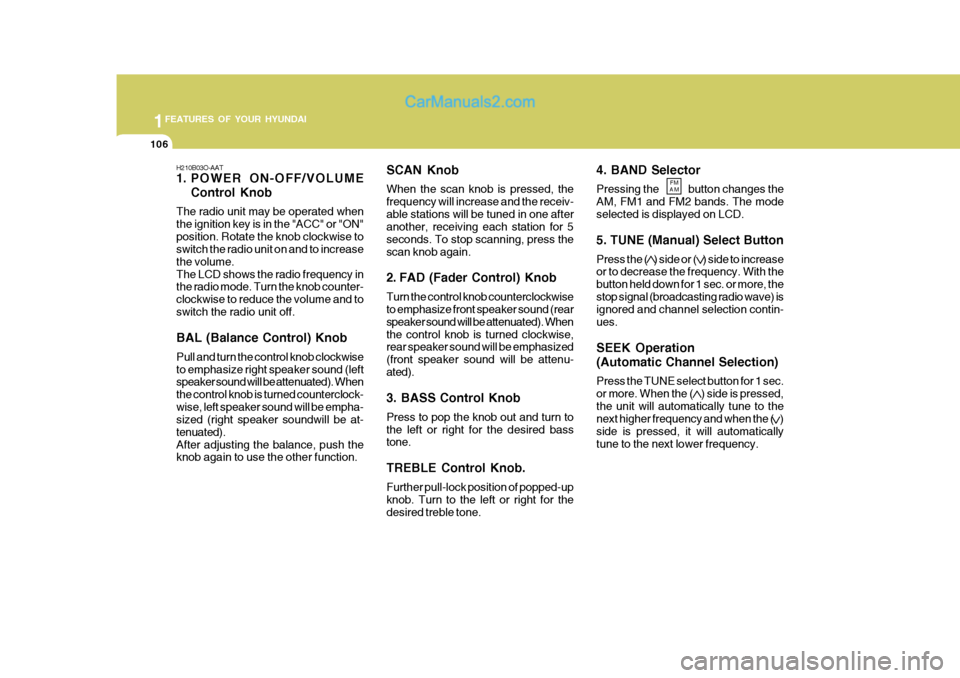
1. POWER ON-OFF/VOLUME
Control Knob
The radio unit may be operated when the ignition key is in the "ACC" or "ON"position. Rotate the knob clockwise to switch the radio unit on and to increase the volume.The LCD shows the radio frequency in the radio mode. Turn the knob counter- clockwise to reduce the volume and toswitch the radio unit off. BAL (Balance Control) Knob Pull and turn the control knob clockwise to emphasize right speaker sound (left speaker sound will be attenuated). When the control knob is turned counterclock-wise, left speaker sound will be empha- sized (right speaker soundwill be at- tenuated).After adjusting the balance, push the knob again to use the other function. SCAN Knob When the scan knob is pressed, the frequency will increase and the receiv-able stations will be tuned in one after another, receiving each station for 5 seconds. To stop scanning, press thescan knob again.
2. FAD (Fader Control) Knob Turn the control knob counterclockwise to emphasize front speaker sound (rear speaker sound will be attenuated). Whenthe control knob is turned clockwise, rear speaker sound will be emphasized (front speaker sound will be attenu-ated). 3. BASS Control Knob Press to pop the knob out and turn to the left or right for the desired bass tone. TREBLE Control Knob. Further pull-lock position of popped-up knob. Turn to the left or right for thedesired treble tone.
FM
AM
Page 125 of 490
1
FEATURES OF YOUR HYUNDAI
111
1
FEATURES OF YOUR HYUNDAI
111
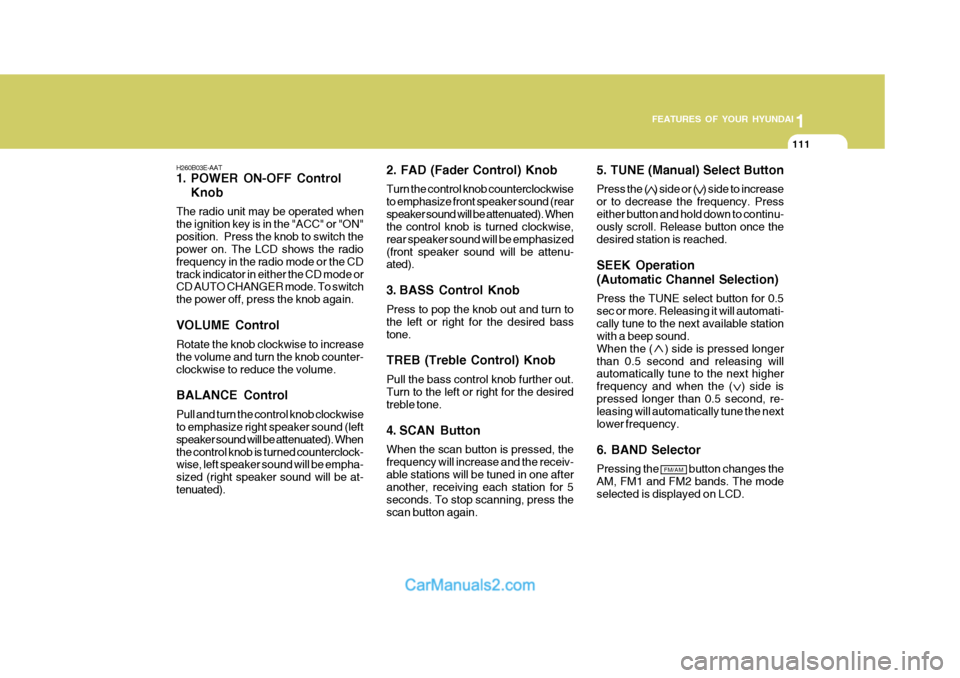
H260B03E-AAT
1. POWER ON-OFF Control Knob
The radio unit may be operated when the ignition key is in the "ACC" or "ON"position. Press the knob to switch the power on. The LCD shows the radio frequency in the radio mode or the CDtrack indicator in either the CD mode or CD AUTO CHANGER mode. To switch the power off, press the knob again. VOLUME Control Rotate the knob clockwise to increase the volume and turn the knob counter-clockwise to reduce the volume. BALANCE Control Pull and turn the control knob clockwise to emphasize right speaker sound (left speaker sound will be attenuated). Whenthe control knob is turned counterclock- wise, left speaker sound will be empha- sized (right speaker sound will be at-tenuated). 2. FAD (Fader Control) Knob Turn the control knob counterclockwise to emphasize front speaker sound (rearspeaker sound will be attenuated). When the control knob is turned clockwise, rear speaker sound will be emphasized(front speaker sound will be attenu- ated).
3. BASS Control Knob Press to pop the knob out and turn to the left or right for the desired basstone. TREB (Treble Control) Knob Pull the bass control knob further out. Turn to the left or right for the desired treble tone.
4. SCAN Button When the scan button is pressed, the frequency will increase and the receiv-able stations will be tuned in one after another, receiving each station for 5 seconds. To stop scanning, press thescan button again.5. TUNE (Manual) Select Button Press the ( ) side or ( ) side to increase or to decrease the frequency. Presseither button and hold down to continu- ously scroll. Release button once the desired station is reached. SEEK Operation (Automatic Channel Selection) Press the TUNE select button for 0.5 sec or more. Releasing it will automati-cally tune to the next available station with a beep sound. When the ( ) side is pressed longerthan 0.5 second and releasing will automatically tune to the next higher
frequency and when the ( ) side ispressed longer than 0.5 second, re- leasing will automatically tune the next lower frequency. 6. BAND Selector Pressing the button changes the AM, FM1 and FM2 bands. The mode selected is displayed on LCD.
FM/AM
Page 128 of 490
1FEATURES OF YOUR HYUNDAI
114
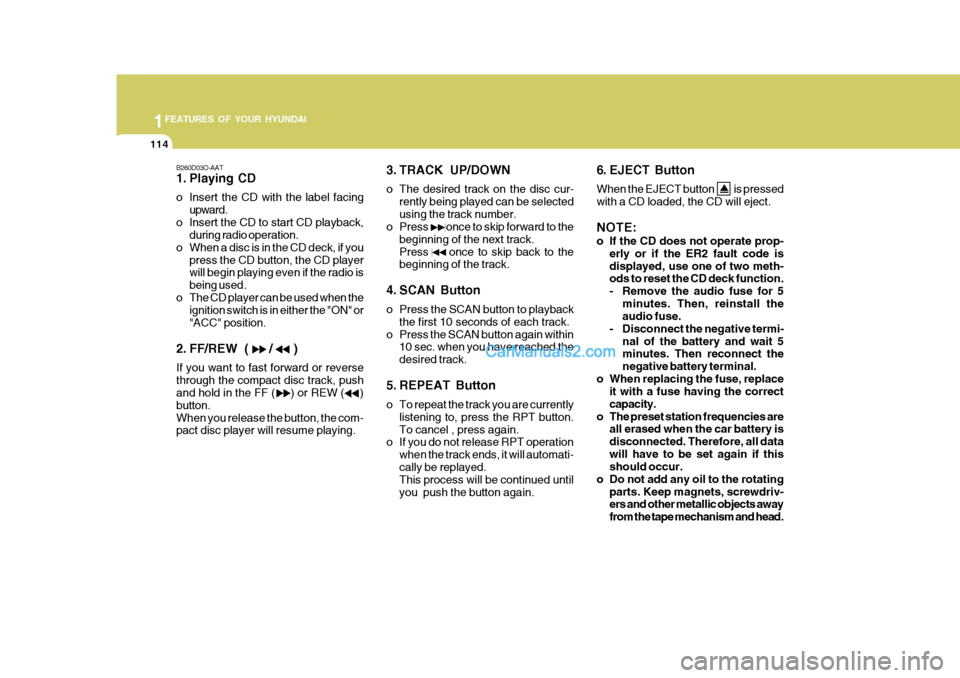
B260D03O-AAT
1. Playing CD
o Insert the CD with the label facingupward.
o Insert the CD to start CD playback, during radio operation.
o When a disc is in the CD deck, if you press the CD button, the CD player will begin playing even if the radio is being used.
o The CD player can be used when the ignition switch is in either the "ON" or"ACC" position.
2. FF/REW ( / ) If you want to fast forward or reverse through the compact disc track, push and hold in the FF ( ) or REW ( ) button.When you release the button, the com- pact disc player will resume playing. 3. TRACK UP/DOWN
o The desired track on the disc cur-
rently being played can be selected using the track number.
o Press once to skip forward to the
beginning of the next track.Press once to skip back to the beginning of the track.
4. SCAN Button
o Press the SCAN button to playback the first 10 seconds of each track.
o Press the SCAN button again within 10 sec. when you have reached the desired track.
5. REPEAT Button
o To repeat the track you are currently listening to, press the RPT button. To cancel , press again.
o If you do not release RPT operation
when the track ends, it will automati-cally be replayed. This process will be continued until you push the button again. 6. EJECT Button When the EJECT button is pressed with a CD loaded, the CD will eject. NOTE:
o If the CD does not operate prop-
erly or if the ER2 fault code is displayed, use one of two meth- ods to reset the CD deck function.
- Remove the audio fuse for 5
minutes. Then, reinstall the audio fuse.
- Disconnect the negative termi- nal of the battery and wait 5minutes. Then reconnect the negative battery terminal.
o When replacing the fuse, replace it with a fuse having the correctcapacity.
o The preset station frequencies are all erased when the car battery isdisconnected. Therefore, all datawill have to be set again if this should occur.
o Do not add any oil to the rotating parts. Keep magnets, screwdriv-ers and other metallic objects away from the tape mechanism and head.
Page 131 of 490

1
FEATURES OF YOUR HYUNDAI
117
1
FEATURES OF YOUR HYUNDAI
117
B260F03FC-GAT The CD auto changer is located under the front passenger seat.
o To use the CD auto changer.
1. Open the sliding lid of the CD autochanger.
2. To eject the compact disc maga-
zine, press the EJECT button lo- cated inside the CD auto changer.
3. Insert the discs into the maga-
zine.
4. Push the magazine into the CD
auto changer and close the sliding lid.
o The CD auto changer can be used when the ignition switch is in either the "ON" or "ACC" position.
1. CD Select Button When the CD changer magazine con- tains discs, press the CD button and the CD changer can be used even if theradio is being used. The Hyundai CD changer can hold up to eight discs. The disc number will be lit, and the tracknumber, and elapsed time will be dis- played. 2. DISC Select Button To select the CD you want, push to change the disc number. 3. TRACK UP/DOWN
o The desired track on the disc cur-
rently being played can be selected using the track number.
o Press once to skip forward to
the beginning of the next track.Press once to skip back to the beginning of the track.
4. FF/REW ( / ) If you want to fast forward or reverse through the compact disc track, pushand hold in the FF ( ) or REW ( ) button. When you release the button, the com-pact disc player will resume playing. 5. REPEAT
o To repeat the track you are currently
listening to, press the RPT button. To cancel , press again.
o If you do not release RPT operation
when the track ends, it will automati-cally be replayed. This process will be continued until you push the button again.
6. SCAN Button
o Press the SCAN button to playback the first 10 seconds of each track.
o Press the SCAN button again within
10 sec. when you have reached the desired track.
NOTE:
o When replacing the fuse, replace it with a fuse having the correct capacity.
o This equipment is designed to be used only in a 12 volt DC batterysystem with negative ground.
o This unit is made of precision parts. Do not attempt to disas-semble or adjust any parts.
TUNEDISC
Page 134 of 490

1FEATURES OF YOUR HYUNDAI
120
4. TUNE (Manual) Select Button Press the ( ) side or ( ) side to increase or to decrease the frequency. Presseither button and hold down to continu- ously scroll. Release button once the desired station is reached. SEEK Operation (Automatic Channel Selection) Press the TUNE select button for 0.5 sec or more. Releasing it will automati-cally tune to the next available station with a beep sound. When the ( ) side is pressed longerthan 0.5 second and releasing will auto- matically tune to the next higher fre- quency and when the ( ) side ispressed longer than 0.5 second, releas- ing will automatically tune to the next lower frequency.
5. PRESET STATION SelectButtons
Six (6) stations for AM, FM1 and FM2 respectively can be preset in the elec-tronic memory circuit.
BALANCE Control knob Pull the Bass control knob out further. Rotate the knob clockwise to empha-size right speaker sound (left speaker sound will be attenuated). When the control knob is turned counterclock-wise, left speaker sound will be empha- sized (right speaker sound will be at- tenuated).
3. TREBLE/FAD Knob TREBLE Control Knob Press to pop the knob out and turn to the left or right for the desired treble tone. FAD (Fader Control) Knob Pull the Treble control knob out further. Turn the control knob counterclockwiseto emphasize front speaker sound (rear speaker sound will be attenuated). When the control knob is turned clockwise,rear speaker sound will be emphasized (front speaker sound will be attenu- ated).
H290B03E-GAT
1. POWER ON-OFF Control
Knob
The radio unit may be operated when the ignition key is in the "ACC" or "ON"position. Press the button to switch the power on. The display shows the radio frequency in the radio mode, the tapedirection indicator in the tape mode or CD track in either the CD mode or CD AUTO CHANGER mode. To switch thepower off, press the button again. VOLUME Control Rotate the knob clockwise to increase the volume and turn the knob counter- clockwise to reduce the volume.
2. BASS/BALANCE Control Knob
BASS Control Knob Press to pop the knob out. To increase the bass, rotate the knob clockwise,while to decrease the bass, rotate the knob counterclockwise.