display Hyundai Nexo 2019 Repair Manual
[x] Cancel search | Manufacturer: HYUNDAI, Model Year: 2019, Model line: Nexo, Model: Hyundai Nexo 2019Pages: 560, PDF Size: 24.2 MB
Page 336 of 560
5-70
Driving your vehicle
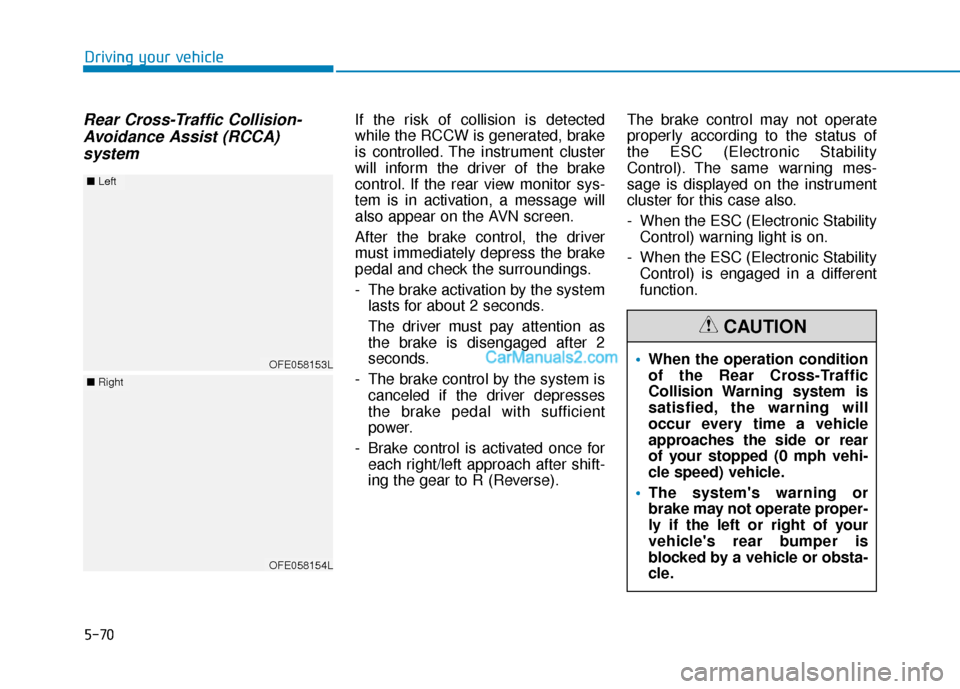
Rear Cross-Traffic Collision-Avoidance Assist (RCCA) systemIf the risk of collision is detected
while the RCCW is generated, brake
is controlled. The instrument cluster
will inform the driver of the brake
control. If the rear view monitor sys-
tem is in activation, a message will
also appear on the AVN screen.
After the brake control, the driver
must immediately depress the brake
pedal and check the surroundings.
- The brake activation by the system
lasts for about 2 seconds.
The driver must pay attention as
the brake is disengaged after 2
seconds.
- The brake control by the system is canceled if the driver depresses
the brake pedal with sufficient
power.
- Brake control is activated once for each right/left approach after shift-
ing the gear to R (Reverse). The brake control may not operate
properly according to the status of
the ESC (Electronic Stability
Control). The same warning mes-
sage is displayed on the instrument
cluster for this case also.
- When the ESC (Electronic Stability
Control) warning light is on.
- When the ESC (Electronic Stability Control) is engaged in a different
function.
OFE058153L
■ Left
OFE058154L
■Right
When the operation condition
of the Rear Cross-Traffic
Collision Warning system is
satisfied, the warning will
occur every time a vehicle
approaches the side or rear
of your stopped (0 mph vehi-
cle speed) vehicle.
The system's warning or
brake may not operate proper-
ly if the left or right of your
vehicle's rear bumper is
blocked by a vehicle or obsta-
cle.
CAUTION
Page 338 of 560
5-72
Driving your vehicle
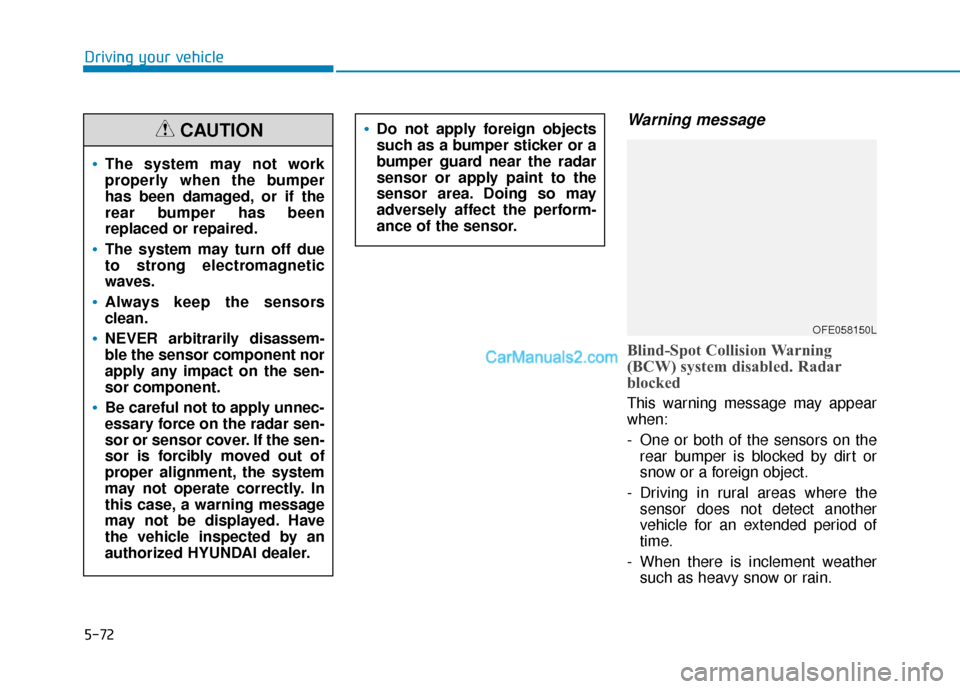
Warning message
Blind-Spot Collision Warning
(BCW) system disabled. Radar
blocked
This warning message may appear
when:
- One or both of the sensors on therear bumper is blocked by dirt or
snow or a foreign object.
- Driving in rural areas where the sensor does not detect another
vehicle for an extended period of
time.
- When there is inclement weather such as heavy snow or rain.
The system may not work
properly when the bumper
has been damaged, or if the
rear bumper has been
replaced or repaired.
The system may turn off due
to strong electromagnetic
waves.
Always keep the sensors
clean.
NEVER arbitrarily disassem-
ble the sensor component nor
apply any impact on the sen-
sor component.
Be careful not to apply unnec-
essary force on the radar sen-
sor or sensor cover. If the sen-
sor is forcibly moved out of
proper alignment, the system
may not operate correctly. In
this case, a warning message
may not be displayed. Have
the vehicle inspected by an
authorized HYUNDAI dealer.
CAUTIONDo not apply foreign objects
such as a bumper sticker or a
bumper guard near the radar
sensor or apply paint to the
sensor area. Doing so may
adversely affect the perform-
ance of the sensor.
OFE058150L
Page 339 of 560
5-73
Driving your vehicle
5
If any of these conditions occur, the
light on the BCW/BCA switch and the
system will turn off automatically.
When the BCW canceled warning
message is displayed in the cluster,
check to make sure that the rear
bumper is free from any dirt or snow
in the areas where the sensor is
located. Remove any dirt, snow, or
foreign material that could interfere
with the radar sensors.
After any dirt or debris is removed,
the system should operate normally
after about 10 minutes of driving the
vehicle.
If the system still does not operate
normally have your vehicle inspected
by an authorized HYUNDAI dealer.
Information
Turn off the BCW and RCCW system
when a trailer or carrier is installed.
- Press the BCW/BCA switch (theindicator on the switch will turn off)
- Deactivate the RCCW system by deselecting "Vehicle settings → →
Driver assistance →
→
Blind-spot safe-
ty →
→
Rear cross-traffic safety" on
AVN screen.
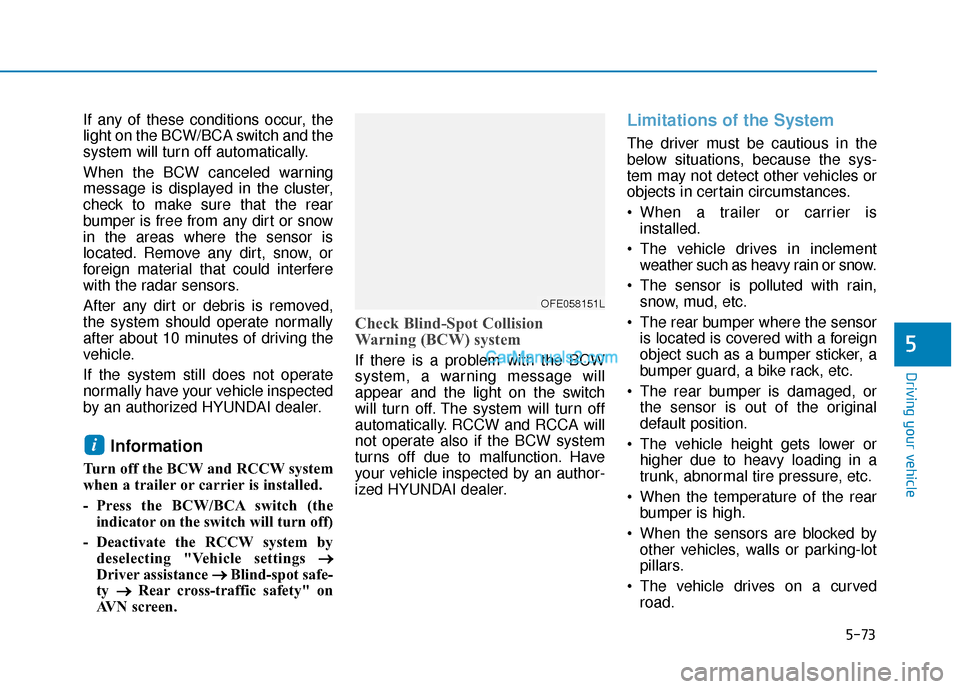
Check Blind-Spot Collision
Warning (BCW) system
If there is a problem with the BCW
system, a warning message will
appear and the light on the switch
will turn off. The system will turn off
automatically. RCCW and RCCA will
not operate also if the BCW system
turns off due to malfunction. Have
your vehicle inspected by an author-
ized HYUNDAI dealer.
Limitations of the System
The driver must be cautious in the
below situations, because the sys-
tem may not detect other vehicles or
objects in certain circumstances.
When a trailer or carrier is installed.
The vehicle drives in inclement weather such as heavy rain or snow.
The sensor is polluted with rain, snow, mud, etc.
The rear bumper where the sensor is located is covered with a foreign
object such as a bumper sticker, a
bumper guard, a bike rack, etc.
The rear bumper is damaged, or the sensor is out of the original
default position.
The vehicle height gets lower or higher due to heavy loading in a
trunk, abnormal tire pressure, etc.
When the temperature of the rear bumper is high.
When the sensors are blocked by other vehicles, walls or parking-lot
pillars.
The vehicle drives on a curved road.
i
OFE058151L
Page 343 of 560
5-77
Driving your vehicle
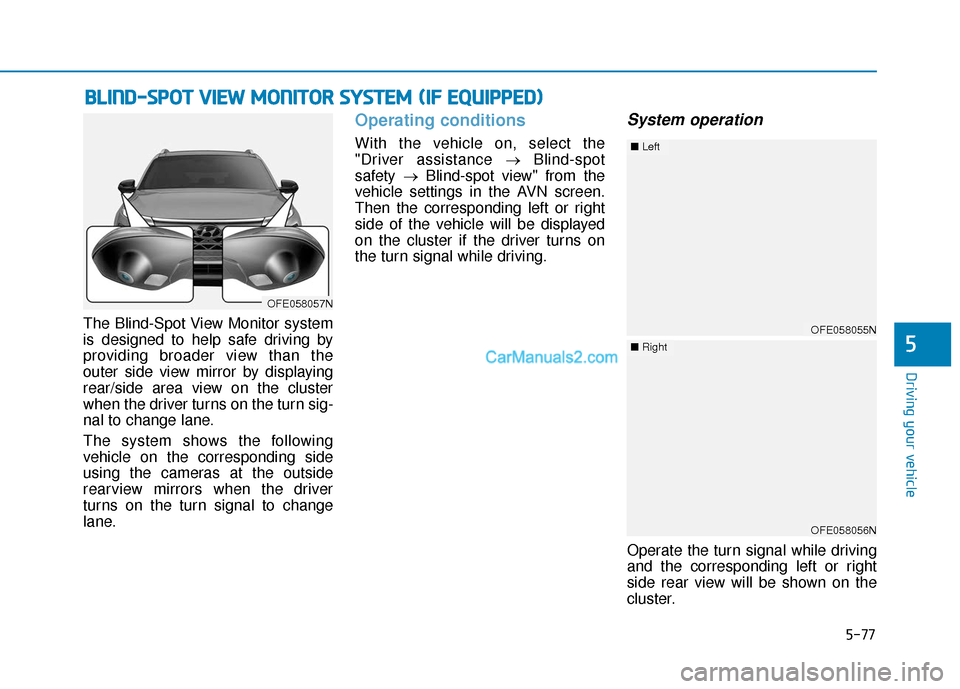
The Blind-Spot View Monitor system
is designed to help safe driving by
providing broader view than the
outer side view mirror by displaying
rear/side area view on the cluster
when the driver turns on the turn sig-
nal to change lane.
The system shows the following
vehicle on the corresponding side
using the cameras at the outside
rearview mirrors when the driver
turns on the turn signal to change
lane.
Operating conditions
With the vehicle on, select the
"Driver assistance →Blind-spot
safety →Blind-spot view" from the
vehicle settings in the AVN screen.
Then the corresponding left or right
side of the vehicle will be displayed
on the cluster if the driver turns on
the turn signal while driving.
System operation
Operate the turn signal while driving
and the corresponding left or right
side rear view will be shown on the
cluster.
B B L
LI
IN
N D
D-
-S
S P
P O
O T
T
V
V I
IE
E W
W
M
M O
ON
NI
IT
T O
O R
R
S
S Y
Y S
ST
T E
EM
M
(
( I
IF
F
E
E Q
Q U
UI
IP
P P
PE
ED
D )
)
5
OFE058057N
OFE058055N
■ Left
OFE058056N
■Right
Page 344 of 560
5-78
Blind-Spot View Monitor
system warning
This message is displayed if the
camera recognition system cannot
detect the following vehicle due to
the weather condition and the sys-
tem may not operate properly.
Check the surrounding condition
visually and with the outer side view
mirror when driving.
Driving your vehicle
OFE058058N
Page 346 of 560
5-80
Driving your vehicle
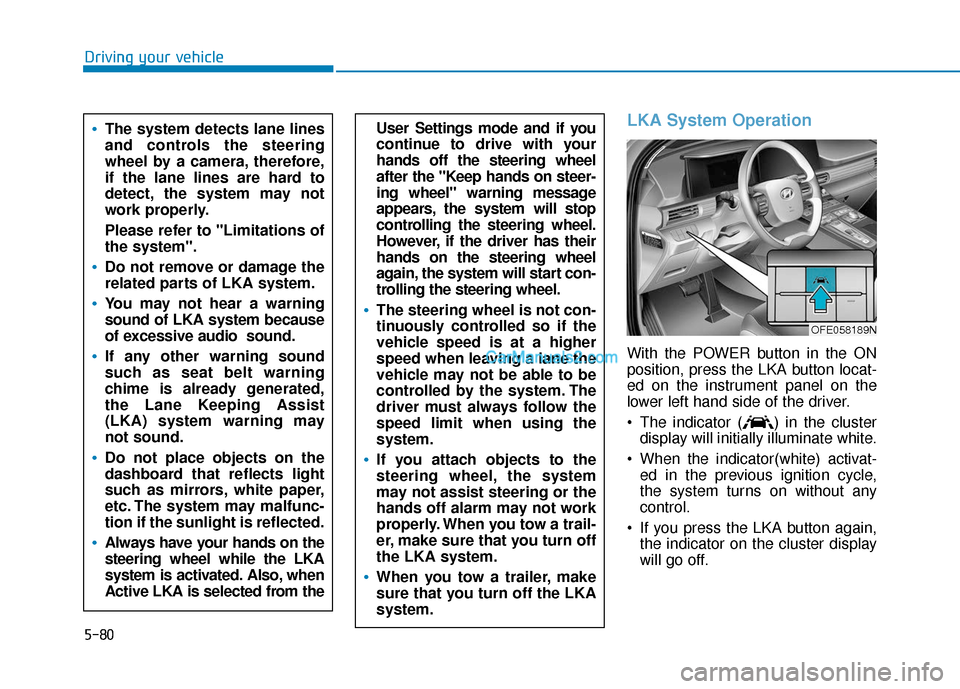
LKA System Operation
With the POWER button in the ON
position, press the LKA button locat-
ed on the instrument panel on the
lower left hand side of the driver.
The indicator ( ) in the clusterdisplay will initially illuminate white.
When the indicator(white) activat- ed in the previous ignition cycle,
the system turns on without any
control.
If you press the LKA button again, the indicator on the cluster display
will go off.
User Settings mode and if you
continue to drive with your
hands off the steering wheel
after the "Keep hands on steer-
ing wheel" warning message
appears, the system will stop
controlling the steering wheel.
However, if the driver has their
hands on the steering wheel
again, the system will start con-
trolling the steering wheel.
The steering wheel is not con-
tinuously controlled so if the
vehicle speed is at a higher
speed when leaving a lane the
vehicle may not be able to be
controlled by the system. The
driver must always follow the
speed limit when using the
system.
If you attach objects to the
steering wheel, the system
may not assist steering or the
hands off alarm may not work
properly. When you tow a trail-
er, make sure that you turn off
the LKA system.
When you tow a trailer, make
sure that you turn off the LKA
system.
The system detects lane lines
and controls the steering
wheel by a camera, therefore,
if the lane lines are hard to
detect, the system may not
work properly.
Please refer to "Limitations of
the system".
Do not remove or damage the
related parts of LKA system.
You may not hear a warning
sound of LKA system because
of excessive audio sound.
If any other warning sound
such as seat belt warning
chime is already generated,
the Lane Keeping Assist
(LKA) system warning may
not sound.
Do not place objects on the
dashboard that reflects light
such as mirrors, white paper,
etc. The system may malfunc-
tion if the sunlight is reflected.
Always have your hands on the
steering wheel while the LKA
system is activated. Also, when
Active LKA is selected from the
OFE058189N
Page 348 of 560
5-82
Driving your vehicle
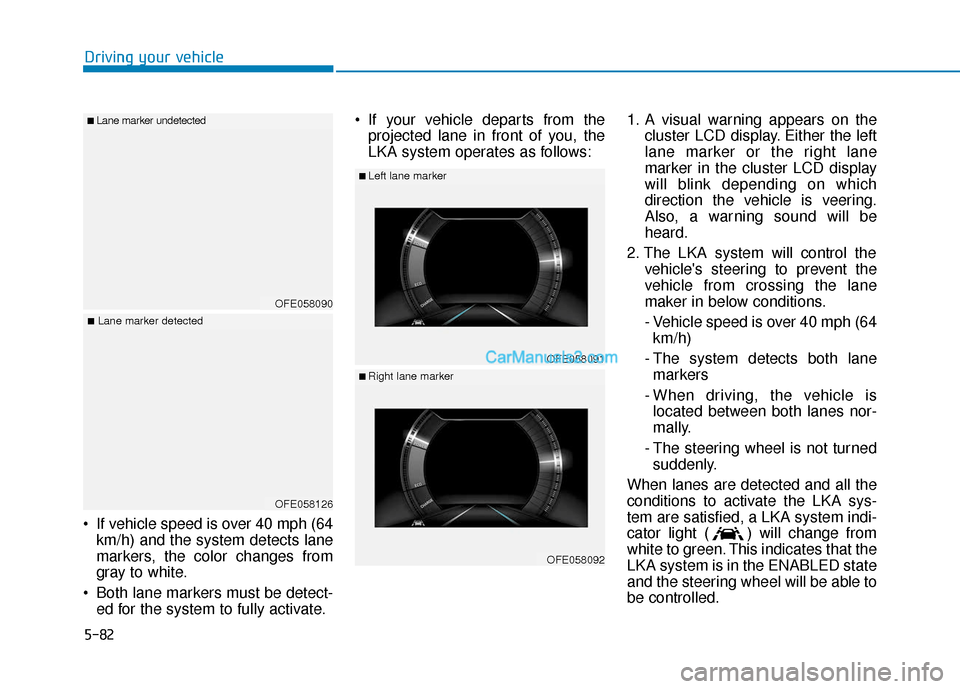
If vehicle speed is over 40 mph (64 km/h) and the system detects lane
markers, the color changes from
gray to white.
Both lane markers must be detect- ed for the system to fully activate. If your vehicle departs from the
projected lane in front of you, the
LKA system operates as follows: 1. A visual warning appears on the
cluster LCD display. Either the left
lane marker or the right lane
marker in the cluster LCD display
will blink depending on which
direction the vehicle is veering.
Also, a warning sound will be
heard.
2. The LKA system will control the vehicle's steering to prevent the
vehicle from crossing the lane
maker in below conditions.
- Vehicle speed is over 40 mph (64 km/h)
- The system detects both lane markers
- When driving, the vehicle is located between both lanes nor-
mally.
- The steering wheel is not turned suddenly.
When lanes are detected and all the
conditions to activate the LKA sys-
tem are satisfied, a LKA system indi-
cator light ( ) will change from
white to green. This indicates that the
LKA system is in the ENABLED state
and the steering wheel will be able to
be controlled.
OFE058090
■Lane marker undetected
OFE058126
■Lane marker detected
OFE058091
■Left lane marker
OFE058092
■Right lane marker
Page 360 of 560
5-94
D
DR
RI
IV
V E
ER
R
A
A T
TT
TE
EN
N T
TI
IO
O N
N
W
W A
AR
RN
N I
IN
N G
G
(
( D
D A
A W
W )
)
S
S Y
Y S
ST
T E
EM
M
Driving your vehicle
The Driver Attention Warning (DAW)
system displays the condition of the
driver's fatigue and inattention.
System Setting and Activation
System setting
To turn ON the Driver Attention Warning (DAW) system, turn on
the vehicle, and then select
'Vehicle settings →Driver
Assistance → Driver Attention
Warning →High sensitivity/Normal
sensitivity’ on the AVN screen. The driver can select the mode of
the Driver Attention Warning
(DAW) system.
- High sensitivity : The DriverAttention Warning system helps
alert the driver of his/her fatigue
level or inattentive driving prac-
tices faster than Normal mode.
- Normal sensitivity : The Driver Attention Warning system helps
alert the driver of his/her fatigue
level or inattentive driving prac-
tices.
- Off : The Driver Attention Warning system is deactivated.
The set-up of the Driver Attention Warning system will be main-
tained, as selected, when the vehi-
cle is re-started.
Driver's attention level
OFE058157L
■ System off
OFE058158L
■Attentive driving
Page 361 of 560
5-95
Driving your vehicle
5
The driver can monitor their drivingconditions on the LCD display.
The DAW screen will appear when
you select the Assist mode tab ( )
on the LCD display if the system is
activated. For more details, refer to
"LCD Display Modes" in chapter 3.
The driver's attention level is dis- played on the scale of 1 to 5. The
lower the number is, the more inat-
tentive the driver is.
The number decreases when the driver does not take a break for a
certain period of time.
The number increases when the driver attentively drives for a cer-
tain period of time. When the driver turns on the sys-
tem while driving, it displays 'Last
Break time' and level reflected that.
Take a break
The "Consider taking a break"message appears on the LCD dis-
play and a warning sounds in order
to suggest the driver to take a
break, when the driver’s attention
level is below 1.
The Driver Attention Warning (DAW) system does not suggest
the driver to take a break, when the
total driving time is shorter than 10
minutes.
Resetting the System
The last break time is set to 00:00and the driver's attention level is
set to 5 (very attentive) when the
driver resets the Driver Attention
Warning (DAW) system.
The Driver Attention Warning (DAW) system resets in the follow-
ing situations.
- The vehicle is turned OFF.
- The driver unfastens the seat belt and then opens the driver's
door.
- The vehicle is stopped for more than 10 minutes.
The Driver Attention Warning (DAW) system operates again,
when the driver restarts driving.
OFE058160L
OFE058159L
Page 362 of 560
5-96
Driving your vehicle
System Standby
The Driver Attention Warning (DAW)
system enters the ready status and
displays the 'Standby' screen in the
following situations.
- The camera sensor keeps failing todetect the lanes.
- Driving speed remains under 40 mph (64 km/h) or over 110 mph
(177 km/h).
System Malfunction
Check Driver Attention Warning
(DAW) system
When the warning message
appears, the system is not working
properly. In this case, have the vehi-
cle inspected by an authorized
HYUNDAI dealer.
OFE058161LOFE058162L
The Driver Attention Warning
system is not a substitute for
safe driving practices, but a
convenience function only. It
is the responsibility of the
driver to always drive cau-
tiously to prevent unexpected
and sudden situations from
occurring. Pay attention to the
road conditions at all times.
The system may suggest a
break according to the dri-
ver's driving pattern or habits
even if the driver doesn't feel
fatigue.
The driver, who feels fatigued,
should take a break, even
though there is no break sug-
gestion by the Driver Attention
Warning system.
WARNING