check HYUNDAI PALISADE 2021 Manual PDF
[x] Cancel search | Manufacturer: HYUNDAI, Model Year: 2021, Model line: PALISADE, Model: HYUNDAI PALISADE 2021Pages: 612, PDF Size: 33.36 MB
Page 362 of 612
5-53
Driving your vehicle
5
To Deactivate the ISG System
Press the ISG OFF button to deac-
tivate the ISG system. Then, the
ISG OFF button indicator illumi-
nates.
Press the ISG OFF button again to
reactivate the ISG system. Then,
the ISG OFF button indicator turns
OFF.
ISG System Malfunction
The ISG system may not operate:
When there is a malfunction with the
ISG sensors or the ISG system.
The followings occur, when there is
a malfunction with the ISG system:
The auto stop indicator ( ) will
blink in yellow on the instrument
cluster.
The light on the ISG OFF button
will illuminate.
Information
• When you cannot turn OFF the ISG
OFF button indicator by pressing the
ISG OFF button, or when the mal-
function with the ISG system per-
sists, contact an authorized
HYUNDAI dealer.
• You can turn off the ISG OFF but-
ton indicator by driving over 50
mph (80 km/h) for up to 2 hours
with the fan speed below the 2nd
position. If the ISG OFF button
indicator remains ON, contact an
authorized HYUNDAI dealer.
i
When the engine is in auto stop
mode, the engine may restart.
Before leaving the vehicle or
checking the engine compart-
ment, stop the engine placing
the ignition switch to the
LOCK/OFF position or remove
the ignition key.
WARNING
Page 363 of 612
5-54
Driving your vehicle
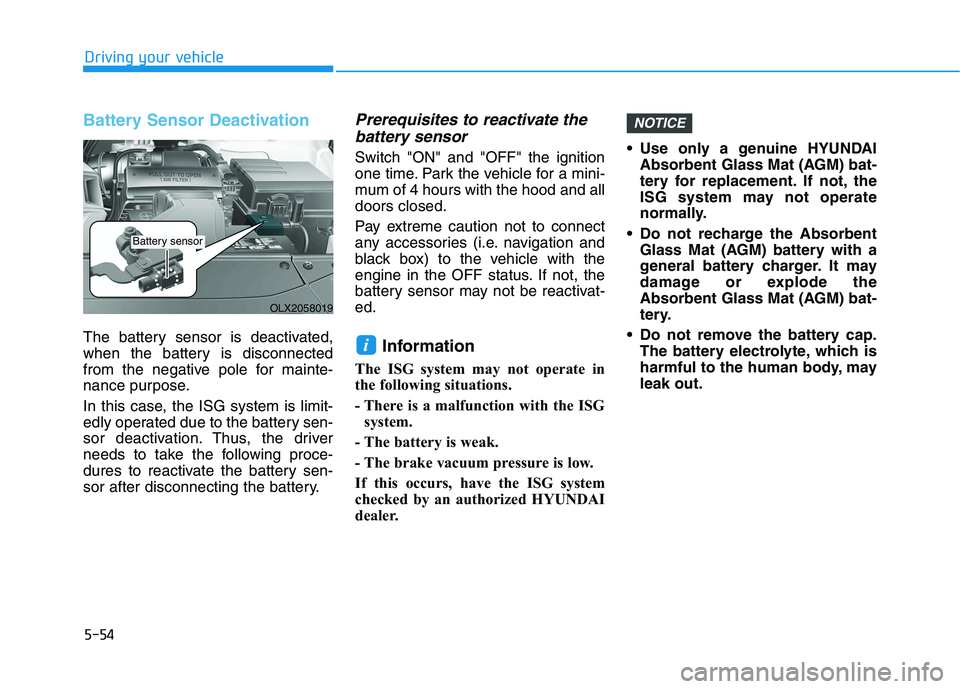
Battery Sensor Deactivation
The battery sensor is deactivated,
when the battery is disconnected
from the negative pole for mainte-
nance purpose.
In this case, the ISG system is limit-
edly operated due to the battery sen-
sor deactivation. Thus, the driver
needs to take the following proce-
dures to reactivate the battery sen-
sor after disconnecting the battery.
Prerequisites to reactivate the
battery sensor
Switch "ON" and "OFF" the ignition
one time. Park the vehicle for a mini-
mum of 4 hours with the hood and all
doors closed.
Pay extreme caution not to connect
any accessories (i.e. navigation and
black box) to the vehicle with the
engine in the OFF status. If not, the
battery sensor may not be reactivat-
ed.
Information
The ISG system may not operate in
the following situations.
- There is a malfunction with the ISG
system.
- The battery is weak.
- The brake vacuum pressure is low.
If this occurs, have the ISG system
checked by an authorized HYUNDAI
dealer. Use only a genuine HYUNDAI
Absorbent Glass Mat (AGM) bat-
tery for replacement. If not, the
ISG system may not operate
normally.
Do not recharge the Absorbent
Glass Mat (AGM) battery with a
general battery charger. It may
damage or explode the
Absorbent Glass Mat (AGM) bat-
tery.
Do not remove the battery cap.
The battery electrolyte, which is
harmful to the human body, may
leak out.
NOTICE
i
OLX2058019
Battery sensor
Page 373 of 612
5-64
Driving your vehicle
- If you select 'Warning Only', the
FCA system activates and pro-
duces only warning alarms in
accordance with the collision risk
levels. Braking assist will not be
applied in this setting.
- If you select 'Off', the FCA system
deactivates.
The warning light illu-
minates on the LCD
display, when you can-
cel the FCA system.
The driver can monitor the FCA
ON/OFF status on the LCD display.
Also, the warning light illuminates
when the ESC (Electronic Stability
Control) is turned off. If the warning
light remains ON when the FCA is
activated, have the system
checked by an authorized
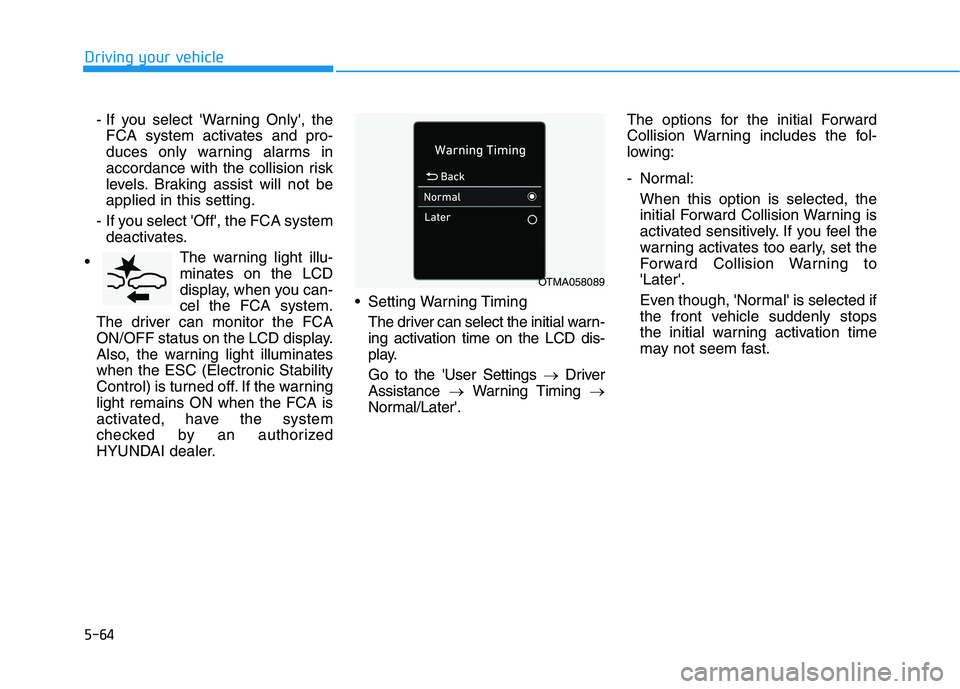
HYUNDAI dealer. Setting Warning Timing
The driver can select the initial warn-
ing activation time on the LCD dis-
play.
Go to the 'User Settings →Driver
Assistance →Warning Timing →
Normal/Later'.The options for the initial Forward
Collision Warning includes the fol-
lowing:
- Normal:
When this option is selected, the
initial Forward Collision Warning is
activated sensitively. If you feel the
warning activates too early, set the
Forward Collision Warning to
'Later'.
Even though, 'Normal' is selected if
the front vehicle suddenly stops
the initial warning activation time
may not seem fast.
OTMA058089
Page 377 of 612
5-68
Driving your vehicle
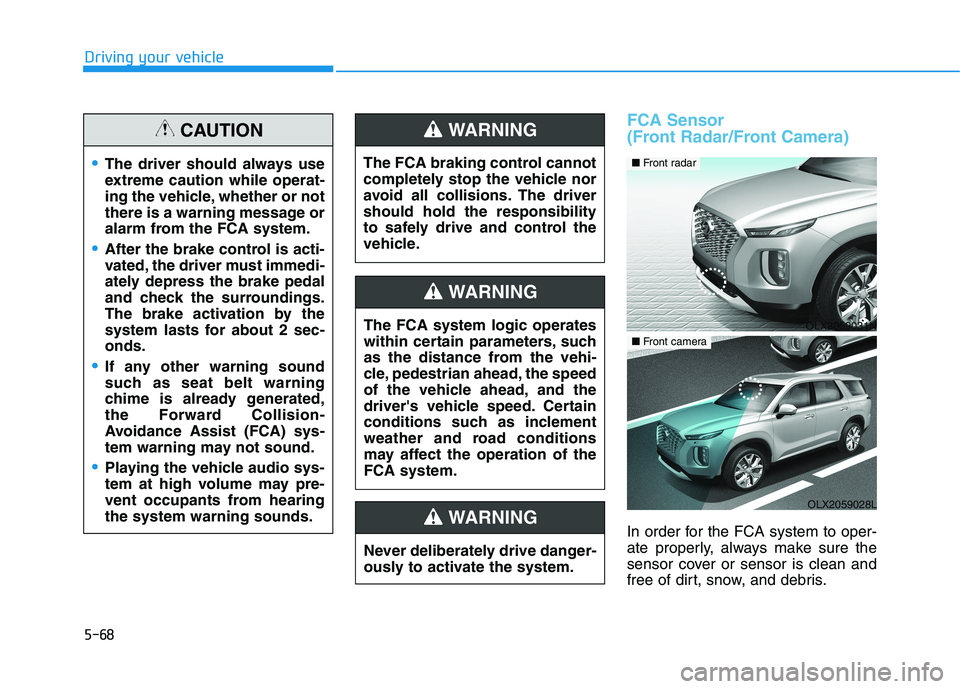
FCA Sensor
(Front Radar/Front Camera)
In order for the FCA system to oper-
ate properly, always make sure the
sensor cover or sensor is clean and
free of dirt, snow, and debris.
The driver should always use
extreme caution while operat-
ing the vehicle, whether or not
there is a warning message or
alarm from the FCA system.
After the brake control is acti-
vated, the driver must immedi-
ately depress the brake pedal
and check the surroundings.
The brake activation by the
system lasts for about 2 sec-
onds.
If any other warning sound
such as seat belt warning
chime is already generated,
the Forward Collision-
Avoidance Assist (FCA) sys-
tem warning may not sound.
Playing the vehicle audio sys-
tem at high volume may pre-
vent occupants from hearing
the system warning sounds.
CAUTION
The FCA system logic operates
within certain parameters, such
as the distance from the vehi-
cle, pedestrian ahead, the speed
of the vehicle ahead, and the
driver's vehicle speed. Certain
conditions such as inclement
weather and road conditions
may affect the operation of the
FCA system.
WARNING
The FCA braking control cannot
completely stop the vehicle nor
avoid all collisions. The driver
should hold the responsibility
to safely drive and control the
vehicle.
WARNING
Never deliberately drive danger-
ously to activate the system.
WARNING
OLX2059031N
■ Front radar
OLX2059028L
■ Front camera
Page 378 of 612
5-69
Driving your vehicle
5
Dirt, snow, or foreign substances on
the sensor cover or sensor may
adversely affect the sensing perform-
ance of the sensor.
Do not apply license plate frame
or foreign objects such as a
bumper sticker or a bumper
guard near the sensor. Doing so
may adversely affect the sens-
ing performance of the radar.
Always keep the sensor and
cover clean and free of dirt and
debris.
Use only a soft cloth to wash the
vehicle. Do not spray pressur-
ized water directly on the sensor
or sensor cover.
Be careful not to apply unneces-
sary force on the sensor or sen-
sor cover. If the sensor is
forcibly moved out of proper
alignment, the FCA system may
not operate correctly. In this
case, a warning message may
not be displayed. Have the vehi-
cle inspected by an authorized
HYUNDAI dealer. If the front bumper becomes
damaged in the area around the
sensor, the FCA system may not
operate properly. Have the vehi-
cle inspected by an authorized
HYUNDAI dealer.
Use only genuine HYUNDAI
parts to repair or replace a dam-
aged sensor or sensor cover. Do
not apply paint to the sensor
cover.
NEVER install any accessories
or stickers on the front wind-
shield, or tint the front wind-
shield.
NEVER place any reflective
objects (i.e. white paper, mirror)
over the crash pad. Any light
reflection may prevent the sys-
tem from functioning properly.
Pay extreme caution to keep the
camera dry.
NEVER disassemble the camera
assembly, or apply any impact
on the camera assembly. If the sensor is forcibly moved
out of proper alignment, the FCA
system may not operate correct-
ly. In this case, a warning mes-
sage may not be displayed. Have
the vehicle inspected by an
authorized HYUNDAI dealer.
Information
Have the system checked by an
authorized HYUNDAI dealer when:
• The windshield glass is replaced.
• The radar sensor or cover gets dam-
aged or replaced.
i
NOTICE
NOTICE
Page 379 of 612
5-70
Driving your vehicle
Warning message and warning
light
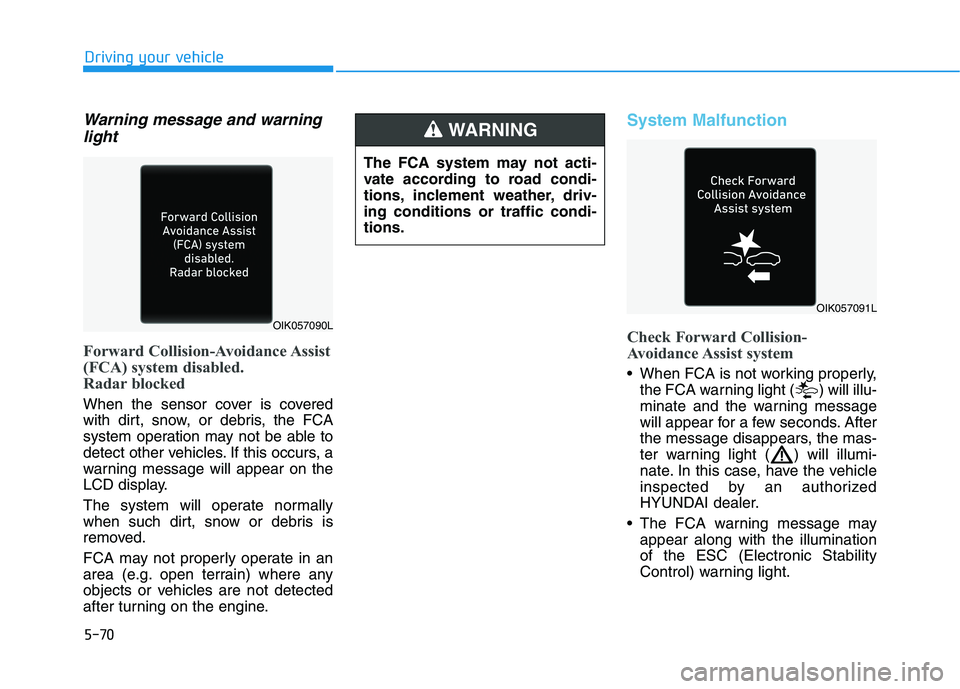
Forward Collision-Avoidance Assist
(FCA) system disabled.
Radar blocked
When the sensor cover is covered
with dirt, snow, or debris, the FCA
system operation may not be able to
detect other vehicles. If this occurs, a
warning message will appear on the
LCD display.
The system will operate normally
when such dirt, snow or debris is
removed.
FCA may not properly operate in an
area (e.g. open terrain) where any
objects or vehicles are not detected
after turning on the engine.
System Malfunction
Check Forward Collision-
Avoidance Assist system
When FCA is not working properly,
the FCA warning light ( ) will illu-
minate and the warning message
will appear for a few seconds. After
the message disappears, the mas-
ter warning light ( ) will illumi-
nate. In this case, have the vehicle
inspected by an authorized
HYUNDAI dealer.
The FCA warning message may
appear along with the illumination
of the ESC (Electronic Stability
Control) warning light.
The FCA system may not acti-
vate according to road condi-
tions, inclement weather, driv-
ing conditions or traffic condi-
tions.
WARNING
OIK057090L
OIK057091L
Page 392 of 612
5-83
Driving your vehicle
5
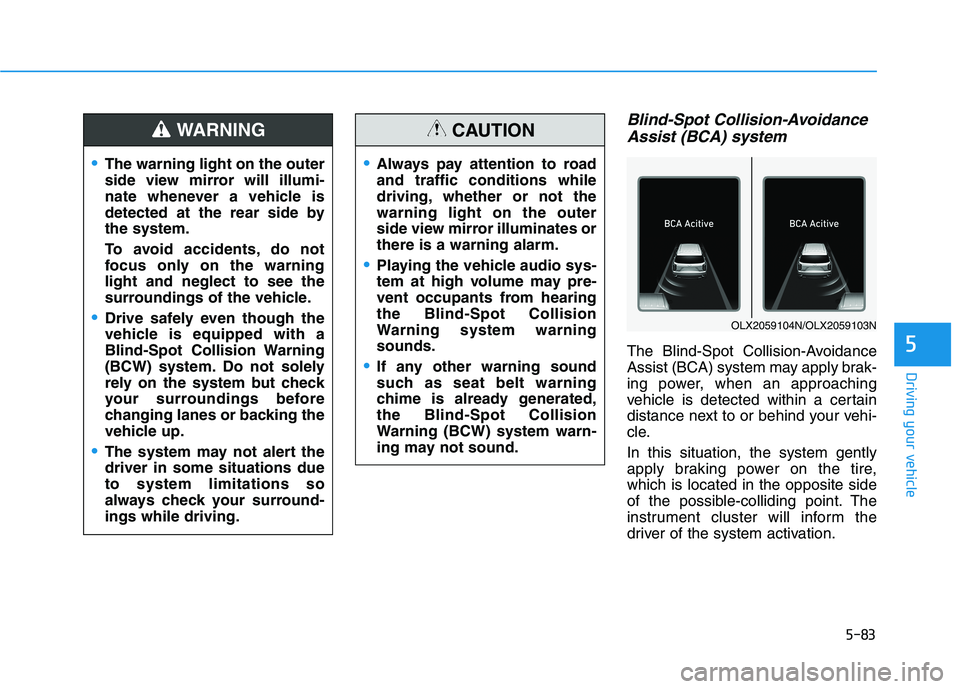
Blind-Spot Collision-Avoidance
Assist (BCA) system
The Blind-Spot Collision-Avoidance
Assist (BCA) system may apply brak-
ing power, when an approaching
vehicle is detected within a certain
distance next to or behind your vehi-
cle.
In this situation, the system gently
apply braking power on the tire,
which is located in the opposite side
of the possible-colliding point. The
instrument cluster will inform the
driver of the system activation.
The warning light on the outer
side view mirror will illumi-
nate whenever a vehicle is
detected at the rear side by
the system.
To avoid accidents, do not
focus only on the warning
light and neglect to see the
surroundings of the vehicle.
Drive safely even though the
vehicle is equipped with a
Blind-Spot Collision Warning
(BCW) system. Do not solely
rely on the system but check
your surroundings before
changing lanes or backing the
vehicle up.
The system may not alert the
driver in some situations due
to system limitations so
always check your surround-
ings while driving.
WARNING
Always pay attention to road
and traffic conditions while
driving, whether or not the
warning light on the outer
side view mirror illuminates or
there is a warning alarm.
Playing the vehicle audio sys-
tem at high volume may pre-
vent occupants from hearing
the Blind-Spot Collision
Warning system warning
sounds.
If any other warning sound
such as seat belt warning
chime is already generated,
the Blind-Spot Collision
Warning (BCW) system warn-
ing may not sound.
CAUTION
OLX2059104N/OLX2059103N
Page 395 of 612
5-86
Driving your vehicle
Warning message
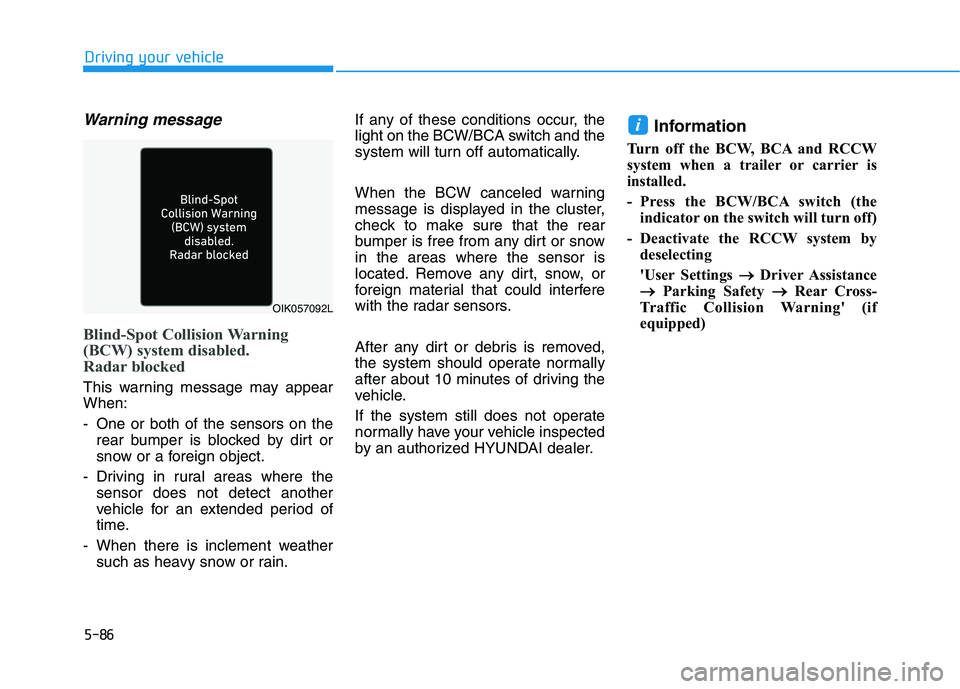
Blind-Spot Collision Warning
(BCW) system disabled.
Radar blocked
This warning message may appear
When:
- One or both of the sensors on the
rear bumper is blocked by dirt or
snow or a foreign object.
- Driving in rural areas where the
sensor does not detect another
vehicle for an extended period of
time.
- When there is inclement weather
such as heavy snow or rain.If any of these conditions occur, the
light on the BCW/BCA switch and the
system will turn off automatically.
When the BCW canceled warning
message is displayed in the cluster,
check to make sure that the rear
bumper is free from any dirt or snow
in the areas where the sensor is
located. Remove any dirt, snow, or
foreign material that could interfere
with the radar sensors.
After any dirt or debris is removed,
the system should operate normally
after about 10 minutes of driving the
vehicle.
If the system still does not operate
normally have your vehicle inspected
by an authorized HYUNDAI dealer.
Information
Turn off the BCW, BCA and RCCW
system when a trailer or carrier is
installed.
- Press the BCW/BCA switch (the
indicator on the switch will turn off)
- Deactivate the RCCW system by
deselecting
'User Settings → →
Driver Assistance
→ →
Parking Safety → →
Rear Cross-
Traffic Collision Warning' (if
equipped)
i
OIK057092L
Page 396 of 612
5-87
Driving your vehicle
5
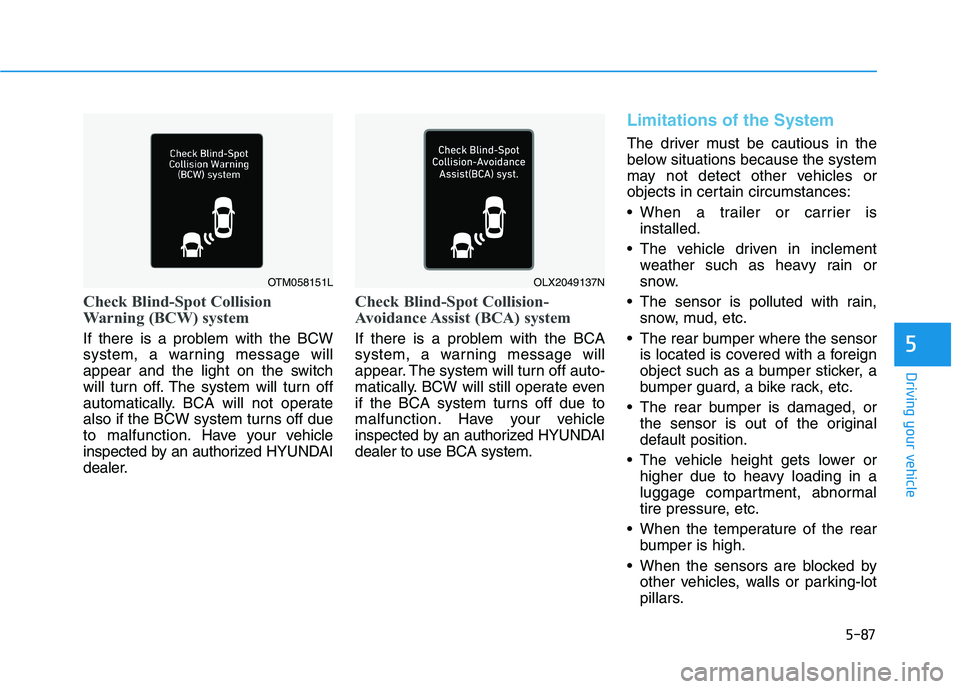
Check Blind-Spot Collision
Warning (BCW) system
If there is a problem with the BCW
system, a warning message will
appear and the light on the switch
will turn off. The system will turn off
automatically. BCA will not operate
also if the BCW system turns off due
to malfunction. Have your vehicle
inspected by an authorized HYUNDAI
dealer.
Check Blind-Spot Collision-
Avoidance Assist (BCA) system
If there is a problem with the BCA
system, a warning message will
appear. The system will turn off auto-
matically. BCW will still operate even
if the BCA system turns off due to
malfunction. Have your vehicle
inspected by an authorized HYUNDAI
dealer to use BCA system.
Limitations of the System
The driver must be cautious in the
below situations because the system
may not detect other vehicles or
objects in certain circumstances:
When a trailer or carrier is
installed.
The vehicle driven in inclement
weather such as heavy rain or
snow.
The sensor is polluted with rain,
snow, mud, etc.
The rear bumper where the sensor
is located is covered with a foreign
object such as a bumper sticker, a
bumper guard, a bike rack, etc.
The rear bumper is damaged, or
the sensor is out of the original
default position.
The vehicle height gets lower or
higher due to heavy loading in a
luggage compartment, abnormal
tire pressure, etc.
When the temperature of the rear
bumper is high.
When the sensors are blocked by
other vehicles, walls or parking-lot
pillars.
OTM058151LOLX2049137N
Page 406 of 612
5-97
Driving your vehicle
5
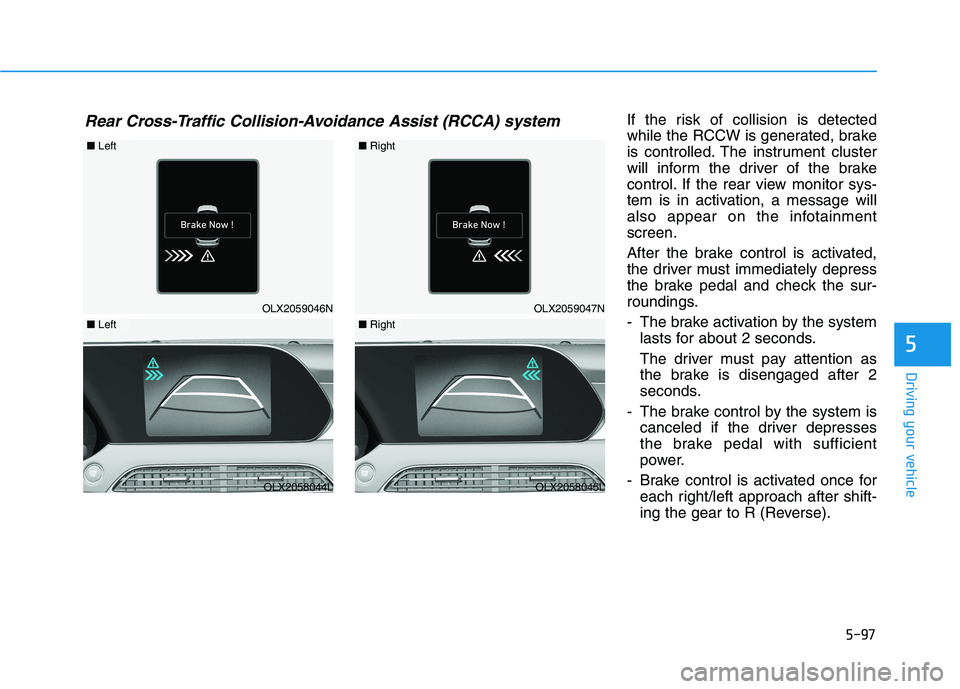
If the risk of collision is detected
while the RCCW is generated, brake
is controlled. The instrument cluster
will inform the driver of the brake
control. If the rear view monitor sys-
tem is in activation, a message will
also appear on the infotainment
screen.
After the brake control is activated,
the driver must immediately depress
the brake pedal and check the sur-
roundings.
- The brake activation by the system
lasts for about 2 seconds.
The driver must pay attention as
the brake is disengaged after 2
seconds.
- The brake control by the system is
canceled if the driver depresses
the brake pedal with sufficient
power.
- Brake control is activated once for
each right/left approach after shift-
ing the gear to R (Reverse).Rear Cross-Traffic Collision-Avoidance Assist (RCCA) system
OLX2059046N
■Left
OLX2058044L
■Left
OLX2059047N
■Right
OLX2058045L
■Right