light Hyundai Santa Fe 2018 Owner's Manual
[x] Cancel search | Manufacturer: HYUNDAI, Model Year: 2018, Model line: Santa Fe, Model: Hyundai Santa Fe 2018Pages: 570, PDF Size: 16.8 MB
Page 299 of 570
57
Driving your vehicle
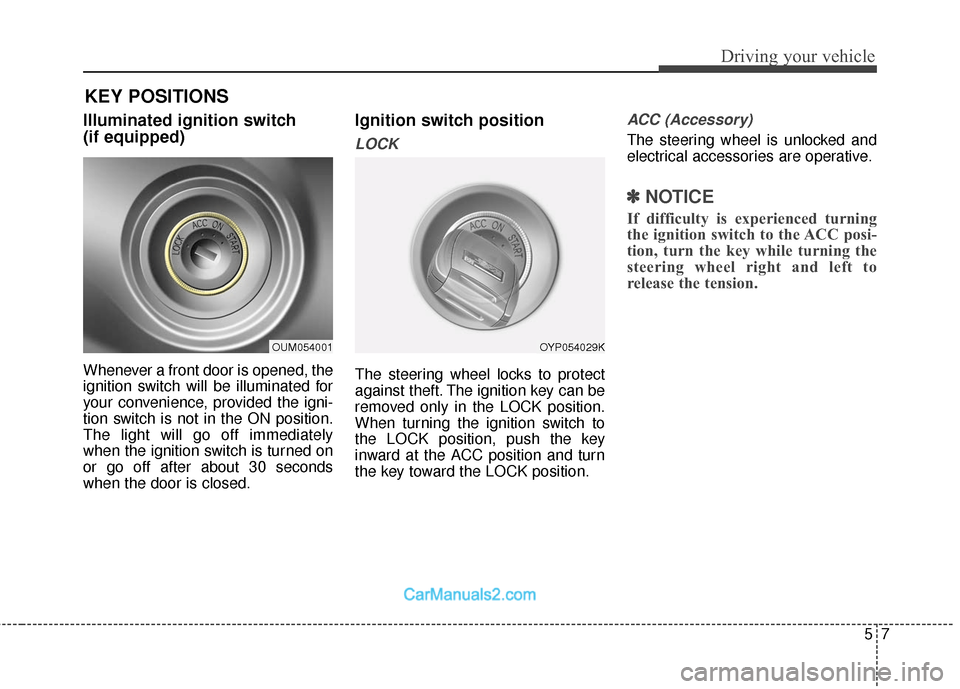
Illuminated ignition switch
(if equipped)
Whenever a front door is opened, the
ignition switch will be illuminated for
your convenience, provided the igni-
tion switch is not in the ON position.
The light will go off immediately
when the ignition switch is turned on
or go off after about 30 seconds
when the door is closed.
Ignition switch position
LOCK
The steering wheel locks to protect
against theft. The ignition key can be
removed only in the LOCK position.
When turning the ignition switch to
the LOCK position, push the key
inward at the ACC position and turn
the key toward the LOCK position.
ACC (Accessory)
The steering wheel is unlocked and
electrical accessories are operative.
✽ ✽NOTICE
If difficulty is experienced turning
the ignition switch to the ACC posi-
tion, turn the key while turning the
steering wheel right and left to
release the tension.
OUM054001OYP054029K
KEY POSITIONS
Page 300 of 570
Driving your vehicle
85
ON
The warning lights can be checked
before the engine is started. This is
the normal running position after the
engine is started.
Do not leave the ignition switch ON ifthe engine is not running to preventbattery discharge.
START
Turn the ignition switch to the START
position to start the engine. The
engine will crank until you release
the key; then it returns to the ON
position. The brake warning light can
be checked in this position.
WARNING - Ignition key
Never turn the ignition switch to LOCK or ACC while the
vehicle is moving. This would
result in loss of directional
control and braking function,
which could cause an acci-
dent.
The anti-theft steering column lock is not a substitute for the
parking brake. Before leaving
the driver's seat, always make
sure the shift lever is engaged
in P (Park), set the parking
brake fully and shut the
engine off. Unexpected and
sudden vehicle movement
may occur if these precau-
tions are not taken.
(Continued)(Continued)
Never reach for the ignitionswitch, or any other controls
through the steering wheel
while the vehicle is in motion.
The presence of your hand or
arm in this area could cause a
loss of vehicle control, an
accident and serious bodily
injury or death.
Do not place any movable objects around the driver’s
seat as they may move while
driving, interfere with the driv-
er and lead to an accident.
Page 302 of 570
Driving your vehicle
10
5
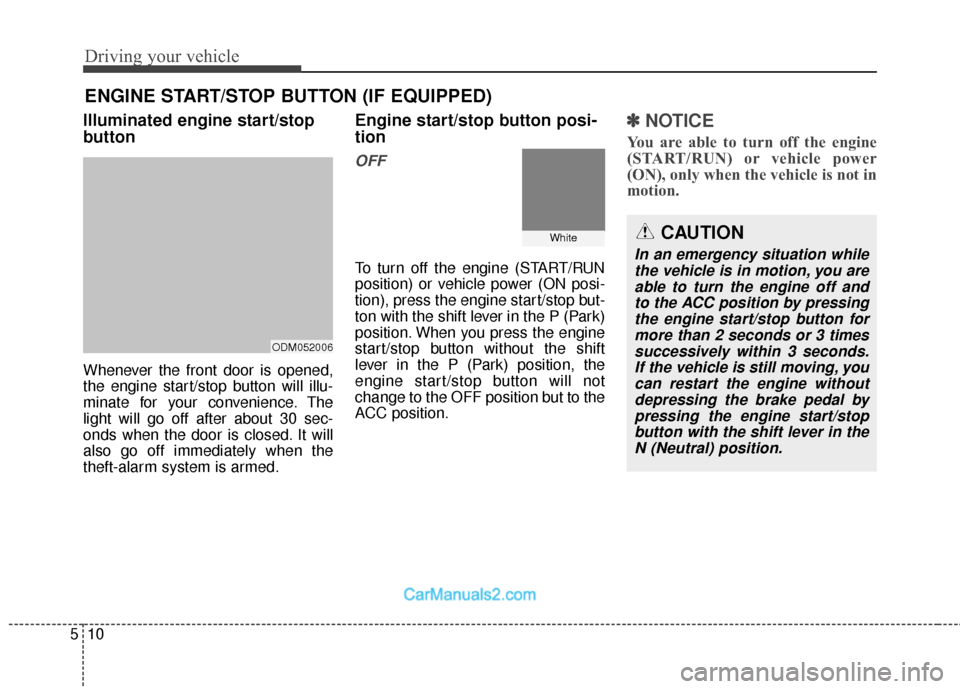
Illuminated engine start/stop
button
Whenever the front door is opened,
the engine start/stop button will illu-
minate for your convenience. The
light will go off after about 30 sec-
onds when the door is closed. It will
also go off immediately when the
theft-alarm system is armed.
Engine start/stop button posi-
tion
OFF
To turn off the engine (START/RUN
position) or vehicle power (ON posi-
tion), press the engine start/stop but-
ton with the shift lever in the P (Park)
position. When you press the engine
start/stop button without the shift
lever in the P (Park) position, the
engine start/stop button will not
change to the OFF position but to the
ACC position.
✽ ✽
NOTICE
You are able to turn off the engine
(START/RUN) or vehicle power
(ON), only when the vehicle is not in
motion.
ENGINE START/STOP BUTTON (IF EQUIPPED)
ODM052006
WhiteCAUTION
In an emergency situation while
the vehicle is in motion, you areable to turn the engine off andto the ACC position by pressingthe engine start/stop button formore than 2 seconds or 3 timessuccessively within 3 seconds.If the vehicle is still moving, youcan restart the engine withoutdepressing the brake pedal bypressing the engine start/stopbutton with the shift lever in theN (Neutral) position.
Page 303 of 570
511
Driving your vehicle
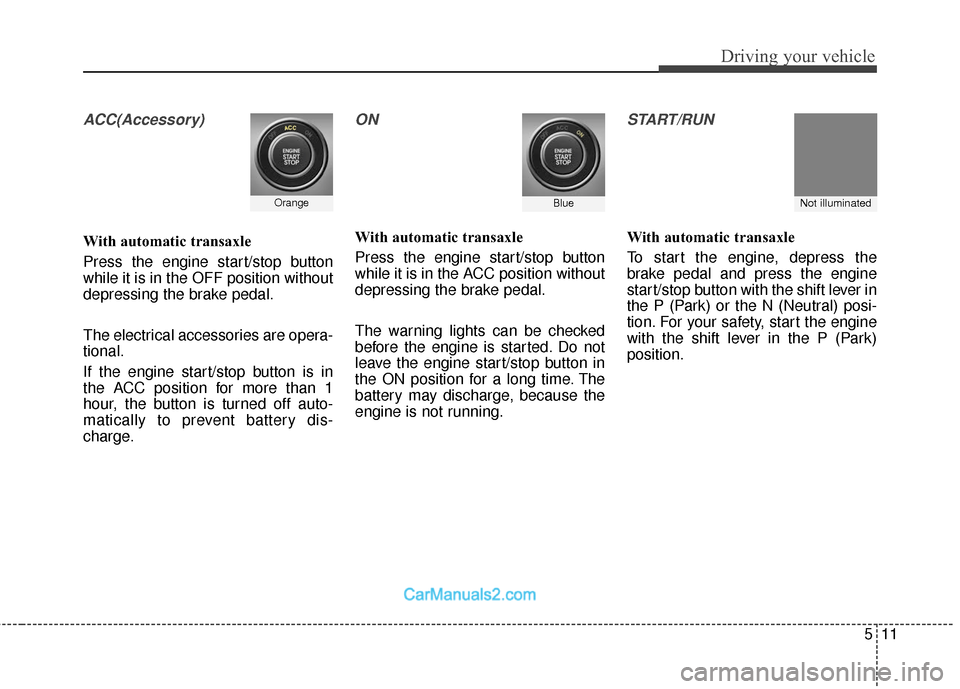
ACC(Accessory)
With automatic transaxle
Press the engine start/stop button
while it is in the OFF position without
depressing the brake pedal.
The electrical accessories are opera-
tional.
If the engine start/stop button is in
the ACC position for more than 1
hour, the button is turned off auto-
matically to prevent battery dis-
charge.
ON
With automatic transaxle
Press the engine start/stop button
while it is in the ACC position without
depressing the brake pedal.
The warning lights can be checked
before the engine is started. Do not
leave the engine start/stop button in
the ON position for a long time. The
battery may discharge, because the
engine is not running.
START/RUN
With automatic transaxle
To start the engine, depress the
brake pedal and press the engine
start/stop button with the shift lever in
the P (Park) or the N (Neutral) posi-
tion. For your safety, start the engine
with the shift lever in the P (Park)
position.
Not illuminated OrangeBlue
Page 308 of 570
Driving your vehicle
16
5
For smooth operation, depress the
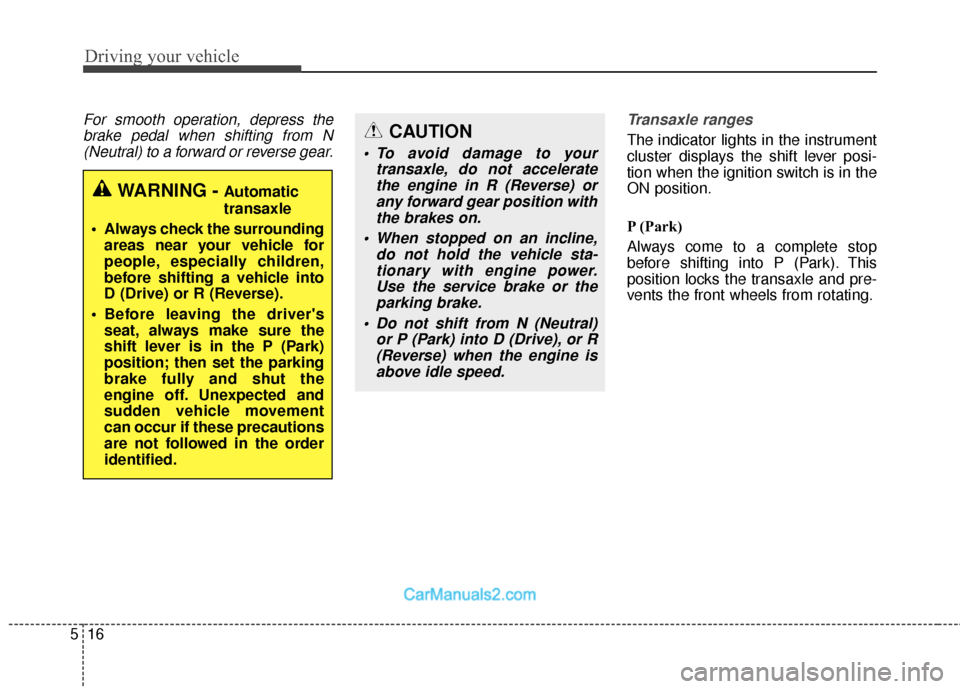
brake pedal when shifting from N(Neutral) to a forward or reverse gear. Transaxle ranges
The indicator lights in the instrument
cluster displays the shift lever posi-
tion when the ignition switch is in the
ON position.
P (Park)
Always come to a complete stop
before shifting into P (Park). This
position locks the transaxle and pre-
vents the front wheels from rotating.
WARNING - Automatic
transaxle
Always check the surrounding areas near your vehicle for
people, especially children,
before shifting a vehicle into
D (Drive) or R (Reverse).
Before leaving the driver's seat, always make sure the
shift lever is in the P (Park)
position; then set the parking
brake fully and shut the
engine off. Unexpected and
sudden vehicle movement
can occur if these precautions
are not followed in the order
identified.
CAUTION
To avoid damage to your transaxle, do not acceleratethe engine in R (Reverse) orany forward gear position withthe brakes on.
When stopped on an incline, do not hold the vehicle sta-tionary with engine power.Use the service brake or theparking brake.
Do not shift from N (Neutral) or P (Park) into D (Drive), or R(Reverse) when the engine isabove idle speed.
Page 309 of 570
517
Driving your vehicle
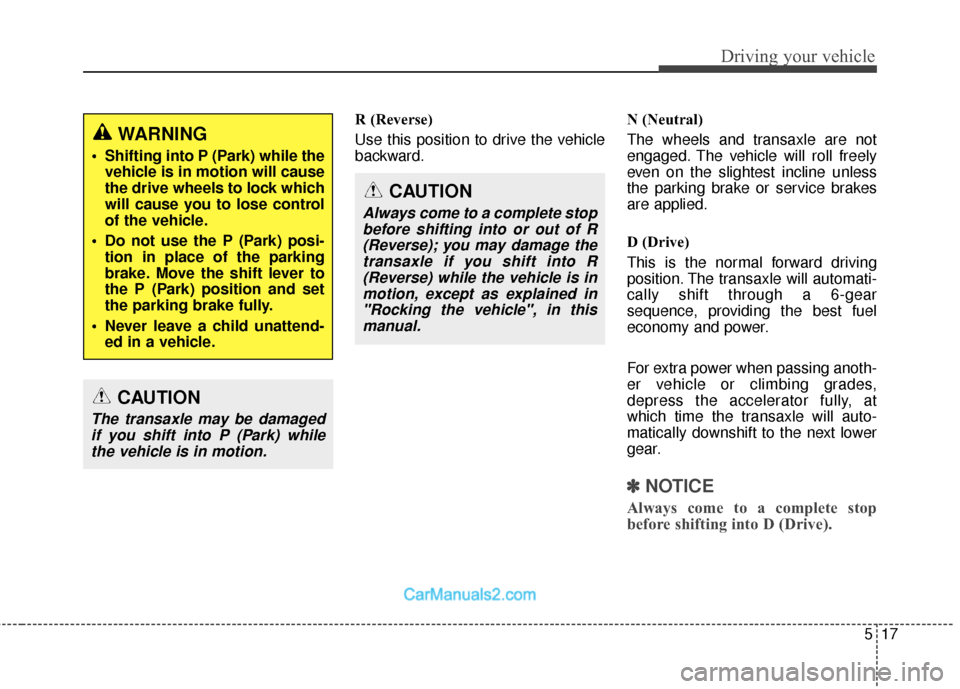
R (Reverse)
Use this position to drive the vehicle
backward.N (Neutral)
The wheels and transaxle are not
engaged. The vehicle will roll freely
even on the slightest incline unless
the parking brake or service brakes
are applied.
D (Drive)
This is the normal forward driving
position. The transaxle will automati-
cally shift through a 6-gear
sequence, providing the best fuel
economy and power.
For extra power when passing anoth-
er vehicle or climbing grades,
depress the accelerator fully, at
which time the transaxle will auto-
matically downshift to the next lower
gear.
✽ ✽
NOTICE
Always come to a complete stop
before shifting into D (Drive).
WARNING
Shifting into P (Park) while the
vehicle is in motion will cause
the drive wheels to lock which
will cause you to lose control
of the vehicle.
Do not use the P (Park) posi- tion in place of the parking
brake. Move the shift lever to
the P (Park) position and set
the parking brake fully.
Never leave a child unattend- ed in a vehicle.
CAUTION
The transaxle may be damagedif you shift into P (Park) whilethe vehicle is in motion.
CAUTION
Always come to a complete stopbefore shifting into or out of R(Reverse); you may damage thetransaxle if you shift into R(Reverse) while the vehicle is inmotion, except as explained in"Rocking the vehicle", in thismanual.
Page 315 of 570
523
Driving your vehicle
✽
✽NOTICE
• When driving on normal roads, deactivate the AWD LOCK mode by pushing the AWD LOCK button (the indi-
cator light goes off). Driving on normal roads with AWD LOCK mode(especially, when cornering) may cause
mechanical noise or vibration. The noise and vibration will disappear when the AWD LOCK mode is deactivat-
ed. Some parts of the power train may be damaged by prolonged driving with the noise and vibration.
• When the AWD LOCK mode is deactivated, a shock may be felt as the drive power is delivered entirely to the front wheels. This shock is not a mechanical failure.
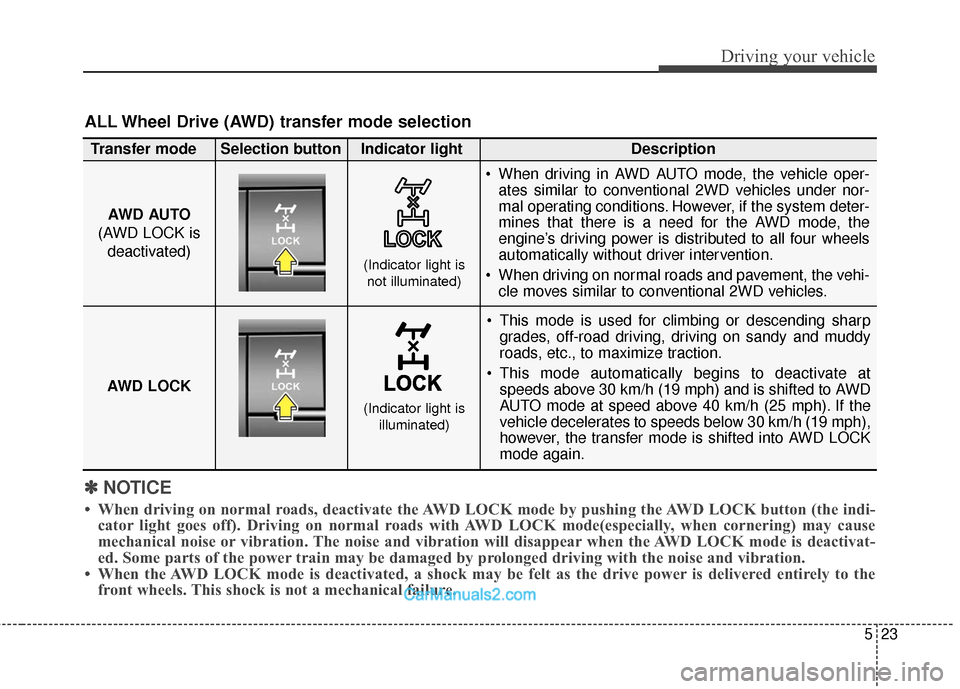
ALL Wheel Drive (AWD) transfer mode selection
This mode is used for climbing or descending sharp
grades, off-road driving, driving on sandy and muddy
roads, etc., to maximize traction.
This mode automatically begins to deactivate at speeds above 30 km/h (19 mph) and is shifted to AWD
AUTO mode at speed above 40 km/h (25 mph). If the
vehicle decelerates to speeds below 30 km/h (19 mph),
however, the transfer mode is shifted into AWD LOCK
mode again.
AWD AUTO
(AWD LOCK is deactivated)
(Indicator light isnot illuminated)
Transfer mode Selection button Indicator light Description
When driving in AWD AUTO mode, the vehicle oper-
ates similar to conventional 2WD vehicles under nor-
mal operating conditions. However, if the system deter-
mines that there is a need for the AWD mode, the
engine’s driving power is distributed to all four wheels
automatically without driver intervention.
When driving on normal roads and pavement, the vehi- cle moves similar to conventional 2WD vehicles.
AWD LOCK
(Indicator light is illuminated)
Page 316 of 570
Driving your vehicle
24
5
For safe all wheel drive opera-
tion
Do not try to drive in deep standing
water or mud since such conditions
can stall your engine and clog your
exhaust pipes. Do not drive down
steep hills since it requires extreme
skill to maintain control of the vehi-
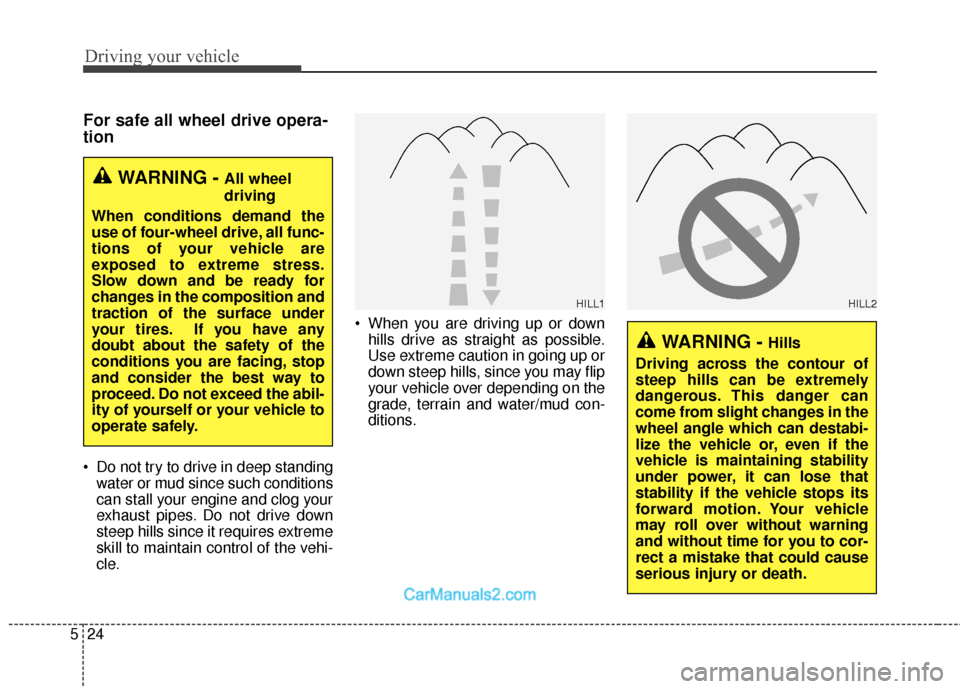
cle. When you are driving up or down
hills drive as straight as possible.
Use extreme caution in going up or
down steep hills, since you may flip
your vehicle over depending on the
grade, terrain and water/mud con-
ditions.
WARNING - All wheel
driving
When conditions demand the
use of four-wheel drive, all func-
tions of your vehicle are
exposed to extreme stress.
Slow down and be ready for
changes in the composition and
traction of the surface under
your tires. If you have any
doubt about the safety of the
conditions you are facing, stop
and consider the best way to
proceed. Do not exceed the abil-
ity of yourself or your vehicle to
operate safely.
WARNING - Hills
Driving across the contour of
steep hills can be extremely
dangerous. This danger can
come from slight changes in the
wheel angle which can destabi-
lize the vehicle or, even if the
vehicle is maintaining stability
under power, it can lose that
stability if the vehicle stops its
forward motion. Your vehicle
may roll over without warning
and without time for you to cor-
rect a mistake that could cause
serious injury or death.
HILL1HILL2
Page 322 of 570
Driving your vehicle
30
5
When the ECO mode is activated:
The acceleration response may be
slightly reduced.
The air conditioner performance may be limited.
The shift pattern of the automatic transaxle may change.
The engine noise may get louder.
The above situations are normal
conditions when the ECO mode is
activated to improve fuel efficiency.
Limitation of the ECO mode oper- ation:
If the following conditions occur while
ECO mode is operating, fuel efficien-
cy may decrease even though there
is no change in the ECO indicator.
When the coolant temperature is low:
Fuel efficiency may decrease until
engine temperature reaches nor-
mal.
When driving up a hill: Fuel efficiency may decrease to
gain performance when driving
uphill because engine torque is
restricted.
When using the automatic transaxle manual shift mode:
Fuel efficiency may decrease
according to the shift location.
When the accelerator pedal is deeply depressed for a few sec-
onds:
Fuel efficiency may decrease,
judging that the driver wants to
speed up.
SPORT mode
SPORT mode managesthe driving dynamics by
automatically adjusting the
steering wheel, engine
and transaxle system to
optimize performance.
When the SPORT mode is select- ed by pressing the DRIVE MODE
button, the SPORT indicator (yel-
low color) will illuminate.
Restarting of the engine in the SPORT mode resets the DRIVE
mode to the NORMAL mode. Thus,
when necessary, reselect the
SPORT mode.
When the SPORT mode is activat- ed:
- The RPM (revolutions per min-utes) level is maintained over a
certain length of time, even after
releasing the accelerator pedal.
- When accelerating, up-shifting timing is delayed.
✽ ✽ NOTICE
In the SPORT mode, the fuel effi-
ciency may decrease.
Page 323 of 570
531
Driving your vehicle
BRAKE SYSTEM
Power brakes
Your vehicle has power-assisted
brakes that adjust automatically
through normal usage.
In the event that the power-assisted
brakes lose power because of a
stalled engine or some other reason,
you can still stop your vehicle by
applying greater force to the brake
pedal than you normally would. The
stopping distance, however, will be
longer.
When the engine is not running, the
reserve brake power is partially
depleted each time the brake pedal
is applied. Do not pump the brake
pedal when the power assist has
been interrupted.
Pump the brake pedal only when
necessary to maintain steering con-
trol on slippery surfaces.(Continued)
Wet brakes may impair thevehicle’s ability to safely slow
down; the vehicle may also
pull to one side when the
brakes are applied. Applying
the brakes lightly will indicate
whether they have been affect-
ed in this way. Always test your
brakes in this fashion after
driving through deep water. To
dry the brakes, apply them
lightly while maintaining a safe
forward speed until brake per-
formance returns to normal.
Always, confirm the position of the brake and accelerator
pedal before driving. If you
don't check the position of the
accelerator and brake pedal
before driving, you may
depress the accelerator
instead of the brake pedal. It
may cause a serious accident.WARNING - Brakes
Do not drive with your foot resting on the brake pedal.
This will create abnormal high
brake temperatures, exces-
sive brake lining and pad
wear, and increased stopping
distances.
When descending a long or steep hill, shift to a lower gear
and avoid continuous applica-
tion of the brakes. Continuous
brake application will cause
the brakes to overheat and
could result in a temporary
loss of braking performance.
(Continued)