Engine light Hyundai Santa Fe Sport 2017 Owner's Manual
[x] Cancel search | Manufacturer: HYUNDAI, Model Year: 2017, Model line: Santa Fe Sport, Model: Hyundai Santa Fe Sport 2017Pages: 614, PDF Size: 18.99 MB
Page 7 of 614
1
2
3
4
5
6
7
8I
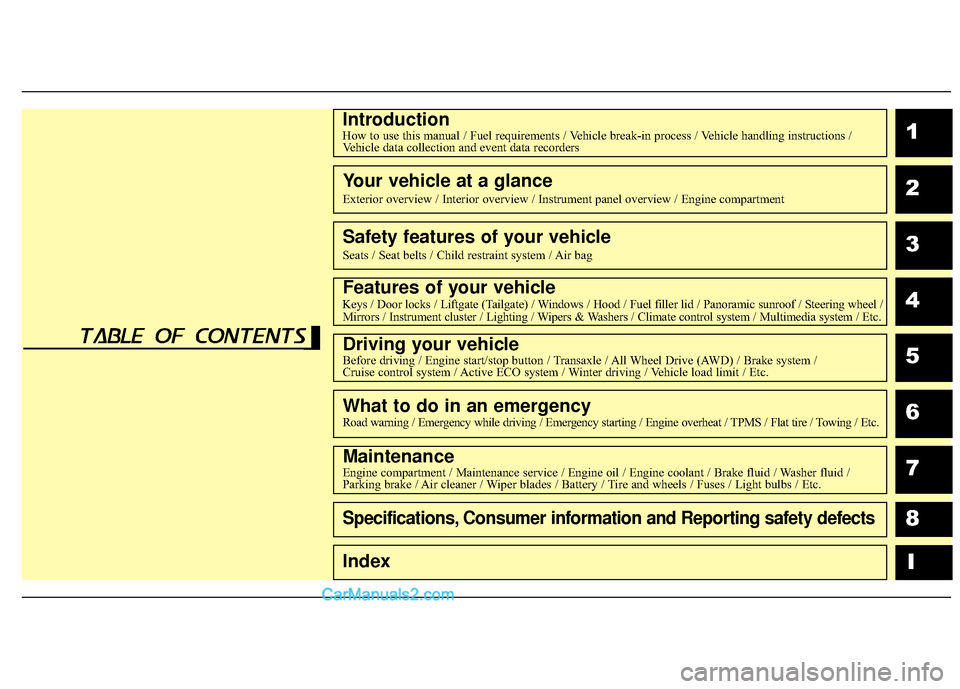
IntroductionHow to use this manual / Fuel requirements / Vehicle break-in process / Vehicle handling instructions /Vehicle data collection and event data recorders
Your vehicle at a glance
Exterior overview / Interior overview / Instrument panel overview / Engi\
ne compartment
Safety features of your vehicle
Seats / Seat belts / Child restraint system / Air bag
Features of your vehicleKeys / Door locks / Liftgate (Tailgate) / Windows / Hood / Fuel filler lid / Panoramic sunroof / Steering wheel /
Mirrors / Instrument cluster / Lighting / Wipers & Washers / Climate control system / Multimedia system / Etc.
Driving your vehicleBefore driving / Engine start/stop button / Transaxle / All Wheel Drive (AWD) / Brake system /
Cruise control system / Active ECO system / Winter driving / Vehicle load limit / Etc.
What to do in an emergencyRoad warning / Emergency while driving / Emergency starting / Engine overheat / TPMS / Flat tire / Towing / Etc.
MaintenanceEngine compartment / Maintenance service / Engine oil / Engine coolant /\
Brake fluid / Washer fluid /
Parking brake / Air cleaner / Wiper blades / Battery / Tire and wheels / Fuses / Light bulbs / Etc.
Specifications, Consumer information and Reporting safety defects
Index
table of contents
Page 20 of 614
Your vehicle at a glance
62
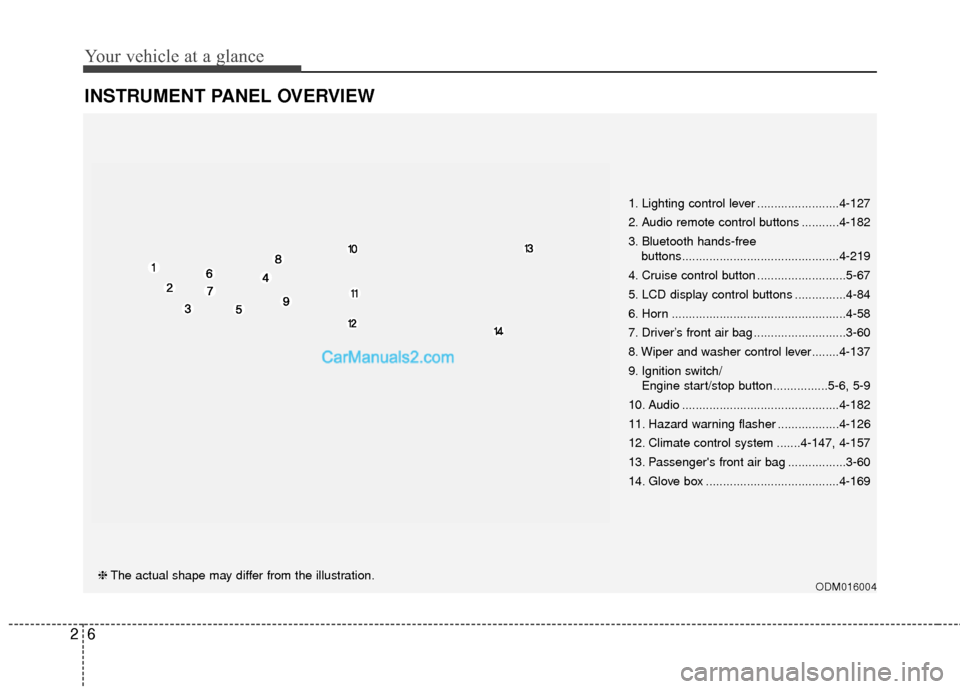
INSTRUMENT PANEL OVERVIEW
ODM016004❈The actual shape may differ from the illustration. 1. Lighting control lever ........................4-127
2. Audio remote control buttons ...........4-182
3. Bluetooth hands-free
buttons..............................................4-219
4. Cruise control button ..........................5-67
5. LCD display control buttons ...............4-84
6. Horn ...................................................4-58
7. Driver’s front air bag ...........................3-60
8. Wiper and washer control lever........4-137
9. Ignition switch/ Engine start/stop button ................5-6, 5-9
10. Audio ..............................................4-182
11. Hazard warning flasher ..................4-126
12. Climate control system .......4-147, 4-157
13. Passenger's front air bag .................3-60
14. Glove box .......................................4-169
Page 76 of 614
Safety features of your vehicle
54
3
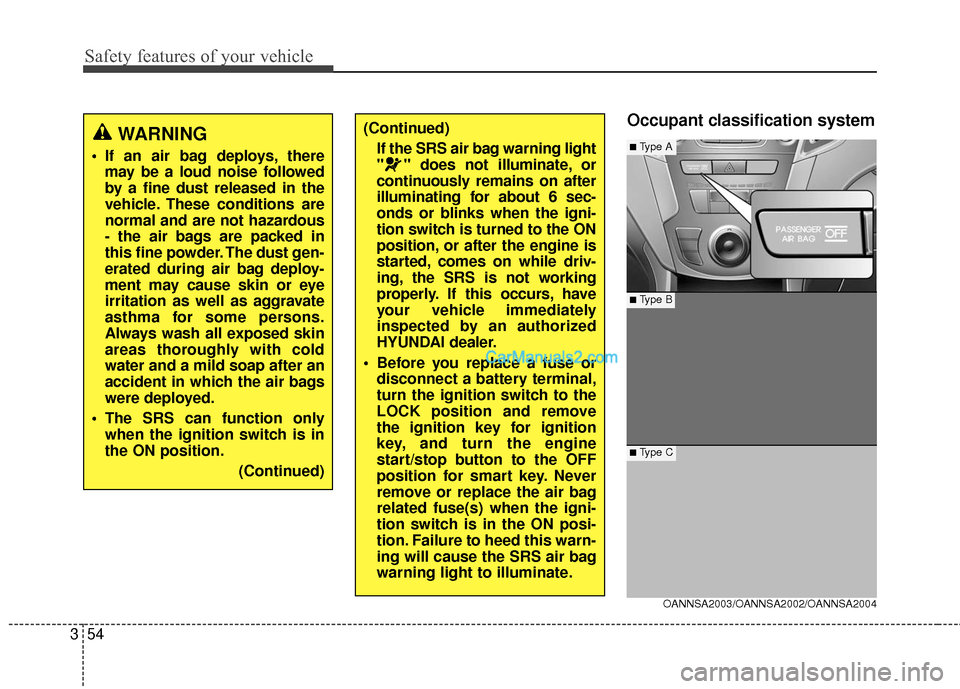
Occupant classification system(Continued)
If the SRS air bag warning light
" " does not illuminate, or
continuously remains on after
illuminating for about 6 sec-
onds or blinks when the igni-
tion switch is turned to the ON
position, or after the engine is
started, comes on while driv-
ing, the SRS is not working
properly. If this occurs, have
your vehicle immediately
inspected by an authorized
HYUNDAI dealer.
Before you replace a fuse or disconnect a battery terminal,
turn the ignition switch to the
LOCK position and remove
the ignition key for ignition
key, and turn the engine
start/stop button to the OFF
position for smart key. Never
remove or replace the air bag
related fuse(s) when the igni-
tion switch is in the ON posi-
tion. Failure to heed this warn-
ing will cause the SRS air bag
warning light to illuminate.
OANNSA2003/OANNSA2002/OANNSA2004
■ Type B
■Type A
■ Type C
WARNING
If an air bag deploys, theremay be a loud noise followed
by a fine dust released in the
vehicle. These conditions are
normal and are not hazardous
- the air bags are packed in
this fine powder. The dust gen-
erated during air bag deploy-
ment may cause skin or eye
irritation as well as aggravate
asthma for some persons.
Always wash all exposed skin
areas thoroughly with cold
water and a mild soap after an
accident in which the air bags
were deployed.
The SRS can function only when the ignition switch is in
the ON position.
(Continued)
Page 80 of 614
Safety features of your vehicle
58
3
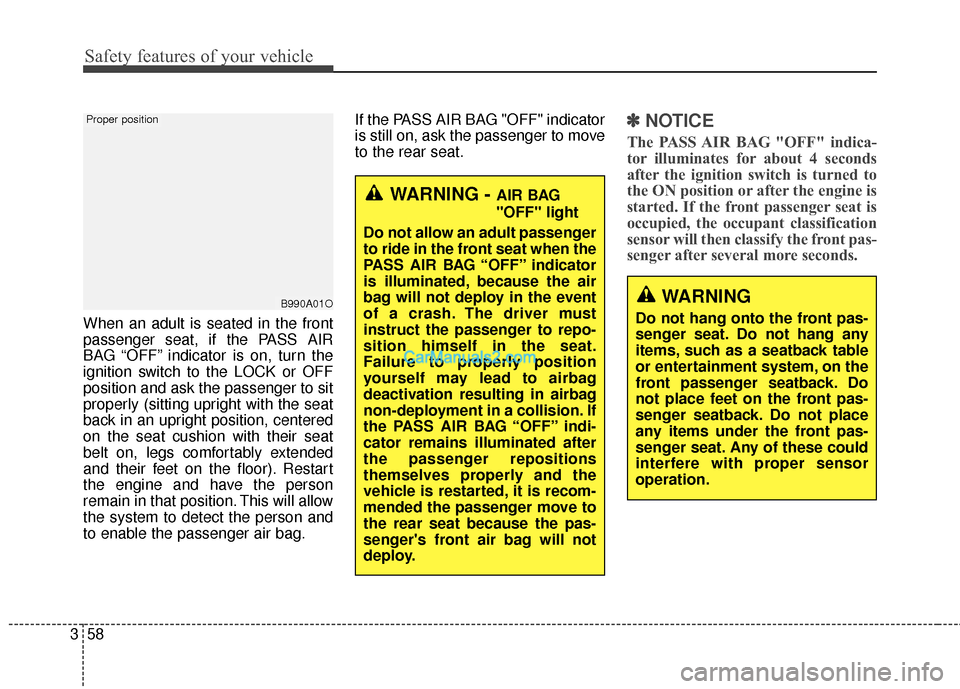
When an adult is seated in the front
passenger seat, if the PASS AIR
BAG “OFF” indicator is on, turn the
ignition switch to the LOCK or OFF
position and ask the passenger to sit
properly (sitting upright with the seat
back in an upright position, centered
on the seat cushion with their seat
belt on, legs comfortably extended
and their feet on the floor). Restart
the engine and have the person
remain in that position. This will allow
the system to detect the person and
to enable the passenger air bag. If the PASS AIR BAG "OFF" indicator
is still on, ask the passenger to move
to the rear seat.
✽ ✽
NOTICE
The PASS AIR BAG "OFF" indica-
tor illuminates for about 4 seconds
after the ignition switch is turned to
the ON position or after the engine is
started. If the front passenger seat is
occupied, the occupant classification
sensor will then classify the front pas-
senger after several more seconds.
B990A01O
Proper position
WARNING
Do not hang onto the front pas-
senger seat. Do not hang any
items, such as a seatback table
or entertainment system, on the
front passenger seatback. Do
not place feet on the front pas-
senger seatback. Do not place
any items under the front pas-
senger seat. Any of these could
interfere with proper sensor
operation.
WARNING - AIR BAG
"OFF" light
Do not allow an adult passenger
to ride in the front seat when the
PASS AIR BAG “OFF” indicator
is illuminated, because the air
bag will not deploy in the event
of a crash. The driver must
instruct the passenger to repo-
sition himself in the seat.
Failure to properly position
yourself may lead to airbag
deactivation resulting in airbag
non-deployment in a collision. If
the PASS AIR BAG “OFF” indi-
cator remains illuminated after
the passenger repositions
themselves properly and the
vehicle is restarted, it is recom-
mended the passenger move to
the rear seat because the pas-
senger's front air bag will not
deploy.
Page 102 of 614
45
Features of your vehicle
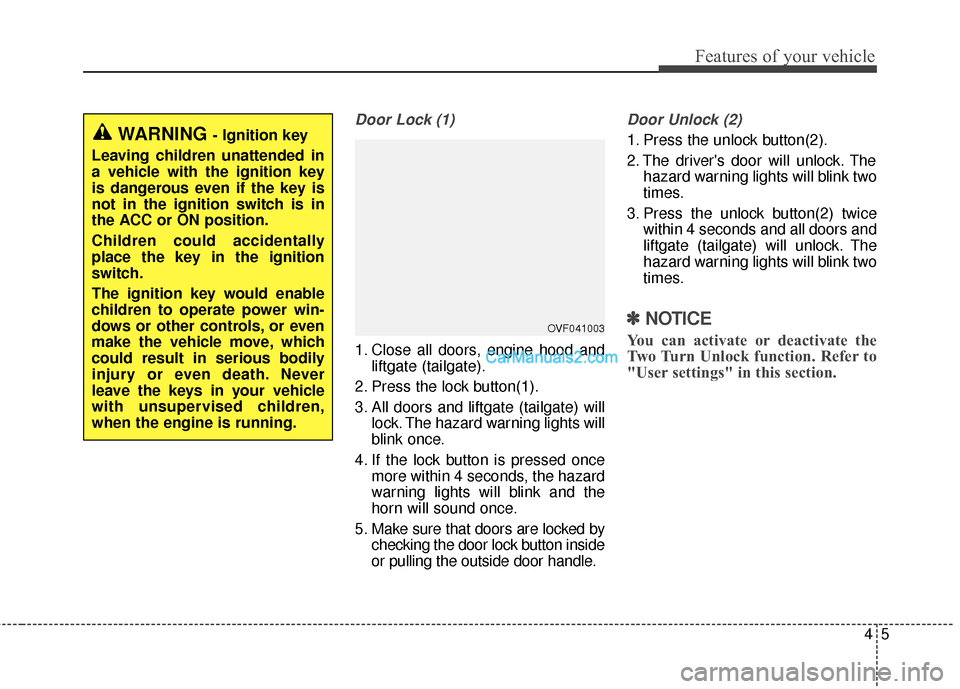
Door Lock (1)
1. Close all doors, engine hood andliftgate (tailgate).
2. Press the lock button(1).
3. All doors and liftgate (tailgate) will lock. The hazard warning lights will
blink once.
4. If the lock button is pressed once more within 4 seconds, the hazard
warning lights will blink and the
horn will sound once.
5. Make sure that doors are locked by checking the door lock button inside
or pulling the outside door handle.
Door Unlock (2)
1. Press the unlock button(2).
2. The driver's door will unlock. Thehazard warning lights will blink two
times.
3. Press the unlock button(2) twice within 4 seconds and all doors and
liftgate (tailgate) will unlock. The
hazard warning lights will blink two
times.
✽ ✽NOTICE
You can activate or deactivate the
Two Turn Unlock function. Refer to
"User settings" in this section.
WARNING - Ignition key
Leaving children unattended in
a vehicle with the ignition key
is dangerous even if the key is
not in the ignition switch is in
the ACC or ON position.
Children could accidentally
place the key in the ignition
switch.
The ignition key would enable
children to operate power win-
dows or other controls, or even
make the vehicle move, which
could result in serious bodily
injury or even death. Never
leave the keys in your vehicle
with unsupervised children,
when the engine is running.
OVF041003
Page 108 of 614
411
Features of your vehicle
Door Lock
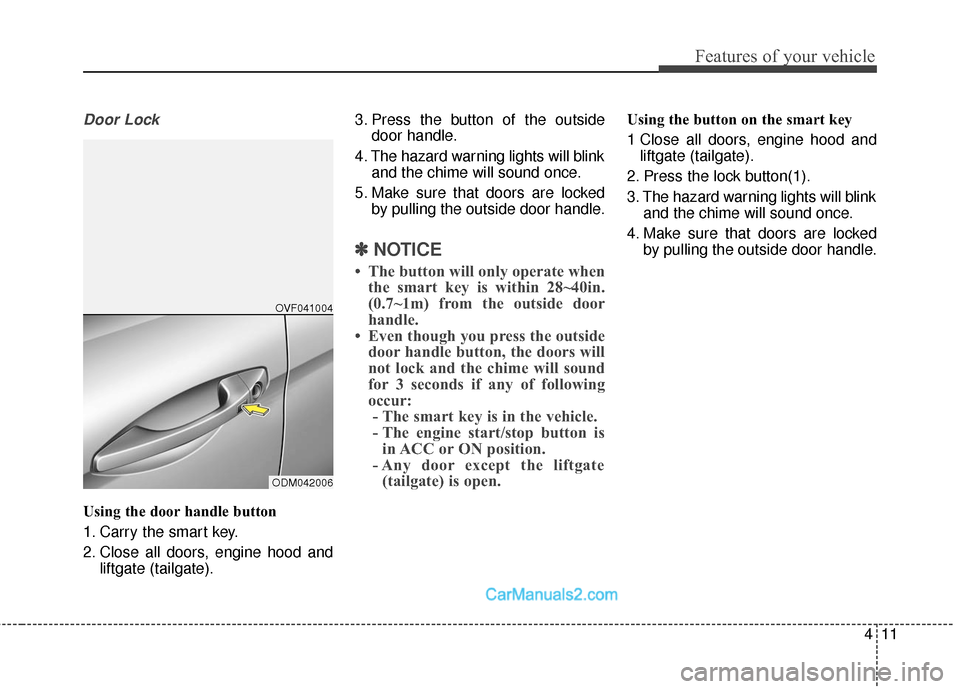
Using the door handle button
1. Carry the smart key.
2. Close all doors, engine hood andliftgate (tailgate). 3. Press the button of the outside
door handle.
4. The hazard warning lights will blink and the chime will sound once.
5. Make sure that doors are locked by pulling the outside door handle.
✽ ✽NOTICE
• The button will only operate when
the smart key is within 28~40in.
(0.7~1m) from the outside door
handle.
• Even though you press the outside door handle button, the doors will
not lock and the chime will sound
for 3 seconds if any of following
occur:- The smart key is in the vehicle.
- The engine start/stop button is in ACC or ON position.
- Any door except the liftgate (tailgate) is open.
Using the button on the smart key
1 Close all doors, engine hood and
liftgate (tailgate).
2. Press the lock button(1).
3. The hazard warning lights will blink and the chime will sound once.
4. Make sure that doors are locked by pulling the outside door handle.
ODM042006OVF041004
Page 110 of 614
413
Features of your vehicle
Liftgate (Tailgate) unlocking
Using the liftgate (tailgate) handle
button
1. Carry the smart key.
2. Press the liftgate (tailgate) handlebutton.
3. When all doors are locked, the hazard warning lights will blink two
times.
Once the liftgate (tailgate) is
opened and then closed, the lift-
gate (tailgate) will lock automati-
cally.
✽ ✽NOTICE
The button will only operate when
the smart key is within 28~40in.
(0.7~1m) from the liftgate (tailgate)
handle.
Using the button on the smart key
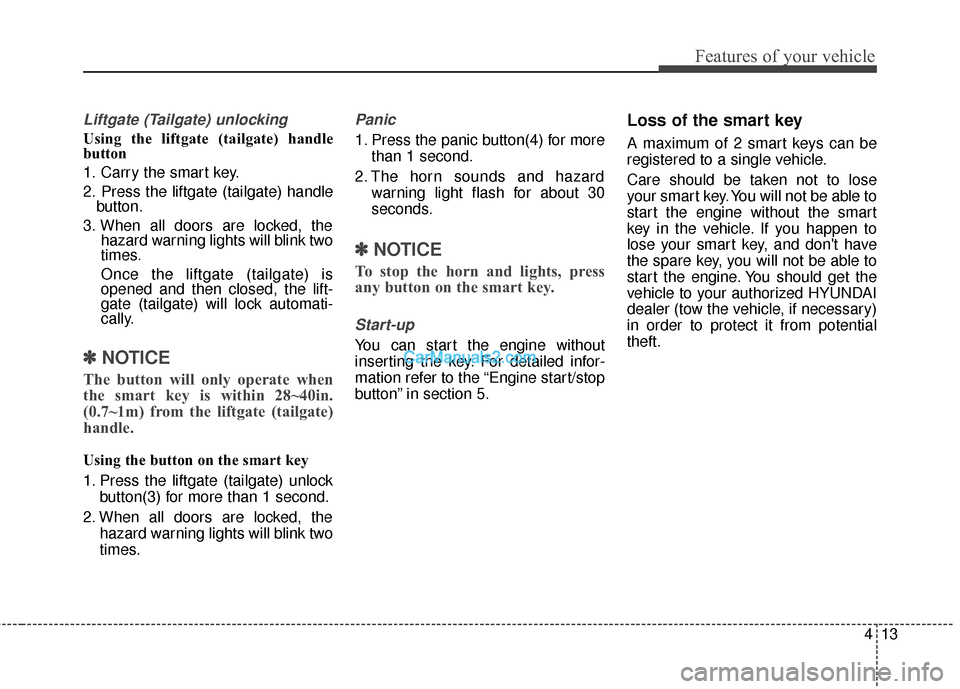
1. Press the liftgate (tailgate) unlock
button(3) for more than 1 second.
2. When all doors are locked, the hazard warning lights will blink two
times.
Panic
1. Press the panic button(4) for morethan 1 second.
2. The horn sounds and hazard warning light flash for about 30
seconds.
✽ ✽NOTICE
To stop the horn and lights, press
any button on the smart key.
Start-up
You can start the engine without
inserting the key. For detailed infor-
mation refer to the “Engine start/stop
button” in section 5.
Loss of the smart key
A maximum of 2 smart keys can be
registered to a single vehicle.
Care should be taken not to lose
your smart key. You will not be able to
start the engine without the smart
key in the vehicle. If you happen to
lose your smart key, and don't have
the spare key, you will not be able to
start the engine. You should get the
vehicle to your authorized HYUNDAI
dealer (tow the vehicle, if necessary)
in order to protect it from potential
theft.
Page 114 of 614
417
Features of your vehicle
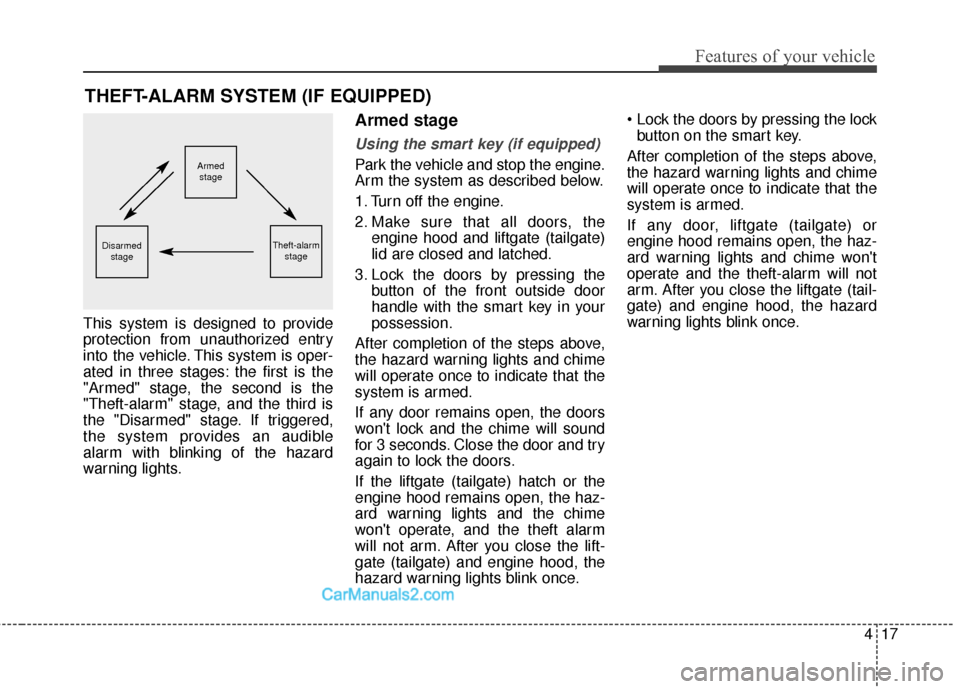
This system is designed to provide
protection from unauthorized entry
into the vehicle. This system is oper-
ated in three stages: the first is the
"Armed" stage, the second is the
"Theft-alarm" stage, and the third is
the "Disarmed" stage. If triggered,
the system provides an audible
alarm with blinking of the hazard
warning lights.
Armed stage
Using the smart key (if equipped)
Park the vehicle and stop the engine.
Arm the system as described below.
1. Turn off the engine.
2. Make sure that all doors, theengine hood and liftgate (tailgate)
lid are closed and latched.
3. Lock the doors by pressing the button of the front outside door
handle with the smart key in your
possession.
After completion of the steps above,
the hazard warning lights and chime
will operate once to indicate that the
system is armed.
If any door remains open, the doors
won't lock and the chime will sound
for 3 seconds. Close the door and try
again to lock the doors.
If the liftgate (tailgate) hatch or the
engine hood remains open, the haz-
ard warning lights and the chime
won't operate, and the theft alarm
will not arm. After you close the lift-
gate (tailgate) and engine hood, the
hazard warning lights blink once.
button on the smart key.
After completion of the steps above,
the hazard warning lights and chime
will operate once to indicate that the
system is armed.
If any door, liftgate (tailgate) or
engine hood remains open, the haz-
ard warning lights and chime won't
operate and the theft-alarm will not
arm. After you close the liftgate (tail-
gate) and engine hood, the hazard
warning lights blink once.
THEFT-ALARM SYSTEM (IF EQUIPPED)
Armed stage
Theft-alarm stageDisarmedstage
Page 115 of 614
Features of your vehicle
18
4
Using the transmitter (if equipped)
Park the vehicle and stop the engine.
Arm the system as described below.
1. Turn off the engine and remove
the ignition key from the ignition
switch.
2. Make sure that all doors, the engine hood and liftgate (tailgate)
are closed and latched.
3. Lock the doors by pressing the lock button on the transmitter.
After completion of the steps above,
the hazard warning lights will blink
once to indicate that the system is
armed.
If any door, liftgate (tailgate) or
engine hood remains open, the haz-
ard warning lights won't operate and
theft-alarm will not arm. After you
close all doors, liftgate (tailgate) and
engine hood, the hazard warning
lights blink once.
Using the mechanical key
Park the vehicle and stop the engine.
Arm the system as described below.
1. Turn off the engine and remove the key from the ignition switch(if
equipped).
2. Make sure that all doors, the engine hood and liftgate (tailgate)
are closed and latched.
3. Lock the doors by inserting the key into the key hole on the front out-
side door handle and turning the
key toward the rear of the vehicle.
If any door, liftgate (tailgate) or
engine hood remains open, the theft-
alarm will not arm.
✽ ✽ NOTICE
If you lock or unlock the doors by
using the mechanical key, the haz-
ard warning light won't operate.
Do not arm the system until all
passengers have left the vehicle. If
the system is armed while a pas-
senger(s) remains in the vehicle,
the alarm may be activated when
the remaining passenger(s) leave
the vehicle. If any door (or trunk)
or engine hood is opened within
30 seconds after the system
enters the armed stage, the sys-
tem is disarmed to prevent an
unnecessary alarm.
Page 141 of 614
Features of your vehicle
44
4
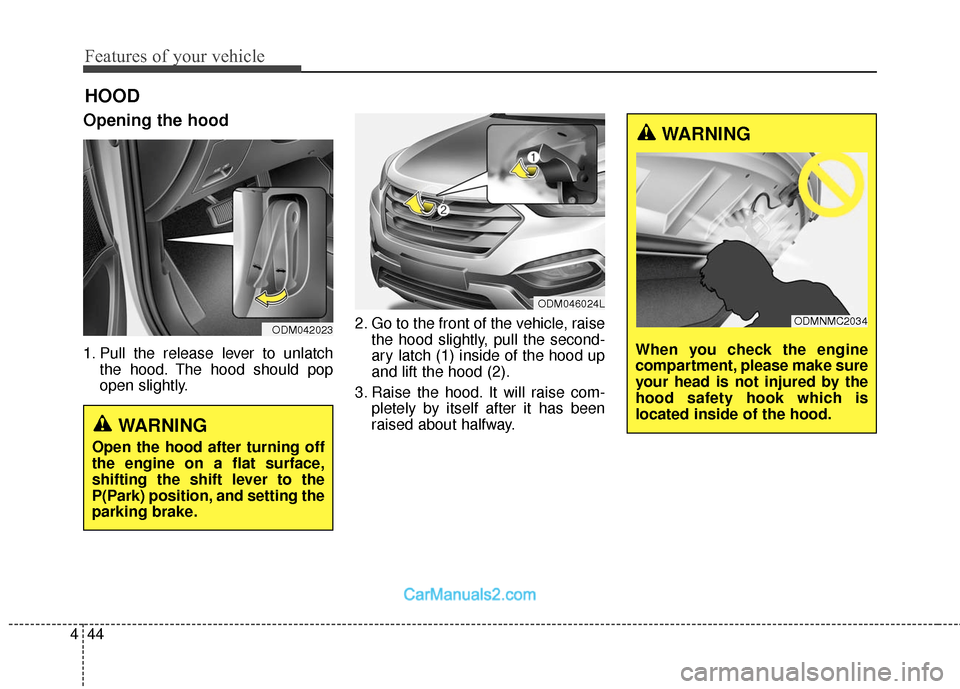
Opening the hood
1. Pull the release lever to unlatch
the hood. The hood should pop
open slightly. 2. Go to the front of the vehicle, raise
the hood slightly, pull the second-
ary latch (1) inside of the hood up
and lift the hood (2).
3. Raise the hood. It will raise com- pletely by itself after it has been
raised about halfway.
HOOD
WARNING
Open the hood after turning off
the engine on a flat surface,
shifting the shift lever to the
P(Park) position, and setting the
parking brake.
ODM042023
ODM046024L
WARNING
When you check the engine
compartment, please make sure
your head is not injured by the
hood safety hook which is
located inside of the hood.
ODMNMC2034