display Hyundai Sonata 2014 User Guide
[x] Cancel search | Manufacturer: HYUNDAI, Model Year: 2014, Model line: Sonata, Model: Hyundai Sonata 2014Pages: 665, PDF Size: 17.43 MB
Page 157 of 665
3-61
Convenient features of your vehicle
3
Information
• The fuel tank capacity is given in
chapter 8.
• The fuel gauge is supplemented by a
low fuel warning light, which will
illuminate when the fuel tank is
nearly empty.
• On inclines or curves, the fuel gauge
pointer may fluctuate or the low fuel
warning light may come on earlier
than usual due to the movement of
fuel in the tank.
Avoid driving with a extremely low
fuel level. Running out of fuel
could cause the engine to misfire
damaging the catalytic converter.
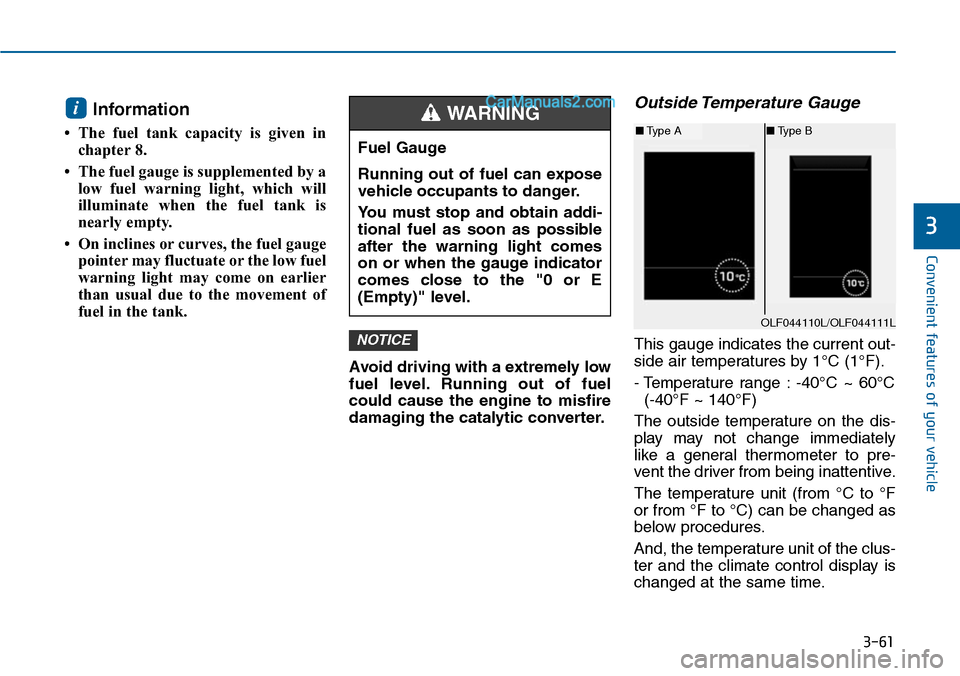
Outside Temperature Gauge
This gauge indicates the current out-
side air temperatures by 1°C (1°F).
- Temperature range : -40°C ~ 60°C
(-40°F ~ 140°F)
The outside temperature on the dis-
play may not change immediately
like a general thermometer to pre-
vent the driver from being inattentive.
The temperature unit (from °C to °F
or from °F to °C) can be changed as
below procedures.
And, the temperature unit of the clus-
ter and the climate control display is
changed at the same time.
NOTICE
i
Fuel Gauge
Running out of fuel can expose
vehicle occupants to danger.
Yo u m u s t s t o p a n d o b t a i n a d d i -
tional fuel as soon as possible
after the warning light comes
on or when the gauge indicator
comes close to the "0 or E
(Empty)" level.
WARNING
OLF044110L/OLF044111L
■Type A■Type B
Page 159 of 665
3-63
Convenient features of your vehicle
3
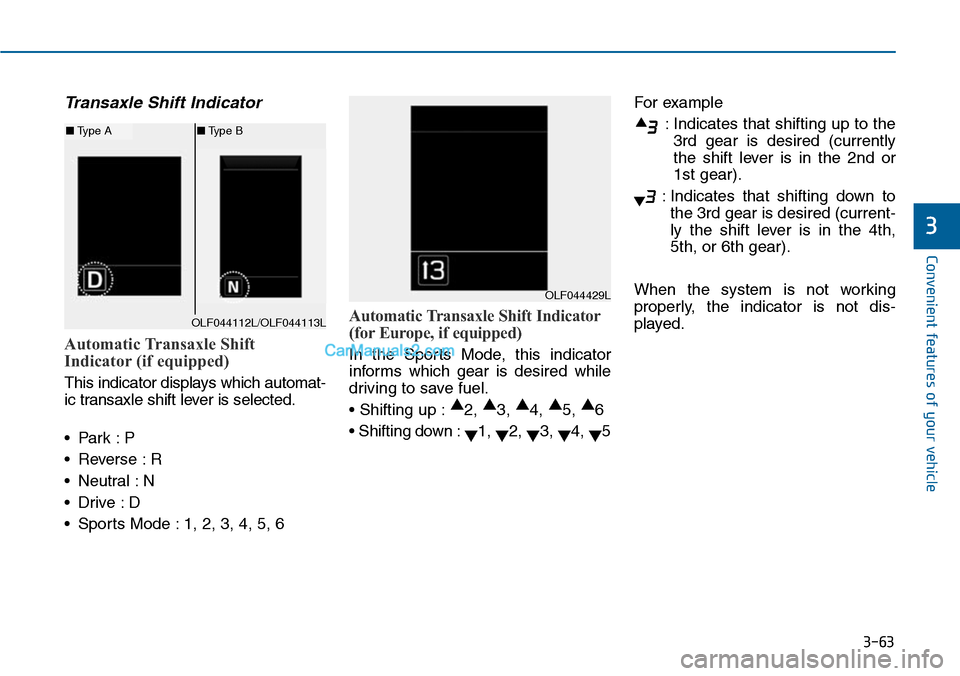
Transaxle Shift Indicator
Automatic Transaxle Shift
Indicator (if equipped)
This indicator displays which automat-
ic transaxle shift lever is selected.
•Park :P
•Reverse :R
•Neutral :N
•Drive :D
•Sports Mode :1, 2, 3, 4, 5, 6
Automatic Transaxle Shift Indicator
(for Europe, if equipped)
In the Sports Mode, this indicator
informs which gear is desired while
driving to save fuel.
• Shifting up :▲2, ▲3, ▲4, ▲5, ▲6
• Shifting down :▼1, ▼2, ▼3, ▼4, ▼5
For example
:Indicates that shifting up to the
3rd gear is desired (currently
the shift lever is in the 2nd or
1st gear).
:Indicates that shifting down to
the 3rd gear is desired (current-
ly the shift lever is in the 4th,
5th, or 6th gear).
When the system is not working
properly, the indicator is not dis-
played.
OLF044429L
OLF044112L/OLF044113L
■Type A■Type B
Page 160 of 665
3-64
Convenient features of your vehicle
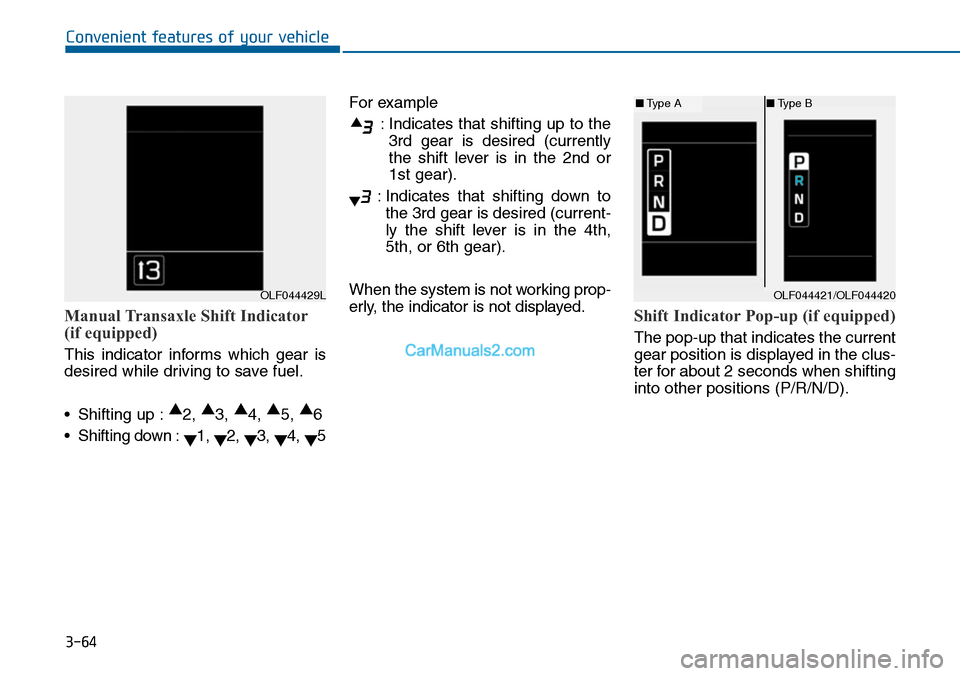
Manual Transaxle Shift Indicator
(if equipped)
This indicator informs which gear is
desired while driving to save fuel.
•Shifting up :▲2, ▲3, ▲4, ▲5, ▲6
•Shifting down :▼1, ▼2, ▼3, ▼4, ▼5
For example
:Indicates that shifting up to the
3rd gear is desired (currently
the shift lever is in the 2nd or
1st gear).
:Indicates that shifting down to
the 3rd gear is desired (current-
ly the shift lever is in the 4th,
5th, or 6th gear).
When the system is not working prop-
erly, the indicator is not displayed.Shift Indicator Pop-up (if equipped)
The pop-up that indicates the current
gear position is displayed in the clus-
ter for about 2 seconds when shifting
into other positions (P/R/N/D).
OLF044429LOLF044421/OLF044420
■Type A■Type B
Page 162 of 665
3-66
Convenient features of your vehicle
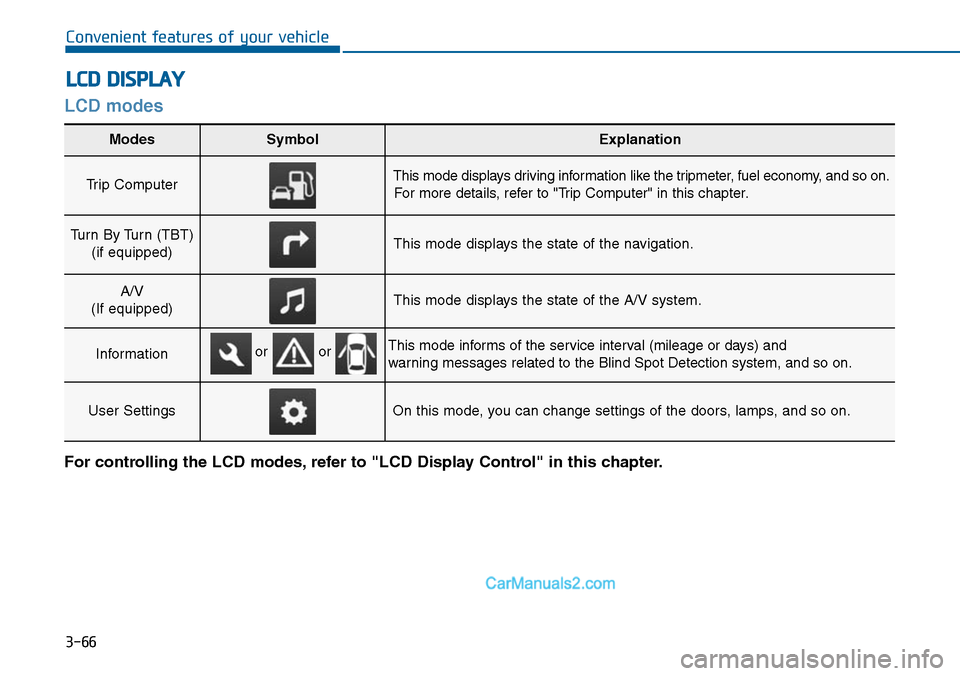
LCD modes
LCD DISPLAY
For controlling the LCD modes, refer to "LCD Display Control" in this chapter.
Modes SymbolExplanation
Trip Computer This mode displays driving information like the tripmeter, fuel economy, and so on.
For more details, refer to "Trip Computer" in this chapter.
Turn By Turn (TBT)
(if equipped)This mode displays the state of the navigation.
A/V
(If equipped)This mode displays the state of the A/V system.
InformationThis mode informs of the service interval (mileage or days) and
warning messages related to the Blind Spot Detection system, and so on.
User SettingsOn this mode, you can change settings of the doors, lamps, and so on.
or or
Page 163 of 665
3-67
Convenient features of your vehicle
3
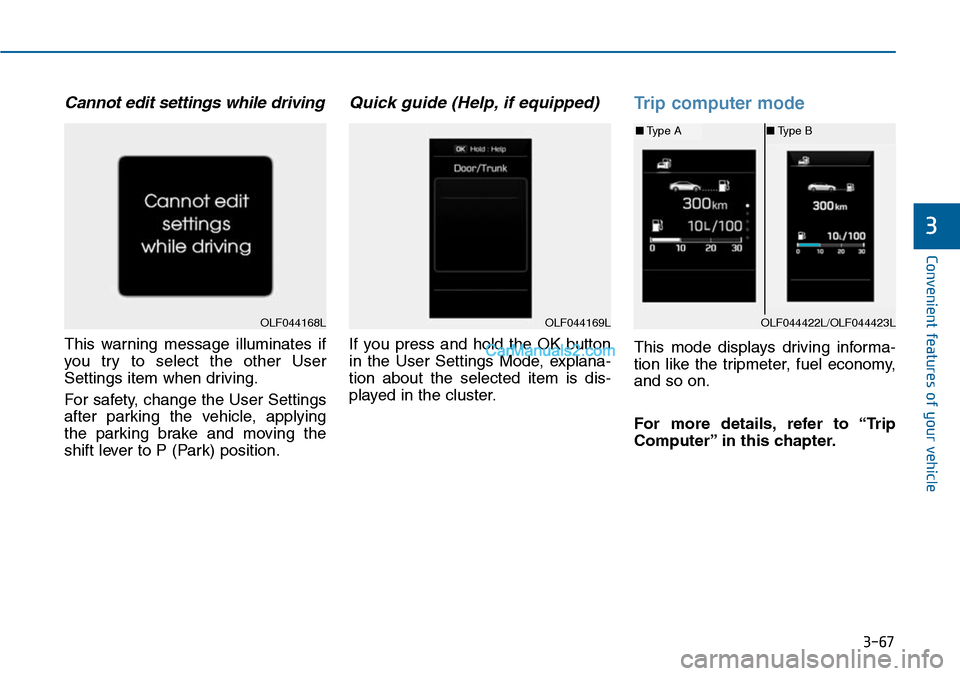
Cannot edit settings while driving
This warning message illuminates if
you try to select the other User
Settings item when driving.
For safety, change the User Settings
after parking the vehicle, applying
the parking brake and moving the
shift lever to P (Park) position.
Quick guide (Help, if equipped)
If you press and hold the OK button
in the User Settings Mode, explana-
tion about the selected item is dis-
played in the cluster.
Trip computer mode
This mode displays driving informa-
tion like the tripmeter, fuel economy,
and so on.
For more details, refer to “Trip
Computer” in this chapter.
OLF044168LOLF044169LOLF044422L/OLF044423L
■Type A■Type B
Page 164 of 665
3-68
Convenient features of your vehicle
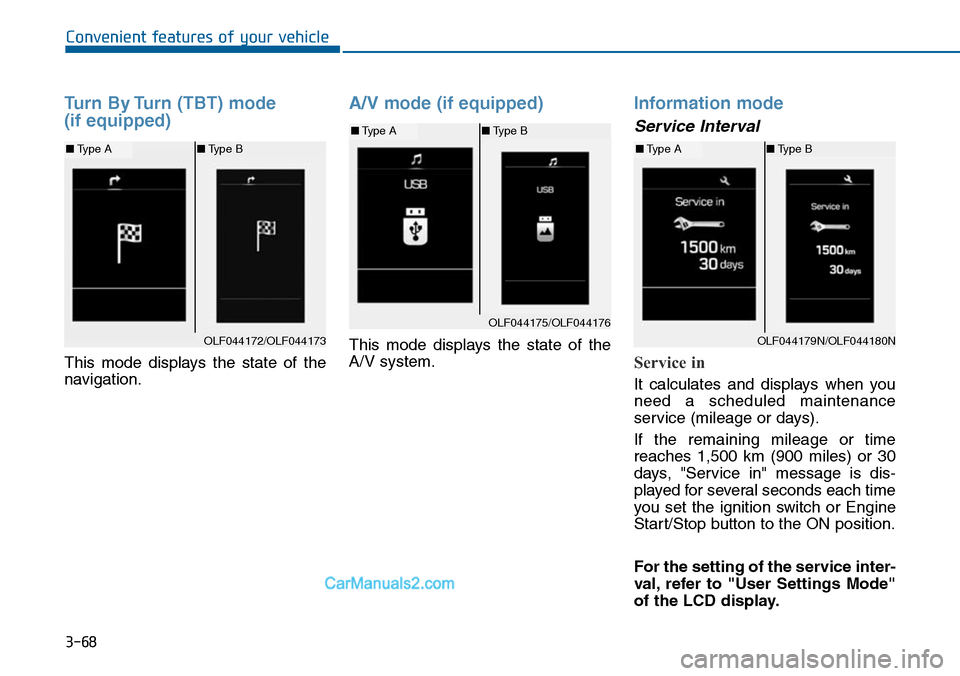
Turn By Turn (TBT) mode
(if equipped)
This mode displays the state of the
navigation.
A/V mode (if equipped)
This mode displays the state of the
A/V system.
Information mode
Service Interval
Service in
It calculates and displays when you
need a scheduled maintenance
service (mileage or days).
If the remaining mileage or time
reaches 1,500 km (900 miles) or 30
days, "Service in" message is dis-
played for several seconds each time
you set the ignition switch or Engine
Start/Stop button to the ON position.
For the setting of the service inter-
val, refer to "User Settings Mode"
of the LCD display.
OLF044172/OLF044173
■Type A■Type B
OLF044175/OLF044176
■Type A■Type B
OLF044179N/OLF044180N
■Type A■Type B
Page 165 of 665
3-69
Convenient features of your vehicle
3
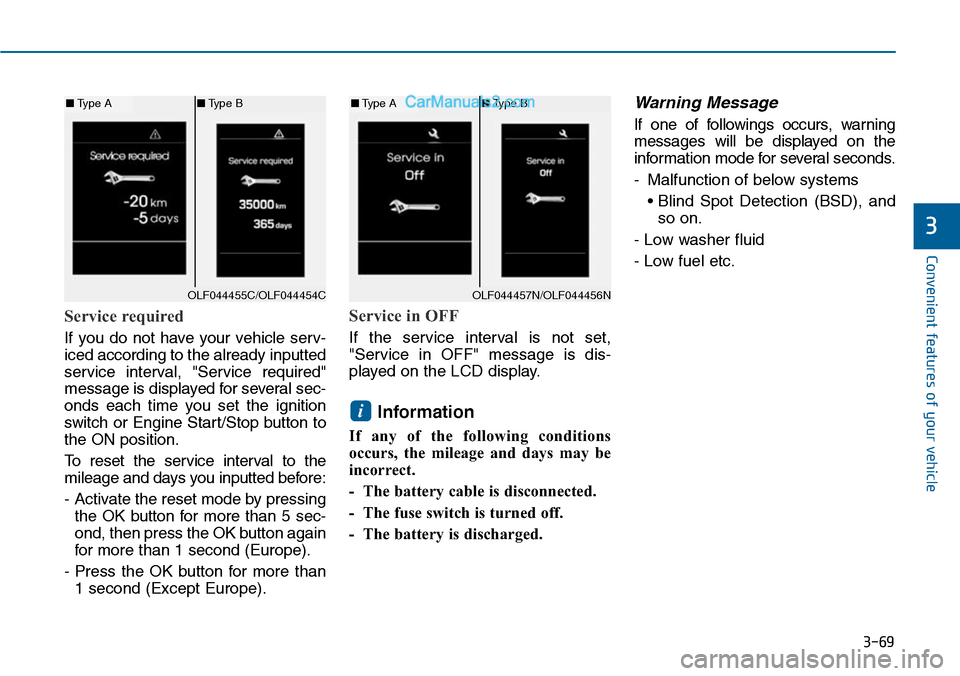
Service required
If you do not have your vehicle serv-
iced according to the already inputted
service interval, "Service required"
message is displayed for several sec-
onds each time you set the ignition
switch or Engine Star t/Stop button to
the ON position.
To r e s e t t h e s e r v i c e i n t e r v a l t o t h e
mileage and days you inputted before:
- Activate the reset mode by pressing
the OK button for more than 5 sec-
ond, then press the OK button again
for more than 1 second (Europe).
- Press the OK button for more than
1 second (Except Europe).
Service in OFF
If the service interval is not set,
"Service in OFF" message is dis-
played on the LCD display.
Information
If any of the following conditions
occurs, the mileage and days may be
incorrect.
- The battery cable is disconnected.
- The fuse switch is turned off.
- The battery is discharged.
Warning Message
If one of followings occurs, warning
messages will be displayed on the
information mode for several seconds.
-Malfunction of below systems
• Blind Spot Detection (BSD), and
so on.
- Low washer fluid
- Low fuel etc.
i
OLF044455C/OLF044454C
■Type A■Type B
OLF044457N/OLF044456N
■Type A■Type B
Page 170 of 665
3-74
Convenient features of your vehicle
Other features
ItemsExplanation
Fuel Economy Auto Reset
• Off : The average fuel economy will not reset automatically whenever refueling.
• On (Auto Reset) : The average fuel economy will reset automatically when refueling.
For more details, refer to “Trip Computer” in this chapter.
Shift gear Pop-up
If you select this function, the current shift gear position is displayed in the cluster for about 2 seconds
when shifting into other positions (P/R/N/D).
If you do not select this function, the shift gear Pop-up is not displayed in the cluster.
Fuel Economy UnitChoose the fuel economy unit. (Km/L, L/100)
Temperature UnitChoose the temperature unit. (°C,°F)
LanguageChoose the language.
Page 176 of 665
3-80
Convenient features of your vehicle
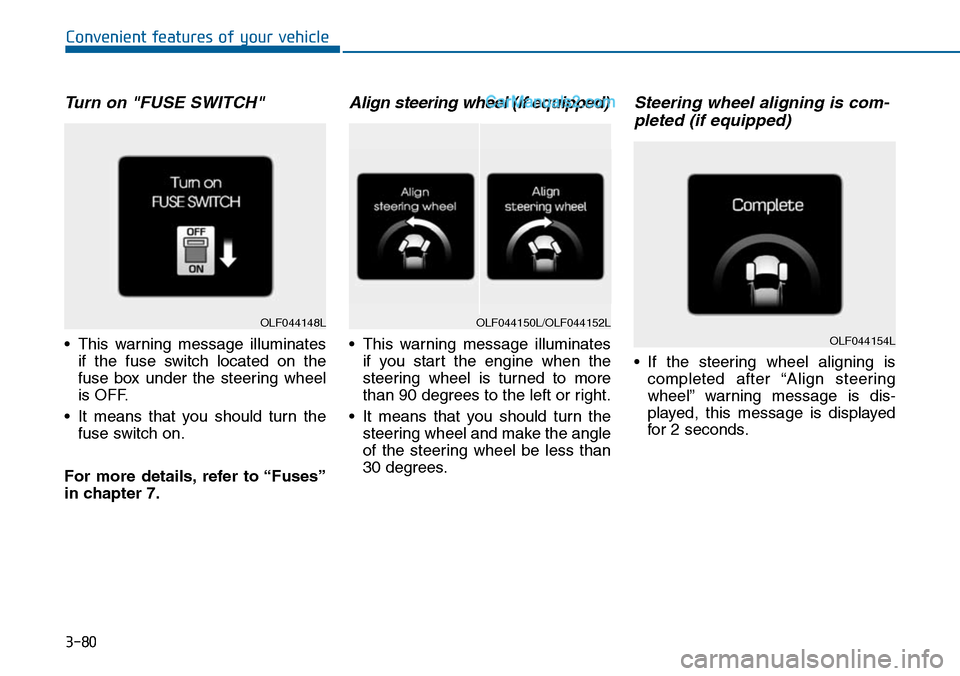
Turn on "FUSE SWITCH"
•This warning message illuminates
if the fuse switch located on the
fuse box under the steering wheel
is OFF.
•It means that you should turn the
fuse switch on.
For more details, refer to “Fuses”
in chapter 7.
Align steering wheel (if equipped)
•This warning message illuminates
if you start the engine when the
steering wheel is turned to more
than 90 degrees to the left or right.
•It means that you should turn the
steering wheel and make the angle
of the steering wheel be less than
30 degrees.
Steering wheel aligning is com-
pleted (if equipped)
•If the steering wheel aligning is
completed after “Align steering
wheel” warning message is dis-
played, this message is displayed
for 2 seconds.
OLF044148LOLF044150L/OLF044152L
OLF044154L
Page 177 of 665
3-81
Convenient features of your vehicle
3
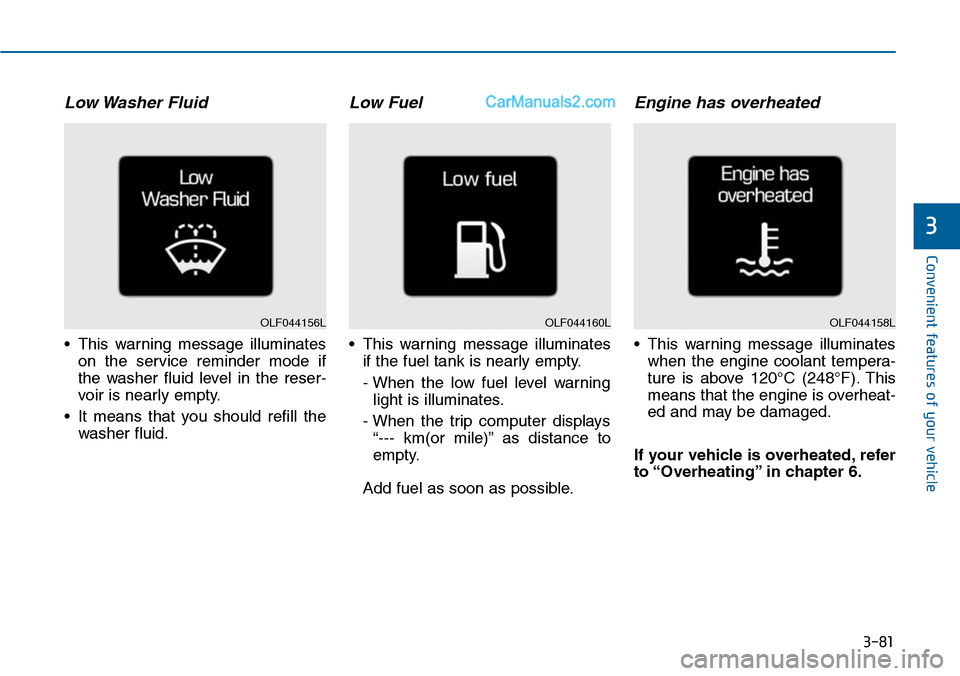
Low Washer Fluid
•This warning message illuminates
on the service reminder mode if
the washer fluid level in the reser-
voir is nearly empty.
•It means that you should refill the
washer fluid.
Low Fuel
•This warning message illuminates
if the fuel tank is nearly empty.
- When the low fuel level warning
light is illuminates.
- When the trip computer displays
“--- km(or mile)” as distance to
empty.
Add fuel as soon as possible.
Engine has overheated
•This warning message illuminates
when the engine coolant tempera-
ture is above 120°C (248°F). This
means that the engine is overheat-
ed and may be damaged.
If your vehicle is overheated, refer
to “Overheating” in chapter 6.
OLF044160LOLF044158LOLF044156L