AV off Hyundai Sonata 2019 Owner's Manual
[x] Cancel search | Manufacturer: HYUNDAI, Model Year: 2019, Model line: Sonata, Model: Hyundai Sonata 2019Pages: 522, PDF Size: 15.66 MB
Page 326 of 522
5-76
Driving your vehicle
If you press the LKAS button again,
the indicator on the cluster display
will go off.
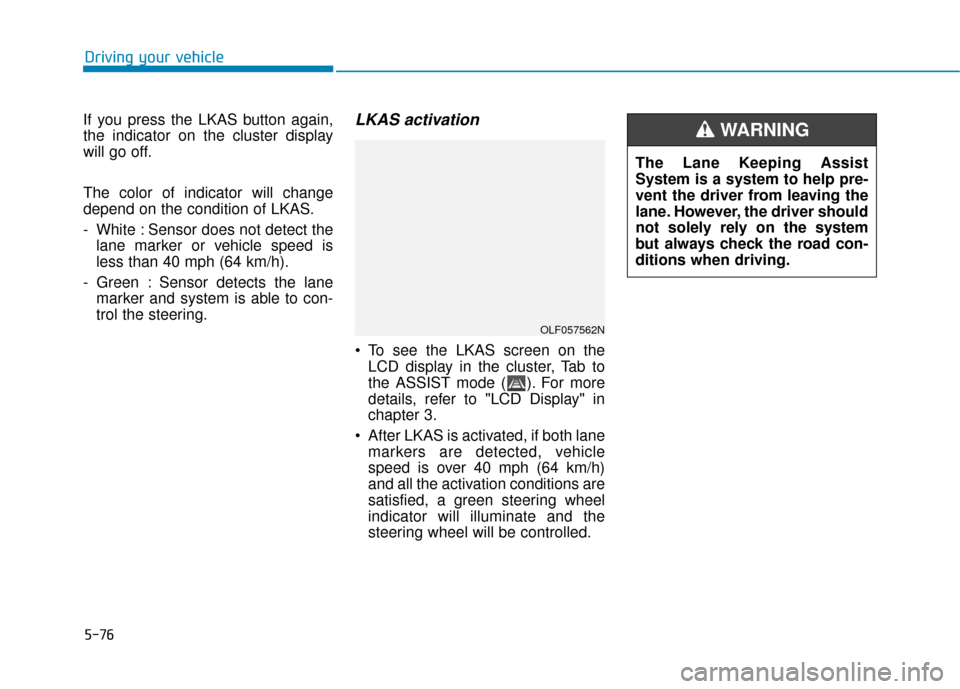
The color of indicator will change
depend on the condition of LKAS.
- White : Sensor does not detect the lane marker or vehicle speed is
less than 40 mph (64 km/h).
- Green : Sensor detects the lane marker and system is able to con-
trol the steering.
LKAS activation
To see the LKAS screen on theLCD display in the cluster, Tab to
the ASSIST mode ( ). For more
details, refer to "LCD Display" in
chapter 3.
After LKAS is activated, if both lane markers are detected, vehicle
speed is over 40 mph (64 km/h)
and all the activation conditions are
satisfied, a green steering wheel
indicator will illuminate and the
steering wheel will be controlled.
OLF057562N
The Lane Keeping Assist
System is a system to help pre-
vent the driver from leaving the
lane. However, the driver should
not solely rely on the system
but always check the road con-
ditions when driving.
WARNING
Page 328 of 522
5-78
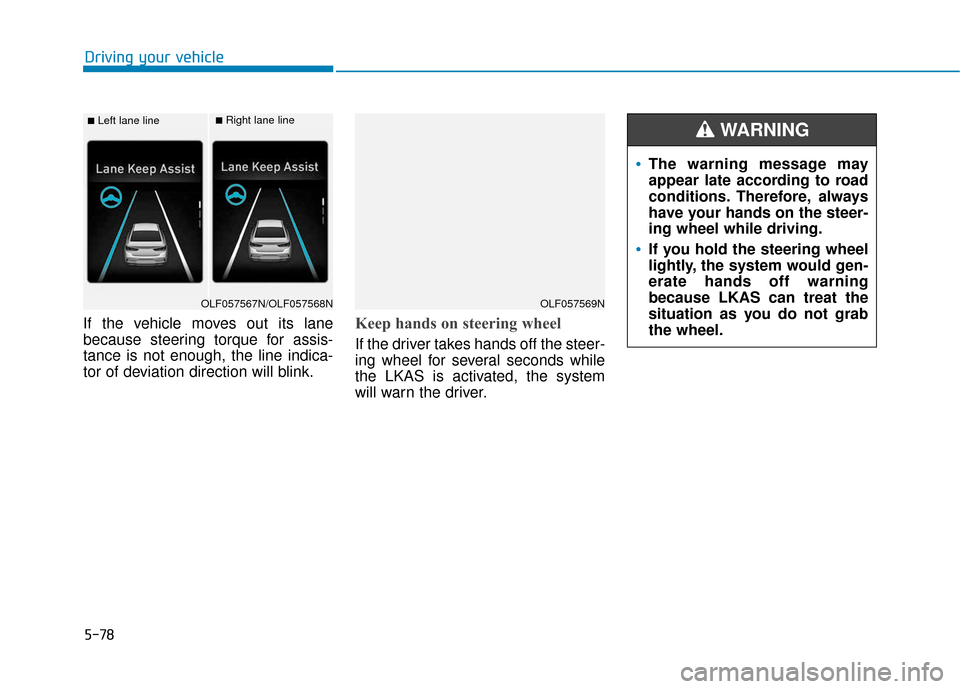
If the vehicle moves out its lane
because steering torque for assis-
tance is not enough, the line indica-
tor of deviation direction will blink.Keep hands on steering wheel
If the driver takes hands off the steer-
ing wheel for several seconds while
the LKAS is activated, the system
will warn the driver.
Driving your vehicle
■Left lane line■Right lane line
OLF057567N/OLF057568NOLF057569N
The warning message may
appear late according to road
conditions. Therefore, always
have your hands on the steer-
ing wheel while driving.
If you hold the steering wheel
lightly, the system would gen-
erate hands off warning
because LKAS can treat the
situation as you do not grab
the wheel.
WARNING
Page 329 of 522
5-79
Driving your vehicle
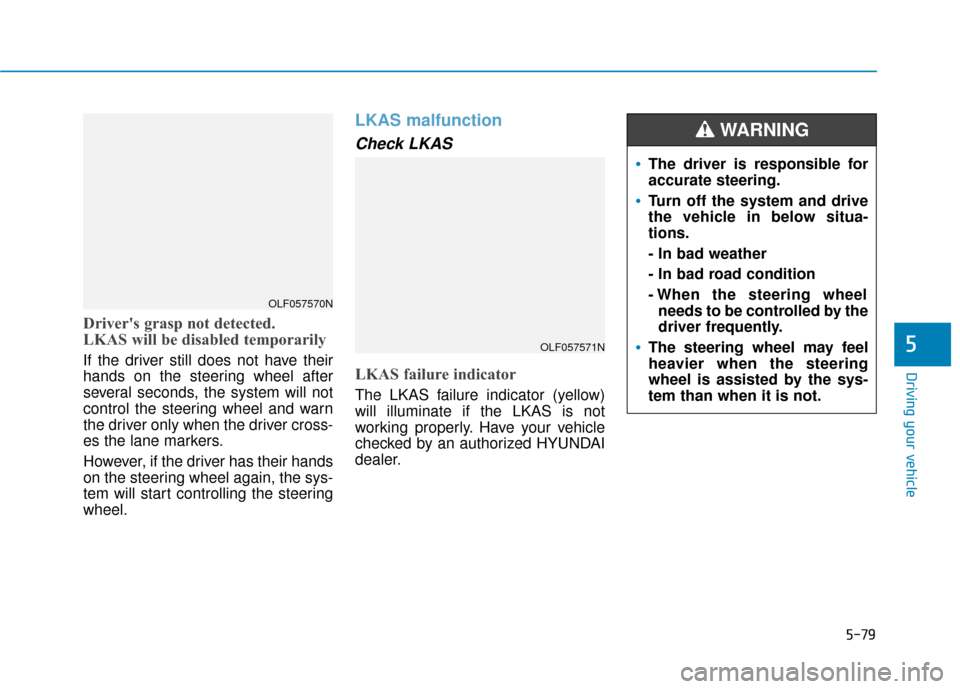
Driver's grasp not detected.
LKAS will be disabled temporarily
If the driver still does not have their
hands on the steering wheel after
several seconds, the system will not
control the steering wheel and warn
the driver only when the driver cross-
es the lane markers.
However, if the driver has their hands
on the steering wheel again, the sys-
tem will start controlling the steering
wheel.
LKAS malfunction
Check LKAS
LKAS failure indicator
The LKAS failure indicator (yellow)
will illuminate if the LKAS is not
working properly. Have your vehicle
checked by an authorized HYUNDAI
dealer.
5OLF057571N
OLF057570N
The driver is responsible for
accurate steering.
Turn off the system and drive
the vehicle in below situa-
tions.
- In bad weather
- In bad road condition
- When the steering wheelneeds to be controlled by the
driver frequently.
The steering wheel may feel
heavier when the steering
wheel is assisted by the sys-
tem than when it is not.
WARNING
Page 334 of 522
5-84
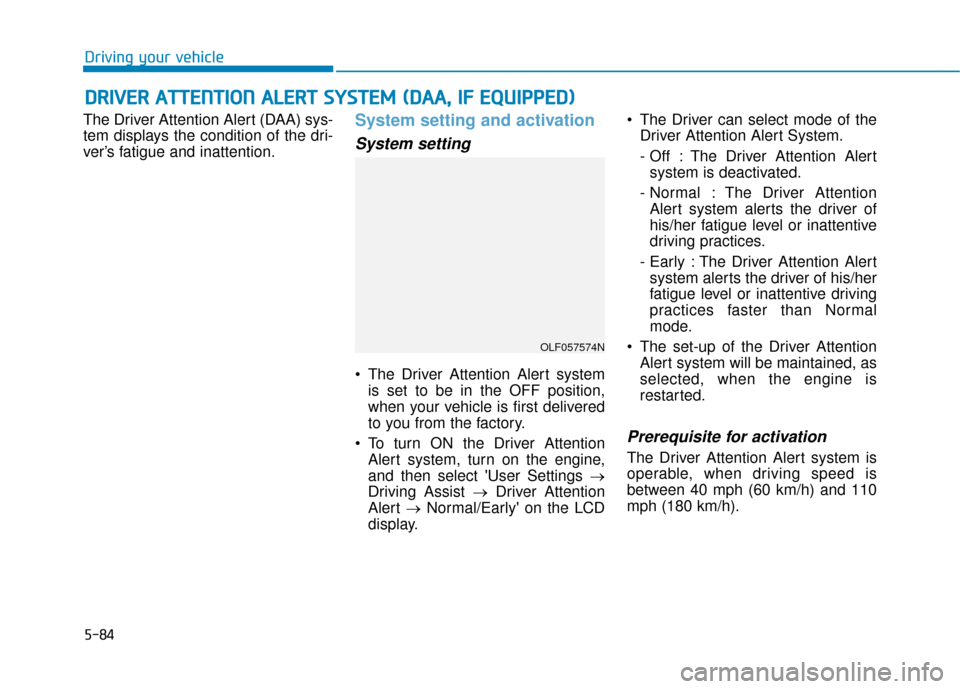
The Driver Attention Alert (DAA) sys-
tem displays the condition of the dri-
ver’s fatigue and inattention.System setting and activation
System setting
The Driver Attention Alert systemis set to be in the OFF position,
when your vehicle is first delivered
to you from the factory.
To turn ON the Driver Attention Alert system, turn on the engine,
and then select 'User Settings →
Driving Assist → Driver Attention
Alert →Normal/Early' on the LCD
display. The Driver can select mode of the
Driver Attention Alert System.
- Off : The Driver Attention Alertsystem is deactivated.
- Normal : The Driver Attention Alert system alerts the driver of
his/her fatigue level or inattentive
driving practices.
- Early : The Driver Attention Alert system alerts the driver of his/her
fatigue level or inattentive driving
practices faster than Normal
mode.
The set-up of the Driver Attention Alert system will be maintained, as
selected, when the engine is
restarted.
Prerequisite for activation
The Driver Attention Alert system is
operable, when driving speed is
between 40 mph (60 km/h) and 110
mph (180 km/h).
D DR
RI
IV
V E
ER
R
A
A T
TT
TE
EN
N T
TI
IO
O N
N
A
A L
LE
E R
R T
T
S
S Y
Y S
ST
T E
EM
M
(
( D
D A
A A
A,
,
I
IF
F
E
E Q
Q U
UI
IP
P P
PE
ED
D )
)
Driving your vehicle
OLF057574N
Page 335 of 522
5-85
Driving your vehicle
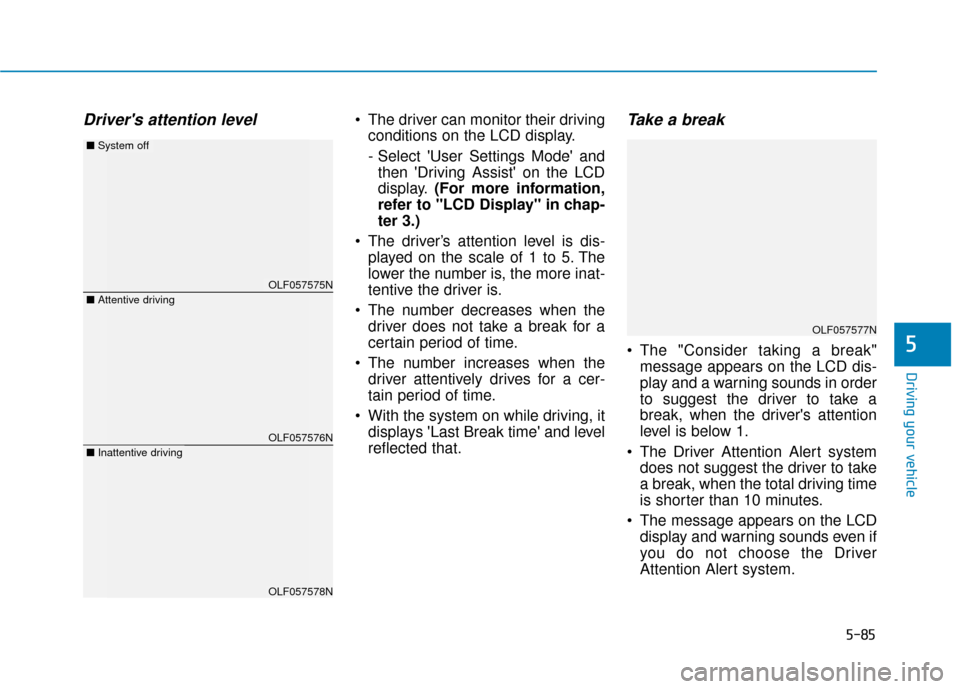
Driver's attention level The driver can monitor their drivingconditions on the LCD display.
- Select 'User Settings Mode' andthen 'Driving Assist' on the LCD
display. (For more information,
refer to "LCD Display" in chap-
ter 3.)
The driver’s attention level is dis- played on the scale of 1 to 5. The
lower the number is, the more inat-
tentive the driver is.
The number decreases when the driver does not take a break for a
certain period of time.
The number increases when the driver attentively drives for a cer-
tain period of time.
With the system on while driving, it displays 'Last Break time' and level
reflected that.Take a break
The "Consider taking a break"message appears on the LCD dis-
play and a warning sounds in order
to suggest the driver to take a
break, when the driver's attention
level is below 1.
The Driver Attention Alert system does not suggest the driver to take
a break, when the total driving time
is shorter than 10 minutes.
The message appears on the LCD display and warning sounds even if
you do not choose the Driver
Attention Alert system.5
OLF057575N
OLF057576N
OLF057578N
■ Attentive driving
■System off
■Inattentive driving
OLF057577N
Page 336 of 522
5-86
Resetting the system
The last break time is set to 00:00and the driver's attention level is
set to 5 (very attentive) when the
driver resets the Driver Attention
Alert system.
The Driver Attention Alert system resets in the following situations.
- The engine is turned OFF.
- The driver unfastens the seat beltand then opens the driver’s door.
- Stop lasting more than 10 min- utes.
The Driver attention Alert system
operates again, when the driver
restarts driving.
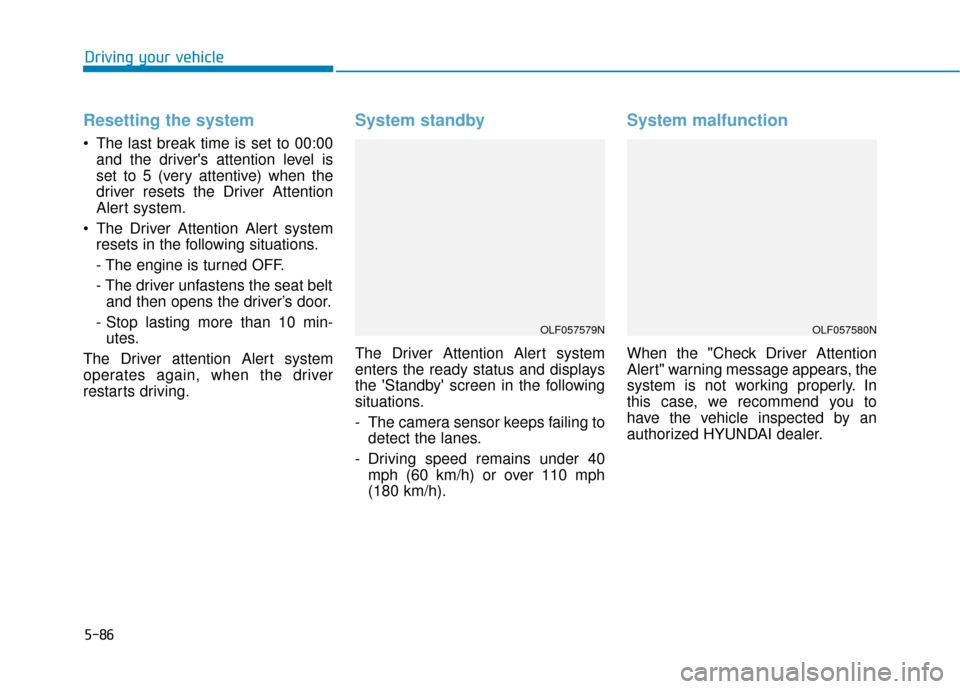
System standby
The Driver Attention Alert system
enters the ready status and displays
the 'Standby' screen in the following
situations.
- The camera sensor keeps failing to detect the lanes.
- Driving speed remains under 40 mph (60 km/h) or over 110 mph
(180 km/h).
System malfunction
When the "Check Driver Attention
Alert" warning message appears, the
system is not working properly. In
this case, we recommend you to
have the vehicle inspected by an
authorized HYUNDAI dealer.
Driving your vehicle
OLF057579NOLF057580N
Page 337 of 522
5-87
Driving your vehicle
The Driver Attention Alert system
utilizes the camera sensor on the
front windshield for its operation.
To keep the camera sensor in the
best condition, you should
observe the followings:
Do not disassemble cameratemporarily for tinted window or
attaching any types of coatings
and accessories. If you disas-
semble a camera and assemble
it again, take your vehicle to an
authorized HYUNDAI dealer and
have the system checked for a
calibration.
Do not locate any reflective objects (i.e. white paper, mirror)
over the dashboard. Any light
reflection may cause a mal-func-
tion of the Driver Attention Alert
(DAA) system.
Pay extreme caution to keep the camera sensor out of water.
(Continued)(Continued)
Do not arbitrarily disassemble
the camera assembly, nor apply
any impact on the camera
assembly.
Playing the vehicle audio sys- tem at high volume may offset
the Driver Attention Alert sys-
tem warning sounds.
NOTICE
5
The Driver Attention Alert
system is not a substitute for
safe driving practices, but a
convenience function only. It
is the responsibility of the
driver to always drive cau-
tiously to prevent unexpected
and sudden situations from
occurring. Pay attention to the
road conditions at all times.
It may suggest a break
according to the driver's driv-
ing pattern or habits even if
the driver doesn't feel
fatigued.
The driver, who feels fatigued,
should take a break, even
though there is no break sug-
gestion by the Driver
Attention Alert system.
WARNING
Page 340 of 522
5-90
Driving your vehicle
BSD (Blind Spot Detection) /
LCA (Lane Change Assist)
Operating conditions
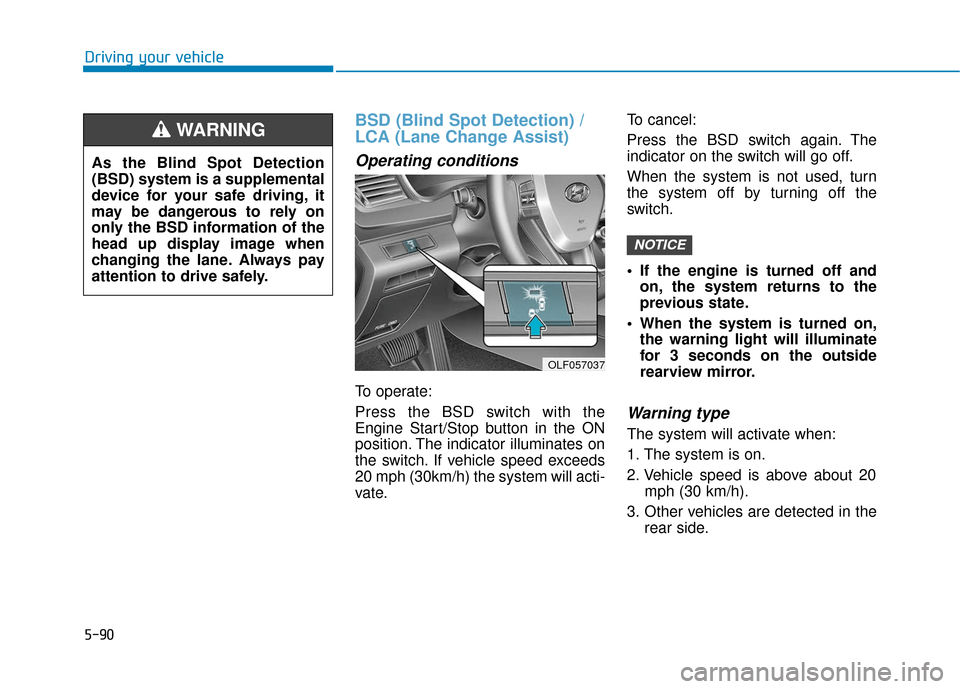
To operate:
Press the BSD switch with the
Engine Start/Stop button in the ON
position. The indicator illuminates on
the switch. If vehicle speed exceeds
20 mph (30km/h) the system will acti-
vate.To cancel:
Press the BSD switch again. The
indicator on the switch will go off.
When the system is not used, turn
the system off by turning off the
switch.
If the engine is turned off and
on, the system returns to the
previous state.
When the system is turned on, the warning light will illuminate
for 3 seconds on the outside
rearview mirror.
Warning type
The system will activate when:
1. The system is on.
2. Vehicle speed is above about 20 mph (30 km/h).
3. Other vehicles are detected in the rear side.
NOTICE
OLF057037
As the Blind Spot Detection
(BSD) system is a supplemental
device for your safe driving, it
may be dangerous to rely on
only the BSD information of the
head up display image when
changing the lane. Always pay
attention to drive safely.
WARNING
Page 341 of 522
5-91
Driving your vehicle
5
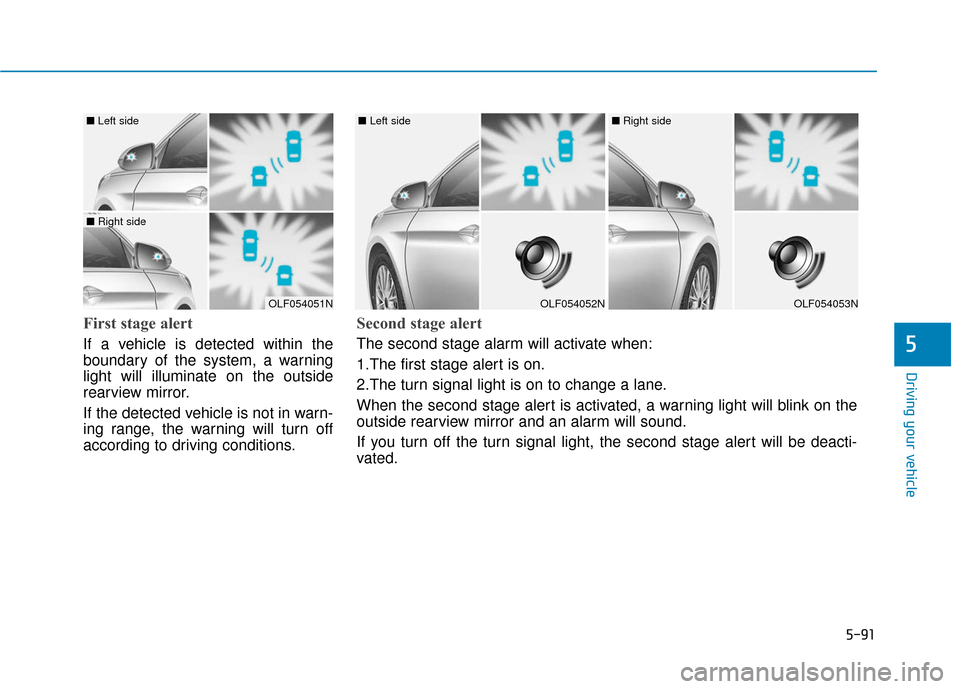
First stage alert
If a vehicle is detected within the
boundary of the system, a warning
light will illuminate on the outside
rearview mirror.
If the detected vehicle is not in warn-
ing range, the warning will turn off
according to driving conditions.
OLF054051N
■ Left side
■ Right side
OLF054052N
■ Left side
OLF054053N
■ Right side
Second stage alert
The second stage alarm will activate when:
1.The first stage alert is on.
2.The turn signal light is on to change a lane.
When the second stage alert is activated, a warning light will blink on the
outside rearview mirror and an alarm will sound.
If you turn off the turn signal light, the second stage alert will be deacti-
vated.
Page 342 of 522
5-92
Driving your vehicle
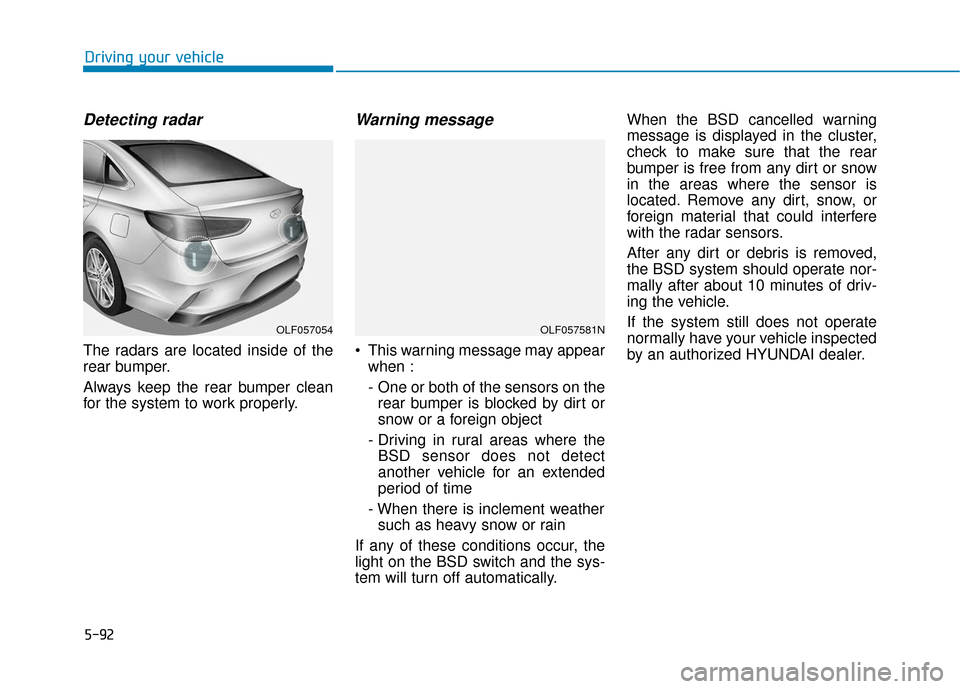
Detecting radar
The radars are located inside of the
rear bumper.
Always keep the rear bumper clean
for the system to work properly.
Warning message
This warning message may appearwhen :
- One or both of the sensors on therear bumper is blocked by dirt or
snow or a foreign object
- Driving in rural areas where the BSD sensor does not detect
another vehicle for an extended
period of time
- When there is inclement weather such as heavy snow or rain
If any of these conditions occur, the
light on the BSD switch and the sys-
tem will turn off automatically. When the BSD cancelled warning
message is displayed in the cluster,
check to make sure that the rear
bumper is free from any dirt or snow
in the areas where the sensor is
located. Remove any dirt, snow, or
foreign material that could interfere
with the radar sensors.
After any dirt or debris is removed,
the BSD system should operate nor-
mally after about 10 minutes of driv-
ing the vehicle.
If the system still does not operate
normally have your vehicle inspected
by an authorized HYUNDAI dealer.
OLF057054OLF057581N