parking sensors HYUNDAI SONATA 2023 User Guide
[x] Cancel search | Manufacturer: HYUNDAI, Model Year: 2023, Model line: SONATA, Model: HYUNDAI SONATA 2023Pages: 555, PDF Size: 42.72 MB
Page 237 of 555
05
5-91
Remote Smart Parking Assist system
helps drivers recognize surrounding
objects by using sensors to detect
parking spaces control the steering
wheel, shift the gear and adjust vehicle
speed automatically.
Remote moving forward and backward
function provides assistance for forward
and backward movement as well as
taking the vehicle out of the parking
space with driver outside the vehicle.
The driver should check the distance
between the parking space and the
objects in direct and be careful to
operate.
Due to the surrounding environment and
array or shape of the parked vehicles, the
vehicle may not be parked or exit at the
exact spot you have wished.
à RSPA stands for Remote Smart
Parking Assist.
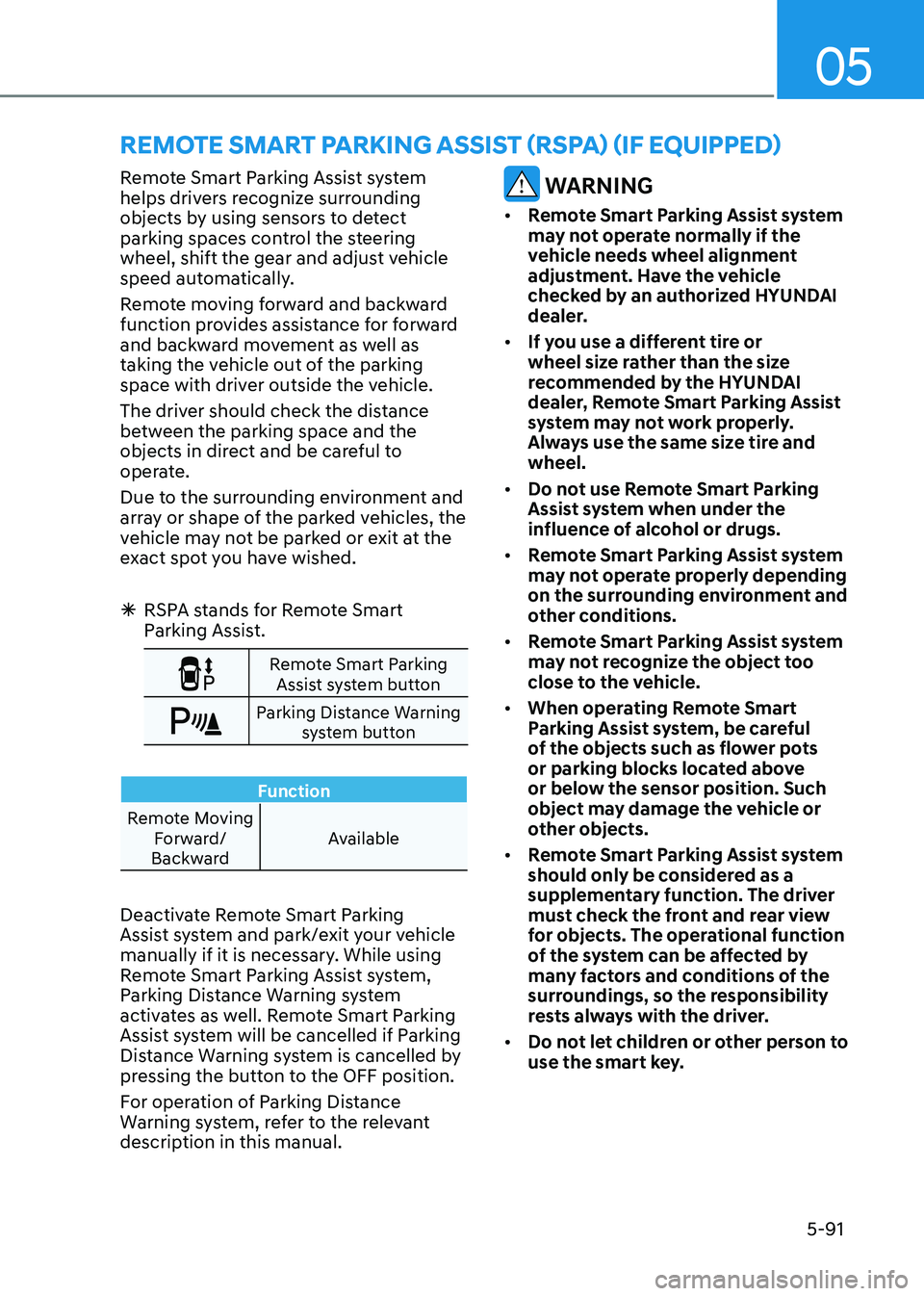
Remote Smart Parking
Assist system button
Parking Distance Warning system button
Function
Remote Moving Forward/
Backward Available
Deactivate Remote Smart Parking
Assist system and park/exit your vehicle
manually if it is necessary. While using
Remote Smart Parking Assist system,
Parking Distance Warning system
activates as well. Remote Smart Parking
Assist system will be cancelled if Parking
Distance Warning system is cancelled by
pressing the button to the OFF position.
For operation of Parking Distance
Warning system, refer to the relevant
description in this manual.
WARNING
• Remote Smart Parking Assist system
may not operate normally if the
vehicle needs wheel alignment
adjustment. Have the vehicle
checked by an authorized HYUNDAI
dealer.
• If you use a different tire or
wheel size rather than the size
recommended by the HYUNDAI
dealer, Remote Smart Parking Assist
system may not work properly.
Always use the same size tire and wheel.
• Do not use Remote Smart Parking
Assist system when under the
influence of alcohol or drugs.
• Remote Smart Parking Assist system
may not operate properly depending
on the surrounding environment and
other conditions.
• Remote Smart Parking Assist system
may not recognize the object too
close to the vehicle.
• When operating Remote Smart
Parking Assist system, be careful
of the objects such as flower pots
or parking blocks located above
or below the sensor position. Such
object may damage the vehicle or
other objects.
• Remote Smart Parking Assist system
should only be considered as a
supplementary function. The driver
must check the front and rear view
for objects. The operational function
of the system can be affected by
many factors and conditions of the
surroundings, so the responsibility
rests always with the driver.
• Do not let children or other person to
use the smart key.
remoTe SmArT pArKinG ASSiST (rSpA) (if eQUippeD)
Page 238 of 555
Convenience Features
5-92
Operating Condition
ODN8059072
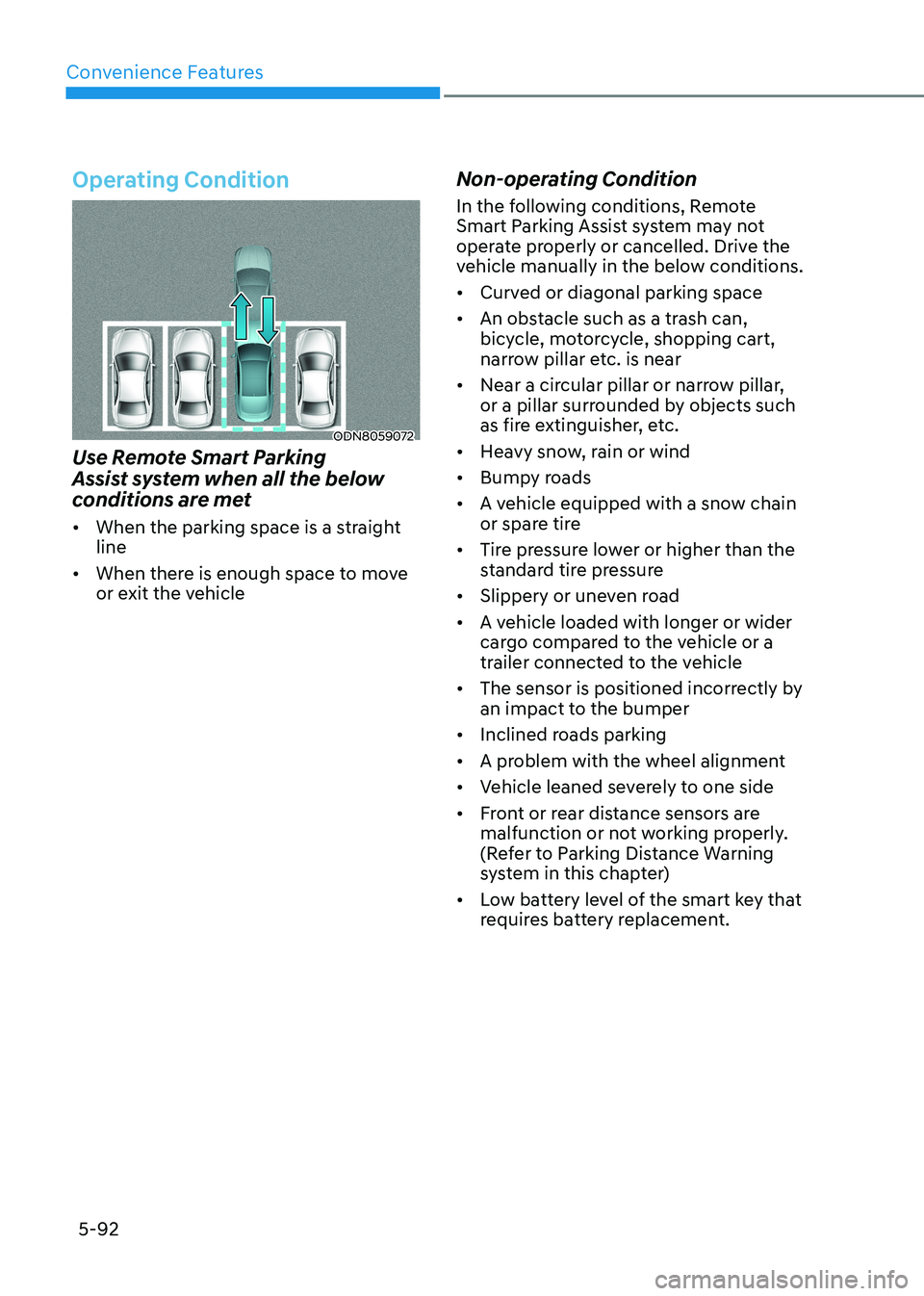
Use Remote Smart Parking
Assist system when all the below
conditions are met • When the parking space is a straight line
• When there is enough space to move
or exit the vehicle Non-operating Condition
In the following conditions, Remote
Smart Parking Assist system may not
operate properly or cancelled. Drive the
vehicle manually in the below conditions. •
Curved or diagonal parking space
• An obstacle such as a trash can,
bicycle, motorcycle, shopping cart,
narrow pillar etc. is near
• Near a circular pillar or narrow pillar,
or a pillar surrounded by objects such
as fire extinguisher, etc.
• Heavy snow, rain or wind
• Bumpy roads
• A vehicle equipped with a snow chain
or spare tire
• Tire pressure lower or higher than the
standard tire pressure
• Slippery or uneven road
• A vehicle loaded with longer or wider
cargo compared to the vehicle or a
trailer connected to the vehicle
• The sensor is positioned incorrectly by
an impact to the bumper
• Inclined roads parking
• A problem with the wheel alignment
• Vehicle leaned severely to one side
• Front or rear distance sensors are
malfunction or not working properly.
(Refer to Parking Distance Warning
system in this chapter)
• Low battery level of the smart key that
requires battery replacement.
Page 371 of 555
While Driving
6-84
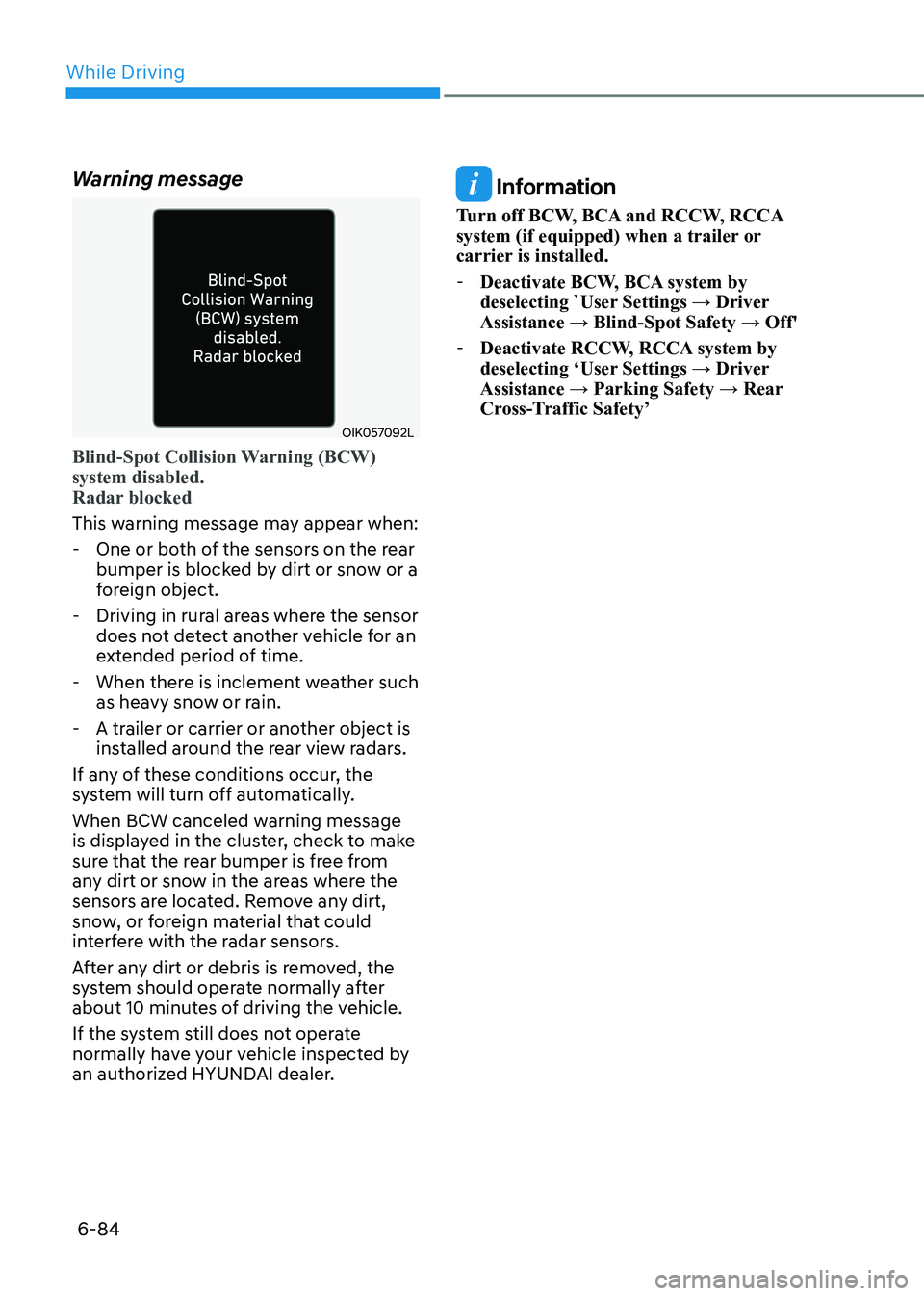
Warning message
OIK057092L
Blind-Spot Collision Warning (BCW) system disabled.
Radar blocked
This warning message may appear when:
- One or both of the sensors on the rear bumper is blocked by dirt or snow or a
foreign object.
- Driving in rural areas where the sensor does not detect another vehicle for an
extended period of time.
- When there is inclement weather such as heavy snow or rain.
- A trailer or carrier or another object is installed around the rear view radars.
If any of these conditions occur, the
system will turn off automatically.
When BCW canceled warning message
is displayed in the cluster, check to make
sure that the rear bumper is free from
any dirt or snow in the areas where the
sensors are located. Remove any dirt,
snow, or foreign material that could
interfere with the radar sensors.
After any dirt or debris is removed, the
system should operate normally after
about 10 minutes of driving the vehicle.
If the system still does not operate
normally have your vehicle inspected by
an authorized HYUNDAI dealer.
Information
Turn off BCW, BCA and RCCW, RCCA
system (if equipped) when a trailer or
carrier is installed. - Deactivate BCW, BCA system by
deselecting `User Settings → Driver Assistance → Blind-Spot Safety → Off'
- Deactivate RCCW, RCCA system by
deselecting ‘User Settings → Driver
Assistance → Parking Safety → Rear
Cross-Traffic Safety’
Page 372 of 555
06
6-85
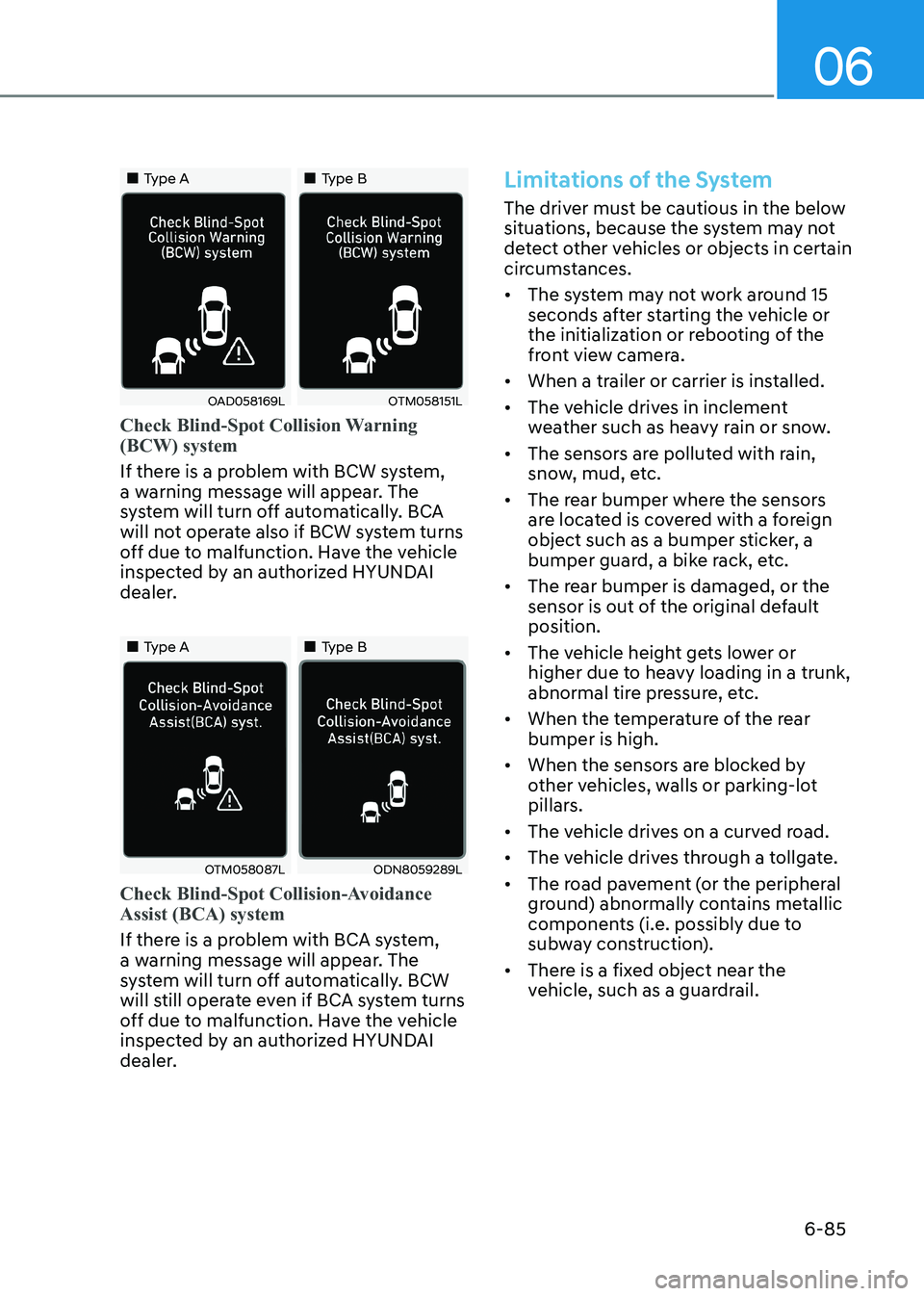
„„Type A„„Type B
OAD058169LOTM058151L
Check Blind-Spot Collision Warning (BCW) system
If there is a problem with BCW system,
a warning message will appear. The
system will turn off automatically. BCA
will not operate also if BCW system turns
off due to malfunction. Have the vehicle
inspected by an authorized HYUNDAI
dealer.
„„Type A„„Type B
OTM058087LODN8059289L
Check Blind-Spot Collision-Avoidance Assist (BCA) system
If there is a problem with BCA system,
a warning message will appear. The
system will turn off automatically. BCW
will still operate even if BCA system turns
off due to malfunction. Have the vehicle
inspected by an authorized HYUNDAI
dealer.
Limitations of the System
The driver must be cautious in the below
situations, because the system may not
detect other vehicles or objects in certain
circumstances. • The system may not work around 15
seconds after starting the vehicle or
the initialization or rebooting of the
front view camera.
• When a trailer or carrier is installed.
• The vehicle drives in inclement
weather such as heavy rain or snow.
• The sensors are polluted with rain,
snow, mud, etc.
• The rear bumper where the sensors
are located is covered with a foreign
object such as a bumper sticker, a
bumper guard, a bike rack, etc.
• The rear bumper is damaged, or the
sensor is out of the original default position.
• The vehicle height gets lower or
higher due to heavy loading in a trunk,
abnormal tire pressure, etc.
• When the temperature of the rear bumper is high.
• When the sensors are blocked by
other vehicles, walls or parking-lot
pillars.
• The vehicle drives on a curved road.
• The vehicle drives through a tollgate.
• The road pavement (or the peripheral
ground) abnormally contains metallic
components (i.e. possibly due to
subway construction).
• There is a fixed object near the
vehicle, such as a guardrail.
Page 432 of 555
06
6-145
If any of these conditions occur, the
system will turn off automatically.
When BCW canceled warning message
is displayed in the cluster, check to make
sure that the rear bumper is free from
any dirt or snow in the areas where the
sensor is located. Remove any dirt, snow,
or foreign material that could interfere
with the radar sensors.
After any dirt or debris is removed, the
system should operate normally after
about 10 minutes of driving the vehicle.
If the system still does not operate
normally have your vehicle inspected by
an authorized HYUNDAI dealer.
Information
Turn off BCW, BCA and RCCA system
when a trailer or carrier is installed.
Deactivate BCW and BCA system
by selecting “User Settings → Driver Assistance → Blind-Spot Safety → Off”
Deactivate RCCW and RCCA system
by deselecting “User Settings → Driver
Assistance → Parking Safety → Rear
Cross-Traffic Safety”.
„„Type A „„Type B
OAD058169LOTM058151L
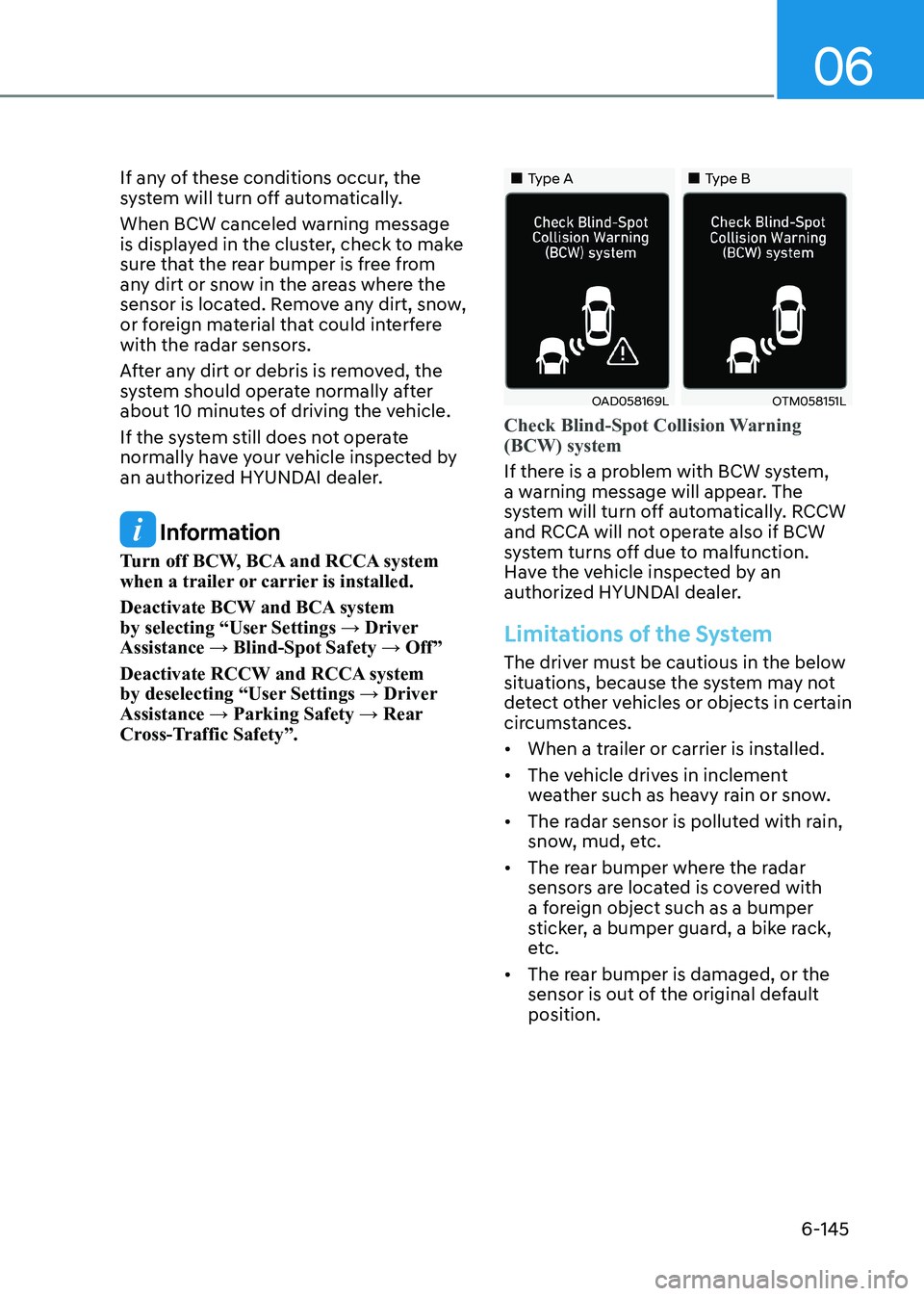
Check Blind-Spot Collision Warning (BCW) system
If there is a problem with BCW system,
a warning message will appear. The
system will turn off automatically. RCCW
and RCCA will not operate also if BCW
system turns off due to malfunction.
Have the vehicle inspected by an
authorized HYUNDAI dealer.
Limitations of the System
The driver must be cautious in the below
situations, because the system may not
detect other vehicles or objects in certain
circumstances. • When a trailer or carrier is installed.
• The vehicle drives in inclement
weather such as heavy rain or snow.
• The radar sensor is polluted with rain,
snow, mud, etc.
• The rear bumper where the radar
sensors are located is covered with
a foreign object such as a bumper
sticker, a bumper guard, a bike rack,
etc.
• The rear bumper is damaged, or the
sensor is out of the original default position.
Page 433 of 555
While Driving
6-146
•
The vehicle height gets lower or
higher due to heavy loading in a trunk,
abnormal tire pressure, etc.
• When the temperature of the rear bumper is high.
• When the sensors are blocked by
other vehicles, walls or parking-lot
pillars.
• The vehicle drives on a curved road.
• The road pavement (or the peripheral
ground) abnormally contains metallic
components (i.e. possibly due to
subway construction).
• There is a fixed object near the
vehicle, such as a guardrail.
• While going down or up a steep
road where the height of the lane is
different.
• Driving on a narrow road where trees
or grass or overgrown.
• Driving in rural areas where the sensor
does not detect another vehicle for an
extended period of time.
• Driving on a wet road.
• Driving on a road where the guardrail
or wall is in double structure.
• A big vehicle is near such as a bus or truck.
• When the other vehicle approaches
very close.
• When the other vehicle passes at a
very fast speed.
• While changing lanes. •
If the vehicle has started at the same
time as the vehicle next to you and
has accelerated.
• When the vehicle in the next lane
moves two lanes away from you or
when the vehicle two lanes away
moves to the next lane from you.
• A motorcycle or bicycle is near.
• A flat trailer is near.
• If there are small objects in the
detecting area such as a shopping
cart or a baby stroller.
• If there is a low height vehicle such as
a sports car.
• The brake pedal is depressed.
• ESC (Electronic Stability Control) is
activated.
• ESC (Electronic Stability Control) malfunctions.
• The tire pressure is low or a tire is damaged.
• The brake is reworked.
• The vehicle sharply stops.
• Temperature is extremely low around
the vehicle.
• The vehicle severely vibrates while
driving over a bumpy road, uneven/
bumpy road, or concrete patch.
• The vehicle drives on a slippery
surface due to snow, water puddle, or ice.
• If the vehicle moves backward after
the vehicle is parked with a diagonal line
Page 545 of 555
I
I-3
B
Basic Troubleshooting Guide .............................................................................. 7-20
Battery ................................................................................................................. 8-36
Battery Recharging ........................................................................................... 8-37
For Best Battery Service .................................................................................. 8-36
Reset Features .................................................................................................. 8-37
Before Driving ....................................................................................................... 6-5
Before Entering the Vehicle ............................................................................... 6-5
Before Starting ................................................................................................... 6-5
Blind View Monitor (BVM) ............................................................................. 6-104
Blind-Spot Collision Warning (BCW) /
Blind-Spot Collision-Avoidance Assist (BCA) ...................................................6-77
Detecting Sensors (Front View Camera and Rear Corner Radar) ....................6-82
Limitations of the System ................................................................................ 6-85
System Description .......................................................................................... 6-77
System Setting and Activation ......................................................................... 6-78
Warning and System Control ........................................................................... 6-80
Brake Fluid .......................................................................................................... 8-29
Checking the Brake Fluid Level ....................................................................... 8-29
Brake System ....................................................................................................... 6-30
Anti-Lock Brake System (ABS) ...................................................................... 6-37
Auto Hold ......................................................................................................... 6-34
Disc Brakes Wear Indicator .............................................................................. 6-30
Electronic Parking Brake (EPB) ...................................................................... 6-31
Electronic Stability Control (ESC) ................................................................... 6-39
Good Braking Practices .................................................................................... 6-42
Hill-Start Assist Control (HAC) ....................................................................... 6-42
Power Brakes .................................................................................................... 6-30
Vehicle Stability Management (VSM) .............................................................6-41
Bulb Wattage ........................................................................................................ 2-11
C Child Restraint System (CRS) ............................................................................. 3-29
Children Always in the Rear ............................................................................ 3-29
Installing a Child Restraint System (CRS) .......................................................3-31
Selecting a Child Restraint System (CRS) .......................................................3-30
Climate Control Additional Features ................................................................. 5-130
Automatic Ventilation .................................................................................... 5-130
Sunroof Inside Air Recirculation ................................................................... 5-130
Page 551 of 555
I
I-9
M Maintenance Services ............................................................................................ 8-5
Owner Maintenance Precautions ........................................................................ 8-5
Owner’s Responsibility ...................................................................................... 8-5
Manual Climate Control System ....................................................................... 5-105
Mirrors ................................................................................................................. 5-31
Inside Rearview Mirror .................................................................................... 5-31
Reverse Parking Aid Function ......................................................................... 5-41
Side View Mirrors ............................................................................................ 5-39
NNavigation-Based Smart Cruise Control ..........................................................6-122
System Setting and Operation ........................................................................ 6-123
OOwner Maintenance ............................................................................................... 8-6
Owner Maintenance Schedule ............................................................................ 8-6
PPanoramic Sunroof ............................................................................................. 5-46
Closing the Sunroof .......................................................................................... 5-48
Resetting the Sunroof ....................................................................................... 5-49
Sliding the Sunroof........................................................................................... 5-47
Sunroof Open Warning ..................................................................................... 5-49
Sunshade ........................................................................................................... 5-47
Tilting the Sunroof .......................................................................................... 5-47
R
Rear Cross-Traffic Collision Warning (RCCW) / Rear Cross-Traffic Collision-
Avoidance Assist (RCCA) ................................................................................ 6-138
Detecting Sensors ........................................................................................... 6-144
Limitations of the System .............................................................................. 6-145
System Description ........................................................................................ 6-138
System Setting and Activation ....................................................................... 6-139
Warning and System Control ......................................................................... 6-141
Rear View Monitor (RVM) .................................................................................. 5-73
Rear View Monitor - Top View ........................................................................ 5-73
Rear View Monitor with Parking Guidance .....................................................5-73