sat nav HYUNDAI SONATA 2023 Owners Manual
[x] Cancel search | Manufacturer: HYUNDAI, Model Year: 2023, Model line: SONATA, Model: HYUNDAI SONATA 2023Pages: 555, PDF Size: 42.72 MB
Page 199 of 555
05
5-53
Inside the vehicle
When you can not unlock the trunk due
to battery discharge or other reasons,
you can unlock the trunk inside the
vehicle.
ODN8059045L
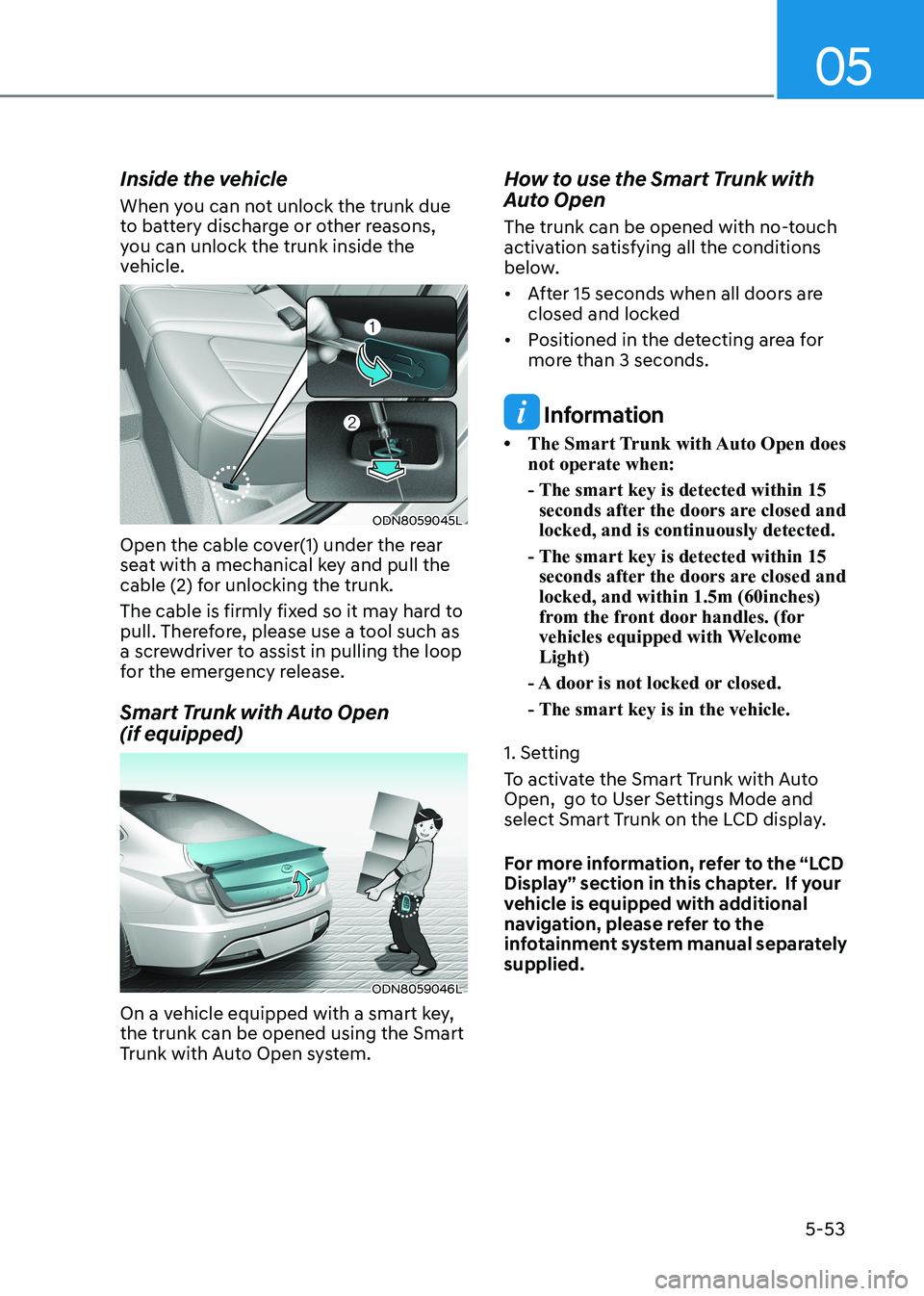
Open the cable cover(1) under the rear
seat with a mechanical key and pull the
cable (2) for unlocking the trunk.
The cable is firmly fixed so it may hard to
pull. Therefore, please use a tool such as
a screwdriver to assist in pulling the loop
for the emergency release.
Smart Trunk with Auto Open (if equipped)
ODN8059046L
On a vehicle equipped with a smart key, the trunk can be opened using the Smart
Trunk with Auto Open system. How to use the Smart Trunk with
Auto Open
The trunk can be opened with no-touch
activation satisfying all the conditions
below.
• After 15 seconds when all doors are
closed and locked
• Positioned in the detecting area for more than 3 seconds.
Information
• The Smart Trunk with Auto Open does not operate when:
- The smart key is detected within 15 seconds after the doors are closed and locked, and is continuously detected.
- The smart key is detected within 15 seconds after the doors are closed and locked, and within 1.5m (60inches)
from the front door handles. (for
vehicles equipped with Welcome Light)
- A door is not locked or closed.
- The smart key is in the vehicle.
1. Setting
To activate the Smart Trunk with Auto
Open, go to User Settings Mode and
select Smart Trunk on the LCD display.
For more information, refer to the “LCD
Display” section in this chapter. If your
vehicle is equipped with additional
navigation, please refer to the
infotainment system manual separately supplied.
Page 410 of 555
06
6-123
System Setting and Operation
System setting • With the Engine Start/Stop button in
the ON or START position, Navigation-
based Smart Cruise Control can
be activated by selecting 'Driver
Assistance →
Highway Auto Curve
Slowdown' from the User Settings
mode on the infotainment system.
For detailed information, please refer
to the infotainment system manual
separately supplied.
• If the engine is turned off then on
again, the system maintains the last
setting.
Operating conditions
Select 'Highway Auto Curve Slowdown'
from the Settings menu in the
infotainment system screen and satisfy
the following conditions for the system
to operate. • Driving on the highway main line
• Smart Cruise Control is operating
If all the mentioned conditions are
satisfied, the system is ENABLED and
the 'AUTO' symbol on the cluster will
illuminate white.
System operation
ODN8A069213C
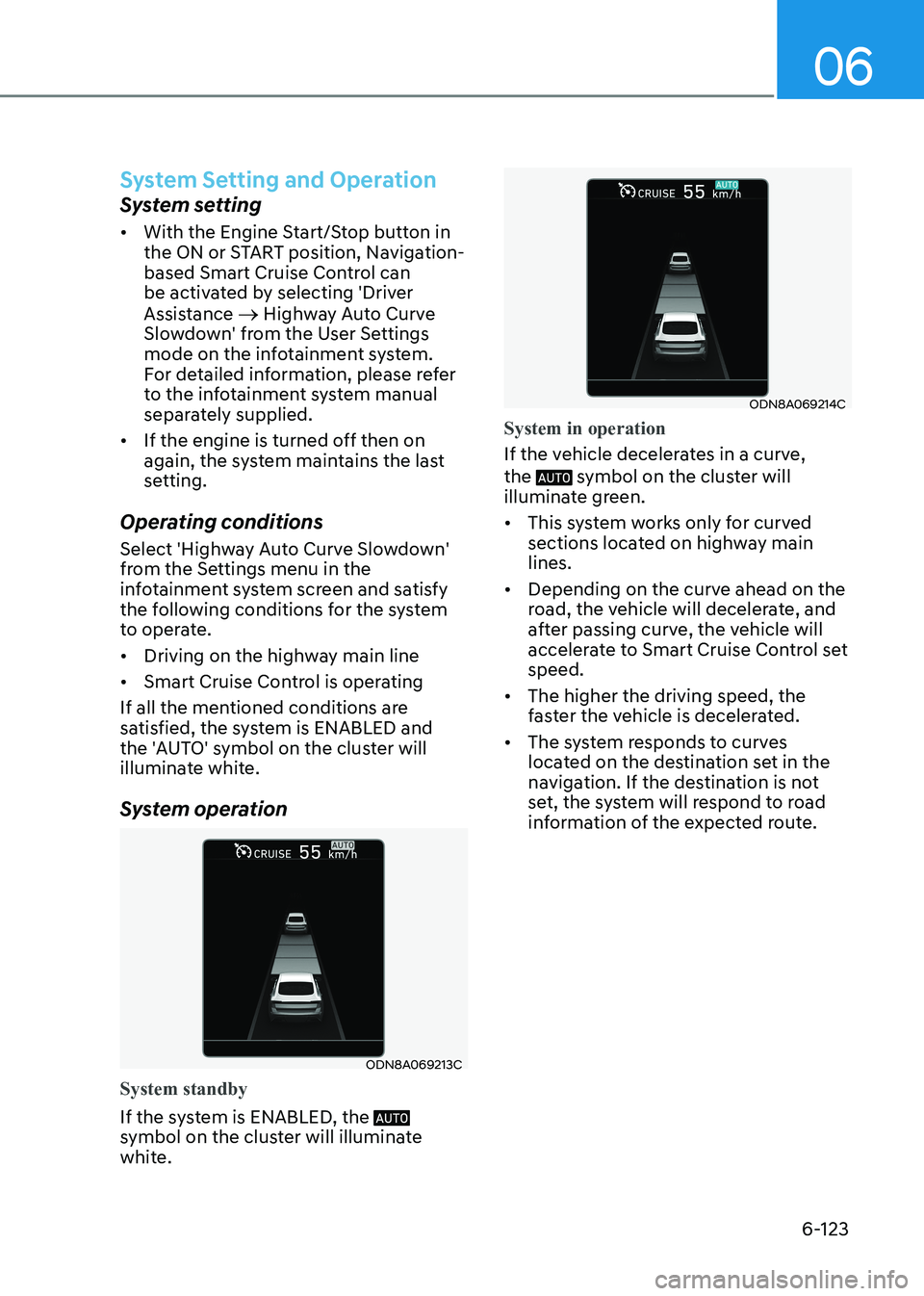
System standby
If the system is ENABLED, the
symbol on the cluster will illuminate
white.
ODN8A069214C
System in operation
If the vehicle decelerates in a curve, the
symbol on the cluster will
illuminate green. • This system works only for curved
sections located on highway main lines.
• Depending on the curve ahead on the
road, the vehicle will decelerate, and
after passing curve, the vehicle will
accelerate to Smart Cruise Control set speed.
• The higher the driving speed, the
faster the vehicle is decelerated.
• The system responds to curves
located on the destination set in the
navigation. If the destination is not
set, the system will respond to road
information of the expected route.