wheel Hyundai Sonata
[x] Cancel search | Manufacturer: HYUNDAI, Model Year: , Model line: , Model:Pages: 358, PDF Size: 30.14 MB
Page 70 of 358
Safety features of your vehicle
54
3
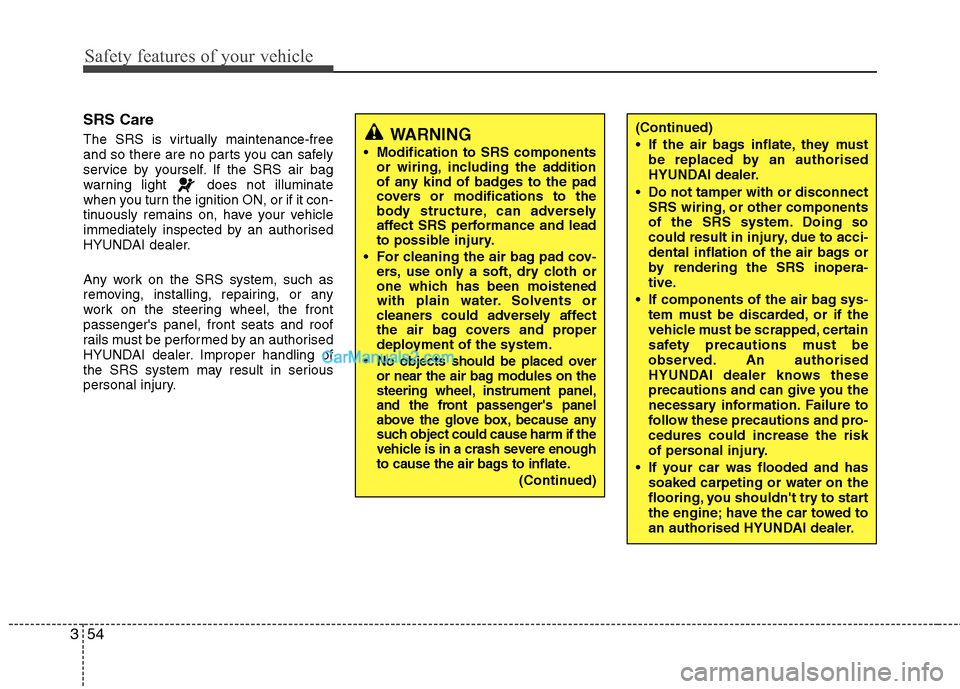
SRS Care
The SRS is virtually maintenance-free
and so there are no parts you can safely
service by yourself. If the SRS air bag
warning light does not illuminate
when you turn the ignition ON, or if it con-
tinuously remains on, have your vehicle
immediately inspected by an authorised
HYUNDAI dealer.
Any work on the SRS system, such as
removing, installing, repairing, or any
work on the steering wheel, the frontpassenger's panel, front seats and roof
rails must be performed by an authorised
HYUNDAI dealer. Improper handling of
the SRS system may result in serious
personal injury.
WARNING
Modification to SRS components or wiring, including the addition
of any kind of badges to the pad
covers or modifications to the
body structure, can adversely
affect SRS performance and lead
to possible injury.
For cleaning the air bag pad cov- ers, use only a soft, dry cloth or
one which has been moistened
with plain water. Solvents or
cleaners could adversely affect
the air bag covers and proper
deployment of the system.
No objects should be placed over
or near the air bag modules on the
steering wheel, instrument panel,
and the front passenger's panel
above the glove box, because any
such object could cause harm if the
vehicle is in a crash severe enough
to cause the air bags to inflate.
(Continued)
(Continued)
If the air bags inflate, they must be replaced by an authorised
HYUNDAI dealer.
Do not tamper with or disconnect SRS wiring, or other components
of the SRS system. Doing so
could result in injury, due to acci-
dental inflation of the air bags or
by rendering the SRS inopera-
tive.
If components of the air bag sys- tem must be discarded, or if the
vehicle must be scrapped, certain
safety precautions must be
observed. An authorised
HYUNDAI dealer knows these
precautions and can give you the
necessary information. Failure to
follow these precautions and pro-cedures could increase the risk
of personal injury.
If your car was flooded and has soaked carpeting or water on the
flooring, you shouldn't try to start
the engine; have the car towed to
an authorised HYUNDAI dealer.
Page 73 of 358
4
Keys / 4-3
Smart key / 4-6
Remote keyless entry / 4-10
Theft-alarm system / 4-13
Door locks / 4-16
Trunk / 4-20
Windows / 4-22
Bonnet / 4-26
Fuel filler lid / 4-28
Panorama sunroof / 4-31
Driver position memory system / 4-35
Steering wheel / 4-37
Mirrors / 4-39
Instrument cluster / 4-43
Rear parking assist system / 4-65
Rearview camera / 4-68
Hazard warning flasher / 4-68
Lighting / 4-69
Wipers and washers / 4-74
Interior light / 4-77
Defroster / 4-80
Manual climate control system / 4-81
Automatic climate control system / 4-90
Features of your vehicle
Page 109 of 358
437
Features of your vehicle
Power steering
Power steering uses energy from the
engine to assist you in steering the vehi-
cle. If the engine is off or if the power
steering system becomes inoperative,
the vehicle may still be steered, but it will
require increased steering effort.
Should you notice any change in the
effort required to steer during normal
vehicle operation, have the power steer-
ing checked by an authorised HYUNDAI
dealer.✽✽NOTICE
If the power steering drive belt breaks
or if the power steering pump malfunc-
tions, the steering effort will greatly
increase.
✽
✽ NOTICE
If the vehicle is parked for extended
periods outside in cold weather (below
-10°C/14°F), the power steering may
require increased effort when the engine
is first started. This is caused by
increased fluid viscosity due to the cold
weather and does not indicate a mal-
function.
When this happens, increase the engine
RPM by depressing accelerator until the
RPM reaches 1,500 rpm then release or
let the engine idle for two or three min-
utes to warm up the fluid.
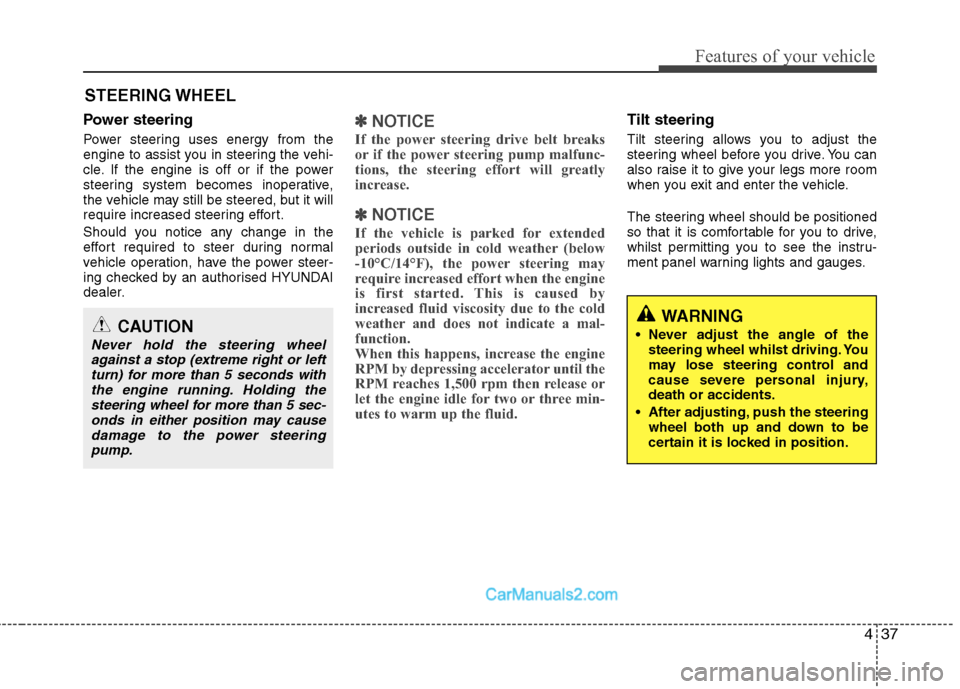
Tilt steering
Tilt steering allows you to adjust the
steering wheel before you drive. You can
also raise it to give your legs more room
when you exit and enter the vehicle.
The steering wheel should be positioned
so that it is comfortable for you to drive,
whilst permitting you to see the instru-
ment panel warning lights and gauges.
STEERING WHEEL
CAUTION
Never hold the steering wheel
against a stop (extreme right or left
turn) for more than 5 seconds withthe engine running. Holding thesteering wheel for more than 5 sec-onds in either position may cause
damage to the power steeringpump.
WARNING
Never adjust the angle of the steering wheel whilst driving. You
may lose steering control and
cause severe personal injury,death or accidents.
After adjusting, push the steering wheel both up and down to be
certain it is locked in position.
Page 110 of 358
Features of your vehicle
38
4
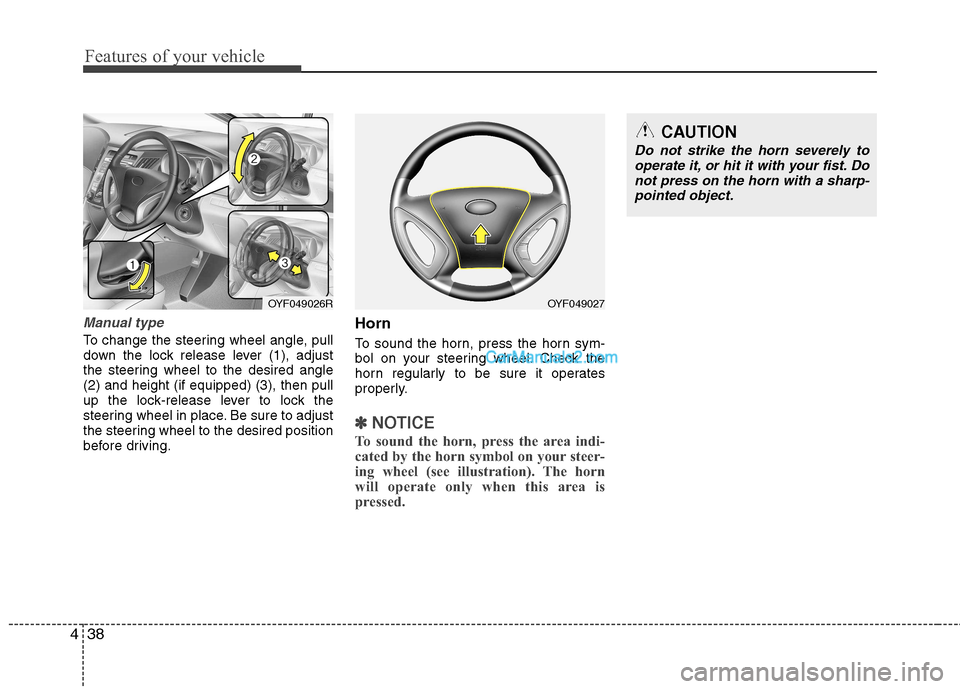
Manual type
To change the steering wheel angle, pull
down the lock release lever (1), adjust
the steering wheel to the desired angle(2) and height (if equipped) (3), then pull
up the lock-release lever to lock the
steering wheel in place. Be sure to adjust
the steering wheel to the desired position
before driving. Horn
To sound the horn, press the horn sym-
bol on your steering wheel. Check the
horn regularly to be sure it operates
properly.
✽✽
NOTICE
To sound the horn, press the area indi-
cated by the horn symbol on your steer-
ing wheel (see illustration). The horn
will operate only when this area is
pressed.
OYF049026ROYF049027
CAUTION
Do not strike the horn severely to operate it, or hit it with your fist. Do
not press on the horn with a sharp- pointed object.
Page 127 of 358
455
Features of your vehicle
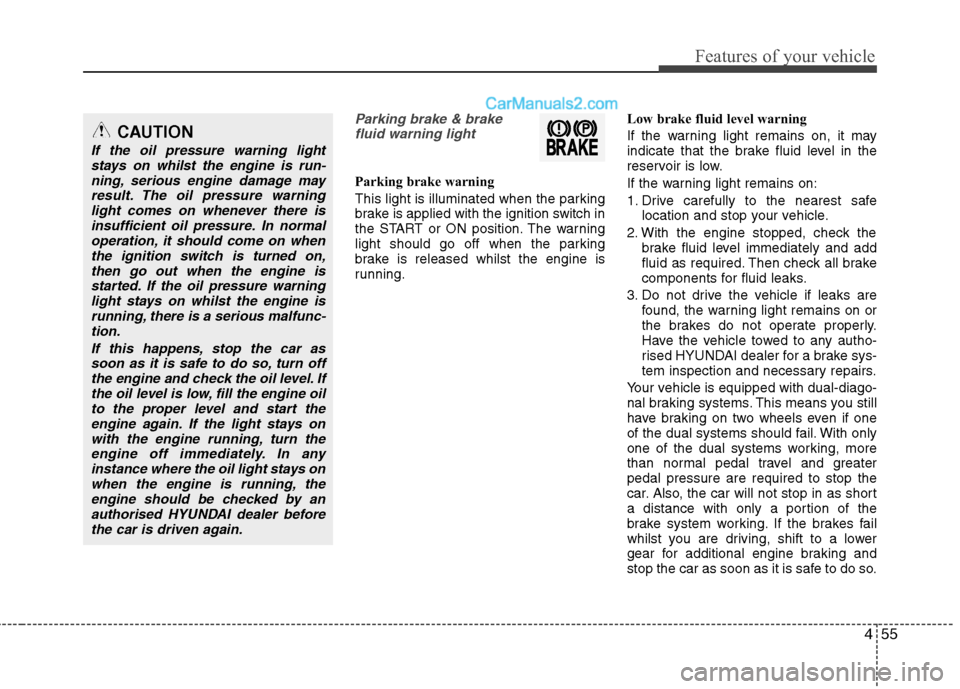
Parking brake & brakefluid warning light
Parking brake warning
This light is illuminated when the parking
brake is applied with the ignition switch in
the START or ON position. The warning
light should go off when the parking
brake is released whilst the engine is
running. Low brake fluid level warning
If the warning light remains on, it may
indicate that the brake fluid level in the
reservoir is low.
If the warning light remains on:
1. Drive carefully to the nearest safe
location and stop your vehicle.
2. With the engine stopped, check the brake fluid level immediately and add
fluid as required. Then check all brake
components for fluid leaks.
3. Do not drive the vehicle if leaks are found, the warning light remains on or
the brakes do not operate properly.
Have the vehicle towed to any autho-
rised HYUNDAI dealer for a brake sys-
tem inspection and necessary repairs.
Your vehicle is equipped with dual-diago-
nal braking systems. This means you still
have braking on two wheels even if one
of the dual systems should fail. With only
one of the dual systems working, more
than normal pedal travel and greaterpedal pressure are required to stop the
car. Also, the car will not stop in as short
a distance with only a portion of the
brake system working. If the brakes fail
whilst you are driving, shift to a lower
gear for additional engine braking and
stop the car as soon as it is safe to do so.
CAUTION
If the oil pressure warning light stays on whilst the engine is run-
ning, serious engine damage mayresult. The oil pressure warninglight comes on whenever there is insufficient oil pressure. In normal
operation, it should come on whenthe ignition switch is turned on,then go out when the engine is
started. If the oil pressure warninglight stays on whilst the engine isrunning, there is a serious malfunc-tion.
If this happens, stop the car assoon as it is safe to do so, turn off the engine and check the oil level. Ifthe oil level is low, fill the engine oilto the proper level and start the
engine again. If the light stays onwith the engine running, turn theengine off immediately. In any instance where the oil light stays on
when the engine is running, theengine should be checked by an authorised HYUNDAI dealer beforethe car is driven again.
Page 132 of 358
Features of your vehicle
60
4
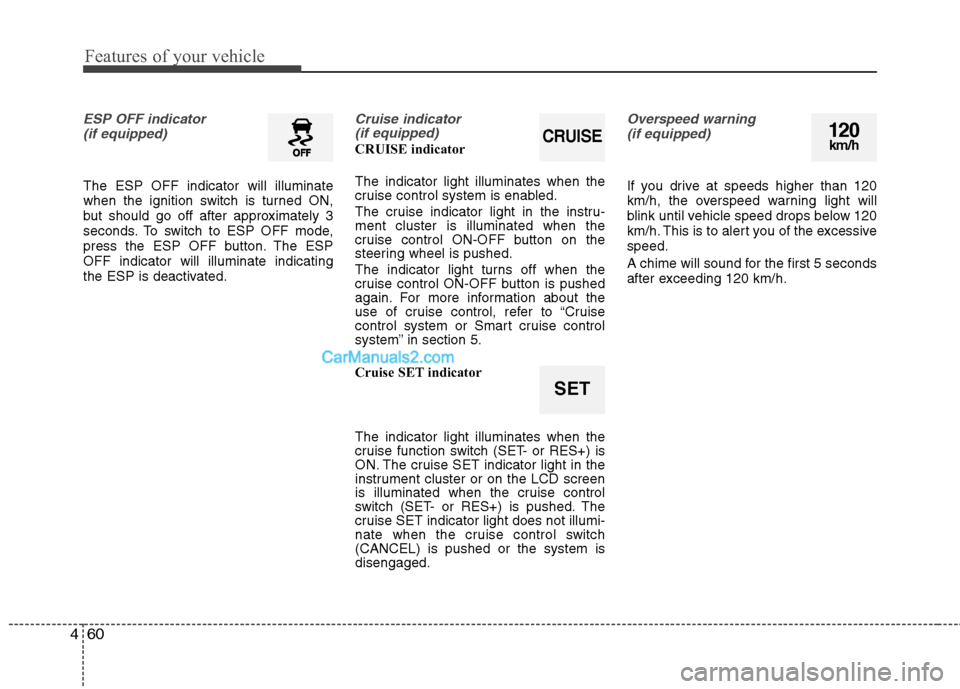
ESP OFF indicator
(if equipped)
The ESP OFF indicator will illuminate
when the ignition switch is turned ON,
but should go off after approximately 3
seconds. To switch to ESP OFF mode,
press the ESP OFF button. The ESPOFF indicator will illuminate indicating
the ESP is deactivated.
Cruise indicator (if equipped)
CRUISE indicator The indicator light illuminates when the
cruise control system is enabled.
The cruise indicator light in the instru- ment cluster is illuminated when the
cruise control ON-OFF button on the
steering wheel is pushed.
The indicator light turns off when the
cruise control ON-OFF button is pushed
again. For more information about the
use of cruise control, refer to “Cruise
control system or Smart cruise control
system” in section 5.
Cruise SET indicator The indicator light illuminates when the
cruise function switch (SET- or RES+) is
ON. The cruise SET indicator light in the
instrument cluster or on the LCD screen
is illuminated when the cruise control
switch (SET- or RES+) is pushed. The
cruise SET indicator light does not illumi-
nate when the cruise control switch(CANCEL) is pushed or the system isdisengaged.
Overspeed warning
(if equipped)
If you drive at speeds higher than 120
km/h, the overspeed warning light will
blink until vehicle speed drops below 120
km/h. This is to alert you of the excessivespeed.
A chime will sound for the first 5 seconds
after exceeding 120 km/h.
120km/h
SET
CRUISE
Page 136 of 358
Features of your vehicle
64
4
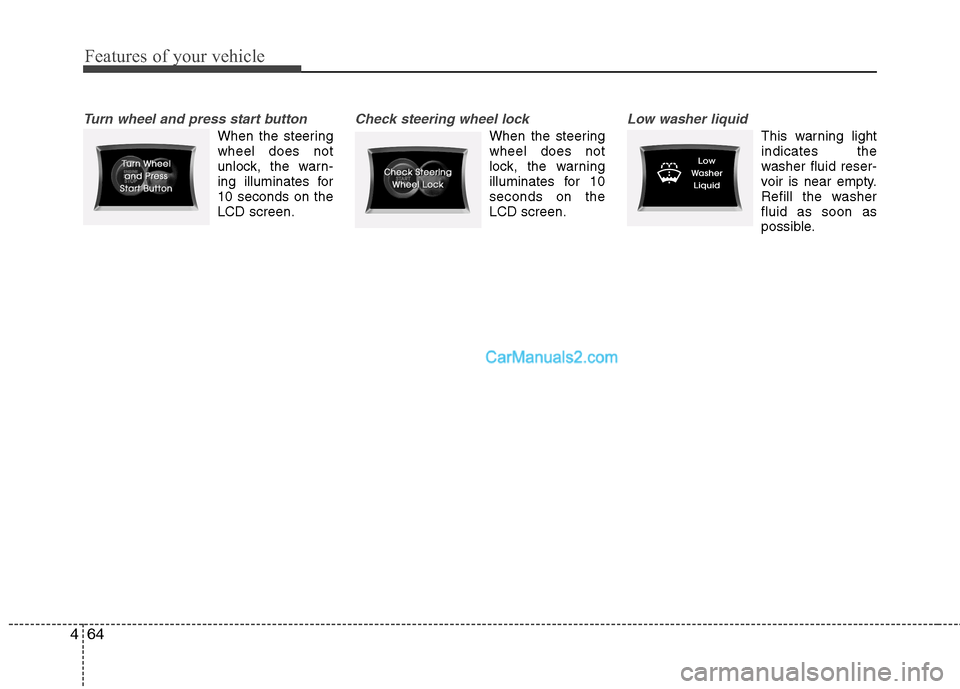
Turn wheel and press start button
When the steering wheel does not
unlock, the warn-
ing illuminates for10 seconds on theLCD screen.
Check steering wheel lock
When the steering wheel does not
lock, the warning
illuminates for 10seconds on theLCD screen.
Low washer liquid
This warning light indicates the
washer fluid reser-
voir is near empty.
Refill the washerfluid as soon as
possible.
Page 156 of 358
Features of your vehicle
84
4
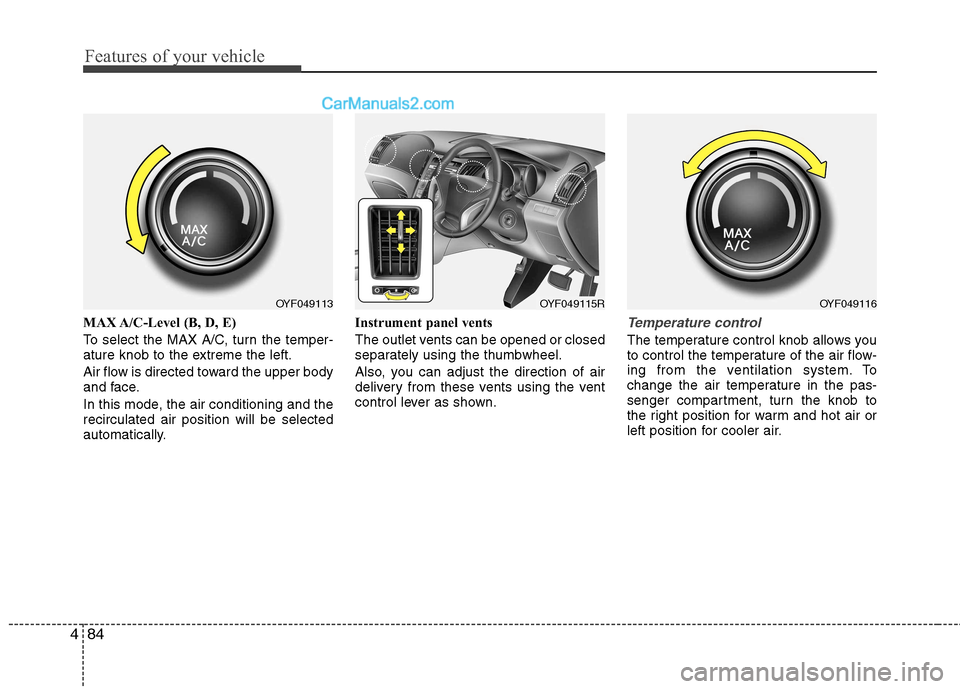
MAX A/C-Level (B, D, E)
To select the MAX A/C, turn the temper-
ature knob to the extreme the left.
Air flow is directed toward the upper body
and face.
In this mode, the air conditioning and the recirculated air position will be selected
automatically. Instrument panel vents
The outlet vents can be opened or closed
separately using the thumbwheel.
Also, you can adjust the direction of air
delivery from these vents using the vent
control lever as shown.Temperature control
The temperature control knob allows you
to control the temperature of the air flow-
ing from the ventilation system. To
change the air temperature in the pas-
senger compartment, turn the knob to
the right position for warm and hot air or
left position for cooler air.
OYF049113OYF049116OYF049115R
Page 165 of 358
493
Features of your vehicle
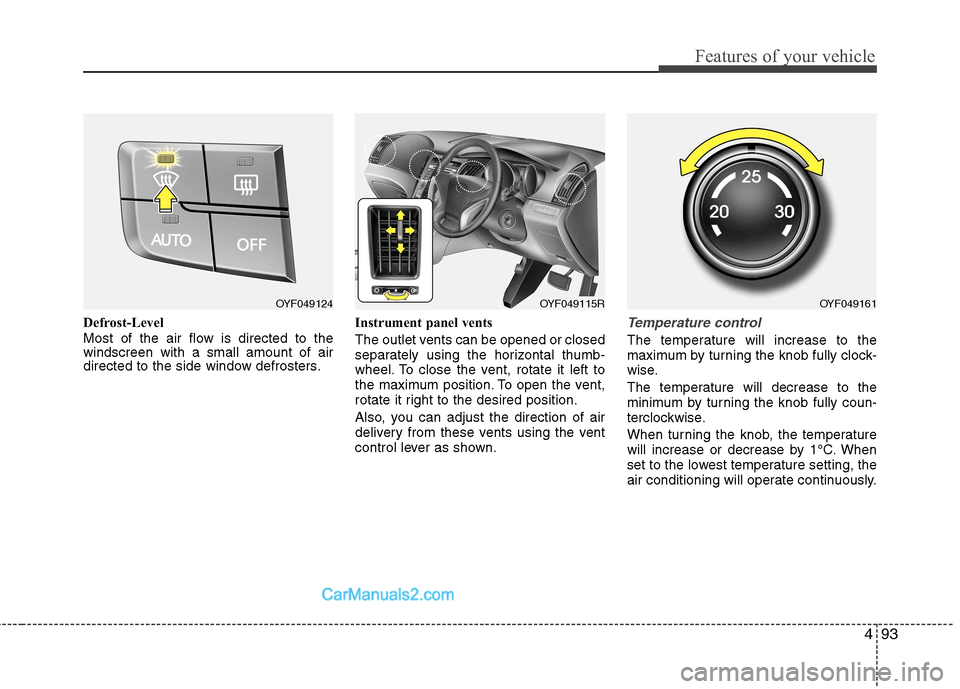
Defrost-Level
Most of the air flow is directed to the windscreen with a small amount of air
directed to the side window defrosters.Instrument panel vents
The outlet vents can be opened or closed
separately using the horizontal thumb-
wheel. To close the vent, rotate it left to
the maximum position. To open the vent,
rotate it right to the desired position.
Also, you can adjust the direction of air
delivery from these vents using the vent
control lever as shown.Temperature control
The temperature will increase to the
maximum by turning the knob fully clock-
wise.
The temperature will decrease to the
minimum by turning the knob fully coun-
terclockwise.
When turning the knob, the temperature
will increase or decrease by 1°C. When
set to the lowest temperature setting, the
air conditioning will operate continuously.
OYF049124OYF049115ROYF049161
Page 180 of 358
Features of your vehicle
108
4
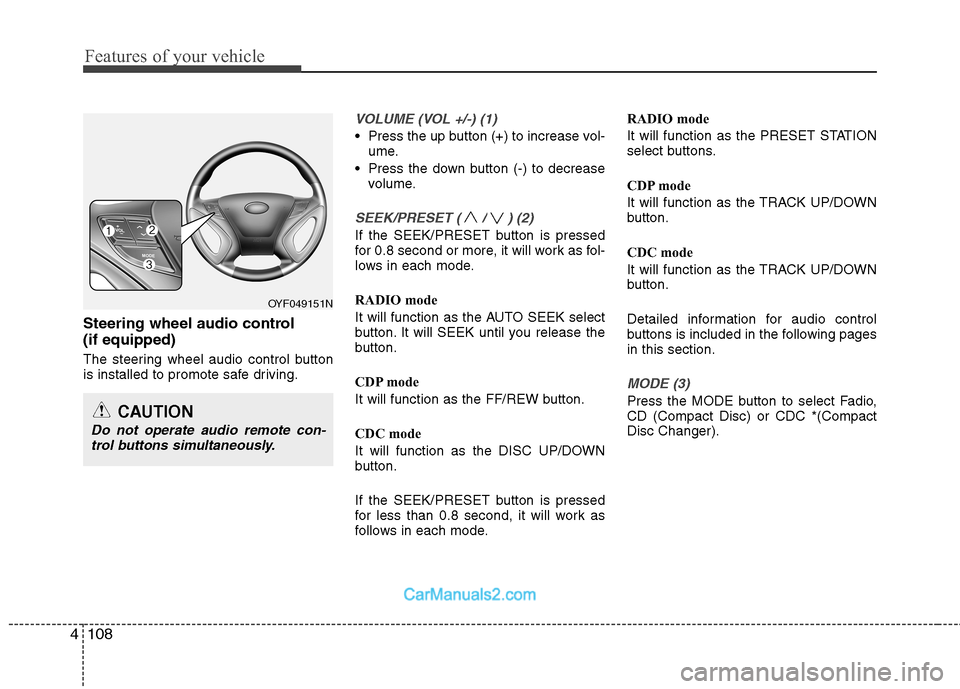
Steering wheel audio control (if equipped)
The steering wheel audio control button
is installed to promote safe driving.
VOLUME (VOL +/-) (1)
Press the up button (+) to increase vol-
ume.
Press the down button (-) to decrease volume.
SEEK/PRESET ( / ) (2)
If the SEEK/PRESET button is pressed
for 0.8 second or more, it will work as fol-
lows in each mode.
RADIO mode
It will function as the AUTO SEEK select
button. It will SEEK until you release the
button.
CDP mode
It will function as the FF/REW button.
CDC mode
It will function as the DISC UP/DOWN
button.
If the SEEK/PRESET button is pressed
for less than 0.8 second, it will work as
follows in each mode. RADIO mode
It will function as the PRESET STATION
select buttons.
CDP mode
It will function as the TRACK UP/DOWN
button.
CDC mode
It will function as the TRACK UP/DOWN
button.
Detailed information for audio control
buttons is included in the following pagesin this section.
MODE (3)
Press the MODE button to select Fadio, CD (Compact Disc) or CDC *(CompactDisc Changer).
OYF049151N
CAUTION
Do not operate audio remote con-
trol buttons simultaneously.