engine HYUNDAI SONATA HYBRID 2020 Owners Manual
[x] Cancel search | Manufacturer: HYUNDAI, Model Year: 2020, Model line: SONATA HYBRID, Model: HYUNDAI SONATA HYBRID 2020Pages: 527, PDF Size: 64.14 MB
Page 309 of 527
06
6-33
DRIVE MODE INTEGRATED CONTROL SYSTEM (IF EQUIPPED)
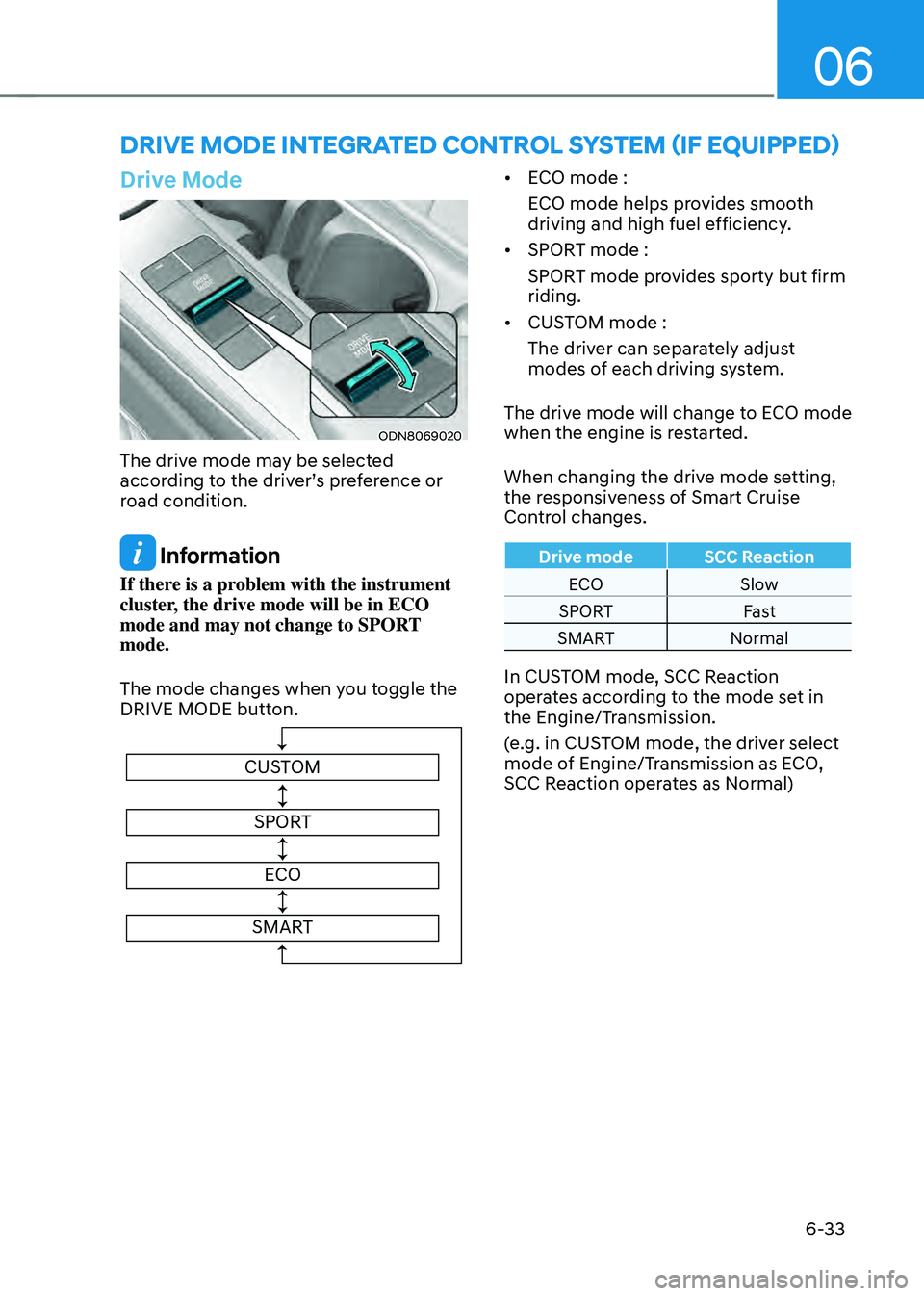
Drive Mode
ODN8069020
The drive mode may be selected
according to the driver’s preference or
road condition.
Information
If there is a problem with the instrument
cluster, the drive mode will be in ECO
mode and may not change to SPORT
mode.
The mode changes when you toggle the
DRIVE MODE button.
CUSTOMSPORT
ECO
SMART
• ECO mode :
ECO mode helps provides smooth
driving and high fuel efficiency.
• SPORT mode :
SPORT mode provides sporty but firm
riding.
• CUSTOM mode :
The driver can separately adjust
modes of each driving system.
The drive mode will change to ECO mode
when the engine is restarted.
When changing the drive mode setting,
the responsiveness of Smart Cruise
Control changes.
Drive mode SCC Reaction
ECO Slow
SPORT Fast
SMART Normal
In CUSTOM mode, SCC Reaction
operates according to the mode set in
the Engine/Transmission.
(e.g. in CUSTOM mode, the driver select
mode of Engine/Transmission as ECO,
SCC Reaction operates as Normal)
Page 310 of 527
While Driving
6-34
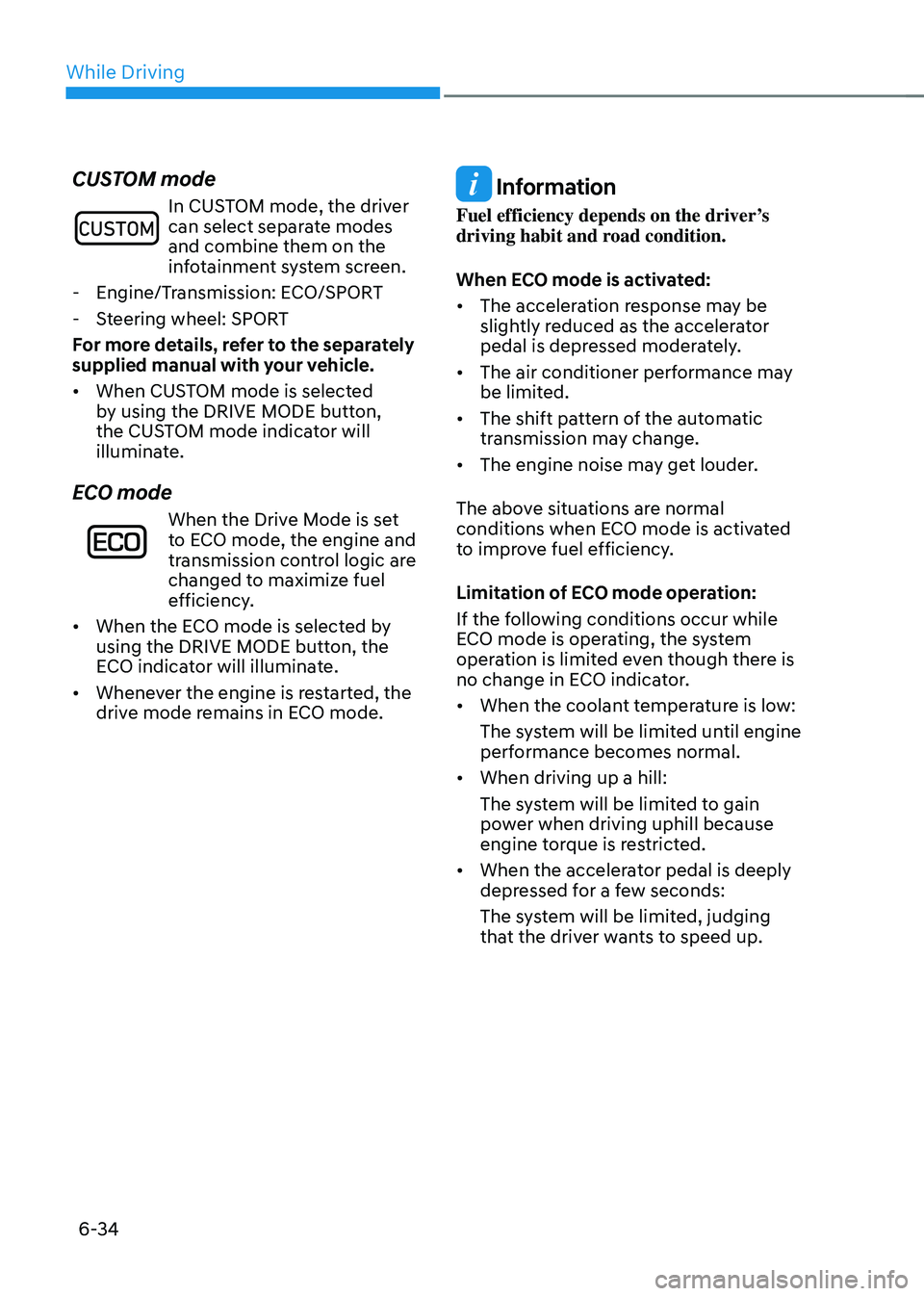
CUSTOM mode
In CUSTOM mode, the driver can select separate modes
and combine them on the
infotainment system screen.
-Engine/Transmission: ECO/SPORT
-Steering wheel: SPORT
For more details, refer to the separately
supplied manual with your vehicle.
• When CUSTOM mode is selected
by using the DRIVE MODE button,
the CUSTOM mode indicator will
illuminate.
ECO mode
When the Drive Mode is set
to ECO mode, the engine and
transmission control logic are
changed to maximize fuel
efficiency.
• When the ECO mode is selected by
using the DRIVE MODE button, the
ECO indicator will illuminate.
• Whenever the engine is restarted, the
drive mode remains in ECO mode.
Information
Fuel efficiency depends on the driver’s
driving habit and road condition.
When ECO mode is activated:
• The acceleration response may be
slightly reduced as the accelerator
pedal is depressed moderately.
• The air conditioner performance may
be limited.
• The shift pattern of the automatic
transmission may change.
• The engine noise may get louder.
The above situations are normal
conditions when ECO mode is activated
to improve fuel efficiency.
Limitation of ECO mode operation:
If the following conditions occur while
ECO mode is operating, the system
operation is limited even though there is
no change in ECO indicator.
• When the coolant temperature is low:
The system will be limited until engine
performance becomes normal.
• When driving up a hill:
The system will be limited to gain
power when driving uphill because
engine torque is restricted.
• When the accelerator pedal is deeply
depressed for a few seconds:
The system will be limited, judging
that the driver wants to speed up.
Page 311 of 527
06
6-35
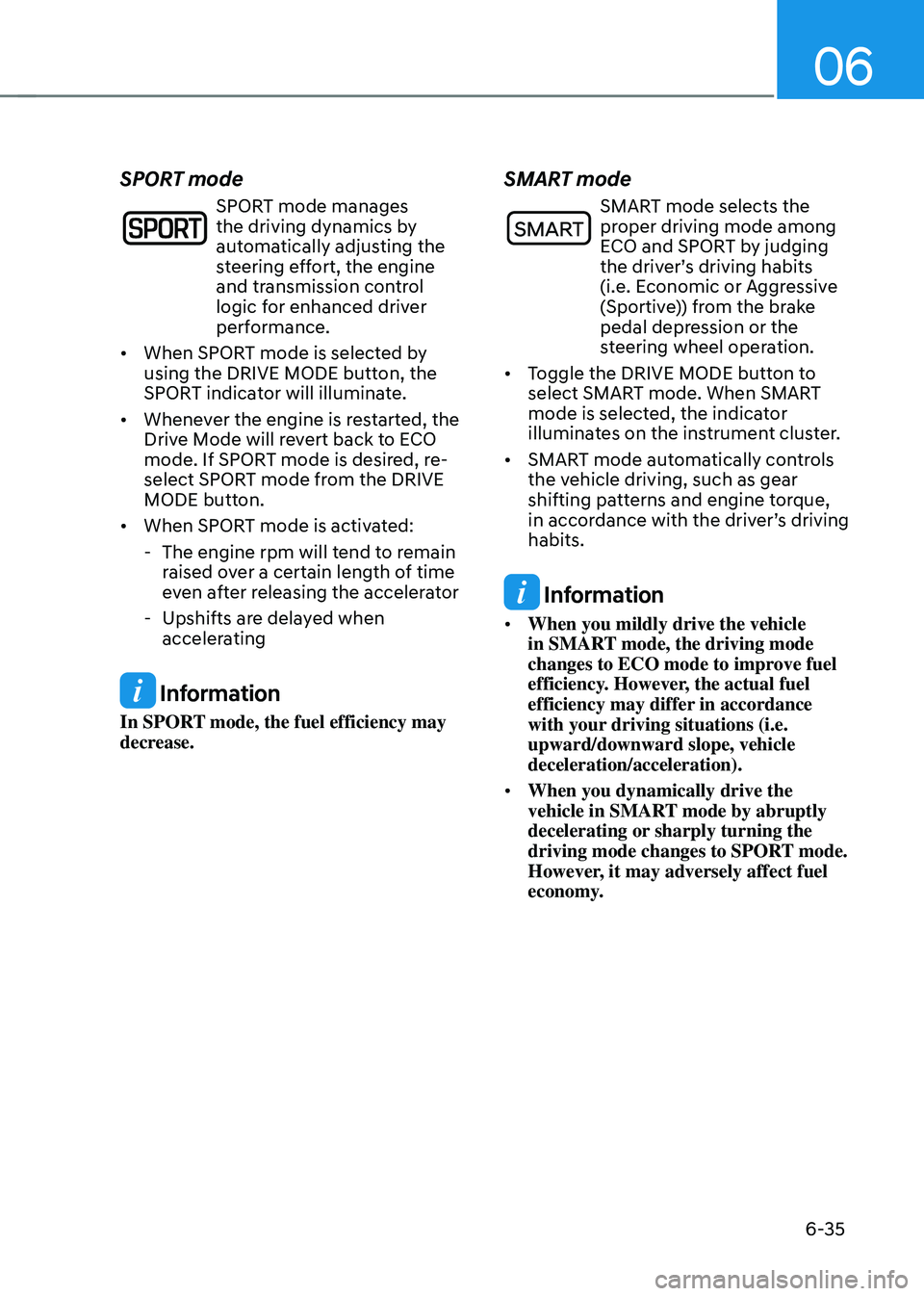
SPORT mode
SPORT mode manages
the driving dynamics by
automatically adjusting the
steering effort, the engine
and transmission control
logic for enhanced driver
performance.
• When SPORT mode is selected by
using the DRIVE MODE button, the
SPORT indicator will illuminate.
• Whenever the engine is restarted, the
Drive Mode will revert back to ECO
mode. If SPORT mode is desired, re-
select SPORT mode from the DRIVE
MODE button.
• When SPORT mode is activated:
-The engine rpm will tend to remain
raised over a certain length of time
even after releasing the accelerator
-Upshifts are delayed when
accelerating
Information
In SPORT mode, the fuel efficiency may
decrease.
SMART mode
SMART mode selects the proper driving mode among
ECO and SPORT by judging
the driver’s driving habits
(i.e. Economic or Aggressive
(Sportive)) from the brake
pedal depression or the
steering wheel operation.
• Toggle the DRIVE MODE button to
select SMART mode. When SMART
mode is selected, the indicator
illuminates on the instrument cluster.
• SMART mode automatically controls
the vehicle driving, such as gear
shifting patterns and engine torque,
in accordance with the driver’s driving
habits.
Information
• When you mildly drive the vehicle
in SMART mode, the driving mode
changes to ECO mode to improve fuel
efficiency. However, the actual fuel
efficiency may differ in accordance
with your driving situations (i.e.
upward/downward slope, vehicle
deceleration/acceleration).
• When you dynamically drive the
vehicle in SMART mode by abruptly
decelerating or sharply turning the
driving mode changes to SPORT mode.
However, it may adversely affect fuel
economy.
Page 312 of 527
While Driving
6-36
Various driving situations, which you may
encounter in SMART mode
• The driving mode automatically
changes to ECO mode after a
certain period of time, when you
gently depress the accelerator pedal
(Your driving is categorized to be
economic.).
• The driving mode automatically
changes to SMART SPORT, when
you abruptly accelerate the vehicle
or repetitively operate the steering
wheel (Your driving is categorized
to be sporty.). In this mode, your
vehicle drives in a lower gear for
abrupt accelerating/decelerating
and increases the engine brake
performance.
• You may still sense the engine
braking performance, even when
you release the accelerator pedal in
SMART SPORT mode. It is because
your vehicle remains in lower gear
over a certain period of time for next
acceleration. Thus, it is a normal
driving situation, not indicating any
malfunction.
• The driving mode automatically
changes to SMART SPORT mode only
in harsh driving situations. In most
of the normal driving situations, the
driving mode sets to be in SMART
ECO mode. Limitation of SMART mode
The SMART mode may be limited in
following situations. (The OFF indicator
illuminates in those situations.)
•
The cruise control is activated :
The cruise control system may
deactivate the SMART mode when
the vehicle is controlled by the set
speed of Smart Cruise Control system.
(SMART mode is not deactivated
just by activating the cruise control
system.)
• The transmission oil temperature is
either extremely low or extremely
high :
The SMART mode can be active in
most of the normal driving situations.
However, an extremely high/ low
transmission oil temperature may
temporarily deactivate the SMART
mode, because the transmission
condition is out of normal operation
condition.
Page 316 of 527
While Driving
6-40
Prerequisite for activation
FCA gets ready to be activated, when
‘Active Assist’ or ‘Warning Only’ under
Forward Safety is selected in the cluster
LCD display, and when the following
prerequisites are satisfied.
-ESC (Electronic Stability Control) is on.
- Vehicle speed is over 6 mph (10 km/h ).
(FCA is only activated within a certain
speed range.)
- The system detects a pedestrian,
cyclist or a vehicle in front, which may
collide with your vehicle. However,
FCA may not be activated or may only
sound a warning alarm depending on
the driving or vehicle conditions.
FCA may not operate properly according
to the frontal situation, condition of the
vehicle, the direction of pedestrian or
cyclist or speed. If you select "Warning
Only", only warnings occur.
WARNING
To avoid driver distractions, do not
attempt to set or cancel FCA while
driving the vehicle. Always completely
stop the vehicle at a safe place before
setting or canceling the system.
FCA automatically activates upon
placing the ignition switch to the ON
position. The driver can deactivate FCA
by canceling the system setting on the
cluster LCD display or infotainment
system display (if equipped).
FCA automatically deactivates upon
canceling ESC (Electronic Stability
Control). When ESC is canceled, FCA
cannot be activated in the LCD display
or infotainment system display (if
equipped). In this situation, the FCA
warning light will illuminate which is
normal.
FCA Warning Message and Brake
Control
FCA produces warning messages,
warning alarms, and emergency braking
based on the level of risk of a frontal
collision, such as when a vehicle ahead
suddenly brakes, or the system detects
that a collision with a pedestrian or
cyclist is imminent.
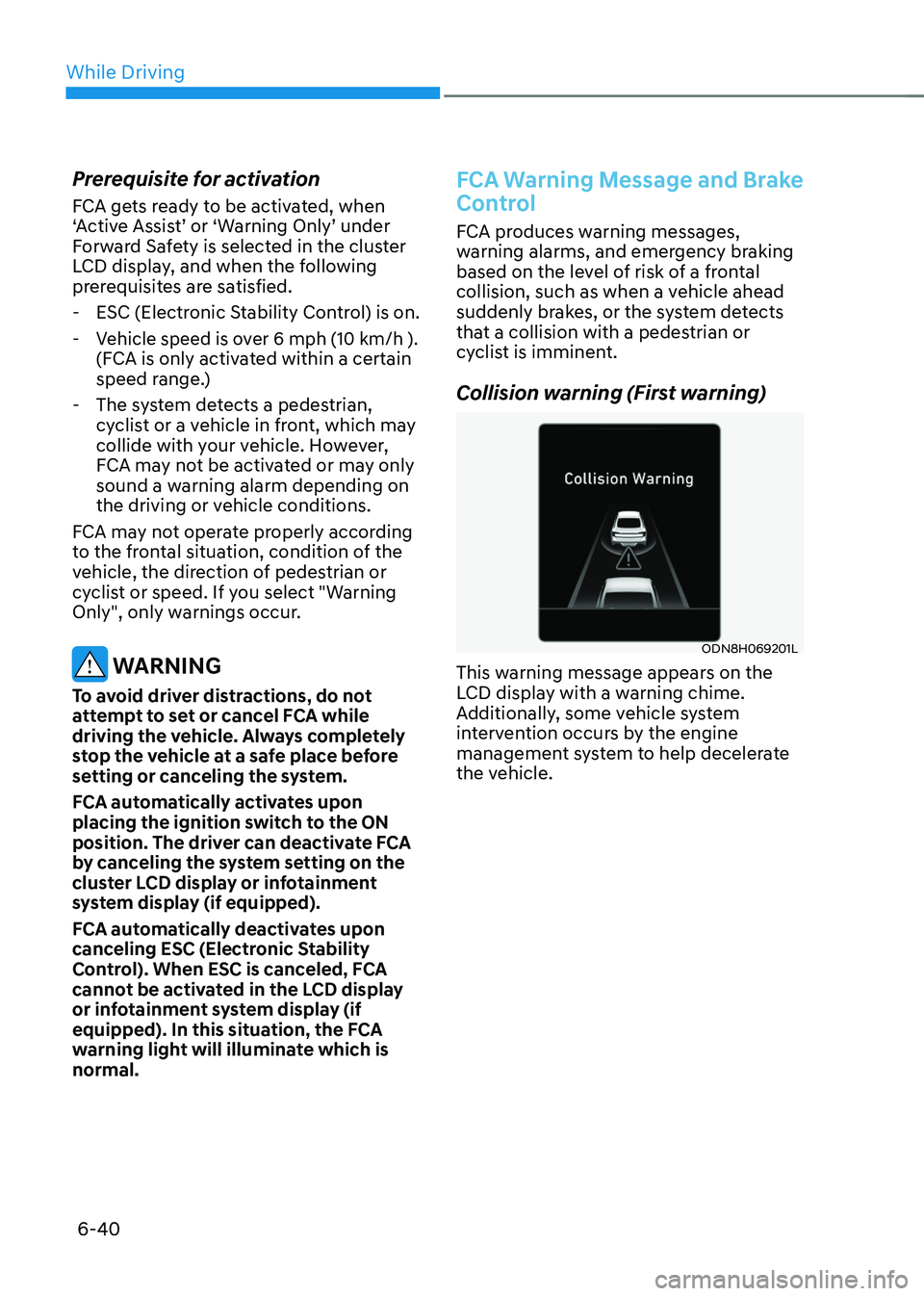
Collision warning (First warning)
ODN8H069201L
This warning message appears on the
LCD display with a warning chime.
Additionally, some vehicle system
intervention occurs by the engine
management system to help decelerate
the vehicle.
Page 317 of 527
06
6-41
• Your vehicle speed may decelerate
moderately.
• If FCA detects a vehicle in front, the
system operates when your vehicle
speed is between 6 mph (10 km/h )
and 112 mph (180 km/h). Maximum
vehicle speed may decrease
depending on the condition of the
vehicle ahead and surroundings.
• If FCA detects a pedestrian or cyclist
in front, the system operates when
your vehicle speed is between 6
mph (10 km/h ) and 53 mph (85
km/h). Maximum vehicle speed may
decrease depending on the condition
of the pedestrian or cyclist ahead and
surroundings.
• If you select ‘Warning Only’ for the
system setting, FCA system activates
and produces only warning alarms
in accordance with the collision risk
levels. You should control the brake
directly because FCA system will not
control the brake.Emergency braking (Second
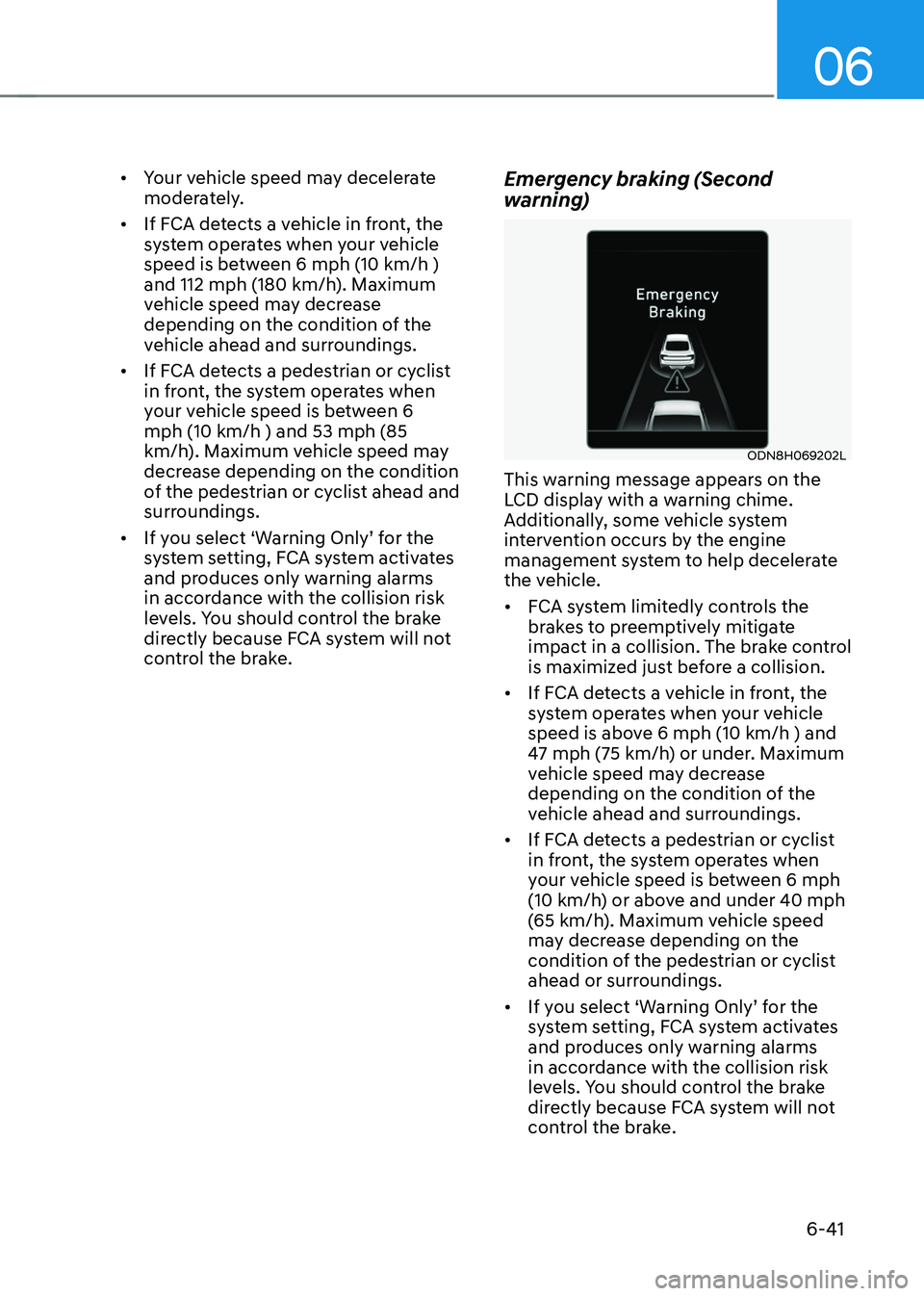
warning)
ODN8H069202L
This warning message appears on the
LCD display with a warning chime.
Additionally, some vehicle system
intervention occurs by the engine
management system to help decelerate
the vehicle.
• FCA system limitedly controls the
brakes to preemptively mitigate
impact in a collision. The brake control
is maximized just before a collision.
• If FCA detects a vehicle in front, the
system operates when your vehicle
speed is above 6 mph (10 km/h ) and
47 mph (75 km/h) or under. Maximum
vehicle speed may decrease
depending on the condition of the
vehicle ahead and surroundings.
• If FCA detects a pedestrian or cyclist
in front, the system operates when
your vehicle speed is between 6 mph
(10 km/h) or above and under 40 mph
(65 km/h). Maximum vehicle speed
may decrease depending on the
condition of the pedestrian or cyclist
ahead or surroundings.
• If you select ‘Warning Only’ for the
system setting, FCA system activates
and produces only warning alarms
in accordance with the collision risk
levels. You should control the brake
directly because FCA system will not
control the brake.
Page 338 of 527

While Driving
6-62
Warning Light and Message
„„Type A„„Type B
OIK057121NOIK057122N
Check LKA (Lane Keep Assist) system
If there is a problem with the system a
message will appear for a few seconds.
If the problem continues LKA system
failure indicator will illuminate.
LKA system indicator
The LKA system indicator
(yellow) will illuminate if LKA
system is not working properly.
Have the vehicle inspected by an
authorized HYUNDAI dealer.
When there is a problem with the system
do one of the following:
• Turn the system on after turning the
vehicle off and on again.
• Check if the ignition switch is in the
ON position.
• Check if the system is affected by the
weather. (ex: fog, heavy rain, etc.)
• Check if there is foreign matter on the
camera lens.
If the problem is not solved, have the
vehicle inspected by an authorized
HYUNDAI dealer. LKA system will not be in the ENABLED
state and the steering wheel will not be
assisted when:
•
The turn signal is turned on before
changing a lane. If you change
lanes without the turn signal on, the
steering wheel might be controlled.
• The vehicle is not driven in the middle
of the lane when the system is turned
on or right after changing a lane.
• ESC (Electronic Stability Control) or
VSM (Vehicle Stability Management)
is activated.
• The vehicle is driven on a sharp curve.
• Vehicle speed is below 40 mph (64
km/h) and over 110 mph (177 km/h).
• The vehicle makes sharp lane
changes.
• The vehicle brakes suddenly.
• Only one lane marker is detected.
• The lane (or road width) is very wide
or narrow.
• There are more than two lane markers
on the road. (e.g. construction area)
• The vehicle is driven on a steep
incline.
• The steering wheel is turned suddenly.
• The system may not operate for 15
seconds after the engine is started or
the camera is initialized.
Page 342 of 527

While Driving
6-66
Blind-Spot Collision-Avoidance Assist
system may activate the Electronic
Stability Control (ESC) in accordance
with a colliding possibility with an
approaching vehicle while changing
lanes. It is to lower the colliding risk or
help mitigate the colliding damage.
WARNING
• Always be aware of road conditions
while driving and be alert for
unexpected situations even though
the Blind-Spot Collision Warning
system and Blind-Spot Collision-
Avoidance Assist system are
operating.
• Blind-Spot Collision Warning system
and Blind-Spot Collision-Avoidance
Assist system are supplemental
systems to assist you. Always pay
attention, while driving, for your
safety. Do not entirely rely on the
systems or an accident may occur.
• Blind-Spot Collision Warning system
and Blind-Spot Collision-Avoidance
Assist system are not substitutes
for proper and safe driving. Always
drive safely and use caution when
changing lanes or backing up the
vehicle.
Blind-Spot Collision Warning system
and Blind-Spot Collision-Avoidance
Assist system may not detect every
object alongside the vehicle.
System Setting and Activation
System setting
• The driver can activate the system
by placing the ignition switch to the
ON position and by selecting ‘User
Settings → Driver Assistance → Blind-Spot Safety’
-BCA and BCW turn on and get
ready to be activated when ‘Active
assist’ is selected. Then, if a vehicle
approaches the driver’s blind spot
area a warning sounds or braking
power is applied.
-BCW turns on and gets ready to
be activated when ‘Warning only’
is selected. Then, if a vehicle
approaches the driver’s blind spot
area a warning sounds. Braking
assist will not be applied in this
setting.
-If you select “Off”, BCW system
deactivates.
• If the engine is turned off then on
again, the system maintains the
previous state.
• The driver can select the initial
warning activation time in the
User Settings in the LCD display
or infotainment system display by
selecting ‘User Settings → Driver Assistance → Warning Timing’.
Page 356 of 527
While Driving
6-80
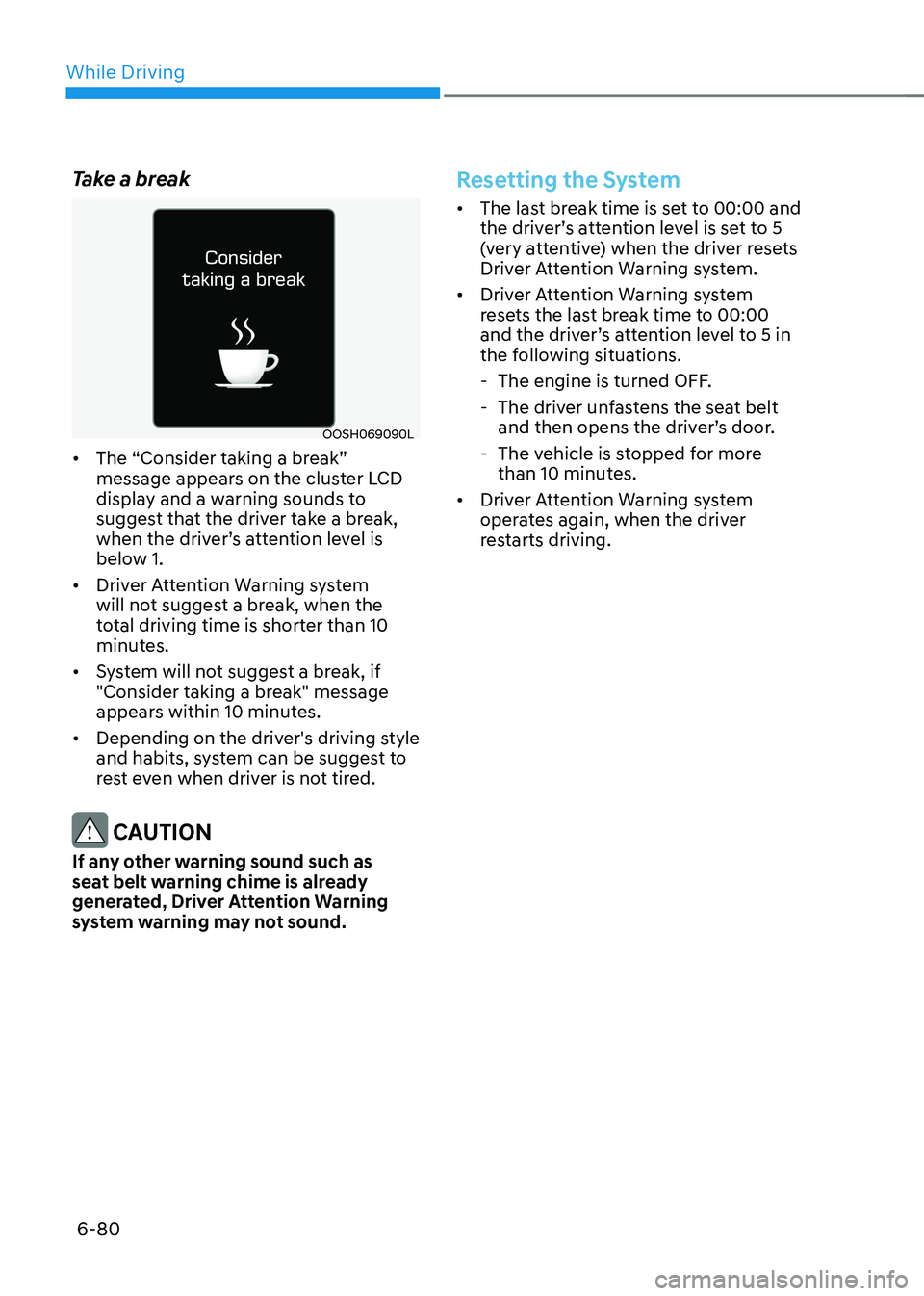
Take a break
OOSH069090L
• The “Consider taking a break”
message appears on the cluster LCD
display and a warning sounds to
suggest that the driver take a break,
when the driver’s attention level is
below 1.
• Driver Attention Warning system
will not suggest a break, when the
total driving time is shorter than 10
minutes.
• System will not suggest a break, if
"Consider taking a break" message
appears within 10 minutes.
• Depending on the driver's driving style
and habits, system can be suggest to
rest even when driver is not tired.
CAUTION
If any other warning sound such as
seat belt warning chime is already
generated, Driver Attention Warning
system warning may not sound.
Resetting the System
• The last break time is set to 00:00 and
the driver’s attention level is set to 5
(very attentive) when the driver resets
Driver Attention Warning system.
• Driver Attention Warning system
resets the last break time to 00:00
and the driver’s attention level to 5 in
the following situations.
-The engine is turned OFF.
-The driver unfastens the seat belt
and then opens the driver’s door.
-The vehicle is stopped for more
than 10 minutes.
• Driver Attention Warning system
operates again, when the driver
restarts driving.
Page 359 of 527
06
6-83
Leading Vehicle Departure Alert
After the vehicle in front departs an alert
informs the driver.
System setting
With the engine ON, Leading Vehicle
Departure Alert function turns on and
gets ready to be activated when the
‘User Settings → Driver Assistance → Driver Attention Warning → Leading Vehicle Departure Alert’ is selected on
the cluster. The function stops operation
when the setting is deactivated.
However, if the engine is turned off then
on again, the function maintains the
previous state.
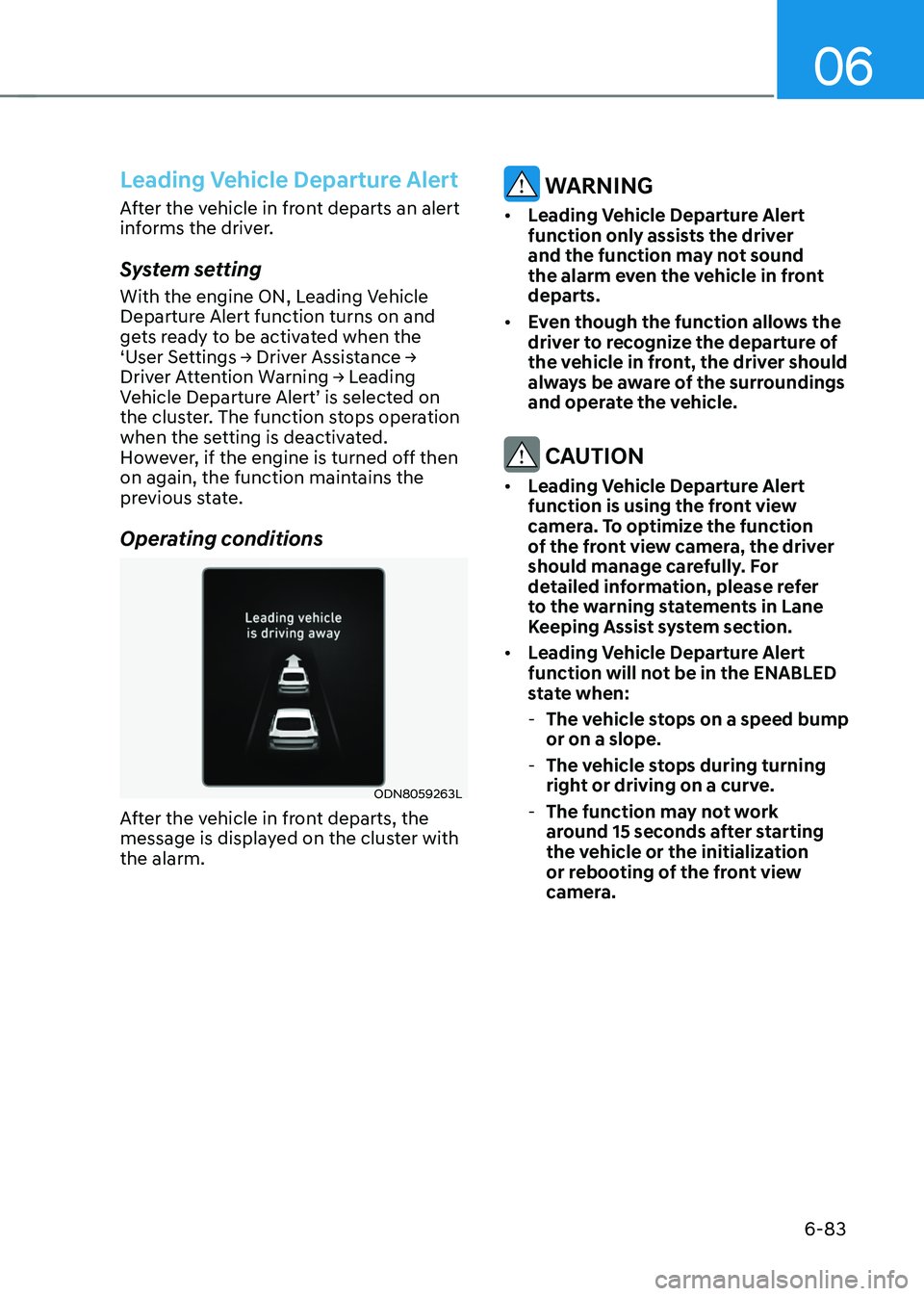
Operating conditions
ODN8059263L
After the vehicle in front departs, the
message is displayed on the cluster with
the alarm.
WARNING
• Leading Vehicle Departure Alert
function only assists the driver
and the function may not sound
the alarm even the vehicle in front
departs.
• Even though the function allows the
driver to recognize the departure of
the vehicle in front, the driver should
always be aware of the surroundings
and operate the vehicle.
CAUTION
• Leading Vehicle Departure Alert
function is using the front view
camera. To optimize the function
of the front view camera, the driver
should manage carefully. For
detailed information, please refer
to the warning statements in Lane
Keeping Assist system section.
• Leading Vehicle Departure Alert
function will not be in the ENABLED
state when:
-The vehicle stops on a speed bump
or on a slope.
-The vehicle stops during turning
right or driving on a curve.
-The function may not work
around 15 seconds after starting
the vehicle or the initialization
or rebooting of the front view
camera.