key Hyundai Sonata
[x] Cancel search | Manufacturer: HYUNDAI, Model Year: , Model line: , Model:Pages: 411, PDF Size: 8.68 MB
Page 200 of 411
![Hyundai Sonata Features of your vehicle118
4PHONE SETUPPress the key Select [Phone]
through TUNE knob or key
Select menu through TUNE knob
Pair PhoneSelect [Pair Phone] Set through TUNE
knob➀
Search for devic](/img/35/16810/w960_16810-199.png "Hyundai Sonata Features of your vehicle118
4PHONE SETUPPress the key Select [Phone]
through TUNE knob or key
Select menu through TUNE knob
Pair PhoneSelect [Pair Phone] Set through TUNE
knob➀
Search for devic")
Features of your vehicle118
4PHONE SETUPPress the key Select [Phone]
through TUNE knob or key
Select menu through TUNE knob
Pair PhoneSelect [Pair Phone] Set through TUNE
knob➀
Search for device names as displayed
on your mobile phone and connect.
➁
Input the passkey displayed on the
screen. (Passkey : 0000)
❈ The device name and passkey will be
displayed on the screen for up to 3
minutes. If pairing is not completed
within the 3 minutes, the mobile phone
pairing process will automatically be
canceled.
➂
Pairing completion is displayed.
❈ In some mobile phones, pairing will
automatically be followed by connection.
❈ It is possible to pair up to five
Bluetooth
®mobile phones.
3
SETUP
CAUTION
To pair a Bluetooth
®mobile phone,
authentication and connection processes are first required. As aresult, you cannot pair your mobilephone while driving the vehicle.First park your vehicle before use.
Page 202 of 411
Features of your vehicle120
4
CAUTION
When you delete a mobile phone,
the mobile phone contacts willalso be erased.
For stable Bluetooth
®communi-
cation, delete the mobile phone from the audio and also delete theaudio from your mobile phone.
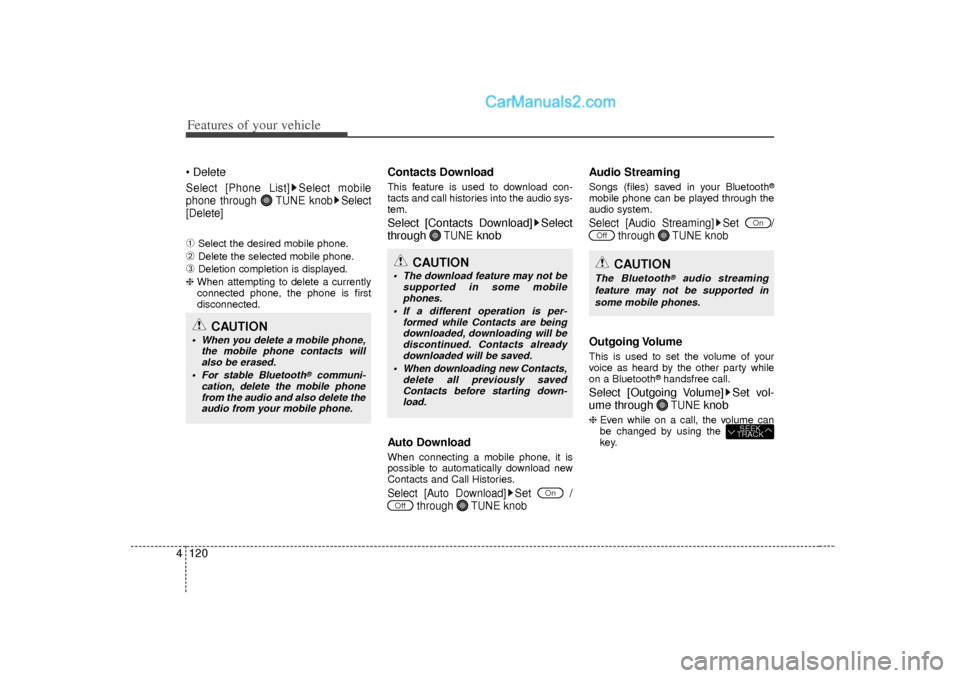
DeleteSelect [Phone List] Select mobile
phone through TUNE knob Select
[Delete]➀
Select the desired mobile phone.
➁
Delete the selected mobile phone.
➂
Deletion completion is displayed.
❈ When attempting to delete a currently
connected phone, the phone is first
disconnected.
Contacts DownloadThis feature is used to download con-
tacts and call histories into the audio sys-
tem.Select [Contacts Download] Select
through
TUNE
knob
Auto Download
When connecting a mobile phone, it is
possible to automatically download new
Contacts and Call Histories.Select [Auto Download] Set
/
through TUNE knob
Audio StreamingSongs (files) saved in your Bluetooth
®
mobile phone can be played through the
audio system.Select [Audio Streaming] Set / through TUNE knobOutgoing VolumeThis is used to set the volume of your
voice as heard by the other party while
on a Bluetooth
®handsfree call.
Select [Outgoing Volume] Set vol-
ume through
TUNE
knob
❈ Even while on a call, the volume can
be changed by using the
key.
SEEK
TRACK
Off
On
Off
On
CAUTION
The download feature may not be
supported in some mobilephones.
If a different operation is per- formed while Contacts are beingdownloaded, downloading will bediscontinued. Contacts already downloaded will be saved.
When downloading new Contacts, delete all previously savedContacts before starting down- load.
CAUTION
The Bluetooth
®
audio streaming
feature may not be supported in some mobile phones.
Page 203 of 411
![Hyundai Sonata 4 121
Features of your vehicle
Bluetooth System OffThis feature is used when you do not
wish to use the Bluetooth system.Select [Bluetooth System Off] Set
through TUNE knob❈ If a phone is already co](/img/35/16810/w960_16810-202.png "Hyundai Sonata 4 121
Features of your vehicle
Bluetooth System OffThis feature is used when you do not
wish to use the Bluetooth system.Select [Bluetooth System Off] Set
through TUNE knob❈ If a phone is already co")
4 121
Features of your vehicle
Bluetooth System OffThis feature is used when you do not
wish to use the Bluetooth system.Select [Bluetooth System Off] Set
through TUNE knob❈ If a phone is already connected, dis-
connect the currently connected phone
and turn the Bluetooth
®system off.
Using the Bluetooth SystemTo use Bluetooth
®when the system is
currently off, follow these next steps.
Turning On Bluetooth
®
through the
Key
Press the key Screen Guidance❈ Moves to the screen where Bluetooth
®
functions can be used and displays
guidance. Turning On Bluetooth
®
through the
Key
Press the key Select [Phone]
through TUNE knob or key➀
A screen asking whether to turn on
Bluetooth
®will be displayed.
➁
On the screen, select to turn on
Bluetooth
®and display guidance.
❈ If the Bluetooth system is turned on,
the system will automatically try to
connect the most recently connected
Bluetooth®mobile phone.
YES
3
SETUP
SETUP
PHONE
PHONE
CAUTION
Bluetooth
®
connection may
become intermittently disconnect- ed in some mobile phones. Followthese next steps to try again.
1) Turn the Bluetooth
®
function
within the mobile phone ON/OFF and try to connect again.
2) Turn the mobile phone power ON/OFF and try to connect again.
3) Completely remove the mobile phone battery, reboot, and thentry to connect again.
4) Reboot the audio system and try to connect again
5) Delete all paired devices in your mobile phone and the audio sys-tem and pair again for use.
Page 204 of 411
![Hyundai Sonata Features of your vehicle122
4SYSTEM SETTINGSPress the key Select [System]
through tune knob or key Select
menu through TUNE knob
Memory InformationDisplays currently used memory and
total system me](/img/35/16810/w960_16810-203.png "Hyundai Sonata Features of your vehicle122
4SYSTEM SETTINGSPress the key Select [System]
through tune knob or key Select
menu through TUNE knob
Memory InformationDisplays currently used memory and
total system me")
Features of your vehicle122
4SYSTEM SETTINGSPress the key Select [System]
through tune knob or key Select
menu through TUNE knob
Memory InformationDisplays currently used memory and
total system memory.Select [Memory Information] OKThe currently used memory is displayed
on the left side while the total system
memory is displayed on the right side.Prompt FeedbackThis feature is used to change voice
command feedback between Normal and
Expert modes.Select [Prompt Feedback] Set
through
TUNE
knob
Normal : This mode is for beginner
users and provides detailed instructions
during voice command operation.
Expert : This mode is for expert users and omits some information during
voice command operation. (When using
Expert mode, guidance instructions can
be heard through the [Help] or [Menu]
commands.
LanguageThis menu is used to set the display and
voice recognition language.Select [Language] Set through TUNE
knob❈ The system will reboot after the lan-
guage is changed.
❈ Language support by region
- English, Francais, Espanol
4
SETUP
Page 210 of 411
Features of your vehicle128
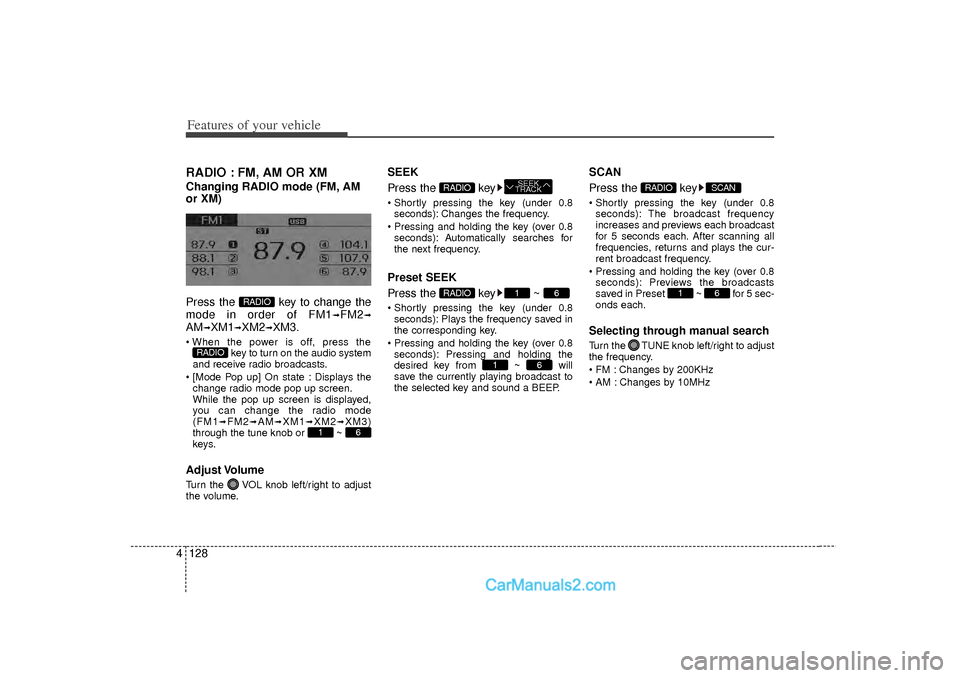
4RADIO : FM, AM OR XMChanging RADIO mode (FM, AM
or XM)
Press the key to change the
mode in order of FM1
➟FM2
➟
AM
➟XM1
➟XM2
➟XM3.
When the power is off, press the
key to turn on the audio system
and receive radio broadcasts.
[Mode Pop up] On state : Displays the change radio mode pop up screen.
While the pop up screen is displayed,
you can change the radio mode
(FM1
➟FM2
➟AM
➟XM1
➟XM2
➟XM3)
through the tune knob or ~
keys.
Adjust VolumeTurn the VOL knob left/right to adjust
the volume.
SEEK
Press the key Shortly pressing the key (under 0.8 seconds): Changes the frequency.
Pressing and holding the key (over 0.8 seconds): Automatically searches for
the next frequency.Preset SEEK
Press the key ~ Shortly pressing the key (under 0.8seconds): Plays the frequency saved in
the corresponding key.
Pressing and holding the key (over 0.8 seconds): Pressing and holding the
desired key from ~ will
save the currently playing broadcast to
the selected key and sound a BEEP.
SCAN
Press the key Shortly pressing the key (under 0.8seconds): The broadcast frequency
increases and previews each broadcast
for 5 seconds each. After scanning all
frequencies, returns and plays the cur-
rent broadcast frequency.
Pressing and holding the key (over 0.8 seconds): Previews the broadcasts
saved in Preset ~ for 5 sec-
onds each.Selecting through manual searchTurn the TUNE knob left/right to adjust
the frequency.
FM : Changes by 200KHz
AM : Changes by 10MHz
6
1
SCAN
RADIO
6
1
6
1
RADIO
SEEK
TRACK
RADIO
6
1
RADIO
RADIO
Page 211 of 411
![Hyundai Sonata 4 129
Features of your vehicle
MENUWithin
key
are the A.Store (Auto
Store) and Info functions. A.Store
Press the key Set [A.Store]
through TUNE knob or key.Saves broadcasts with superior recep-
t](/img/35/16810/w960_16810-210.png "Hyundai Sonata 4 129
Features of your vehicle
MENUWithin
key
are the A.Store (Auto
Store) and Info functions. A.Store
Press the key Set [A.Store]
through TUNE knob or key.Saves broadcasts with superior recep-
t")
4 129
Features of your vehicle
MENUWithin
key
are the A.Store (Auto
Store) and Info functions. A.Store
Press the key Set [A.Store]
through TUNE knob or key.Saves broadcasts with superior recep-
tion to ~ keys. If no frequen-
cies are received, then the most recently
received frequency will be broadcast.
Info (Information)Press the key Set [Info]
through TUNE knob or key.Displays details on the HD Radio.
❈ The Info menu is displayed on when
receiving HD Radio.
2
MENU
6
1
1
MENU
MENU
Page 212 of 411
Features of your vehicle130
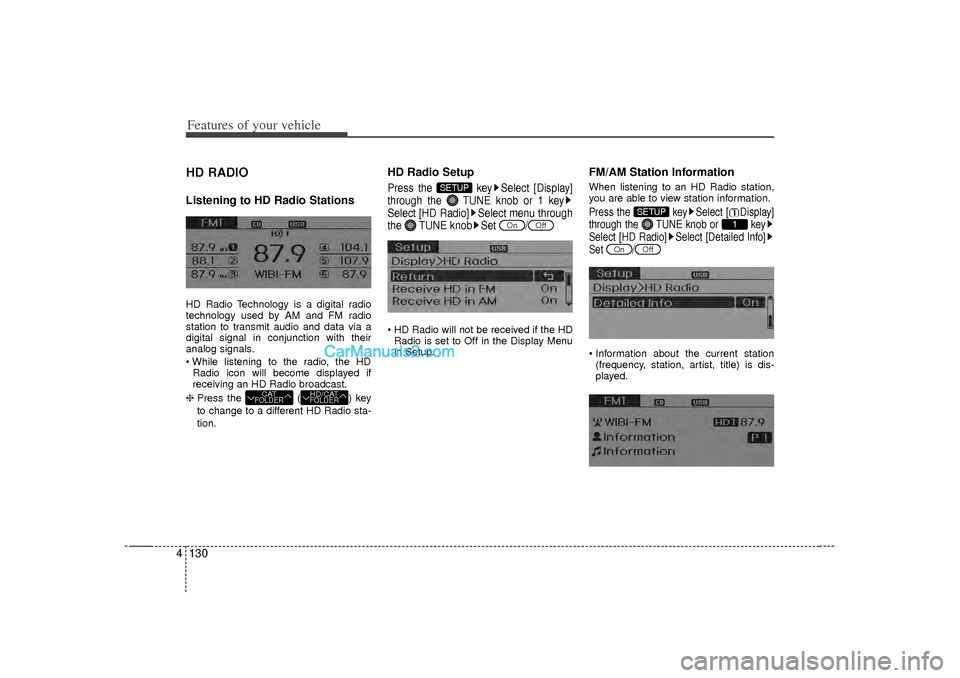
4HD RADIOListening to HD Radio StationsHD Radio Technology is a digital radio
technology used by AM and FM radio
station to transmit audio and data via a
digital signal in conjunction with their
analog signals.
While listening to the radio, the HD
Radio icon will become displayed if
receiving an HD Radio broadcast.
❈ Press the ( ) key
to change to a different HD Radio sta-
tion.
HD Radio SetupPress the key Select [Display]
through the TUNE knob or 1 key
Select [HD Radio] Select menu through
the TUNE knob Set / HD Radio will not be received if the HD
Radio is set to Off in the Display Menu
in Setup.
FM/AM Station InformationWhen listening to an HD Radio station,
you are able to view station information.Press the key Select [ Display]
through the TUNE knob or key
Select [HD Radio] Select [Detailed Info]
Set / Information about the current station(frequency, station, artist, title) is dis-
played.
Off
On
1
SETUP
Off
On
SETUP
HD/CATFOLDER
CATFOLDER
Page 213 of 411
4 131
Features of your vehicle
XM RADIOUsing XM satellite RadioYour vehicle is equipped with a 3 month
complimentary period of XM Satellite
Radio. XM provides access to over 130
channels of music, information, and
entertainment programming.SEEK
Press the key Shortly pressing the key (under 0.8seconds): select previous or next chan-
nel.
Pressing and holding the key (over 0.8 seconds): continuously move to previ-
ous or next channel.
❈ If the “Category” icon is displayed,
channels are changed within the cur-
rent category.
SCAN
Press the key Shortly pressing the key (under 0.8
seconds): Previews each broadcast for
5 seconds each
❈ Press the key again to contin-
ue listening to the current frequency
❈ If the “Category” icon is displayed,
channels are changed within the cur-
rent category.Category
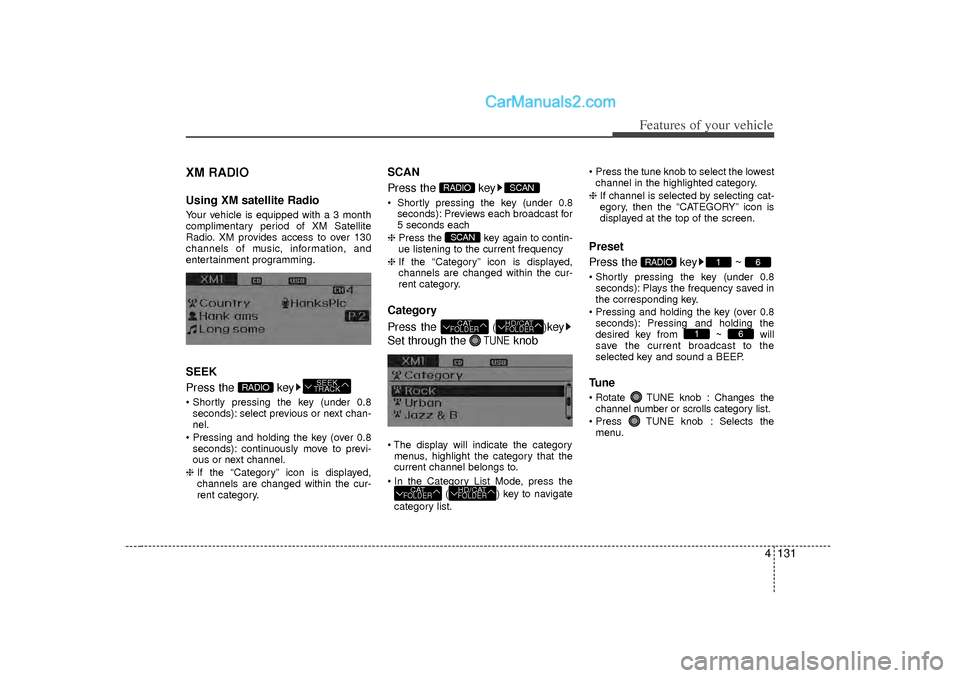
Press the
()
key
Set through the
TUNE
knob
The display will indicate the category menus, highlight the category that the
current channel belongs to.
In the Category List Mode, press the ( ) key to navigate
category list. Press the tune knob to select the lowest
channel in the highlighted category.
❈ If channel is selected by selecting cat-
egory, then the “CATEGORY” icon is
displayed at the top of the screen.
Preset
Press the key ~ Shortly pressing the key (under 0.8
seconds): Plays the frequency saved in
the corresponding key.
Pressing and holding the key (over 0.8 seconds): Pressing and holding the
desired key from ~ will
save the current broadcast to the
selected key and sound a BEEP.Tune Rotate TUNE knob : Changes thechannel number or scrolls category list.
Press TUNE knob : Selects the menu.
6
1
6
1
RADIO
HD/CATFOLDER
CATFOLDER
HD/CATFOLDER
CATFOLDERSCAN
SCAN
RADIO
SEEK
TRACK
RADIO
Page 214 of 411
![Hyundai Sonata Features of your vehicle132
4MenuSelect category menu through the
TUNE knob Press the key
Select [ Info] through the TUNE
knob or keyInfo (Information)
Displays the Artist/Song info of the cur-
ren](/img/35/16810/w960_16810-213.png "Hyundai Sonata Features of your vehicle132
4MenuSelect category menu through the
TUNE knob Press the key
Select [ Info] through the TUNE
knob or keyInfo (Information)
Displays the Artist/Song info of the cur-
ren")
Features of your vehicle132
4MenuSelect category menu through the
TUNE knob Press the key
Select [ Info] through the TUNE
knob or keyInfo (Information)
Displays the Artist/Song info of the cur-
rent song.
1
MENU
Page 217 of 411
4 135
Features of your vehicle
(Continued) If the USB device is divided by logical drives, only the music fileson the highest-priority drive arerecognized by car audio.
Devices such as MP3 Player/ Cellular phone/Digital camera canbe unrecognizable by standardUSB I/F can be unrecognizable.
Charging through the USB may not be supported in some mobiledevices.
USB HDD or USB types liable to connection failures due to vehiclevibrations are not supported.(i-stick type)
Some non-standard USB devices (METAL COVER TYPE USB) canbe unrecognizable.
Some USB flash memory readers (such as CF, SD, micro SD, etc.) orexternal-HDD type devices can be unrecognizable.
Music files protected by DRM (DIGITAL RIGHTS MANAGEMENT)are not recognizable.
(Continued)
(Continued) The data in the USB memory may be lost while using this audio.Always back up important data on a personal storage device.
Please avoid using USB memory products which can be used askey chains or cellular phoneaccessories as they could cause damage to the USB jack. Pleasemake certain only to use plug type connector products as shownbelow.