warning HYUNDAI TUCSON 2014 Manual PDF
[x] Cancel search | Manufacturer: HYUNDAI, Model Year: 2014, Model line: TUCSON, Model: HYUNDAI TUCSON 2014Pages: 542, PDF Size: 7.59 MB
Page 118 of 542
3-32
Convenient features of your vehicle
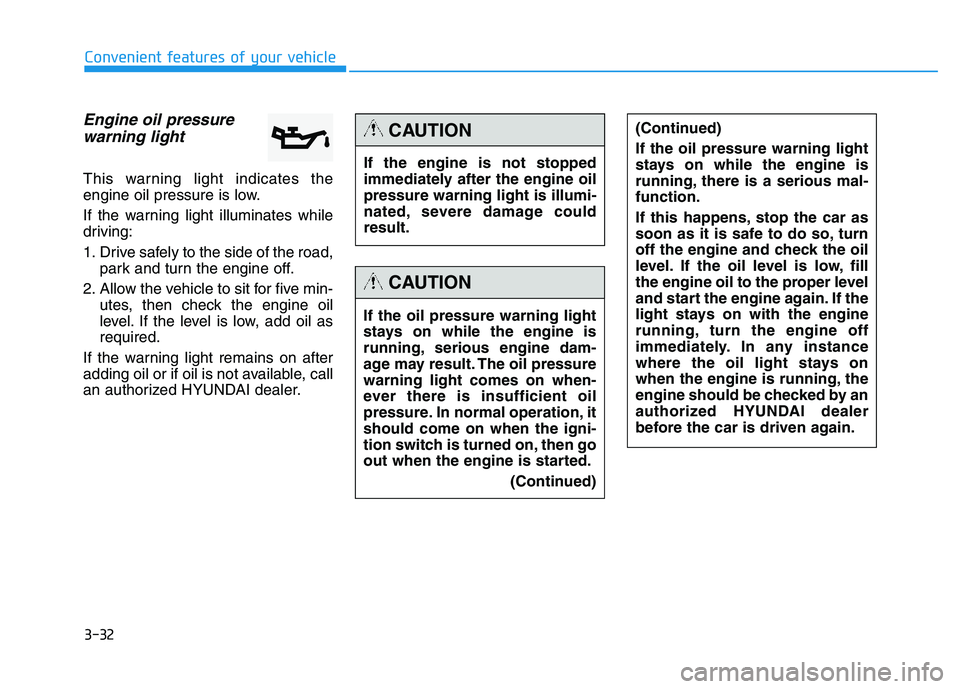
Engine oil pressurewarning light
This warning light indicates the
engine oil pressure is low.
If the warning light illuminates while
driving:
1. Drive safely to the side of the road, park and turn the engine off.
2. Allow the vehicle to sit for five min- utes, then check the engine oil
level. If the level is low, add oil asrequired.
If the warning light remains on after
adding oil or if oil is not available, call
an authorized HYUNDAI dealer.
If the engine is not stopped
immediately after the engine oilpressure warning light is illumi-
nated, severe damage couldresult.
CAUTION
If the oil pressure warning light
stays on while the engine is
running, serious engine dam-
age may result. The oil pressurewarning light comes on when-
ever there is insufficient oil
pressure. In normal operation, itshould come on when the igni-
tion switch is turned on, then go
out when the engine is started. (Continued)
(Continued) If the oil pressure warning light
stays on while the engine is
running, there is a serious mal-function.
If this happens, stop the car as
soon as it is safe to do so, turn
off the engine and check the oil
level. If the oil level is low, fill
the engine oil to the proper level
and start the engine again. If the
light stays on with the engine
running, turn the engine off
immediately. In any instance
where the oil light stays on
when the engine is running, the
engine should be checked by an
authorized HYUNDAI dealer
before the car is driven again.
CAUTION
Page 119 of 542
3-33
Convenient features of your vehicle
3
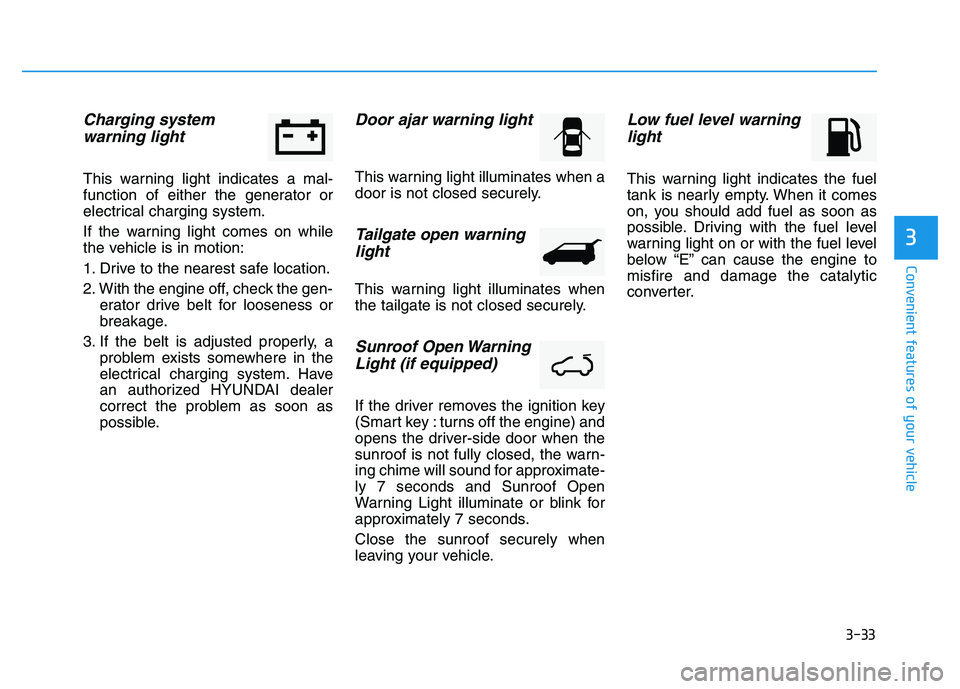
Charging system warning light
This warning light indicates a mal-
function of either the generator or
electrical charging system.
If the warning light comes on while
the vehicle is in motion:
1. Drive to the nearest safe location.
2. With the engine off, check the gen- erator drive belt for looseness or
breakage.
3. If the belt is adjusted properly, a problem exists somewhere in the
electrical charging system. Have
an authorized HYUNDAI dealer
correct the problem as soon as
possible.
Door ajar warning light
This warning light illuminates when a
door is not closed securely.
Tailgate open warning
light
This warning light illuminates when
the tailgate is not closed securely.
Sunroof Open Warning
Light (if equipped)
If the driver removes the ignition key
(Smart key : turns off the engine) and
opens the driver-side door when the
sunroof is not fully closed, the warn-
ing chime will sound for approximate-ly 7 seconds and Sunroof Open
Warning Light illuminate or blink for
approximately 7 seconds. Close the sunroof securely when
leaving your vehicle.
Low fuel level warninglight
This warning light indicates the fuel
tank is nearly empty. When it comes
on, you should add fuel as soon as
possible. Driving with the fuel level
warning light on or with the fuel level
below “E” can cause the engine tomisfire and damage the catalytic
converter.
Page 122 of 542
3-36
Convenient features of your vehicle
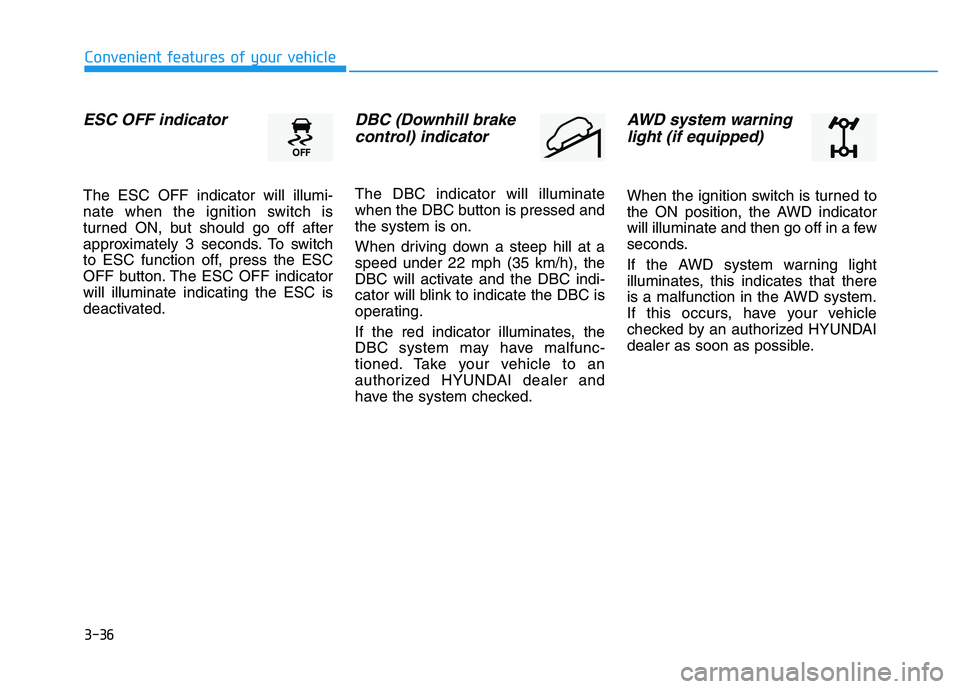
ESC OFF indicator
The ESC OFF indicator will illumi-
nate when the ignition switch is
turned ON, but should go off after
approximately 3 seconds. To switch
to ESC function off, press the ESC
OFF button. The ESC OFF indicatorwill illuminate indicating the ESC is
deactivated.
DBC (Downhill brakecontrol) indicator
The DBC indicator will illuminate
when the DBC button is pressed andthe system is on.
When driving down a steep hill at a speed under 22 mph (35 km/h), the
DBC will activate and the DBC indi-
cator will blink to indicate the DBC is
operating.
If the red indicator illuminates, the
DBC system may have malfunc-
tioned. Take your vehicle to an
authorized HYUNDAI dealer and
have the system checked.
AWD system warninglight (if equipped)
When the ignition switch is turned to
the ON position, the AWD indicator
will illuminate and then go off in a few
seconds.
If the AWD system warning light
illuminates, this indicates that there
is a malfunction in the AWD system.
If this occurs, have your vehicle
checked by an authorized HYUNDAI
dealer as soon as possible.
Page 123 of 542
3-37
Convenient features of your vehicle
3
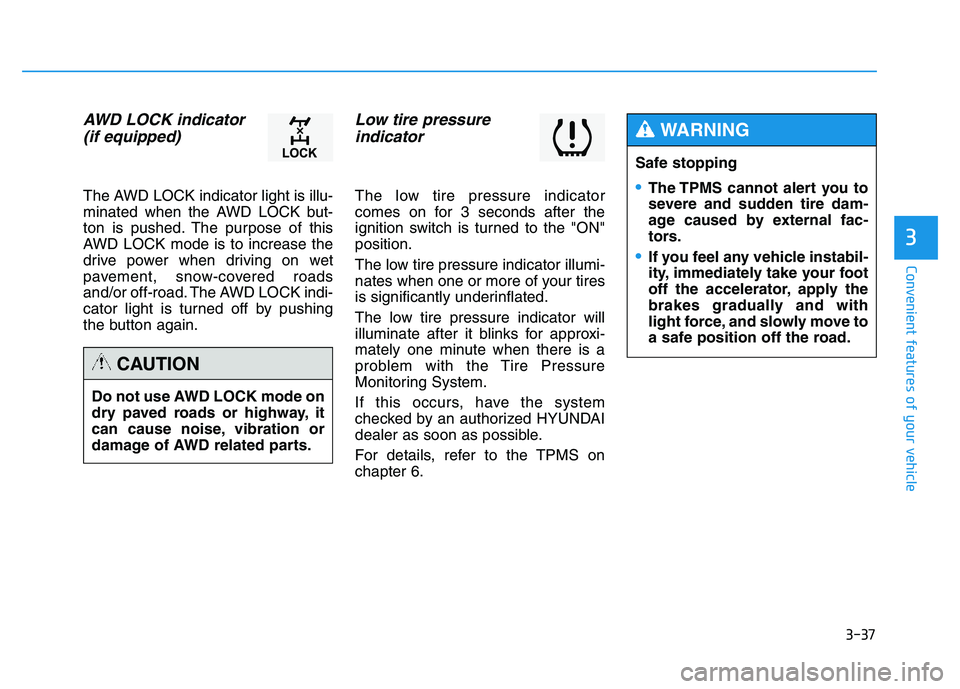
AWD LOCK indicator (if equipped)
The AWD LOCK indicator light is illu-
minated when the AWD LOCK but-
ton is pushed. The purpose of this
AWD LOCK mode is to increase the
drive power when driving on wet
pavement, snow-covered roads
and/or off-road. The AWD LOCK indi-
cator light is turned off by pushing
the button again.
Low tire pressure indicator
The low tire pressure indicator
comes on for 3 seconds after the
ignition switch is turned to the "ON"position.
The low tire pressure indicator illumi-
nates when one or more of your tires
is significantly underinflated.
The low tire pressure indicator will
illuminate after it blinks for approxi-
mately one minute when there is a
problem with the Tire Pressure
Monitoring System.
If this occurs, have the system
checked by an authorized HYUNDAI
dealer as soon as possible.
For details, refer to the TPMS on chapter 6.
Do not use AWD LOCK mode on
dry paved roads or highway, it
can cause noise, vibration or
damage of AWD related parts.
CAUTION
Safe stopping
The TPMS cannot alert you to
severe and sudden tire dam-
age caused by external fac-
tors.
If you feel any vehicle instabil-
ity, immediately take your foot
off the accelerator, apply the
brakes gradually and with
light force, and slowly move to
a safe position off the road.
WARNING
Page 124 of 542
3-38
Convenient features of your vehicle
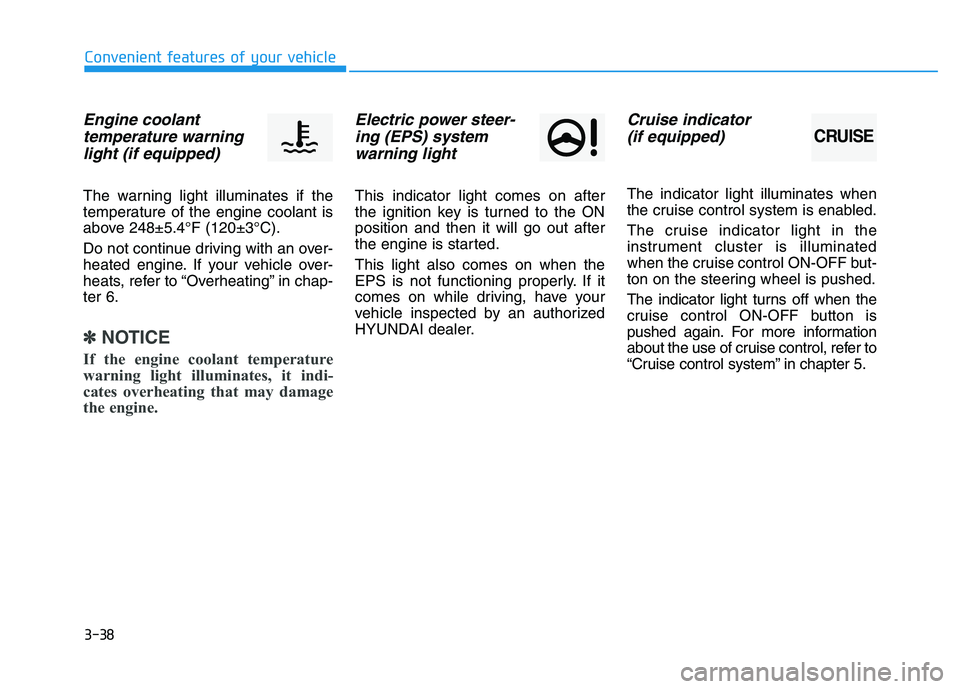
Engine coolanttemperature warning light (if equipped)
The warning light illuminates if the
temperature of the engine coolant is
above 248±5.4°F (120±3°C).
Do not continue driving with an over-
heated engine. If your vehicle over-
heats, refer to “Overheating” in chap-ter 6.
✽✽ NOTICE
If the engine coolant temperature
warning light illuminates, it indi-
cates overheating that may damage
the engine.
Electric power steer- ing (EPS) systemwarning light
This indicator light comes on after
the ignition key is turned to the ONposition and then it will go out after
the engine is started. This light also comes on when the
EPS is not functioning properly. If it
comes on while driving, have your
vehicle inspected by an authorized
HYUNDAI dealer.
Cruise indicator
(if equipped)
The indicator light illuminates when
the cruise control system is enabled.
The cruise indicator light in the
instrument cluster is illuminated
when the cruise control ON-OFF but-
ton on the steering wheel is pushed.
The indicator light turns off when the
cruise control ON-OFF button is
pushed again. For more information
about the use of cruise control, refer to
“Cruise control system” in chapter 5.
CRUISE
Page 125 of 542
3-39
Convenient features of your vehicle
3
Cruise SET indicator (if equipped)
The indicator light illuminates when
the cruise function switch (SET- orRES+) is ON.
The cruise SET indicator light in the
instrument cluster is illuminated
when the cruise control switch (SET-
or RES+) is pushed. The cruise SETindicator light does not illuminate
when the cruise control switch (CAN-CEL) is pushed or the system is dis-engaged.
KEY OUT indicator (if equipped)
When the Engine Start/Stop button
is in the ACC or ON position, if any
door is open, the system checks for
the smart key. If the smart key is not
in the vehicle, the indicator will blink,and if all doors are closed, the chime
will also sound for about 5 seconds.The indicator will go off while the
vehicle is moving. Keep the smart
key in the vehicle.
Key reminder warning chime
If the driver’s door is opened while
the ignition key is left in the ignition
switch (ACC or LOCK position), the
key reminder warning chime will
sound. This is to prevent you from
locking your keys in the vehicle. The
chime sounds until the key is
removed from the ignition switch or
the driver’s door is closed.SETKEY
OUT
Page 126 of 542
3-40
Convenient features of your vehicle
SSTT EEEERR IINN GG WW HHEEEELL
Electric Power Steering (EPS)
This system assists you with steering
the vehicle.
If the engine is turned off or if the
EPS becomes inoperative, you may
still steer the vehicle, but it will
require increased steering effort.
Should you notice any change in the
effort required to steer during normal
vehicle operation, have the EPS
checked by an authorized HYUNDAI
dealer.
✽✽
NOTICE
The steering effort may be high immediately after placing the igni-
tion switch in the ON position.
This happens as the system per-
forms the EPS system diagnostics.
When the diagnostics is complet-
ed, the steering wheel will return
to its normal condition.
A click noise may be heard from the EPS relay after the ignition
switch is placed in the ON or
LOCK/OFF position.
A motor noise may be heard when the vehicle is at a stop or at a low
driving speed.
When you operate the steering wheel in low temperature, abnor-
mal noise may occur. If tempera-
ture rises, the noise will disappear.
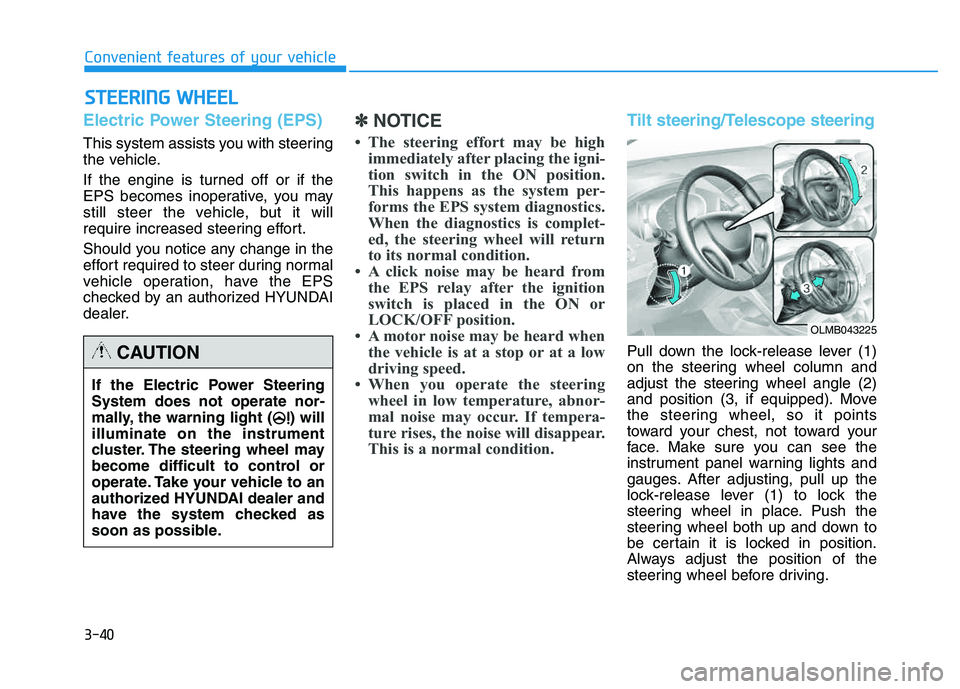
This is a normal condition.Tilt steering/Telescope steering
Pull down the lock-release lever (1)
on the steering wheel column and
adjust the steering wheel angle (2)
and position (3, if equipped). Move
the steering wheel, so it points
toward your chest, not toward your
face. Make sure you can see the
instrument panel warning lights and
gauges. After adjusting, pull up the
lock-release lever (1) to lock the
steering wheel in place. Push the
steering wheel both up and down to
be certain it is locked in position.
Always adjust the position of the
steering wheel before driving.
If the Electric Power Steering System does not operate nor-
mally, the warning light ( ) willilluminate on the instrument
cluster. The steering wheel may
become difficult to control or
operate. Take your vehicle to an
authorized HYUNDAI dealer and
have the system checked as
soon as possible.CAUTION
OLMB043225
Page 127 of 542
3-41
Convenient features of your vehicle
3
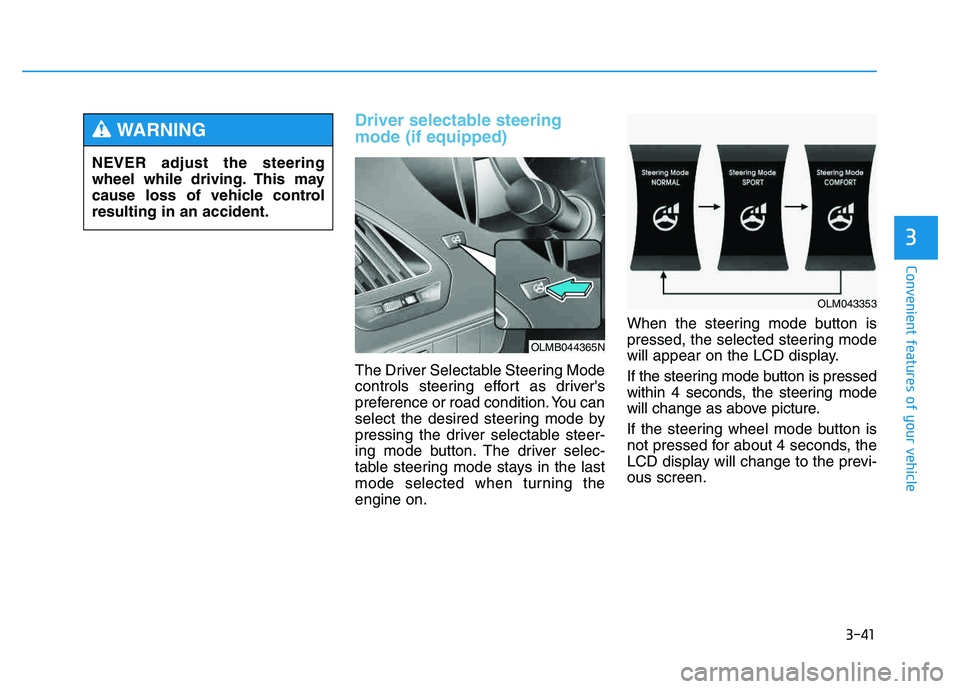
Driver selectable steering mode (if equipped)
The Driver Selectable Steering Mode
controls steering effort as driver's
preference or road condition. You can
select the desired steering mode by
pressing the driver selectable steer-
ing mode button. The driver selec-
table steering mode stays in the last
mode selected when turning theengine on.When the steering mode button is
pressed, the selected steering mode
will appear on the LCD display.
If the steering mode button is pressed
within 4 seconds, the steering mode
will change as above picture.
If the steering wheel mode button is
not pressed for about 4 seconds, the
LCD display will change to the previ-ous screen.
NEVER adjust the steering
wheel while driving. This may
cause loss of vehicle controlresulting in an accident.
WARNING
OLMB044365N
OLM043353
Page 130 of 542
3-44
Convenient features of your vehicle
Interior rearview mirrors
Before you start driving, adjust the
rearview mirror to the center on the
view through the rear window.
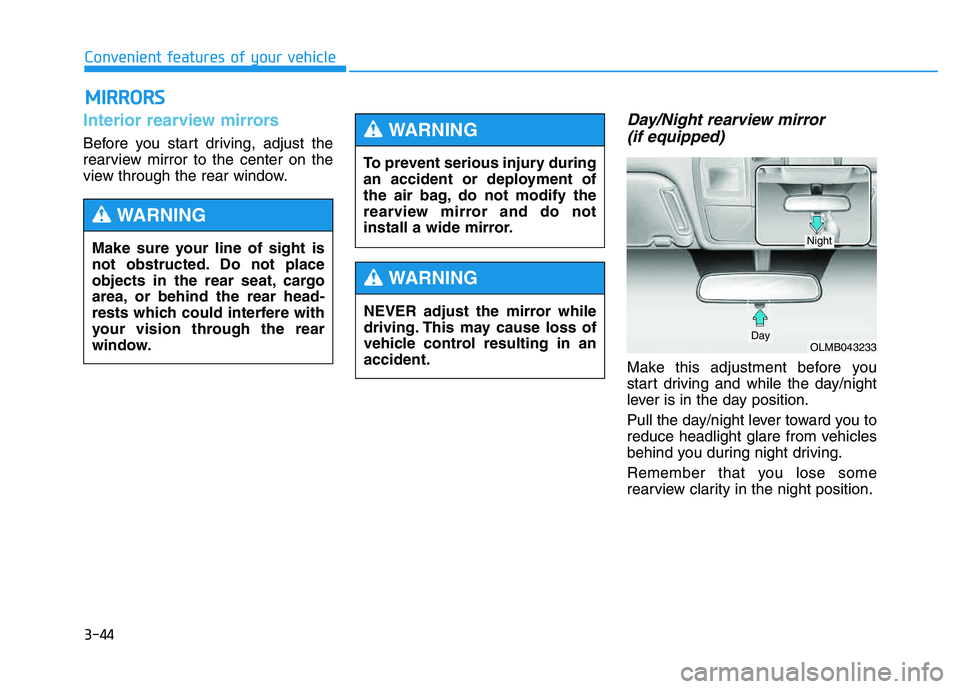
Day/Night rearview mirror (if equipped)
Make this adjustment before you
start driving and while the day/night
lever is in the day position.
Pull the day/night lever toward you to
reduce headlight glare from vehicles
behind you during night driving.
Remember that you lose some
rearview clarity in the night position.
MM IIRR RROO RRSS
Make sure your line of sight is
not obstructed. Do not place
objects in the rear seat, cargo
area, or behind the rear head-
rests which could interfere with
your vision through the rear
window.
WARNING
To prevent serious injury during
an accident or deployment of
the air bag, do not modify the
rearview mirror and do not
install a wide mirror.
WARNING
NEVER adjust the mirror while
driving. This may cause loss of
vehicle control resulting in anaccident.
WARNING
OLMB043233Day
Night
Page 136 of 542
3-50
Convenient features of your vehicle
Programming HomeLink®
Please note the following:
When programming a garage door
opener, it is advised to park the
vehicle outside of the garage.
It is recommended that a new bat- tery be placed in the hand-held
transmitter of the device being pro-
grammed to HomeLink ®
for quicker
training and accurate transmission
of the radio-frequency signal.
Some vehicles may require the ignition switch to be placed in the
ACC (or "Accessories") position for
programming and/or operation ofHomeLink ®
.
In the event that there are still pro- gramming difficulties or questions
after following the programming
steps listed below, contactHomeLink ®
at: www.homelink.com
or by calling 1-800-355-3515.
Rolling code programming
Rolling code devices which are
"code-protected" and manufactured
after 1996 may be determined by the
following:
Reference the device owner's manual for verification.
The handheld transmitter appears to program the HomeLink ®
Universal Transceiver but does not
activate the device.
Press and hold the trained HomeLink button. The device has
the rolling code feature if the indi-
cator light flashes rapidly and then
turns solid after 2 seconds.
Before programming HomeLink
®
to a garage door opener or gate
operator, make sure people and
objects are out of the way of the
device to prevent potential harm
or damage. Do not use theHomeLink ®
with any garage door
opener that lacks the safety stop
and reverse features required by
U.S. federal safety standards
(this includes any garage door
opener model manufactured
before April 1, 1982). A garagedoor that cannot detect an object- signaling the door to stop and
reverse - does not meet current
U.S. federal safety standards.
Using a garage door opener
without these features increases
the risk of serious injury ordeath.WARNING