check engine HYUNDAI TUCSON 2022 Workshop Manual
[x] Cancel search | Manufacturer: HYUNDAI, Model Year: 2022, Model line: TUCSON, Model: HYUNDAI TUCSON 2022Pages: 638, PDF Size: 82.3 MB
Page 352 of 638
06
6-67
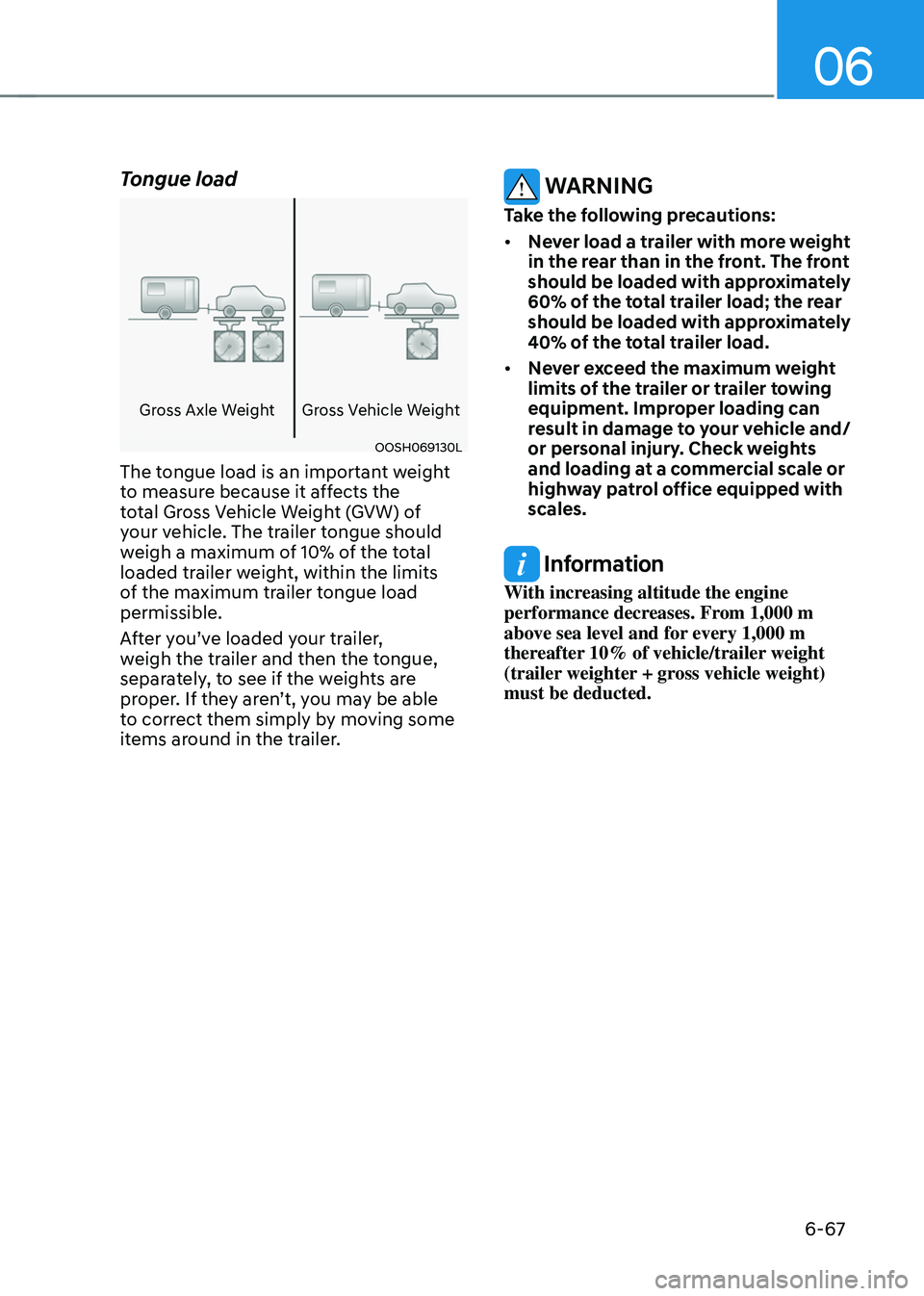
Tongue load
Gross Axle WeightGross Vehicle Weight
OOSH069130L
The tongue load is an important weight
to measure because it affects the
total Gross Vehicle Weight (GVW) of
your vehicle. The trailer tongue should
weigh a maximum of 10% of the total
loaded trailer weight, within the limits
of the maximum trailer tongue load
permissible.
After you’ve loaded your trailer,
weigh the trailer and then the tongue,
separately, to see if the weights are
proper. If they aren’t, you may be able
to correct them simply by moving some
items around in the trailer.
WARNING
Take the following precautions:
• Never load a trailer with more weight
in the rear than in the front. The front
should be loaded with approximately
60% of the total trailer load; the rear
should be loaded with approximately
40% of the total trailer load.
• Never exceed the maximum weight
limits of the trailer or trailer towing
equipment. Improper loading can
result in damage to your vehicle and/
or personal injury. Check weights
and loading at a commercial scale or
highway patrol office equipped with
scales.
Information
With increasing altitude the engine
performance decreases. From 1,000 m
above sea level and for every 1,000 m
thereafter 10% of vehicle/trailer weight
(trailer weighter + gross vehicle weight)
must be deducted.
Page 356 of 638
06
6-71
Backing up
Hold the bottom of the steering wheel
with one hand. Then, to move the trailer
to the left, move your hand to the left. To
move the trailer to the right, move your
hand to the right. Always back up slowly
and, if possible, have someone guide
you.
Making turns
When you’re turning with a trailer, make
wider turns than normal. Do this so your
trailer won’t strike soft shoulders, curbs,
road signs, trees, or other objects. Avoid
jerky or sudden maneuvers. Signal well in
advance.
Turn signals
When you tow a trailer, your vehicle has
to have a different turn signal flasher and
extra wiring. The green arrows on your
instrument panel will flash whenever you
signal a turn or lane change. Properly
connected, the trailer lights will also flash
to alert other drivers you’re about to turn,
change lanes, or stop.
When towing a trailer, the green arrows
on your instrument panel will flash for
turns even if the bulbs on the trailer
are burned out. Thus, you may think
drivers behind you are seeing your
signals when, in fact, they are not. It’s
important to check occasionally to be
sure the trailer bulbs are still working.
You must also check the lights every time
you disconnect and then reconnect the
wires.
WARNING
Do not connect a trailer lighting system
directly to your vehicle’s lighting
system. Use an approved trailer wiring
harness. Failure to do so could result in
damage to the vehicle electrical system
and/or personal injury. We recommend
that you consult an authorized
HYUNDAI dealer for assistance.
Driving on hills
Reduce speed and shift to a lower gear
before you start down a long or steep
downgrade. If you don’t shift down, you
might have to use your brakes so much
that they would get overheated and may
not operate efficiently.
On a long uphill grade, shift down and
reduce your speed to around 45 mph (70
km/h) to reduce the possibility of engine
and transmission overheating.
If your trailer weighs more than the
maximum trailer weight without trailer
brakes and you have a automatic
transmission, you should drive in D
(Drive) when towing a trailer.
Operating your vehicle in D (Drive)
when towing a trailer will minimize heat
build-up and extend the life of your
transmission.
Page 358 of 638
06
6-73
Driving the vehicle after it has been
parked on a hill
1. With the gear in P (Park), apply your
brakes and hold the brake pedal down
while you:• Start your engine;
• Shift into gear; and
• Release the parking brake.
2. Slowly remove your foot from the
brake pedal.
3. Drive slowly until the trailer is clear of
the chocks.
4. Stop and have someone pick up and
store the chocks.
Maintenance when towing a
trailer
Your vehicle will need service more
often when you regularly pull a trailer.
Important items to pay particular
attention to include engine oil,
transmission fluid, axle lubricant and
cooling system fluid. Brake condition
is another important item to frequently
check. If you’re trailering, it’s a good
idea to review these items before
you start your trip. Don’t forget to
also maintain your trailer and hitch.
Follow the maintenance schedule that
accompanied your trailer and check it
periodically. Preferably, conduct the
check at the start of each day’s driving.
Most importantly, all hitch nuts and bolts
should be tight.
NOTICE
To prevent vehicle damage:
• Due to higher load during trailer
usage, overheating might occur on
hot days or during uphill driving.
If the coolant gauge indicates
over-heating, switch off the air
conditioner and stop the vehicle in a
safe area to cool down the engine.
• Do not switch off the engine while
the coolant gauge indicates over-
heating.
(Keep the engine idle to cool down
the engine)
• When towing check transmission
fluid more frequently.
• If your vehicle is not equipped with
an air conditioner, you should install
a condenser fan to improve engine
performance when towing a trailer.
Page 409 of 638
Driver assistance system
7-46
Blind- Spot Safety System
Malfunction and Limitations
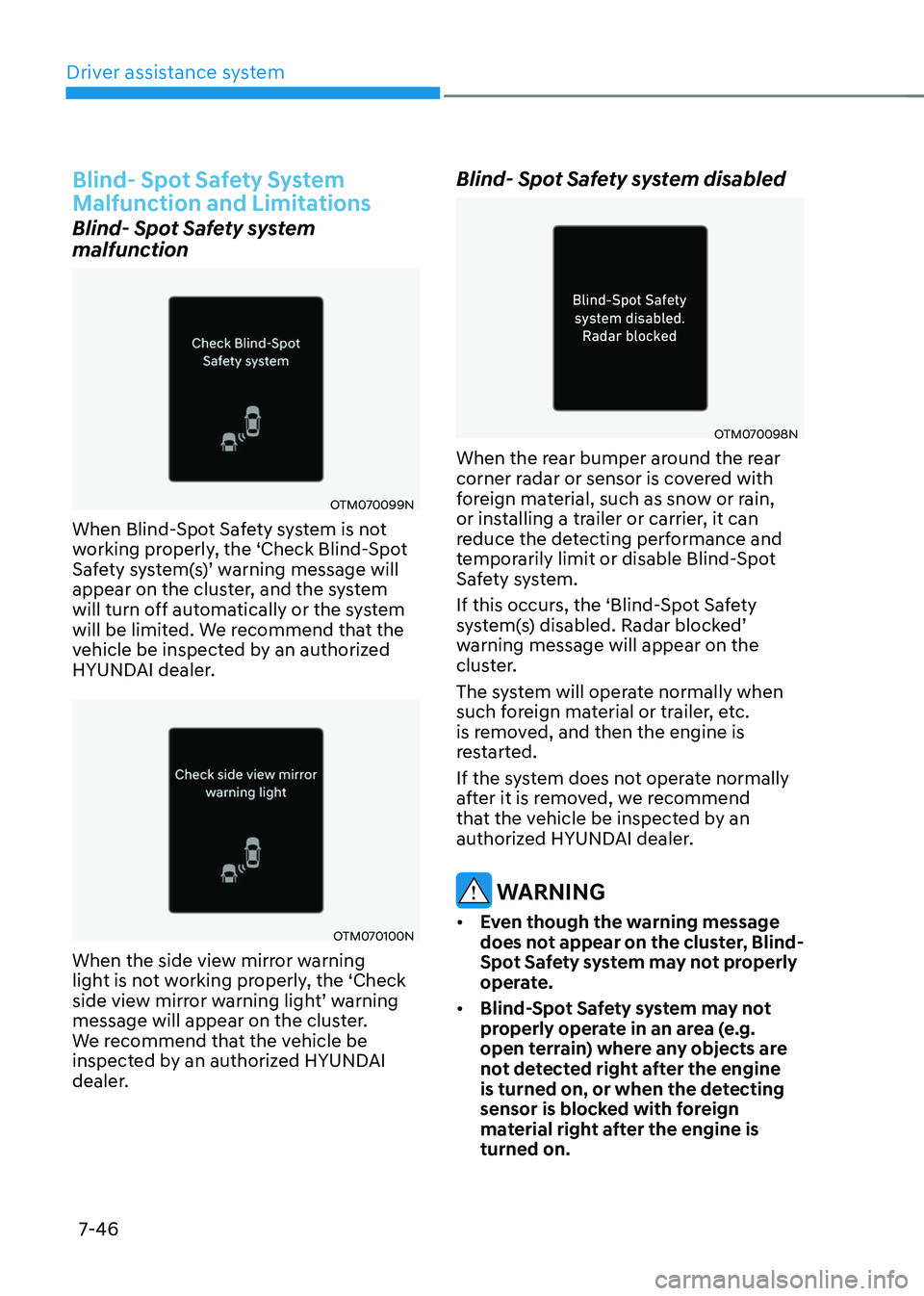
Blind- Spot Safety system
malfunction
OTM070099N
When Blind-Spot Safety system is not
working properly, the ‘Check Blind-Spot
Safety system(s)’ warning message will appear on the cluster, and the system
will turn off automatically or the system
will be limited. We recommend that the
vehicle be inspected by an authorized
HYUNDAI dealer.
OTM070100N
When the side view mirror warning
light is not working properly, the ‘Check
side view mirror warning light’ warning message will appear on the cluster.
We recommend that the vehicle be
inspected by an authorized HYUNDAI
dealer.
Blind- Spot Safety system disabled
OTM070098N
When the rear bumper around the rear
corner radar or sensor is covered with
foreign material, such as snow or rain,
or installing a trailer or carrier, it can
reduce the detecting performance and
temporarily limit or disable Blind-Spot
Safety system.
If this occurs, the ‘Blind-Spot Safety
system(s) disabled. Radar blocked’ warning message will appear on the
cluster.
The system will operate normally when
such foreign material or trailer, etc.
is removed, and then the engine is
restarted.
If the system does not operate normally
after it is removed, we recommend
that the vehicle be inspected by an
authorized HYUNDAI dealer.
WARNING
• Even though the warning message
does not appear on the cluster, Blind-
Spot Safety system may not properly
operate.
• Blind-Spot Safety system may not
properly operate in an area (e.g.
open terrain) where any objects are
not detected right after the engine
is turned on, or when the detecting
sensor is blocked with foreign
material right after the engine is
turned on.
Page 417 of 638
Driver assistance system
7-54
WARNING
Take the following precautions when
using Safe Exit Warning:
• For your safety, change the Settings
after parking the vehicle at a safe
location.
• If any other function’s warning
message is displayed or audible
warning is generated, Safe Exit
Warning's warning message may not
be displayed and audible warning
may not be generated.
• You may not hear the warning
sound of Safe Exit Warning if the
surrounding is noisy.
• Safe Exit Warning does not operate
in all situations or cannot prevent all
collisions.
• Safe Exit Warning may warn the
driver late or may not warn the driver
depending on the road and driving
conditions. Always check vehicle
surroundings. •
The driver and passengers are
responsible for accidents that occurs
while exiting the vehicle. Always
check the surroundings before you
exit the vehicle.
• Never deliberately operate Safe
Exit Warning. Doing so may lead to
serious injury or death.
• Safe Exit Warning does not operate
if there is a problem with Blind-Spot
Safety system. The warning message
of Blind-Spot Safety system will
appear when:
-Blind-Spot Safety system sensor or
the sensor surrounding is polluted
or covered
-Blind-Spot Safety system fails to
warn passengers or falsely warn
passengers
Information
After the engine is turned off, Safe Exit
Warning operates approximately for 3
minutes, but turns off immediately if the
doors are locked.
Page 418 of 638
07
7-55
Safe Exit Warning Malfunction
and Limitations
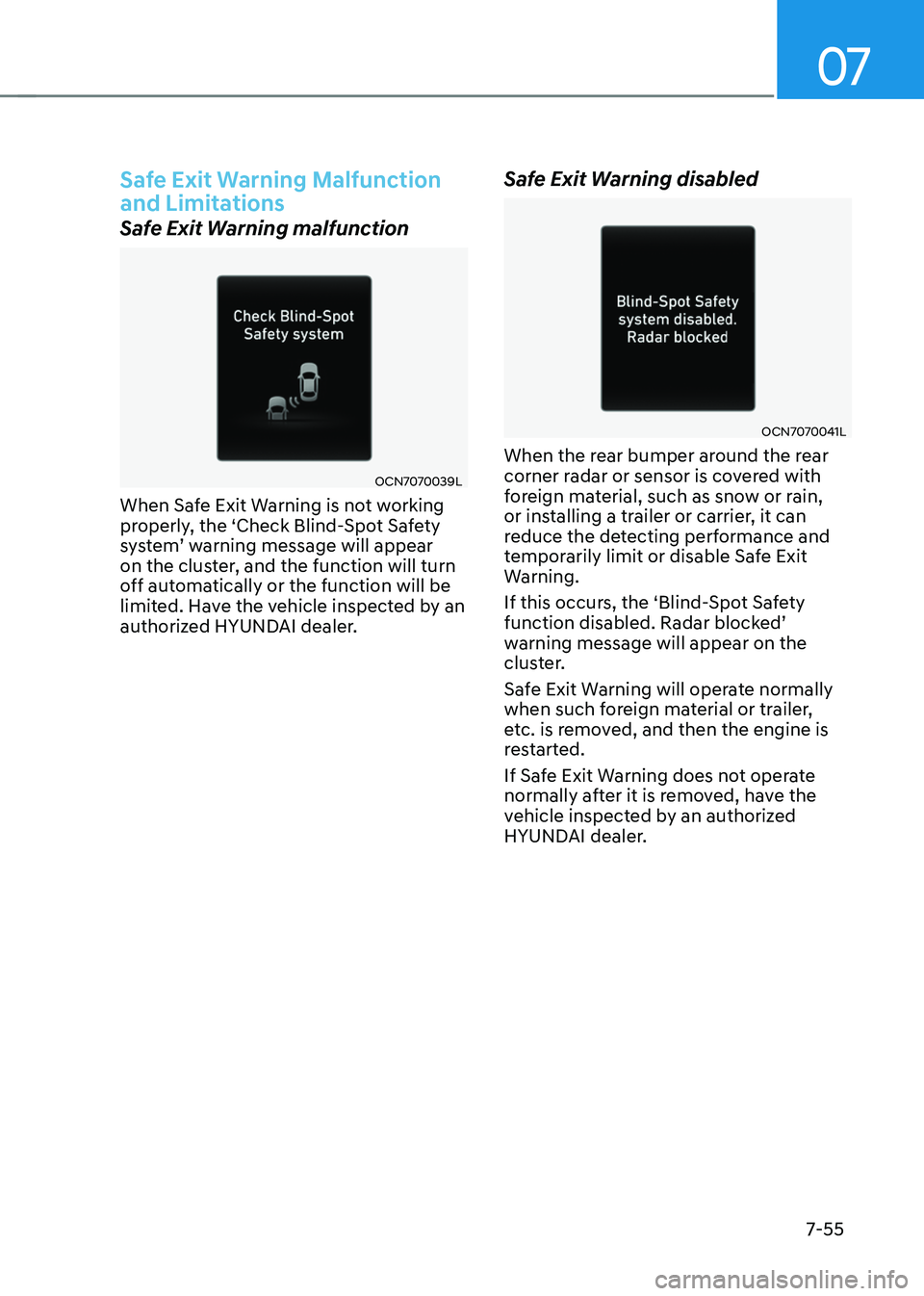
Safe Exit Warning malfunction
OCN7070039L
When Safe Exit Warning is not working
properly, the ‘Check Blind-Spot Safety
system’ warning message will appear on the cluster, and the function will turn
off automatically or the function will be
limited. Have the vehicle inspected by an
authorized HYUNDAI dealer.
Safe Exit Warning disabled
OCN7070041L
When the rear bumper around the rear
corner radar or sensor is covered with
foreign material, such as snow or rain,
or installing a trailer or carrier, it can
reduce the detecting performance and
temporarily limit or disable Safe Exit
Warning.
If this occurs, the ‘Blind-Spot Safety
function disabled. Radar blocked’ warning message will appear on the
cluster.
Safe Exit Warning will operate normally
when such foreign material or trailer,
etc. is removed, and then the engine is
restarted.
If Safe Exit Warning does not operate
normally after it is removed, have the
vehicle inspected by an authorized
HYUNDAI dealer.
Page 426 of 638
07
7-63
Intelligent Speed Limit Assist
Malfunction and Limitations
Intelligent Speed Limit Assist
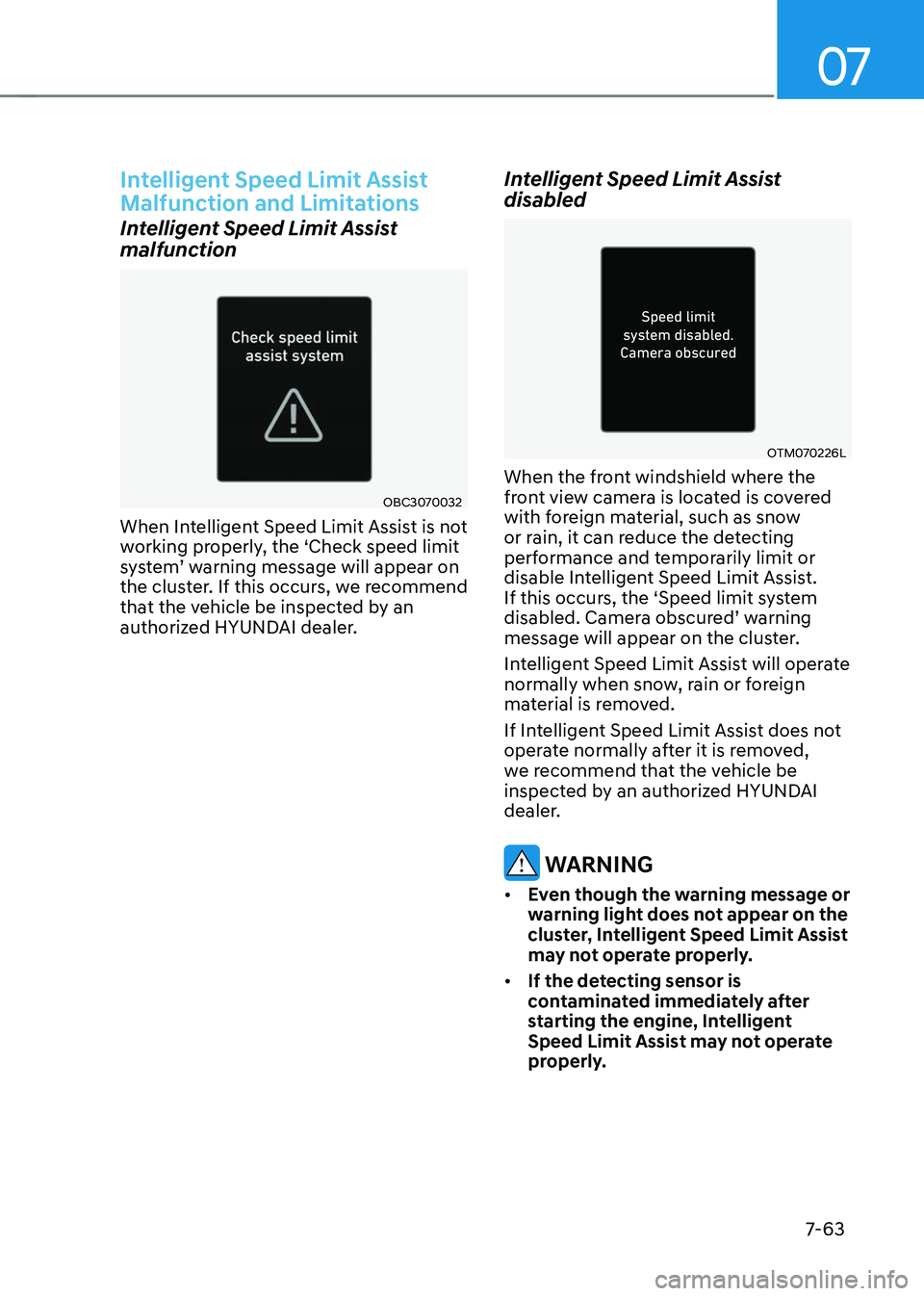
malfunction
OBC3070032
When Intelligent Speed Limit Assist is not
working properly, the ‘Check speed limit
system’ warning message will appear on the cluster. If this occurs, we recommend
that the vehicle be inspected by an
authorized HYUNDAI dealer.
Intelligent Speed Limit Assist
disabled
OTM070226L
When the front windshield where the
front view camera is located is covered
with foreign material, such as snow
or rain, it can reduce the detecting
performance and temporarily limit or
disable Intelligent Speed Limit Assist.
If this occurs, the ‘Speed limit system
disabled. Camera obscured’ warning message will appear on the cluster.
Intelligent Speed Limit Assist will operate
normally when snow, rain or foreign
material is removed.
If Intelligent Speed Limit Assist does not
operate normally after it is removed,
we recommend that the vehicle be
inspected by an authorized HYUNDAI
dealer.
WARNING
• Even though the warning message or
warning light does not appear on the
cluster, Intelligent Speed Limit Assist
may not operate properly.
• If the detecting sensor is
contaminated immediately after
starting the engine, Intelligent
Speed Limit Assist may not operate
properly.
Page 445 of 638
Driver assistance system7-82
Smart Cruise Control Operation
Operating conditions
Smart Cruise Control will operate when
the following conditions are satisfied.
Basic function
• The gear is in D (Drive)
•
The driver’s door is closed
• EPB (Electronic Parking Brake) is not
applied
• Your vehicle speed is within the
operating speed range
-5~110 mph (10~180 km/h): when
there is no vehicle in front
-0~110 mph (0~180 km/h): when
there is a vehicle in front
• ESC (Electronic Stability Control) or
ABS is on
• ESC (Electronic Stability Control) or
ABS is not controlling the vehicle
• Engine RPM is not in the red zone
• Forward Collision-Avoidance Assist
brake control is not operating (if
equipped)
• Remote Smart Parking Assist brake
control is not operating
Information
At a stop, if there is no vehicle in front of
your vehicle, Smart Cruise Control will
turn on when the brake pedal is depressed. Overtaking Acceleration Assist
Overtaking Acceleration Assist will
operate when the turn signal indicator
is turned on to the left (left-hand drive)
or turned on to the right (right-hand
drive) while Smart Cruise Control is
operating, and the following conditions
are satisfied:
•
Your vehicle speed is above 40 mph
(60 km/h)
• The hazard warning flasher is off
• A vehicle is detected in front of your
vehicle
• Deceleration is not needed to
maintain distance with the vehicle in
front
WARNING
• When the turn signal indicator is
turned on to the left (left-hand drive)
or turned on to the right (right-
hand drive) while there is a vehicle
ahead, the vehicle may accelerate
temporarily. Pay attention to the
road conditions at all times.
• Regardless of your countries driving
direction, Overtaking Acceleration
Assist will operate when the
conditions are satisfied. When
using the function in countries with
different driving direction, always
check the road conditions at all
times.
Page 451 of 638
Driver assistance system
7-88
Smart Cruise Control
Malfunction and Limitations
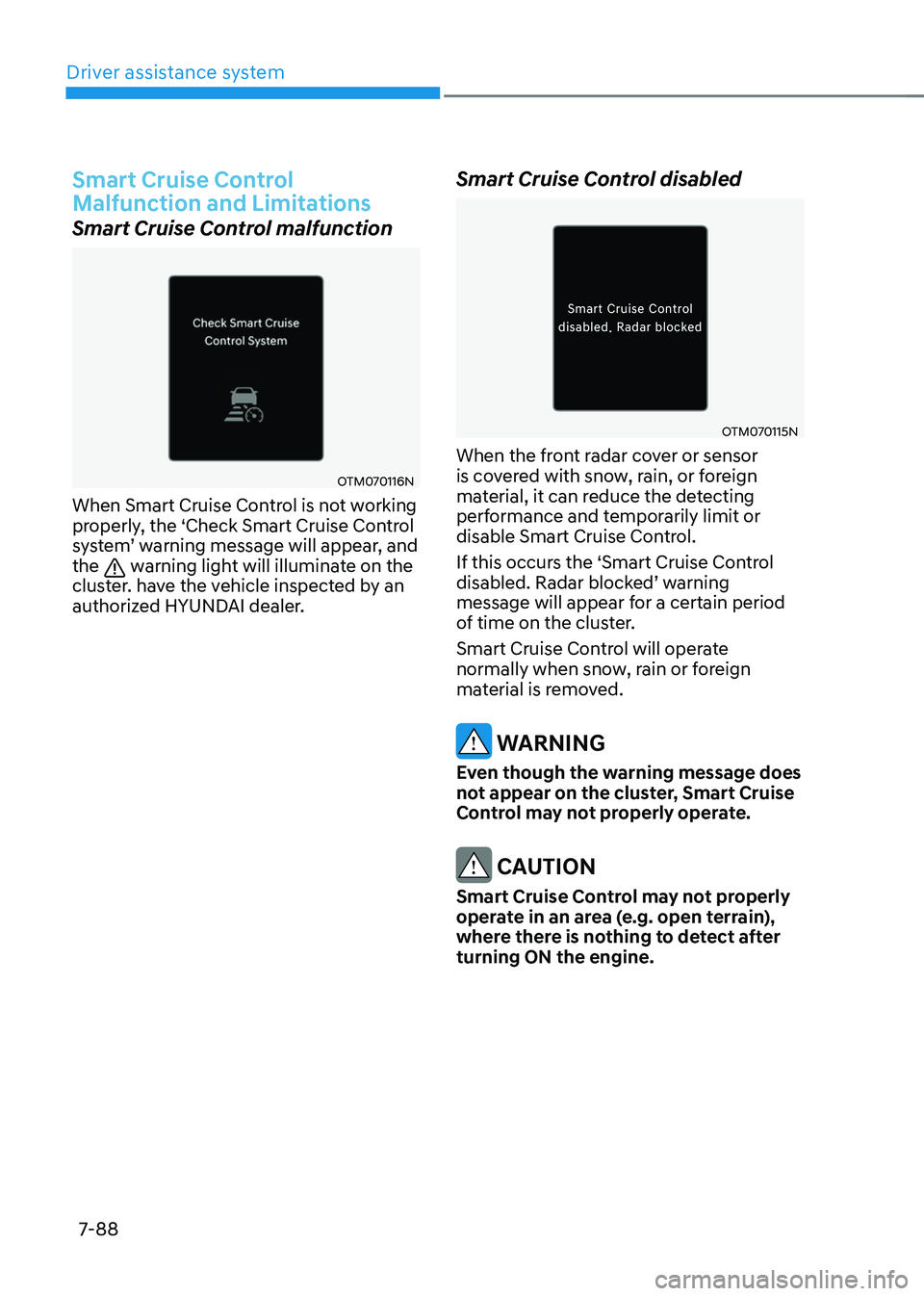
Smart Cruise Control malfunction
OTM070116N
When Smart Cruise Control is not working
properly, the ‘Check Smart Cruise Control
system’ warning message will appear, and the warning light will illuminate on the
cluster. have the vehicle inspected by an
authorized HYUNDAI dealer.
Smart Cruise Control disabled
OTM070115N
When the front radar cover or sensor
is covered with snow, rain, or foreign
material, it can reduce the detecting
performance and temporarily limit or
disable Smart Cruise Control.
If this occurs the ‘Smart Cruise Control
disabled. Radar blocked’ warning message will appear for a certain period
of time on the cluster.
Smart Cruise Control will operate
normally when snow, rain or foreign
material is removed.
WARNING
Even though the warning message does
not appear on the cluster, Smart Cruise
Control may not properly operate.
CAUTION
Smart Cruise Control may not properly
operate in an area (e.g. open terrain),
where there is nothing to detect after
turning ON the engine.
Page 473 of 638
Driver assistance system
7-110
WARNING
• The driver is responsible for
controlling the vehicle for safe
driving.
• Always have your hands on the
steering wheel while driving.
• Highway Driving Assist is a
supplemental function that assists
the driver in driving the vehicle
and is not a complete autonomous
driving system. Always check road
conditions, and if necessary, take
appropriate actions to drive safely.
• Always have your eyes on the road,
and it is the responsibility of the
driver to avoid violating traffic laws.
The vehicle manufacturer is not
responsible for any traffic violation
or accidents caused by the driver.
• Highway Driving Assist may not
be able to recognize all traffic
situations. Highway Driving Assist
may not detect possible collisions
due to limitations of the function.
Always be aware of the limitations
of the function. Obstacles such as
vehicles, motorcycles, bicycles,
pedestrians, or unspecified objects
or structures such as guardrails,
tollgate, etc. that may collide with
the vehicle may not be detected.
• Highway Driving Assist will turn off
automatically under the following
situations:
-Driving on roads that Highway
Driving Assist does not operate,
such as a rest area, intersection,
junction, etc.
-The navigation does not operate
properly such as when the
navigation is being updated or
restarted •
Highway Driving Assist may
inadvertently operate or turn off
depending on road conditions
(navigation information) and
surroundings.
• Lane Following Assist function may
be temporarily disabled when the
front view camera cannot detect
lanes properly or the hands-off
warning is on.
• You may not hear the warning sound
of Highway Driving Assist if the
surrounding is noisy.
• If the vehicle is driven at high speed
above a certain speed at a curve,
your vehicle may drive to one side or
may depart from the driving lane.
• When you are towing a trailer or
another vehicle, we recommend that
Highway Driving Assist is turned off
due to safety reasons.
• The hands–off warning message
may appear early or late depending
on how the steering wheel is held or
road conditions. Always have your
hands on the steering wheel while
driving.
• For your safety, please read the
owner's manual before using the
Highway Driving Assist.
• Highway Driving Assist will not
operate when the engine is started,
or when the detecting sensors or
navigation is being initialized.