trunk release INFINITI M 2010 Owners Manual
[x] Cancel search | Manufacturer: INFINITI, Model Year: 2010, Model line: M, Model: INFINITI M 2010Pages: 445, PDF Size: 6.15 MB
Page 14 of 445

1. Instrument brightness control switch(P. 2-32)
2. Outside mirror remote control switch (P. 3-24)
3. Adaptive Front lighting System (AFS) switch (P. 2-31) 4. Vehicle Dynamic Control (VDC) OFF switch
(P. 2-37)
5. Headlight, fog light and turn signal switch (P. 2-29)
6. Steering-wheel-mounted controls (left side) Ð ENTER switch (if so equipped)
(P. 4-6, P. 4-58)
Ð For audio system (P. 4-58)
Ð For phone system (P. 4-74, P. 4-84)
Ð For voice recognition system
(if so equipped) (P. 4-98)
7. Windshield wiper and washer switch (P. 2-27)
8. Steering-wheel-mounted controls (right side)
Ð Cruise control switches (P. 5-23)
Ð Intelligent Cruise Control (ICC) switches
(if so equipped) (P. 5-25)
Ð Lane Departure Prevention (LDP) switch
(if so equipped) (P. 5-16)
9. Hood release handle (P. 3-17)
10. Trunk lid release switch (P. 3-18)
11. Lane Departure Warning (LDW) switch (if so equipped) (P. 2-36, P. 5-16)
12. Intelligent Key port (P. 5-9)
13. Tilting/telescopic steering wheel switch (P. 3-22)
14. Steering wheel Ð Horn (P. 2-34)
Ð Driver supplemental air bag (P. 1-40)
15. Automatic Transmission (AT) selector lever (P. 5-11)
SIC3601
COCKPIT
Illustrated table of contents0-7
wÐ
Ð
05/19/09Ðtbrooks
X
Page 16 of 445

19. CompactFlash card slot (if so equipped)(P. 4-47)
20. Audio system (P. 4-34)
21. Glove box lid release button (P. 2-41)
22. Trunk release power cancel switch (P. 3-19)
*: Refer to the separate Navigation SystemOwner's Manual.
Illustrated table of contents0-9
wÐ
Ð
05/14/09Ðpattie
X
Page 79 of 445

1. Instrument brightness control switch(P. 2-32)
2. Outside mirror remote control switch (P. 3-24)
3. Adaptive Front lighting System (AFS) switch (P. 2-31) 4. Vehicle Dynamic Control (VDC) OFF switch
(P. 2-37)
5. Headlight, fog light and turn signal switch (P. 2-29)
6. Steering-wheel-mounted controls (left side) Ð ENTER switch (if so equipped)
(P. 4-6, P. 4-58)
Ð For audio system (P. 4-58)
Ð For phone system (P. 4-74, P. 4-84)
Ð For voice recognition system
(if so equipped) (P. 4-98)
7. Windshield wiper and washer switch (P. 2-27)
8. Steering-wheel-mounted controls (right side)
Ð Cruise control switches (P. 5-23)
Ð Intelligent Cruise Control (ICC) switches
(if so equipped) (P. 5-25)
Ð Lane Departure Prevention (LDP) switch
(if so equipped) (P. 5-16)
9. Hood release handle (P. 3-17)
10. Trunk lid release switch (P. 3-18)
11. Lane Departure Warning (LDW) switch (if so equipped) (P. 2-36, P. 5-16)
12. Intelligent Key port (P. 5-9)
13. Tilting/telescopic steering wheel switch (P. 3-22)
14. Steering wheel Ð Horn (P. 2-34)
Ð Driver supplemental air bag (P. 1-40)
15. Automatic Transmission (AT) selector lever (P. 5-11)
SIC3601
COCKPIT
2-2Instruments and controls
wÐ
Ð
05/19/09Ðtbrooks
X
Page 81 of 445

20. Audio system (P. 4-34)
21. Glove box lid release button (P. 2-41)
22. Trunk release power cancel switch(P. 3-19)
*: Refer to the separate Navigation System
Owner's Manual.
2-4Instruments and controls
wÐ
Ð
05/14/09Ðpattie
X
Page 102 of 445

How to arm the vehicle security
system
1. Close all windows.
The system can be armed even if the windows
are open.
2. Push the ignition switch to the LOCKposition.
3. Remove the Intelligent Key from the ve- hicle.
4. Close all doors, hood and trunk. Lock all doors. The doors can be locked with the
Intelligent Key, door handle request
switch, power door lock switch or me-
chanical key. 5. Confirm that the security indicator light
sAcomes on. The security indicator light
stays on for about 30 seconds. The ve-
hicle security system is now pre-armed.
After about 30 seconds the vehicle secu-
rity system automatically shifts into the
armed phase. The security light begins to
flash once every approximately 3 sec-
onds. If, during this 30-second pre-arm
time period, the door is unlocked, or the
ignition switch is pushed to ACC or ON,
the system will not arm.
Even when the driver and/or passengers are in
the vehicle, the system will activate with all
doors, hood, and trunk lid locked with the igni-
tion switch in the LOCK position. When pushing
the ignition switch to the ACC or ON position, the
system will be released.
Vehicle security system activation
The vehicle security system will give the follow-
ing alarm:
c The headlights blink and the horn sounds
intermittently.
c The alarm automatically turns off after ap-
proximately 1 minute. However, the alarm
reactivates if the vehicle is tampered with
again. The alarm is activated by:
c
Unlocking the door or opening the trunk lid
without using the button on the Intelligent
Key, the door handle request switch or the
mechanical key. (Even if the door is opened
by releasing the door inside lock knob, the
alarm will activate.)
c Opening the hood.
How to stop an activated alarm
The alarm will stop by unlocking a door by
pushing the unlock button
on the Intel-
ligent Key, the door handle request switch or
using the mechanical key. The alarm will not
stop if the ignition switch is pushed to the ACC
or ON position.
If the system does not operate as described
above, have it checked by an INFINITI retailer.
INFINITI VEHICLE IMMOBILIZER
SYSTEM
The INFINITI Vehicle Immobilizer System will not
allow the engine to start without the use of the
registered Intelligent Key.
Statement related to section 15 of FCC rules for
INFINITI Vehicle Immobilizer System (CONT
ASSY - CARD SLOT)
SIC2766
Instruments and controls2-25
wÐ
Ð
05/14/09Ðpattie
X
Page 132 of 445
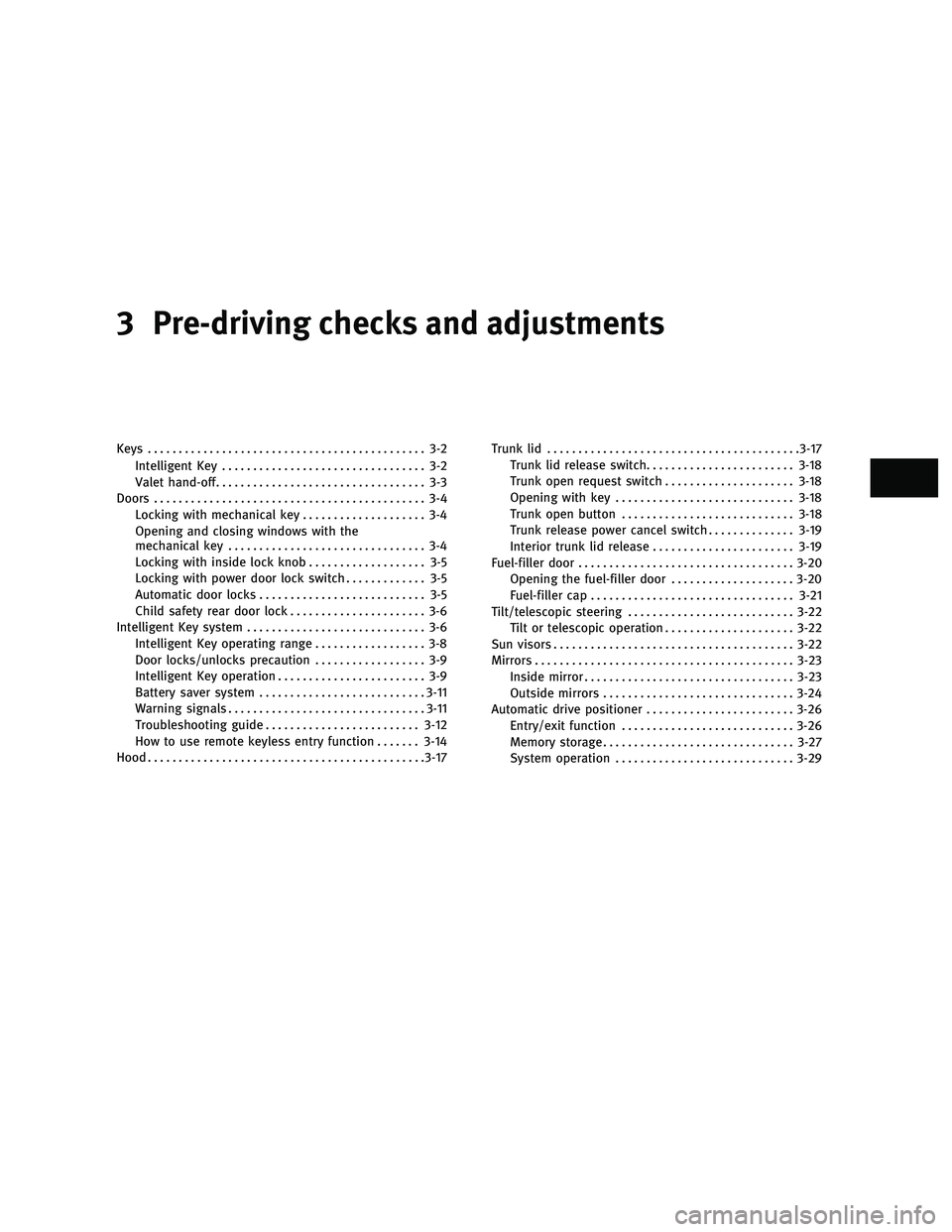
3 Pre-driving checks and adjustments
Keys............................................. 3-2
Intelligent Key ................................. 3-2
Valet hand-off .................................. 3-3
Doors ............................................ 3-4
Locking with mechanical key .................... 3-4
Opening and closing windows with the
mechanical key ................................ 3-4
Locking with inside lock knob ................... 3-5
Locking with power door lock switch ............. 3-5
Automatic door locks ........................... 3-5
Child safety rear door lock ...................... 3-6
Intelligent Key system ............................. 3-6
Intelligent Key operating range .................. 3-8
Door locks/unlocks precaution .................. 3-9
Intelligent Key operation ........................ 3-9
Battery saver system ........................... 3-11
Warning signals ................................ 3-11
Troubleshooting guide ......................... 3-12
How to use remote keyless entry function .......3-14
Hood ............................................. 3-17Trunk lid
......................................... 3-17
Trunk lid release switch ........................ 3-18
Trunk open request switch .....................3-18
Opening with key ............................. 3-18
Trunk open button ............................ 3-18
Trunk release power cancel switch ..............3-19
Interior trunk lid release ....................... 3-19
Fuel-filler door ................................... 3-20
Opening the fuel-filler door ....................3-20
Fuel-filler cap ................................. 3-21
Tilt/telescopic steering ........................... 3-22
Tilt or telescopic operation .....................3-22
Sun visors ....................................... 3-22
Mirrors .......................................... 3-23
Inside mirror .................................. 3-23
Outside mirrors ............................... 3-24
Automatic drive positioner ........................3-26
Entry/exit function ............................ 3-26
Memory storage ............................... 3-27
System operation ............................. 3-29
wÐ
Ð
05/14/09Ðpattie
X
Page 134 of 445

± Do not allow the Intelligent Key to comeinto contact with water or salt water, and
do not wash it in a washing machine. This
could affect the system function.
c If an Intelligent Key is lost or stolen, INFINITI
recommends erasing the ID code of that In-
telligent Key. This will prevent the Intelli-
gent Key from unauthorized use to unlock
the vehicle. For information regarding the
erasing procedure, please contact an
INFINITI retailer.
Mechanical key
To remove the mechanical key, release the lock
knob at the back of the Intelligent Key.
To install the mechanical key, firmly insert it
into the Intelligent Key until the lock knob
returns to the lock position.
Use the mechanical key to lock or unlock the
doors, trunk lid, glove box and trunk pass-
through lid, if they are equipped with a key
cylinder.
See ªDOORSº later in this section and ªTRUNK
LIDº later in this section, ªSTORAGEº in the ª2.
Instruments and controlsº section and ªSEATSº
in the ª1. Safety Ð Seats, seat belts and supple-
mental restraint systemº section.
CAUTION
Always carry the mechanical key installed in
the Intelligent Key.
VALET HAND-OFF
When you have to leave a key with a valet, give
them the Intelligent Key itself and keep the
mechanical key with you to protect your belong-
ings.
To prevent the glove box and the trunk from
being opened during valet hand-off, follow the
procedures below.
1. Push the trunk release power cancel
switch to the CANCEL side.
2. Remove the mechanical key from the In- telligent Key.
3. Lock the glove box and the trunk pass- through with the mechanical key.
4. Hand the Intelligent Key to the valet, keeping the mechanical key in your
pocket or bag for insertion into the Intel-
ligent Key when you retrieve your vehicle.
See ªTRUNK LIDº later in this section, ªSTOR-
AGEº in the ª2. Instruments and controlsº sec-
tion and ªSEATSº in the ª1. Safety Ð Seats, seat
belts and supplemental restraint systemº sec-
tion.
SPA2033
Pre-driving checks and adjustments3-3
wÐ
Ð
05/14/09Ðpattie
X
Page 140 of 445

DOOR LOCKS/UNLOCKS PRECAUTION
cDo not push the door handle request switch
with the Intelligent Key held in your hand as
illustrated. The close distance to the door
handle will cause the Intelligent Key system
to have difficulty recognizing that the Intel-
ligent Key is outside the vehicle.
c After locking with the door handle request
switch, verify the doors are securely locked
by testing them.
c To prevent the Intelligent Key from being left
inside the vehicle, make sure you carry the
key with you and then lock the doors. c
To prevent the Intelligent Key from being left
inside the trunk, make sure you carry the key
with you and then close the trunk.
c Do not pull the door handle before pushing
the door handle request switch. The door
will be unlocked but will not open. Release
the door handle once and pull it again to
open the door.
c The Intelligent Key system (opening/closing
doors with the door handle request switch)
can be set to remain inactive. (See ªVEHICLE
INFORMATION AND SETTINGSº in the ª4.
Monitor, climate, audio, phone and voice
recognition systemsº section.)
INTELLIGENT KEY OPERATION
You can lock or unlock the doors without taking
the key out from your pocket or bag.
SPA2326SPA2424
Pre-driving checks and adjustments3-9
wÐ
Ð
05/19/09Ðtbrooks
X
Page 146 of 445

cInserting the Intelligent Key into the Intelli-
gent Key port.
During this 1-minute time period, if the UNLOCK
button on the Intelligent Key is pushed,
all doors will be locked automatically after
another 1 minute.
Opening windows
To open the windows, push the door UNLOCK
button on the Intelligent Key for about 3
seconds after the door is unlocked.
To stop opening, release the UNLOCK
button.
Windows cannot be closed using the Intelligent
Key.
The windows can be opened or closed by
turning the mechanical key in a door lock. (See
ªDOORSº earlier in this section.)
Opening trunk lid
1. Push the TRUNKbuttons3on the
Intelligent Key for more than 1 second.
2. The trunk will unlatch.
3. Raise the trunk lid to open the trunk.
Using panic alarm
If you are near your vehicle and feel threatened,
you may activate the alarm to call attention as
follows:
1. Push the PANICbuttons4on the
Intelligent Key for more than 1 second.
2. The theft warning alarm and headlights will stay on for 25 seconds.
3. The panic alarm stops when:
c It has run for 25 seconds, or
c Any of the buttons on the Intelligent Key
is pushed. (Note: the TRUNK or PANIC
button must be pushed for more than 1
second.)
Setting hazard indicator and horn
mode
This vehicle is set in hazard indicator and horn
mode when you first receive the vehicle.
In hazard indicator and horn mode, when the
LOCK
buttons1is pushed, the hazard
indicator flashes twice and the horn chirps
once. When the UNLOCK
buttons2is
pushed, the hazard indicator flashes once.
If horns are not necessary, the system can be
switched to the hazard indicator mode. In hazard indicator mode, when the LOCK
button is pushed, the hazard indicator
flashes twice. When the UNLOCK
button
is pushed, neither the hazard indicator nor the
horn operates.
Pre-driving checks and adjustments3-15
wÐ
Ð
05/15/09Ðpattie
X
Page 148 of 445

1. Pull the hood lock release handles1
located below the instrument panel; the
hood will then spring up slightly.
2. Pull the lever
s2at the front of the hood
with your fingertips and raise the hood.
3. When closing the hood, slowly close the hood down to latch both the right and left
locks. Push the hood down to lock the
hood securely into place.
WARNING
cMake sure the hood is completely closed and
latched before driving. Failure to do so could
cause the hood to fly open and result in an
accident.
c If you see steam or smoke coming from the
engine compartment, to avoid injury do not
open the hood.
WARNING
cDo not drive with the trunk lid open. This
could allow dangerous exhaust gases to be
drawn into the vehicle. See ªEXHAUST GAS
(carbon monoxide)º in the ª5. Starting and
drivingº section of this manual.
c Closely supervise children when they are
around cars to prevent them from playing
and becoming locked in the trunk where they
could be seriously injured. Keep the car
locked, with the trunk closed, when not in
use, and prevent children's access to Intelli-
gent Keys.
SPA2446
HOOD TRUNK LID
Pre-driving checks and adjustments3-17
wÐ
Ð
05/14/09Ðpattie
X