audio INFINITI Q60 COUPE 2018 User Guide
[x] Cancel search | Manufacturer: INFINITI, Model Year: 2018, Model line: Q60 COUPE, Model: INFINITI Q60 COUPE 2018Pages: 466, PDF Size: 2.48 MB
Page 177 of 466

4-2Monitor, climate, audio, phone and voice recognition systems
Refer to the Infiniti InTouch Owner’s Manual
that includes the following information.
.Infiniti InTouch
.Navigation system (if so equipped)
.Audio system
.Bluetooth
®Hands-Free Phone system
.Heater and air conditioner
.Viewing information
.Other settings
.Voice recognition (if so equipped)
.Monitor system
.Meter settings
.General system information
JVH0510X
Center ventilators
JVH0511X
Side ventilatorsOpen or close, and adjust the air flow
direction of ventilators.
: This symbol indicates that the ventilators
are closed.
: This symbol indicates that the ventilators
are open.
INFINITI INTOUCH OWNER’S MANUALVENTILATORS
Page 178 of 466
WINDOW ANTENNA
The antenna pattern is printed inside the
rear window.
CAUTION
.Do not place metalized film near the
rear window glass or attach any
metal parts to it. This may cause poor
reception or noise.
.When cleaning the inside of the rear
window, be careful not to scratch or
damage the rear window antenna.
Lightly wipe along the antenna with
a dampened soft cloth.
JVH0641X
SATELLITE ANTENNA
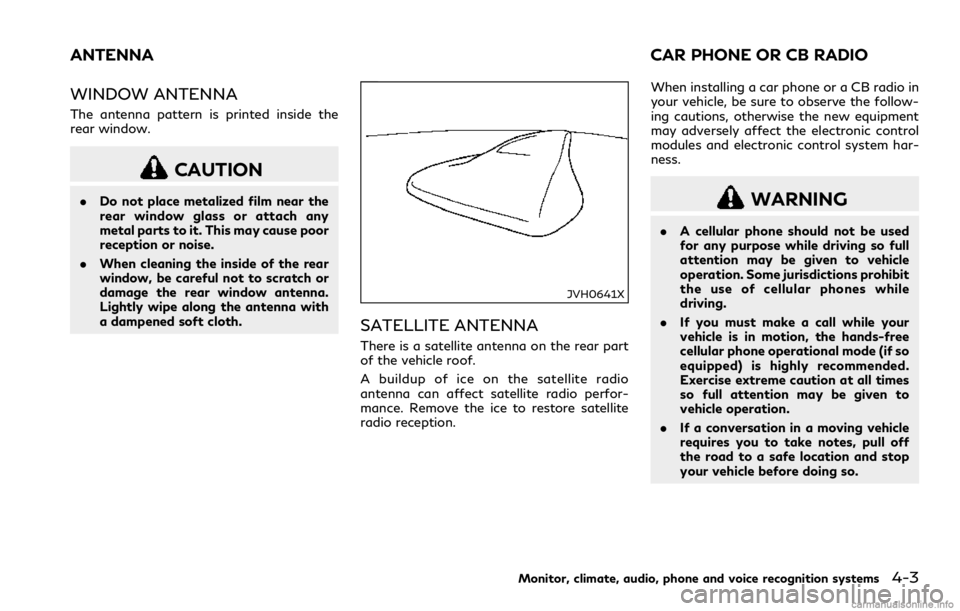
There is a satellite antenna on the rear part
of the vehicle roof.
A buildup of ice on the satellite radio
antenna can affect satellite radio perfor-
mance. Remove the ice to restore satellite
radio reception.When installing a car phone or a CB radio in
your vehicle, be sure to observe the follow-
ing cautions, otherwise the new equipment
may adversely affect the electronic control
modules and electronic control system har-
ness.
WARNING
.A cellular phone should not be used
for any purpose while driving so full
attention may be given to vehicle
operation. Some jurisdictions prohibit
the use of cellular phones while
driving.
.If you must make a call while your
vehicle is in motion, the hands-free
cellular phone operational mode (if so
equipped) is highly recommended.
Exercise extreme caution at all times
so full attention may be given to
vehicle operation.
.If a conversation in a moving vehicle
requires you to take notes, pull off
the road to a safe location and stop
your vehicle before doing so.
Monitor, climate, audio, phone and voice recognition systems4-3
ANTENNA CAR PHONE OR CB RADIO
Page 179 of 466

4-4Monitor, climate, audio, phone and voice recognition systems
CAUTION
.Keep the antenna as far away as
possible from the electronic control
modules.
.Keep the antenna wire more than 8 in
(20 cm) away from the electronic
control system harness. Do not route
the antenna wire next to any harness.
.Adjust the antenna standing-wave
ratio as recommended by the manu-
facturer.
.Connect the ground wire from the CB
radio chassis to the body.
.For details, it is recommended you
visit an INFINITI retailer.
Page 223 of 466

5-44Starting and driving
— Oncoming vehicles.
— Vehicles remaining in the detec-
tion zone when you accelerate
from a stop.
— A vehicle merging into an adja-
cent lane at a speed approxi-
mately the same as your vehicle.
— A vehicle approaching rapidly
from behind.
— A vehicle which your vehicle over-
takes rapidly.
— A vehicle that passes through the
detection zone quickly.
.The radar sensor’s detection zone is
designed based on a standard lane
width. When driving in a wider lane,
the radar sensors may not detect
vehicles in an adjacent lane. When
driving in a narrow lane, the radar
sensors may detect vehicles driving
two lanes away.
.The radar sensors are designed to
ignore most stationary objects, how-
ever objects such as guardrails, walls,
foliage and parked vehicles may oc-
casionally be detected. This is a
normal operation condition.
.The following conditions may reduce
the ability of the radar to detectother vehicles:
— Severe weather
— Road spray
— Ice/frost/snow build-up on the
vehicle
— Dirt build-up on the vehicle
.Do not attach stickers (including
transparent material), install acces-
sories or apply additional paint near
the radar sensors. These conditions
may reduce the ability of the radar to
detect other vehicles.
.Excessive noise (for example, audio
system volume, open vehicle window)
will interfere with the chime sound,
and it may not be heard.BSW DRIVING SITUATIONS
Indicator on
Indicator off
Indicator flashing
Page 233 of 466

5-54Starting and driving
— When driving with a tire that is
not within normal tire conditions
(for example, tire wear, low tire
pressure, installation of spare tire,
tire chains, non-standard wheels).
— When the vehicle is equipped with
non-original steering parts or sus-
pension parts.
.Excessive noise (for example, audio
system volume, open vehicle window)
will interfere with the chime sound,
and it may not be heard.BSI DRIVING SITUATIONS
Indicator on
Indicator off
Indicator flashing
JVS0737X
Illustration 1 – Approaching from behind
Another vehicle approaching from
behind
Illustration 1: The side indicator light illumi-
nates if a vehicle enters the detection zone
from behind in an adjacent lane.
Page 248 of 466
— Severe weather
— Road spray
— Ice/frost/dirt build up on the
vehicle
.Do not attach stickers (including
transparent material), install acces-
sories or apply additional paint near
the radar sensors. These conditions
may reduce the ability of the radar
sensors to detect other vehicles.
.The sonar sensors detect stationary
objects behind the vehicle. The sonar
sensor may not detect:
— Small or moving objects
— Wedge-shaped objects
— Object close to the bumper (less
than approximately 1 ft (30 cm))
— Thin objects such as rope, wire
and chain, etc.
.The brake engagement by the BCI
system is not as effective on a slope
as it is on flat ground. When on a
steep slope the system may not
function properly.
.Do not use the BCI system under the
following conditions because the sys-
tem may not function properly.— When driving with a tire that is
not within normal tire conditions
(for example, tire wear, low tire
pressure, installation of spare tire,
tire chains, non-standard wheels).
— When the vehicle is equipped with
non-original brake parts or sus-
pension parts.
.Excessive noise (for example, audio
system volume, open vehicle window)
will interfere with the chime sound,
and it may not be heard.
JVS0824X
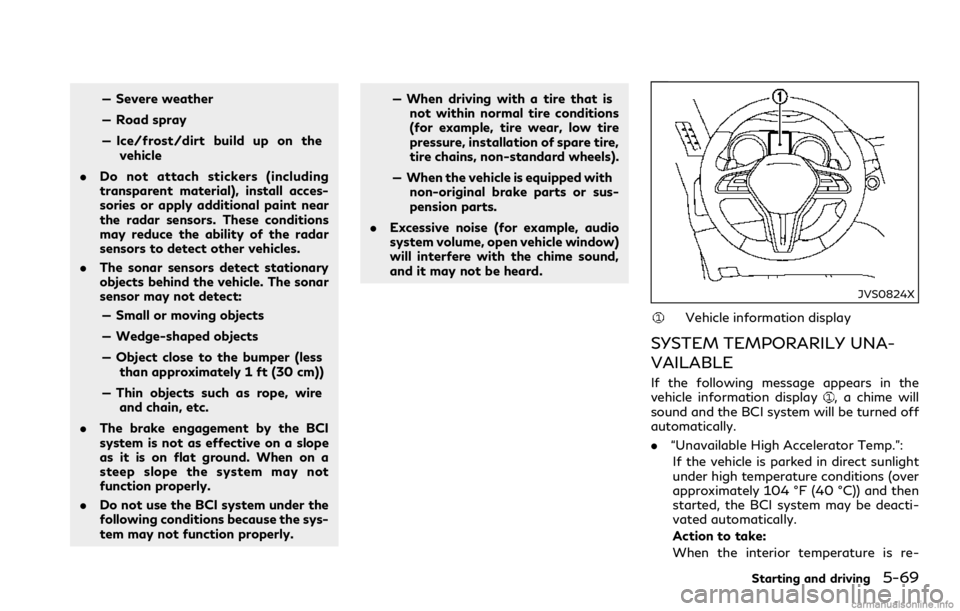
Vehicle information display
SYSTEM TEMPORARILY UNA-
VAILABLE
If the following message appears in the
vehicle information display, a chime will
sound and the BCI system will be turned off
automatically.
.“Unavailable High Accelerator Temp.”:
If the vehicle is parked in direct sunlight
under high temperature conditions (over
approximately 104 °F (40 °C)) and then
started, the BCI system may be deacti-
vated automatically.
Action to take:
When the interior temperature is re-
Starting and driving5-69
Page 324 of 466

WARNING
.Do not use your engine block heater
with an ungrounded electrical system
or a 2-pronged adapter. You can be
seriously injured by an electrical
shock if you use an ungrounded
connection.
.Disconnect and properly store the
engine block heater cord before
starting the engine. Damage to the
cord could result in an electrical shock
and can cause serious injury.
.Use a heavy-duty 3-wire, 3-pronged
extension cord rated for at least 10A.
Plug the extension cord into a Ground
Fault Interrupt (GFI) protected,
grounded 110-VAC outlet. Failure
to use the proper extension cord or
a grounded outlet can result in a fire
or electrical shock and cause serious
personal injury.
JVS0905X
NOTE:
To operate the active noise cancellation and
active sound enhancement system properly:
.Do not cover the speakers or woofer.
.Do not cover the microphones..Do not change or modify speakers in-
cluding the woofer and any audio related
parts such as the amplifier.
.Do not make any modification including
sound deadening or modifications
around the microphones, speakers or
woofer.
Starting and driving5-145
ACTIVE NOISE CANCELLATION/
ACTIVE SOUND ENHANCEMENT