I-key system error INFINITI QX60 2014 Owner's Manual
[x] Cancel search | Manufacturer: INFINITI, Model Year: 2014, Model line: QX60, Model: INFINITI QX60 2014Pages: 547, PDF Size: 7.39 MB
Page 114 of 547
13. Low Outside Temperature
14. Power will turn off to save the battery
15. CVT Error
16. Reminder: Turn OFF headlights
17. Low Oil Pressure
18. Key Registration Complete
19. Tire Pressure Low - Add Air
20. TPMS Error
21. Parking Sensor Error
22. Remote Start (if so equipped)
23. Loose Fuel Cap
24. I-Key System Error: See Owners Manual
No Key Detected
This warning appears when the intelligent key is
left outside the vehicle with the ignition switch is
the ON or ACC position. Make sure the Intelli-
gent Key is inside the vehicle.
Key ID Incorrect
The warning appears when the ignition switch is
placed from the OFF position and the intelligent
key is not recognized by the system. You can not
start the engine with an unregistered key.See “INFINITI Intelligent Key System” in “Pre-
driving checks and adjustments” for more infor-
mation.
Shift to Park
This warning illuminates when the ignition switch
is in the ACC or OFF position and the shift lever
is in any position other than P (Park) position.
Also, a chime sounds when the ignition switch is
in the OFF position.
If this warning illuminates, move the shift lever to
the P (Park) position or start the engine.
For additional information about Intelligent Key,
see “INFINITI Intelligent Key” in the “Pre-driving
checks and adjustments” section.
Push ignition to OFF
After the Push ignition to OFF warning illumi-
nates, the warning will illuminate if the ignition
switch is placed in the ACC position when the
shift lever is moved to the P (Park) position.
To turn off the Push warning, place the ignition
switch in the ON position and then in the LOCK
position.
Key Battery Low
This indicator illuminates when the Intelligent Key
battery is running out of power.If this indicator illuminates, replace the battery
with a new one. See “Battery replacement” in the
“Maintenance and do-it-yourself” section.
Engine start operation for Intelligent Key
system
This indicator appears when the battery of the
Intelligent Key is low and when the Intelligent Key
system and the vehicle are not communicating
normally.
If this appears, touch the ignition switch with the
Intelligent Key while depressing the brake pedal.
For more information see, “INFINITI Intelligent
Key battery discharge” in the “Starting and driv-
ing” section.
Release Parking brake
This warning illuminates in the message area of
the vehicle information display when the parking
brake is set and the vehicle is driven.
Low Fuel
This warning illuminates when the fuel level in the
fuel tank is getting low. Refuel as soon as it is
convenient, preferably before the fuel gauge
reaches 0 (Empty) .There will be a small re-
serve of fuel in the tank when the fuel
gauge needle reaches 0 (Empty) .
2-22Instruments and controls
Page 116 of 547
Push to start (if so equipped)
This warning appears in the vehicle information
display when the vehicle has been started using
the remote start function. To start the vehicle,
apply the brake and place the ignition switch in
the ON position.
Loose Fuel Cap
This warning appears when the fuel-filler cap is
not tightened correctly after the vehicle has been
refueled. See “Fuel-filler cap” in the “Pre-driving
checks and adjustments” section of this manual.
Intelligent Key error
After the ignition switch is pushed to the ON
position, this light comes on for about 2 seconds
and then turns off.
The I-Key System Error message warns of a
malfunction with the Intelligent Key system. If the
light comes on while the engine is stopped, it may
be impossible to start the engine.
If the light comes on while the engine is running,
you can drive the vehicle. However in these
cases, contact an INFINITI retailer for repair as
soon as possible.Your vehicle has two types of security systems:
●Vehicle security system
●INFINITI Vehicle Immobilizer System
VEHICLE SECURITY SYSTEM
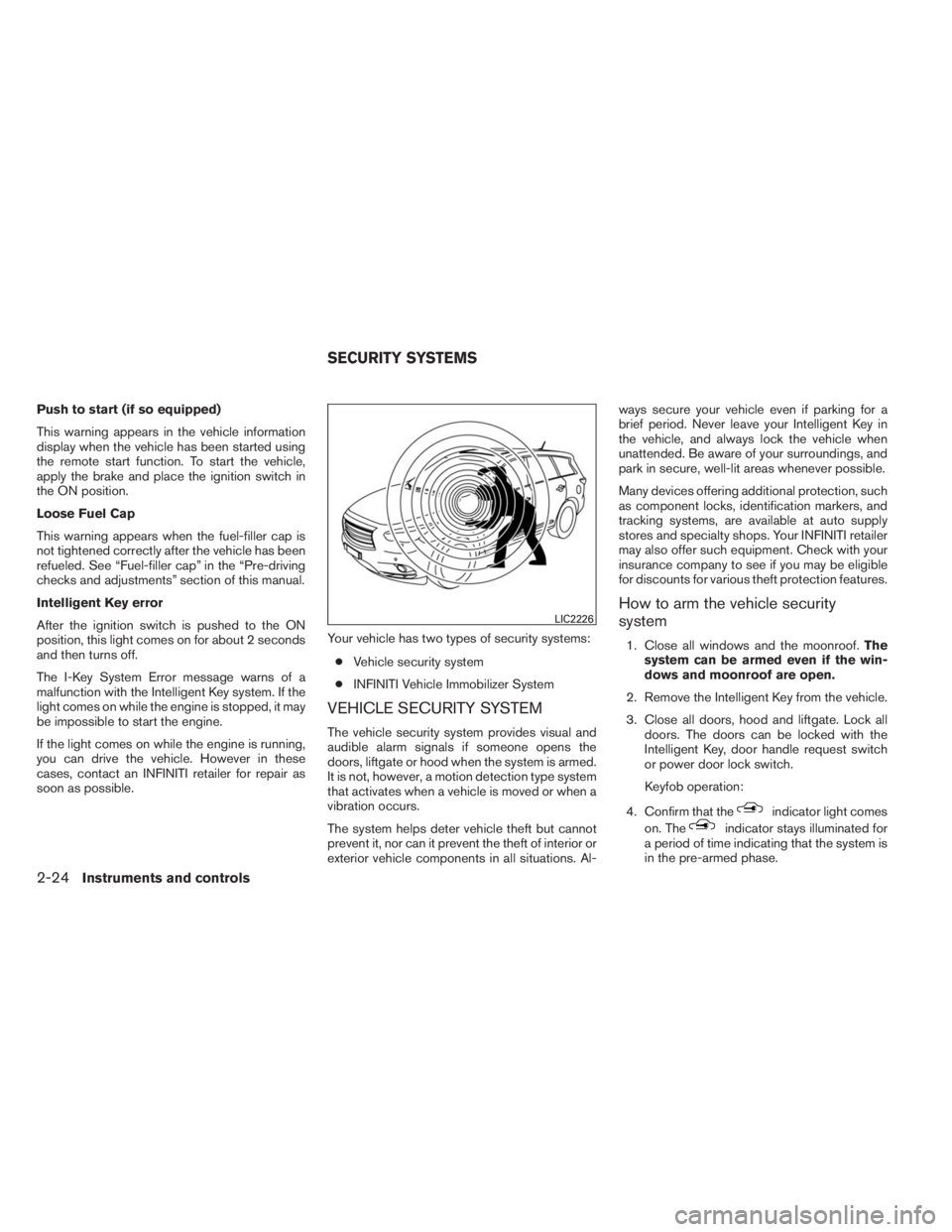
The vehicle security system provides visual and
audible alarm signals if someone opens the
doors, liftgate or hood when the system is armed.
It is not, however, a motion detection type system
that activates when a vehicle is moved or when a
vibration occurs.
The system helps deter vehicle theft but cannot
prevent it, nor can it prevent the theft of interior or
exterior vehicle components in all situations. Al-ways secure your vehicle even if parking for a
brief period. Never leave your Intelligent Key in
the vehicle, and always lock the vehicle when
unattended. Be aware of your surroundings, and
park in secure, well-lit areas whenever possible.
Many devices offering additional protection, such
as component locks, identification markers, and
tracking systems, are available at auto supply
stores and specialty shops. Your INFINITI retailer
may also offer such equipment. Check with your
insurance company to see if you may be eligible
for discounts for various theft protection features.
How to arm the vehicle security
system
1. Close all windows and the moonroof.The
system can be armed even if the win-
dows and moonroof are open.
2. Remove the Intelligent Key from the vehicle.
3. Close all doors, hood and liftgate. Lock all
doors. The doors can be locked with the
Intelligent Key, door handle request switch
or power door lock switch.
Keyfob operation:
4. Confirm that the
indicator light comes
on. The
indicator stays illuminated for
a period of time indicating that the system is
in the pre-armed phase.
LIC2226
SECURITY SYSTEMS
2-24Instruments and controls