air condition INFINITI QX60 2016 Owner's Guide
[x] Cancel search | Manufacturer: INFINITI, Model Year: 2016, Model line: QX60, Model: INFINITI QX60 2016Pages: 635, PDF Size: 8.96 MB
Page 210 of 635

Restarting the entry/exit function
If the battery cable is disconnected, or if the fuse
opens, the stored memory positions will be lost
and some of the functions will be restricted:
1. Drive the vehicle over 25 mph (40 km/h).
OR
2. Open and close the driver’s door more than
two times with the ignition switch in the OFF
position.
The entry/exit function should now work properly.
SETTING MEMORY FUNCTION
The position of the following settings can be
linked to the Intelligent Key and the memorized
settings can be available for each Intelligent Key.
●Climate control system
●Navigation system (if so equipped)
●Audio system
To use the memory function, set the climate,
navigation and audio systems to the driver’s pre-
ferred settings. Lock the doors with the Intelligent
Key. Each Intelligent Key may be set with the
driver’s individual preferences. When a new In-
telligent Key is used, “Connection with the key
has been done” will be displayed on the screen
and the memorized settings are available.To engage the memorized settings, perform the
following:
1. Carry the Intelligent Key that is linked to the
memorized settings.
2. Unlock the doors by pushing the driver’s
door handle request switch or the
UNLOCK
button on the Intelligent
Key.
3. Place the ignition switch in the ON position.
The settings linked to the Intelligent Key will
start.
For additional information on using the Climate
control system, refer to “Heater and air condi-
tioner (automatic)” in the “Monitor, climate, audio,
phone and voice recognition systems” section of
this manual.
For additional information on using the Naviga-
tion System, refer to the separate Navigation
System Owner’s Manual.
For additional information on using the Audio
system, refer to “Audio system” in the “Monitor,
climate, audio, phone and voice recognition sys-
tems” section of this manual.
SYSTEM OPERATION
The automatic drive positioner system will not
work or will stop operating under the following
conditions:
●When the vehicle speed is above 4 mph
(7 km/h).
●When any of the memory switches are
pushed while the automatic drive positioner
is operating.
●When the adjusting switch for the driver’s
seat is turned on while the automatic drive
positioner is operating.
●When the seat has already been moved to
the memorized position.
●When no seat position is stored in the
memory switch.
●When the shift lever is moved from P (Park)
to any other position.
3-36Pre-driving checks and adjustments
Page 212 of 635
System maintenance...........................4-46
Vents...........................................4-47
Heater and air conditioner (automatic)..............4-48
Automatic operation...........................4-49
Manual operation..............................4-49
Operating tips.................................4-50
CLIMATE setting screen........................4-51
Rear automatic air conditioning system. ..........4-53
Servicing air conditioner...........................4-56
Audio system....................................4-56
Radio........................................4-56
FM radio reception............................4-56
AM radio reception............................4-57
Satellite radio reception........................4-57
Audio operation precautions....................4-57
FM/AM/SAT radio with compact disc (CD)
player........................................4-72
Digital Versatile Disc (DVD) Player
Operation (models with Navigation System)......4-80
USB (Universal Serial Bus) Connection Port
(models without Navigation System)
(if so equipped)...............................4-83USB (Universal Serial Bus) Connection Port
(models with Navigation System)
(if so equipped)...............................4-84
iPod®* player operation without Navigation
System (if so equipped)........................4-88
iPod®* player operation with Navigation
System (if so equipped)........................4-90
USB/iPod® Charging Ports....................4-94
Bluetooth® streaming audio (if so equipped).....4-95
CD care and cleaning..........................4-98
Steering wheel switch for audio control..........4-99
Antenna.....................................4-100
INFINITI Mobile Entertainment System (MES)
(if so equipped).................................4-101
System components..........................4-101
Before operating dual head restraint/
headrest DVD system.........................4-106
Playing a DVD (Digital Versatile Disc)...........4-107
Operating tips................................4-112
Care and maintenance........................4-112
Car phone or CB radio...........................4-113
Bluetooth® Hands-Free Phone System without
Navigation System (if so equipped)................4-113
Page 214 of 635

WARNING
●Positioning of the heating or air condi-
tioning controls and display controls
should not be done while driving in or-
der that full attention may be given to
the driving operation.
●Do not disassemble or modify this sys-
tem. If you do, it may result in accidents,
fire, or electrical shock.
●Do not use this system if you notice any
abnormality, such as a frozen screen or
lack of sound. Continued use of the
system may result in accident, fire or
electric shock.
●In case you notice any foreign object in
the system hardware, spill liquid on it,
or notice smoke or smell coming from it,
stop using the system immediately. Ig-
noring such conditions may lead to ac-
cidents, fire or electrical shock. It is rec-
ommended that you visit an INFINITI
retailer for servicing.
1. INFO button (P. 4-7)
2. STATUS button (P. 4-6)
3. INFINITI controller (P. 4-5)
4. DISP (display) button (P. 4-8)5. + (brightness control) button
6. – (brightness control) button
7.
OFF brightness control button
(P. 4-10)
8.
BACK (previous) button
LHA2110
CONTROL PANEL BUTTONS — COLOR
SCREEN WITHOUT NAVIGATION
SYSTEM (if so equipped)
4-4Monitor, climate, audio, phone and voice recognition systems
Page 218 of 635
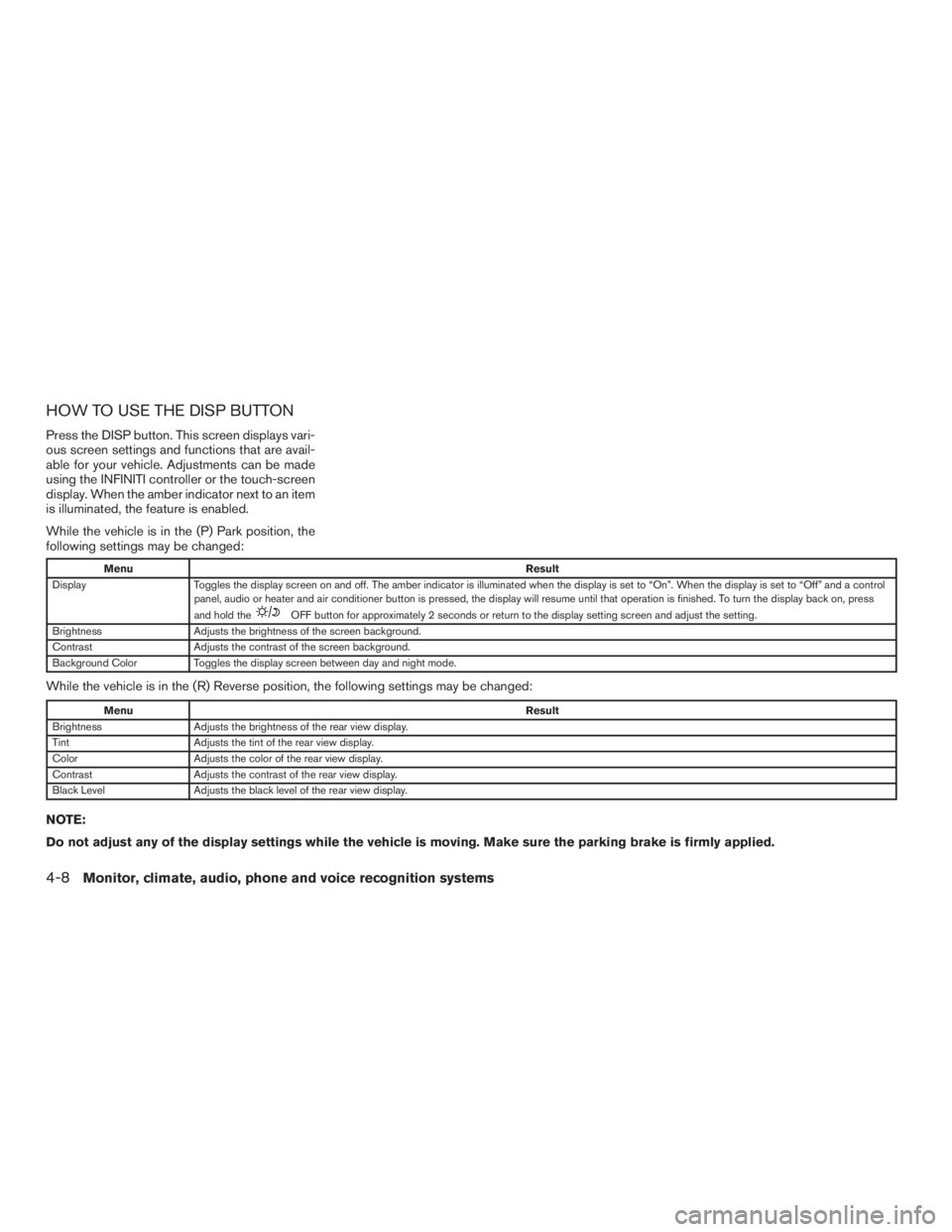
HOW TO USE THE DISP BUTTON
Press the DISP button. This screen displays vari-
ous screen settings and functions that are avail-
able for your vehicle. Adjustments can be made
using the INFINITI controller or the touch-screen
display. When the amber indicator next to an item
is illuminated, the feature is enabled.
While the vehicle is in the (P) Park position, the
following settings may be changed:
MenuResult
Display Toggles the display screen on and off. The amber indicator is illuminated when the display is set to “On”. When the display is set to “Off” and a control
panel, audio or heater and air conditioner button is pressed, the display will resume until that operation is finished. To turn the display back on, press
and hold the
OFF button for approximately 2 seconds or return to the display setting screen and adjust the setting.
Brightness Adjusts the brightness of the screen background.
Contrast Adjusts the contrast of the screen background.
Background Color Toggles the display screen between day and night mode.
While the vehicle is in the (R) Reverse position, the following settings may be changed:
MenuResult
Brightness Adjusts the brightness of the rear view display.
Tint Adjusts the tint of the rear view display.
Color Adjusts the color of the rear view display.
Contrast Adjusts the contrast of the rear view display.
Black Level Adjusts the black level of the rear view display.
NOTE:
Do not adjust any of the display settings while the vehicle is moving. Make sure the parking brake is firmly applied.
4-8Monitor, climate, audio, phone and voice recognition systems
Page 219 of 635

HOW TO USE THE SETTING
BUTTON
Press the SETTING button. This screen displays
and adjusts various settings and functions that
are available for your vehicle. Use the INFINITI
controller to select an item and then press the
ENTER button. When the amber indicator next to
an item is illuminated, the feature is enabled.
Menu ItemResult
Audio For additional information, refer to “Audio system” in this section.
Display Adjusts the settings for the display screen.
Brightness/Contrast Adjusts the brightness or contrast of the map background.
Display off Toggles the display screen on and off. The amber indicator is illuminated when the display is set to “On”. When the display is set to “Off” anda
control panel, audio or heater and air conditioner button is pressed, the display will resume until that operation is finished. To turn the display
back on, press and hold the
OFF button for approximately 2 seconds or return to the display setting screen and adjust the setting.
Background Color Adjusts the display screen between day and night mode.
Switch Beeps Toggles on and off the beep sound that is heard when a control panel button is pressed.
Camera Toggles the predicted course lines on or off when the rear view camera is displayed on screen. For additional information, refer to “RearView
Monitor” in this section.
Clock Adjusts the clock settings.
LHA1304
Monitor, climate, audio, phone and voice recognition systems4-9
Page 229 of 635

Menu ItemResult
Display Control Select the “ON” key for either the left or right display to alternately enable or disable the display fo the left or right rear passengers. If the display
is enabled, select the key (DVD, USB, front AUX or rear AUX) that you wish to have displayed on the corresponding screen. The front AUX set-
ting is for devices plugged into the AUX jacks in the center console. The rear AUX setting is for the devices plugged into the AUX jacks on the
back of the center console.
Auto Display Toggles ON or OFF the Auto Display option. When Auto Display is ON, the rear displays will automatically turn on when a movie is played from a
DVD or USB device.
Rear Speaker Toggles ON or OFF the Rear Speaker volume.
ECO DRIVE (if so equipped) To adjust the ECO pedal driver’s assist, select the “Standard”, “Soft” or “OFF” key and adjust it with the INFINITI controller. For additional infor-
mation about ECO DRIVE system, refer to “ECO pedal system” in the “Starting and driving” section of this manual.
Others Select the “Others” key using the INFINITI controller. The voice recognition, language and units setting screen will be displayed.
Clock Press the SETTING button, the select the “Clock” key using the INFINITI controller to adjust the clock settings.
On-screen Clock When this item is enabled (indicator light illuminated) , a clock is always displayed in the upper right corner of the screen. This clock will indicate
the time almost exactly because it is always adjusted by the GPS system.
Clock Format
(24h)When this item is enabled (indicator light illuminated) , the clock format will change from the default 12–hour display to a 24–hour display.
Offset (hour) Adjust the time by increasing or decreasing the hours.
Offset (minute) Adjust the time by increasing or decreasing the minutes.
Daylight Savings
TimeWhen this item is enabled (indicator light illuminated) , daylight savings time is on. To turn off the daylight savings time, touch the “ON” key; the
amber indicator light will go out.
Time Zone Adjust the time zone. Choose a time from the available list on the display.
Display Adjustment To adjust the display settings, select the “Display Adjustment” key. The following settings are available:
Brightness/
ContrastAdjusts the brightness or contrast of the map background.
Display off Toggles the display screen on and off. The amber indicator is illuminated when the display is set to “On”. When the display is set to “Off” anda
control panel, audio or heater and air conditioner button is pressed, the display will resume until that operation is finished. To turn the display back
on, press and hold the
OFF button for approximately 2 seconds or return to the display setting screen and adjust the setting.
Background
ColorAdjusts the display screen between day and night mode.
Monitor, climate, audio, phone and voice recognition systems4-19
Page 258 of 635

1.(front defroster) button
2.
rear window and outside mirror
defroster switch
3. OFF button
4.
(fan speed) decrease button
5.
(fan speed) increase button
6. AUTO climate control ON button
7. REAR button
8.
Air recirculation button
9. CLIMATE button
10.
Temperature control (increase)
button (passenger’s side)11.
Temperature control (decrease)
button (passenger’s side)
12. DUAL button
13.
Manual air flow control button
(driver’s side)
14.
Temperature control (decrease)
button (driver’s side)
15.
Temperature control (increase)
button (driver’s side)
WARNING
●The air conditioner cooling function op-
erates only when the engine is running.
●Do not leave children or adults who
would normally require the assistance
of others alone in your vehicle. Pets
should also not be left alone. They
could accidentally injure themselves or
others through inadvertent operation of
the vehicle. Also, on hot, sunny days,
temperatures in a closed vehicle could
quickly become high enough to cause
severe or possibly fatal injuries to
people or animals.
●Do not use the recirculation mode for
long periods as it may cause the interior
air to become stale and the windows to
fog up.
Start the engine and operate the controls to
activate the air conditioner.
NOTE:
●Odors from inside and outside the vehicle
can build up in the air conditioner unit. Odor
can enter the passenger compartment
through the vents.
LHA3155
HEATER AND AIR CONDITIONER
(automatic)
4-48Monitor, climate, audio, phone and voice recognition systems
Page 259 of 635
●When parking, set the heater and air condi-
tioner controls to turn off air recirculation to
allow fresh air into the passenger compart-
ment. This should help reduce odors inside
the vehicle.
AUTOMATIC OPERATION
Cooling and/or dehumidified heating
(AUTO)
This mode may be used all year round as the
system automatically works to keep a constant
temperature. Air flow distribution, intake air con-
trol, and fan speed are also controlled automati-
cally.
1. Press the AUTO button on. (The indicator on
the button will illuminate and AUTO will be
displayed.)
2. Operate the driver’s side temperature con-
trol buttons.
●Adjust the temperature display to about
75°F (24°C) for normal operation.
●The temperature of the passenger compart-
ment will be maintained automatically. Air
flow distribution, intake air control, and fan
speed are also controlled automatically.●A visible mist may be seen coming from the
ventilators in hot, humid conditions as the air
is cooled rapidly. This does not indicate a
malfunction.
Dehumidified defrosting or defogging
1. Press thefront defroster button on.
(The indicator light on the button will come
on.)
2. Operate the temperature control buttons to
set the desired temperature.
●To quickly remove ice from the outside of the
windows, use the
fan speed control
buttons to set the fan speed to maximum.
●As soon as possible after the windshield is
clean, press the AUTO button to return to
the automatic mode.
●When the
front defroster button is
pressed, the air conditioner will automati-
cally be turned on at outside temperatures
above 36°F (2°C) . The air recirculate mode
automatically turns off, allowing outside air
to be drawn into the passenger compart-
ment to further improve the defogging per-
formance.
Voice Recognition logic (if so
equipped)
When the climate control system is on, the front
and rear fan speeds may be automatically low-
ered so that commands are more easily recog-
nized. Fan speed can be adjusted using the fan
speed decrease and increase buttons, if desired.
Remote start logic (if so equipped)
Vehicles equipped with automatic climate con-
trols and remote start function may go into auto-
matic heating or cooling mode when remote start
is activated depending on outside and cabin tem-
peratures. During this period, the climate control
display and buttons will be inoperable until igni-
tion switch is turned on.
MANUAL OPERATION
Fan speed control
Press thefan speed control buttons to
manually control the fan speed.
Press the AUTO button to return to automatic
control of the fan speed.
Temperature control
Press the temperature control buttons up or
down to set the desired temperature.
Monitor, climate, audio, phone and voice recognition systems4-49
Page 260 of 635
The temperature can be set within the following
range:
●For U.S.: 60 to 90ºF (16 to 32ºC)
●For Canada: 64 to 90ºF (18 to 32ºC)
Air recirculation
Press theair recirculation button to recir-
culate interior air inside the vehicle. The
indicator light on the button will come on.
The air recirculation cannot be activated when
the air conditioner is in the
front defrosting
mode.
Automatic intake air control
In the AUTO mode, the intake air will be con-
trolled automatically. To manually control the in-
take air, press the
air recirculation button.
To return to the automatic control mode, press
and hold the
air recirculation button for
about 2 seconds. The indicator light will flash
twice, and then the intake air will be controlled
automatically.
Air flow control
Press thebutton to manually control air
flow. Pressing the button repeatedly will cycle
through the available modes and display the cor-
responding icon on the center display:
— Air flows from center and side
vents.
— Air flows from center and side
vents and foot outlets.
— Air flows mainly from foot outlets.
— Air flows from defroster and foot
outlets.
— Air flows from defroster outlets.
To turn system off
Press the OFF button.
Rear window and outside mirror
defroster switch
For additional information, refer to “Rear window
and outside mirror defroster switch” in the “In-
struments and controls” section of this manual.
OPERATING TIPS
●When the engine coolant temperature and
outside air temperature are low, the air flow
from the foot outlets may not operate for a
maximum of 150 seconds. However, this is
not a malfunction. After the coolant tempera-
ture warms up, air flow from the foot outlets
will operate normally.
4-50Monitor, climate, audio, phone and voice recognition systems
Page 261 of 635

The sunload sensor, located on the top driver’s
side of the instrument panel, helps the system
maintain a constant temperature. Do not put any-
thing on or around this sensor.CLIMATE SETTING SCREEN
Climate control settings can be changed on the
screen.
Press the CLIMATE button on the instrument
panel and turn the display to the Climate mode.
Heating (A/C off)
The air conditioner does not activate in this mode.
When you need to heat only, use this mode.
1. Press the CLIMATE button.
2. If the “A/C” indicator on the screen illumi-
nates, select the “A/C” key. (The “A/C” indi-
cator will turn off.)3. Press the temperature control button to set
the desired temperature.
●The temperature of the passenger compart-
ment will be maintained automatically. Air
flow distribution and fan speed are also con-
trolled automatically.
●Do not set the temperature lower than the
outside air temperature or the system may
not work properly.
●This procedure is not recommended if win-
dows fog up.
When the outside temperature decreases to ap-
proximately 32°F (0°C) , the A/C function does
not activate even if the “A/C” indicator light illu-
minates.
Dual control mode setting
You can individually set the driver and front pas-
senger side temperature and air flow mode using
each temperature control button or manual air
flow control button.
1. Press the CLIMATE button.
2. By touching the “DUAL” key, or when the
passenger side temperature control button
or manual air control button is pressed, the
“DUAL” indicator on the screen will illumi-
nate.
LHA2173LHA2167
Monitor, climate, audio, phone and voice recognition systems4-51