4WD JEEP CHEROKEE 2014 KL / 5.G User Guide
[x] Cancel search | Manufacturer: JEEP, Model Year: 2014, Model line: CHEROKEE, Model: JEEP CHEROKEE 2014 KL / 5.GPages: 690, PDF Size: 4.74 MB
Page 437 of 690
NOTE:To select the proper gear position for maximum
deceleration (engine braking), simply press and hold the
shift lever forward (-). The transmission will shift to the
range from which the vehicle can best be slowed down.
FOUR-WHEEL DRIVE OPERATION
1-Speed Four-Wheel Drive (4WD) — If Equipped
This feature provides on-demand four-wheel drive
(4WD). The system is automatic with no driver inputs or
additional driving skills required. Under normal driving
conditions, the front wheels provide most of the traction.
If the front wheels begin to lose traction, power is shifted
automatically to the rear wheels. The greater the front
wheel traction loss, the greater the power transfer to the
rear wheels. Additionally, on dry pavement under heavy throttle
input (where one may have no wheel spin), torque will be
sent to the rear in a pre-emptive effort to improve vehicle
launch and performance characteristics.
1-Speed 4WD Switch
5
STARTING AND OPERATING 435
Page 438 of 690
CAUTION!
All wheels must have the same size and type tires.
Unequal tire sizes must not be used. Unequal tire
size may cause failure of the power transfer unit.
2-Speed Four-Wheel Drive (4WD) — If Equipped
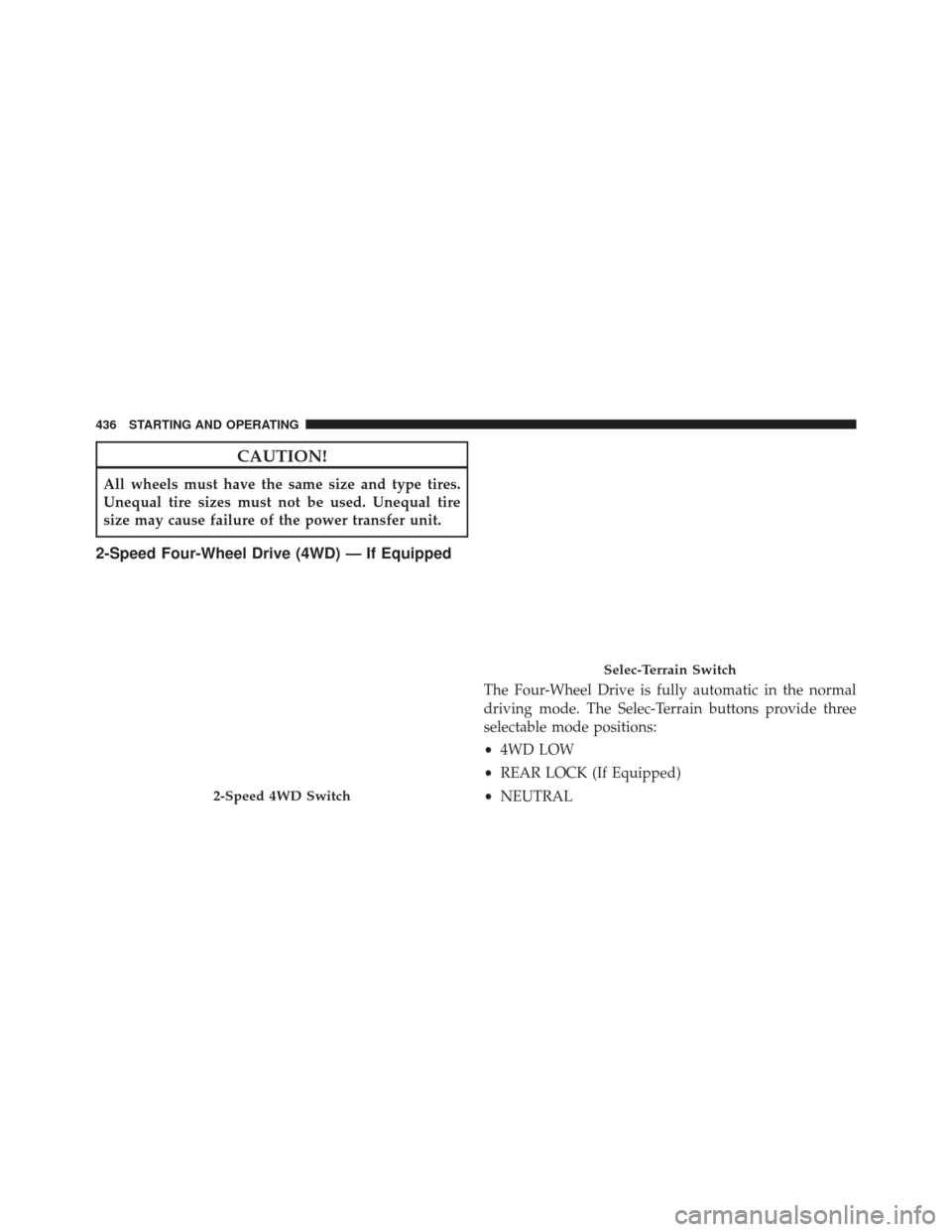
The Four-Wheel Drive is fully automatic in the normal
driving mode. The Selec-Terrain buttons provide three
selectable mode positions:
•4WD LOW
• REAR LOCK (If Equipped)
• NEUTRAL
2-Speed 4WD Switch
Selec-Terrain Switch
436 STARTING AND OPERATING
Page 439 of 690
When additional traction is required, the 4WD LOW
range position can be used to provide an additional gear
reduction which allows for increased torque to be deliv-
ered to both the front and rear wheels. 4WD LOW is
intended for loose, slippery road surfaces only. Driving in
4WD LOW on dry, hard-surfaced roads may cause in-
creased tire wear and damage to driveline components.
When operating your vehicle in 4WD LOW, the engine
speed is approximately three times that of the normal
driving mode at a given road speed. Take care not to
overspeed the engine and do not exceed 25 mph
(40 km/h).
Proper operation of four-wheel drive vehicles depends
on tires of equal size, type, and circumference on each
wheel. Any difference will adversely affect shifting and
cause damage to the driveline components.Because four-wheel drive provides improved traction,
there is a tendency to exceed safe turning and stopping
speeds. Do not go faster than road conditions permit.
Shift Positions
For additional information on the appropriate use of each
4WD system mode position, see the information below:
NEUTRAL
This range disengages the driveline from the powertrain.
It is to be used for flat towing behind another vehicle.
Refer to “Recreational Towing” in “Starting and Operat-
ing” for further information.5
STARTING AND OPERATING 437
Page 440 of 690
WARNING!
You or others could be seriously or fatally injured if
you leave the vehicle unattended with the power
transfer unit in the NEUTRAL (N) position without
first fully engaging the parking brake. The NEU-
TRAL (N) position disengages both the front and rear
drive shafts from the powertrain and will allow the
vehicle to move regardless of the transmission posi-
tion. The parking brake should always be applied
when the driver is not in the vehicle.
4WD LOW
This range is for low speed four-wheel drive. It provides
an additional gear reduction which allows for increased
torque to be delivered to both the front and rear wheels
while providing maximum pulling power for loose,
slippery road surfaces only. Do not exceed 25 mph
(40 km/h).NOTE:
Refer to “Selec-Terrain® – If Equipped” for fur-
ther information on the various positions and their
intended usages.
Shifting Procedures
Shifting Into 4WD LOW
With the vehicle at speeds of 0 to 3 mph (0 to 5 km/h), the
ignition switch in the ON position or the engine running,
shift the transmission into NEUTRAL, and press the
“4WD LOW” button once. The “4WD LOW” indicator
light in the instrument cluster will begin to flash and
remain on solid when the shift is complete.
438 STARTING AND OPERATING
Page 441 of 690
NOTE:If shift conditions/interlocks are not met a mes-
sage will flash from the Electronic Vehicle Information
Center (EVIC) with instructions on how to complete the
requested shift. Refer to “Electronic Vehicle Information
Center (EVIC)” in “Understanding Your Instrument
Panel” for further information.
Shifting Out Of 4WD LOW
With the vehicle at speeds of 0 to 3 mph (0 to 5 km/h), the
ignition switch in the ON position or the engine running,
shift the transmission into NEUTRAL, and press the
“4WD LOW” button once. The “4WD LOW” indicator
light in the instrument cluster will flash and go out when
the shift is complete.
NOTE:
• If shift conditions/interlocks are not met, a message
will flash from the Electronic Vehicle Information
Center (EVIC) with instructions on how to complete
the requested shift. Refer to “Electronic Vehicle Infor-
mation Center (EVIC)” in “Understanding Your In-
strument Panel” for further information.
Selec-Terrain Switch
5
STARTING AND OPERATING 439
Page 442 of 690
•Shifting into or out of 4WD LOW is possible with the
vehicle completely stopped; however, difficulty may
occur due to the mating clutch teeth not being prop-
erly aligned. Several attempts may be required for
clutch teeth alignment and shift completion to occur.
The preferred method is with the vehicle rolling 0 to
3 mph (0 to 5 km/h). If the vehicle is moving faster
than 3 mph (5 km/h), the 4WD system will not allow
the shift.
NEUTRAL Shift Procedure
WARNING!
You or others could be seriously or fatally injured if
you leave the vehicle unattended with the power
transfer unit in the NEUTRAL (N) position without
first fully engaging the parking brake. The NEU-
TRAL (N) position disengages both the front and rear
(Continued)
WARNING! (Continued)
drive shafts from the powertrain and will allow the
vehicle to move regardless of the transmission posi-
tion. The parking brake should always be applied
when the driver is not in the vehicle.
1. Bring the vehicle to a complete stop and shift the transmission to PARK.
2. Turn OFF the ignition.
3. Turn the ignition switch to the ON/RUN position, but do not start the engine.
4. Press and hold the brake pedal.
5. Shift the transmission into NEUTRAL.
6. Using a ballpoint pen or similar object, press and hold the recessed power transfer unit NEUTRAL (N) button
(located above the selector switch) for four seconds.
440 STARTING AND OPERATING
Page 444 of 690
Rear Electronic Locker (E-Locker) System —
If Equipped
The Rear E-Locker System features a mechanical locking
rear differential to provide better traction in the 4WD
LOW position. The “REAR LOCK” button is on the
Selec-Terrain Knob.
Activating The Rear E-Locker
To activate the Rear E-Locker System, the following
conditions must be met:
1. The 4WD system must be in 4WD LOW.
2. The ignition switch in the ON position or the enginerunning.
3. Vehicle speed must be below 15 MPH (24 km/h).
4. To engage Rear E-Locker, press the REAR LOCK button once. Deactivating The Rear E-Locker System
To deactivate the Rear E-Locker System, the following
conditions must be met:
1. Rear E-Locker must be engaged, and the REAR LOCK
indicator light on.
2. The ignition switch in the ON position or the engine running.
3. To disengage Rear E-Locker, press the REAR LOCK button once.
NOTE:
• It may also be necessary to drive slowly steering back
and forth to complete engagement and disengagement
of the E-Locker.
442 STARTING AND OPERATING
Page 445 of 690
•When engaging Rear E-Locker, the indicator lights in
the instrument cluster and on the REAR LOCK button
will begin to flash. When the shift is complete the
REAR LOCK indicator lights will remain on.
• When disengaging Rear E-Locker, the indicator lights
in the instrument cluster and on the REAR LOCK
button will begin to flash. When the shift is complete
the REAR LOCK indicator lights will remain off.
• Shifting into or out of Rear E-Locker is possible with
the vehicle completely stopped; however, difficulty
may occur due to the mating clutch teeth not being
properly aligned. Several attempts may be required for
clutch teeth alignment and shift completion to occur.
The preferred method is for the vehicle to be rolling,
below 15 MPH (24 km/h), while including right and
left steering maneuvers to allow for the clutch teeth to
align. •
The Rear E-Locker System must be disengaged prior to
taking the vehicle out of 4WD LOW range. If 4WD
LOW shift conditions/interlocks are not met, a mes-
sage will flash from the Electronic Vehicle Information
Center (EVIC) with instructions on how to complete
the requested shift.
SELEC-TERRAIN™
Description
Selec-Terrain™ combines the capabilities of the vehicle
control systems, along with driver input, to provide the
best performance for all terrains.
Rotate the Selec-Terrain™ knob to select the desired
mode.5
STARTING AND OPERATING 443
Page 446 of 690
Selec-Terrain™ offers the following modes:
•Auto — Fully automatic full time four-wheel drive
operation can be used on and off road. Balances
traction with seamless steering feel to provide im-
proved handling and acceleration over two-wheel
drive vehicles. •
Snow — Tuning set for additional stability in inclem-
ent weather. Use on and off road on loose traction
surfaces such as snow. When in SNOW mode (depend-
ing on certain operating conditions), the transmission
may use second gear (rather than first gear) during
launches, to minimize wheel slippage.
• Sport — This mode alters the transmission’s automatic
shift schedule for sportier driving. Upshift speeds are
increased to make full use of available engine power.
NOTE: SPORT mode is not available when 4WD LOW is
selected.
• Sand/Mud — Off road calibration for use on low
traction surfaces such as mud, sand, or wet grass.
Driveline is maximized for traction. Some binding may
be felt on less forgiving surfaces. The electronic brake
controls are set to limit traction control management of
throttle and wheel spin.
Selec-Terrain™ Switch
444 STARTING AND OPERATING
Page 447 of 690
•Rock — Off-road calibration only available in 4WD
LOW range. Traction based tuning with improved
steer-ability for use on high traction off-road surfaces.
Use for low speed obstacles such as large rocks, deep
ruts, etc.
NOTE: Rock mode is only available on the vehicles
equipped with the Off-Road package.
Electronic Vehicle Information Center (EVIC)
Display Messages
When the appropriate conditions exist, a message will
appear in the EVIC display. Refer to “Electronic Vehicle
Information Center (EVIC)” in “Understanding Your
Instrument Panel” for further information.
ON-ROAD DRIVING TIPS
Utility vehicles have higher ground clearance and a
narrower track to make them capable of performing in a
wide variety of off-road applications. Specific design
characteristics give them a higher center of gravity than
ordinary cars.
An advantage of the higher ground clearance is a better
view of the road, allowing you to anticipate problems.
They are not designed for cornering at the same speeds as
conventional two-wheel drive vehicles any more than
low-slung sports cars are designed to perform satisfacto-
rily in off-road conditions. If at all possible, avoid sharp
turns or abrupt maneuvers. As with other vehicles of this
type, failure to operate this vehicle correctly may result in
loss of control or vehicle rollover.
5
STARTING AND OPERATING 445