change JEEP CHEROKEE 2014 KL / 5.G Owner's Manual
[x] Cancel search | Manufacturer: JEEP, Model Year: 2014, Model line: CHEROKEE, Model: JEEP CHEROKEE 2014 KL / 5.GPages: 690, PDF Size: 4.74 MB
Page 207 of 690
The ACC screen may display once again if any ACC
activity occurs, which may include any of the following:
•Distance Setting Change
• System Cancel
• Driver Override
• System Off
• ACC Proximity Warning
• ACC Unavailable Warning
• The EVIC will return to the last display selected after
five seconds of no ACC display activityDisplay Warnings And Maintenance
“Wipe Front Radar Sensor In Front Of Vehicle”
Warning
The “ACC/FCW Unavailable Wipe Front Radar Sensor”
warning will display and also a chime will indicate when
conditions temporarily limit system performance.
This most often occurs at times of poor visibility, such as
in snow or heavy rain. The ACC system may also become
temporarily blinded due to obstructions, such as mud,
dirt or ice. In these cases, the EVIC will display “ACC/
FCW Unavailable Wipe Front Radar Sensor” and the
system will deactivate.
The “ACC/FCW Unavailable Wipe Front Radar Sensor”
message can sometimes be displayed while driving in
highly reflective areas (i.e. tunnels with reflective tiles, or
ice and snow). The ACC system will recover after the
3
UNDERSTANDING THE FEATURES OF YOUR VEHICLE 205
Page 215 of 690
To change between the different control modes, press the
ADAPTIVE CRUISE CONTROL (ACC) ON/OFF button
which turns the ACC and the NORMAL (Fixed Speed)
ELECTRONIC SPEED CONTROL OFF. Pressing of the
NORMAL (Fixed Speed) ELECTRONIC SPEED CON-
TROL ON/OFF button will result in turning ON (chang-
ing to) the Normal (Fixed Speed) Electronic Speed Con-
trol mode.
WARNING!
In the Normal (Fixed Speed) Electronic Speed Con-
trol mode, the system will not react to vehicles ahead.
Be sure to maintain a safe distance between your
vehicle and the vehicle ahead. Always be aware
which mode is selected. Failure to follow these
warnings can result in a collision and death or
serious personal injury.
To Set A Desired Speed
Turn the Normal (Fixed Speed) Electronic
Speed Control ON. When the vehicle has
reached the desired speed, press the SET (+) or
SET (-) button and release. Release the accel-
erator and the vehicle will operate at the selected speed.
Once a speed has been set a message CRUISE CONTROL
SET TO MPH/KM will appear indicating what speed
was set. This light will turn on when the electronic speed
control is SET.
To Vary The Speed Setting
To Increase Speed
When the Normal (Fixed Speed) Electronic Speed Con-
trol is set, you can increase speed by pressing the SET +
button.
3
UNDERSTANDING THE FEATURES OF YOUR VEHICLE 213
Page 225 of 690
To turn the LaneSense system ON, press the LaneSense
button to turn the system ON (LED turns off). A “Lane
Sense On” message is shown in the EVIC.To turn the LaneSense system OFF, press the LaneSense
button once to turn the system OFF (LED turns on).
NOTE:
The LaneSense system will retain the last system
state ON or OFF from the last ignition cycle when the
ignition is changed to the ON/RUN position.
LaneSense Warning Message
The LaneSense system will indicate the current lane drift
condition through the Electronic Vehicle Information
Center (EVIC).
Lane Sense On Message
3
UNDERSTANDING THE FEATURES OF YOUR VEHICLE 223
Page 226 of 690
3.5 EVIC Screen — If Equipped
When the LaneSense system is ON; the lane lines are gray
when both of the lane boundaries have not been detected
and the LaneSense indicator is solid white.Left Lane Departure — Only Left Lane Detected
•
When the LaneSense system is ON, the LaneSense
indicator is solid white when only the left lane mark-
ing has been detected and the system is ready to
provide visual warnings in the EVIC if an uninten-
tional lane departure occurs.
• When the LaneSense system senses the lane has been
approached and is in a lane departure situation, the
left thick lane line flashes from white to gray, the left
thin line remains solid white and the LaneSense indi-
cator changes from solid white to flashing yellow.
System ON (Gray Lines/White Indicator)
224 UNDERSTANDING THE FEATURES OF YOUR VEHICLE
Page 228 of 690
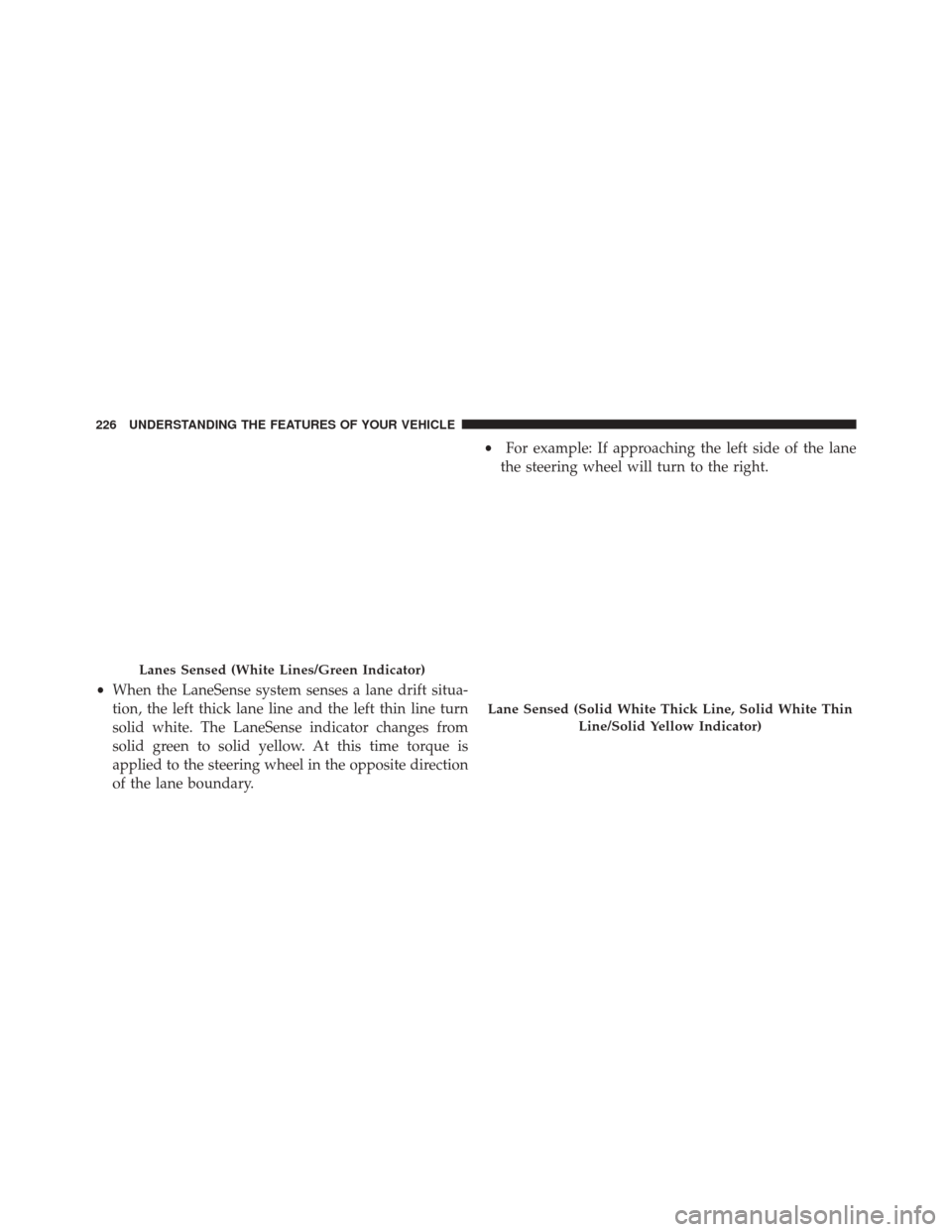
•When the LaneSense system senses a lane drift situa-
tion, the left thick lane line and the left thin line turn
solid white. The LaneSense indicator changes from
solid green to solid yellow. At this time torque is
applied to the steering wheel in the opposite direction
of the lane boundary. •
For example: If approaching the left side of the lane
the steering wheel will turn to the right.
Lanes Sensed (White Lines/Green Indicator)
Lane Sensed (Solid White Thick Line, Solid White Thin
Line/Solid Yellow Indicator)
226 UNDERSTANDING THE FEATURES OF YOUR VEHICLE
Page 229 of 690
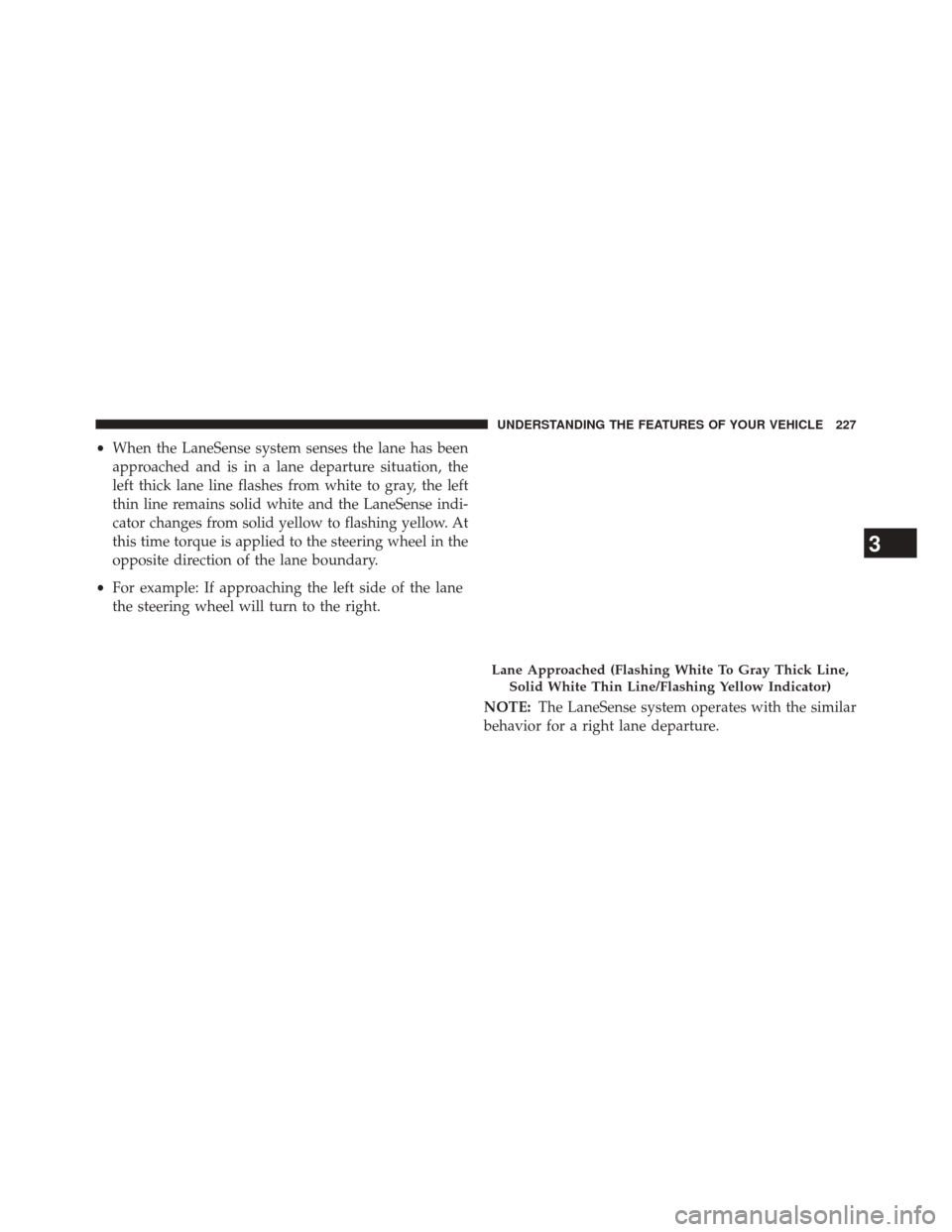
•When the LaneSense system senses the lane has been
approached and is in a lane departure situation, the
left thick lane line flashes from white to gray, the left
thin line remains solid white and the LaneSense indi-
cator changes from solid yellow to flashing yellow. At
this time torque is applied to the steering wheel in the
opposite direction of the lane boundary.
• For example: If approaching the left side of the lane
the steering wheel will turn to the right.
NOTE:The LaneSense system operates with the similar
behavior for a right lane departure.
Lane Approached (Flashing White To Gray Thick Line,
Solid White Thin Line/Flashing Yellow Indicator)
3
UNDERSTANDING THE FEATURES OF YOUR VEHICLE 227
Page 230 of 690
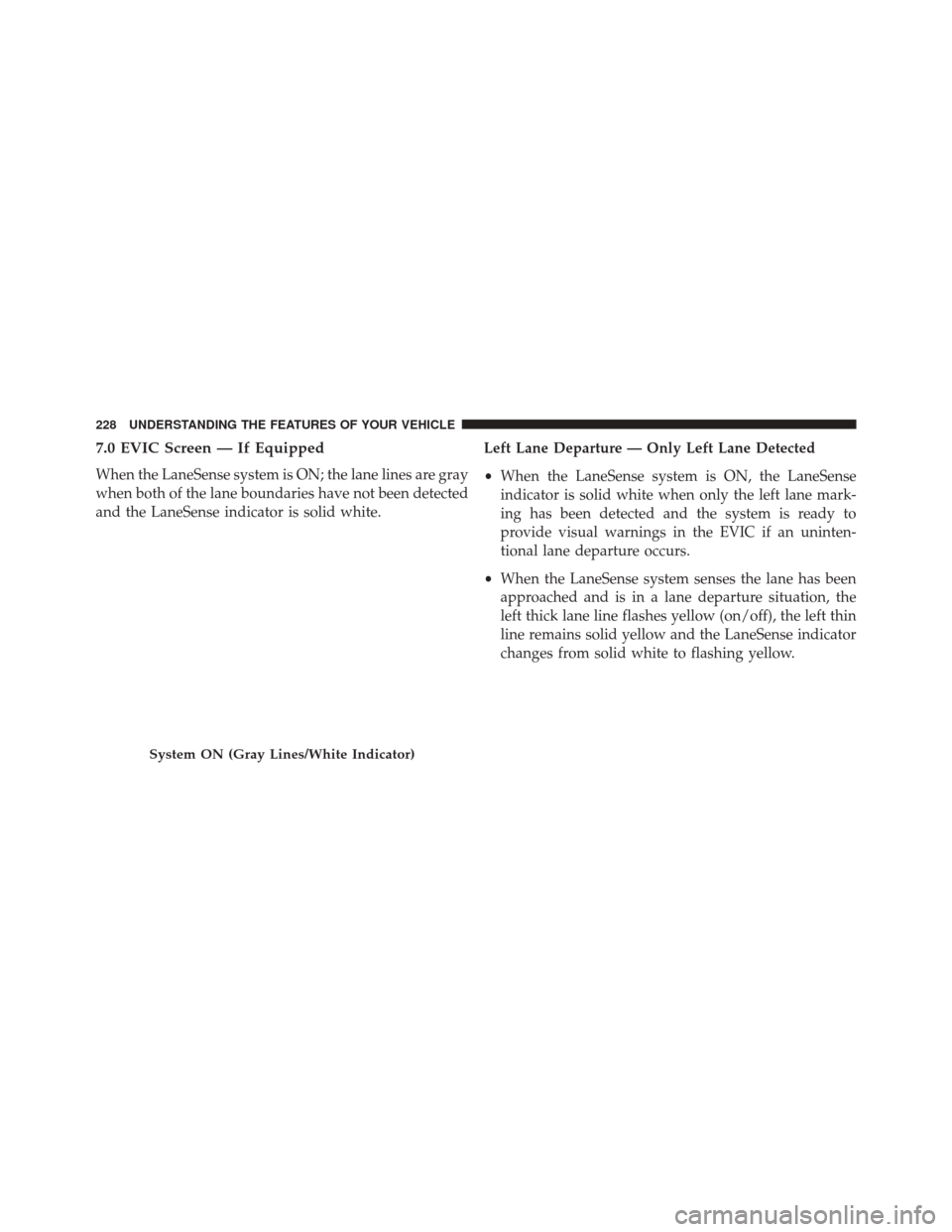
7.0 EVIC Screen — If Equipped
When the LaneSense system is ON; the lane lines are gray
when both of the lane boundaries have not been detected
and the LaneSense indicator is solid white.Left Lane Departure — Only Left Lane Detected
•
When the LaneSense system is ON, the LaneSense
indicator is solid white when only the left lane mark-
ing has been detected and the system is ready to
provide visual warnings in the EVIC if an uninten-
tional lane departure occurs.
• When the LaneSense system senses the lane has been
approached and is in a lane departure situation, the
left thick lane line flashes yellow (on/off), the left thin
line remains solid yellow and the LaneSense indicator
changes from solid white to flashing yellow.
System ON (Gray Lines/White Indicator)
228 UNDERSTANDING THE FEATURES OF YOUR VEHICLE
Page 232 of 690
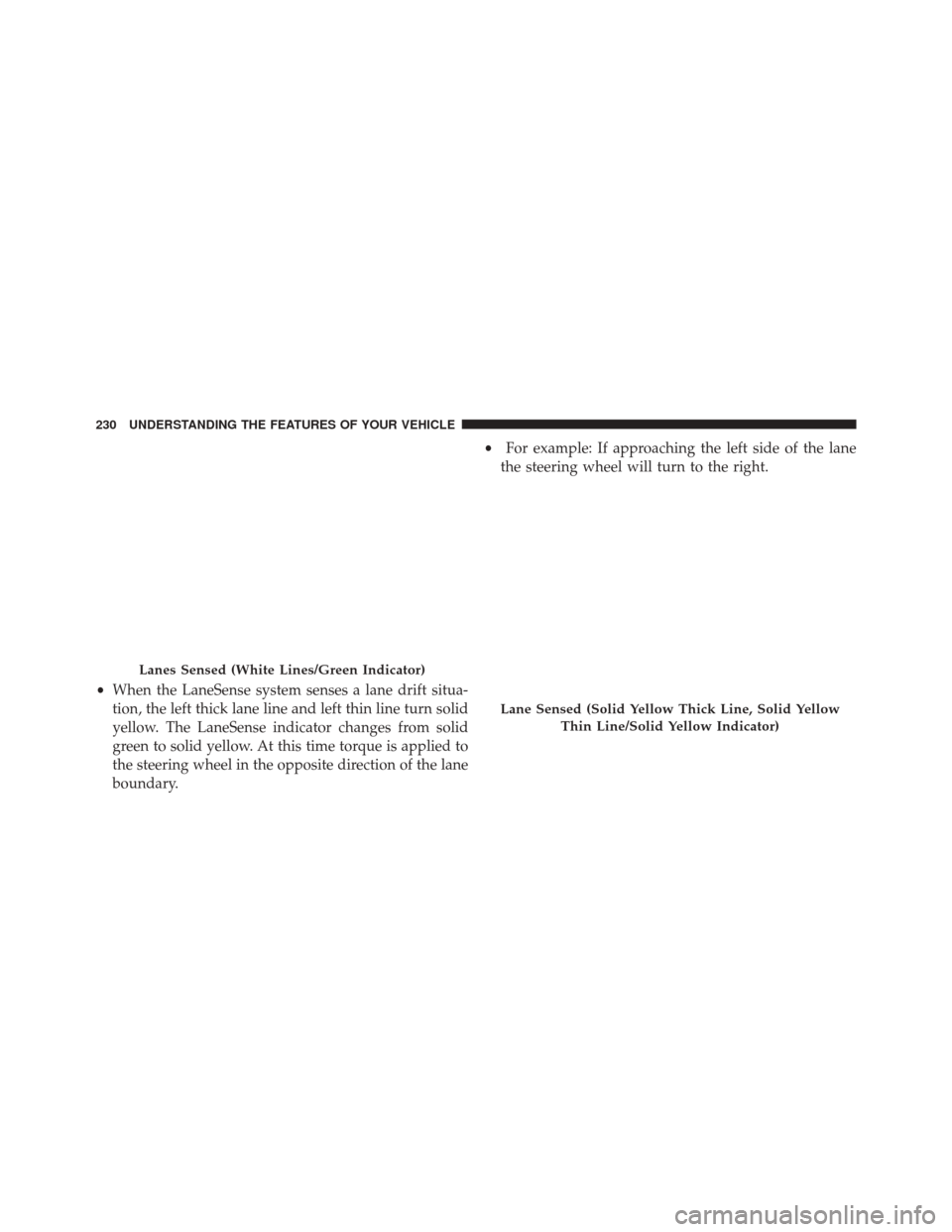
•When the LaneSense system senses a lane drift situa-
tion, the left thick lane line and left thin line turn solid
yellow. The LaneSense indicator changes from solid
green to solid yellow. At this time torque is applied to
the steering wheel in the opposite direction of the lane
boundary. •
For example: If approaching the left side of the lane
the steering wheel will turn to the right.
Lanes Sensed (White Lines/Green Indicator)
Lane Sensed (Solid Yellow Thick Line, Solid Yellow
Thin Line/Solid Yellow Indicator)
230 UNDERSTANDING THE FEATURES OF YOUR VEHICLE
Page 233 of 690
•When the LaneSense system senses the lane has been
approached and is in a lane departure situation, the
left thick lane line flashes yellow (on/off) and the left
thin line remains solid yellow. The LaneSense indicator
changes from solid yellow to flashing yellow. At this
time torque is applied to the steering wheel in the
opposite direction of the lane boundary.
• For example: If approaching the left side of the lane
the steering wheel will turn to the right.
NOTE:The LaneSense system operates with the similar
behavior for a right lane departure.
Lane Approached (Flashing Yellow Thick Line, Solid
Yellow Thin Line/Flashing Yellow Indicator)
3
UNDERSTANDING THE FEATURES OF YOUR VEHICLE 231
Page 234 of 690
Changing LaneSense Status
The LaneSense system has settings that you can config-
ure the intensity of the torque warning and the warning
zone sensitivity (early/late) through the Uconnect® sys-
tem screen. Refer to “Uconnect® Settings” in “Under-
standing Your Instrument Panel” for further information.
NOTE:
•When enabled the system operates above 37 mph
(60 km/h) and below 112 mph (180 km/h).
• Use of the turn signal suppresses the warnings.
• The system will not apply torque to the steering wheel
whenever a safety system engages. (anti-lock brakes,
traction control system, electronic stability control,
forward collision warning, etc.).
PARKSENSE® REAR PARK ASSIST —
IF EQUIPPED
The ParkSense® Rear Park Assist system provides visual
and audible indications of the distance between the rear
fascia and a detected obstacle when backing up, e.g.
during a parking maneuver. Refer to ParkSense® System
Usage Precautions for limitations of this system and
recommendations.
ParkSense® will retain the last system state (enabled or
disabled) from the last ignition cycle when the ignition is
changed to the ON/RUN position.
ParkSense® can be active only when the shift lever/gear
selector is in REVERSE. If ParkSense® is enabled at this
shift lever/gear selector position, the system will remain
active until the vehicle speed is increased to approxi-
mately 7 mph (11 km/h) or above. When in REVERSE
232 UNDERSTANDING THE FEATURES OF YOUR VEHICLE