tow JEEP CHEROKEE 2016 KL / 5.G Owner's Manual
[x] Cancel search | Manufacturer: JEEP, Model Year: 2016, Model line: CHEROKEE, Model: JEEP CHEROKEE 2016 KL / 5.GPages: 770, PDF Size: 5.48 MB
Page 281 of 770
CAUTION!
•The ParkSense Active Park Assist system is only a
parking aid and it is unable to recognize every
obstacle, including small obstacles. Parking curbs
might be temporarily detected or not detected at
all. Obstacles located above or below the sensors
will not be detected when they are in close prox-
imity.
• The vehicle must be driven slowly when using the
ParkSense Active Park Assist system in order to be
able to stop in time when an obstacle is detected. It
is recommended that the driver looks over his/her
shoulder when using the ParkSense Active Park
Assist system.
WARNING!
• Drivers must be careful when performing parallel
or perpendicular parking maneuvers even when
using the ParkSense Active Park Assist system.
Always check carefully behind and in front of your
vehicle, look behind and in front of you, and be
sure to check for pedestrians, animals, other ve-
hicles, obstructions, and blind spots before back-
ing up and moving forward. You are responsible
for safety and must continue to pay attention to
your surroundings. Failure to do so can result in
serious injury or death.
• Before using the ParkSense Active Park Assist
system, it is strongly recommended that the ball
mount and hitch ball assembly is disconnected
from the vehicle when the vehicle is not used for
towing. Failure to do so can result in injury or
(Continued)
3
UNDERSTANDING THE FEATURES OF YOUR VEHICLE 279
Page 305 of 770
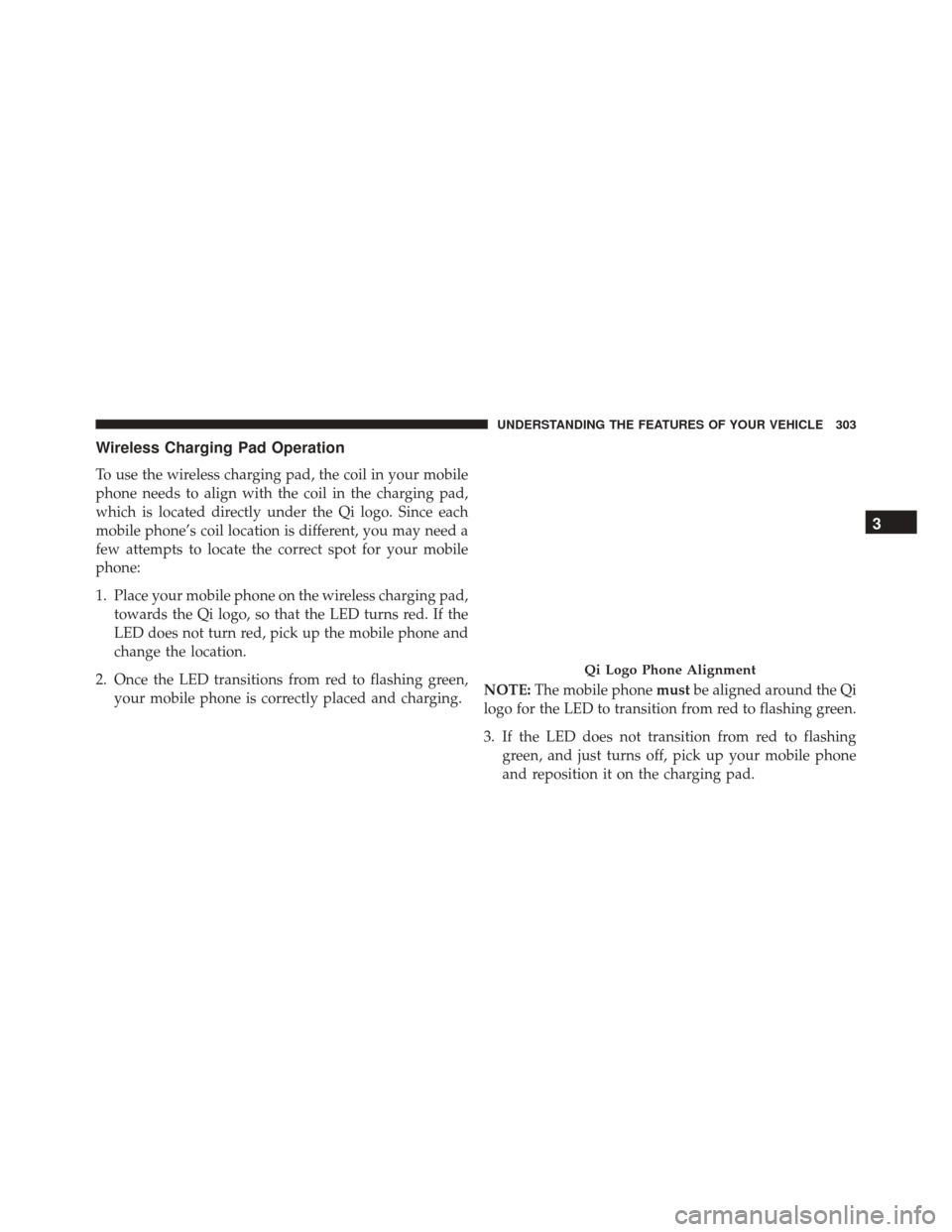
Wireless Charging Pad Operation
To use the wireless charging pad, the coil in your mobile
phone needs to align with the coil in the charging pad,
which is located directly under the Qi logo. Since each
mobile phone’s coil location is different, you may need a
few attempts to locate the correct spot for your mobile
phone:
1. Place your mobile phone on the wireless charging pad,towards the Qi logo, so that the LED turns red. If the
LED does not turn red, pick up the mobile phone and
change the location.
2. Once the LED transitions from red to flashing green, your mobile phone is correctly placed and charging. NOTE:
The mobile phone mustbe aligned around the Qi
logo for the LED to transition from red to flashing green.
3. If the LED does not transition from red to flashing green, and just turns off, pick up your mobile phone
and reposition it on the charging pad.
Qi Logo Phone Alignment
3
UNDERSTANDING THE FEATURES OF YOUR VEHICLE 303
Page 310 of 770
WARNING!
Do not operate this vehicle with a console compart-
ment lid in the open position. Driving with the
console compartment lid open may result in injury in
a collision.
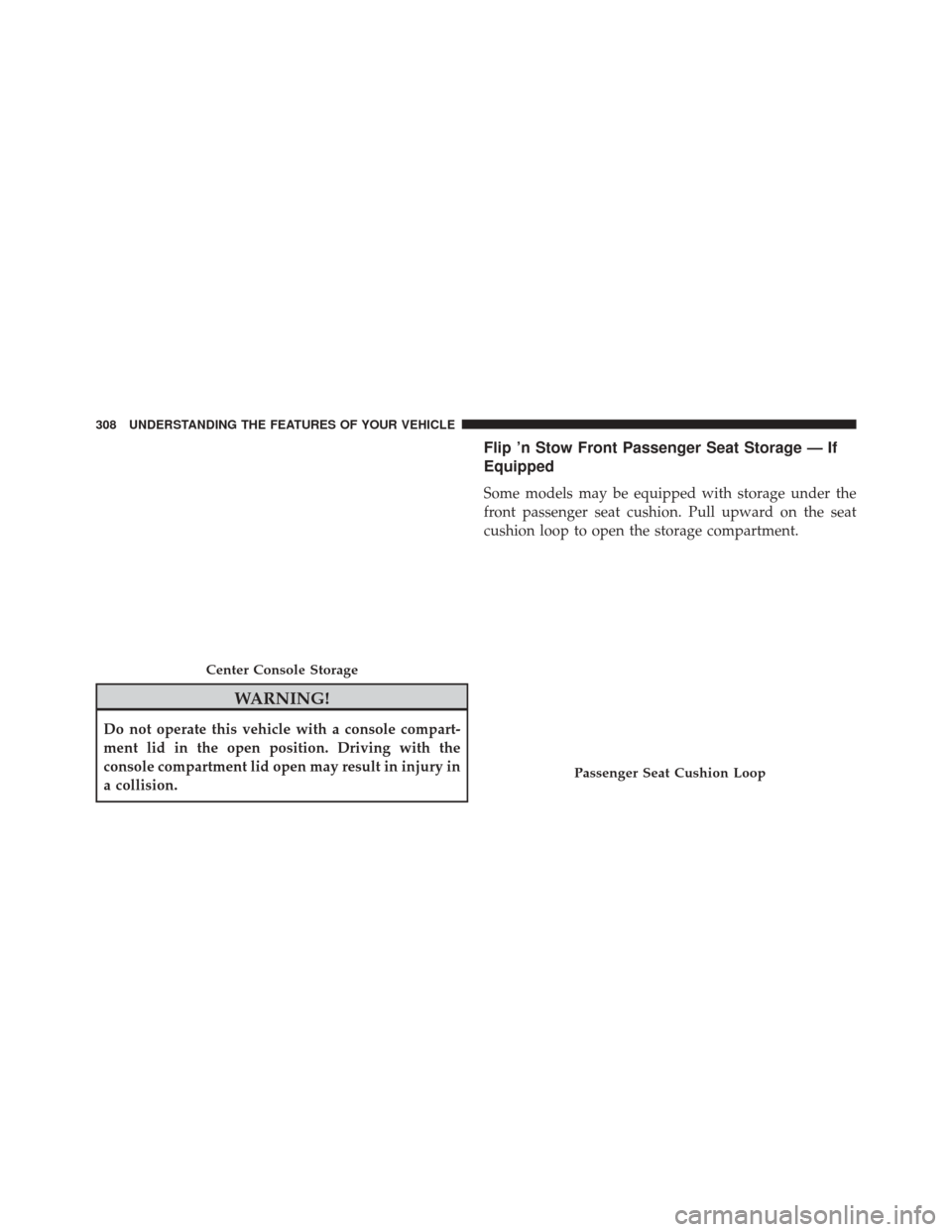
Flip ’n Stow Front Passenger Seat Storage — If
Equipped
Some models may be equipped with storage under the
front passenger seat cushion. Pull upward on the seat
cushion loop to open the storage compartment.
Center Console Storage
Passenger Seat Cushion Loop
308 UNDERSTANDING THE FEATURES OF YOUR VEHICLE
Page 337 of 770
Electronic Throttle Control (ETC) Warning Light
Red TelltaleLight What It Means
Electronic Throttle Control (ETC) Warning Light
This light informs you of a problem with the Electronic Throttle Control (ETC) system. If a
problem is detected while the engine is running, the light will either stay on or flash de-
pending on the nature of the problem. Cycle the ignition key when the vehicle is safely and
completely stopped and the shift lever is placed in the PARK position. The light should turn
off. If the light remains on with the engine running, your vehicle will usually be drivable;
however, see an authorized dealer for service as soon as possible.
If the light continues to flash when the engine is running, immediate service is required and
you may experience reduced performance, an elevated/rough idle, or engine stall and your
vehicle may require towing. The light will come on when the ignition is first turned to ON/
RUN and remain on briefly as a bulb check. If the light does not come on during starting,
have the system checked by an authorized dealer.
4
UNDERSTANDING YOUR INSTRUMENT PANEL 335
Page 340 of 770
Engine Check/Malfunction Indicator Light (MIL)
Yellow TelltaleLight What It Means
Engine Check/Malfunction Indicator Light (MIL)
The Engine Check/Malfunction Indicator Light (MIL) is a part of an Onboard Diagnostic
System called OBD II that monitors engine and automatic transmission control systems. The
light will illuminate when the ignition is in the ON position before engine start. If the bulb
does not come on when turning the key from OFF to ON/RUN, have the condition checked
promptly.
Certain conditions, such as a loose or missing gas cap, poor quality fuel, etc., may illuminate
the light after engine start. The vehicle should be serviced if the light stays on through sev-
eral typical driving styles. In most situations, the vehicle will drive normally and will not
require towing.
When the engine is running, the MIL may flash to alert serious conditions that could lead to
immediate loss of power or severe catalytic converter damage. The vehicle should be ser-
viced as soon as possible if this occurs.
338 UNDERSTANDING YOUR INSTRUMENT PANEL
Page 349 of 770
Loose Fuel Filler Cap Indicator Light — If Equipped
Yellow TelltaleLight What It Means
Loose Fuel Filler Cap Indicator Light
This light will illuminate when fuel filler cap is loose. Properly close the filler cap to disen-
gage the light. If the light does not turn off, please see your authorized dealer.
Transmission Temperature Indicator Light
Red Telltale
Light What It Means
Transmission Temperature Indicator Light
This light indicates that the transmission fluid temperature is running hot. This may occur with
severe usage, such as trailer towing. If this light turns on, safely pull over and stop them ve-
hicle. Then, shift the transmission into NEUTRAL and run the engine at idle or faster until the
light turns off.
4
UNDERSTANDING YOUR INSTRUMENT PANEL 347
Page 362 of 770
Blue Telltale Indicator Light
High Beam Indicator Light
Blue TelltaleLight What It Means
High Beam Indicator Light
This indicator shows that the high beam headlights are on. Push the multifunction control
lever away from you to switch the headlights to high beam. Pull the lever toward you to
switch the headlights back to low beam.
360 UNDERSTANDING YOUR INSTRUMENT PANEL
Page 427 of 770
•The A/C can be deselected manually without disturb-
ing the mode control selection by pushing the A/C
button.
Air Outlets
The airflow from each of the instrument panel outlets can
be adjusted for direction, and turned on or off to control
airflow.
NOTE: For maximum airflow to the rear, the center
instrument panel outlets can be directed toward the rear
seat passengers.
Economy Mode
If ECONOMY mode is desired, push the A/C button to
turn off the LED indicator and the A/C compressor.
Rotate the temperature control knob to the desired tem-
perature. Also, make sure to select only Panel, Bi-Level or
Floor modes.
Stop/Start System — If Equipped
While in an Autostop, the Climate Controls system may
automatically adjust airflow to maintain cabin comfort.
Customer settings will be maintained upon return to an
engine running condition.
Windshield Wiper De-icer — If Equipped
The windshield wiper de-icer is a heating element lo-
cated at the base of the windshield.
The windshield wiper de-icer operates automatically
once the following conditions are met:
• Activation By Front Defrost
The wiper de-icer activates automatically during a cold
weather manual start with full defrost,and when the
ambient temperature is below 33° F (0.6° C).
4
UNDERSTANDING YOUR INSTRUMENT PANEL 425
Page 433 of 770
8. Climate Control OFF Button
Push and release this button to turn the Climate Control
ON/OFF.
9. Temperature Control Down Button (Uconnect 8.4)
Provides temperature control. Push the button on the
faceplate for cooler temperature settings or on the touch-
screen, press and slide the button on the touchscreen
temperature bar towards the blue arrow button on the
touchscreen for cooler temperature settings.
10. Temperature Control Up Button (Uconnect 8.4)
Provides temperature control. Push the button on the
faceplate for warmer temperature settings or on the
touchscreen, press and slide the button on the touch-
screen temperature bar towards the red arrow button on
the touchscreen for warmer temperature settings.11. Temperature Control (Uconnect 5.0)
Press the temperature button on the touchscreen to
regulate the temperature of the air inside the passenger
compartment. Moving the temperature bar into the red
area, indicates warmer temperatures. Moving the tem-
perature bar into the blue area indicates cooler tempera-
tures.
Windshield Wiper De-icer — If Equipped
The windshield wiper de-icer is a heating element lo-
cated at the base of the windshield.
The windshield wiper de-icer operates automatically
once the following conditions are met:
•
Activation By Front Defrost
The wiper de-icer activates automatically during a cold
weather manual start with full defrost,and when the
ambient temperature is below 33° F (0.6° C).
4
UNDERSTANDING YOUR INSTRUMENT PANEL 431
Page 438 of 770
7. Passenger Temperature Control Up Button (Uconnect
8.4 Only)
Provides the passenger with independent temperature
control. Push the button on the faceplate for warmer
temperature settings or on the touchscreen, press and
slide the button on the touchscreen temperature bar
towards the red arrow button on the touchscreen for
warmer temperature settings.
NOTE:Pressing this button while in Sync mode will
automatically exit Sync.
8. Passenger Temperature Control Down Button
(Uconnect 8.4 Only)
Provides the passenger with independent temperature
control. Push the button on the faceplate for cooler
temperature settings or on the touchscreen, press and slide the button on the touchscreen temperature bar
towards the blue arrow button on the touchscreen for
cooler temperature settings.
NOTE:
Pressing this button while in Sync mode will
automatically exit Sync.
9. SYNC
Press the Sync button on the touchscreen to toggle the
Sync feature On/Off. The Sync indicator is illuminated
when this feature is enabled. Sync is used to synchronize
the passenger temperature setting with the driver tem-
perature setting. Changing the passenger temperature
setting while in Sync will automatically exit this feature.
436 UNDERSTANDING YOUR INSTRUMENT PANEL