clock JEEP COMPASS 2015 1.G User Guide
[x] Cancel search | Manufacturer: JEEP, Model Year: 2015, Model line: COMPASS, Model: JEEP COMPASS 2015 1.GPages: 560, PDF Size: 11.51 MB
Page 287 of 560
Operating Instructions — Uconnect® (Satellite) Mode
NOTE:The ignition switch must be in the ON/RUN or
ACC position to operate the radio.
SEEK Buttons
Push and release the SEEK buttons to search for the next
listenable station in AM/FM mode. Push the right switch
to seek up and the left switch to seek down. The radio
will remain tuned to the new station until you make
another selection. Holding either button will bypass
stations without stopping, until you release it.
SCAN Button
Pushing the SCAN button causes the tuner to search for
the next channel, pausing for eight seconds before con-
tinuing to the next. To stop the search, push the SCAN
button a second time.
INFO Button
Pushing the INFO button will cycle the display informa-
tion between Artist, Song Title, and Composer (if avail-
able). Also, pushing and holding the INFO button for an
additional three seconds will make the radio display the
Song Title all of the time (push and hold again to return
to normal display).
RW/FF
Pushing the RW (Rewind) or FF (Fast Forward) buttons
causes the tuner to search for the next channel in the
direction of the arrows.
TUNE Control (Rotary)
Turn the rotary TUNE/SCROLL control knob clockwise
to increase or counterclockwise to decrease the channel.
4
UNDERSTANDING YOUR INSTRUMENT PANEL 285
Page 291 of 560
•The audio device can be controlled using the radio
buttons to Play, Browse, and List the iPod® contents.
•The audio device battery charges when plugged into
the USB/AUX connector (if supported by the specific
audio device).
Controlling The iPod® Or External USB Device
Using Radio Buttons
To get into the iPod®/USB/MP3 control mode and
access a connected audio device, either push the “AUX”
button on the radio faceplate or push the VR button and
say#USB#or#Switch to USB.#Once in the iPod®/USB/
MP3 control mode, audio tracks (if available from audio
device) start playing over the vehicle’s audio system.
Play Mode
When switched to iPod®/USB/MP3 control mode, the
iPod® or external USB device automatically starts Play
mode. In Play mode, the following buttons on the radio
faceplate may be used to control the iPod® or external
USB device and display data:
•Use theTUNEcontrol knob to select the next or
previous track.
•Turning it clockwise (forward) by one click, while
playing a track, skips to the next track or push the VR
button and say#Next Track.#
•Turning it counterclockwise (backward) by one click,
will jump to the previous track in the list or push the
VR button and say#Previous Track.#
4
UNDERSTANDING YOUR INSTRUMENT PANEL 289
Page 293 of 560
•RNDbutton (available on sales code RES radio only):
Pushing this button toggles between Shuffle ON and
Shuffle OFF modes for the iPod® or external USB
device, or push the VR button and say#Shuffle ON#or
#Shuffle Off.#If theRNDicon is showing on the radio
display, then the shuffle mode is ON.
List Or Browse Mode
During Play mode, pushing any of the buttons described
below, will bring up List mode. List mode enables
scrolling through the list of menus and tracks on the
audio device.
TUNEcontrol knob: TheTUNEcontrol knob functions in
a similar manner as the scroll wheel on the audio device
or external USB device.
•Turning it clockwise (forward) and counterclockwise
(backward) scrolls through the lists, displaying the
track detail on the radio display. Once the track to be
played is highlighted on the radio display, push the
TUNEcontrol knob to select and start playing the
track. Turning theTUNEcontrol knob fast will scroll
through the list faster. During fast scroll, a slight delay
in updating the information on the radio display may
be noticeable.
During all List modes, the iPod® displays all lists in
“wrap-around” mode. So if the track is at the bottom of
the list, just turn the wheel backward (counterclockwise)
to get to the track faster.
4
UNDERSTANDING YOUR INSTRUMENT PANEL 291
Page 443 of 560
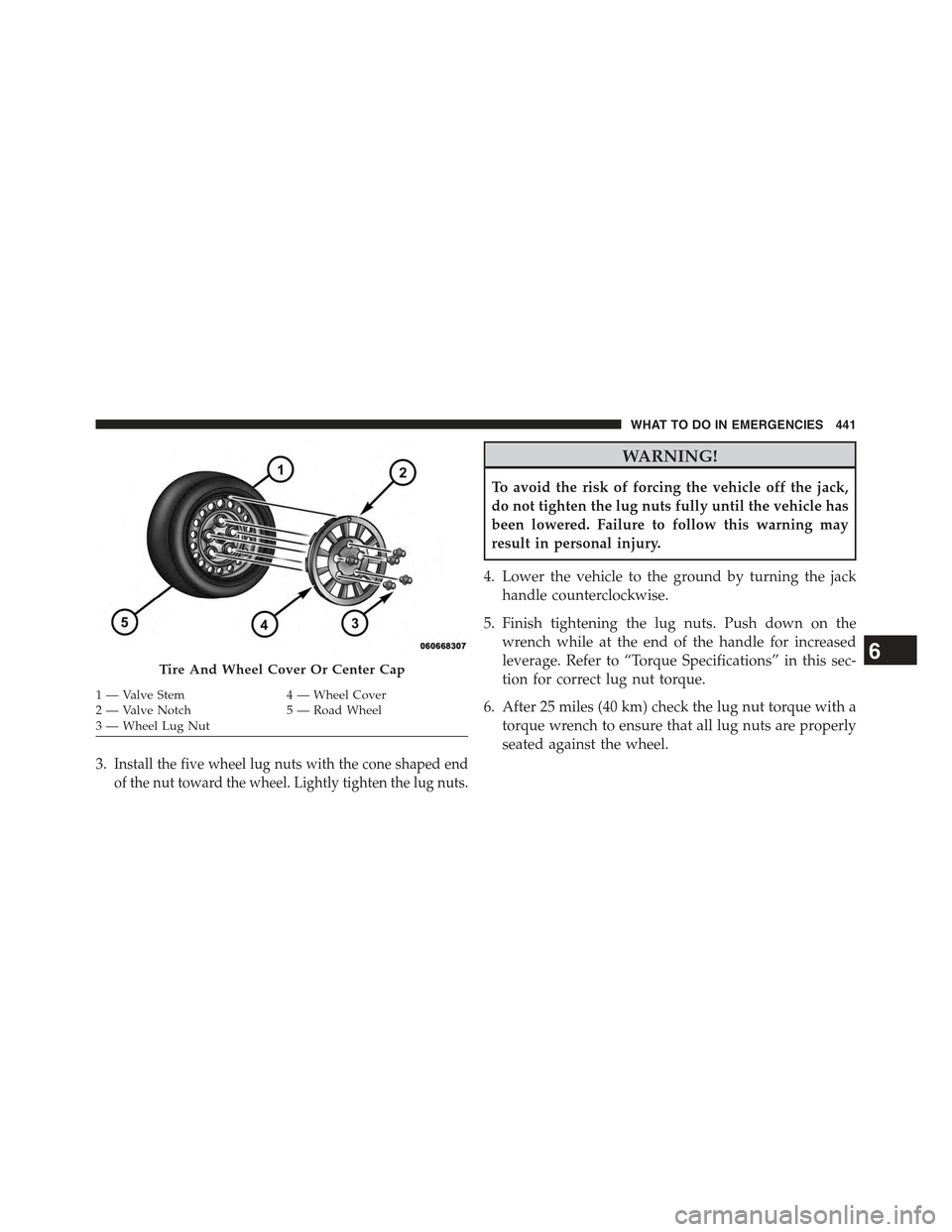
3.Install the five wheel lug nuts with the cone shaped end
of the nut toward the wheel. Lightly tighten the lug nuts.
WARNING!
To avoid the risk of forcing the vehicle off the jack,
do not tighten the lug nuts fully until the vehicle has
been lowered. Failure to follow this warning may
result in personal injury.
4. Lower the vehicle to the ground by turning the jack
handle counterclockwise.
5. Finish tightening the lug nuts. Push down on the
wrench while at the end of the handle for increased
leverage. Refer to “Torque Specifications” in this sec-
tion for correct lug nut torque.
6. After 25 miles (40 km) check the lug nut torque with a
torque wrench to ensure that all lug nuts are properly
seated against the wheel.
Tire And Wheel Cover Or Center Cap
1 — Valve Stem4 — Wheel Cover2—ValveNotch5—RoadWheel3—WheelLugNut
6
WHAT TO DO IN EMERGENCIES 441
Page 444 of 560
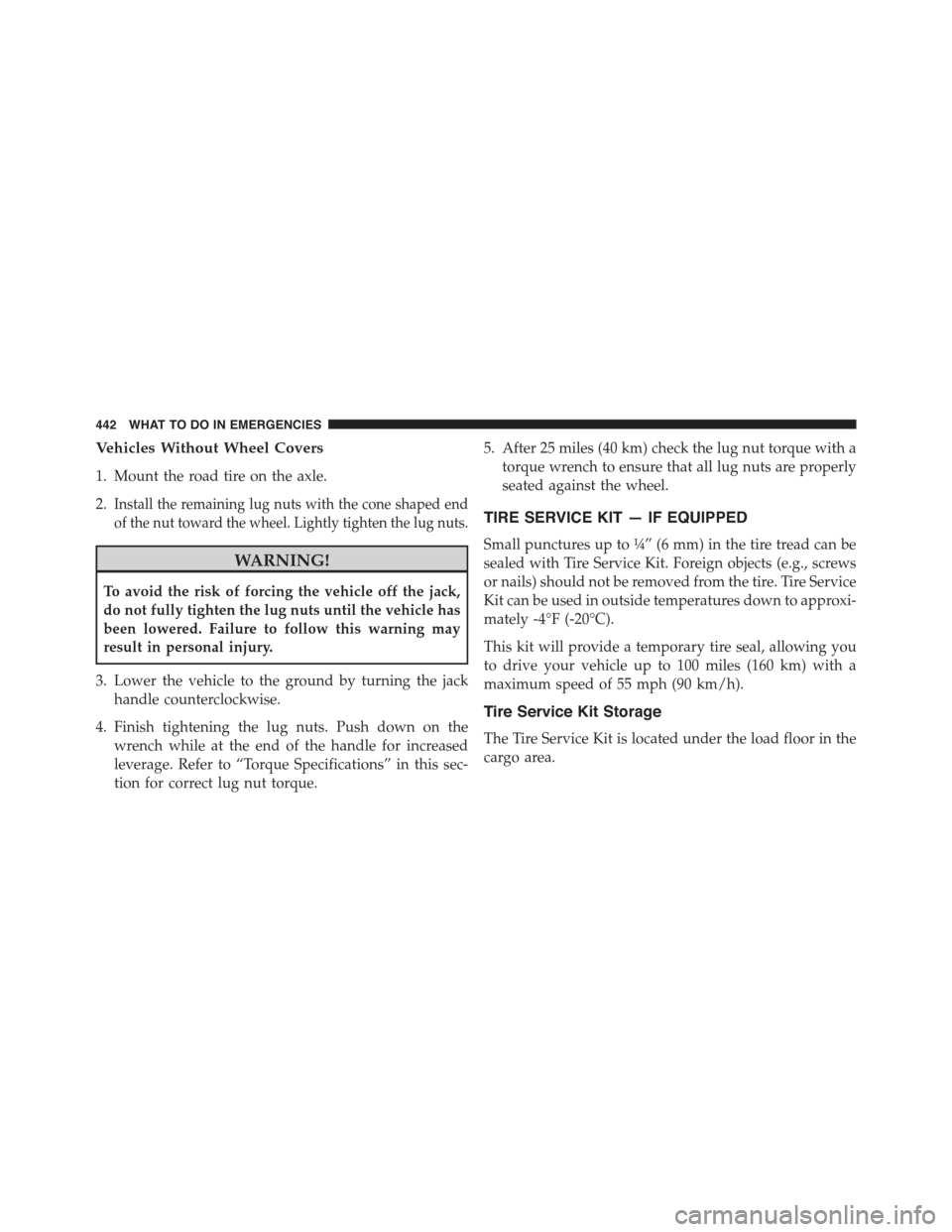
Vehicles Without Wheel Covers
1. Mount the road tire on the axle.
2.Install the remaining lug nuts with the cone shaped end
of the nut toward the wheel. Lightly tighten the lug nuts.
WARNING!
To avoid the risk of forcing the vehicle off the jack,
do not fully tighten the lug nuts until the vehicle has
been lowered. Failure to follow this warning may
result in personal injury.
3. Lower the vehicle to the ground by turning the jack
handle counterclockwise.
4. Finish tightening the lug nuts. Push down on the
wrench while at the end of the handle for increased
leverage. Refer to “Torque Specifications” in this sec-
tion for correct lug nut torque.
5. After 25 miles (40 km) check the lug nut torque with a
torque wrench to ensure that all lug nuts are properly
seated against the wheel.
TIRE SERVICE KIT — IF EQUIPPED
Small punctures up to¼” (6 mm) in the tire tread can be
sealed with Tire Service Kit. Foreign objects (e.g., screws
or nails) should not be removed from the tire. Tire Service
Kit can be used in outside temperatures down to approxi-
mately -4°F (-20°C).
This kit will provide a temporary tire seal, allowing you
to drive your vehicle up to 100 miles (160 km) with a
maximum speed of 55 mph (90 km/h).
Tire Service Kit Storage
The Tire Service Kit is located under the load floor in the
cargo area.
442 WHAT TO DO IN EMERGENCIES
Page 516 of 560
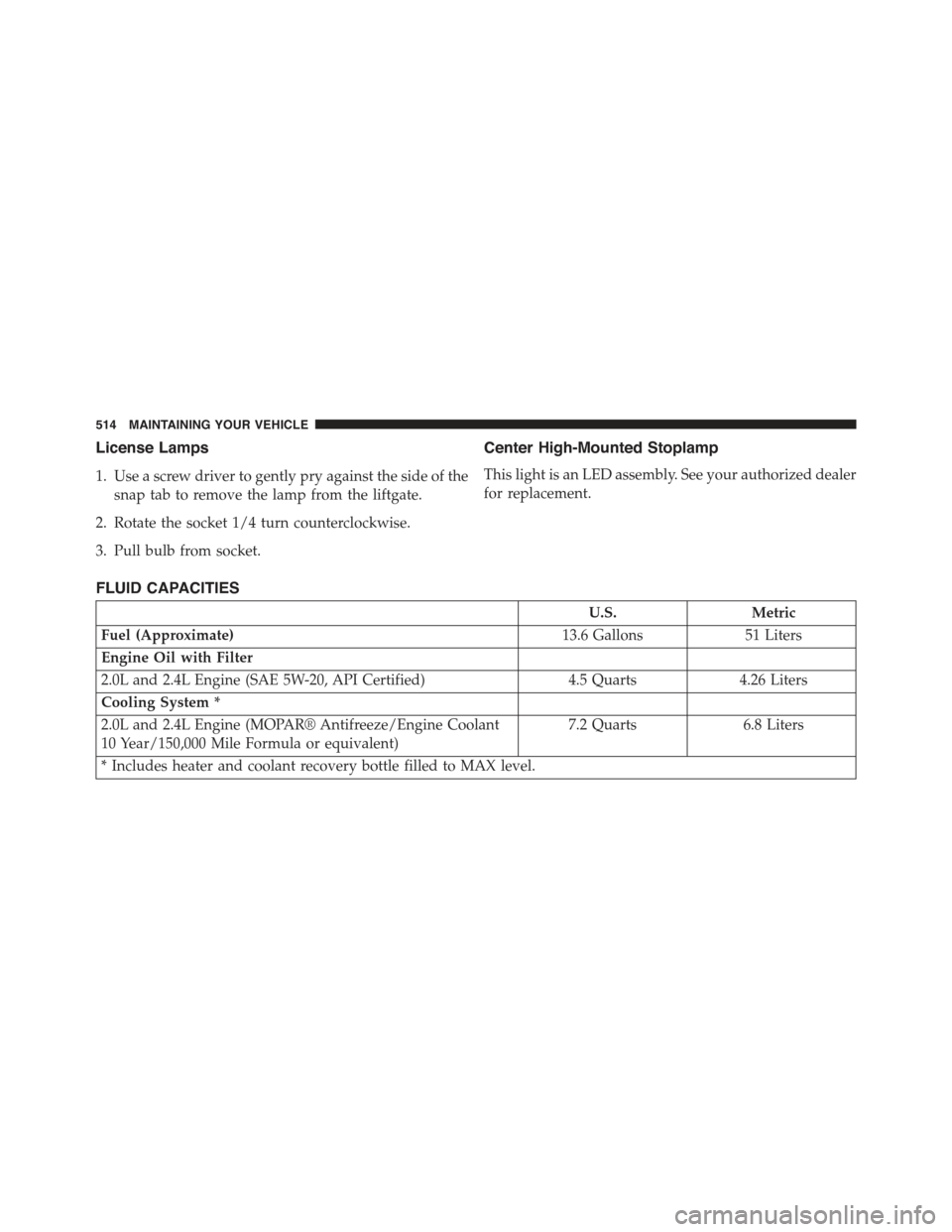
License Lamps
1. Use a screw driver to gently pry against the side of the
snap tab to remove the lamp from the liftgate.
2. Rotate the socket 1/4 turn counterclockwise.
3. Pull bulb from socket.
Center High-Mounted Stoplamp
This light is an LED assembly. See your authorized dealer
for replacement.
FLUID CAPACITIES
U.S.Metric
Fuel (Approximate)13.6 Gallons51 Liters
Engine Oil with Filter
2.0L and 2.4L Engine (SAE 5W-20, API Certified)4.5 Quarts4.26 Liters
Cooling System *
2.0L and 2.4L Engine (MOPAR® Antifreeze/Engine Coolant
10 Year/150,000 Mile Formula or equivalent)
7.2 Quarts6.8 Liters
* Includes heater and coolant recovery bottle filled to MAX level.
514 MAINTAINING YOUR VEHICLE
Page 543 of 560
Older Children And Child Restraints..........79
Seating Positions........................82
Child Safety Locks.........................34
Clean Air Gasoline........................403
Cleaning
Wheels...............................501
Climate Control..........................297
Clock..................................243
Clutch.................................491
Clutch Fluid.............................491
Coin Holder.............................199
Cold Weather Operation....................318
Compact Disc (CD) Maintenance..............296
Compact Spare Tire........................386
Compass...............................228
Compass Calibration.......................239
Compass Variance.........................239
Connector
UCI . . . . . . . . . . . . . . . . . . . . . . . . . . . . . . . ..287
Universal Consumer Interface (UCI)..........287
Console................................199
Contract, Service..........................531
Coolant (Antifreeze).......................514
Coolant Pressure Cap (Radiator Cap)...........488
Cooling System...........................485
Adding Coolant (Antifreeze)...............487
Coolant Level..........................485
Disposal of Used Coolant.................489
Drain, Flush, and Refill...................486
Inspection............................489
Points to Remember.....................490
Pressure Cap..........................488
Radiator Cap..........................488
Selection of Coolant (Antifreeze).............486
Corrosion Protection.......................499
Cruise Light.............................220
Cupholders.............................199
CustomerAssistance.......................52910
INDEX 541
Page 554 of 560
Front Seat.............................41
Inspection............................100
Operating Instructions....................45
Pregnant Women........................54
Pretensioners...........................54
Rear Seat..............................43
Untwisting Procedure.....................51
Seats..................................148
Adjustment...........................148
Heated...............................151
Lumbar Support........................154
Rear Folding..........................159
Rear Folding (Sedan).....................159
Seatback Release........................154
Tilting...............................154
Security Alarm............................18
Selection of Coolant (Antifreeze)...............515
SENTRY KEY®
FCC General Information..................18
Sentry Key (Immobilizer)....................15
Sentry Key Programming....................17
Sentry Key Replacement.....................16
Service Assistance.........................529
Service Contract..........................531
Service Manuals..........................534
Settings, Personal.........................236
Setting the Clock..........................243
Shift Lever Override.......................458
Shift Speeds, Manual Transmission.............321
Shoulder Belts............................43
Side Window Demisters (Defrosters)............307
Signals, Turn............................102
Snow Chains (Tire Chains)...................391
Snow Tires..............................385
Spare Tire...............................386
Spark Plugs.............................515
Speed Control (Cruise Control)................172
Speedometer.............................215
552 INDEX