instrument cluster JEEP COMPASS 2015 1.G Owner's Manual
[x] Cancel search | Manufacturer: JEEP, Model Year: 2015, Model line: COMPASS, Model: JEEP COMPASS 2015 1.GPages: 560, PDF Size: 11.51 MB
Page 341 of 560
To disengage AutoStick® mode, hold the shift lever to the
right (+) until “D” is once again displayed in the instru-
ment cluster. You can shift in or out of the AutoStick®
mode at any time without taking your foot off the
accelerator pedal.
WARNING!
Do not downshift for additional engine braking on a
slippery surface. The drive wheels could lose their
grip and the vehicle could skid, causing a collision or
personal injury.
AutoStick® (CVT)
AutoStick® is a driver-interactive transmission feature
providing six manually selectable gear ratios, giving you
more control of the vehicle. AutoStick® allows you to
maximize engine braking, eliminate undesirable upshifts
and downshifts, and improve overall vehicle perfor-
mance. This system can also provide you with more
control during passing, city driving, cold slippery condi-
tions, mountain driving, trailer towing, and many other
situations.
Operation
NOTE:AutoStick® is not available until the CVT warms
up in cold weather.
When the shift lever is in the DRIVE position, AutoStick®
is activated by moving the shift lever side-to-side. Mov-
ing the shift lever to the right (+) will activate AutoStick®
and shift up to the next higher manual ratio, unless you
are already operating in or near Overdrive, in which case
sixth gear ratio will be selected. In like manner, moving
the shift lever to the left (-) will activate AutoStick® and
shift to the next lower manual ratio. The manually-
selected gear will be displayed in the instrument cluster.
5
STARTING AND OPERATING 339
Page 355 of 560
PARKING BRAKE
Before leaving the vehicle, make sure that the parking
brake is fully applied. Also, be certain to leave an
automatic transmission in PARK, or manual transmission
in REVERSE or first gear.
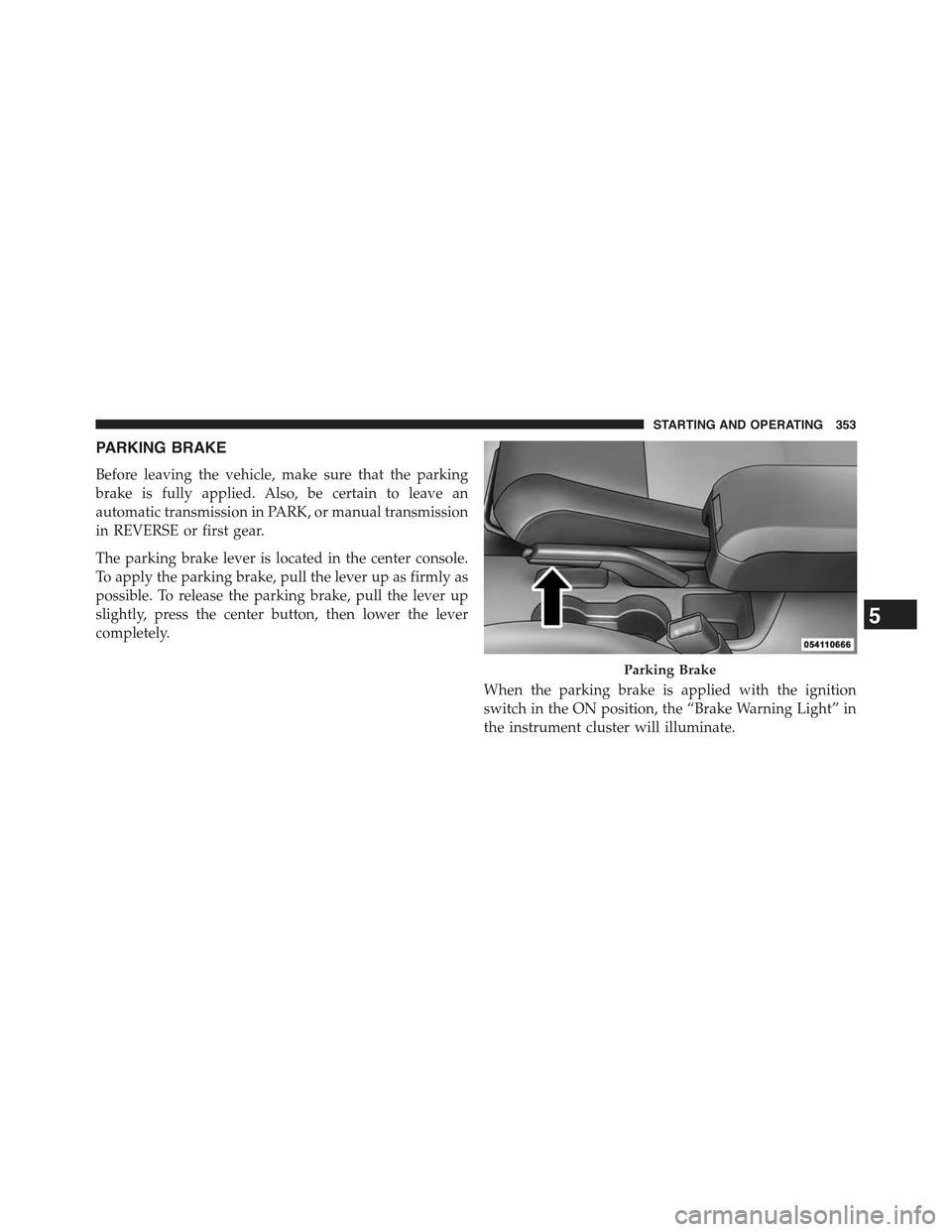
The parking brake lever is located in the center console.
To apply the parking brake, pull the lever up as firmly as
possible. To release the parking brake, pull the lever up
slightly, press the center button, then lower the lever
completely.
When the parking brake is applied with the ignition
switch in the ON position, the “Brake Warning Light” in
the instrument cluster will illuminate.
Parking Brake
5
STARTING AND OPERATING 353
Page 363 of 560
NOTE:Anytime the ESC system is in the “Full Off”
mode, ERM is disabled. Refer to “Electronic Stability
Control (ESC)” in this section for a complete explanation
of the available ESC modes.
WARNING!
Many factors, such as vehicle loading, road condi-
tions and driving conditions, influence the chance
that wheel lift or rollover may occur. ERM cannot
prevent all wheel lift or roll overs, especially those
that involve leaving the roadway or striking objects
or other vehicles. The capabilities of an ERM-
equipped vehicle must never be exploited in a reck-
less or dangerous manner which could jeopardize the
user’s safety or the safety of others.
Hill Descent Control (HDC) — If Equipped
This system maintains vehicle speed while descending
hills during off-road driving situations. HDC will auto-
matically apply the brakes to control downhill speed to
between 4 mph (7 km/h) and 6 mph (9 km/h) depending
on terrain. The system is activated by placing the vehicle
in “Off-Road” mode and placing the shift lever in LOW
or REVERSE. Refer to “Safe Off-Road Driving” in “Start-
ing and Operating” for further information.
When HDC is properly enabled, the “Hill
Decent Control Light” in the instrument cluster
will be illuminated.
HDC has the capability to sense terrain and will only
activate when the vehicle is descending a hill. It will not
activate on level ground. If desired, HDC can be fully
deactivated by putting the vehicle into ESC “Full Off”
5
STARTING AND OPERATING 361
Page 369 of 560
seconds when the vehicle is stopped and the engine is
running. After five seconds, the#ESC OFF Indicator
Light#will illuminate and the “ESC OFF” message will
appear in the odometer. Press and release the Trip
Odometer button located on the instrument cluster to
clear this message.
In this mode, ESC and TCS, except for the “limited slip”
feature described in the TCS section, are turned off until
the vehicle reaches a speed of 35 mph (56 km/h). At
35 mph (56 km/h) the system returns to “Partial Off”
mode, as described above. TCS remains off. When the
vehicle speed drops below 30 mph (48 km/h) the ESC
system shuts off. ESC is deactivated at low vehicle speeds
so that it will not interfere with off-road driving however,
ESC function returns to provide the stability feature at
speeds above 35 mph (56 km/h). The#ESC OFF Indicator
Light#will always be illuminated when ESC is off.
To turn ESC on again, momentarily press the “ESC Off”
switch. This will restore the “ESC On” mode of operation.
NOTE:The “ESC OFF” message will display and an
audible chime will sound when the shift lever is placed
into the PARK position from any other position, and then
moved out of the PARK position. This will occur even if
the message was previously cleared.
WARNING!
With the ESC in the%Full Off%mode, the engine
torque reduction and stability features are disabled.
In an emergency evasive maneuver, the ESC system
will not engage to assist in maintaining stability.
“ESC Off” mode is intended for off-highway or
off-road use only.
5
STARTING AND OPERATING 367
Page 370 of 560
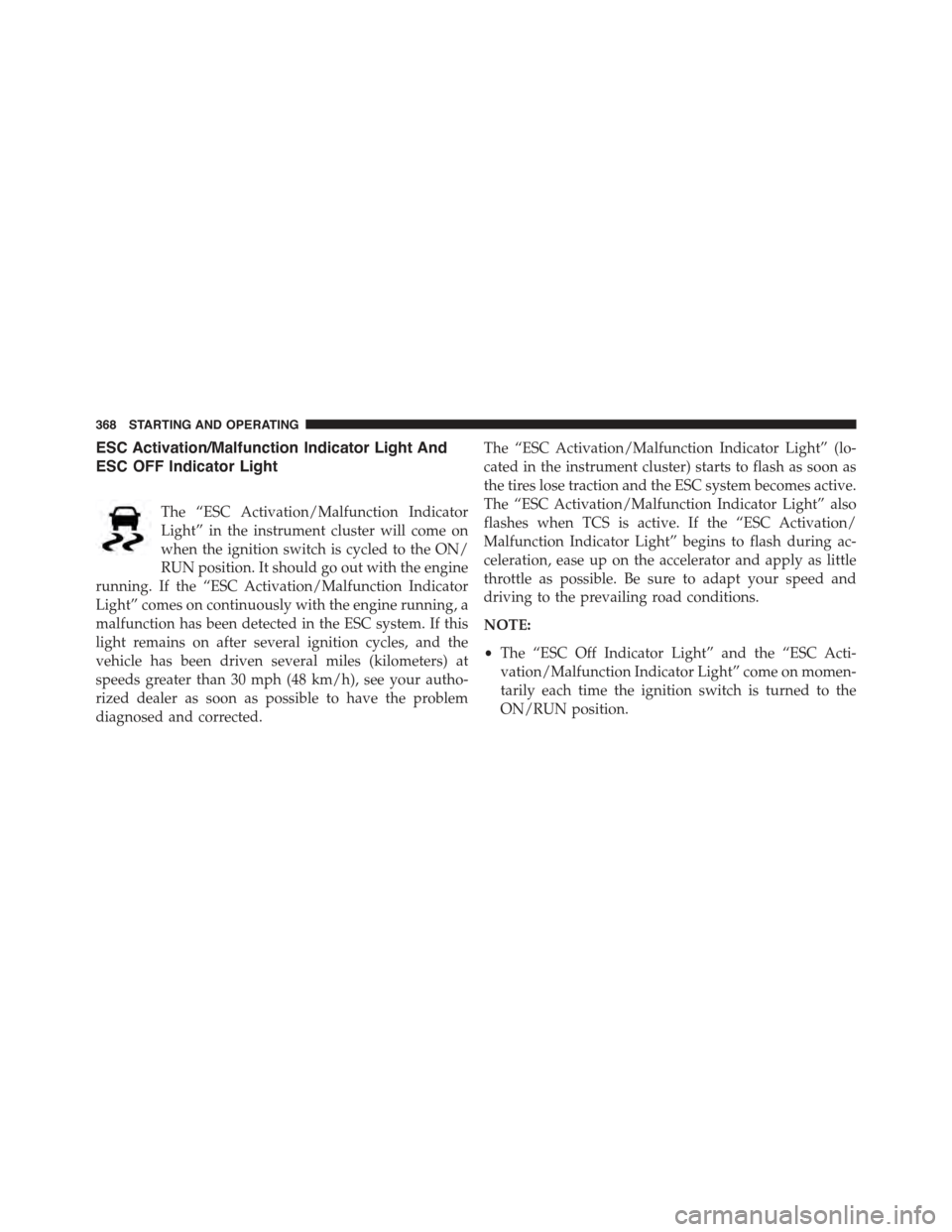
ESC Activation/Malfunction Indicator Light And
ESC OFF Indicator Light
The “ESC Activation/Malfunction Indicator
Light” in the instrument cluster will come on
when the ignition switch is cycled to the ON/
RUN position. It should go out with the engine
running. If the “ESC Activation/Malfunction Indicator
Light” comes on continuously with the engine running, a
malfunction has been detected in the ESC system. If this
light remains on after several ignition cycles, and the
vehicle has been driven several miles (kilometers) at
speeds greater than 30 mph (48 km/h), see your autho-
rized dealer as soon as possible to have the problem
diagnosed and corrected.
The “ESC Activation/Malfunction Indicator Light” (lo-
cated in the instrument cluster) starts to flash as soon as
the tires lose traction and the ESC system becomes active.
The “ESC Activation/Malfunction Indicator Light” also
flashes when TCS is active. If the “ESC Activation/
Malfunction Indicator Light” begins to flash during ac-
celeration, ease up on the accelerator and apply as little
throttle as possible. Be sure to adapt your speed and
driving to the prevailing road conditions.
NOTE:
•The “ESC Off Indicator Light” and the “ESC Acti-
vation/Malfunction Indicator Light” come on momen-
tarily each time the ignition switch is turned to the
ON/RUN position.
368 STARTING AND OPERATING
Page 398 of 560
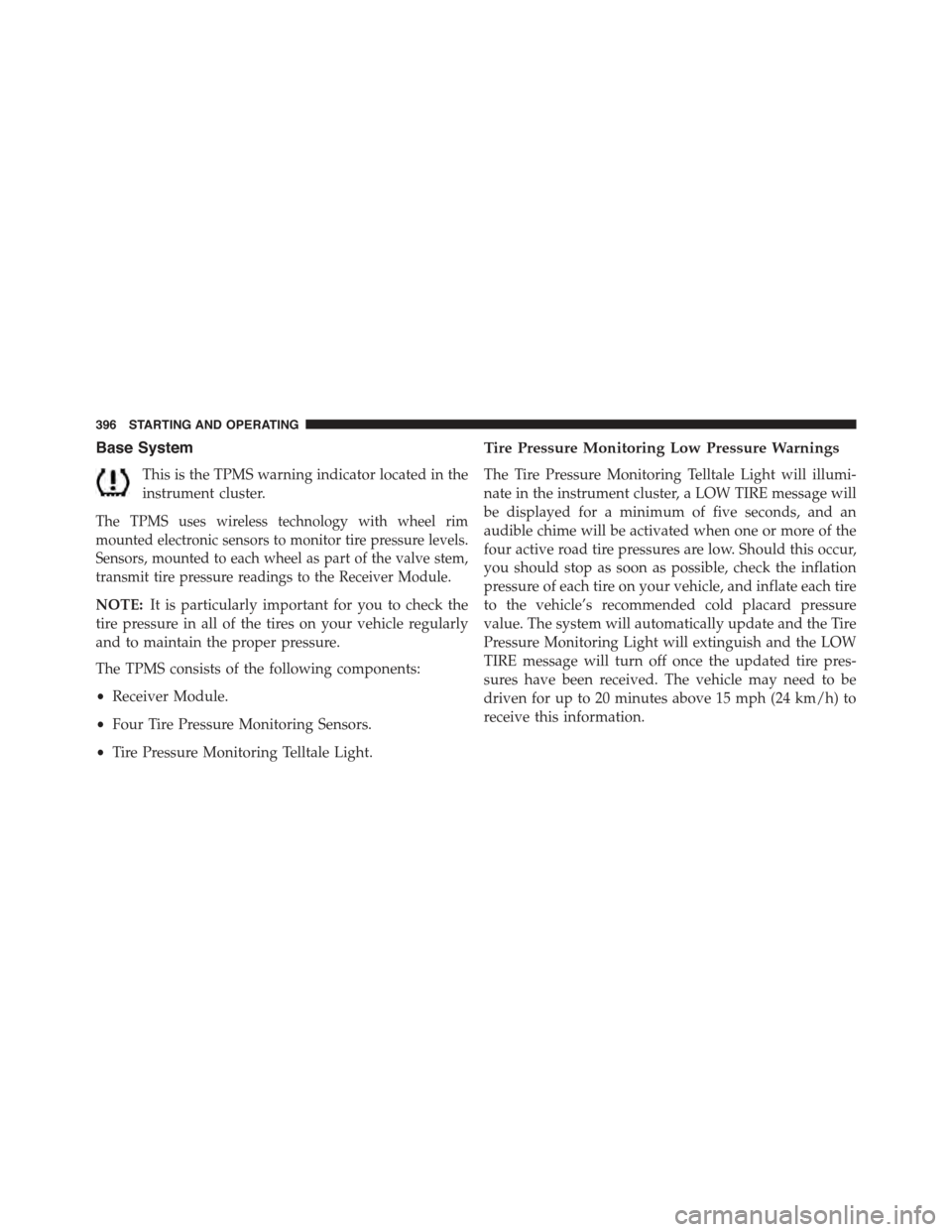
Base System
This is the TPMS warning indicator located in the
instrument cluster.
The TPMS uses wireless technology with wheel rim
mounted electronic sensors to monitor tire pressure levels.
Sensors, mounted to each wheel as part of the valve stem,
transmit tire pressure readings to the Receiver Module.
NOTE:It is particularly important for you to check the
tire pressure in all of the tires on your vehicle regularly
and to maintain the proper pressure.
The TPMS consists of the following components:
•Receiver Module.
•Four Tire Pressure Monitoring Sensors.
•Tire Pressure Monitoring Telltale Light.
Tire Pressure Monitoring Low Pressure Warnings
The Tire Pressure Monitoring Telltale Light will illumi-
nate in the instrument cluster, a LOW TIRE message will
be displayed for a minimum of five seconds, and an
audible chime will be activated when one or more of the
four active road tire pressures are low. Should this occur,
you should stop as soon as possible, check the inflation
pressure of each tire on your vehicle, and inflate each tire
to the vehicle’s recommended cold placard pressure
value. The system will automatically update and the Tire
Pressure Monitoring Light will extinguish and the LOW
TIRE message will turn off once the updated tire pres-
sures have been received. The vehicle may need to be
driven for up to 20 minutes above 15 mph (24 km/h) to
receive this information.
396 STARTING AND OPERATING
Page 401 of 560
•Various Tire Pressure Monitoring System Messages,
which display in the Electronic Vehicle Information
Center (EVIC)
•Tire Pressure Monitoring Telltale Light
Tire Pressure Monitoring Low Pressure Warnings
The Tire Pressure Monitoring Telltale Light will illumi-
nate in the instrument cluster and an audible chime will
be activated when one or more of the four active road tire
pressures are low. The audible chime will sound once
every ignition cycle for the first condition that it detects.
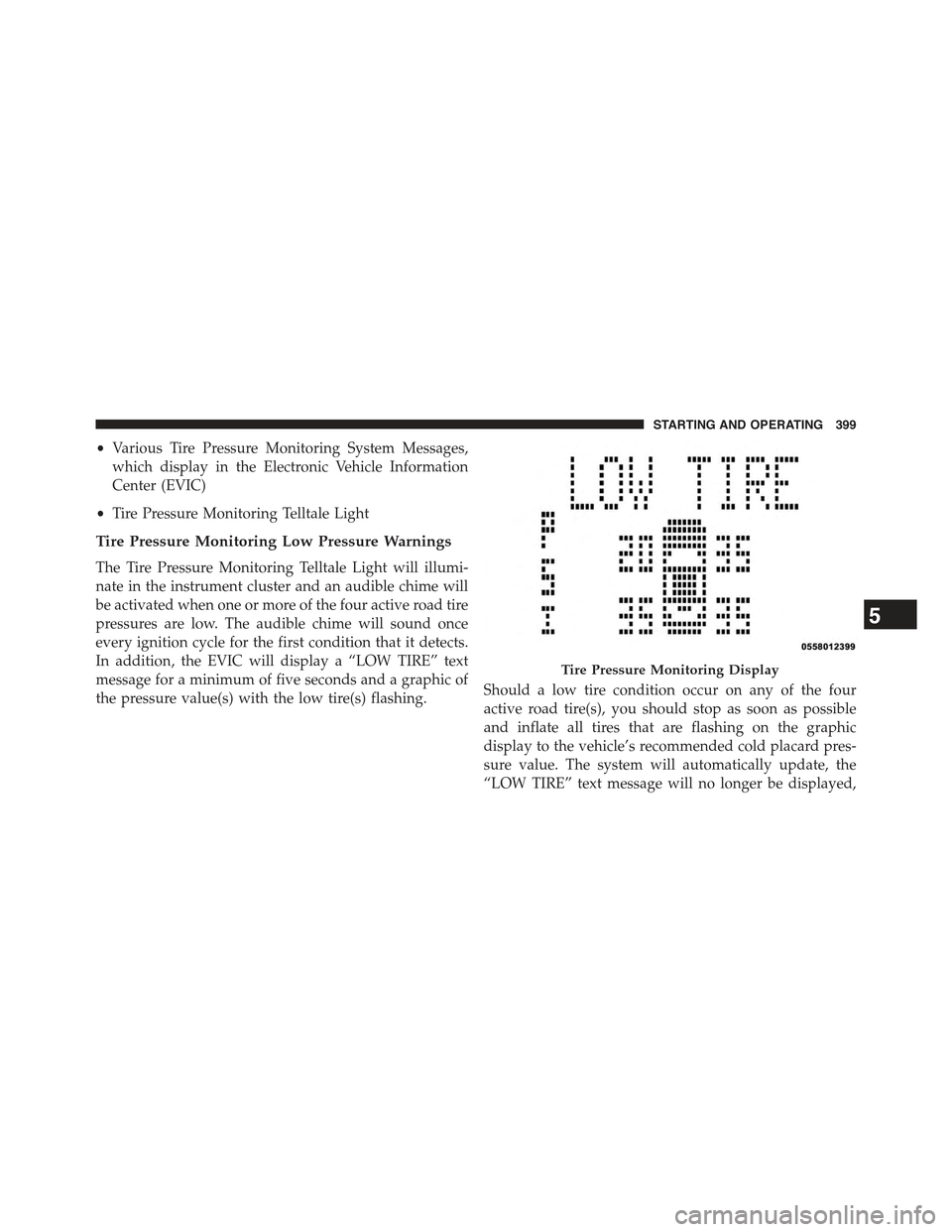
In addition, the EVIC will display a “LOW TIRE” text
message for a minimum of five seconds and a graphic of
the pressure value(s) with the low tire(s) flashing.Should a low tire condition occur on any of the four
active road tire(s), you should stop as soon as possible
and inflate all tires that are flashing on the graphic
display to the vehicle’s recommended cold placard pres-
sure value. The system will automatically update, the
“LOW TIRE” text message will no longer be displayed,
Tire Pressure Monitoring Display
5
STARTING AND OPERATING 399
Page 411 of 560
WARNING!(Continued)
•Never add fuel when the engine is running. This is
in violation of most state and federal fire regula-
tions and may cause the MIL to turn on.
•A fire may result if gasoline is pumped into a
portable container that is inside of a vehicle. You
could be burned. Always place gas containers on
the ground while filling.
NOTE:
•When the fuel nozzle “clicks” or shuts off, the fuel tank
is full.
•Tighten the gas cap about 1/4 turn until you hear one
click. This is an indication that cap is properly tight-
ened.
•If the gas cap is not tightened properly, the MIL will
come on. Be sure the gas cap is tightened every time
the vehicle is refueled.
Loose Fuel Filler Cap Message
If the vehicle diagnostic system determines that the fuel
filler cap is loose or improperly installed, a “gASCAP”
message will be displayed in the Odometer/Trip Odom-
eter in the instrument cluster. Refer to “Instrument
Cluster Description” in “Understanding Your Instrument
Panel” for further information. Tighten the fuel filler cap
properly and press the odometer/trip odometer RESET
button to turn the message off. If the problem continues,
the message will appear the next time the vehicle is
started. Refer to “Onboard Diagnostic System” in “Main-
taining Your Vehicle” for further information.
5
STARTING AND OPERATING 409
Page 432 of 560
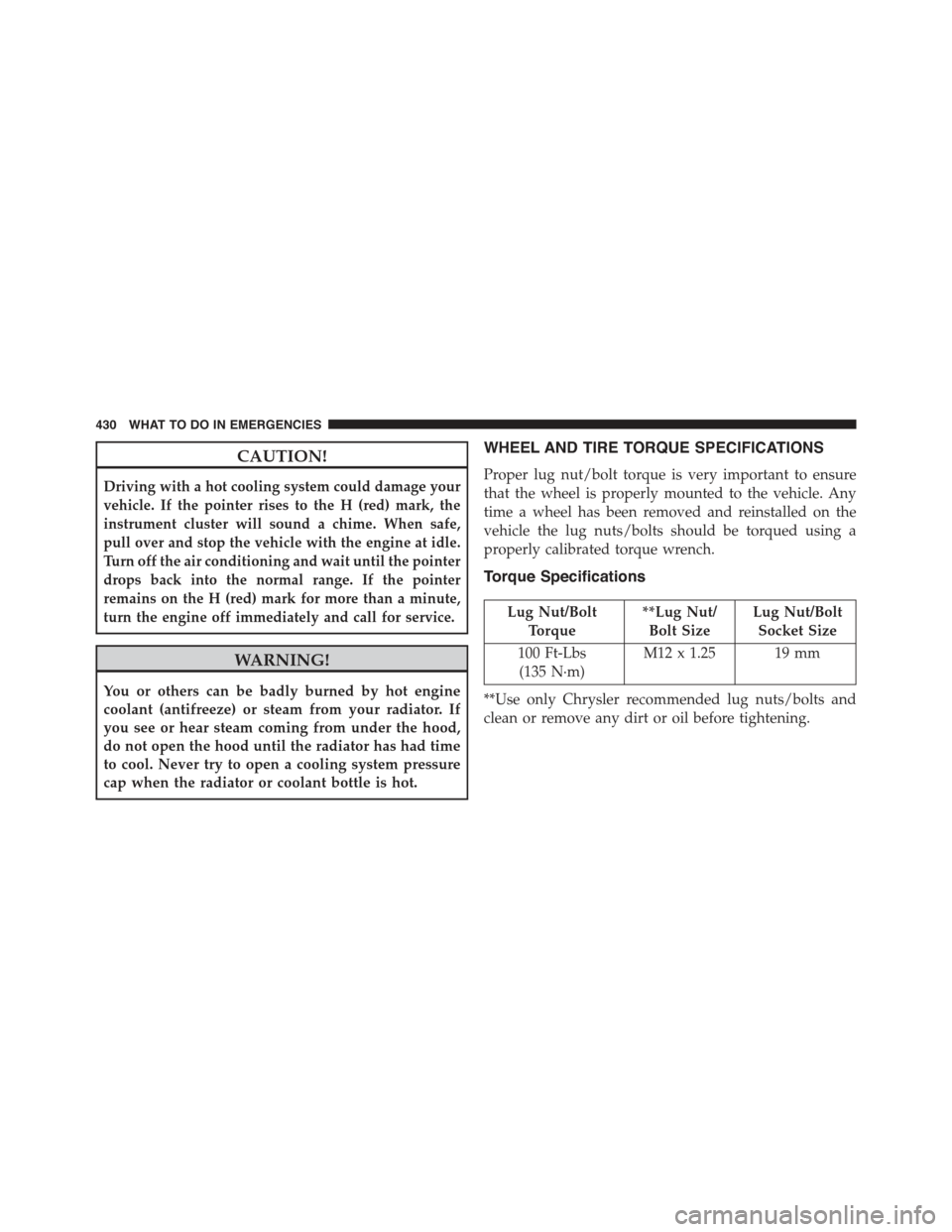
CAUTION!
Driving with a hot cooling system could damage your
vehicle. If the pointer rises to the H (red) mark, the
instrument cluster will sound a chime. When safe,
pull over and stop the vehicle with the engine at idle.
Turn off the air conditioning and wait until the pointer
drops back into the normal range. If the pointer
remains on the H (red) mark for more than a minute,
turn the engine off immediately and call for service.
WARNING!
You or others can be badly burned by hot engine
coolant (antifreeze) or steam from your radiator. If
you see or hear steam coming from under the hood,
do not open the hood until the radiator has had time
to cool. Never try to open a cooling system pressure
cap when the radiator or coolant bottle is hot.
WHEEL AND TIRE TORQUE SPECIFICATIONS
Proper lug nut/bolt torque is very important to ensure
that the wheel is properly mounted to the vehicle. Any
time a wheel has been removed and reinstalled on the
vehicle the lug nuts/bolts should be torqued using a
properly calibrated torque wrench.
Torque Specifications
Lug Nut/Bolt
Torque
**Lug Nut/
Bolt Size
Lug Nut/Bolt
Socket Size
100 Ft-Lbs
(135 N·m)
M12 x 1.25 19 mm
**Use only Chrysler recommended lug nuts/bolts and
clean or remove any dirt or oil before tightening.
430 WHAT TO DO IN EMERGENCIES
Page 471 of 560
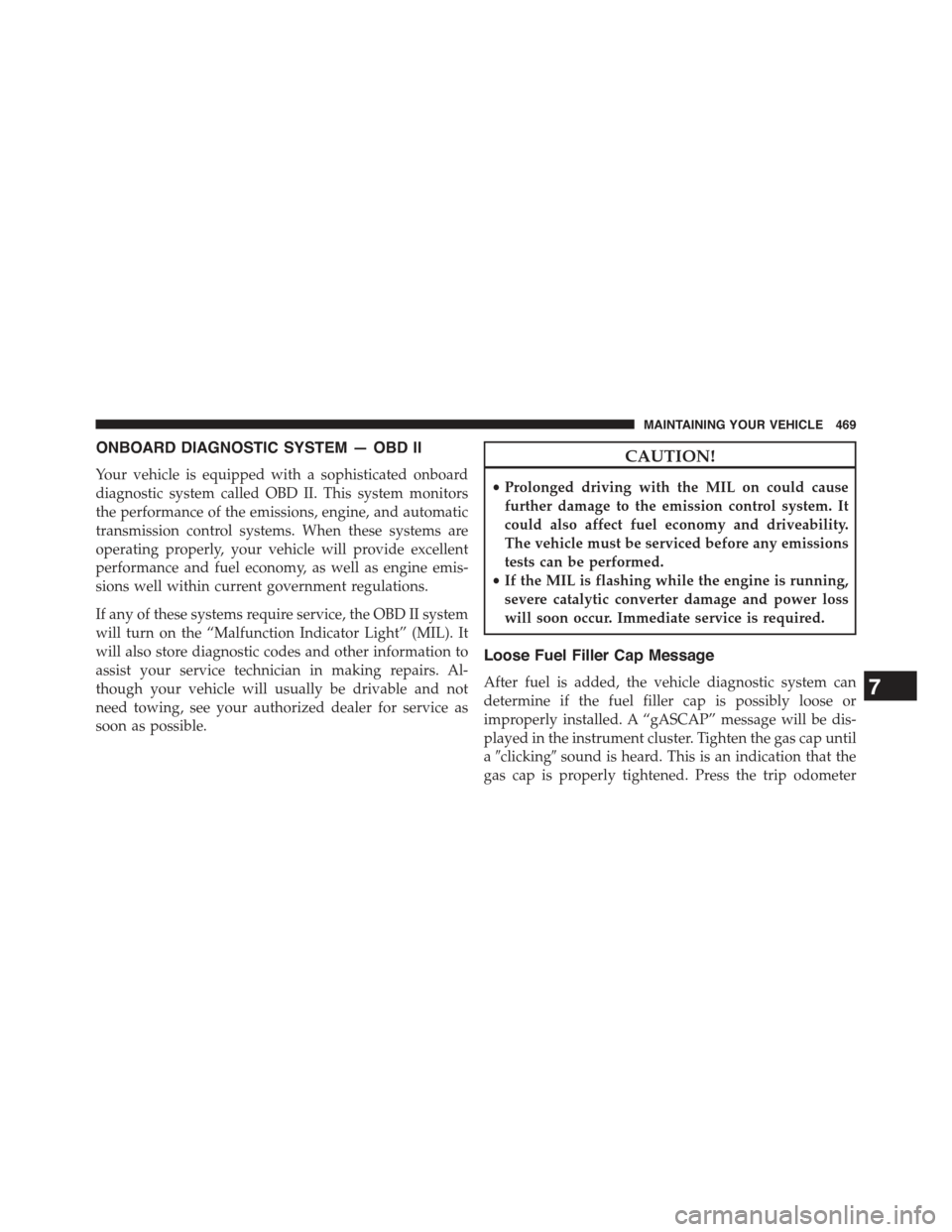
ONBOARD DIAGNOSTIC SYSTEM — OBD II
Your vehicle is equipped with a sophisticated onboard
diagnostic system called OBD II. This system monitors
the performance of the emissions, engine, and automatic
transmission control systems. When these systems are
operating properly, your vehicle will provide excellent
performance and fuel economy, as well as engine emis-
sions well within current government regulations.
If any of these systems require service, the OBD II system
will turn on the “Malfunction Indicator Light” (MIL). It
will also store diagnostic codes and other information to
assist your service technician in making repairs. Al-
though your vehicle will usually be drivable and not
need towing, see your authorized dealer for service as
soon as possible.
CAUTION!
•Prolonged driving with the MIL on could cause
further damage to the emission control system. It
could also affect fuel economy and driveability.
The vehicle must be serviced before any emissions
tests can be performed.
•If the MIL is flashing while the engine is running,
severe catalytic converter damage and power loss
will soon occur. Immediate service is required.
Loose Fuel Filler Cap Message
After fuel is added, the vehicle diagnostic system can
determine if the fuel filler cap is possibly loose or
improperly installed. A “gASCAP” message will be dis-
played in the instrument cluster. Tighten the gas cap until
a#clicking#sound is heard. This is an indication that the
gas cap is properly tightened. Press the trip odometer
7
MAINTAINING YOUR VEHICLE 469