belt JEEP GRAND CHEROKEE 2015 WK2 / 4.G Workshop Manual
[x] Cancel search | Manufacturer: JEEP, Model Year: 2015, Model line: GRAND CHEROKEE, Model: JEEP GRAND CHEROKEE 2015 WK2 / 4.GPages: 717, PDF Size: 18.54 MB
Page 148 of 717
WARNING!(Continued)
•Do not ride with the seatback reclined so that the
shoulder belt is no longer resting against your chest.
In a collision you could slide under the seat belt,
which could result in serious injury or death.
CAUTION!
Do not place any article under a power seat or
impede its ability to move as it may cause damage to
the seat controls. Seat travel may become limited if
movement is stopped by an obstruction in the seat’s
path.
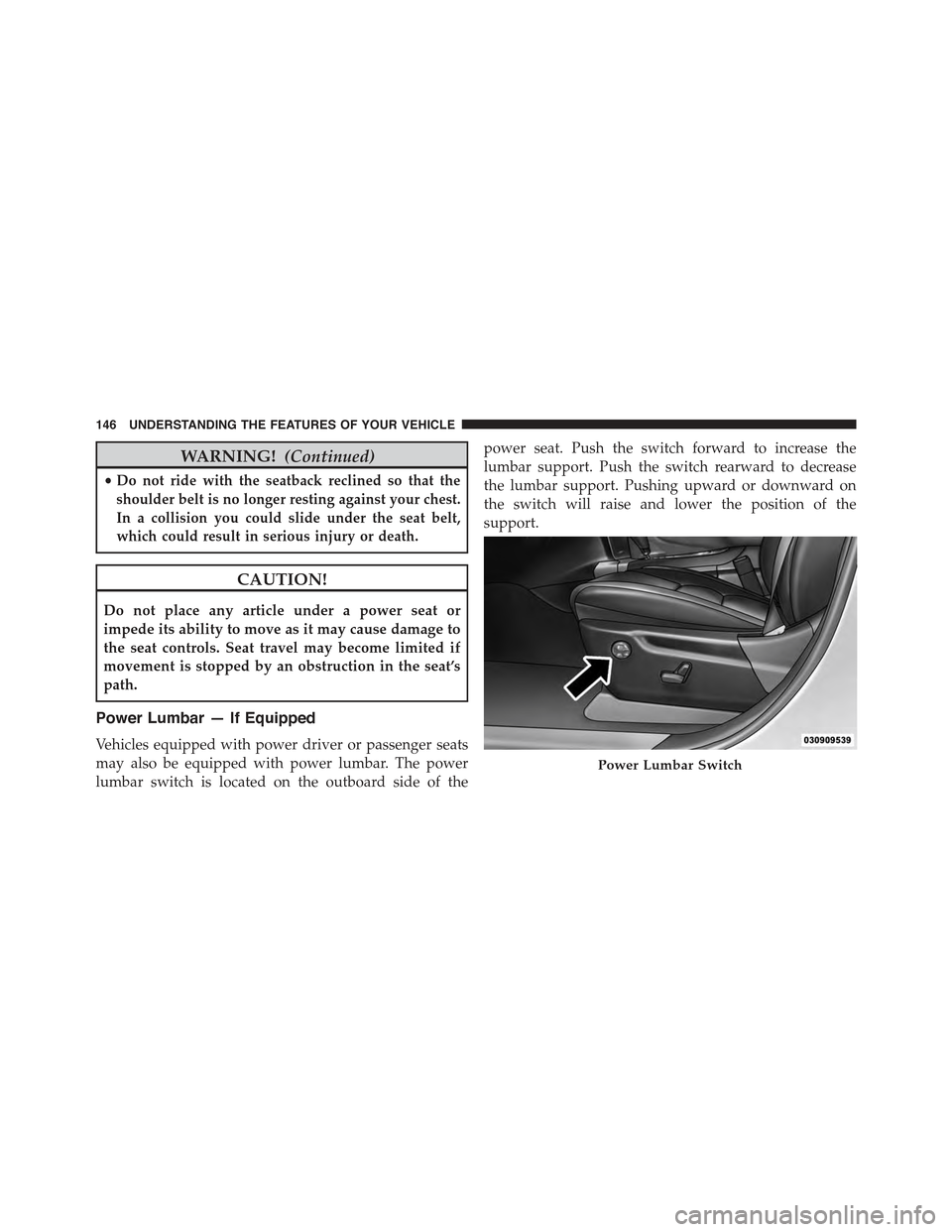
Power Lumbar — If Equipped
Vehicles equipped with power driver or passenger seats
may also be equipped with power lumbar. The power
lumbar switch is located on the outboard side of the
power seat. Push the switch forward to increase the
lumbar support. Push the switch rearward to decrease
the lumbar support. Pushing upward or downward on
the switch will raise and lower the position of the
support.
Power Lumbar Switch
146 UNDERSTANDING THE FEATURES OF YOUR VEHICLE
Page 149 of 717
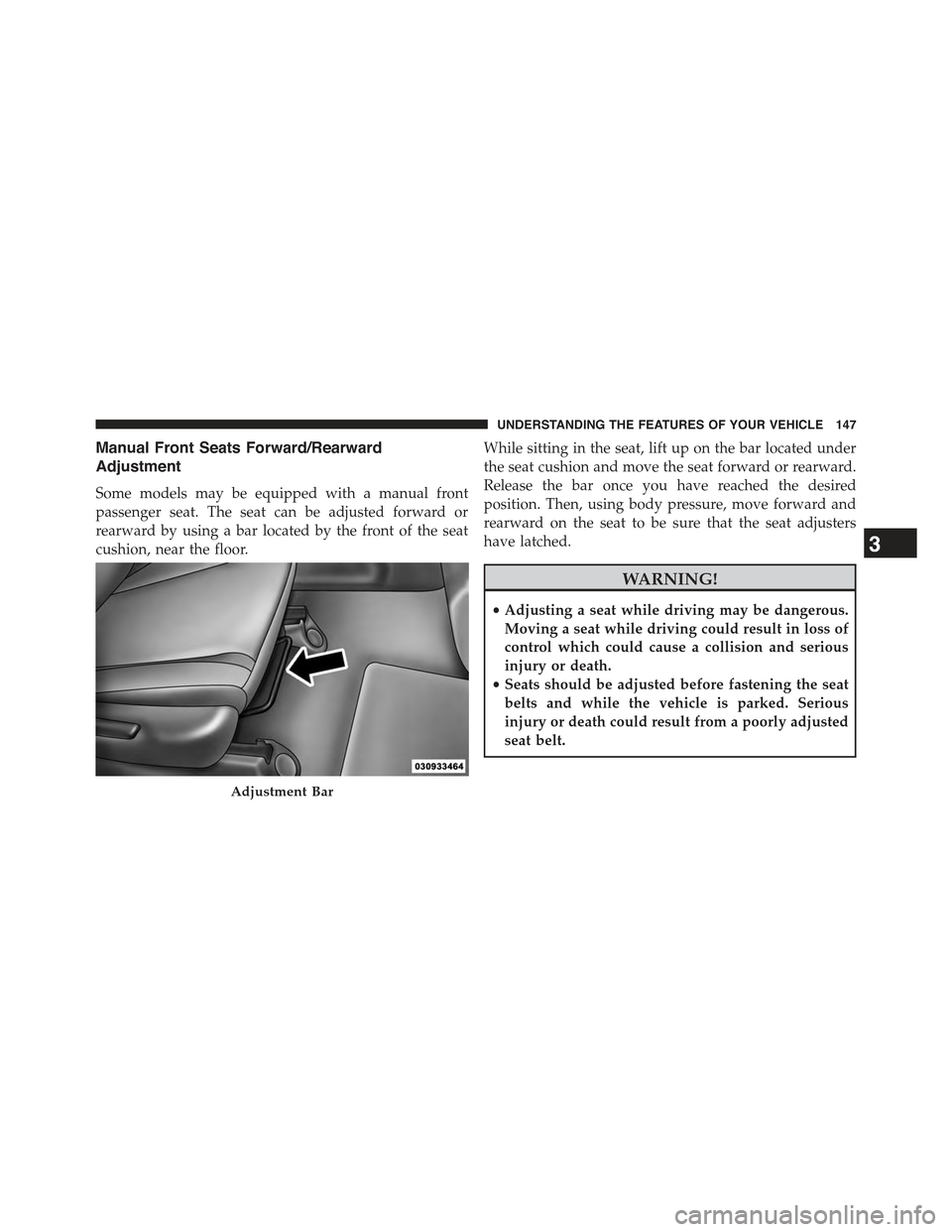
Manual Front Seats Forward/Rearward
Adjustment
Some models may be equipped with a manual front
passenger seat. The seat can be adjusted forward or
rearward by using a bar located by the front of the seat
cushion, near the floor.
While sitting in the seat, lift up on the bar located under
the seat cushion and move the seat forward or rearward.
Release the bar once you have reached the desired
position. Then, using body pressure, move forward and
rearward on the seat to be sure that the seat adjusters
have latched.
WARNING!
•Adjusting a seat while driving may be dangerous.
Moving a seat while driving could result in loss of
control which could cause a collision and serious
injury or death.
•Seats should be adjusted before fastening the seat
belts and while the vehicle is parked. Serious
injury or death could result from a poorly adjusted
seat belt.
Adjustment Bar
3
UNDERSTANDING THE FEATURES OF YOUR VEHICLE 147
Page 150 of 717
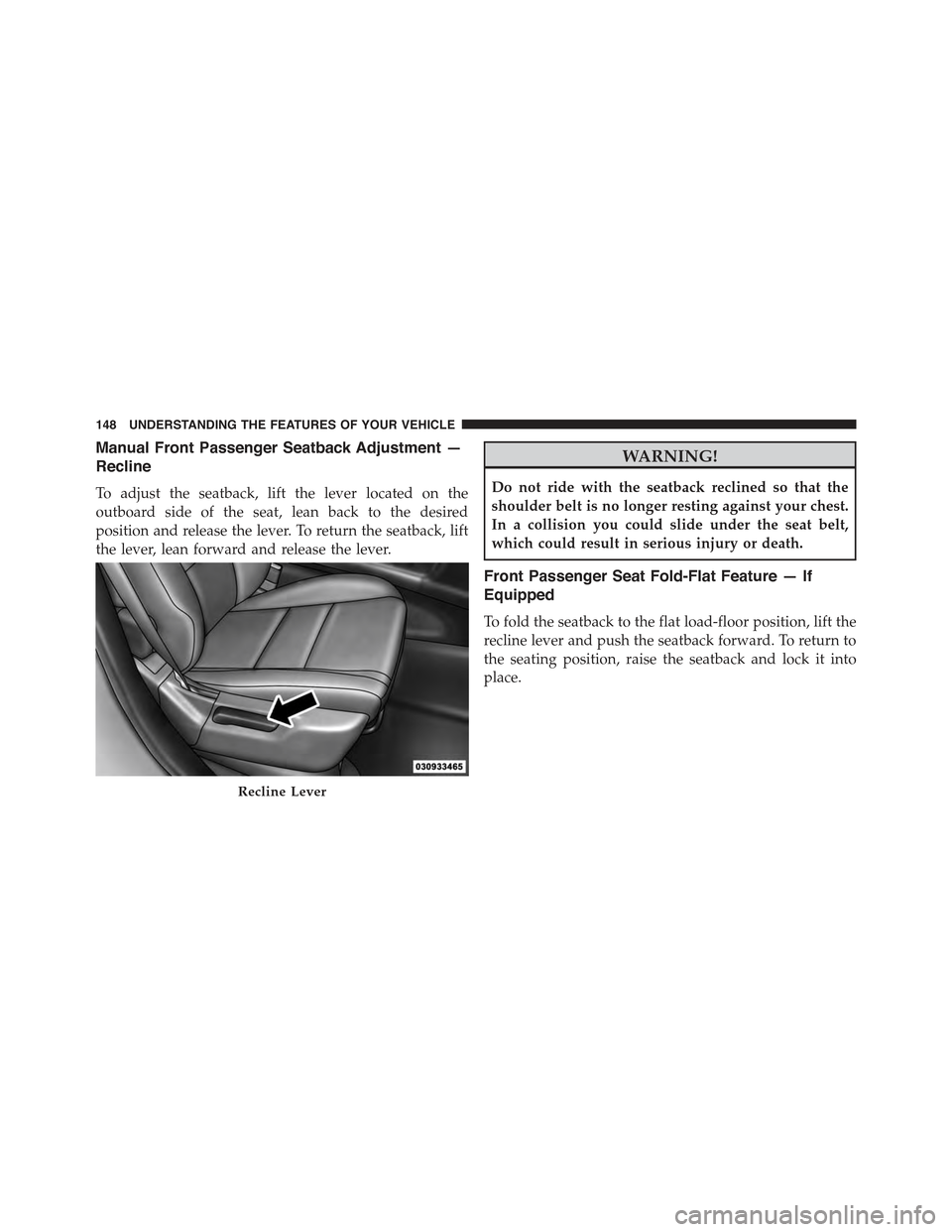
Manual Front Passenger Seatback Adjustment —
Recline
To adjust the seatback, lift the lever located on the
outboard side of the seat, lean back to the desired
position and release the lever. To return the seatback, lift
the lever, lean forward and release the lever.
WARNING!
Do not ride with the seatback reclined so that the
shoulder belt is no longer resting against your chest.
In a collision you could slide under the seat belt,
which could result in serious injury or death.
Front Passenger Seat Fold-Flat Feature — If
Equipped
To fold the seatback to the flat load-floor position, lift the
recline lever and push the seatback forward. To return to
the seating position, raise the seatback and lock it into
place.
Recline Lever
148 UNDERSTANDING THE FEATURES OF YOUR VEHICLE
Page 160 of 717
NOTE:Be sure that the front seats are fully upright and
positioned forward. This will allow the rear seatback to
fold down easily.
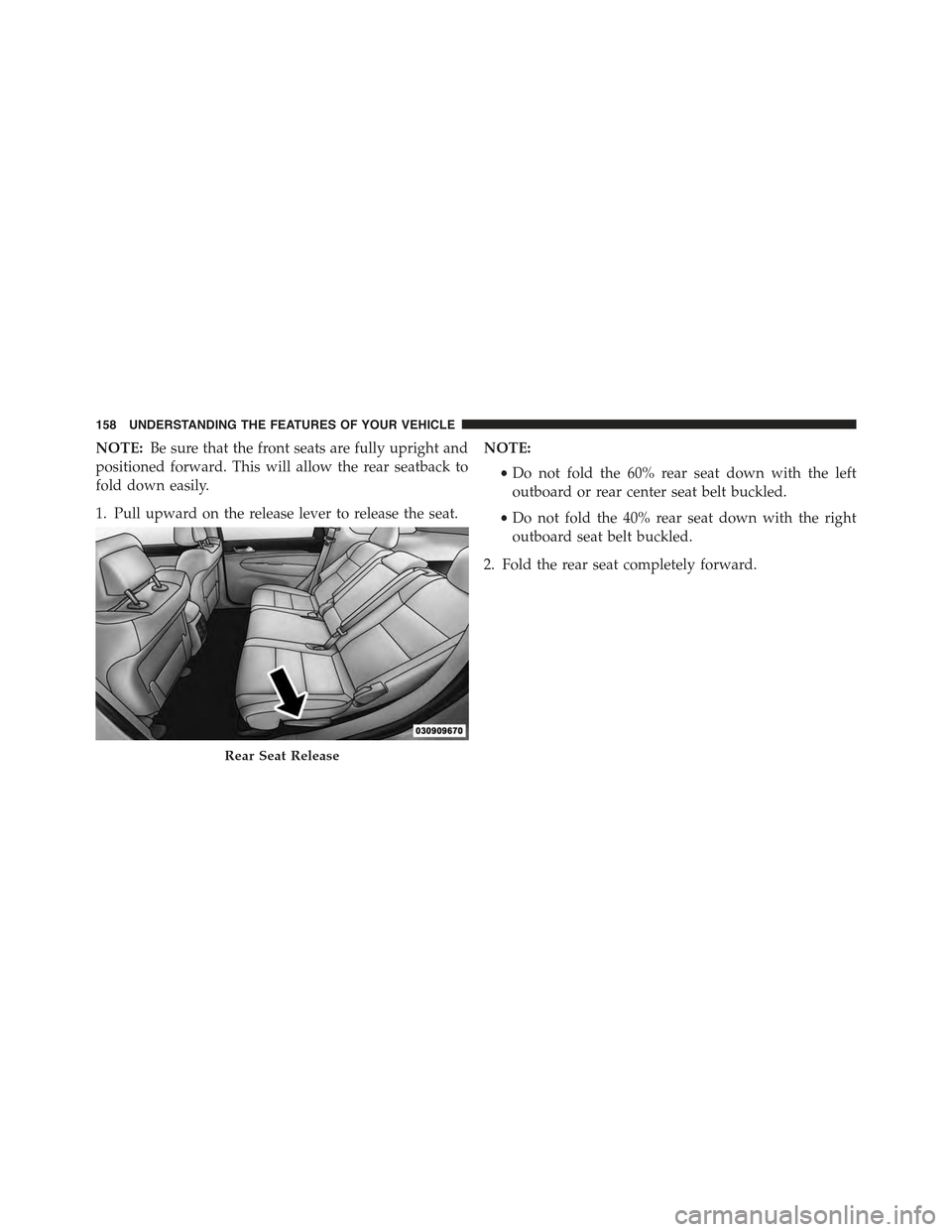
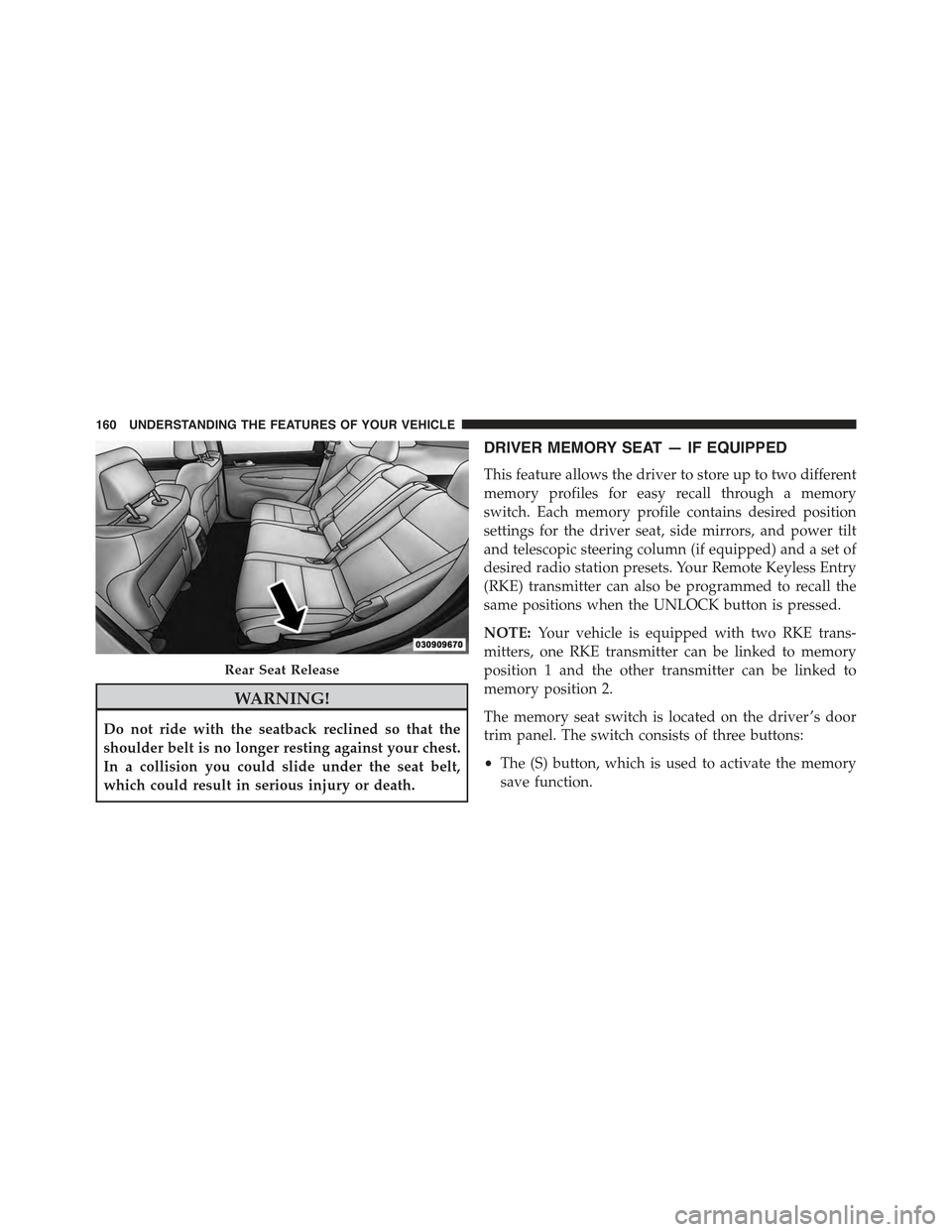
1. Pull upward on the release lever to release the seat.
NOTE:
•Do not fold the 60% rear seat down with the left
outboard or rear center seat belt buckled.
•Do not fold the 40% rear seat down with the right
outboard seat belt buckled.
2. Fold the rear seat completely forward.
Rear Seat Release
158 UNDERSTANDING THE FEATURES OF YOUR VEHICLE
Page 162 of 717
WARNING!
Do not ride with the seatback reclined so that the
shoulder belt is no longer resting against your chest.
In a collision you could slide under the seat belt,
which could result in serious injury or death.
DRIVER MEMORY SEAT — IF EQUIPPED
This feature allows the driver to store up to two different
memory profiles for easy recall through a memory
switch. Each memory profile contains desired position
settings for the driver seat, side mirrors, and power tilt
and telescopic steering column (if equipped) and a set of
desired radio station presets. Your Remote Keyless Entry
(RKE) transmitter can also be programmed to recall the
same positions when the UNLOCK button is pressed.
NOTE:Your vehicle is equipped with two RKE trans-
mitters, one RKE transmitter can be linked to memory
position 1 and the other transmitter can be linked to
memory position 2.
The memory seat switch is located on the driver ’s door
trim panel. The switch consists of three buttons:
•The (S) button, which is used to activate the memory
save function.
Rear Seat Release
160 UNDERSTANDING THE FEATURES OF YOUR VEHICLE
Page 198 of 717
NOTE:Any chassis/suspension or tire size modifications
to the vehicle will effect the performance of the Adaptive
Cruise Control and Forward Collision Warning System.
Activating Adaptive Cruise Control (ACC)
You can only engage ACC if the vehicle speed is above
0 mph (0 km/h).
The minimum Set Speed for the ACC system is 20 mph
(32 km/h).
When the system is turned on and in the READY state,
the Driver Information Display (DID) displays “ACC
Ready.”
When the system is OFF, the DID displays “Adaptive
Cruise Control (ACC) Off.”
NOTE:You cannot engage ACC under the following
conditions:
•When in Four-Wheel Drive Low.
•When you apply the brakes.
•When the parking brake is set.
•When the automatic transmission is in PARK, RE-
VERSE or NEUTRAL.
•When the Vehicle speed is outside of the speed range.
•When the brakes are overheated.
•When the driver door is open.
•When the driver seat belt is unbuckled.
To Activate/Deactivate
Push and release the Adaptive Cruise Control (ACC)
ON/OFF button. The ACC menu in the DID displays
“ACC Ready.”
196 UNDERSTANDING THE FEATURES OF YOUR VEHICLE
Page 201 of 717
•The shift lever/gear selector is removed from the
Drive position.
•The Electronic Stability Control/Traction Control Sys-
tem (ESC/TCS) activates.
•The vehicle parking brake is applied.
•Driver seatbelt is unbuckled at low speeds.
•Driver door is opened at low speeds.
•A Trailer Sway Control (TSC) event occurs.
•The driver switches ESC to full-off mode.
To Turn Off
The system will turn off and clear the set speed in
memory if:
•The Adaptive Cruise Control (ACC) ON/OFF button
is pressed.
•The Normal (Fixed Speed) Electronic Speed Control
ON/OFF button is pressed.
•The ignition is turned OFF.
•You switch to Four-Wheel Drive Low.
To Resume
If there is a set speed in memory press the RES (resume)
button and then remove your foot from the accelerator
pedal. The DID will display the last set speed.
NOTE:
•If your vehicle stays at standstill for longer than two
seconds, then the system will cancel and the brake
force will be ramped-out. The driver will have to apply
the brakes to keep the vehicle at a standstill.
•ACC cannot be resumed if there is a stationary vehicle
in-front of your vehicle in close proximity.
3
UNDERSTANDING THE FEATURES OF YOUR VEHICLE 199
Page 208 of 717
Overtake Aid
When driving with ACC engaged and following a target
vehicle, the system will provide an additional accelera-
tion to assist in passing vehicles in front. This additional
acceleration is triggered when the driver utilizes the left
turn signal. In locations with left hand drive traffic,
Overtake Aid is active only when passing on the left
hand side of the Target vehicles.
When a vehicle goes from a location with left hand drive
traffic to a location with right hand drive traffic, the ACC
system will automatically detect traffic direction. In this
condition, Overtake Aid is active only when passing on
the right side of the Target vehicle. This additional
acceleration is triggered when the driver utilizes the right
turn signal. In this condition the ACC system will no
longer provide Overtake Aid on the left side until it
determines that the vehicle has moved back to a location
with left hand drive traffic.
ACC Operation At Stop
If the ACC system brings your vehicle to a standstill
while following a target vehicle, if the target vehicle starts
moving within two seconds of your vehicle coming to a
standstill, your vehicle will resume motion without the
need for any driver action.
If the target vehicle does not start moving within two
seconds of your vehicle coming to a standstill, the ACC
with Stop system will cancel and the brakes will release.
Driver intervention will be required at this moment.
While ACC with Stop is holding your vehicle at a
standstill, if the driver seatbelt is unbuckled or the driver
door is opened, the ACC with Stop system will cancel
and the brakes will release. Driver intervention will be
required at this moment.
206 UNDERSTANDING THE FEATURES OF YOUR VEHICLE
Page 259 of 717
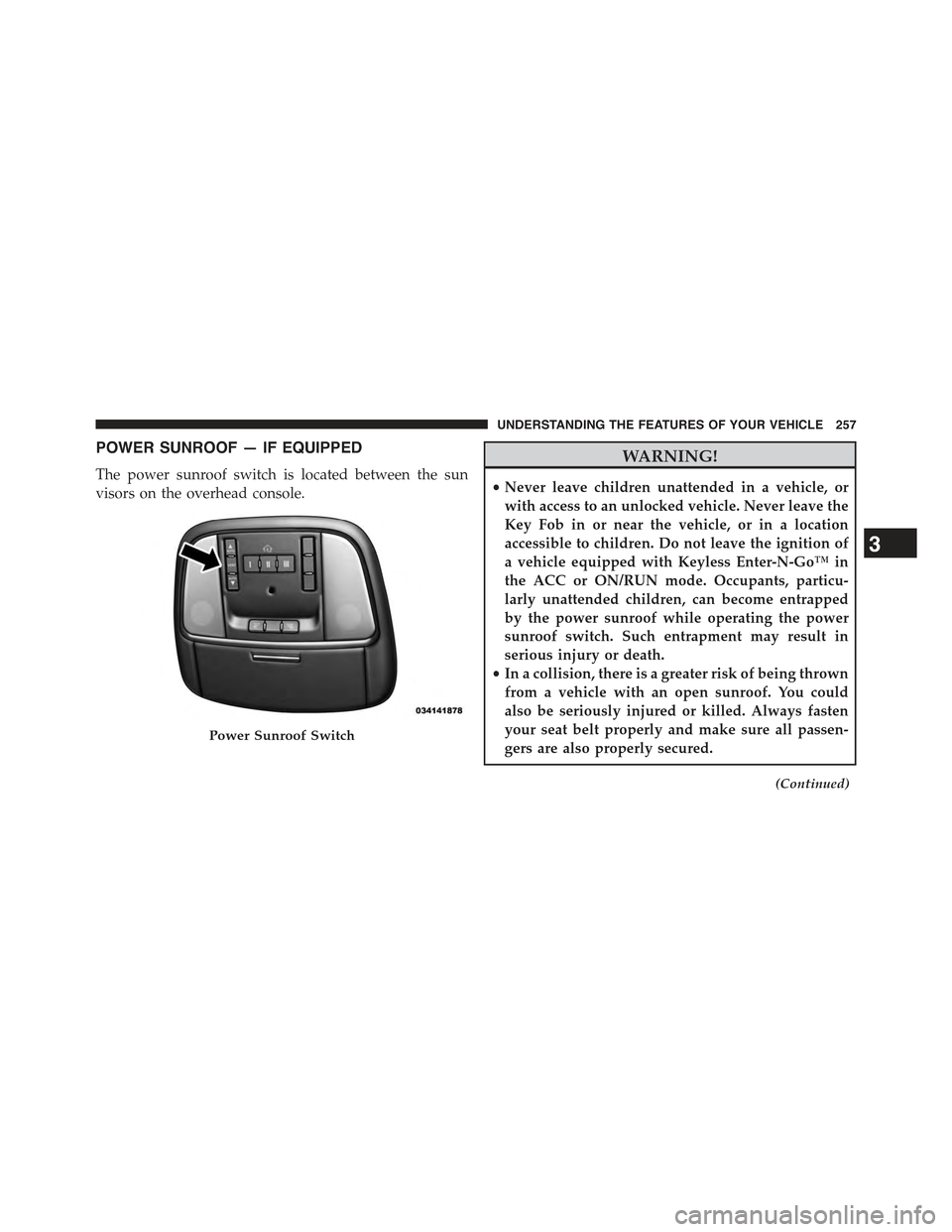
POWER SUNROOF — IF EQUIPPED
The power sunroof switch is located between the sun
visors on the overhead console.
WARNING!
•Never leave children unattended in a vehicle, or
with access to an unlocked vehicle. Never leave the
Key Fob in or near the vehicle, or in a location
accessible to children. Do not leave the ignition of
a vehicle equipped with Keyless Enter-N-Go™ in
the ACC or ON/RUN mode. Occupants, particu-
larly unattended children, can become entrapped
by the power sunroof while operating the power
sunroof switch. Such entrapment may result in
serious injury or death.
•In a collision, there is a greater risk of being thrown
from a vehicle with an open sunroof. You could
also be seriously injured or killed. Always fasten
your seat belt properly and make sure all passen-
gers are also properly secured.
(Continued)
Power Sunroof Switch
3
UNDERSTANDING THE FEATURES OF YOUR VEHICLE 257
Page 263 of 717
WARNING!
•Never leave children unattended in a vehicle, or
with access to an unlocked vehicle. Never leave the
Key Fob in or near the vehicle, or in a location
accessible to children. Do not leave the ignition of
a vehicle equipped with Keyless Enter-N-Go™ in
the ACC or ON/RUN mode. Occupants, particu-
larly unattended children, can become entrapped
by the power sunroof while operating the power
sunroof switch. Such entrapment may result in
serious injury or death.
•In a collision, there is a greater risk of being thrown
from a vehicle with an open sunroof. You could
also be seriously injured or killed. Always fasten
your seat belt properly and make sure all passen-
gers are also properly secured.
(Continued)
WARNING!(Continued)
•Do not allow small children to operate the sunroof.
Never allow your fingers, other body parts, or any
object, to project through the sunroof opening.
Injury may result.
Opening Sunroof — Express
Press the switch rearward and release it within one-half
second. The sunroof and sunshade will open automati-
cally from any position. The sunroof and sunshade will
open fully and stop automatically. This is called “Express
Open”. During Express Open operation, any movement
of the sunroof switch will stop the sunroof.
Opening Sunroof — Manual Mode
To open the sunroof, press and hold the switch rearward
to full open. Any release of the switch will stop the
3
UNDERSTANDING THE FEATURES OF YOUR VEHICLE 261