trip computer JEEP GRAND CHEROKEE LIMITED 2019 Owners Manual
[x] Cancel search | Manufacturer: JEEP, Model Year: 2019, Model line: GRAND CHEROKEE LIMITED, Model: JEEP GRAND CHEROKEE LIMITED 2019Pages: 626, PDF Size: 3.77 MB
Page 150 of 626
After a trip:
•Check if any aftermarket equipment was installed (ad-
ditional lights, upfitter electrical accessories, audio sys-
tems, alarms) and review specifications if any (load and
Ignition Off Draw currents).
• Evaluate the latest driving cycles (distance, driving time
and parking time).
• The vehicle should have service performed if the mes-
sage is still present during consecutive trips and the
evaluation of the vehicle and driving pattern did not
help to identify the cause.
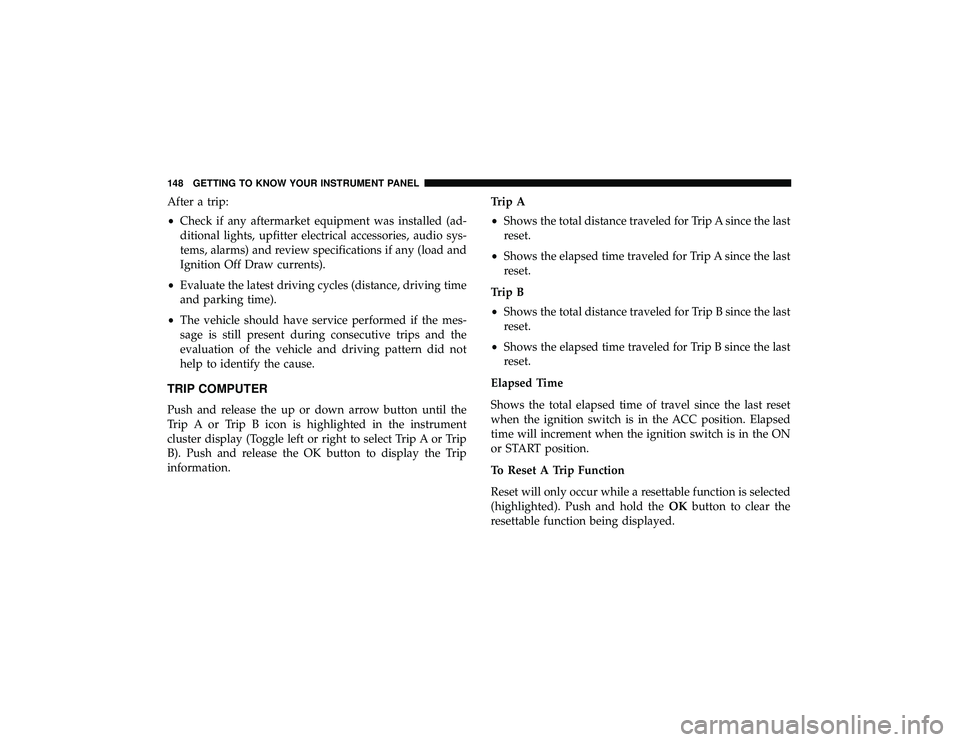
TRIP COMPUTER
Push and release the up or down arrow button until the
Trip A or Trip B icon is highlighted in the instrument
cluster display (Toggle left or right to select Trip A or Trip
B). Push and release the OK button to display the Trip
information. Trip A
•
Shows the total distance traveled for Trip A since the last
reset.
• Shows the elapsed time traveled for Trip A since the last
reset.
Trip B
• Shows the total distance traveled for Trip B since the last
reset.
• Shows the elapsed time traveled for Trip B since the last
reset.
Elapsed Time
Shows the total elapsed time of travel since the last reset
when the ignition switch is in the ACC position. Elapsed
time will increment when the ignition switch is in the ON
or START position.
To Reset A Trip Function
Reset will only occur while a resettable function is selected
(highlighted). Push and hold the OKbutton to clear the
resettable function being displayed.
148 GETTING TO KNOW YOUR INSTRUMENT PANEL
Page 624 of 626
Trip Computer........................... .148
Turn Signals ....................... .76, 160, 401
Uconnect Settings Customer Programmable Features .............37
Passive Entry Programming ..................37
Uconnect Voice Command ....................582
Uniform Tire Quality Grades ..................490
Universal Garage Door Opener (HomeLink) ........114
Universal Transmitter ........................114
Unleaded Gasoline ........................ .501
Untwisting Procedure, Seat Belt ................205
Vanity Mirrors .............................70
Vehicle Identification Number (VIN) .............498
Vehicle Loading ........................... .362
Vehicle Modifications/Alterations .................6
Vehicle Storage ......................... .94, 491
Vehicle User Guide In Vehicle Help ...........................18
Navigation ..............................18
Operating Instructions ......................18
Searching User Guide ......................18
Viscosity, Engine Oil .....................446, 447 Voice Recognition System (VR)
.................582
Warning Flashers, Hazard ....................392
Warning Lights (Instrument Cluster Descriptions) . . . .154
Warnings And Cautions .......................6
Warnings, Roll Over ..........................5
Warranty Information .......................605
Washers, Headlight ..........................85
Washers, Windshield ..................... .79, 444
Washing Vehicle .......................... .493
Wheel And Wheel Tire Care ...................487
Wheel And Wheel Tire Trim ...................487
Wind Buffeting ..................... .98, 100, 104
Window Fogging ...........................94
Windows Power .................................96
Windshield Defroster ....................... .246
Windshield Washers ..................... .79, 444
Fluid ................................ .444
Windshield Wiper Blades .....................456
Windshield Wipers .......................... 7
9
Wipers Blade Replacement ....................456
Wipers, Intermittent .........................80
Wipers, Rain Sensitive ........................82
622 INDEX