Eco JEEP LIBERTY 2012 KK / 2.G Owner's Manual
[x] Cancel search | Manufacturer: JEEP, Model Year: 2012, Model line: LIBERTY, Model: JEEP LIBERTY 2012 KK / 2.GPages: 124, PDF Size: 2.92 MB
Page 17 of 124
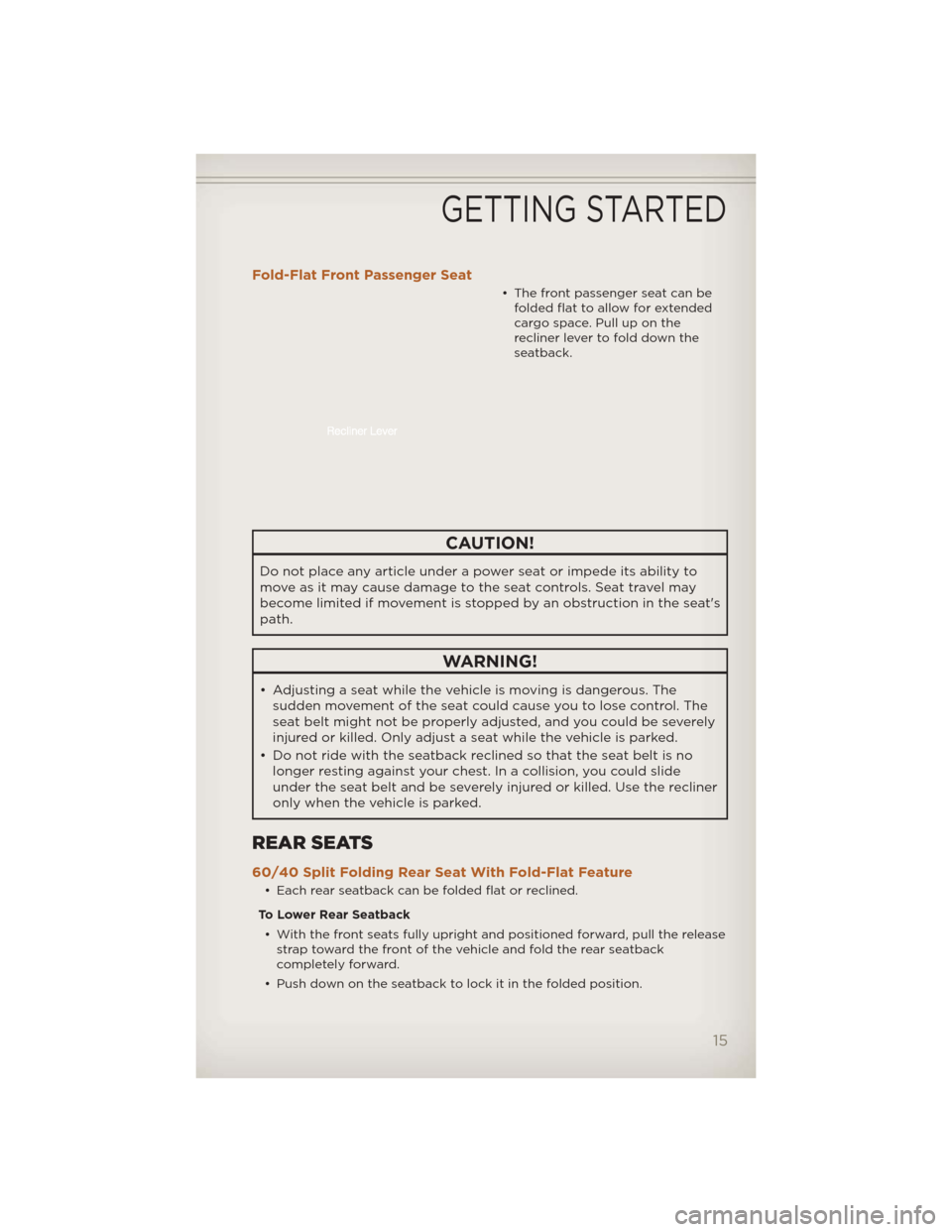
Fold-Flat Front Passenger Seat
• The front passenger seat can befolded flat to allow for extended
cargo space. Pull up on the
recliner lever to fold down the
seatback.
CAUTION!
Do not place any article under a power seat or impede its ability to
move as it may cause damage to the seat controls. Seat travel may
become limited if movement is stopped by an obstruction in the seat's
path.
WARNING!
• Adjusting a seat while the vehicle is moving is dangerous. Thesudden movement of the seat could cause you to lose control. The
seat belt might not be properly adjusted, and you could be severely
injured or killed. Only adjust a seat while the vehicle is parked.
• Do not ride with the seatback reclined so that the seat belt is no longer resting against your chest. In a collision, you could slide
under the seat belt and be severely injured or killed. Use the recliner
only when the vehicle is parked.
REAR SEATS
60/40 Split Folding Rear Seat With Fold-Flat Feature
• Each rear seatback can be folded flat or reclined.
To Lower Rear Seatback • With the front seats fully upright and positioned forward, pull the release strap toward the front of the vehicle and fold the rear seatback
completely forward.
• Push down on the seatback to lock it in the folded position.
GETTING STARTED
15
Page 18 of 124
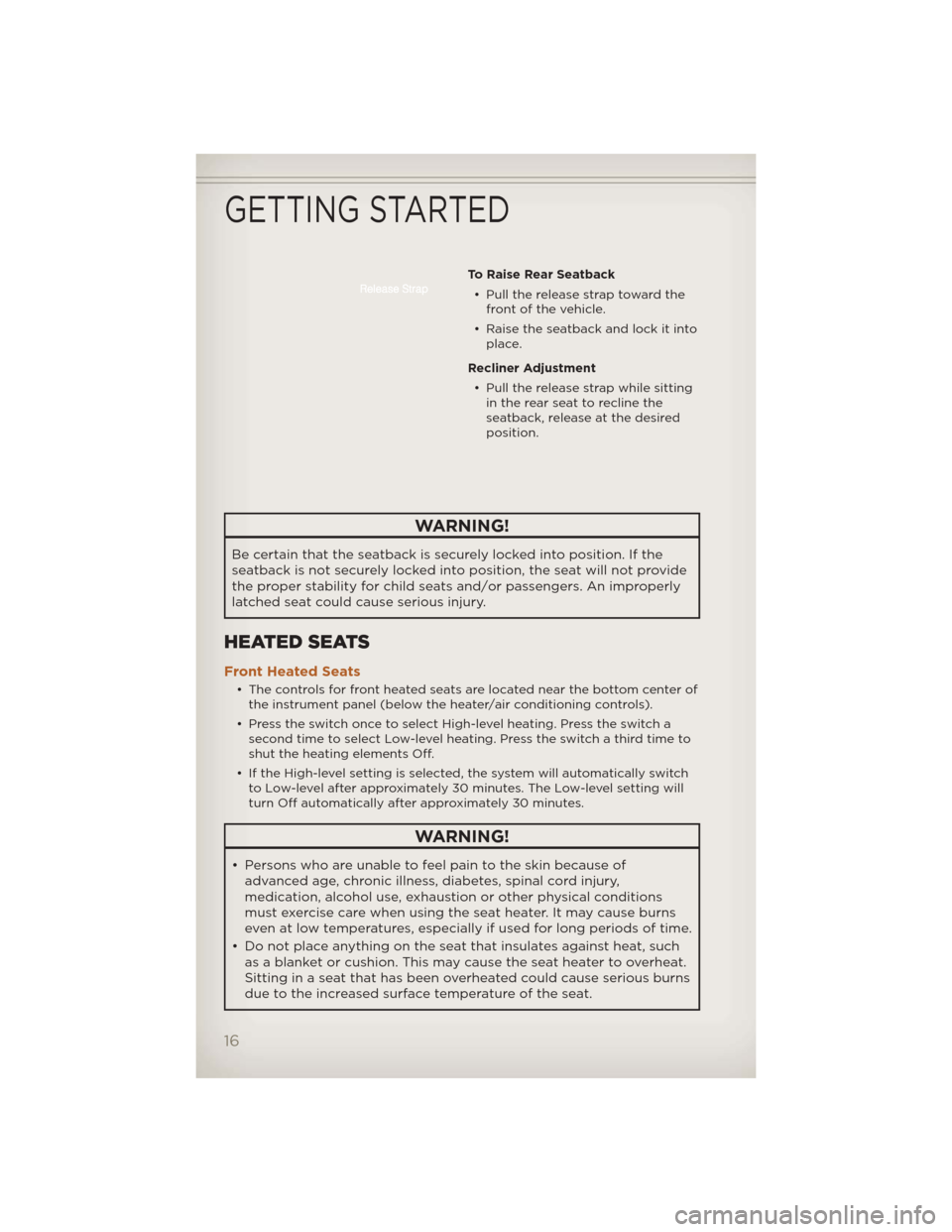
To Raise Rear Seatback• Pull the release strap toward the front of the vehicle.
• Raise the seatback and lock it into place.
Recliner Adjustment • Pull the release strap while sitting in the rear seat to recline the
seatback, release at the desired
position.
WARNING!
Be certain that the seatback is securely locked into position. If the
seatback is not securely locked into position, the seat will not provide
the proper stability for child seats and/or passengers. An improperly
latched seat could cause serious injury.
HEATED SEATS
Front Heated Seats
• The controls for front heated seats are located near the bottom center ofthe instrument panel (below the heater/air conditioning controls).
• Press the switch once to select High-level heating. Press the switch a second time to select Low-level heating. Press the switch a third time to
shut the heating elements Off.
• If the High-level setting is selected, the system will automatically switch to Low-level after approximately 30 minutes. The Low-level setting will
turn Off automatically after approximately 30 minutes.
WARNING!
• Persons who are unable to feel pain to the skin because ofadvanced age, chronic illness, diabetes, spinal cord injury,
medication, alcohol use, exhaustion or other physical conditions
must exercise care when using the seat heater. It may cause burns
even at low temperatures, especially if used for long periods of time.
• Do not place anything on the seat that insulates against heat, such as a blanket or cushion. This may cause the seat heater to overheat.
Sitting in a seat that has been overheated could cause serious burns
due to the increased surface temperature of the seat.
GETTING STARTED
16
Page 20 of 124
ENGINE BREAK-IN RECOMMENDATIONS
• A long break-in period is not required for the engine and drivetrain(transmission and axle) in your vehicle.
• Drive moderately during the first 300 miles (500 km). After the initial 60 miles (100 km), speeds up to 50 or 55 mph (80 or 90 km/h) are
desirable.
• While cruising, brief full-throttle acceleration within the limits of local traffic laws contributes to a good break-in. Wide-open throttle
acceleration in low gear can be detrimental and should be avoided.
• The engine oil installed in the engine at the factory is a high-quality energy conserving type lubricant. Oil changes should be consistent with
anticipated climate conditions under which vehicle operations will occur.
For the recommended viscosity and quality grades, refer to “Maintaining
Your Vehicle”.
NOTE: A new engine may consume some oil during its first few thousand
miles (kilometers) of operation. This should be considered a normal part of
the break-in and not interpreted as an indication of difficulty.
CAUTION!
Never use Non-Detergent Oil or Straight Mineral Oil in the engine or
damage may result.
TURN SIGNAL/LIGHTS LEVER
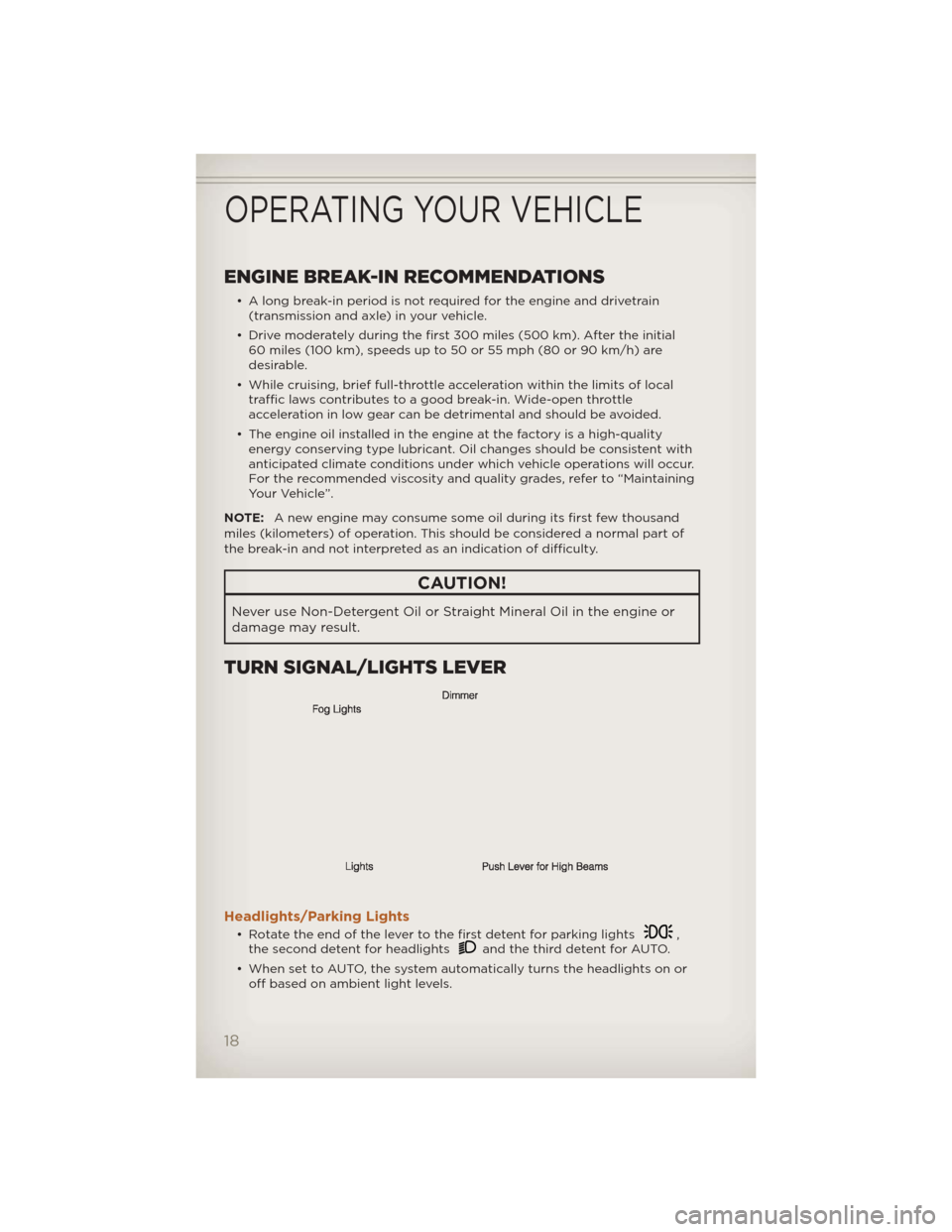
Headlights/Parking Lights
• Rotate the end of the lever to the first detent for parking lights,
the second detent for headlightsand the third detent for AUTO.
• When set to AUTO, the system automatically turns the headlights on or off based on ambient light levels.
OPERATING YOUR VEHICLE
18
Page 22 of 124
WIPER/WASHER LEVER
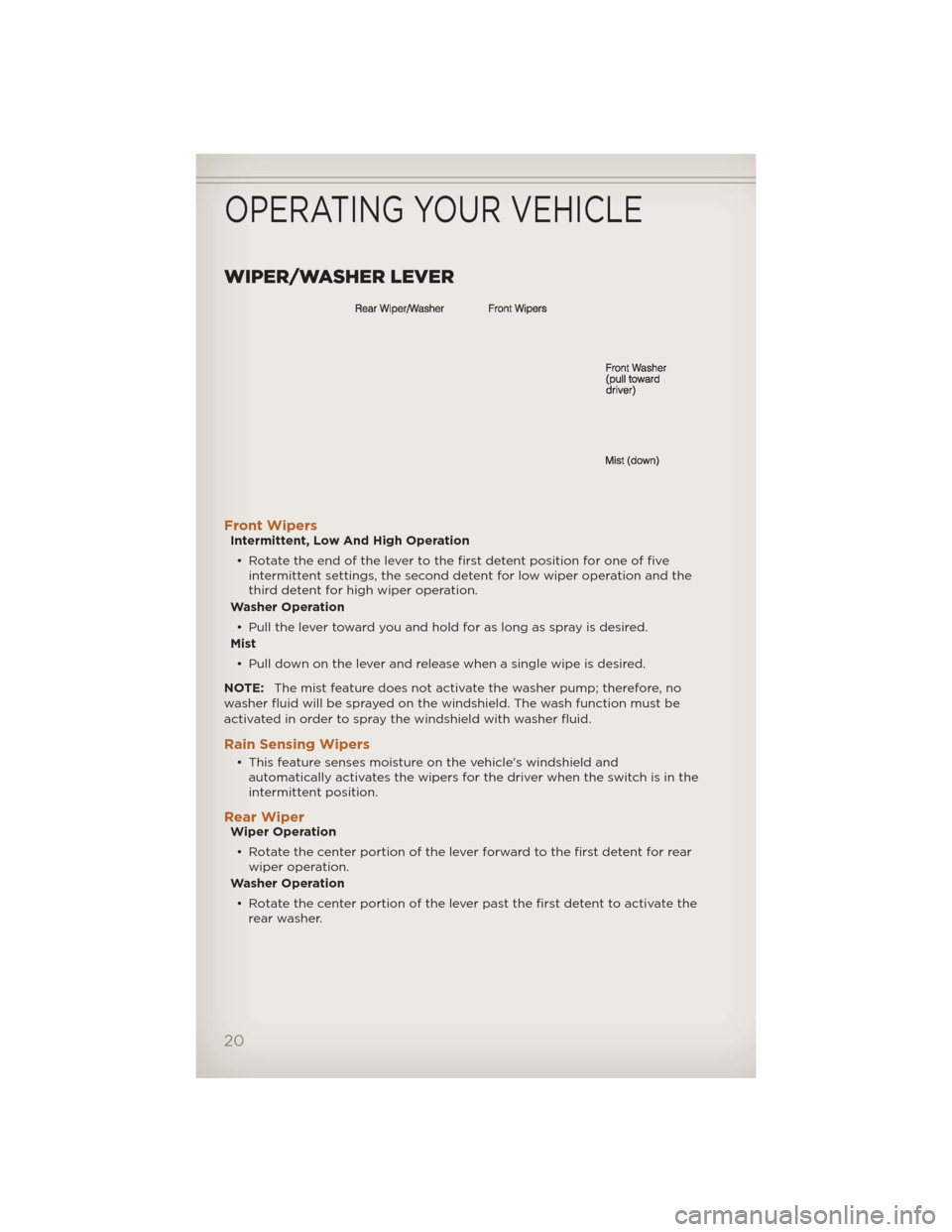
Front WipersIntermittent, Low And High Operation• Rotate the end of the lever to the first detent position for one of five intermittent settings, the second detent for low wiper operation and the
third detent for high wiper operation.
Washer Operation
• Pull the lever toward you and hold for as long as spray is desired.
Mist
• Pull down on the lever and release when a single wipe is desired.
NOTE: The mist feature does not activate the washer pump; therefore, no
washer fluid will be sprayed on the windshield. The wash function must be
activated in order to spray the windshield with washer fluid.
Rain Sensing Wipers
• This feature senses moisture on the vehicle's windshield and automatically activates the wipers for the driver when the switch is in the
intermittent position.
Rear WiperWiper Operation
• Rotate the center portion of the lever forward to the first detent for rear wiper operation.
Washer Operation
• Rotate the center portion of the lever past the first detent to activate the rear washer.
OPERATING YOUR VEHICLE
20
Page 23 of 124
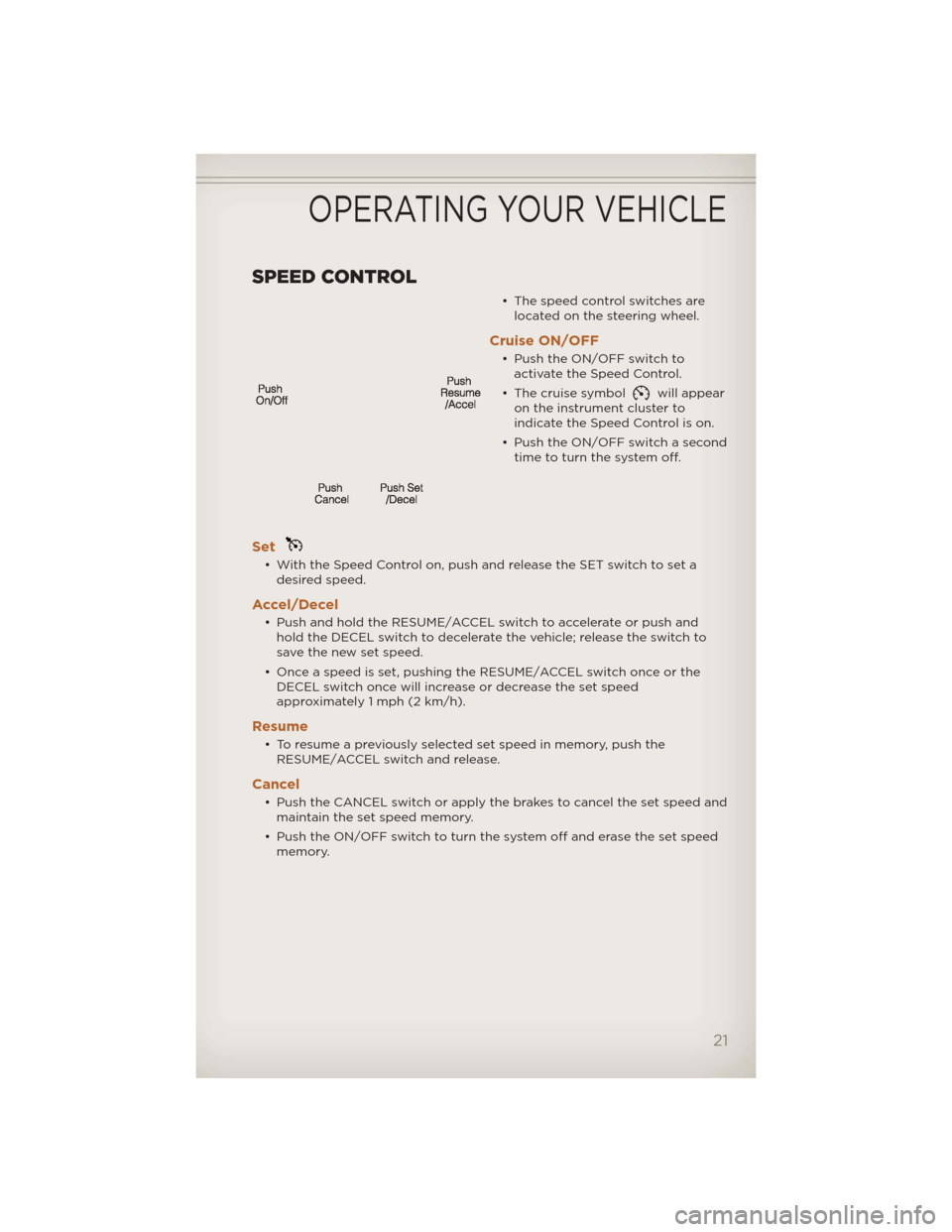
SPEED CONTROL
• The speed control switches arelocated on the steering wheel.
Cruise ON/OFF
• Push the ON/OFF switch toactivate the Speed Control.
• The cruise symbol
will appear
on the instrument cluster to
indicate the Speed Control is on.
• Push the ON/OFF switch a second time to turn the system off.
Set
• With the Speed Control on, push and release the SET switch to set adesired speed.
Accel/Decel
• Push and hold the RESUME/ACCEL switch to accelerate or push andhold the DECEL switch to decelerate the vehicle; release the switch to
save the new set speed.
• Once a speed is set, pushing the RESUME/ACCEL switch once or the DECEL switch once will increase or decrease the set speed
approximately 1 mph (2 km/h).
Resume
• To resume a previously selected set speed in memory, push theRESUME/ACCEL switch and release.
Cancel
• Push the CANCEL switch or apply the brakes to cancel the set speed andmaintain the set speed memory.
• Push the ON/OFF switch to turn the system off and erase the set speed memory.
OPERATING YOUR VEHICLE
21
Page 27 of 124
POWER SUNROOF
• The power sunroof switch is located on the overhead console.
Opening SunroofExpress• Press the switch rearward and release. The sunroof will fully open and stop automatically.
Closing SunroofExpress
• Press the switch forward and release. The sunroof will close automatically from any position.
Manual Open/Close
• Press and hold the switch rearward to open or forward to close thesunroof. Any release of the switch will stop the movement, and the
sunroof will remain in a partially open or closed position until the switch
is pressed again.
Venting Sunroof
• Press and release the "VENT" button, and the sunroof will open to thevent position. This is called “Express Vent” and will occur regardless of
sunroof position. During Express Vent operation, any movement of the
switch will stop the sunroof.
Pinch Protection Feature
• This feature will detect an obstruction in the opening of the sunroofduring Express Close operation. If an obstruction in the path of the
sunroof is detected, the sunroof will automatically return to the open
position.
NOTE: Pinch protection is disabled while the switch is pressed and held
during manual opening and closing of the sunroof.
WARNING!
• Never leave children in a vehicle with the key in the ignition switch. Occupants, particularly unattended children, can become entrapped
by the power sunroof while operating the power sunroof switch.
Such entrapment may result in serious injury or death.
• In a collision, there is a greater risk of being thrown from a vehicle with an open sunroof. You could also be severely injured or killed.
Always fasten your seat belt properly and make sure all passengers
are properly secured.
• Do not allow small children to operate the sunroof. Never allow your fingers, other body parts, or any object to project through the
sunroof opening. Injury may result.
OPERATING YOUR VEHICLE
25
Page 32 of 124
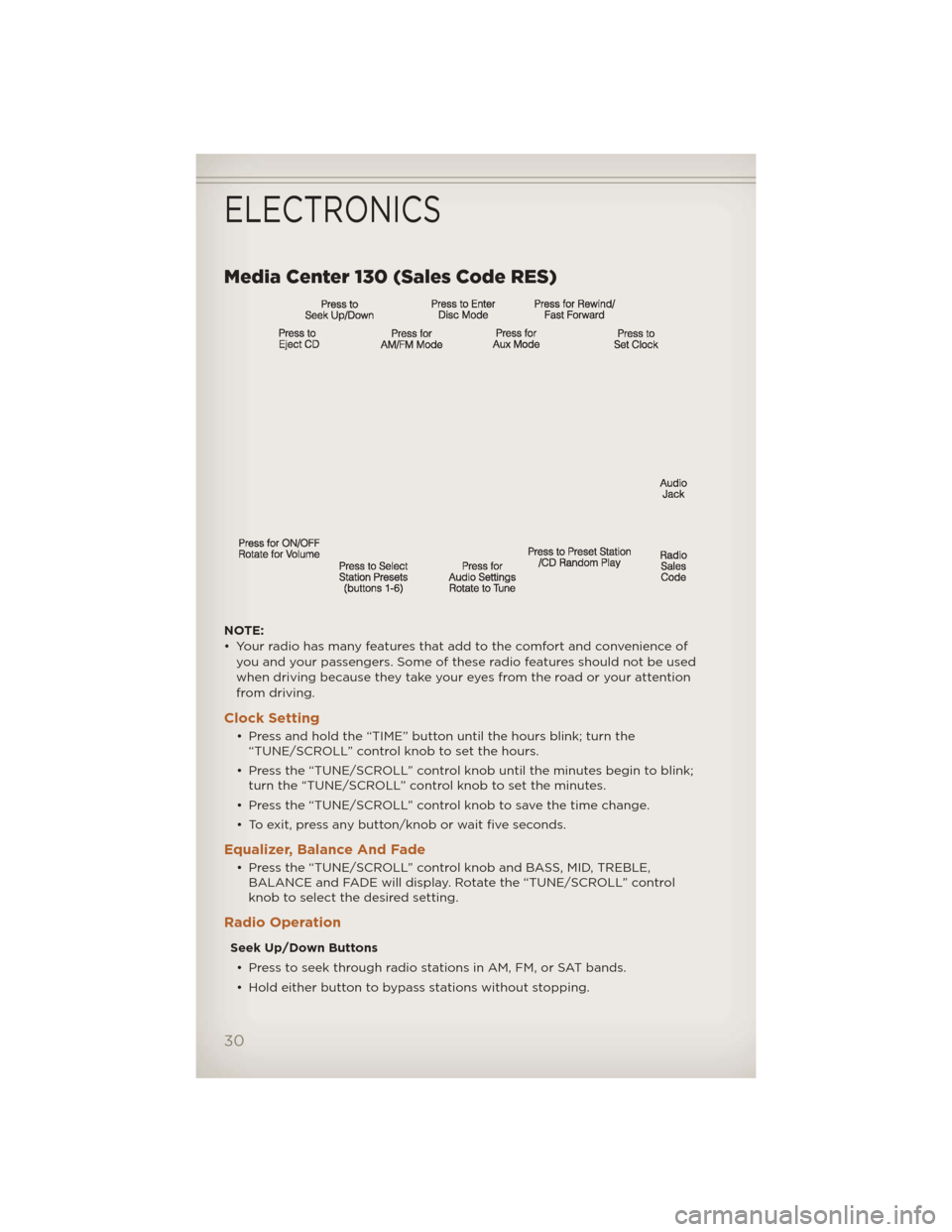
Media Center 130 (Sales Code RES)
NOTE:
• Your radio has many features that add to the comfort and convenience ofyou and your passengers. Some of these radio features should not be used
when driving because they take your eyes from the road or your attention
from driving.
Clock Setting
• Press and hold the “TIME” button until the hours blink; turn the“TUNE/SCROLL” control knob to set the hours.
• Press the “TUNE/SCROLL” control knob until the minutes begin to blink; turn the “TUNE/SCROLL” control knob to set the minutes.
• Press the “TUNE/SCROLL” control knob to save the time change.
• To exit, press any button/knob or wait five seconds.
Equalizer, Balance And Fade
• Press the “TUNE/SCROLL” control knob and BASS, MID, TREBLE, BALANCE and FADE will display. Rotate the “TUNE/SCROLL” control
knob to select the desired setting.
Radio Operation
Seek Up/Down Buttons
• Press to seek through radio stations in AM, FM, or SAT bands.
• Hold either button to bypass stations without stopping.
ELECTRONICS
30
Page 33 of 124
Store Radio Presets• Press the “SET/RND” button once and SET 1 will show in the display. Then select button (1–6).
• A second station may be added to each push button. Press the “SET/RND” button twice and SET 2 will show in the display. Then select
button (1–6).
CD/DISC Operation
Seek Up/Down Buttons
• Press to seek through CD tracks.
• Hold either button to bypass tracks without stopping.
SET/RND Button (Random Play) • Press this button while the CD is playing to activate Random Play.
• This feature plays the selections on the CD in random order to provide an interesting change of pace.
Audio Jack Operation
• The Audio Jack allows a portable device, such as an MP3 player or acassette player, to be plugged into the radio and utilize the vehicle’s
audio system, using a 3.5 mm audio cable, to amplify the source and play
through the vehicle speakers.
• Pressing the “AUX” button will change the mode to auxiliary device if the Audio Jack is connected, allowing the music from your portable device
to play through the vehicle's speakers.
• The functions of the portable device are controlled using the device buttons. The volume may be controlled using the radio or portable
device.
ELECTRONICS
31
Page 34 of 124
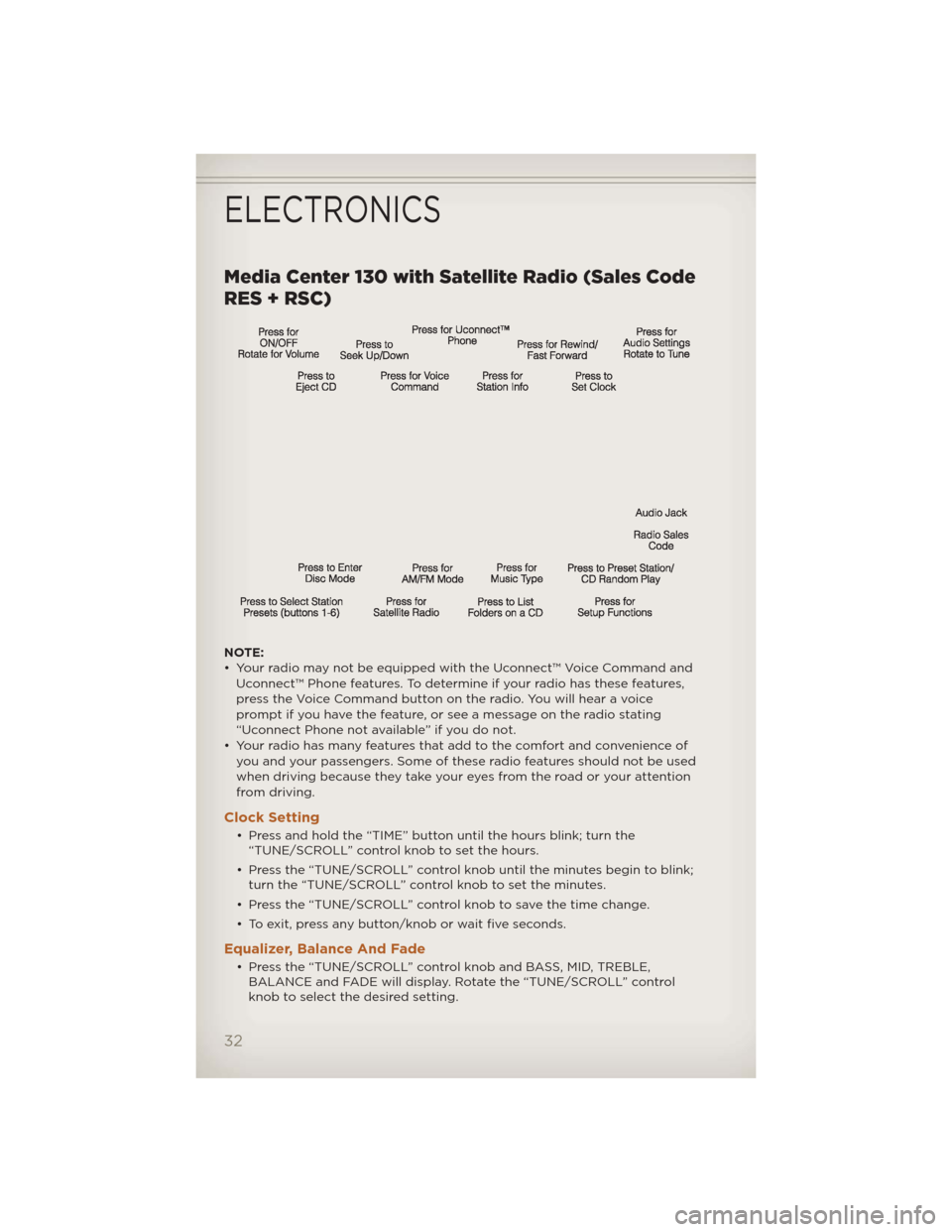
Media Center 130 with Satellite Radio (Sales Code
RES + RSC)
NOTE:
• Your radio may not be equipped with the Uconnect™ Voice Command andUconnect™ Phone features. To determine if your radio has these features,
press the Voice Command button on the radio. You will hear a voice
prompt if you have the feature, or see a message on the radio stating
“Uconnect Phone not available” if you do not.
• Your radio has many features that add to the comfort and convenience of you and your passengers. Some of these radio features should not be used
when driving because they take your eyes from the road or your attention
from driving.
Clock Setting
• Press and hold the “TIME” button until the hours blink; turn the“TUNE/SCROLL” control knob to set the hours.
• Press the “TUNE/SCROLL” control knob until the minutes begin to blink; turn the “TUNE/SCROLL” control knob to set the minutes.
• Press the “TUNE/SCROLL” control knob to save the time change.
• To exit, press any button/knob or wait five seconds.
Equalizer, Balance And Fade
• Press the “TUNE/SCROLL” control knob and BASS, MID, TREBLE, BALANCE and FADE will display. Rotate the “TUNE/SCROLL” control
knob to select the desired setting.
ELECTRONICS
32
Page 35 of 124
Radio Operation
Seek Up/Down Buttons• Press to seek through radio stations in AM, FM, or SAT bands.
• Hold either button to bypass stations without stopping.
Store Radio Presets • Press the “SET/RND” button once and SET 1 will show in the display. Then select button (1–6).
• A second station may be added to each push button. Press the “SET/RND” button twice and SET 2 will show in the display. Then select
button (1–6).
Music Type • Press the “MUSIC TYPE” button to activate this mode. Press the “MUSIC TYPE” button again or turn the “TUNE/SCROLL” control knob to select
the desired music type (Adult Hits, Country, Jazz, Oldies, Rock, etc.).
• Once a music type is chosen and the icon is displayed, press either “SEEK” button and the radio will only search for stations with the
selected music type.
NOTE: The Music Type function only operates when in FM mode.
SETUP Button • Pressing the “SETUP” button allows you to select between items that are available in that particular mode.
• Turn the “TUNE/SCROLL” control knob to scroll through the entries. Push the “AUDIO/SELECT” button to select an entry and make changes.
Sirius XM™ Satellite Radio
• Sirius XM™ Satellite Radio gives you over 130 channels, including 100%commercial-free music from nearly every genre, plus all your favorite
sports, news, talk and entertainment channels–all with crystal clear,
coast-to-coast coverage, all in one place and all at your fingertips.
• To access Sirius XM™ Satellite Radio, press the “SAT” hard-key.
CD/DISC Operation
Seek Up/Down Buttons
• Press to seek through CD tracks.
• Hold either button to bypass tracks without stopping.
SET/RND Button (Random Play) • Press this button while the CD is playing to activate Random Play.
• This feature plays the selections on the CD in random order to provide an interesting change of pace.
ELECTRONICS
33