Instrument panel JEEP PATRIOT 2016 1.G Workshop Manual
[x] Cancel search | Manufacturer: JEEP, Model Year: 2016, Model line: PATRIOT, Model: JEEP PATRIOT 2016 1.GPages: 587, PDF Size: 3.61 MB
Page 242 of 587
Low Fuel Warning Indicator Light
Yellow TelltaleLight What It Means
Low Fuel Warning Indicator Light
When the fuel level reaches approximately 2.8 gal (10.6 L), this light will turn on and a
single chime will sound.
4WD! Warning Light — If Equipped
Yellow Tell-
tale Light What It Means
4WD! Warning Light — If Equipped
This light monitors the 4-Wheel Drive (4WD) system. The light will come on, for a bulb check,
when the ignition key is turned to the ON/RUN position and may stay on for as long as three
seconds.
When lit solid:
There is a 4WD system fault. 4WD performance will be at a reduced level. Ser-
vice the 4WD system soon.
When blinking: The 4WD system is temporarily disabled due to overload condition.
240 UNDERSTANDING YOUR INSTRUMENT PANEL
Page 243 of 587
Loose Fuel Filler Cap Indicator Light — If Equipped
Yellow TelltaleLight What It Means
Loose Fuel Filler Cap Indicator Light
This light will illuminate when fuel filler cap is loose. Properly close the filler cap to disen-
gage the light. If the light does not turn off, please see your authorized dealer.
Low Washer Fluid Indicator Light — If Equipped
Yellow Telltale
Light What It Means
Low Washer Fluid Indicator Light
This indicator will illuminate when the windshield washer fluid is low.
4
UNDERSTANDING YOUR INSTRUMENT PANEL 241
Page 244 of 587
Transmission Temperature Indicator Light
Red TelltaleLight What It Means
Transmission Temperature Indicator Light
This light indicates that the transmission fluid temperature is running hot. This may occur with
severe usage, such as trailer towing. If this light turns on, safely pull over and stop them ve-
hicle. Then, shift the transmission into NEUTRAL and run the engine at idle or faster until the
light turns off.
CAUTION!
Continuous driving with the Transmission Tempera-
ture Warning Light illuminated will eventually cause
severe transmission damage or transmission failure.
WARNING!
If you continue operating the vehicle when the
Transmission Temperature Warning Light is illumi-
nated you could cause the fluid to boil over, come in
contact with hot engine or exhaust components and
cause a fire.
242 UNDERSTANDING YOUR INSTRUMENT PANEL
Page 245 of 587
Green Telltale Indicator Lights
Turn Signal Indicator Lights
Green Tell-tale Light What It Means
Turn Signal Indicator Lights
The instrument cluster arrow will flash independently for the LEFT or RIGHT turn signal as se-
lected, as well as the exterior turn signal lamp(s) (front and rear) as selected when the multi-
function lever is moved down (LEFT) or up (RIGHT).
NOTE:
•A continuous chime will sound if the vehicle is driven more than 1 mile (1.6 km) with either
turn signal on.
•Check for an inoperative outside light bulb if either indicator flashes at a rapid rate.
4
UNDERSTANDING YOUR INSTRUMENT PANEL 243
Page 246 of 587
Park/Headlight ON Indicator Light
Green TelltaleLight What It Means
Park/Headlight ON Indicator Light
This indicator will illuminate when the park lights or headlights are turned on.
Front Fog Indicator Light — If Equipped
Green Telltale
Light What It Means
Front Fog Indicator Light
This indicator will illuminate when the front fog lights are on.
244 UNDERSTANDING YOUR INSTRUMENT PANEL
Page 247 of 587
Blue Telltale Indicator Light
High Beam Indicator Light
Blue TelltaleLight What It Means
High Beam Indicator Light
This indicator shows that the high beam headlights are on. Push the multifunction control
lever away from you to switch the headlights to high beam. Pull the lever toward you to
switch the headlights back to low beam.
White Telltale Indicator Light
Cruise Control On Indicator Light
White Telltale
Light What It Means
Cruise Control On Indicator Light
This indicator shows when the electronic speed control system is turned on.
4
UNDERSTANDING YOUR INSTRUMENT PANEL 245
Page 248 of 587
Hill Descent Indicator Light — If Equipped
White Tell-tale Light What It Means
Hill Descent Indicator Light
This indicator shows when the Hill Descent Control (HDC) feature is turned on. The lamp will
be on solid when HDC is armed. HDC can only be armed when the transfer case is in the “4WD
LOW” position and the vehicle speed is less then 30 mph (48 km/h). If these conditions are not
met while attempting to use the HDC feature, the HDC indicator light will flash on/off.
MINI-TRIP COMPUTER — IF EQUIPPED
The Mini-Trip Computer is located in the instrument
cluster and features a driver-interactive trip information
and temperature display. NOTE:
The system will display the last known outside
temperature when starting the vehicle and may need to
be driven several minutes before the updated tempera-
ture is displayed. Engine temperature can also affect the
displayed temperature; therefore, temperature readings
are not updated when the vehicle is not moving.
246 UNDERSTANDING YOUR INSTRUMENT PANEL
Page 249 of 587
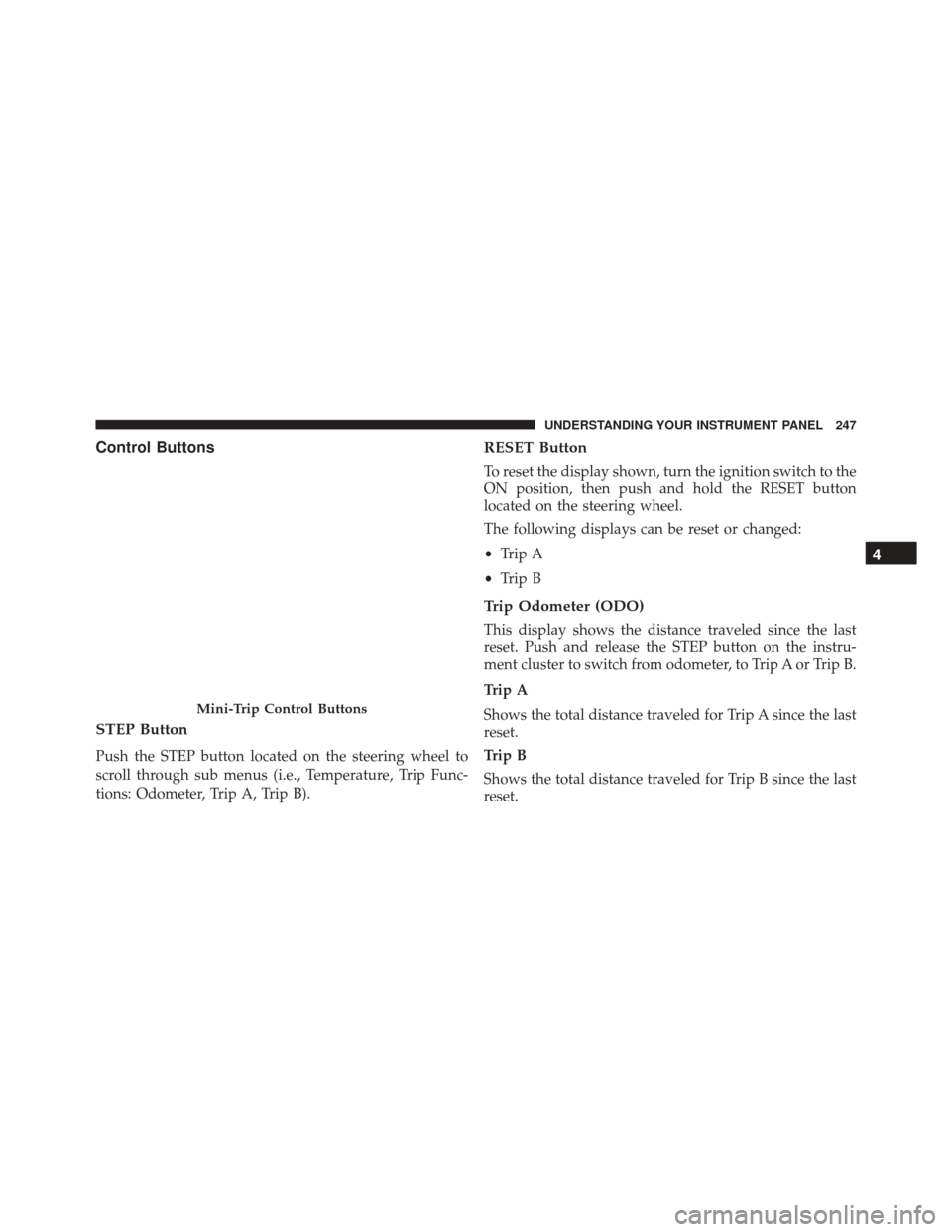
Control Buttons
STEP Button
Push the STEP button located on the steering wheel to
scroll through sub menus (i.e., Temperature, Trip Func-
tions: Odometer, Trip A, Trip B).
RESET Button
To reset the display shown, turn the ignition switch to the
ON position, then push and hold the RESET button
located on the steering wheel.
The following displays can be reset or changed:
•Trip A
• Trip B
Trip Odometer (ODO)
This display shows the distance traveled since the last
reset. Push and release the STEP button on the instru-
ment cluster to switch from odometer, to Trip A or Trip B.
Trip A
Shows the total distance traveled for Trip A since the last
reset.
Trip B
Shows the total distance traveled for Trip B since the last
reset.
Mini-Trip Control Buttons
4
UNDERSTANDING YOUR INSTRUMENT PANEL 247
Page 250 of 587
ELECTRONIC VEHICLE INFORMATION CENTER
(EVIC) — IF EQUIPPED
The Electronic Vehicle Information Center (EVIC) fea-
tures a driver-interactive display that is located in the
instrument cluster.The EVIC consists of the following:
•
System Status
• Units
• Vehicle Information Warning Message Displays
• Personal Settings (Customer-Programmable Features)
• Compass Heading
• Outside Temperature Display
• Trip Computer Functions
• Uconnect Phone Displays (if equipped)
• Audio Mode Display
• Tire Pressure Monitor (TPM)
Electronic Vehicle Information Center (EVIC)
248 UNDERSTANDING YOUR INSTRUMENT PANEL
Page 251 of 587
The system allows the driver to select information by
pushing the following buttons mounted on the steering
wheel:MENU Button
Push and release the MENU button to scroll
through the main menus (Fuel Economy, Warn-
ings, Timer, Units, System, Personal Settings)
or to exit submenus.
COMPASS Button
Push and release the COMPASS button to
display one of eight compass readings and the
outside temperature or to exit sub-menus.
RIGHT Button Push and release the RIGHT button for access
to main menus, submenus, or to select a per-
sonal setting in the setup menu.
EVIC Steering Wheel Buttons
4
UNDERSTANDING YOUR INSTRUMENT PANEL 249