light JEEP PATRIOT 2017 1.G User Guide
[x] Cancel search | Manufacturer: JEEP, Model Year: 2017, Model line: PATRIOT, Model: JEEP PATRIOT 2017 1.GPages: 421, PDF Size: 3.4 MB
Page 30 of 421
door, passenger door, other doors, ignition) after three min-
utes, the parking lights and tail lights will flash for an
additional 15 minutes.
To Arm The System
1. Remove the key fob from the ignition and get out of thevehicle.
2. Lock the door using either the power door lock
switch or the key fob lockbutton and close all
doors.
3. The Vehicle Security Light in the instrument cluster will flash rapidly for approximately 16 seconds. This shows
that the Vehicle Security Alarm is arming. During this
period, if a door is opened, the ignition is placed in the
ON/RUN position, or the power door locks are un-
locked in any manner, the Vehicle Security Alarm will
automatically disarm. After approximately 16 seconds,
the Vehicle Security Light will flash slowly. This shows
that the Vehicle Security Alarm is fully armed.
Rearming The System
If something triggers the alarm, and no action is taken to
disarm it, the Vehicle Security Alarm will turn off the horn
after three minutes, turn off all of the visual signals after 15
minutes, and then the Vehicle Security Alarm will rearm itself.
To Disarm The System
Push unlockon the key fob, or insert the key into the
ignition and place the ignition in the ON/RUN position.
If something has triggered the Vehicle Security Alarm in
your absence, the horn will sound three times, and exterior
lights blink three times when you unlock the doors. Check
the vehicle for tampering. The Vehicle Security Alarm is
designed to protect your vehicle. However, you can create
conditions where the Vehicle Security Alarm will arm
unexpectedly. If you remain in the vehicle and lock the
doors with the key fob, once the Vehicle Security Alarm is
armed (after 16 seconds), when you pull the door handle to
exit, the alarm will sound. If this occurs, push the unlock
button on the key fob to disarm the Vehicle Security
Alarm.
Vehicle Security Alarm Manual Override
The Vehicle Security Alarm will not arm if you lock the
doors using the manual door lock plunger.
DOOR LOCKS
Manual Door Locks
Use the manual door lock knob to lock the doors from
inside the vehicle. If the lock knob is down when the door
28 GETTING TO KNOW YOUR VEHICLE
Page 39 of 421
Heated Seats — If Equipped
On some models, the front driver and passenger seats may
be equipped with heaters in both the seat cushions and
seatbacks. The controls for the front heated seats are
located on the center instrument panel area.
You can choose from HI, LO or OFF heat settings. Amber
indicator lights in each switch indicate the level of heat in
use. Two indicator lights will illuminate for HI, one for LO
and none for OFF.Push the switch once to select HI-level heating.
Push the switch a second time to select LO-level
heating. Push the switch a third time to shut the
heating elements OFF.
When the HI-level setting is selected, the heater will
provide a boosted heat level during the initial stages of
operation. Then, the heat output will drop to the normal
HI-level. If the HI-level setting is selected, the system will
automatically switch to LO-level after approximately 30
minutes of continuous operation. At that time, the display
will change from HI to LO, indicating the change. When
the LO-level heating is selected, the system automatically
turns the heater and the indicator light OFF after approxi-
mately 30 minutes of continuous operation. NOTE:
Once a heat setting is selected, heat will be felt
within two to five minutes.
WARNING!
• Persons who are unable to feel pain to the skin
because of advanced age, chronic illness, diabetes,
spinal cord injury, medication, alcohol use, exhaus-
tion or other physical condition must exercise care
when using the seat heater. It may cause burns even
at low temperatures, especially if used for long
periods of time.
• Do not place anything on the seat or seatback that
insulates against heat, such as a blanket or cushion.
This may cause the seat heater to overheat. Sitting in
a seat that has been overheated could cause serious
burns due to the increased surface temperature of the
seat.3
GETTING TO KNOW YOUR VEHICLE 37
Page 45 of 421
WARNING!
Do not adjust the steering column while driving.
Adjusting the steering column while driving or driv-
ing with the steering column unlocked, could cause the
driver to lose control of the vehicle. Failure to follow
this warning may result in serious injury or death.
MIRRORS
Inside Day/Night Mirror
A two-point pivot system allows for horizontal and vertical
mirror adjustment. Adjust the mirror to center on the view
through the rear window.Headlight glare can be reduced by moving the small
control under the mirror to the night position (toward the
rear of vehicle). The mirror should be adjusted while set in
the day position (toward the windshield).
Inside Day/Night Mirror
3
GETTING TO KNOW YOUR VEHICLE 43
Page 46 of 421
Automatic Dimming Mirror — If Equipped
This mirror automatically adjusts for headlight glare from
vehicles behind you. You can turn the feature on or off by
pushing the button at the base of the mirror. The On/Off
symbol on the button will illuminate when the auto-
dimming feature is enabled.
NOTE:This feature is disabled when the vehicle is mov-
ing in reverse.
CAUTION!
To avoid damage to the mirror during cleaning, never
spray any cleaning solution directly onto the mirror.
Apply the solution onto a clean cloth and wipe the
mirror clean.
Outside Mirror — Driver Side
Adjust the flat outside mirror so you can just see the side of
your vehicle in the part of the mirror closest to the vehicle
with your head close to the door glass.
Outside Mirror — Passenger Side
Adjust the convex outside mirror so you can just see the
side of your vehicle in the part of the mirror closest to the
vehicle with your head close to the center of the vehicle.
WARNING!
Vehicles and other objects seen in the passenger side
convex mirror will look smaller and farther away than
they really are. Relying too much on your passenger
side convex mirror could cause you to collide with
another vehicle or other object. Use your inside mirror
(Continued)
Automatic Dimming Mirror
44 GETTING TO KNOW YOUR VEHICLE
Page 48 of 421
Heated Mirrors — If Equipped
These mirrors are heated to melt frost or ice. This
feature is activated whenever you turn on the rear
window defroster. Refer to “Automatic Temperature Con-
trol (ATC) — If Equipped” in “Getting To Know Your
Vehicle” for further information.
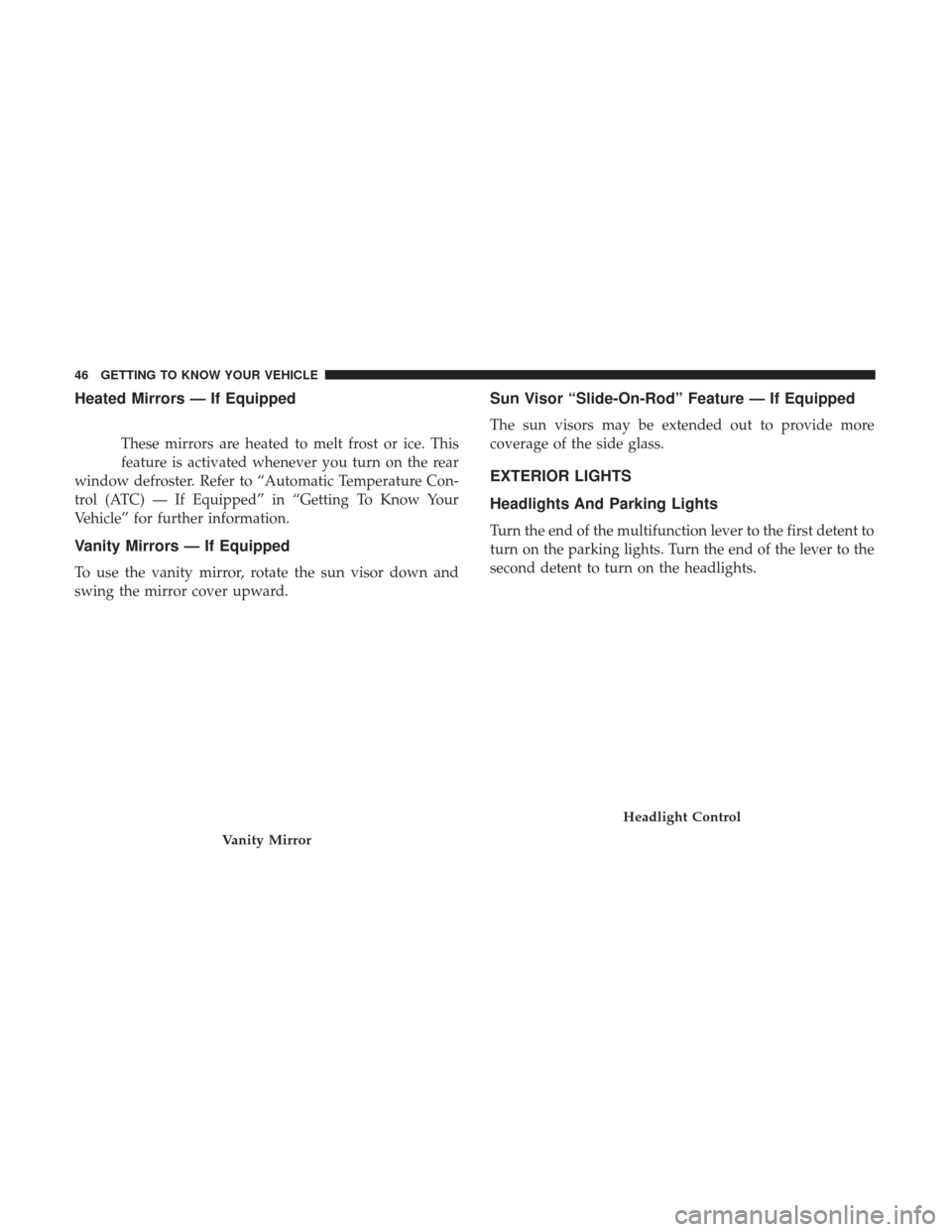
Vanity Mirrors — If Equipped
To use the vanity mirror, rotate the sun visor down and
swing the mirror cover upward.
Sun Visor “Slide-On-Rod” Feature — If Equipped
The sun visors may be extended out to provide more
coverage of the side glass.
EXTERIOR LIGHTS
Headlights And Parking Lights
Turn the end of the multifunction lever to the first detent to
turn on the parking lights. Turn the end of the lever to the
second detent to turn on the headlights.
Vanity Mirror
Headlight Control
46 GETTING TO KNOW YOUR VEHICLE
Page 49 of 421
Daytime Running Lights — If Equipped
The high beam lights will come on as Daytime Running
Lights (lower intensity), whenever the ignition is ON, the
engine is running, the headlight switch is off, the parking
brake is off, the turn signal is off, and the gear selector is in
any position except PARK.
High/Low Beam Switch
Push the multifunction lever away from you to switch the
headlights to high beam. Pull the multifunction lever
toward you to switch the headlights back to low beam.
Flash-To-Pass
You can signal another vehicle with your headlights by
lightly pulling the multifunction lever toward you. This
will turn on the high beam headlights until the lever is
released.
NOTE:If the multifunction lever is held in the flash-to-
pass position for more than 20 seconds, the high beams will
shut off. If this occurs, wait 30 seconds for the next
flash-to-pass operation.
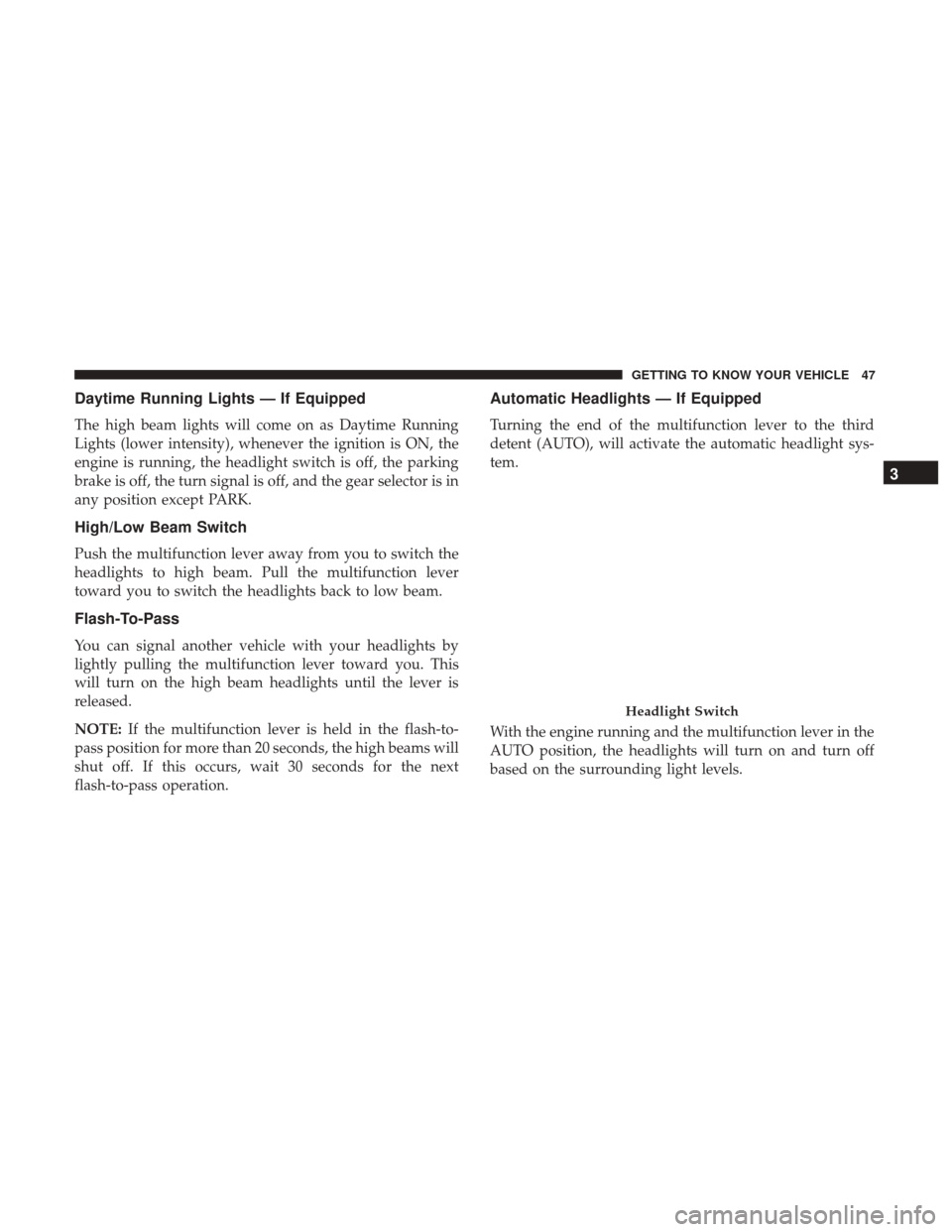
Automatic Headlights — If Equipped
Turning the end of the multifunction lever to the third
detent (AUTO), will activate the automatic headlight sys-
tem.
With the engine running and the multifunction lever in the
AUTO position, the headlights will turn on and turn off
based on the surrounding light levels.
Headlight Switch
3
GETTING TO KNOW YOUR VEHICLE 47
Page 50 of 421
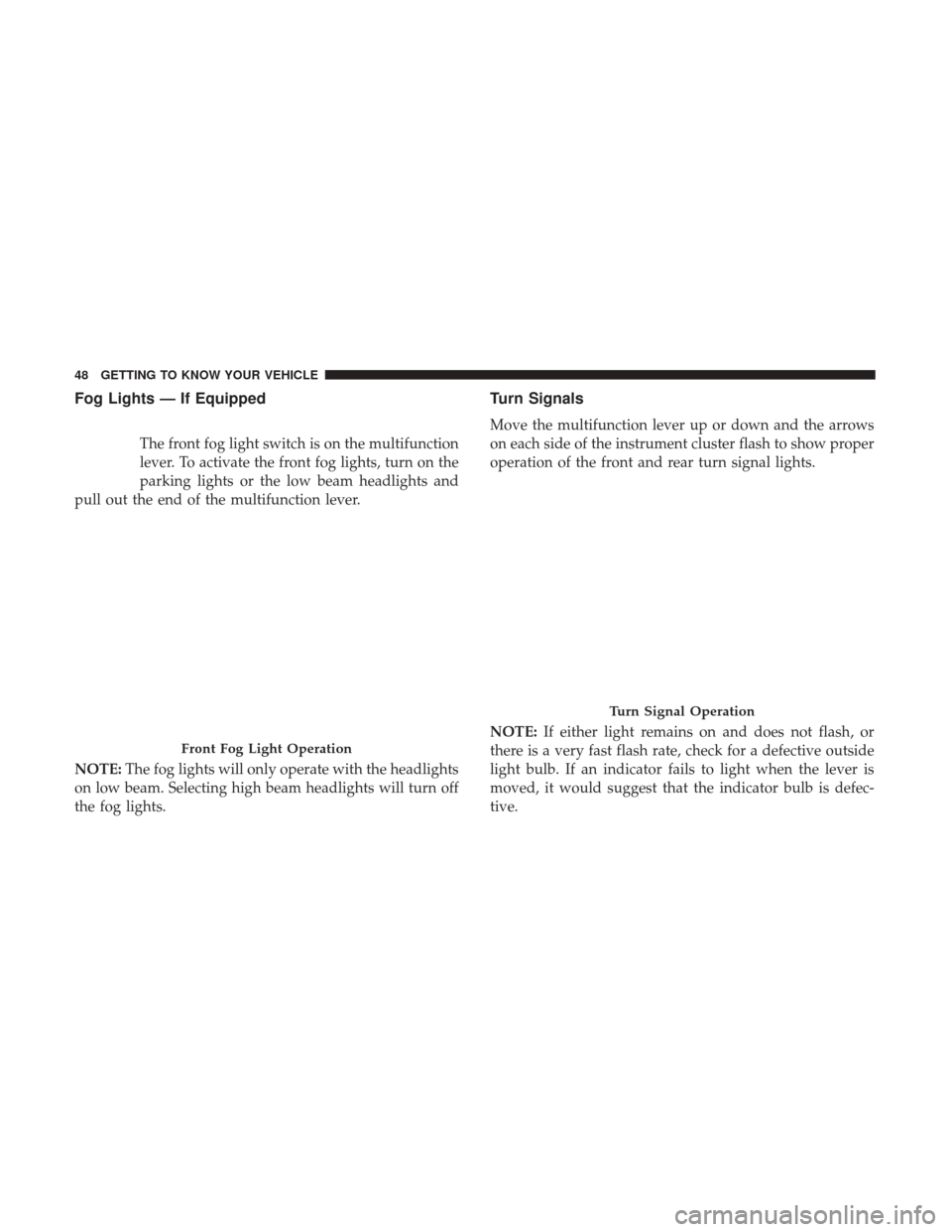
Fog Lights — If Equipped
The front fog light switch is on the multifunction
lever. To activate the front fog lights, turn on the
parking lights or the low beam headlights and
pull out the end of the multifunction lever.
NOTE: The fog lights will only operate with the headlights
on low beam. Selecting high beam headlights will turn off
the fog lights.
Turn Signals
Move the multifunction lever up or down and the arrows
on each side of the instrument cluster flash to show proper
operation of the front and rear turn signal lights.
NOTE: If either light remains on and does not flash, or
there is a very fast flash rate, check for a defective outside
light bulb. If an indicator fails to light when the lever is
moved, it would suggest that the indicator bulb is defec-
tive.
Front Fog Light Operation
Turn Signal Operation
48 GETTING TO KNOW YOUR VEHICLE
Page 51 of 421
Lane Change Assist
Tap the lever up or down once, without moving beyond
the detent, and the turn signal (right or left) will flash three
times then automatically turn off.
Lights-On Reminder
If the headlights or parking lights are left on after the
ignition is turned OFF, a chime will sound to alert the
driver when the driver’s door is opened.
Headlights On With Wipers (Available With
Automatic Headlights Only)
When this feature is active, the headlights will turn on
approximately 10 seconds after the wipers are turned on if
the headlight switch is placed in the AUTO position. In
addition, the headlights will turn off when the wipers are
turned off if they were turned on by this feature.
NOTE:The Headlights On with Wipers feature can be
turned on or off using the instrument cluster display. Refer
to “Instrument Cluster Display” in “Getting To Know Your
Instrument Panel” for further information.
INTERIOR LIGHTS
Instrument Panel Dimming
Rotate the center portion of the lever to the extreme bottom
position to fully dim the instrument panel lights and
prevent the interior lights from illuminating when a door is
opened.
Rotate the center portion of the lever up to increase the
brightness of the instrument panel lights when the parking
lights or headlights are on.
Rotate the center portion of the lever upward to the next
detent position to brighten the odometer and radio when
the parking lights or headlights are on.
3
GETTING TO KNOW YOUR VEHICLE 49
Page 52 of 421
Rotate the center portion of the lever upward to the last
detent to turn on the interior lighting.
Map/Reading Lights
These lights are mounted between the sun visors above the
rear view mirror. Each light is turned on by pushing the
button. Push the button a second time to turn the light off.
The lights also come on when a door is opened or the
dimmer control is turned fully upward, past the second
detent.NOTE:
The lights will remain on until the switch is
pushed a second time, so be sure they have been turned off
before leaving the vehicle. They will not turn off automati-
cally.
Dimmer Control
Map/Reading Lights
50 GETTING TO KNOW YOUR VEHICLE
Page 55 of 421
WARNING!
Sudden loss of visibility through the windshield could
lead to a collision. You might not see other vehicles or
other obstacles. To avoid sudden icing of the wind-
shield during freezing weather, warm the windshield
with the defroster before and during windshield
washer use.
Headlights On With Wipers (Available With
Automatic Headlights Only)
When this feature is active, the headlights will turn on
approximately 10 seconds after the wipers are turned on if
the headlight switch is placed in the AUTO position. In
addition, the headlights will turn off when the wipers are
turned off if they were turned on by this feature.
NOTE:The Headlights On with Wipers feature can be
turned on or off using the instrument cluster display. Refer
to “Instrument Cluster Display” in “Getting To Know Your
Instrument Panel” for further information.
Mist Feature
Push down on the control lever to activate a single wipe to
clear the windshield of road mist or spray from a passing
vehicle. As long as the lever is held down, the wipers will
continue to operate.
NOTE: The mist feature does not activate the washer
pump; therefore, no washer fluid will be sprayed on the
windshield. The wash function must be used in order to
spray the windshield with washer fluid.
Mist Operation
3
GETTING TO KNOW YOUR VEHICLE 53