tow JEEP PATRIOT 2021 Owner handbook (in English)
[x] Cancel search | Manufacturer: JEEP, Model Year: 2021, Model line: PATRIOT, Model: JEEP PATRIOT 2021Pages: 332, PDF Size: 1.99 MB
Page 105 of 332
The delay can be regulated from a maximum of
approximately 18 seconds between cycles, to a
cycle every second.
NOTE:
The wiper delay times depend on vehicle
speed. If the vehicle is moving less than
10 mph (16 km/h), delay times will be
doubled.
Windshield WashersTo use the washer, pull the control lever toward
you and hold while spray is desired. If the lever
is pulled while in the delay range, the wiper will
operate in low-speed while the lever is pulled
and for two wipe cycles after the lever is re-
leased, and then resume the intermittent inter-
val previously selected.
If the lever is pulled while in the off position, the
wipers will operate for two wipe cycles, then turn
off.
WARNING!
Sudden loss of visibility through the wind-
shield could lead to a collision. You might not
see other vehicles or other obstacles. To
avoid sudden icing of the windshield during
freezing weather, warm the windshield with
the defroster before and during windshield
washer use.
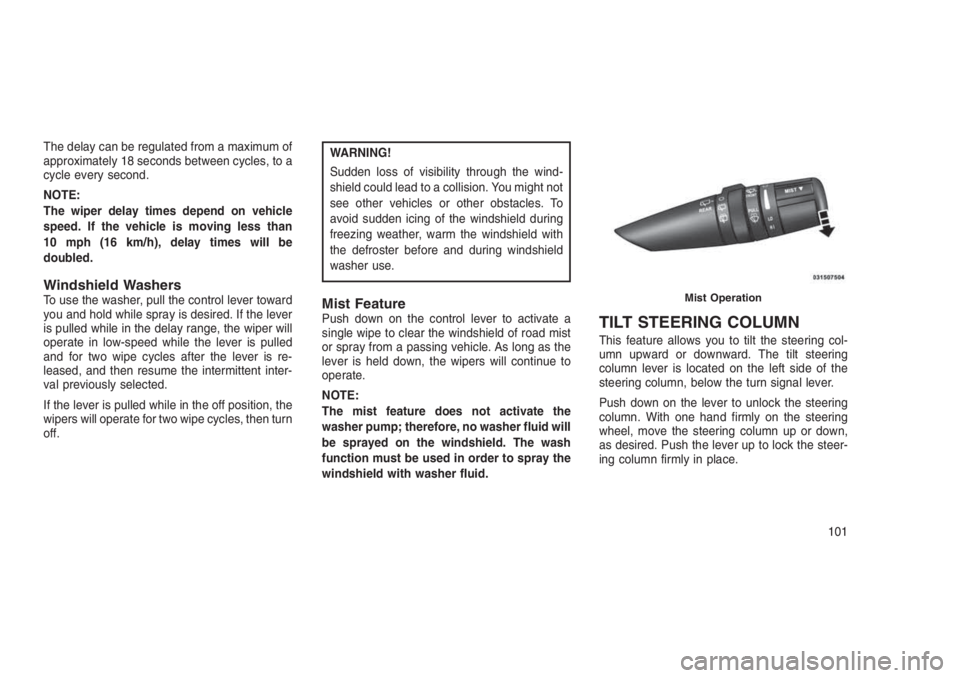
Mist FeaturePush down on the control lever to activate a
single wipe to clear the windshield of road mist
or spray from a passing vehicle. As long as the
lever is held down, the wipers will continue to
operate.
NOTE:
The mist feature does not activate the
washer pump; therefore, no washer fluid will
be sprayed on the windshield. The wash
function must be used in order to spray the
windshield with washer fluid.TILT STEERING COLUMN
This feature allows you to tilt the steering col-
umn upward or downward. The tilt steering
column lever is located on the left side of the
steering column, below the turn signal lever.
Push down on the lever to unlock the steering
column. With one hand firmly on the steering
wheel, move the steering column up or down,
as desired. Push the lever up to lock the steer-
ing column firmly in place.
Mist Operation
101
Page 115 of 332
CONSOLE FEATURES
The floor console contains both an upper and
lower storage compartment.
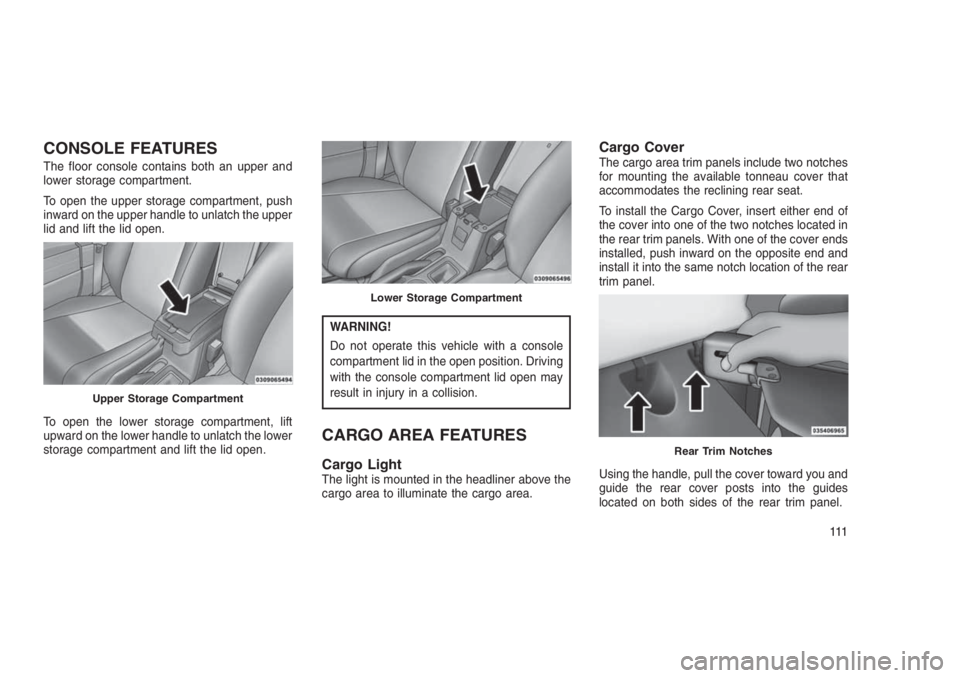
To open the upper storage compartment, push
inward on the upper handle to unlatch the upper
lid and lift the lid open.
To open the lower storage compartment, lift
upward on the lower handle to unlatch the lower
storage compartment and lift the lid open.
WARNING!
Do not operate this vehicle with a console
compartment lid in the open position. Driving
with the console compartment lid open may
result in injury in a collision.
CARGO AREA FEATURES
Cargo LightThe light is mounted in the headliner above the
cargo area to illuminate the cargo area.
Cargo CoverThe cargo area trim panels include two notches
for mounting the available tonneau cover that
accommodates the reclining rear seat.
To install the Cargo Cover, insert either end of
the cover into one of the two notches located in
the rear trim panels. With one of the cover ends
installed, push inward on the opposite end and
install it into the same notch location of the rear
trim panel.
Using the handle, pull the cover toward you and
guide the rear cover posts into the guides
located on both sides of the rear trim panel.
Upper Storage Compartment
Lower Storage Compartment
Rear Trim Notches
111
Page 132 of 332
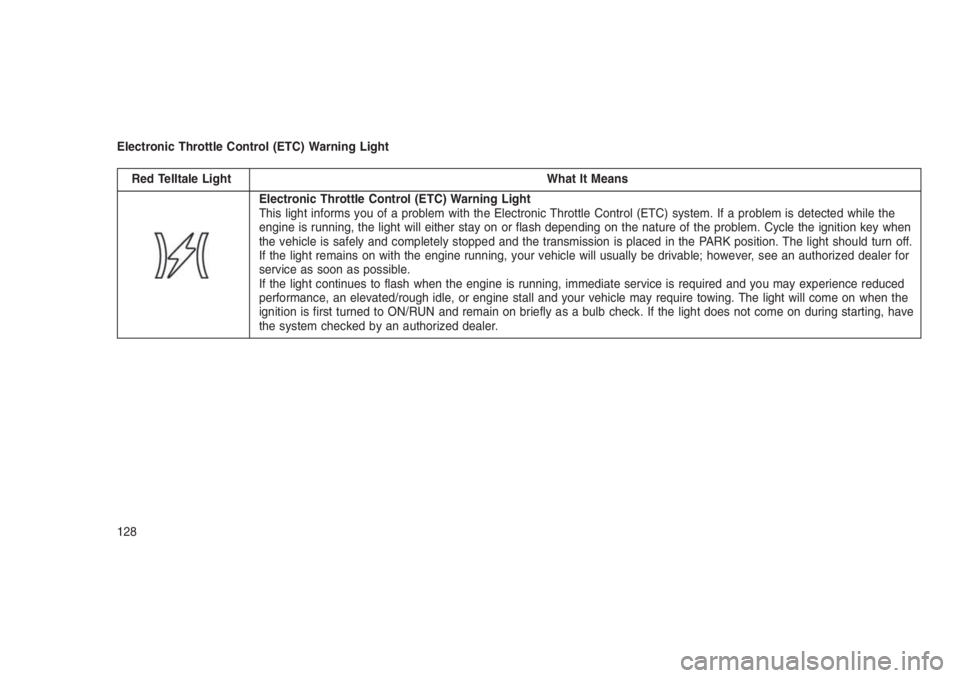
Electronic Throttle Control (ETC) Warning Light
Red Telltale Light What It Means
Electronic Throttle Control (ETC) Warning Light
This light informs you of a problem with the Electronic Throttle Control (ETC) system. If a problem is detected while the
engine is running, the light will either stay on or flash depending on the nature of the problem. Cycle the ignition key when
the vehicle is safely and completely stopped and the transmission is placed in the PARK position. The light should turn off.
If the light remains on with the engine running, your vehicle will usually be drivable; however, see an authorized dealer for
service as soon as possible.
If the light continues to flash when the engine is running, immediate service is required and you may experience reduced
performance, an elevated/rough idle, or engine stall and your vehicle may require towing. The light will come on when the
ignition is first turned to ON/RUN and remain on briefly as a bulb check. If the light does not come on during starting, have
the system checked by an authorized dealer.
128
Page 133 of 332
Yellow Telltale Indicator Lights
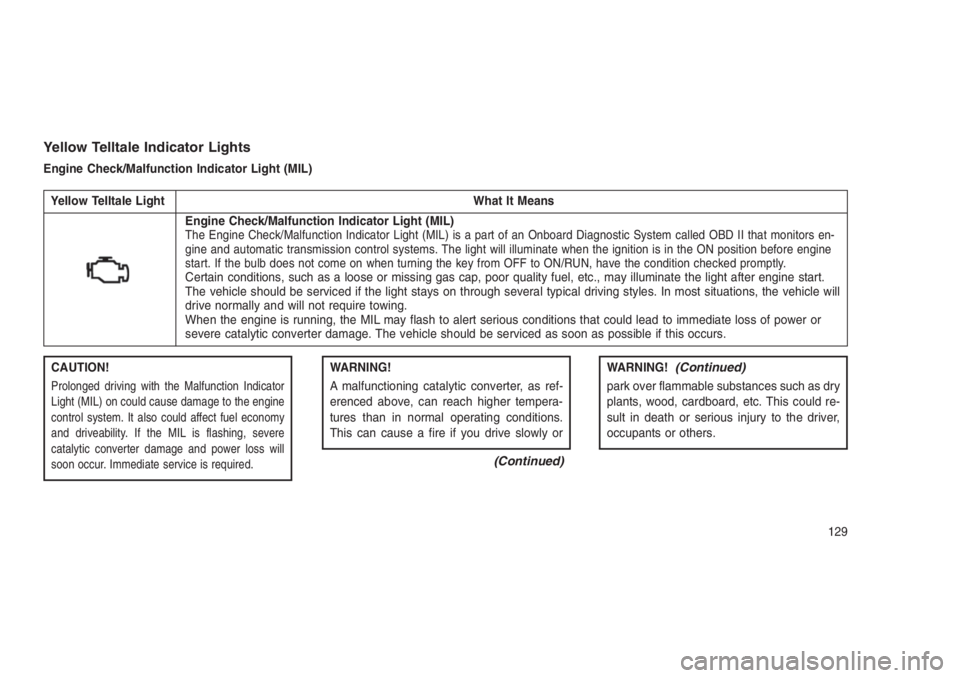
Engine Check/Malfunction Indicator Light (MIL)
Yellow Telltale Light What It Means
Engine Check/Malfunction Indicator Light (MIL)The Engine Check/Malfunction Indicator Light (MIL) is a part of an Onboard Diagnostic System called OBD II that monitors en-
gine and automatic transmission control systems. The light will illuminate when the ignition is in the ON position before engine
start. If the bulb does not come on when turning the key from OFF to ON/RUN, have the condition checked promptly.
Certain conditions, such as a loose or missing gas cap, poor quality fuel, etc., may illuminate the light after engine start.
The vehicle should be serviced if the light stays on through several typical driving styles. In most situations, the vehicle will
drive normally and will not require towing.
When the engine is running, the MIL may flash to alert serious conditions that could lead to immediate loss of power or
severe catalytic converter damage. The vehicle should be serviced as soon as possible if this occurs.
CAUTION!
Prolonged driving with the Malfunction Indicator
Light (MIL) on could cause damage to the engine
control system. It also could affect fuel economy
and driveability. If the MIL is flashing, severe
catalytic converter damage and power loss will
soon occur. Immediate service is required.
WARNING!
A malfunctioning catalytic converter, as ref-
erenced above, can reach higher tempera-
tures than in normal operating conditions.
This can cause a fire if you drive slowly or
(Continued)
WARNING!(Continued)
park over flammable substances such as dry
plants, wood, cardboard, etc. This could re-
sult in death or serious injury to the driver,
occupants or others.
129
Page 139 of 332
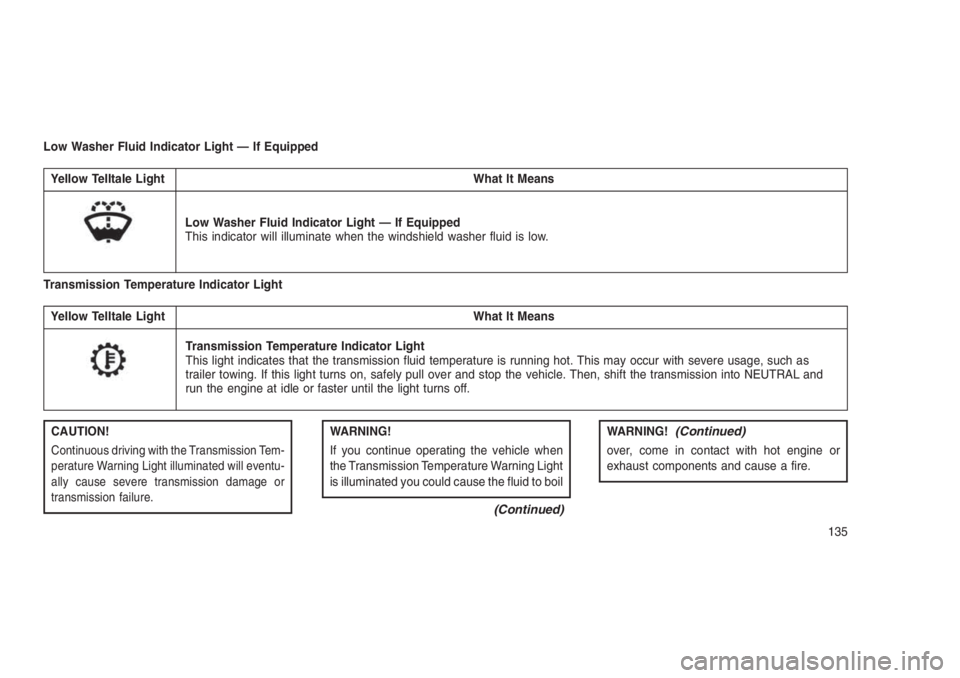
Low Washer Fluid Indicator Light — If Equipped
Yellow Telltale Light What It Means
Low Washer Fluid Indicator Light — If Equipped
This indicator will illuminate when the windshield washer fluid is low.
Transmission Temperature Indicator Light
Yellow Telltale Light What It Means
Transmission Temperature Indicator Light
This light indicates that the transmission fluid temperature is running hot. This may occur with severe usage, such as
trailer towing. If this light turns on, safely pull over and stop the vehicle. Then, shift the transmission into NEUTRAL and
run the engine at idle or faster until the light turns off.
CAUTION!
Continuous driving with the Transmission Tem-
perature Warning Light illuminated will eventu-
ally cause severe transmission damage or
transmission failure.
WARNING!
If you continue operating the vehicle when
the Transmission Temperature Warning Light
is illuminated you could cause the fluid to boil
(Continued)
WARNING!(Continued)
over, come in contact with hot engine or
exhaust components and cause a fire.
135
Page 141 of 332
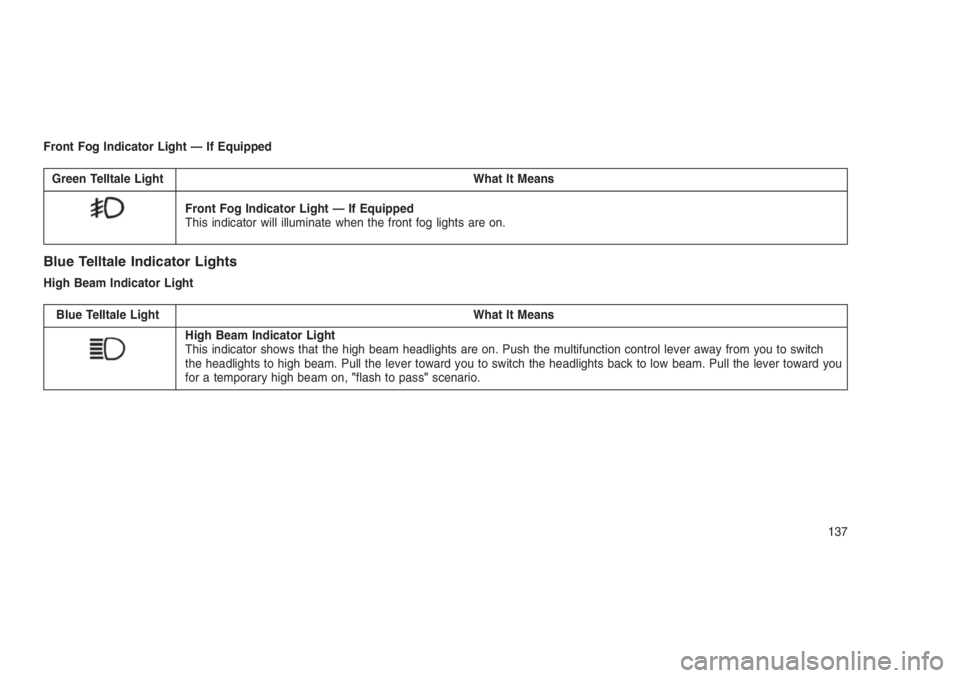
Front Fog Indicator Light — If Equipped
Green Telltale Light What It Means
Front Fog Indicator Light — If Equipped
This indicator will illuminate when the front fog lights are on.
Blue Telltale Indicator Lights
High Beam Indicator Light
Blue Telltale Light What It Means
High Beam Indicator Light
This indicator shows that the high beam headlights are on. Push the multifunction control lever away from you to switch
the headlights to high beam. Pull the lever toward you to switch the headlights back to low beam. Pull the lever toward you
for a temporary high beam on,"flash to pass"scenario.
137
Page 156 of 332
modes. The closer the setting is to a particular
symbol, the more air distribution you receive
from that mode.
•Panel
Air is directed through the outlets in the
instrument panel. These outlets can be
adjusted to direct airflow.
NOTE:
The center instrument panel outlets can be
aimed so that they are directed toward the
rear seat passengers for maximum airflow
to the rear.
•Bi-Level
Air is directed through the panel and
floor outlets.
NOTE:
For all settings, except full cold or full hot,
there is a difference in temperature between
the upper and lower outlets. The warmer air
flows to the floor outlets. This feature gives
improved comfort during sunny but cool
conditions.•Floor
Air is directed through the floor outlets
with a small amount flowing through
the defrost and side window demist
outlets.
•Mix
Air is directed through the floor, de-
frost, and side window demist outlets.
This setting works best in cold or
snowy conditions that require extra heat to the
windshield. This setting is good for maintaining
comfort while reducing moisture on the
windshield.
•Defrost
Air is directed through the windshield
and side window demist outlets. Use
this mode with maximum blower and
temperature settings for best windshield and
side window defrosting.
NOTE:
•The air conditioning compressor oper-
ates in Mix, Defrost, or a blend of these
modes, even if the Air Conditioning (A/C)button is not pushed. This dehumidifies
the air to help dry the windshield. To
improve fuel economy, use these modes
only when necessary.
•For information on operating the Rear
Defrost, refer to “Rear Window Features”
in “Understanding The Features Of Your
Vehicle”.
•Recirculation Control
Pushing the Recirculation Control
button will put the system in recir-
culation mode. This can be used
when outside conditions such as
smoke, odors, dust, or high humid-
ity are present. Activating recirculation will
cause the LED in the control button to illumi-
nate.
NOTE:
•Continuous use of the Recirculation
mode may make the inside air stuffy and
window fogging may occur. Extended use
of this mode is not recommended.
•The use of the Recirculation mode in cold
or damp weather will cause windows to
152
Page 160 of 332
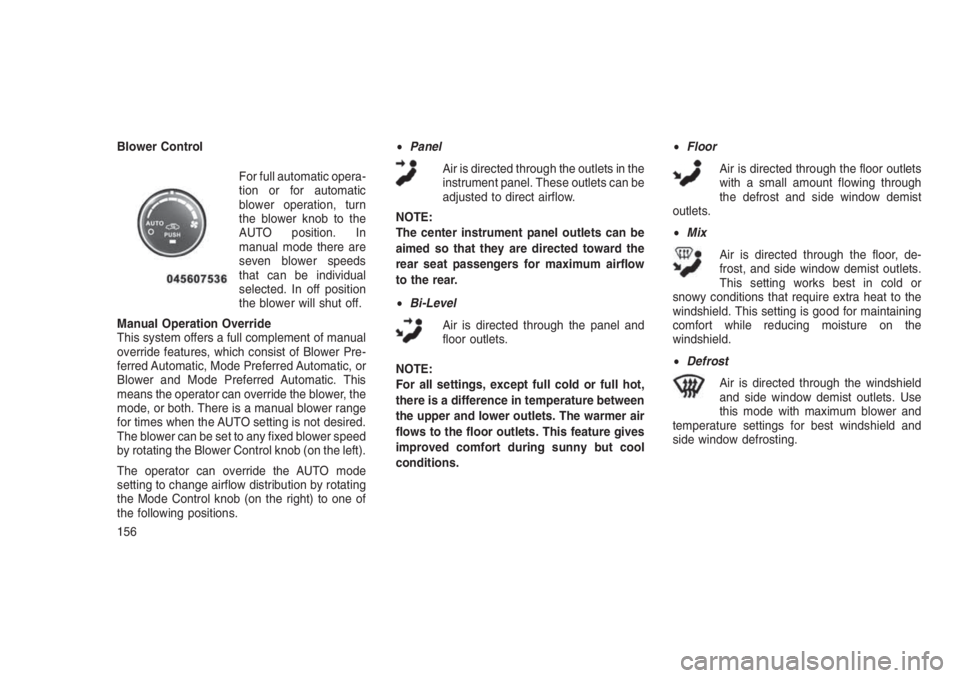
Blower Control
For full automatic opera-
tion or for automatic
blower operation, turn
the blower knob to the
AUTO position. In
manual mode there are
seven blower speeds
that can be individual
selected. In off position
the blower will shut off.
Manual Operation Override
This system offers a full complement of manual
override features, which consist of Blower Pre-
ferred Automatic, Mode Preferred Automatic, or
Blower and Mode Preferred Automatic. This
means the operator can override the blower, the
mode, or both. There is a manual blower range
for times when the AUTO setting is not desired.
The blower can be set to any fixed blower speed
by rotating the Blower Control knob (on the left).
The operator can override the AUTO mode
setting to change airflow distribution by rotating
the Mode Control knob (on the right) to one of
the following positions.•Panel
Air is directed through the outlets in the
instrument panel. These outlets can be
adjusted to direct airflow.
NOTE:
The center instrument panel outlets can be
aimed so that they are directed toward the
rear seat passengers for maximum airflow
to the rear.
•Bi-Level
Air is directed through the panel and
floor outlets.
NOTE:
For all settings, except full cold or full hot,
there is a difference in temperature between
the upper and lower outlets. The warmer air
flows to the floor outlets. This feature gives
improved comfort during sunny but cool
conditions.•Floor
Air is directed through the floor outlets
with a small amount flowing through
the defrost and side window demist
outlets.
•Mix
Air is directed through the floor, de-
frost, and side window demist outlets.
This setting works best in cold or
snowy conditions that require extra heat to the
windshield. This setting is good for maintaining
comfort while reducing moisture on the
windshield.
•Defrost
Air is directed through the windshield
and side window demist outlets. Use
this mode with maximum blower and
temperature settings for best windshield and
side window defrosting.
156
Page 162 of 332
Summer Operation
The engine cooling system must be protected
with a high-quality antifreeze coolant to provide
proper corrosion protection and to protect
against engine overheating. A solution of 50%
OAT (Organic Additive Technology) coolant that
meets the requirements of FCA Material Stan-
dard MS.90032 and 50% water is recom-
mended. Refer to “Maintenance Procedures” in
“Maintaining Your Vehicle” for proper coolant
selection.
Winter Operation
Use of the air Recirculation Mode during winter
months is not recommended because it may
cause window fogging.
Vacation Storage
Anytime you store your vehicle, or keep it out of
service (i.e., vacation) for two weeks or more,
run the air conditioning system at idle for about
five minutes in the fresh air and high blower
settings. This will ensure adequate system lu-
brication to minimize the possibility of compres-
sor damage when the system is started again.Window Fogging
Interior fogging on the windshield can be quickly
removed by turning the mode selector to De-
frost. The Defrost/Floor mode can be used to
maintain a clear windshield and provide suffi-
cient heating. If side window fogging becomes a
problem, increase blower speed. Vehicle win-
dows tend to fog on the inside in mild but rainy
or humid weather.
NOTE:
Recirculate without A/C should not be used
for long periods as fogging may occur.
Side Window Demisters
A side window demister outlet is located at each
end of the instrument panel. These non-
adjustable outlets direct air toward the side
windows when the system is in the FLOOR,
MIX, or DEFROST mode. The air is directed at
the area of the windows through which you view
the outside mirrors.Outside Air Intake
Make sure the air intake, located directly in front
of the windshield, is free of obstructions such as
leaves. Leaves collected in the air intake may
reduce airflow, and if they enter the plenum,
they could plug the water drains. In winter
months, make sure the air intake is clear of ice,
slush, and snow.
A/C Air Filter — If Equipped
The A/C Filter prevents most dust and pollen
from entering the cabin. The filter acts on air
coming from outside the vehicle and recircu-
lated air within the passenger compartment.
Refer to “Maintenance Procedures” in “Main-
taining Your Vehicle” for A/C Air Filter service
information or see your authorized dealer for
service. Refer to “Maintenance Schedules” in
“Maintaining Your Vehicle” for filter service inter-
vals.
158
Page 167 of 332
•Tire Inflation Pressures........................196
•Tire Pressures For High Speed Operation.............197
•Radial Ply Tires.............................197
•Tire Types................................198
•Run Flat Tires — If Equipped.....................199
•Spare Tires — If Equipped.......................199
•Tire Spinning..............................200
•Tread Wear Indicators.........................200
•Life Of Tire...............................201
•Replacement Tires...........................201
•TIRE CHAINS (TRACTION DEVICES) . . . . . . . . . . . . .. . . .202
•TIRE ROTATION RECOMMENDATIONS . . . . . . .. . . . . . . .203
•TIRE PRESSURE MONITORING SYSTEM (TPMS) . . . . .. . . .204
•Base System...............................205
•Premium System — If Equipped...................207
•TPMS Deactivation — If Equipped..................209
•FUEL REQUIREMENTS — GASOLINE ENGINE . . . . . . . . . . .210•Methanol.................................210
•Ethanol..................................210
•Clean Air Gasoline...........................211
•MMT In Gasoline............................211
•Materials Added To Fuel.......................211
•ADDING FUEL...............................212•Locking Fuel Filler Cap (Gas Cap).................212
•Loose Fuel Filler Cap Message...................212
•TRAILER TOWING . . ..........................213•Common Towing Definitions.....................213
163