reset JEEP WRANGLER UNLIMITED 2013 Owners Manual
[x] Cancel search | Manufacturer: JEEP, Model Year: 2013, Model line: WRANGLER UNLIMITED, Model: JEEP WRANGLER UNLIMITED 2013Pages: 655, PDF Size: 9.04 MB
Page 56 of 655
Rear Center Lap/Shoulder Belt Retractor
Lockout — Four-Door Models Only
This feature is designed to lock the retractor whenever
the 60% rear seatback is not fully latched. This prevents
someone from wearing the rear center lap/shoulder belt
when the rear seatback is not fully latched.
NOTE:
• If the rear center lap/shoulder belt cannot be pulled
out, check that the rear seatback is fully latched.
• If the rear seatback is properly latched and the rear
center lap/shoulder belt still cannot be pulled out, the
Automatic-Locking Retractor (ALR) system may be
activated. To reset this feature you must let all of the
belt webbing return into the retractor. You will not be
able to pull out more webbing until all of the webbing
has been returned back into the retractor. WARNING!The rear center lap/shoulder belt is equipped with a
lock-out feature to ensure that the rear seatback is in
the fully upright and locked position when occupied.
If the rear seatback is not fully upright and locked
and the rear center lap/shoulder belt can be pulled
out of the retractor, the vehicle should immediately
be taken to your authorized dealer for service. Failure
to follow this warning could result in serious or fatal
injury.54 THINGS TO KNOW BEFORE STARTING YOUR VEHICLE
Page 73 of 655
• Turn on the interior lights, which remain on as long as
the battery has power or until the ignition key is
removed.
• Unlock the doors automatically.
In order to reset the Enhanced Accident Response System
functions after an event, the ignition switch must be
changed from IGN ON to IGN OFF.
If A Deployment Occurs
The Advanced Front Air Bags are designed to deflate
immediately after deployment.
NOTE: Front and/or side air bags will not deploy in all
collisions. This does not mean something is wrong with
the air bag system. If you do have a collision which deploys the air bags, any
or all of the following may occur:
• The nylon air bag material may sometimes cause
abrasions and/or skin reddening to the driver and
front passenger as the air bags deploy and unfold. The
abrasions are similar to friction rope burns or those
you might get sliding along a carpet or gymnasium
floor. They are not caused by contact with chemicals.
They are not permanent and normally heal quickly.
However, if you haven’t healed significantly within a
few days, or if you have any blistering, see your doctor
immediately.
2 THINGS TO KNOW BEFORE STARTING YOUR VEHICLE 71
Page 138 of 655
You can either press the Uconnect™ Phone button to
restore the factory setting or repeat the words and
phrases when prompted by the Uconnect™ Phone. For
best results, the Voice Training session should be com-
pleted when the vehicle is parked with the engine
running, all windows closed, and the blower fan
switched off.
This procedure may be repeated with a new user. The
system will adapt to the last trained voice only.
Reset
• press the button.
• After the “Ready” prompt, and the following beep, say
“Setup”, then “Reset”.
This will delete all phone pairing, phone book entries,
and other settings in all language modes. The System will
prompt you before resetting to factory settings. Voice Command
• For best performance, adjust the rearview mirror to
provide at least ½ in (1 cm) gap between the overhead
console (if equipped) and the mirror.
• Always wait for the beep before speaking.
• Speak normally, without pausing, just as you would
speak to a person sitting a few feet/meters away from
you.
• Make sure that no one other than you is speaking
during a Voice Command period.
• Performance is maximized under:
• low-to-medium blower setting,
• low-to-medium vehicle speed,
• low road noise,
• smooth road surface,
• fully closed windows,
• dry weather condition.136 UNDERSTANDING THE FEATURES OF YOUR VEHICLE
Page 141 of 655
Send Messages:
You can send messages using Uconnect™ Phone. To send
a new message:
• Press the button.
• After the “Ready” prompt and the following beep, say
“SMS Send” or “Send Messages”.
• You can either say the message you wish to send or say
“List Messages”. There are 20 preset messages.
To send a message, press the button while the
system is listing the message and say “Send”.
Uconnect™ Phone will prompt you to say the name or
number of the person you wish to send the message to.
List of Preset Messages:
1. Yes
2. No 3. Where are you?
4. I need more direction.
5. L O L
6. Why
7. I love you
8. Call me
9. Call me later
10. Thanks
11. See You in 15 minutes
12. I am on my way
13. I’ll be late
14. Are you there yet?
15. Where are we meeting? 3 UNDERSTANDING THE FEATURES OF YOUR VEHICLE 139
Page 181 of 655
NOTE: In order to ensure proper operation, the Elec-
tronic Speed Control System has been designed to shut
down if multiple Speed Control functions are operated at
the same time. If this occurs, the Electronic Speed Control
System can be reactivated by pushing the Electronic
Speed Control ON/OFF button and resetting the desired
vehicle set speed.
To Activate
Push the ON/OFF button. The Cruise Indicator Light in
the instrument cluster will illuminate. To turn the system
off, push the ON/OFF button a second time. The Cruise
Indicator Light will turn off. The system should be
turned off when not in use. WARNING!Leaving the Electronic Speed Control system on
when not in use is dangerous. You could accidentally
set the system or cause it to go faster than you want.
You could lose control and have an accident. Always
leave the system OFF when you are not using it.
To Set A Desired Speed
Turn the Electronic Speed Control ON. When the vehicle
has reached the desired speed, press the SET (-) button
and release. Release the accelerator and the vehicle will
operate at the selected speed.
NOTE: The vehicle should be traveling at a steady speed
and on level ground before pressing the SET button.
3 UNDERSTANDING THE FEATURES OF YOUR VEHICLE 179
Page 189 of 655
inverter should automatically reset. If the power rating
exceeds approximately 170 Watts, the power inverter
may have to be reset manually. To reset the inverter
manually press the power inverter button OFF and ON.
To avoid overloading the circuit, check the power ratings
on electrical devices prior to using the inverter.
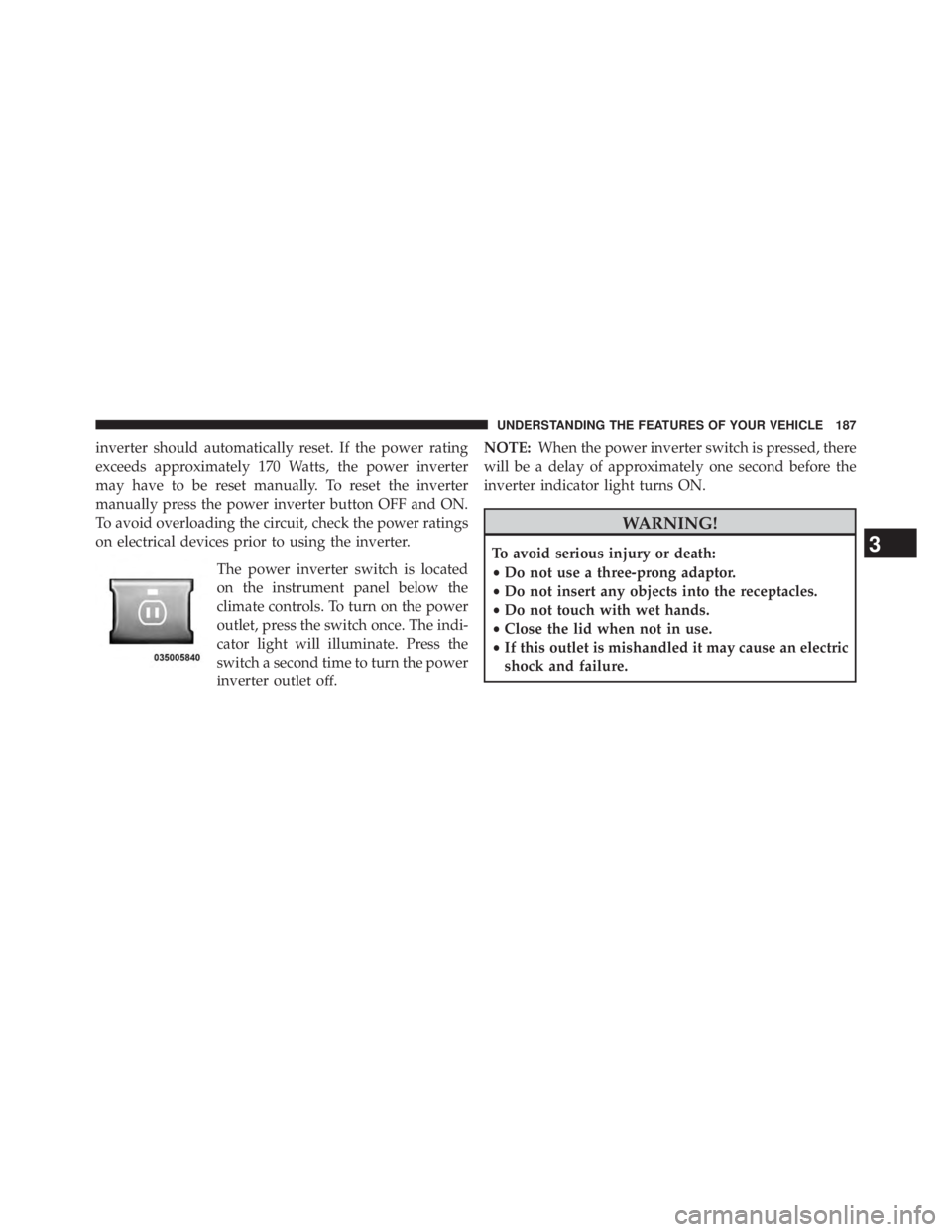
The power inverter switch is located
on the instrument panel below the
climate controls. To turn on the power
outlet, press the switch once. The indi-
cator light will illuminate. Press the
switch a second time to turn the power
inverter outlet off. NOTE: When the power inverter switch is pressed, there
will be a delay of approximately one second before the
inverter indicator light turns ON.
WARNING!To avoid serious injury or death:
• Do not use a three-prong adaptor.
• Do not insert any objects into the receptacles.
• Do not touch with wet hands.
• Close the lid when not in use.
• If this outlet is mishandled it may cause an electric
shock and failure.
3 UNDERSTANDING THE FEATURES OF YOUR VEHICLE 187
Page 308 of 655
WARNING! (Continued)look under the hood yourself, see “Maintaining Your
Vehicle”. Follow the warnings under the Cooling
System Pressure Cap paragraph.
19. Cruise Indicator
This indicator shows when the electronic speed
control system is turned on.
20. 4WD Indicator Light — If Equipped
This light alerts the driver that the vehicle is in
the four-wheel drive mode, and the front and
rear driveshafts are mechanically locked to-
gether forcing the front and rear wheels to
rotate at the same speed. 21. Odometer/Trip Odometer/ECO (Fuel Saver Indica-
tor) Button
Press this button to change the display from odometer to
either of the two trip odometer settings or the “ECO”
display. Trip A or Trip B will appear when in the trip
odometer mode. Press and hold the button for two
seconds to reset the trip odometer to 0 miles or kilome-
ters. The odometer must be in trip mode to reset.
22. Shift Lever Indicator
The Shift Lever Indicator is self-contained within the
instrument cluster. It displays the gear position of the
automatic transmission.
23. Tire Pressure Monitoring Telltale Light
Each tire, including the spare (if provided),
should be checked monthly when cold and in-
flated to the inflation pressure recommended by306 UNDERSTANDING YOUR INSTRUMENT PANEL
Page 310 of 655
TPMS from functioning properly. Always check the
TPMS malfunction telltale after replacing one or more
tires or wheels on your vehicle, to ensure that the
replacement or alternate tires and wheels allow the TPMS
to continue to function properly.
CAUTION!The TPMS has been optimized for the original
equipment tires and wheels. TPMS pressures and
warning have been established for the tire size
equipped on your vehicle. Undesirable system opera-
tion or sensor damage may result when using re-
placement equipment that is not of the same size,
type, and/or style. Aftermarket wheels can cause
sensor damage. Do not use tire sealant from a can or
balance beads if your vehicle is equipped with a
TPMS, as damage to the sensors may result. 24. Odometer / Trip Odometer Display Area
The odometer display shows the total distance the vehicle
has been driven. The trip odometer shows individual trip
mileage. Refer to “Odometer/Trip Odometer/ECO (Fuel
Saver Indicator) Button” for additional information.
U.S. Federal regulations require that upon transfer of
vehicle ownership, the seller certify to the purchaser the
correct mileage that the vehicle has been driven. If your
odometer needs to be repaired or serviced, the repair
technician should leave the odometer reading the same
as it was before the repair or service. If s/he cannot do so,
then the odometer must be set at zero, and a sticker must
be placed in the door jamb stating what the mileage was
before the repair or service. It is a good idea for you to
make a record of the odometer reading before the repair/
service, so that you can be sure that it is properly reset, or
that the door jamb sticker is accurate if the odometer
must be reset at zero.308 UNDERSTANDING YOUR INSTRUMENT PANEL
Page 313 of 655
CHAngE OIL Message
Your vehicle is equipped with an engine oil change
indicator system. The “CHANgE OIL” message will flash
in the instrument cluster odometer for approximately
12 seconds after a single chime has sounded to indicate
the next scheduled oil change interval. The engine oil
change indicator system is duty-cycle based, which
means the engine oil change interval may fluctuate
dependent upon your personal driving style.
Unless reset, this message will continue to display each
time you turn the ignition switch to the ON/RUN position.
To turn off the message temporarily, press and release the
Trip Odometer button on the instrument cluster. To reset
the oil change indicator system (after performing the
scheduled maintenance), refer to the following procedure:
Turn the ignition switch to the ON/RUN position (do not
start the engine). Fully depress the accelerator pedal slowly three times
within 10 seconds.
Turn the ignition switch to the OFF/LOCK position.
NOTE: If the indicator message illuminates when you
start the vehicle, the oil change indicator system did not
reset. If necessary, repeat this procedure.
25. Malfunction Indicator Light (MIL)
The Malfunction Indicator Light (MIL) is a part of
an Onboard Diagnostic System called OBD II that
monitors engine and automatic transmission con-
trol systems. The light will illuminate when the ignition
is in the ON position before engine start. If the bulb does
not come on when turning the key from OFF to ON/
RUN, have the condition checked promptly.
4 UNDERSTANDING YOUR INSTRUMENT PANEL 311
Page 318 of 655
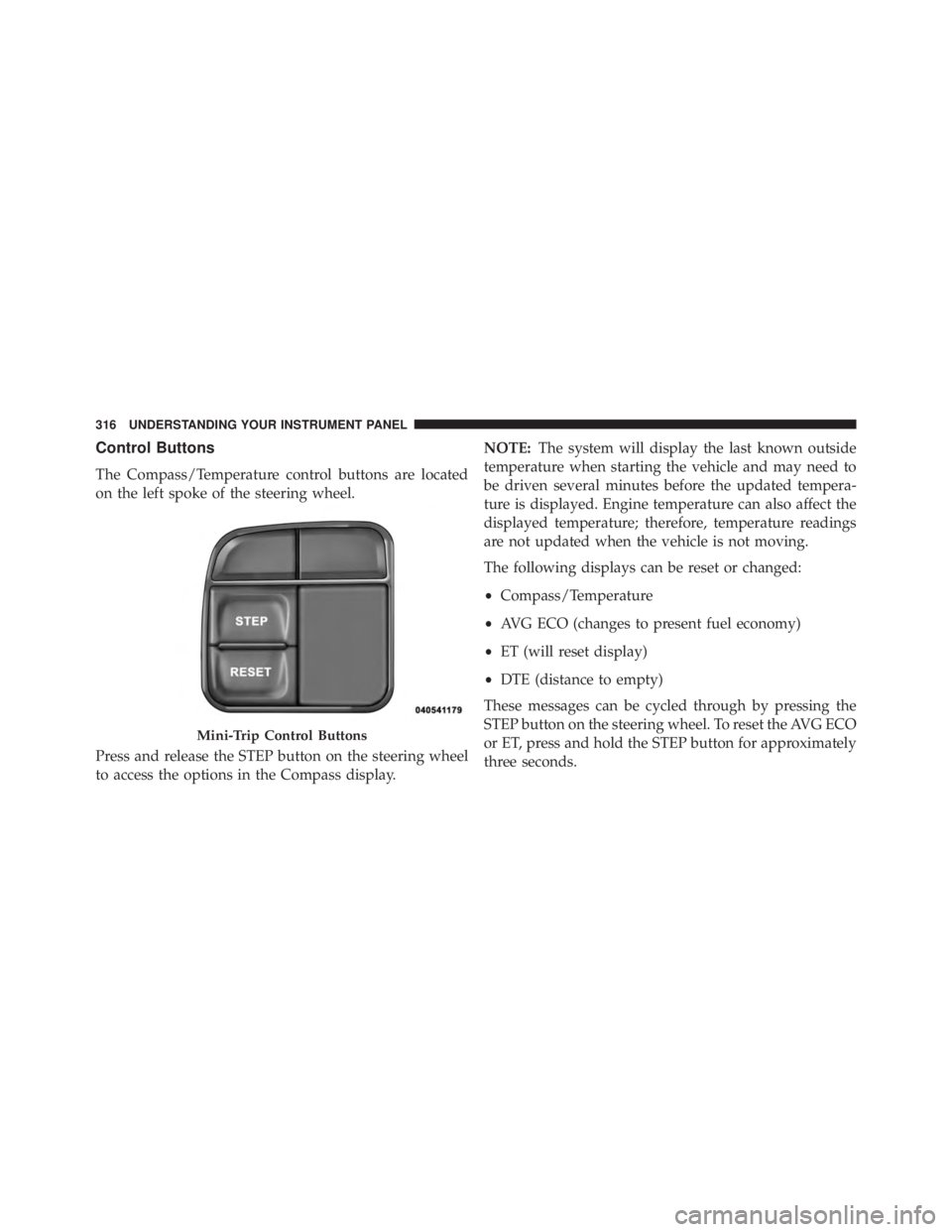
Control Buttons
The Compass/Temperature control buttons are located
on the left spoke of the steering wheel.
Press and release the STEP button on the steering wheel
to access the options in the Compass display. NOTE: The system will display the last known outside
temperature when starting the vehicle and may need to
be driven several minutes before the updated tempera-
ture is displayed. Engine temperature can also affect the
displayed temperature; therefore, temperature readings
are not updated when the vehicle is not moving.
The following displays can be reset or changed:
• Compass/Temperature
• AVG ECO (changes to present fuel economy)
• ET (will reset display)
• DTE (distance to empty)
These messages can be cycled through by pressing the
STEP button on the steering wheel. To reset the AVG ECO
or ET, press and hold the STEP button for approximately
three seconds.Mini-Trip Control Buttons316 UNDERSTANDING YOUR INSTRUMENT PANEL