USB JEEP WRANGLER UNLIMITED 2014 User Guide
[x] Cancel search | Manufacturer: JEEP, Model Year: 2014, Model line: WRANGLER UNLIMITED, Model: JEEP WRANGLER UNLIMITED 2014Pages: 140, PDF Size: 12.72 MB
Page 131 of 140
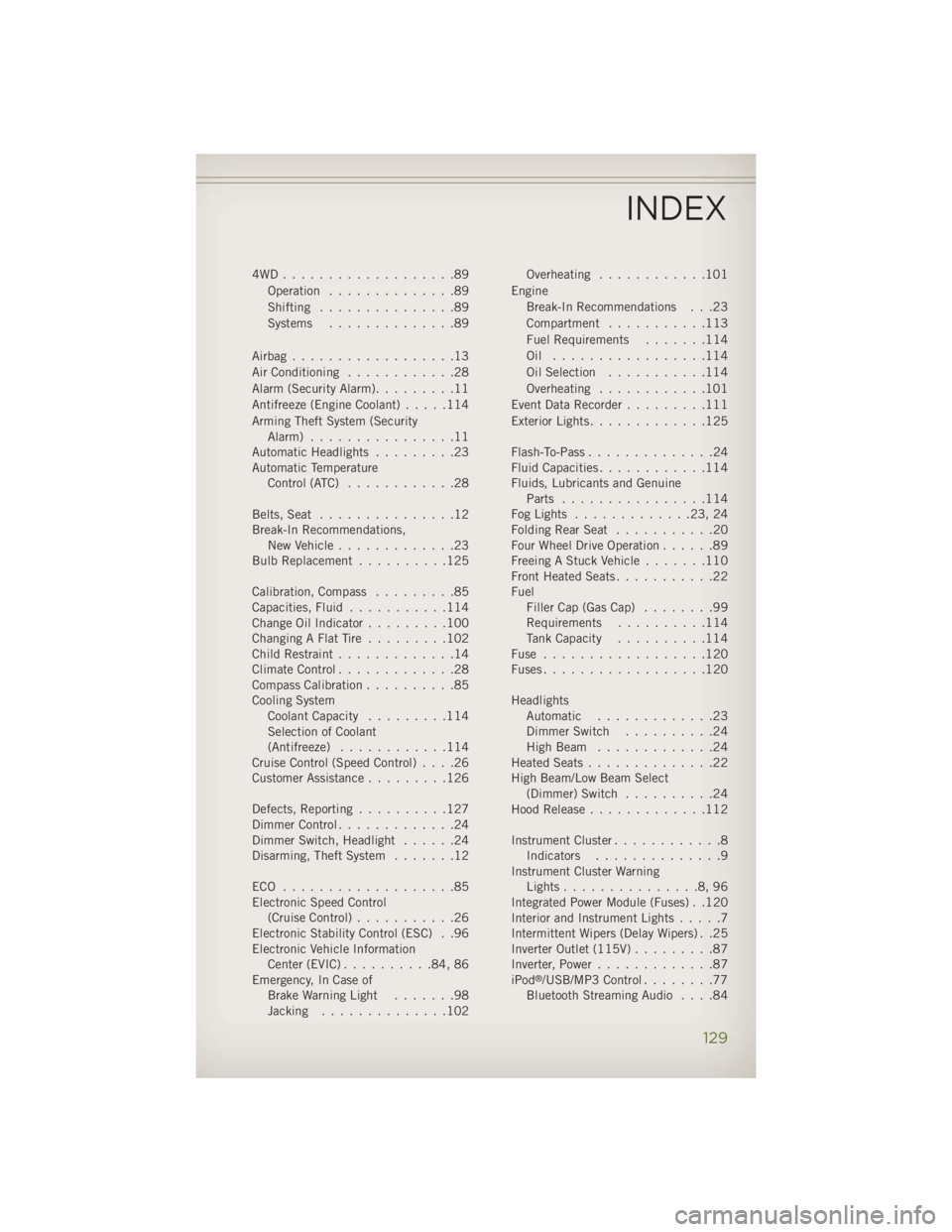
4WD...................89
Operation ..............89
Shifting ...............89
Systems ..............89
Airbag..................13
Air Conditioning ............28
Alarm (Security Alarm) .........11
Antifreeze (Engine Coolant) .....114
Arming Theft System (Security
Alarm) ................11
Automatic Headlights .........23
Automatic Temperature
Control (ATC) ............28
Belts, Seat ...............12
Break-In Recommendations,
New Vehicle .............23
BulbReplacement ..........125
Calibration,Compass .........85
Capacities, Fluid ...........114
ChangeOilIndicator.........100
ChangingAFlatTire .........102
Child Restraint .............14
Climate Control .............28
Compass Calibration ..........85
Cooling System
Coolant Capacity .........114
Selection of Coolant
(Antifreeze) ............114
Cruise Control (Speed Control) ....26
Customer Assistance .........126
Defects, Reporting ..........127
Dimmer Control .............24
Dimmer Switch, Headlight ......24
Disarming, Theft System .......12
ECO ...................85
Electronic Speed Control
(Cruise Control) ...........26
Electronic Stability Control (ESC) . .96
Electronic Vehicle Information
Center(EVIC)..........84,86
Emergency, In Case of
Brake Warning Light .......98
Jacking ..............102 Overheating ............101
Engine
Break-In Recommendations . . .23
Compartment ...........113
FuelRequirements .......114
Oil .................114
Oil Selection ...........114
Overheating ............101
Event Data Recorder .........111
Exterior Lights .............125
Flash-To-Pass ..............24
Fluid Capacities ............114
Fluids, Lubricants and Genuine
Parts ................114
FogLights .............23,24
FoldingRearSeat ...........20
Four Wheel Drive Operation ......89
Freeing A Stuck Vehicle .......110
Front Heated Seats ...........22
Fuel
Filler Cap (Gas Cap) ........99
Requirements ..........114
Tank Capacity ..........114
Fuse ..................120
Fuses..................120
Headlights
Automatic .............23
Dimmer Switch ..........24
HighBeam .............24
Heated Seats ..............22
High
Beam/Low Beam Select
(Dimmer)
Switch ..........24
Hood Release .............112
Instrument Cluster ............8
Indicators ..............9
Instrument Cluster Warning
Lights...............8,96
Integrated Power Module (Fuses) . .120
Interior and Instrument Lights .....7
Intermittent Wipers (Delay Wipers) . .25
Inverter Outlet (115V) .........87
Inverter, Power .............87
iPod ®
/USB/MP3 Control ........77
Bluetooth Streaming Audio ....84INDEX
129
Page 134 of 140
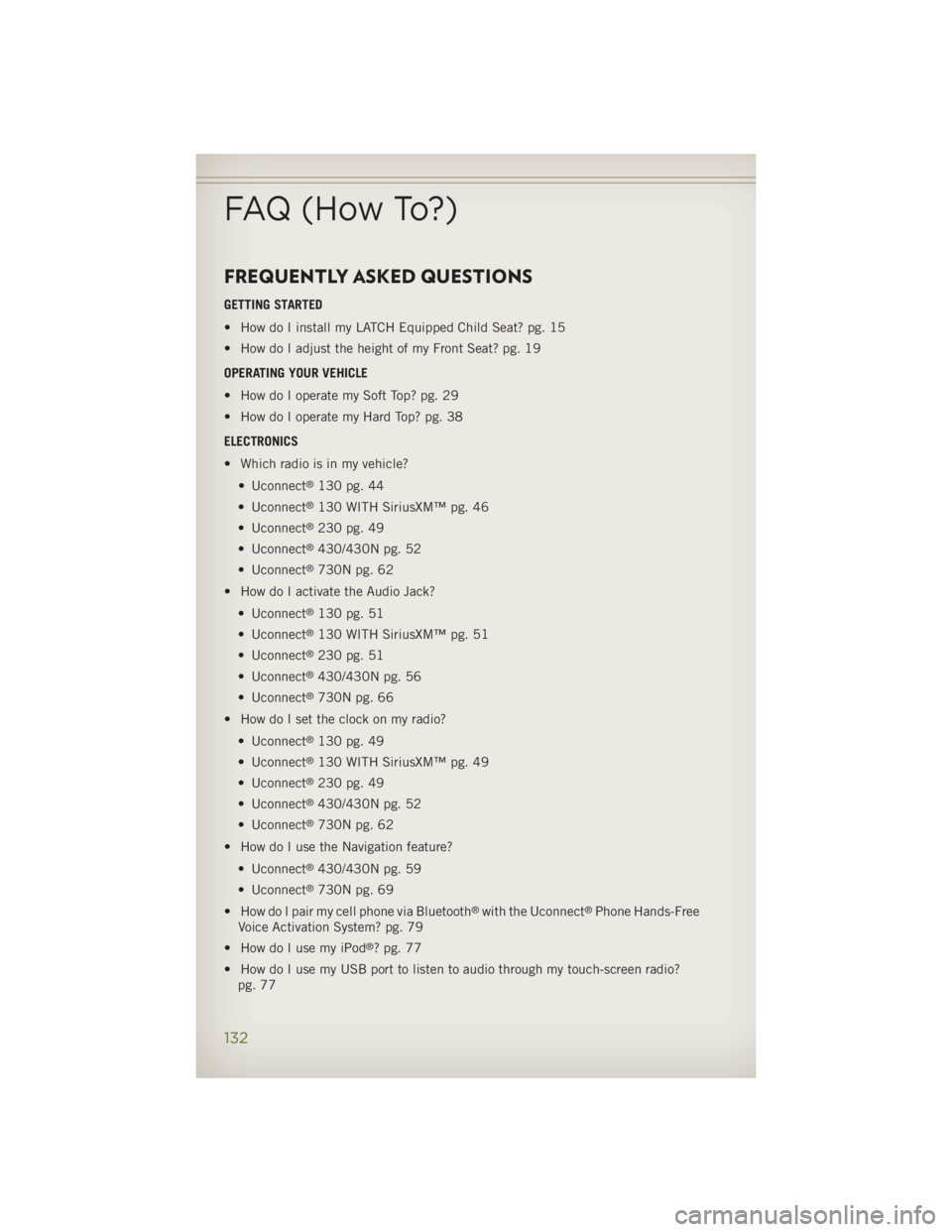
FREQUENTLY ASKED QUESTIONS GETTING STARTED
• How do I install my LATCH Equipped Child Seat? pg. 15
• How do I adjust the height of my Front Seat? pg. 19
OPERATING YOUR VEHICLE
• How do I operate my Soft Top? pg. 29
• How do I operate my Hard Top? pg. 38
ELECTRONICS
• Which radio is in my vehicle?
• Uconnect ®
130 pg. 44
• Uconnect ®
130 WITH SiriusXM™ pg. 46
• Uconnect ®
230 pg. 49
• Uconnect ®
430/430N pg. 52
• Uconnect ®
730N pg. 62
• How do I activate the Audio Jack?
• Uconnect ®
130 pg. 51
• Uconnect ®
130 WITH SiriusXM™ pg. 51
• Uconnect ®
230 pg. 51
• Uconnect ®
430/430N pg. 56
• Uconnect ®
730N pg. 66
• How do I set the clock on my radio?
• Uconnect ®
130 pg. 49
• Uconnect ®
130 WITH SiriusXM™ pg. 49
• Uconnect ®
230 pg. 49
• Uconnect ®
430/430N pg. 52
• Uconnect ®
730N pg. 62
• How do I use the Navigation feature?
• Uconnect ®
430/430N pg. 59
• Uconnect ®
730N pg. 69
• How do I pair my cell phone via Bluetooth ®
with the Uconnect ®
Phone Hands-Free
Voice Activation System? pg. 79
• How do I use my iPod ®
? pg. 77
• How do I use my USB port to listen to audio through my touch-screen radio?
pg. 77FAQ (How To?)
132