navigation JEEP WRANGLER UNLIMITED 2014 User Guide
[x] Cancel search | Manufacturer: JEEP, Model Year: 2014, Model line: WRANGLER UNLIMITED, Model: JEEP WRANGLER UNLIMITED 2014Pages: 140, PDF Size: 12.72 MB
Page 133 of 140
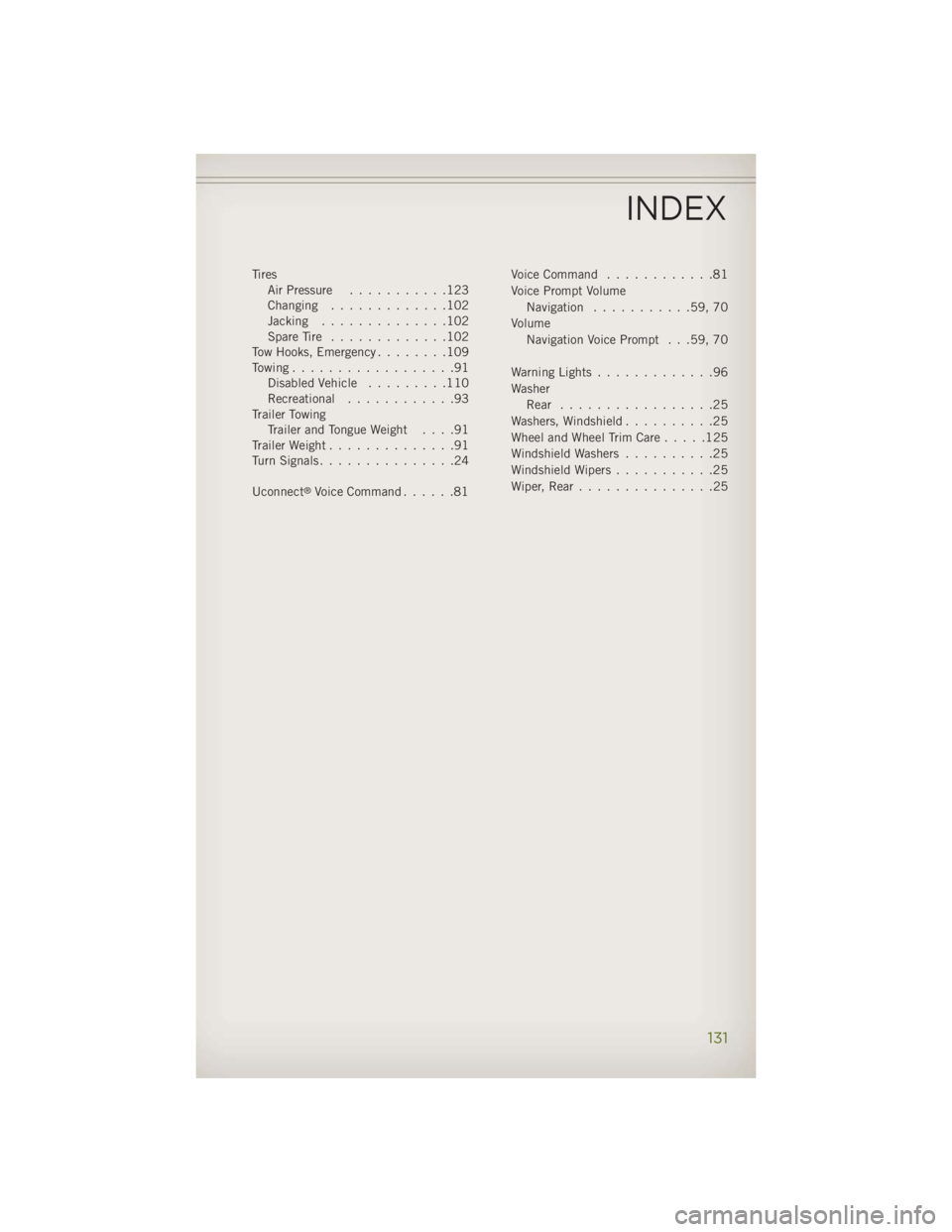
Tires
Air Pressure ...........123
Changing .............102
Jacking ..............102
SpareTire .............102
Tow Hooks, Emergency ........109
Towing..................91
Disabled Vehicle .........110
Recreational ............93
Trailer Towing
Trailer and Tongue Weight ....91
Trailer Weight ..............91
TurnSignals...............24
Uconnect ®
Voice Command ......81 Voice Command ............81
Voice Prompt Volume
Navigation ...........59,70
Volume
Navigation Voice Prompt . . .59, 70
Warning Lights .............96
Washer
Rear .................25
Washers, Windshield ..........25
WheelandWheelTrimCare.....125
Windshield Washers ..........25
Windshield Wipers ...........25
Wiper,Rear...............25
INDEX
131
Page 134 of 140
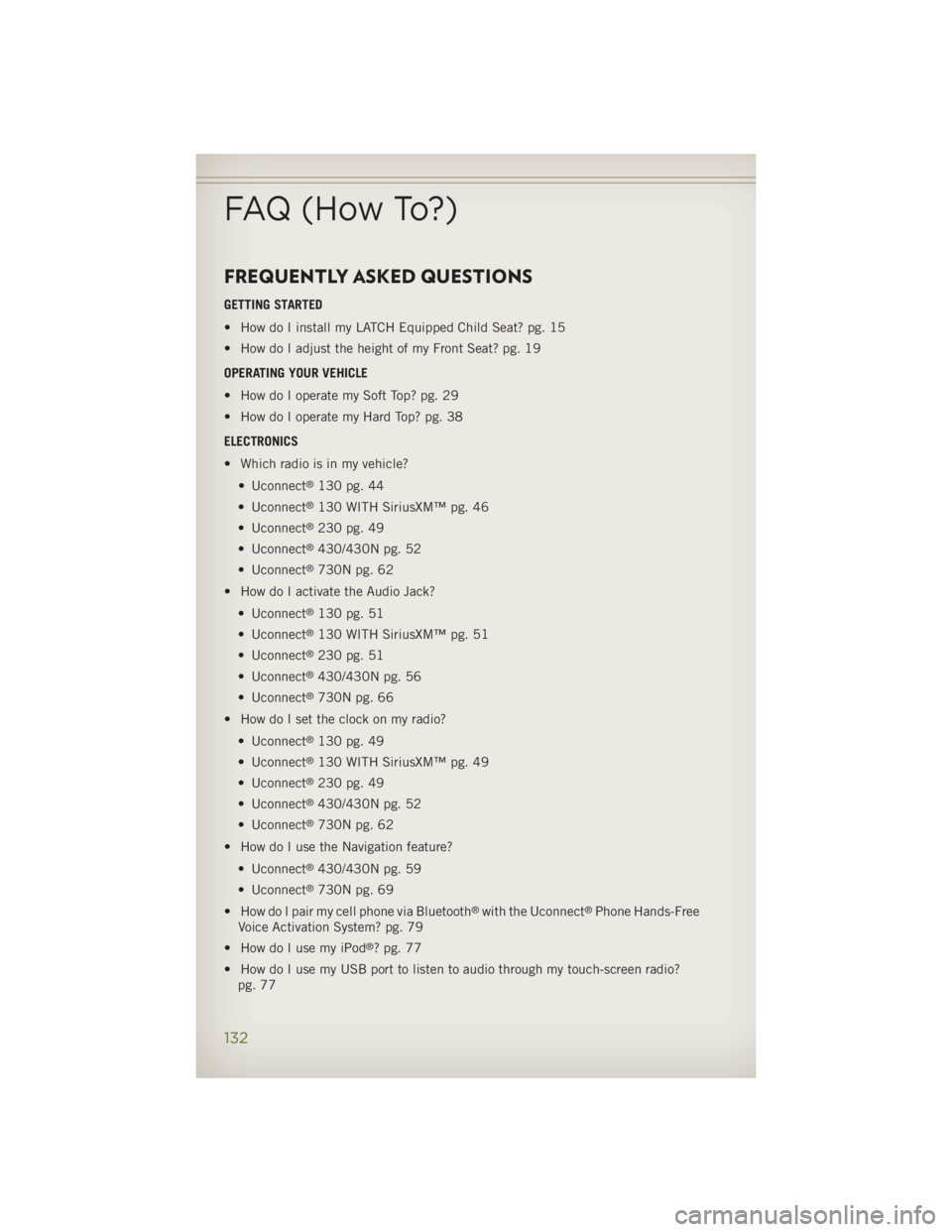
FREQUENTLY ASKED QUESTIONS GETTING STARTED
• How do I install my LATCH Equipped Child Seat? pg. 15
• How do I adjust the height of my Front Seat? pg. 19
OPERATING YOUR VEHICLE
• How do I operate my Soft Top? pg. 29
• How do I operate my Hard Top? pg. 38
ELECTRONICS
• Which radio is in my vehicle?
• Uconnect ®
130 pg. 44
• Uconnect ®
130 WITH SiriusXM™ pg. 46
• Uconnect ®
230 pg. 49
• Uconnect ®
430/430N pg. 52
• Uconnect ®
730N pg. 62
• How do I activate the Audio Jack?
• Uconnect ®
130 pg. 51
• Uconnect ®
130 WITH SiriusXM™ pg. 51
• Uconnect ®
230 pg. 51
• Uconnect ®
430/430N pg. 56
• Uconnect ®
730N pg. 66
• How do I set the clock on my radio?
• Uconnect ®
130 pg. 49
• Uconnect ®
130 WITH SiriusXM™ pg. 49
• Uconnect ®
230 pg. 49
• Uconnect ®
430/430N pg. 52
• Uconnect ®
730N pg. 62
• How do I use the Navigation feature?
• Uconnect ®
430/430N pg. 59
• Uconnect ®
730N pg. 69
• How do I pair my cell phone via Bluetooth ®
with the Uconnect ®
Phone Hands-Free
Voice Activation System? pg. 79
• How do I use my iPod ®
? pg. 77
• How do I use my USB port to listen to audio through my touch-screen radio?
pg. 77FAQ (How To?)
132
Page 139 of 140
Driving after drinking can lead to a collision. Your perceptions are
less sharp, your reflexes are slower, and your judgment is impaired
when you have been drinking. Never drink and then drive. WARNING!
Important: This User Guide is intended to familiarize you with the important features
of your vehicle. The DVD enclosed contains your Owner’s Manual,
Navigation/Uconnect ®
Manuals, Warranty Booklets, Tire Warranty
and Roadside Assistance (new vehicles purchased in the U.S.) or
Roadside Assistance (new vehicles purchased in Canada) in electronic
format. We hope you find it useful. Replacement DVD kits may be
purchased by visiting www.techauthority.com. Jeep ®
is a registered
trademark of Chrysler Group LLC. Copyright 2013 Chrysler Group LLC.The driver’s primary responsibility is the safe operation of the vehicle.
Driving while distracted can result in loss of vehicle control, resulting in
a collision and personal injury. Chrysler Group LLC strongly recommends
that the driver use extreme caution when using any device or feature
that may take their attention off the road. Use of any electrical devices
such as cell phones, computers, portable radios, vehicle navigation or
other devices by the driver while the vehicle is moving is dangerous and
could lead to a serious collision. Texting while driving is also dangerous
and should never be done while the vehicle is moving. If you find
yourself unable to devote your full attention to vehicle operation, pull off
the road to a safe location and stop your vehicle. Some States or
Provinces prohibit the use of cellular telephones or texting while driving.
It is always the driver’s responsibility to comply with all local laws.
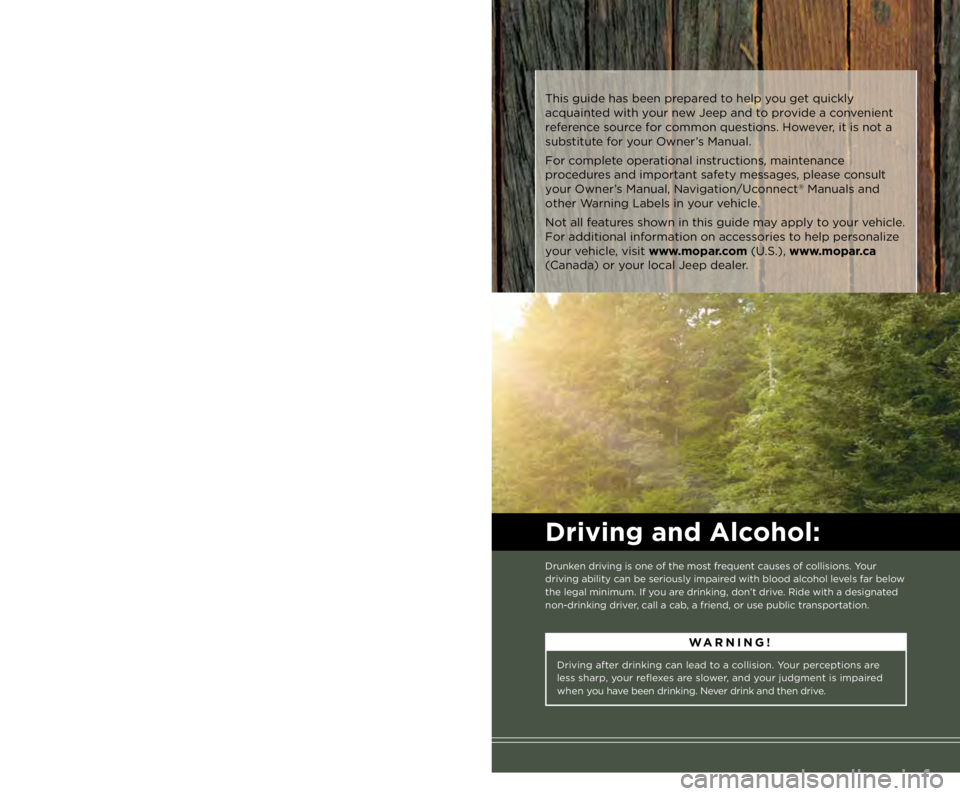
Driving and Alcohol: Drunken driving is one of the most frequent causes of collisions. Your
driving ability can be seriously impaired with blood alcohol levels far below
the legal minimum. If you are drinking, don’t drive. Ride with a designated
non-drinking driver, call a cab, a friend, or use public transportation.If you are the first registered retail owner of
your vehicle, you may obtain a complimentary
printed copy of the Owner’s Manual, Navigation/
Uconnect ®
Manuals or Warranty Booklet by calling
1-877-426-5337 (U.S.) or 1-800-387-1143 (Canada)
or by contacting your dealer. This guide has been prepared to help you get quickly
acquainted with your new Jeep and to provide a convenient
reference source for common questions. However, it is not a
substitute for your Owner’s Manual.
For complete operational instructions, maintenance
procedures and important safety messages, please consult
your Owner’s Manual, Navigation/Uconnect ®
Manuals and
other Warning Labels in your vehicle.
Not all features shown in this guide may apply to your vehicle.
For additional information on accessories to help personalize
your vehicle, visit www.mopar.com (U.S.), www.mopar.ca
(Canada) or your local Jeep dealer.
1571445_14_Wrangler_UG_071713.indd 2 7/17/13 2:03 PM