reset KIA AMANTI 2009 User Guide
[x] Cancel search | Manufacturer: KIA, Model Year: 2009, Model line: AMANTI, Model: KIA AMANTI 2009Pages: 321, PDF Size: 23.77 MB
Page 136 of 321
![KIA AMANTI 2009 User Guide Knowing your vehicle124
31. DISPLAY ON/OFF This is the display window ON/OFF
function.
Each time the [DISP] button is pressed, the display window will be turned
ON/OFF.2. CLOCK Function This is the](/img/2/57931/w960_57931-135.png "KIA AMANTI 2009 User Guide Knowing your vehicle124
31. DISPLAY ON/OFF This is the display window ON/OFF
function.
Each time the [DISP] button is pressed, the display window will be turned
ON/OFF.2. CLOCK Function This is the")
Knowing your vehicle124
31. DISPLAY ON/OFF This is the display window ON/OFF
function.
Each time the [DISP] button is pressed, the display window will be turned
ON/OFF.2. CLOCK Function This is the clock adjustment function.
Each time [CLOCK] is pressed, thesecond
➟minute will blink once every
0.5 seconds and switch modes.
Pressing the [CLOCK] again while the "minute" mode is blinking or waiting 10
seconds will turn off time adjustment
mode and save the set time.
The clock can be set in 12 hour or 24 hour modes. The 12 hour system is the
default and can be changed to 24 hour
system within the SET-UP menu.
3. Time/Date Increase/Decrease Function While in Time/Date mode, pressing the
[ ], [ ] buttons will increase/
decrease the time/date.
This function will operate only after pressing the time/date button and the
hour/minute/month/day is blinking.
4. RESET Function The RESET function can be usedwhen adjusting the time.
If the [RESET] is pressed while adjust- ing the "hour", the hour will display
"AM12" when using 12 hour clock
mode and "00" when using 24 hour
clock mode.
If the RESET is pressed while adjust- ing the "min", the minute display will be
changed to "00".
The RESET function can be used while adjusting the date.
If the [RESET] is pressed while adjust- ing the "month/day", the corresponding
display will be changed to "01month/
01day".
5. DATE Function This is used to adjust the date.
Each time [DATE] is pressed, the mon-th
➟day will blink once every 0.5 sec-
onds and switch modes.
Pressing the [DATE] again while the "day" is blinking or waiting 10 seconds
will turn off date adjustment mode and
save the set date.
❈Slight differences with actual time may
occur. Please readjust the time upon
the occurrence of such differences.
Page 156 of 321
Driving your vehicle20
4To cancel cruise control, do one
of the following: Depress the brake pedal.
Shift into N (Neutral).
Depress the CANCEL switch located
on the steering wheel.
Depress the COAST/SET and RES/ACCEL switches at the same
time.Each of these actions will cancel cruisecontrol operation (the “SET” indicator light in the instrument cluster will goOFF), but it will not turn the system off. Ifyou wish to resume cruise control opera-tion, depress the RES/ACCEL switch located on your steering wheel. You willreturn to your previously preset speed.
To turn cruise control off, do one
of the following: Push the CRUISE ON/OFF button on the steering wheel (the CRUISE indi-
cator light in the instrument cluster will
go OFF).
Turn the ignition off.Both of these actions cancel cruise con- trol operation. If you want to resumecruise control operation, repeat the stepsprovided in “To Set Cruise ControlSpeed” on the previous page.
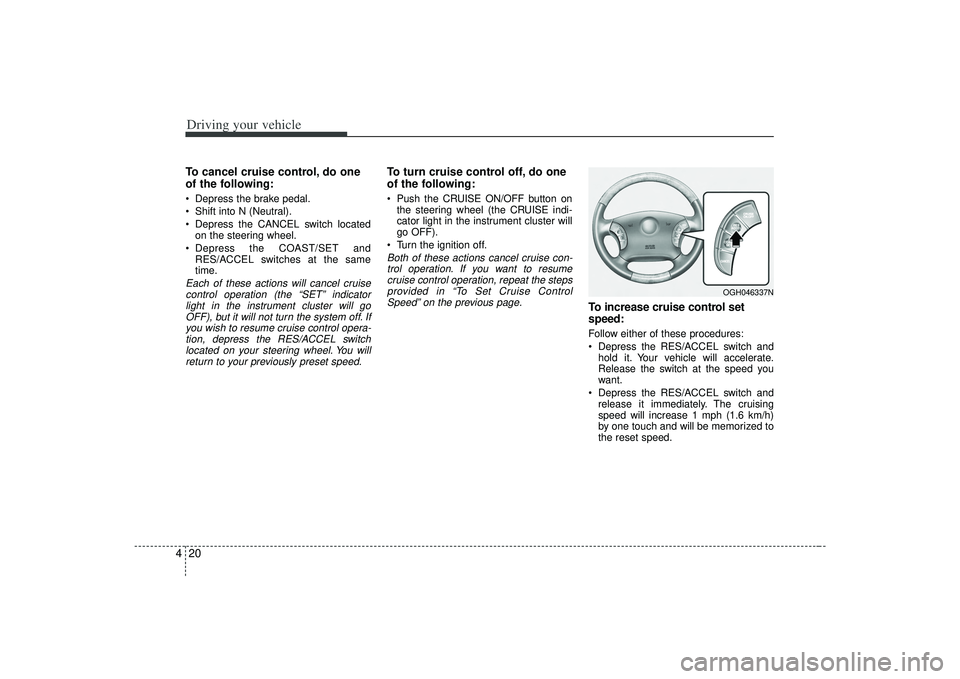
To increase cruise control set
speed:Follow either of these procedures:
Depress the RES/ACCEL switch and hold it. Your vehicle will accelerate.
Release the switch at the speed you
want.
Depress the RES/ACCEL switch and release it immediately. The cruising
speed will increase 1 mph (1.6 km/h)
by one touch and will be memorized to
the reset speed.
OGH046337N
Page 157 of 321
421
Driving your vehicle
To temporarily accelerate with the
cruise control onIf you want to speed up temporarily when
the cruise control is on, depress the
accelerator pedal. Increased speed will
not interfere with cruise control operation
or change the set speed.
To return to the set speed, take your foot
off the accelerator.
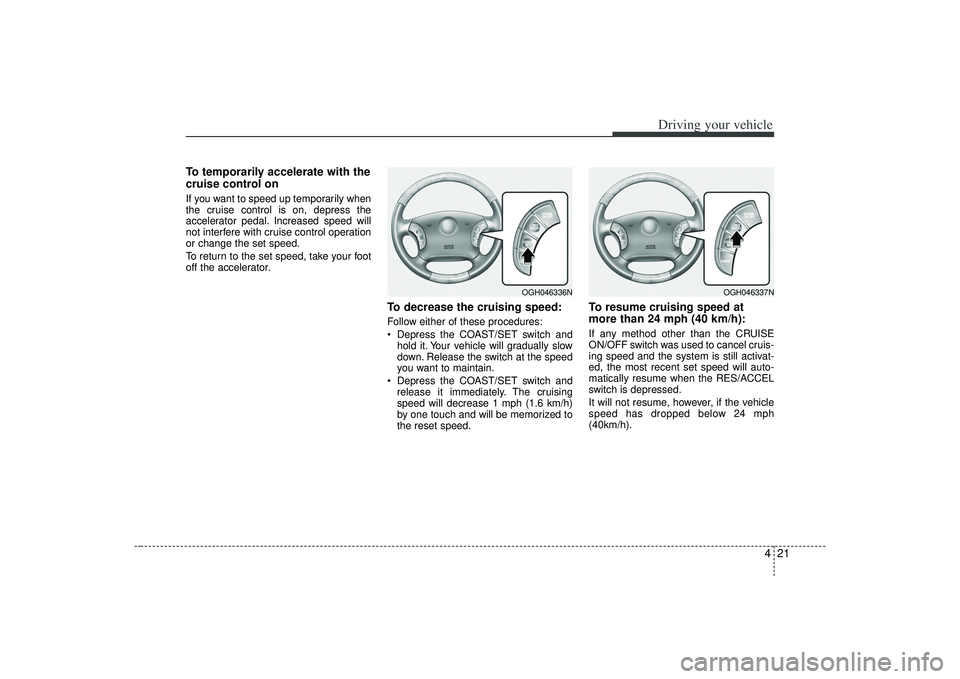
To decrease the cruising speed:Follow either of these procedures:
Depress the COAST/SET switch andhold it. Your vehicle will gradually slow
down. Release the switch at the speed
you want to maintain.
Depress the COAST/SET switch and release it immediately. The cruising
speed will decrease 1 mph (1.6 km/h)
by one touch and will be memorized to
the reset speed.
To resume cruising speed at
more than 24 mph (40 km/h):If any method other than the CRUISE
ON/OFF switch was used to cancel cruis-
ing speed and the system is still activat-
ed, the most recent set speed will auto-
matically resume when the RES/ACCEL
switch is depressed.
It will not resume, however, if the vehicle
speed has dropped below 24 mph
(40km/h).
OGH046336N
OGH046337N
Page 163 of 321
427
Driving your vehicle
Fuel gaugeThe fuel gauge indicates the approxi-
mate amount of fuel remaining in the fuel
tank.
Fuel tank capacity - 18.49 US gal. (70
liters).
The fuel gauge is supplemented by a low
fuel warning light, which will illuminate
when the fuel tank is nearly empty.
Trip computerThe trip computer is a microcomputer-
controlled driver information system that
displays information related to driving,
including odometer, tripmeter, driving
time, average speed, average fuel con-
sumption, instant fuel consumption and
distance to empty on the display when
the ignition switch is in the ON position.
All stored driving information (except
odometer) is reset if the battery is dis-
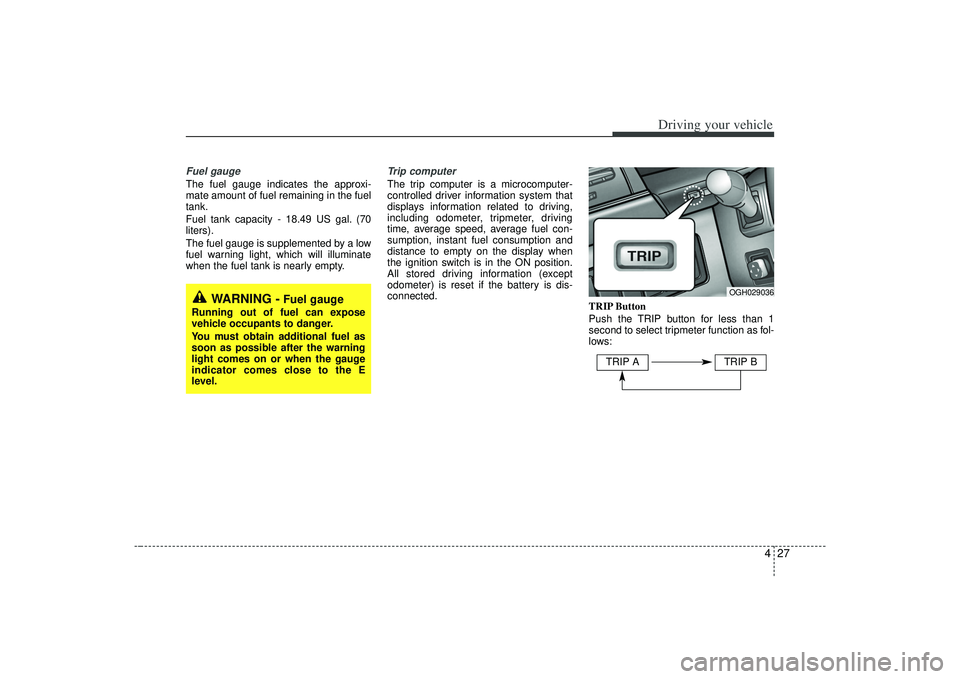
connected.TRIP Button
Push the TRIP button for less than 1
second to select tripmeter function as fol-
lows:
WARNING -
Fuel gauge
Running out of fuel can expose
vehicle occupants to danger.
You must obtain additional fuel as
soon as possible after the warning
light comes on or when the gauge
indicator comes close to the E
level.
OGH029036
TRIP A
TRIP B
Page 164 of 321
Driving your vehicle28
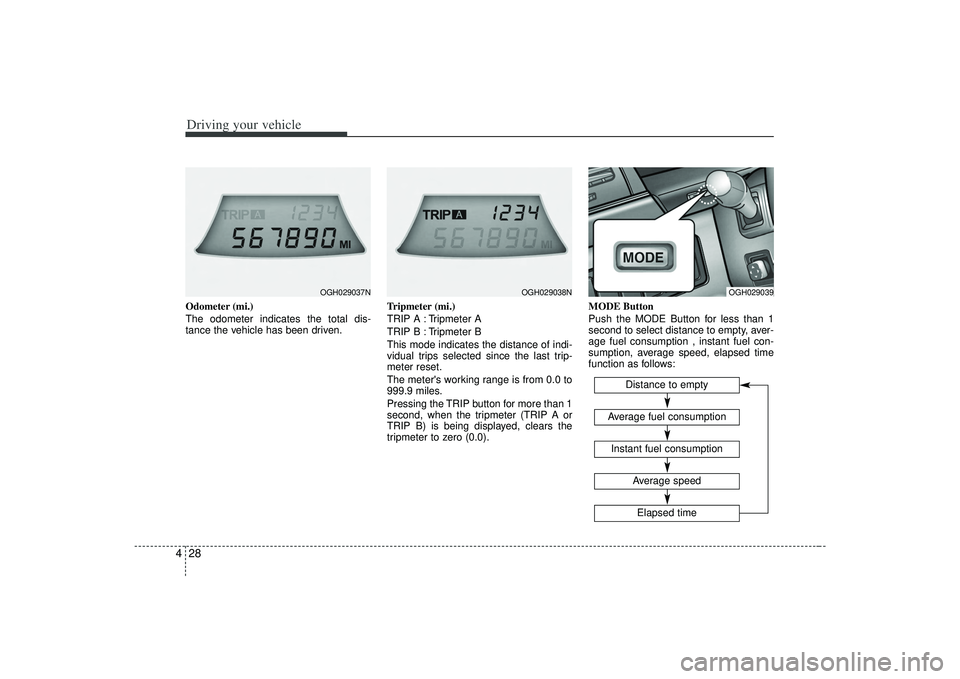
4Odometer (mi.)
The odometer indicates the total dis-
tance the vehicle has been driven. Tripmeter (mi.)
TRIP A : Tripmeter A
TRIP B : Tripmeter B
This mode indicates the distance of indi-
vidual trips selected since the last trip-
meter reset.
The meter's working range is from 0.0 to
999.9 miles.
Pressing the TRIP button for more than 1
second, when the tripmeter (TRIP A or
TRIP B) is being displayed, clears the
tripmeter to zero (0.0).MODE Button
Push the MODE Button for less than 1
second to select distance to empty, aver-
age fuel consumption , instant fuel con-
sumption, average speed, elapsed time
function as follows:
OGH029037N
OGH029038N
OGH029039
Distance to empty
Instant fuel consumptionAverage fuel consumption
Elapsed timeAverage speed
Page 165 of 321
429
Driving your vehicle
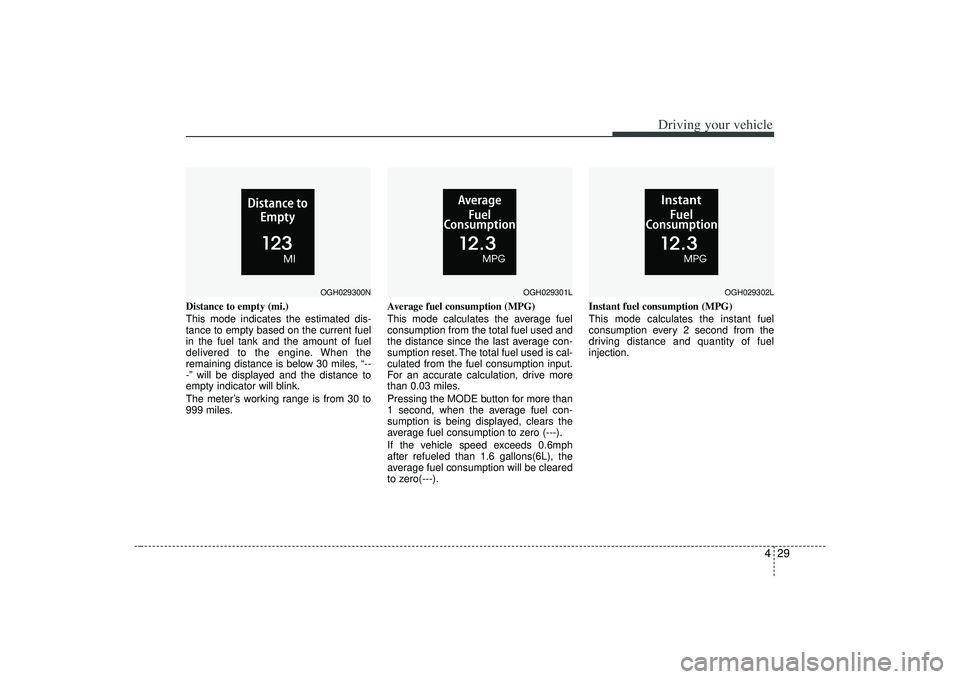
Distance to empty (mi.)
This mode indicates the estimated dis-
tance to empty based on the current fuel
in the fuel tank and the amount of fuel
delivered to the engine. When the
remaining distance is below 30 miles, “--
-” will be displayed and the distance to
empty indicator will blink.
The meter’s working range is from 30 to
999 miles.Average fuel consumption (MPG)
This mode calculates the average fuel
consumption from the total fuel used and
the distance since the last average con-
sumption reset. The total fuel used is cal-
culated from the fuel consumption input.
For an accurate calculation, drive more
than 0.03 miles.
Pressing the MODE button for more than
1 second, when the average fuel con-
sumption is being displayed, clears the
average fuel consumption to zero (---).
If the vehicle speed exceeds 0.6mph
after refueled than 1.6 gallons(6L), the
average fuel consumption will be cleared
to zero(---).Instant fuel consumption (MPG)
This mode calculates the instant fuel
consumption every 2 second from the
driving distance and quantity of fuel
injection.
OGH029300N
OGH029301L
OGH029302L
Page 166 of 321
Driving your vehicle30
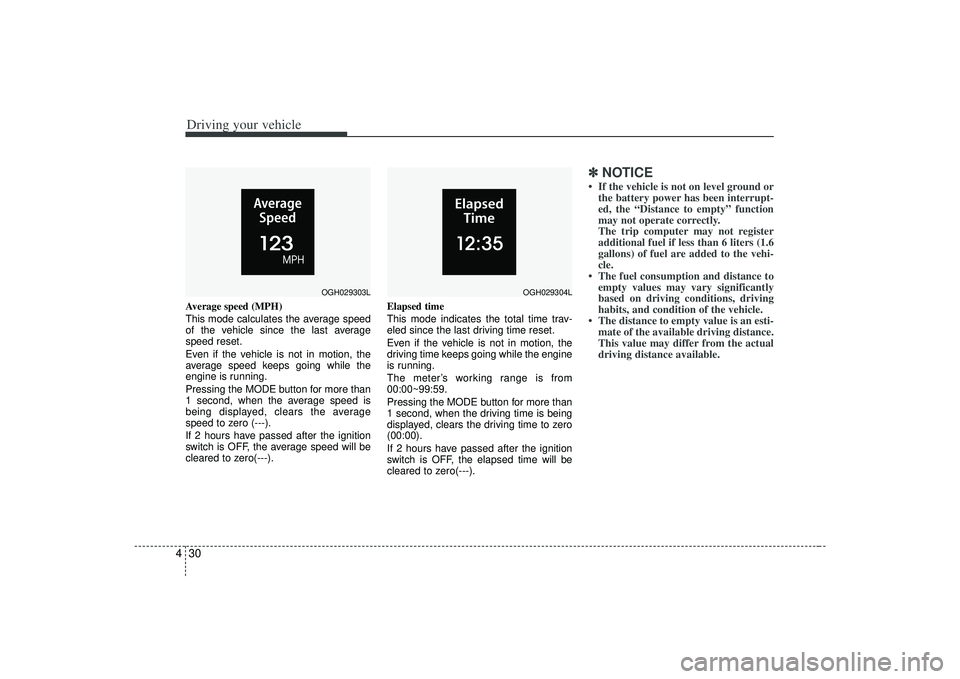
4Average speed (MPH)
This mode calculates the average speed
of the vehicle since the last average
speed reset.
Even if the vehicle is not in motion, the
average speed keeps going while the
engine is running.
Pressing the MODE button for more than
1 second, when the average speed is
being displayed, clears the average
speed to zero (---).
If 2 hours have passed after the ignition
switch is OFF, the average speed will be
cleared to zero(---). Elapsed time
This mode indicates the total time trav-
eled since the last driving time reset.
Even if the vehicle is not in motion, the
driving time keeps going while the engine
is running.
The meter’s working range is from
00:00~99:59.
Pressing the MODE button for more than
1 second, when the driving time is being
displayed, clears the driving time to zero
(00:00).
If 2 hours have passed after the ignition
switch is OFF, the elapsed time will be
cleared to zero(---).
✽ ✽
NOTICE• If the vehicle is not on level ground or
the battery power has been interrupt-
ed, the “Distance to empty” function
may not operate correctly.
The trip computer may not register
additional fuel if less than 6 liters (1.6
gallons) of fuel are added to the vehi-
cle.
• The fuel consumption and distance to empty values may vary significantly
based on driving conditions, driving
habits, and condition of the vehicle.
• The distance to empty value is an esti- mate of the available driving distance.
This value may differ from the actual
driving distance available.
OGH029303L
OGH029304L
Page 185 of 321
449
Driving your vehicle
Adjusting the driver and passenger side
temperature equally
1. Press the DUAL button again or if youselect the highest (HI) or lowest (Lo)
temperature, the DUAL mode deacti-
vates (the indicator light in the button
turns off). The passenger side temper-
ature will be set to the same tempera-
ture as the driver side.
2. Press the left temperature control but- ton. The driver and passenger side
temperature will be adjusted equally.Temperature conversionIf the battery has been discharged or dis-
connected, the temperature mode will
reset as Centigrade degrees.
This is normal condition and you can
switch the temperature mode between
Centigrade to Fahrenheit as follows;
While depressing the MODE button,
depress the DUAL button for 3 seconds
or more. The display will change from
Centigrade to Fahrenheit, or from
Fahrenheit to Centigrade.
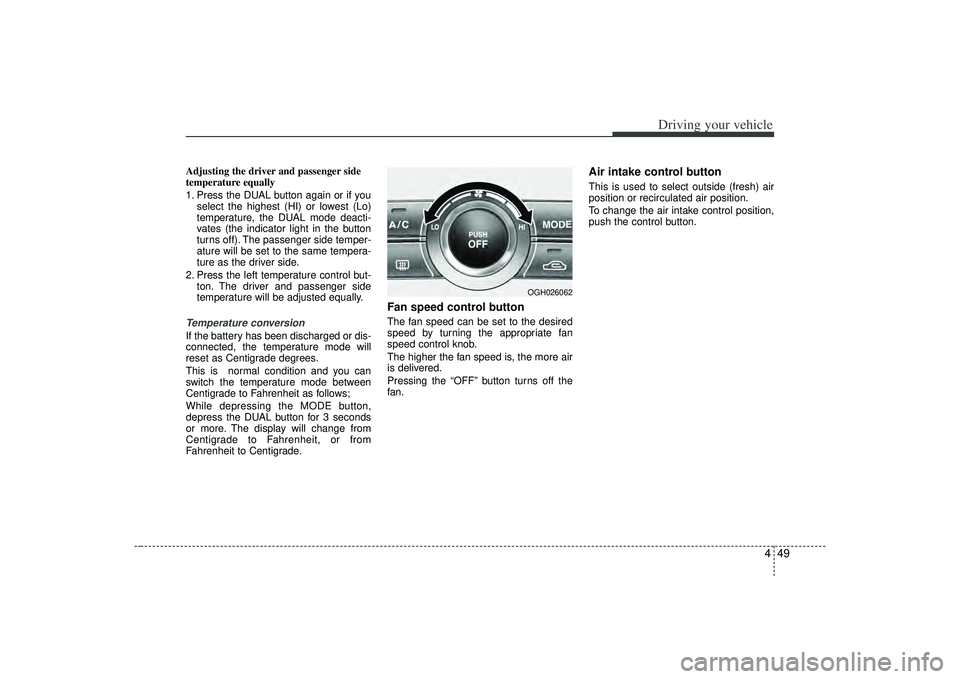
Fan speed control buttonThe fan speed can be set to the desired
speed by turning the appropriate fan
speed control knob.
The higher the fan speed is, the more air
is delivered.
Pressing the “OFF” button turns off the
fan.
Air intake control button This is used to select outside (fresh) air
position or recirculated air position.
To change the air intake control position,
push the control button.
OGH026062
Page 235 of 321

In case of an emergency12
6
Power connectorYour vehicle is equipped with a power connector to prevent bat-
tery discharge if your vehicle is parked without being operated
for prolonged periods. Use the following procedures before
parking the vehicle for prolonged period.
1. Turn off the engine.
2. Turn off the headlights and tail lights.
3. Open the driver-side knee bolster cover and pull up the
“POWER/CONN”.✽ ✽NOTICE• If the power connector is pulled up from the fuse panel, the
warning chime, AV system, clock and intetrior lamps, etc.,
will not operate. Some items must be reset after replace-
ment.
• Even though the power connector is pulled up, the battery can still be discharged by operation of the headlights or
other electrical devices.
Description Fuse rating Protected component
A/CON 10A Air-conditioning system
P/WDW(LH) 20A Power window (left)
TAIL LP(RH) 10A Taillight (right)
BACK WARN’G 10A Back warning
DR LP 10A Door courtesy lamp
MIRROR HTD 15A Outside review mirror defroster
ENG SNSR 10A
Power train control system sensors
T/REDUCER10A Seat belt tension reducer
CLOCK 10A Clock
WIPER(FR) 25A Wiper (front)
EPS 10A Electronic power steering
TAIL LP(LH) 10A Tail light (left)
ROOM LP 10A Room lamp
AV, CLOCK 15A Audio, Clock
LAN UNIT 10A Lan unit
TPMS 15A Tire pressure monitoring system
H/LP WASHER 20A Headlight washer
SHUNT CONN - Switch illumination
POWER/CONN - Power connector
1GHA403
Power
connector
Page 277 of 321
727
Maintenance
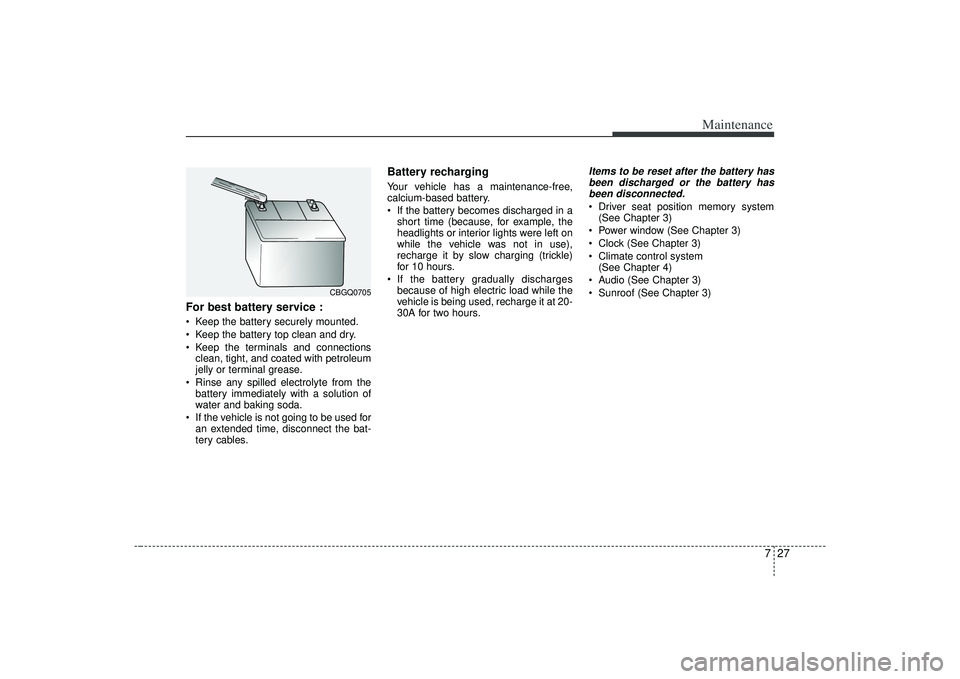
For best battery service : Keep the battery securely mounted.
Keep the battery top clean and dry.
Keep the terminals and connectionsclean, tight, and coated with petroleum
jelly or terminal grease.
Rinse any spilled electrolyte from the battery immediately with a solution of
water and baking soda.
If the vehicle is not going to be used for an extended time, disconnect the bat-
tery cables.
Battery recharging Your vehicle has a maintenance-free,
calcium-based battery.
If the battery becomes discharged in ashort time (because, for example, the
headlights or interior lights were left on
while the vehicle was not in use),
recharge it by slow charging (trickle)
for 10 hours.
If the battery gradually discharges because of high electric load while the
vehicle is being used, recharge it at 20-
30A for two hours.
Items to be reset after the battery hasbeen discharged or the battery has been disconnected. Driver seat position memory system (See Chapter 3)
Power window (See Chapter 3)
Clock (See Chapter 3)
Climate control system (See Chapter 4)
Audio (See Chapter 3)
Sunroof (See Chapter 3)
CBGQ0705