service KIA CARENS RHD 2018 Owner's Guide
[x] Cancel search | Manufacturer: KIA, Model Year: 2018, Model line: CARENS RHD, Model: KIA CARENS RHD 2018Pages: 723, PDF Size: 40.94 MB
Page 164 of 723
Features of your vehicle
68
4
Service Mode
Service Interval
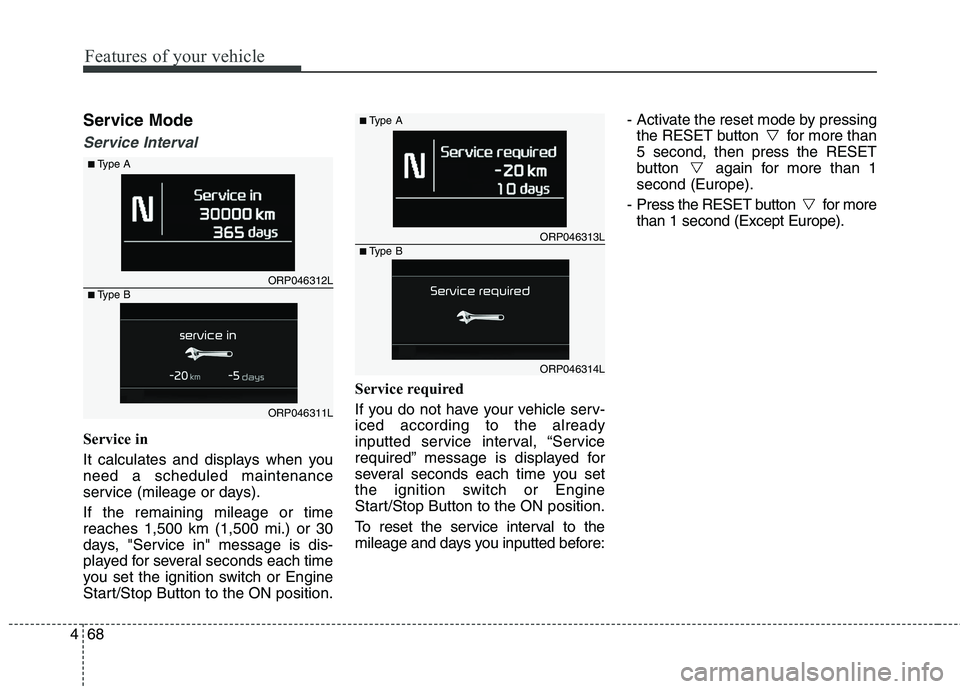
Service in
It calculates and displays when you need a scheduled maintenance
service (mileage or days). If the remaining mileage or time reaches 1,500 km (1,500 mi.) or 30
days, "Service in" message is dis-
played for several seconds each time
you set the ignition switch or Engine
Start/Stop Button to the ON position. Service required
If you do not have your vehicle serv- iced according to the already
inputted service interval, “Service
required” message is displayed for
several seconds each time you set
the ignition switch or Engine
Start/Stop Button to the ON position.
To reset the service interval to the
mileage and days you inputted before:- Activate the reset mode by pressing
the RESET button for more than5 second, then press the RESET
button again for more than 1second (Europe).
- Press the RESET button for more than 1 second (Except Europe).
ORP046312L
■
Type A
ORP046311L
■
Type B
ORP046313L
■
Type A
ORP046314L
■
Type B
Page 165 of 723
469
Features of your vehicle
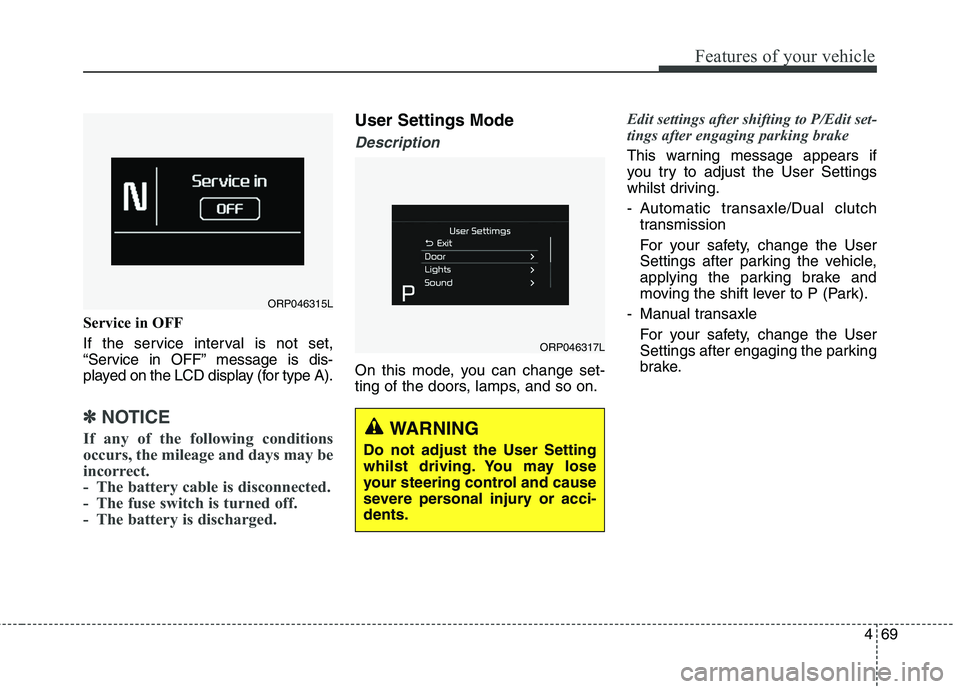
Service in OFF
If the service interval is not set,
“Service in OFF” message is dis-
played on the LCD display (for type A).
✽✽NOTICE
If any of the following conditions
occurs, the mileage and days may be
incorrect.
- The battery cable is disconnected.
- The fuse switch is turned off.
- The battery is discharged.
User Settings Mode
Description
On this mode, you can change set-
ting of the doors, lamps, and so on.
Edit settings after shifting to P/Edit set-
tings after engaging parking brake
This warning message appears if
you try to adjust the User Settings
whilst driving.
- Automatic transaxle/Dual clutch transmission
For your safety, change the User
Settings after parking the vehicle,
applying the parking brake and
moving the shift lever to P (Park).
- Manual transaxle For your safety, change the User
Settings after engaging the parking
brake.
ORP046315L
ORP046317L
WARNING
Do not adjust the User Setting
whilst driving. You may lose
your steering control and cause
severe personal injury or acci-dents.
Page 167 of 723
471
Features of your vehicle
Lights
One Touch Turn Signal : If this
item is checked, the lane change
signals will blink 3, 5 or 7 times
when the turn signal lever is moved
slightly.
Head Lamp Delay (if equipped) :
If this item is checked, the head-
lamp delay and headlamp wel-
come function will be activated.
Welcome Light (if equipped) :If
this item is checked, the welcomeight function of the puddle lamp will
be activated.
Sound
Park Assist System Vol. (if equipped) : Adjust the Park Assist
System volume. (Level 1~3)
❈ For more details, refer to “Parking
Assist System” in this chapter.
Welcome Sound (if equipped) :If
this item checked, the welcome
sound function will be activated.
Service interval
Service Interval : On this mode,
you can activate the service inter-
val function with mileage (km or
mi.) and period (months).
- Off : The service interval function will be deactivated.
- On : You can set the service inter- val (mileage and months).
Other Features
Fuel Economy Auto Reset
- Off : The average fuel economy will not reset automatically whenever refuelling.
- On (Auto Reset) : The average fuel economy will reset automaticallywhen refuelling.
❈ For more details, refer to “Trip
Computer” in this chapter.
Temperature Unit : Choose the
temperature unit. (°C,°F)
Language
Choose the language. Turn By Turn Mode (if equipped)
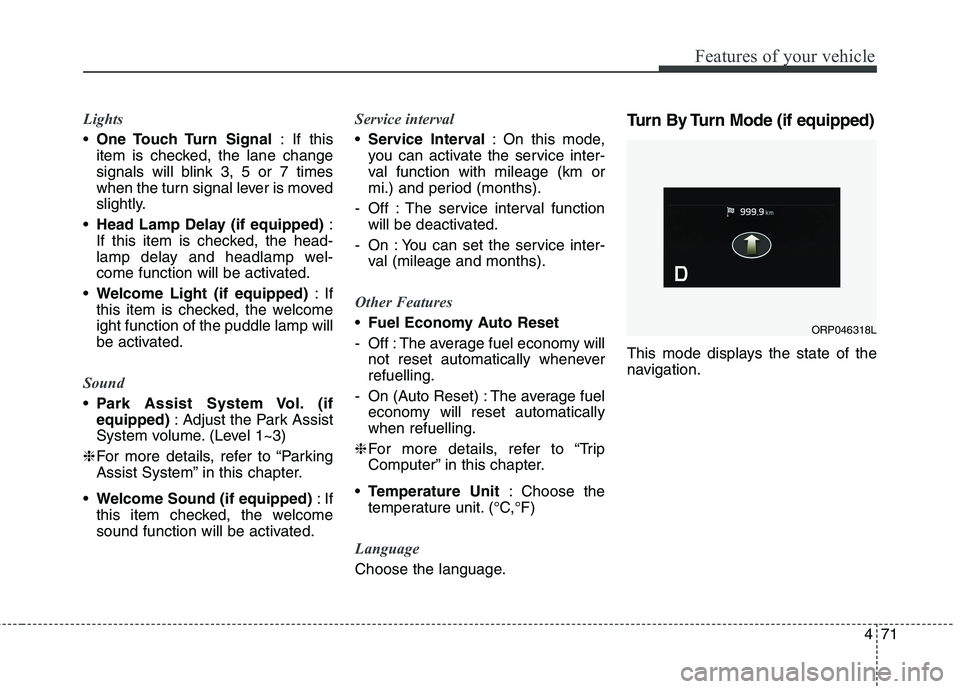
This mode displays the state of the
navigation.
ORP046318L
Page 169 of 723
473
Features of your vehicle
Press clutch pedal to start engine(for smart key system and manual transaxle)
This warning message illuminates if the Engine Start/Stop Button
changes to the ACC position twice
by pressing the button repeatedlywithout depressing the clutch pedal.
It means that you should depress the clutch pedal to start the engine.
Key not in vehicle
(for smart key system)
This warning message illuminates if the smart key is not in the vehicle
when you press the Engine
Start/Stop Button.
It means that you should always have the smart key with you.
Key not detected
(for smart key system)
This warning message illuminates if the smart key is not detected
when you press the Engine
Start/Stop Button.
Press start button again
(for smart key system)
This warning message illuminates if you can not operate the Engine
Start/Stop Button when there is a
problem with the Engine Start/StopButton system.
It means that you could start the engine by pressing the Engine
Start/ Stop Button once more.
If the warning illuminates each time you press the Engine Start/Stop
Button, have the vehicle inspected
by a professional workshop. Kia
recommends to visit an authorised
Kia dealer/service partner.
Press start button with smart key
(for smart key system)
This warning message illuminates if you press the Engine Start/Stop
Button whilst the warning message
“Key not detected” is illuminating.
At this time, the immobiliser indica- tor light blinks.
Check fuse "Brake Switch"
(for smart key system and automatic transaxle / dual clutchtransmission)
This warning message illuminates if the brake switch fuse is discon- nected.
It means that you should replace the fuse with a new one. If that is
not possible, you can start the
engine by pressing the Engine
Start/Stop Button for 10 seconds in
the ACC position.
Page 170 of 723
Features of your vehicle
74
4
Shift to "P" or "N" to start engine
(for smart key system and auto- matic transaxle / dual clutchtransmission)
This warning message illuminates if you try to start the engine with
the shift lever not in the P (Park) or
N (Neutral) position.
✽✽ NOTICE
You can start the engine with the
shift lever in the N (Neutral) position.
But, for your safety, we recommend
that you start the engine with the
shift lever in the P (Park) position.
Check exhaust system (for Diesel engine)
This warning message illuminates if the DPF system has a malfunction.
at this time, DPF warning light also
blinks.
In this case, have the DPF system
checked by a professional workshop.Kia recommends to visit an autho-
rised Kia dealer/service partner.
For more details, refer to “warning
lights” in this chapter.
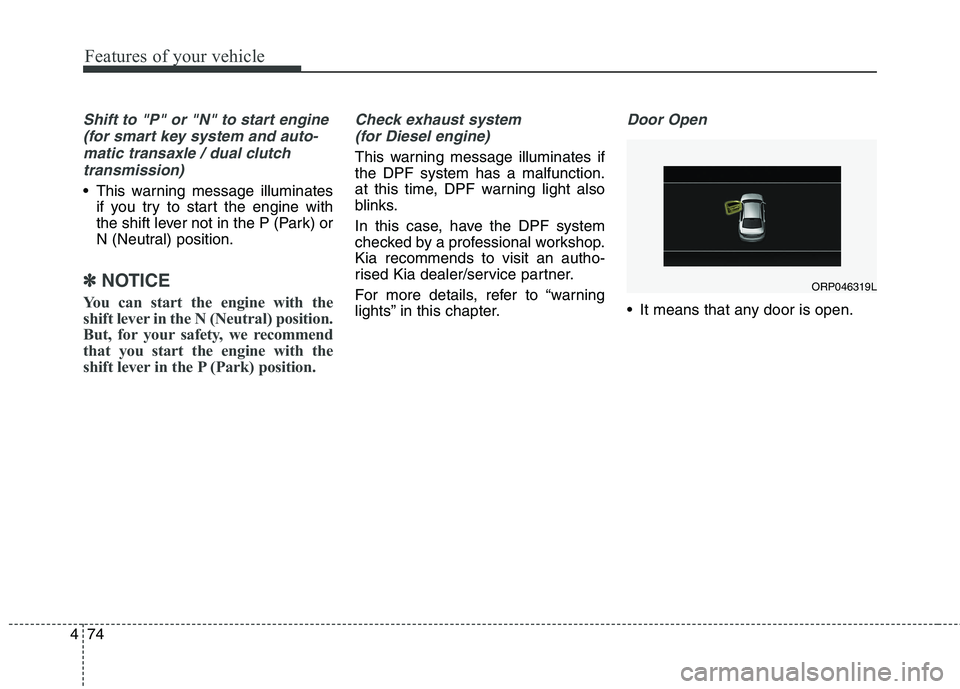
Door Open
It means that any door is open.
ORP046319L
Page 172 of 723
Features of your vehicle
76
4
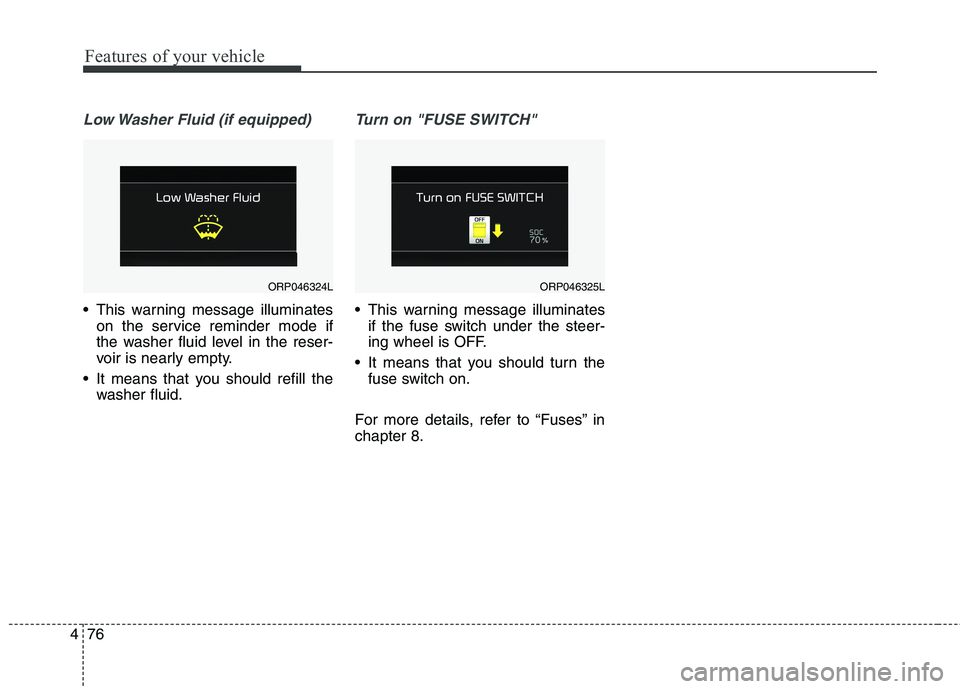
Low Washer Fluid (if equipped)
This warning message illuminates
on the service reminder mode if
the washer fluid level in the reser-
voir is nearly empty.
It means that you should refill the washer fluid.
Turn on "FUSE SWITCH"
This warning message illuminatesif the fuse switch under the steer-
ing wheel is OFF.
It means that you should turn the fuse switch on.
For more details, refer to “Fuses” inchapter 8.
ORP046324LORP046325L
Page 173 of 723
477
Features of your vehicle
Overview
Description
The trip computer is a microcomput-
er-controlled driver information sys-
tem that displays information related
to driving.
✽✽NOTICE
Some driving information stored in
the trip computer (for example
Average Vehicle Speed) resets if the
battery is disconnected.
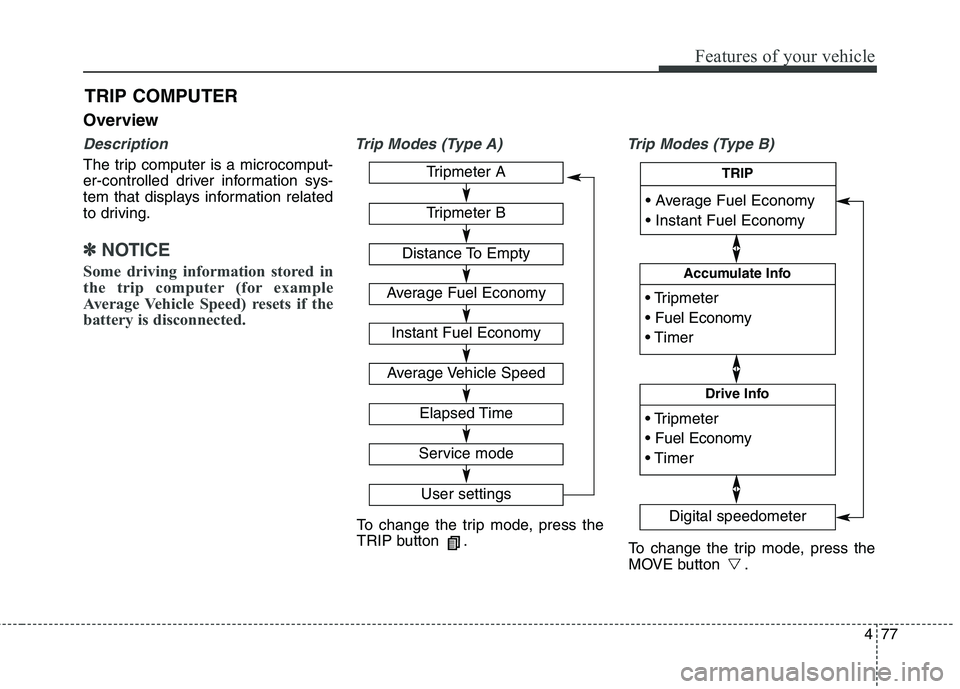
Trip Modes (Type A) Trip Modes (Type B)
TRIP COMPUTER
To change the trip mode, press the
TRIP button .
To change the trip mode, press the
MOVE button .
Tripmeter A
Tripmeter B
Distance To Empty
Average Fuel Economy
Instant Fuel Economy
Average Vehicle Speed
Elapsed Time
Service mode
User settings
Accumulate Info
Digital speedometer
Drive Info
TRIP
Page 177 of 723
481
Features of your vehicle
WARNING AND INDICATOR LIGHTS
Warning lights
✽✽ NOTICE - Warning lights
Make sure that all warning lights
are OFF after starting the engine. If
any light is still ON, this indicates a
situation that needs attention.
Air bag Warning Light
This warning light illuminates:
Once you set the ignition switch or Engine Start/Stop Button to the ON position.
- It illuminates for approximately 6seconds and then goes off.
When there is a malfunction with the SRS.
In this case, have the vehicle
inspected by a professional work-
shop. Kia recommends to visit an
authorised Kia dealer/service part-
ner.
Seat Belt Warning Light
This warning light informs the driver
that the seat belt is not fastened.
For more details, refer to the “Seat
Belts” in chapter 3.
Page 178 of 723
Features of your vehicle
82
4
WARNING - Parking Brake
& Brake Fluid
Warning Light
Driving the vehicle with a warn-
ing light ON is dangerous. If the
Parking Brake & Brake Fluid
Warning Light illuminates with
the parking brake released, itindicates that the brake fluid
level is low.
In this case, have the vehicle
inspected by a professional
workshop. Kia recommends tovisit an authorised Kia
dealer/service partner.
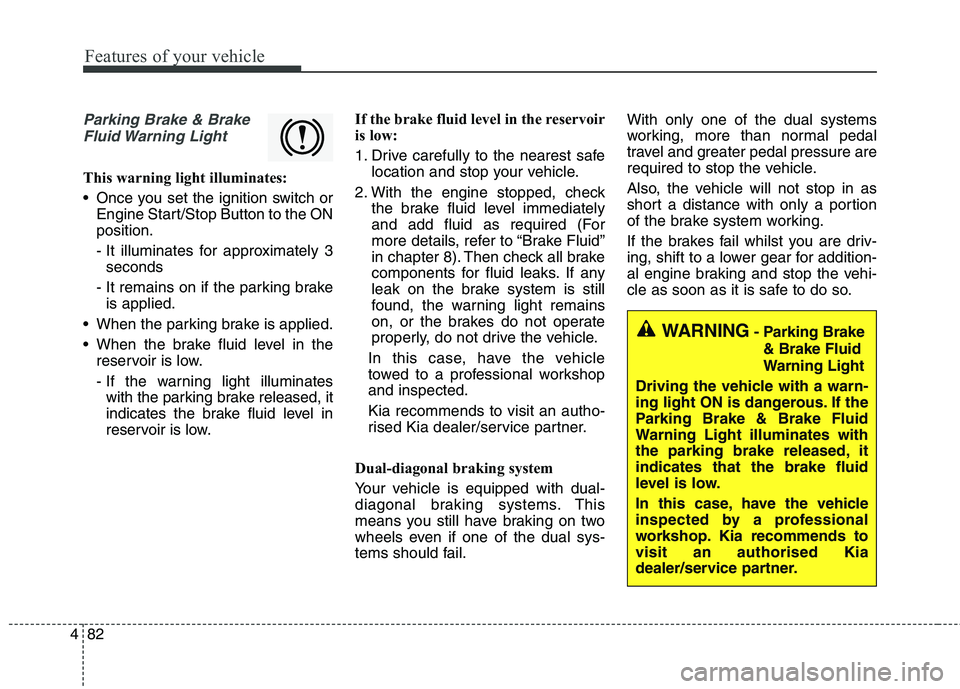
Parking Brake & Brake Fluid Warning Light
This warning light illuminates:
Once you set the ignition switch or Engine Start/Stop Button to the ON position.
- It illuminates for approximately 3seconds
- It remains on if the parking brake is applied.
When the parking brake is applied.
When the brake fluid level in the reservoir is low.
- If the warning light illuminateswith the parking brake released, it
indicates the brake fluid level in
reservoir is low. If the brake fluid level in the reservoir
is low:
1. Drive carefully to the nearest safe
location and stop your vehicle.
2. With the engine stopped, check the brake fluid level immediately
and add fluid as required (For
more details, refer to “Brake Fluid”
in chapter 8). Then check all brake
components for fluid leaks. If any
leak on the brake system is still
found, the warning light remains
on, or the brakes do not operate
properly, do not drive the vehicle.
In this case, have the vehicle
towed to a professional workshopand inspected. Kia recommends to visit an autho-
rised Kia dealer/service partner.
Dual-diagonal braking system
Your vehicle is equipped with dual-
diagonal braking systems. This
means you still have braking on two
wheels even if one of the dual sys-
tems should fail. With only one of the dual systems
working, more than normal pedal
travel and greater pedal pressure are
required to stop the vehicle.
Also, the vehicle will not stop in as
short a distance with only a portion
of the brake system working.
If the brakes fail whilst you are driv-
ing, shift to a lower gear for addition-
al engine braking and stop the vehi-
cle as soon as it is safe to do so.
Page 179 of 723
483
Features of your vehicle
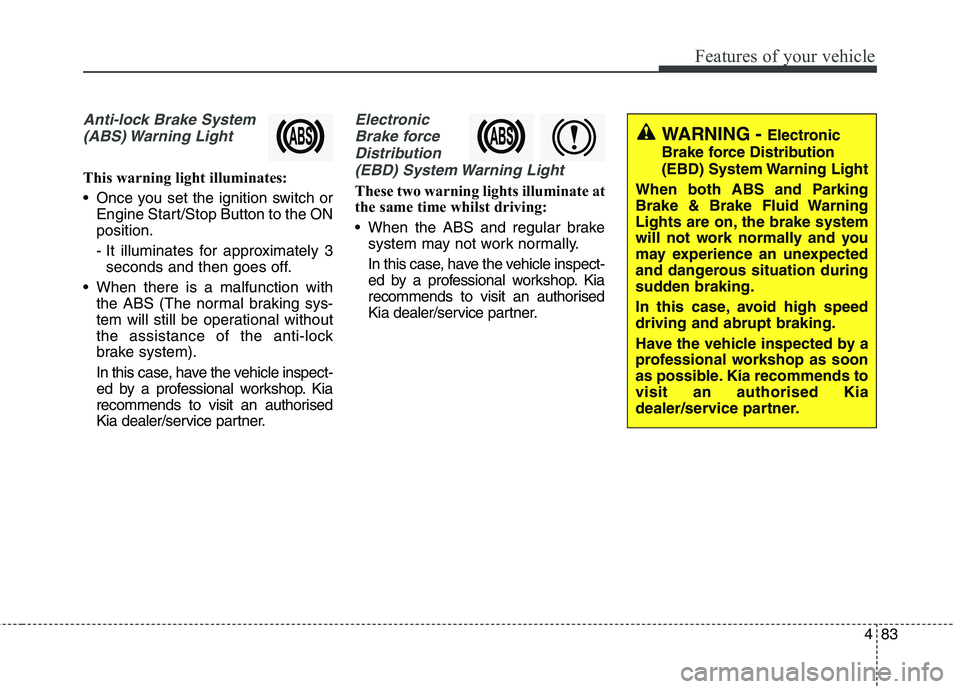
Anti-lock Brake System(ABS) Warning Light
This warning light illuminates:
Once you set the ignition switch or Engine Start/Stop Button to the ON position.
- It illuminates for approximately 3seconds and then goes off.
When there is a malfunction with the ABS (The normal braking sys-
tem will still be operational without
the assistance of the anti-lock
brake system).
In this case, have the vehicle inspect-
ed by a professional workshop. Kia
recommends to visit an authorised
Kia dealer/service partner.
Electronic
Brake force Distribution(EBD) System Warning Light
These two warning lights illuminate at
the same time whilst driving:
When the ABS and regular brake system may not work normally.
In this case, have the vehicle inspect-
ed by a professional workshop. Kia
recommends to visit an authorised
Kia dealer/service partner.
WARNING - Electronic
Brake force Distribution
(EBD) System Warning Light
When both ABS and Parking
Brake & Brake Fluid Warning
Lights are on, the brake system
will not work normally and you
may experience an unexpected
and dangerous situation during
sudden braking.
In this case, avoid high speed driving and abrupt braking.
Have the vehicle inspected by a
professional workshop as soon
as possible. Kia recommends tovisit an authorised Kia
dealer/service partner.