KIA CEED 2013 Owners Manual
CEED 2013
KIA
KIA
https://www.carmanualsonline.info/img/2/57944/w960_57944-0.png
KIA CEED 2013 Owners Manual
Page 876 of 1168
4 213
Features of your vehicle
RADIO MODE Basic Mode Screen(1
)Mode Display
Displays currently operating mode (2 )Frequency
Displays the current frequency(3 )Preset
Displays current preset number [1] ~ [6] (4 )Preset Display
Displays saved presets(5 )Autostore
Automatically saves frequencies with
superior reception to Preset buttons (6 )RDS Menu
Displays the RDS Menu(7 )RDS Info
Displays RDS broadcast information Switching to Radio Mode
Pressing the key will change
the operating mode in order of FM1
➟FM2➟FMA➟AM➟AMA.
If [Pop-up Mode] is turned on within [Display], then pressing the
key will display the Radio Pop-
up Mode screen.
Turn the TUNE knob to move the
focus. Press the knob to select.
RADIO
SETUP
RADIO
JD RHD 4c(209~).QXP 8/27/2012 10:02 AM Page 213
Page 877 of 1168
Features of your vehicle
214
4
Searching Radio Frequencies
Using Seek
Press the key to play the
previous/next frequency.
Using TUNE
Turn the TUNE knob to select the
desired frequency.
FM : Increases/decreased by 50kHz
AM : Increases/decreased by 9kHz Using Radio Mode
Selecting /Saving Presets
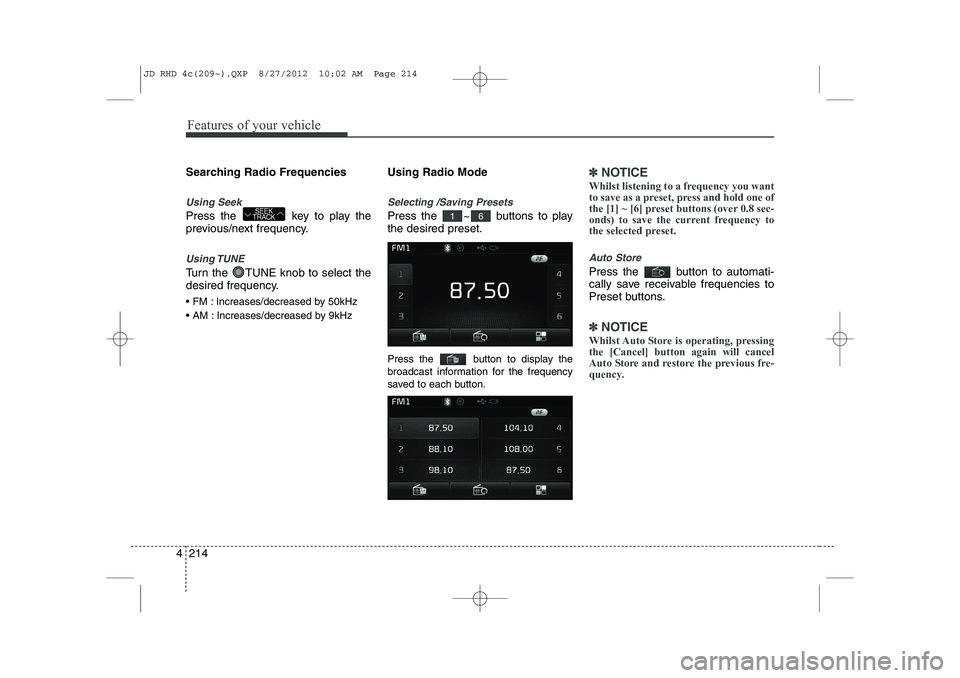
Press the ~ buttons to play the desired preset.
Press the button to display the
broadcast information for the frequency
saved to each button.
✽✽
NOTICE
Whilst listening to a frequency you want
to save as a preset, press and hold one of
the [1] ~ [6] preset buttons (over 0.8 sec-
onds) to save the current frequency to
the selected preset.
Auto Store
Press the button to automati-
cally save receivable frequencies to
Preset buttons.
✽✽ NOTICE
Whilst Auto Store is operating, pressing the [Cancel] button again will cancel
Auto Store and restore the previous fre-
quency.
61SEEK
TRACK
JD RHD 4c(209~).QXP 8/27/2012 10:02 AM Page 214
Page 878 of 1168
4 215
Features of your vehicle
RDS Menu
Press the button to set the AF
(Alternative Frequency), Region and
News features.
✽✽NOTICE
The RDS Menu is not supported within
AM or AMA mode.
Scan
Press the key to preview fre-
quencies with superior reception for5 seconds each.
✽✽ NOTICE
Once scan is complete, the previous fre-
quency will be restored.
Whilst Scan is operating, pressing the key will cancel the scan opera-
tion.
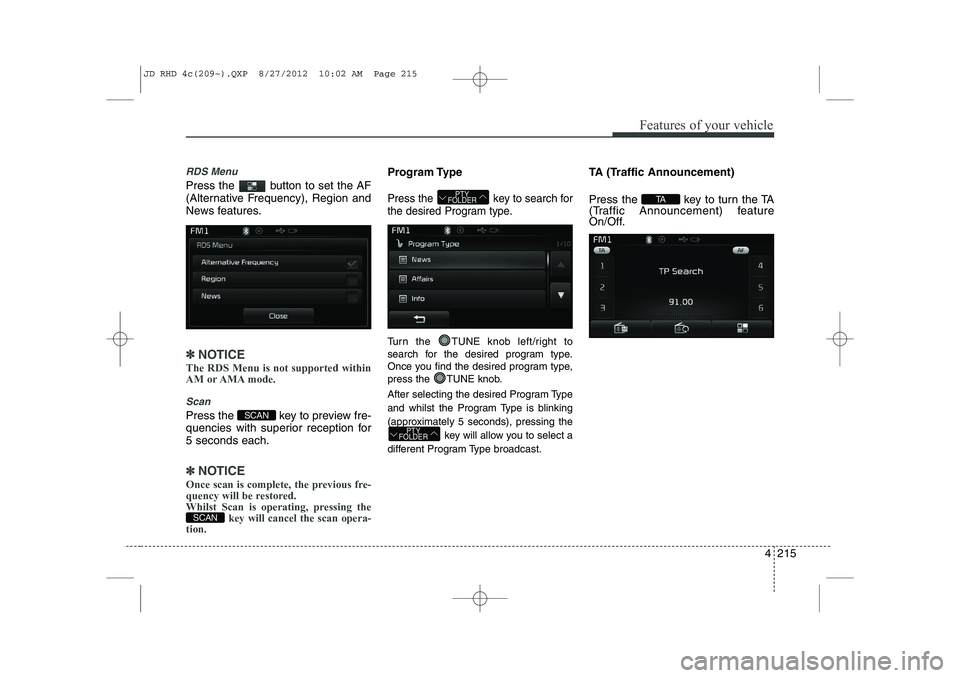
Program Type
Press the key to search for
the desired Program type.
Turn the TUNE knob left/right to
search for the desired program type.
Once you find the desired program type,
press the TUNE knob.
After selecting the desired Program Type
and whilst the Program Type is blinking
(approximately 5 seconds), pressing the
key will allow you to select a
different Program Type broadcast. TA (Traffic Announcement)
Press the key to turn the TA
(Traffic Announcement) feature
On/Off.
TA
PTY
FOLDER
PTY
FOLDER
SCAN
SCAN
JD RHD 4c(209~).QXP 8/27/2012 10:02 AM Page 215
Page 879 of 1168
Features of your vehicle
216
4
MEDIA MODE
Switching to Media Mode
Pressing the key will change
the operating mode in order ofCD
➟USB(iPod)➟AUX➟My Music ➟
BT Audio.
If [Pop-up Mode] is turned on within
[Display], then pressing the
key will display the Media
Pop-up Mode screen.
Turn the TUNE knob to move the
focus. Press the knob to select.
✽✽ NOTICE
The media mode pop up screen can be
displayed only when there are two or
more media modes turned on.
Title Icon When a
Bluetooth®Wireless
Technology, iPod, USB, or AUX
device is connected or a CD is
inserted, the corresponding mode
icon will be displayed.
Icon Title
Bluetooth®Wireless Technology
CD
iPod
USB
AUX
MEDIA
SETUP
MEDIA
JD RHD 4c(209~).QXP 8/27/2012 10:02 AM Page 216
Page 884 of 1168
4 221
Features of your vehicle
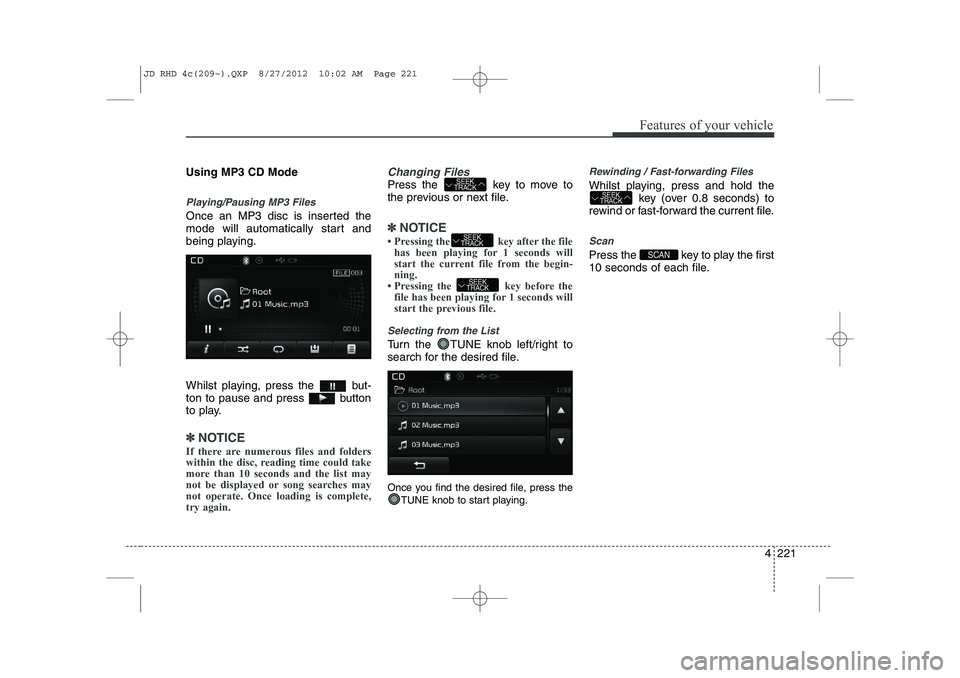
Using MP3 CD Mode
Playing/Pausing MP3 Files
Once an MP3 disc is inserted the
mode will automatically start and
being playing.
Whilst playing, press the but-
ton to pause and press button
to play.
✽✽NOTICE
If there are numerous files and folders
within the disc, reading time could take
more than 10 seconds and the list may
not be displayed or song searches maynot operate. Once loading is complete,try again.
Changing Files
Press the key to move to
the previous or next file.
✽✽ NOTICE
Page 885 of 1168
Features of your vehicle
222
4
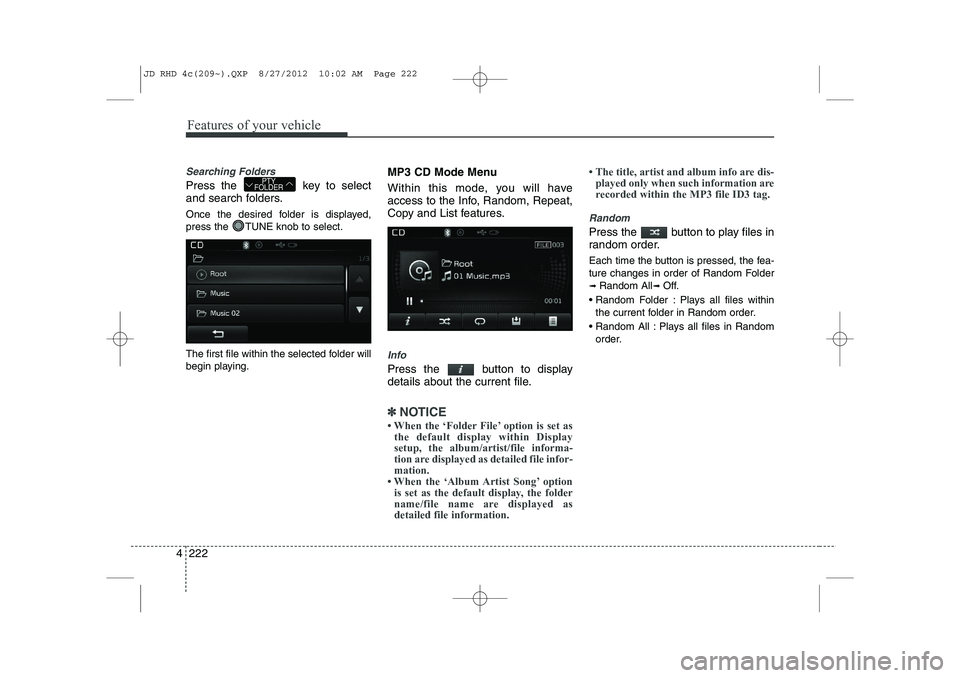
Searching Folders
Press the key to select
and search folders.
Once the desired folder is displayed,
press the TUNE knob to select.
The first file within the selected folder will
begin playing. MP3 CD Mode Menu
Within this mode, you will have
access to the Info, Random, Repeat,
Copy and List features.
Info
Press the button to display
details about the current file.
✽✽
NOTICE
Page 889 of 1168
Features of your vehicle
226
4
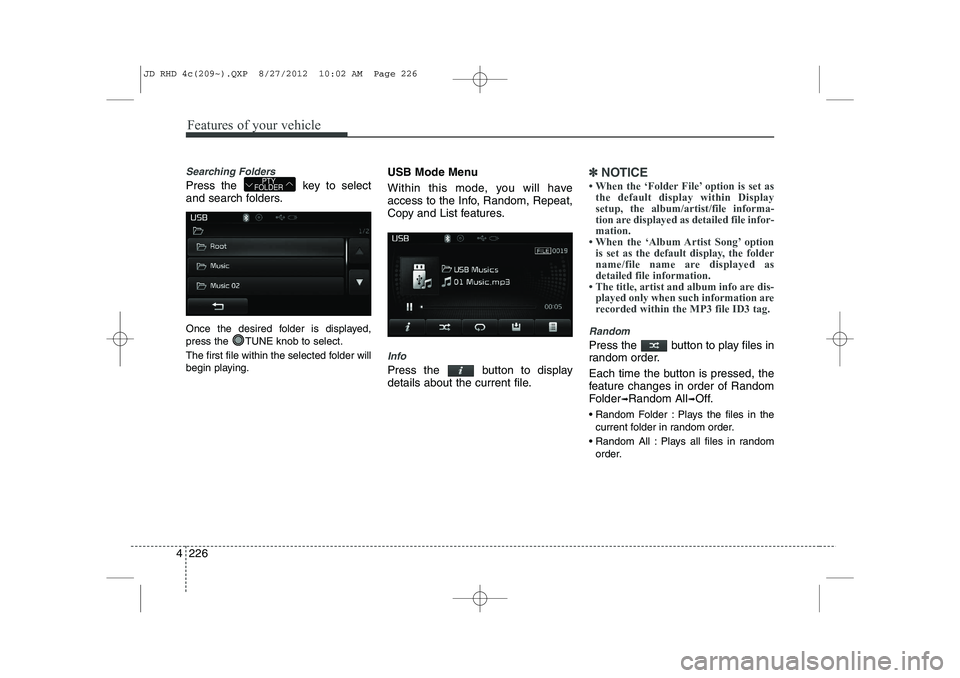
Searching Folders
Press the key to select
and search folders.
Once the desired folder is displayed,
press the TUNE knob to select.
The first file within the selected folder will
begin playing. USB Mode Menu
Within this mode, you will have
access to the Info, Random, Repeat,
Copy and List features.
Info
Press the button to display
details about the current file.
✽✽
NOTICE
Page 892 of 1168
4 229
Features of your vehicle
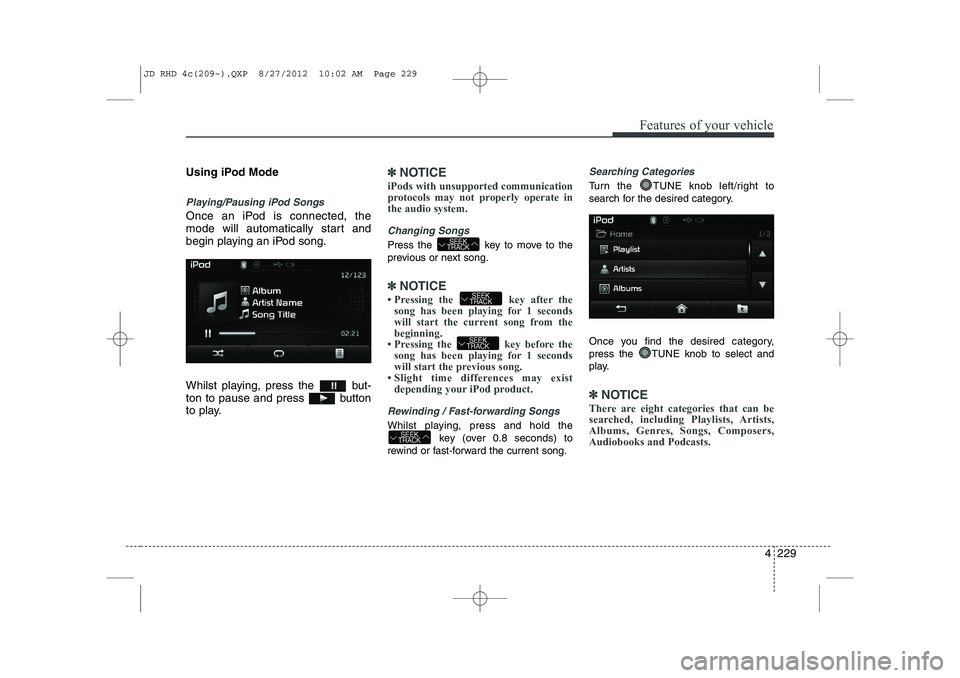
Using iPod Mode
Playing/Pausing iPod Songs
Once an iPod is connected, the
mode will automatically start and
begin playing an iPod song.
Whilst playing, press the but-
ton to pause and press button
to play.
✽✽NOTICE
iPods with unsupported communication
protocols may not properly operate inthe audio system.
Changing Songs
Press the key to move to the
previous or next song.
✽✽ NOTICE
Page 894 of 1168
4 231
Features of your vehicle
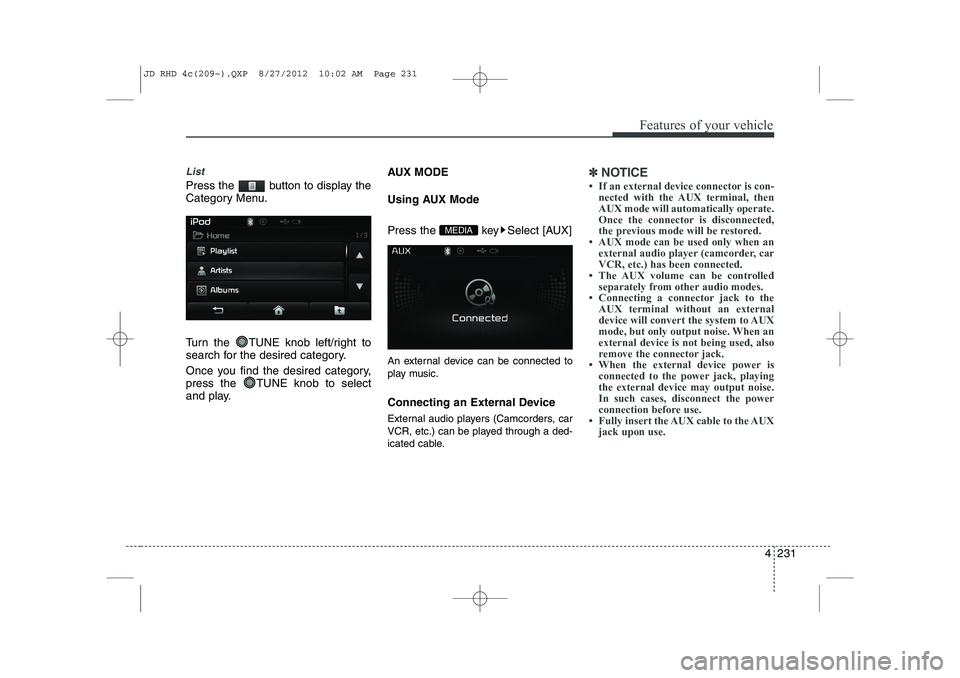
List
Press the button to display the
Category Menu.
Turn the TUNE knob left/right to
search for the desired category.
Once you find the desired category,
press the TUNE knob to select
and play.AUX MODE
Using AUX Mode
Press the key Select [AUX]
An external device can be connected to
play music.
Connecting an External Device
External audio players (Camcorders, car
VCR, etc.) can be played through a ded-
icated cable.
✽✽
NOTICE
Page 896 of 1168
4 233
Features of your vehicle
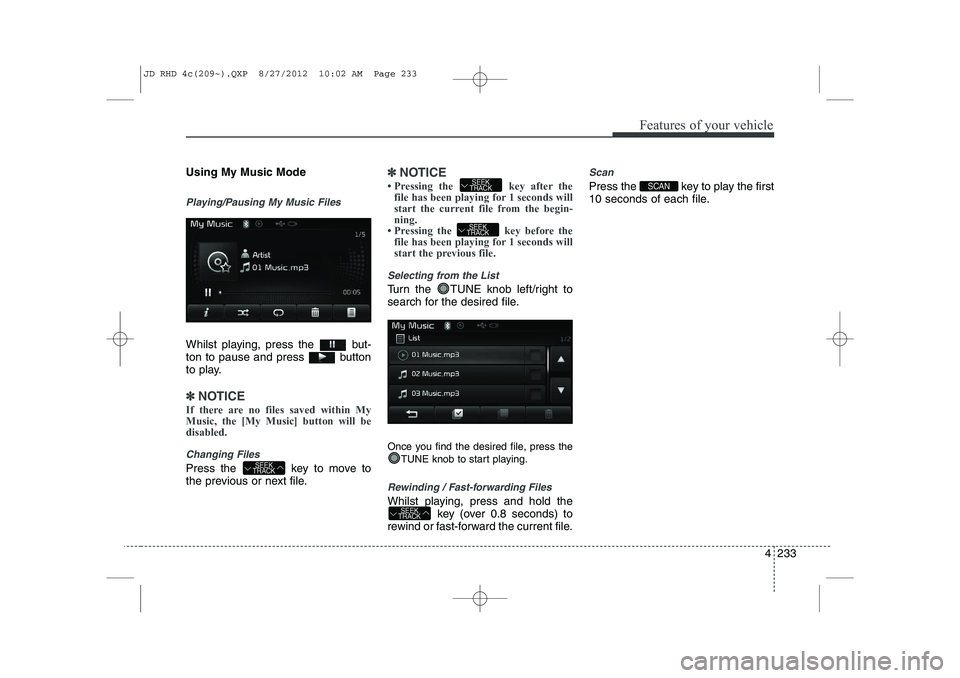
Using My Music Mode
Playing/Pausing My Music Files
Whilst playing, press the but-
ton to pause and press button
to play.
✽✽NOTICE
If there are no files saved within My Music, the [My Music] button will bedisabled.
Changing Files
Press the key to move to
the previous or next file.
✽✽ NOTICE
![KIA CEED 2013 Owners Manual 4 213
Features of your vehicle
RADIO MODE Basic Mode Screen(1
)Mode Display
Displays currently operating mode (2 )Frequency
Displays the current frequency(3 )Preset
Displays current preset number [1]](/img/2/57944/w960_57944-875.png "KIA CEED 2013 Owners Manual 4 213
Features of your vehicle
RADIO MODE Basic Mode Screen(1
)Mode Display
Displays currently operating mode (2 )Frequency
Displays the current frequency(3 )Preset
Displays current preset number [1]")
![KIA CEED 2013 Owners Manual Features of your vehicle
216
4
MEDIA MODE
Switching to Media Mode
Pressing the key will change
the operating mode in order ofCD
➟USB(iPod)➟AUX➟My Music ➟
BT Audio.
If [Pop-up Mode] is tur](/img/2/57944/w960_57944-878.png "KIA CEED 2013 Owners Manual Features of your vehicle
216
4
MEDIA MODE
Switching to Media Mode
Pressing the key will change
the operating mode in order ofCD
➟USB(iPod)➟AUX➟My Music ➟
BT Audio.
If [Pop-up Mode] is tur")