Button KIA Cerato 2010 1.G Service Manual
[x] Cancel search | Manufacturer: KIA, Model Year: 2010, Model line: Cerato, Model: KIA Cerato 2010 1.GPages: 321, PDF Size: 6.3 MB
Page 142 of 321
477
Features of your vehicle
Temperature conversion
You can switch the temperature mode
between Fahrenheit to Centigrade as fol-
lows:
While pressing the OFF button, press the
AUTO button for 3 seconds or more.
The display will change from Fahrenheit
to Centigrade, or from Centigrade to
Fahrenheit.
If the battery has been discharged or dis-
connected, the temperature mode dis-
play will reset to Centigrade.
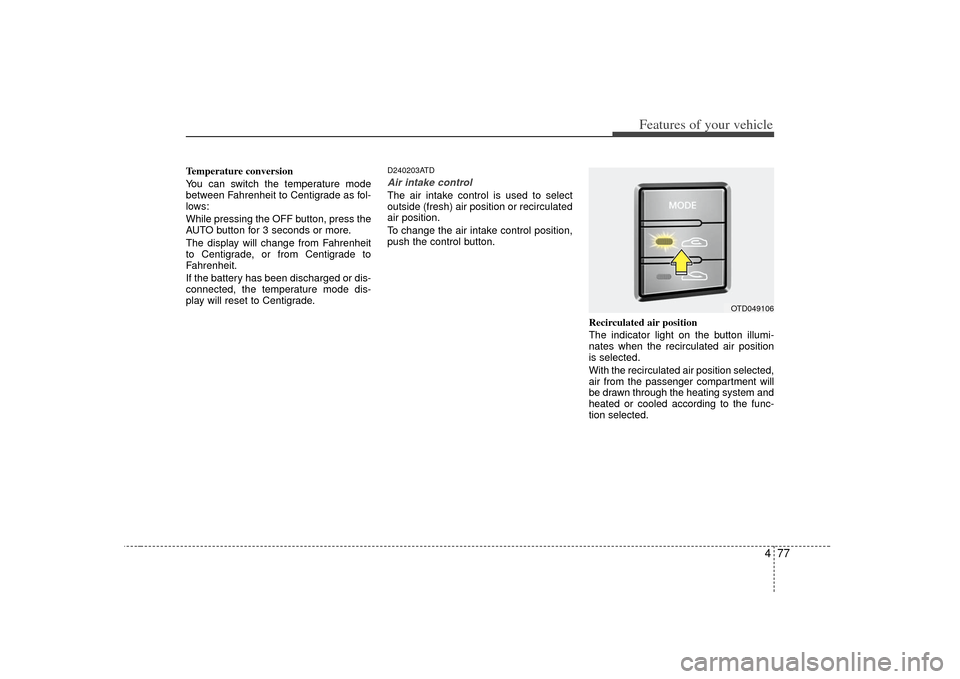
D240203ATDAir intake controlThe air intake control is used to select
outside (fresh) air position or recirculated
air position.
To change the air intake control position,
push the control button.Recirculated air position
The indicator light on the button illumi-
nates when the recirculated air position
is selected.
With the recirculated air position selected,
air from the passenger compartment will
be drawn through the heating system and
heated or cooled according to the func-
tion selected.
OTD049106
Page 143 of 321
Features of your vehicle78
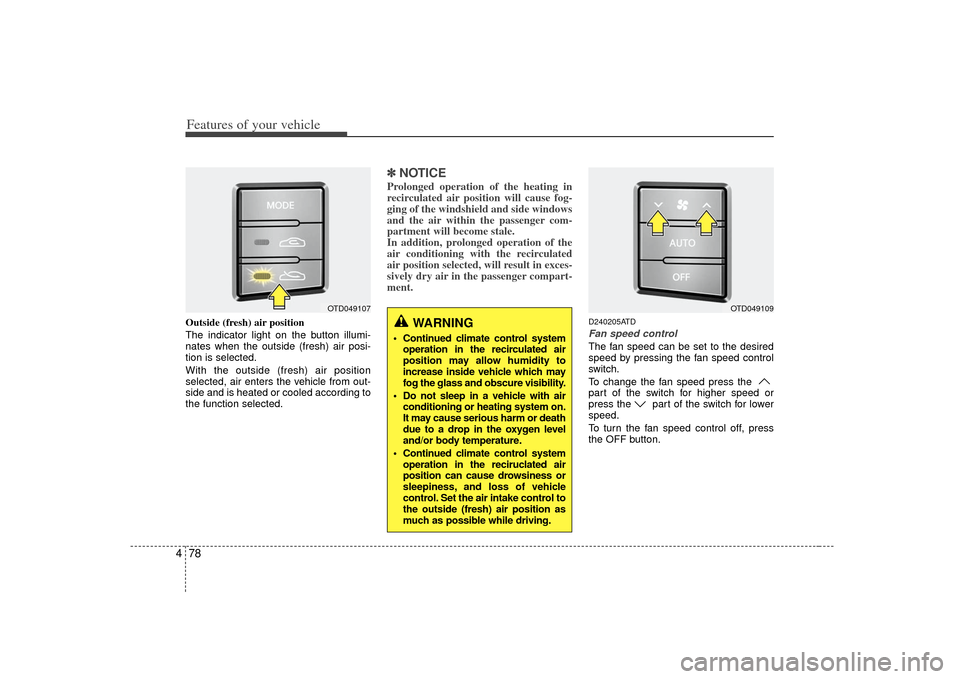
4Outside (fresh) air position
The indicator light on the button illumi-
nates when the outside (fresh) air posi-
tion is selected.
With the outside (fresh) air position
selected, air enters the vehicle from out-
side and is heated or cooled according to
the function selected.
✽ ✽
NOTICEProlonged operation of the heating in
recirculated air position will cause fog-
ging of the windshield and side windows
and the air within the passenger com-
partment will become stale.
In addition, prolonged operation of the
air conditioning with the recirculated
air position selected, will result in exces-
sively dry air in the passenger compart-
ment.
D240205ATDFan speed controlThe fan speed can be set to the desired
speed by pressing the fan speed control
switch.
To change the fan speed press the
part of the switch for higher speed or
press the part of the switch for lower
speed.
To turn the fan speed control off, press
the OFF button.
WARNING
Continued climate control system
operation in the recirculated air
position may allow humidity to
increase inside vehicle which may
fog the glass and obscure visibility.
Do not sleep in a vehicle with air conditioning or heating system on.
It may cause serious harm or death
due to a drop in the oxygen level
and/or body temperature.
Continued climate control system operation in the reciruclated air
position can cause drowsiness or
sleepiness, and loss of vehicle
control. Set the air intake control to
the outside (fresh) air position as
much as possible while driving.
OTD049109
OTD049107
Page 144 of 321
479
Features of your vehicle
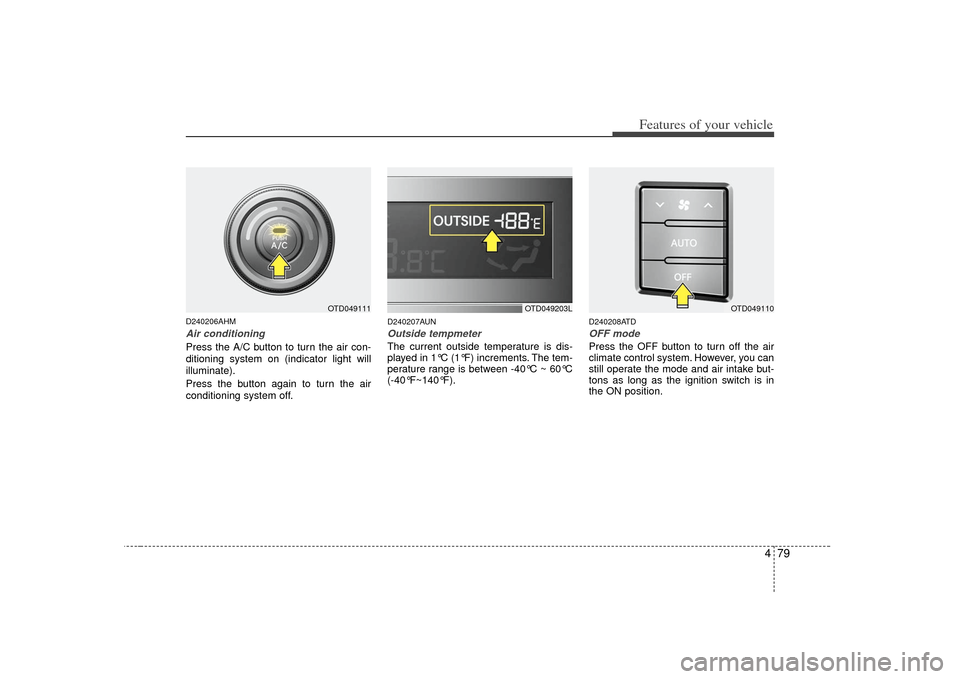
D240206AHMAir conditioningPress the A/C button to turn the air con-
ditioning system on (indicator light will
illuminate).
Press the button again to turn the air
conditioning system off.
D240207AUNOutside tempmeter The current outside temperature is dis-
played in 1°C (1°F) increments. The tem-
perature range is between -40°C ~ 60°C
(-40°F~140°F).
D240208ATDOFF modePress the OFF button to turn off the air
climate control system. However, you can
still operate the mode and air intake but-
tons as long as the ignition switch is in
the ON position.
OTD049203L
OTD049110
OTD049111
Page 145 of 321
Features of your vehicle80
4WINDSHIELD DEFROSTING AND DEFOGGINGD250000AUN
For maximum defrosting, set the tem-
perature control to the extreme
right/hot position and the fan speed
control to the highest speed.
If warm air to the floor is desired while defrosting or defogging, set the mode
to the floor-defrost position.
Before driving, clear all snow and ice from the windshield, rear window, out-
side rear view mirrors, and all side win-
dows.
Clear all snow and ice from the hood and air inlet in the cowl grill to improve
heater and defroster efficiency and to
reduce the probability of fogging up
the inside of the windshield.
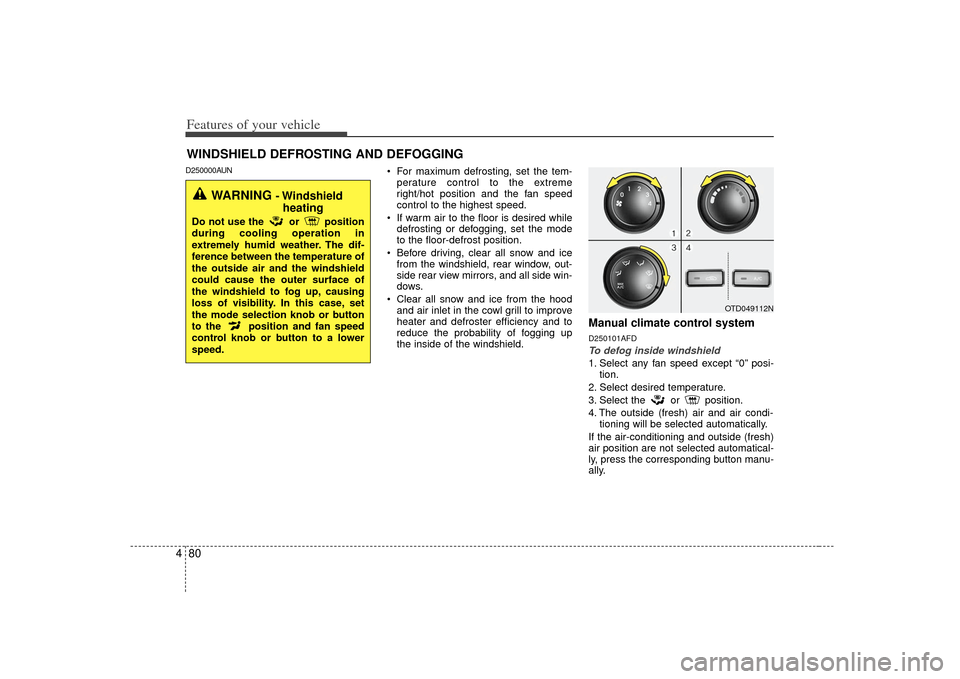
Manual climate control systemD250101AFDTo defog inside windshield 1. Select any fan speed except “0” posi- tion.
2. Select desired temperature.
3. Select the or position.
4. The outside (fresh) air and air condi- tioning will be selected automatically.
If the air-conditioning and outside (fresh)
air position are not selected automatical-
ly, press the corresponding button manu-
ally.
OTD049112N
WARNING
- Windshield heating
Do not use the or position
during cooling operation in
extremely humid weather. The dif-
ference between the temperature of
the outside air and the windshield
could cause the outer surface of
the windshield to fog up, causing
loss of visibility. In this case, set
the mode selection knob or button
to the position and fan speed
control knob or button to a lower
speed.
Page 146 of 321
481
Features of your vehicle
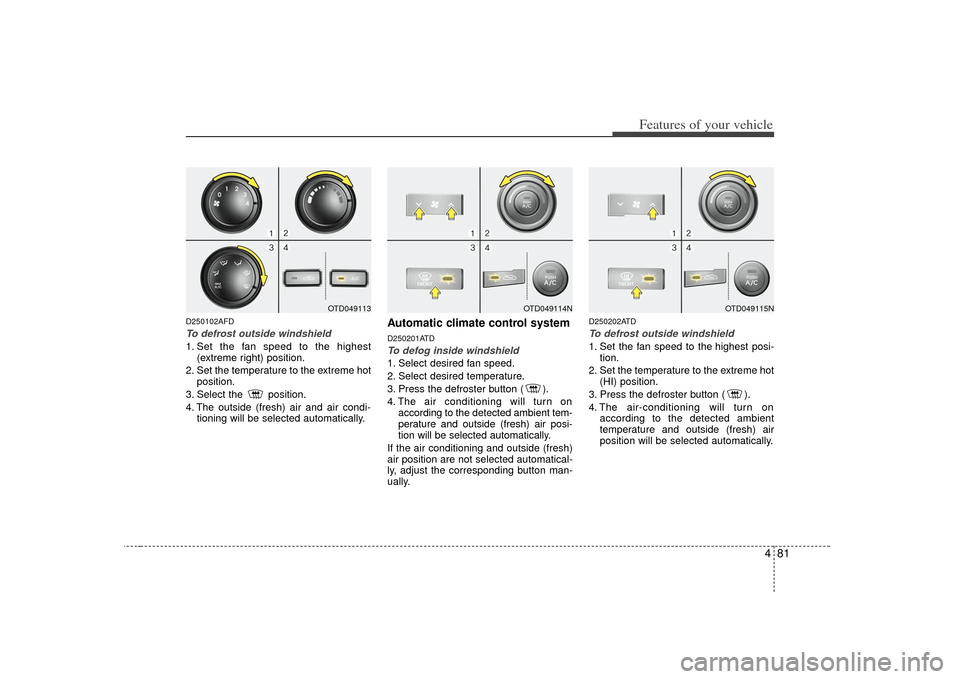
D250102AFDTo defrost outside windshield 1. Set the fan speed to the highest(extreme right) position.
2. Set the temperature to the extreme hot position.
3. Select the position.
4. The outside (fresh) air and air condi- tioning will be selected automatically.
Automatic climate control systemD250201ATDTo defog inside windshield 1. Select desired fan speed.
2. Select desired temperature.
3. Press the defroster button ( ).
4. The air conditioning will turn onaccording to the detected ambient tem-
perature and outside (fresh) air posi-
tion will be selected automatically.
If the air conditioning and outside (fresh)
air position are not selected automatical-
ly, adjust the corresponding button man-
ually.
D250202ATDTo defrost outside windshield 1. Set the fan speed to the highest posi- tion.
2. Set the temperature to the extreme hot (HI) position.
3. Press the defroster button ( ).
4. The air-conditioning will turn on according to the detected ambient
temperature and outside (fresh) air
position will be selected automatically.
OTD049114N
OTD049115N
OTD049113
Page 147 of 321
Features of your vehicle82
4D250300AHMDefogging logicTo reduce the probability of fogging up
inside of the windshield, the air intake or
air conditioning are controlled automati-
cally according to certain conditions such
as or position. To cancel or
return to the defogging logic, do the fol-
lowings.
D250301AUNManual climate control system1. Turn the ignition switch to the ON posi-
tion.
2. Turn the mode selection knob to the defrost position ( ).
3. Push the air intake control button at least 5 times within 3 seconds.
The indicator light in the air intake control
button will blink 3 times with 0.5 second
of interval. It indicates that the defogging
logic is canceled or returned to the pro-
grammed status.
If the battery has been discharged or dis-
connected, it resets to the defog logic
status.
D250302AHM-EEAutomatic climate control system1. Turn the ignition switch to the ON posi- tion.
2. Select the defroster position pressing the defroster button ( ).
3. While pressing the air conditioning button (A/C), press the air intake con-
trol button ( ) at least 5 times with-
in 3 seconds.
The A/C display blinks 3 times with 0.5
second of interval. It indicates that the
defogging logic is canceled or returned to
the programmed status.
If the battery has been discharged or
disconnected, it resets to the defog logic
status.
Page 152 of 321
487
Features of your vehicle
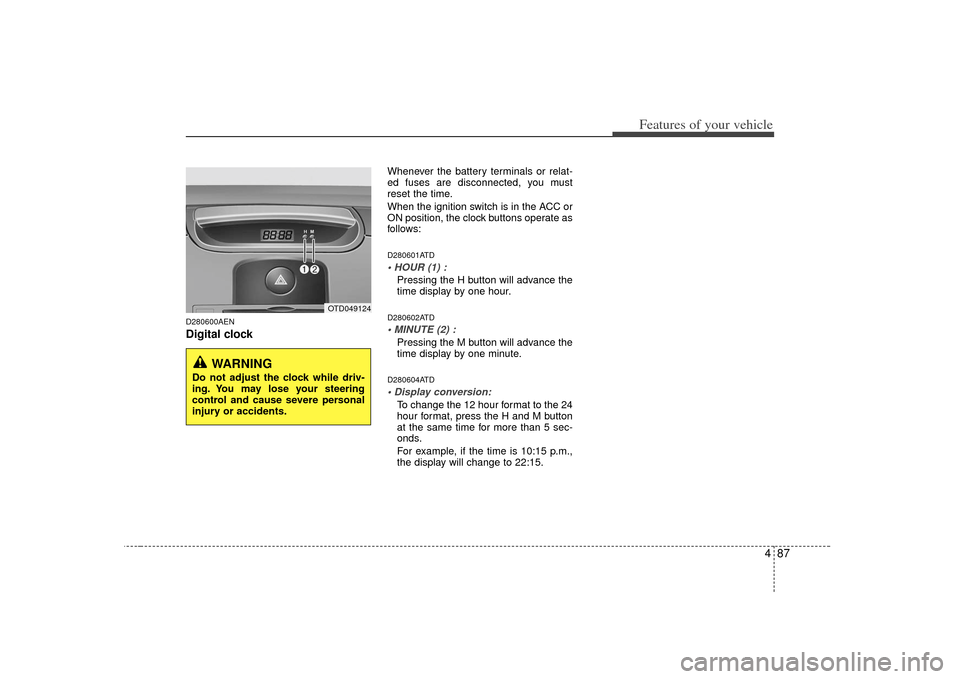
D280600AENDigital clock
Whenever the battery terminals or relat-
ed fuses are disconnected, you must
reset the time.
When the ignition switch is in the ACC or
ON position, the clock buttons operate as
follows:D280601ATDPressing the H button will advance the
time display by one hour.D280602ATDPressing the M button will advance the
time display by one minute.D280604ATDTo change the 12 hour format to the 24
hour format, press the H and M button
at the same time for more than 5 sec-
onds.
For example, if the time is 10:15 p.m.,
the display will change to 22:15.
OTD049124
WARNING
Do not adjust the clock while driv-
ing. You may lose your steering
control and cause severe personal
injury or accidents.
Page 153 of 321
Features of your vehicle88
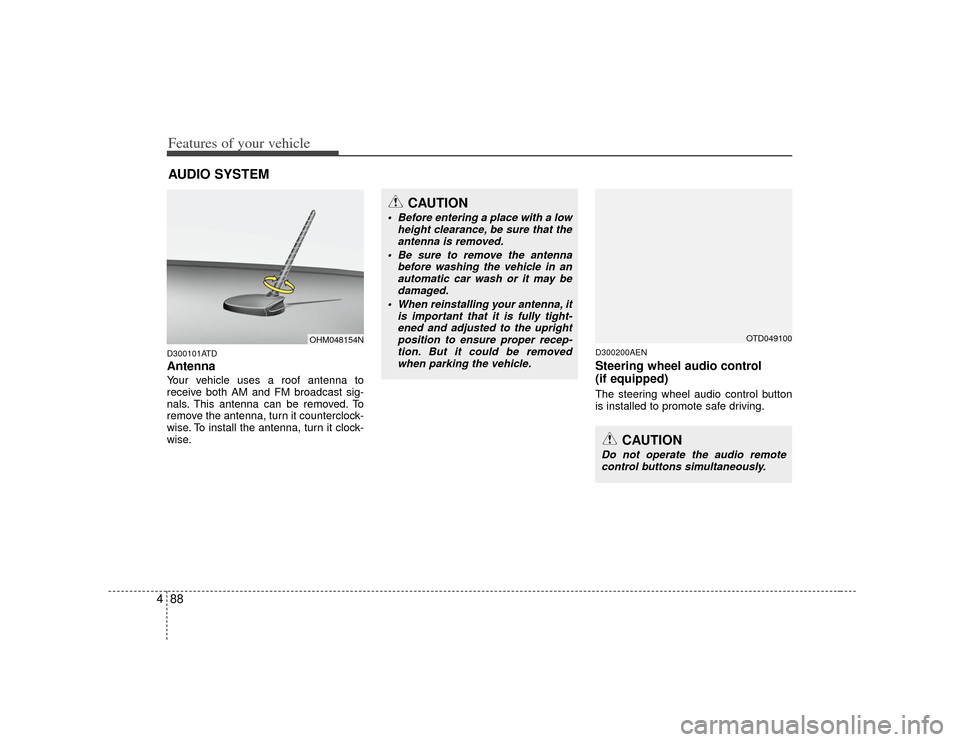
4D300101ATDAntennaYour vehicle uses a roof antenna to
receive both AM and FM broadcast sig-
nals. This antenna can be removed. To
remove the antenna, turn it counterclock-
wise. To install the antenna, turn it clock-
wise.
D300200AENSteering wheel audio control
(if equipped) The steering wheel audio control button
is installed to promote safe driving.
AUDIO SYSTEM
OHM048154N
CAUTION
• Before entering a place with a low
height clearance, be sure that theantenna is removed.
Be sure to remove the antenna before washing the vehicle in anautomatic car wash or it may bedamaged.
When reinstalling your antenna, it is important that it is fully tight-ened and adjusted to the uprightposition to ensure proper recep- tion. But it could be removedwhen parking the vehicle.
CAUTION
Do not operate the audio remote control buttons simultaneously.
OTD049100
Page 154 of 321
489
Features of your vehicle
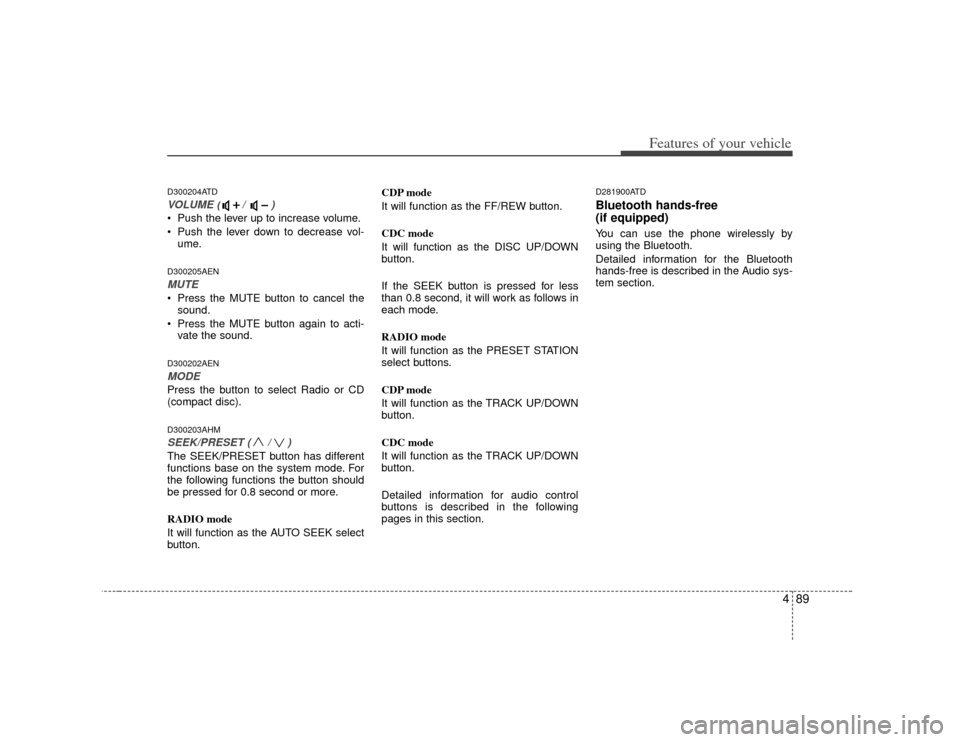
D300204ATDVOLUME ( / )• Push the lever up to increase volume.
Push the lever down to decrease vol-ume.D300205AENMUTE Press the MUTE button to cancel thesound.
Press the MUTE button again to acti- vate the sound.D300202AENMODEPress the button to select Radio or CD
(compact disc).D300203AHMSEEK/PRESET ( / ) The SEEK/PRESET button has different
functions base on the system mode. For
the following functions the button should
be pressed for 0.8 second or more.
RADIO mode
It will function as the AUTO SEEK select
button. CDP mode
It will function as the FF/REW button.
CDC mode
It will function as the DISC UP/DOWN
button.
If the SEEK button is pressed for less
than 0.8 second, it will work as follows in
each mode.
RADIO mode
It will function as the PRESET STATION
select buttons.
CDP mode
It will function as the TRACK UP/DOWN
button.
CDC mode
It will function as the TRACK UP/DOWN
button.
Detailed information for audio control
buttons is described in the following
pages in this section.
D281900ATDBluetooth hands-free
(if equipped)You can use the phone wirelessly by
using the Bluetooth.
Detailed information for the Bluetooth
hands-free is described in the Audio sys-
tem section.
Page 158 of 321
493
Features of your vehicle
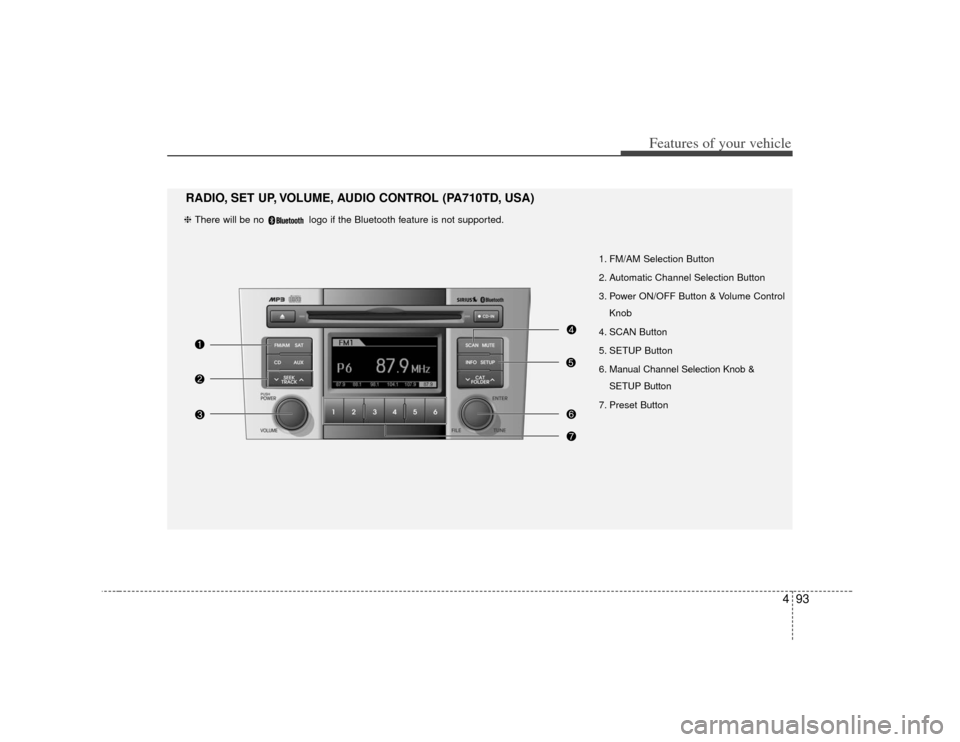
1. FM/AM Selection Button
2. Automatic Channel Selection Button
3. Power ON/OFF Button & Volume ControlKnob
4. SCAN Button
5. SETUP Button
6. Manual Channel Selection Knob & SETUP Button
7. Preset Button
RADIO, SET UP, VOLUME, AUDIO CONTROL (PA710TD, USA)❈ There will be no logo if the Bluetooth feature is not supported.