light KIA FORTE 2018 Workshop Manual
[x] Cancel search | Manufacturer: KIA, Model Year: 2018, Model line: FORTE, Model: KIA FORTE 2018Pages: 584, PDF Size: 15.14 MB
Page 162 of 584
487
Features of your vehicle
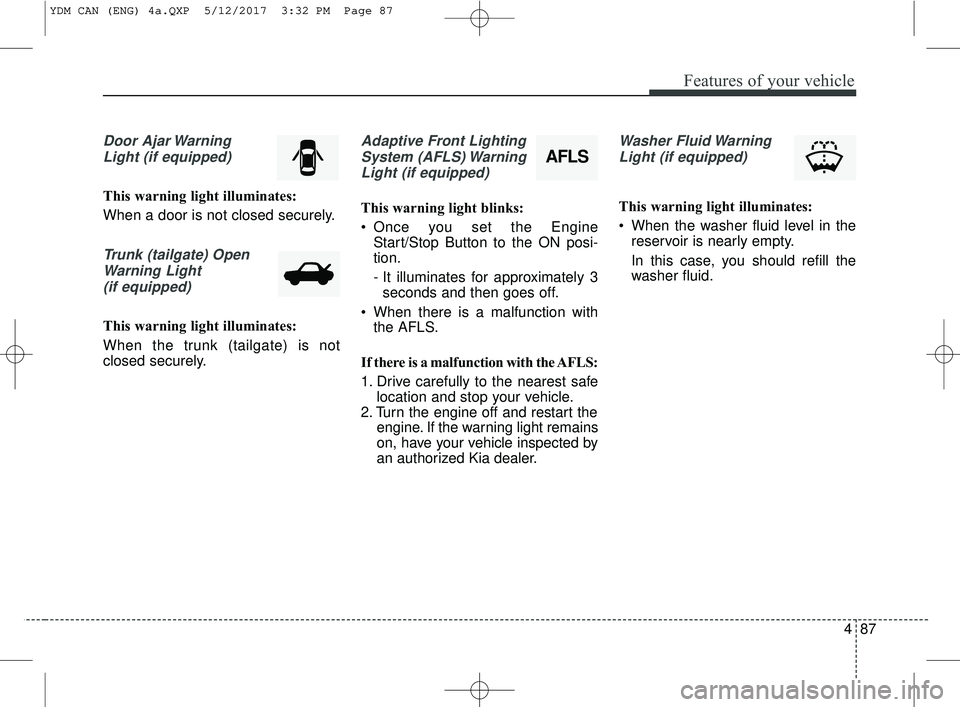
Door Ajar WarningLight (if equipped)
This warning light illuminates:
When a door is not closed securely.
Trunk (tailgate) OpenWarning Light(if equipped)
This warning light illuminates:
When the trunk (tailgate) is not
closed securely.
Adaptive Front LightingSystem (AFLS) WarningLight (if equipped)
This warning light blinks:
Once you set the Engine Start/Stop Button to the ON posi-
tion.
- It illuminates for approximately 3seconds and then goes off.
When there is a malfunction with the AFLS.
If there is a malfunction with the AFLS:
1. Drive carefully to the nearest safe location and stop your vehicle.
2. Turn the engine off and restart the engine. If the warning light remains
on, have your vehicle inspected by
an authorized Kia dealer.
Washer Fluid Warning
Light (if equipped)
This warning light illuminates:
When the washer fluid level in the reservoir is nearly empty.
In this case, you should refill the
washer fluid.
AFLS
YDM CAN (ENG) 4a.QXP 5/12/2017 3:32 PM Page 87
Page 163 of 584
Features of your vehicle
88
4
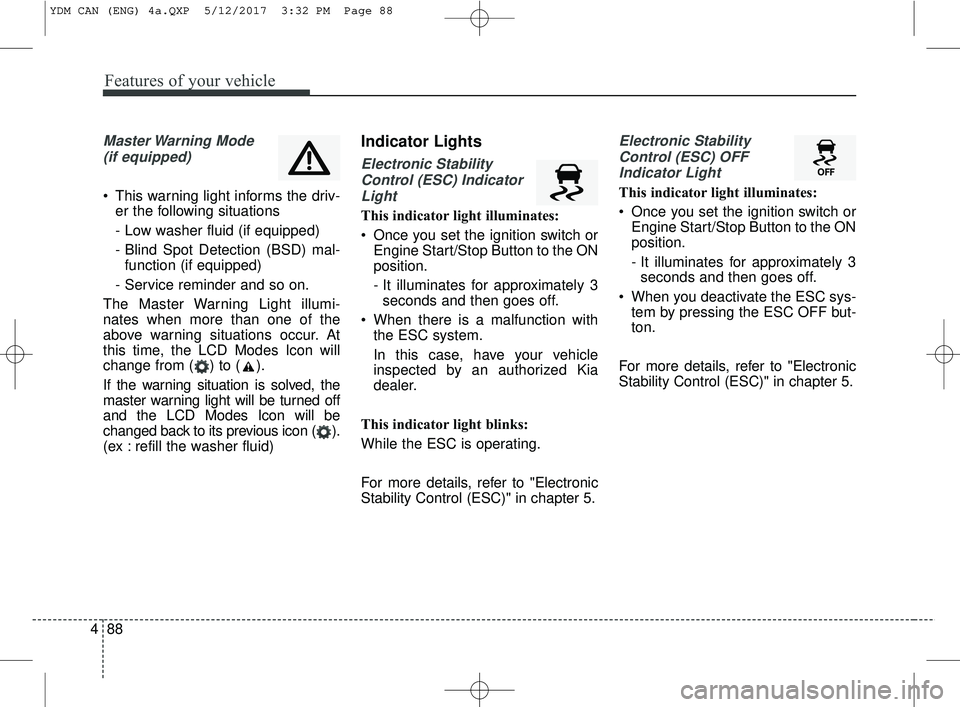
Master Warning Mode
(if equipped)
This warning light informs the driv- er the following situations
- Low washer fluid (if equipped)
- Blind Spot Detection (BSD) mal-function (if equipped)
- Service reminder and so on.
The Master Warning Light illumi-
nates when more than one of the
above warning situations occur. At
this time, the LCD Modes Icon will
change from ( ) to ( ).
If the warning situation is solved, the
master warning light will be turned off
and the LCD Modes Icon will be
changed back to its previous icon ( ).
(ex : refill the washer fluid)
Indicator Lights
Electronic Stability Control (ESC) IndicatorLight
This indicator light illuminates:
Once you set the ignition switch or Engine Start/Stop Button to the ON
position.
- It illuminates for approximately 3seconds and then goes off.
When there is a malfunction with the ESC system.
In this case, have your vehicle
inspected by an authorized Kia
dealer.
This indicator light blinks:
While the ESC is operating.
For more details, refer to "Electronic
Stability Control (ESC)" in chapter 5.
Electronic Stability Control (ESC) OFFIndicator Light
This indicator light illuminates:
Once you set the ignition switch or Engine Start/Stop Button to the ON
position.
- It illuminates for approximately 3seconds and then goes off.
When you deactivate the ESC sys- tem by pressing the ESC OFF but-
ton.
For more details, refer to "Electronic
Stability Control (ESC)" in chapter 5.
YDM CAN (ENG) 4a.QXP 5/12/2017 3:32 PM Page 88
Page 164 of 584
489
Features of your vehicle
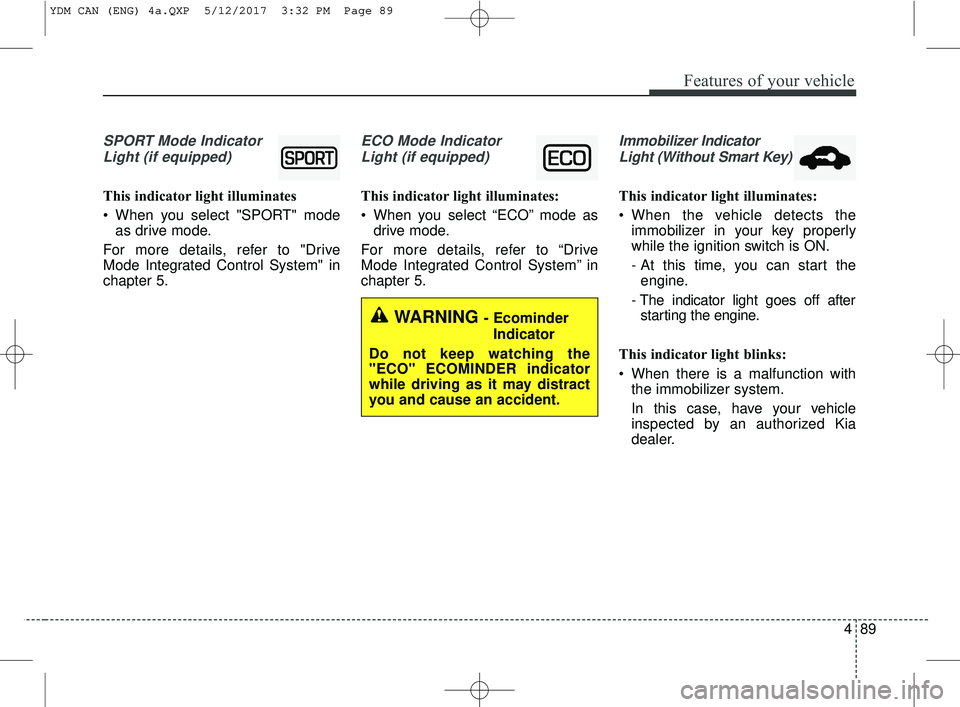
SPORT Mode IndicatorLight (if equipped)
This indicator light illuminates
When you select "SPORT" mode as drive mode.
For more details, refer to "Drive
Mode Integrated Control System" in
chapter 5.
ECO Mode Indicator Light (if equipped)
This indicator light illuminates:
When you select “ECO” mode as drive mode.
For more details, refer to “Drive
Mode Integrated Control System” in
chapter 5.
Immobilizer Indicator Light (Without Smart Key)
This indicator light illuminates:
When the vehicle detects the immobilizer in your key properly
while the ignition switch is ON.
- At this time, you can start theengine.
- The indicator light goes off after starting the engine.
This indicator light blinks:
When there is a malfunction with the immobilizer system.
In this case, have your vehicle
inspected by an authorized Kia
dealer.
WARNING - Ecominder
Indicator
Do not keep watching the
"ECO" ECOMINDER indicator
while driving as it may distract
you and cause an accident.
YDM CAN (ENG) 4a.QXP 5/12/2017 3:32 PM Page 89
Page 165 of 584
Features of your vehicle
90
4
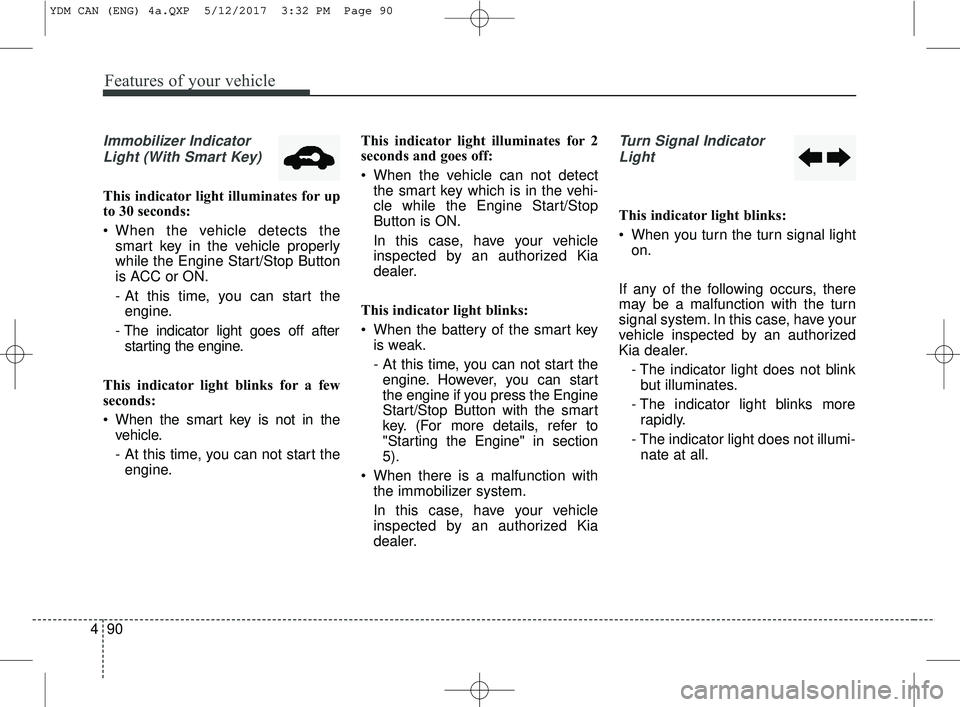
Immobilizer Indicator
Light (With Smart Key)
This indicator light illuminates for up
to 30 seconds:
When the vehicle detects the smart key in the vehicle properly
while the Engine Start/Stop Button
is ACC or ON.
- At this time, you can start theengine.
- The indicator light goes off after starting the engine.
This indicator light blinks for a few
seconds:
When the smart key is not in the vehicle.
- At this time, you can not start theengine. This indicator light illuminates for 2
seconds and goes off:
When the vehicle can not detect
the smart key which is in the vehi-
cle while the Engine Start/Stop
Button is ON.
In this case, have your vehicle
inspected by an authorized Kia
dealer.
This indicator light blinks:
When the battery of the smart key is weak.
- At this time, you can not start theengine. However, you can start
the engine if you press the Engine
Start/Stop Button with the smart
key. (For more details, refer to
"Starting the Engine" in section
5).
When there is a malfunction with the immobilizer system.
In this case, have your vehicle
inspected by an authorized Kia
dealer.
Turn Signal Indicator
Light
This indicator light blinks:
When you turn the turn signal light on.
If any of the following occurs, there
may be a malfunction with the turn
signal system. In this case, have your
vehicle inspected by an authorized
Kia dealer. - The indicator light does not blinkbut illuminates.
- The indicator light blinks more rapidly.
- The indicator light does not illumi- nate at all.
YDM CAN (ENG) 4a.QXP 5/12/2017 3:32 PM Page 90
Page 166 of 584
491
Features of your vehicle
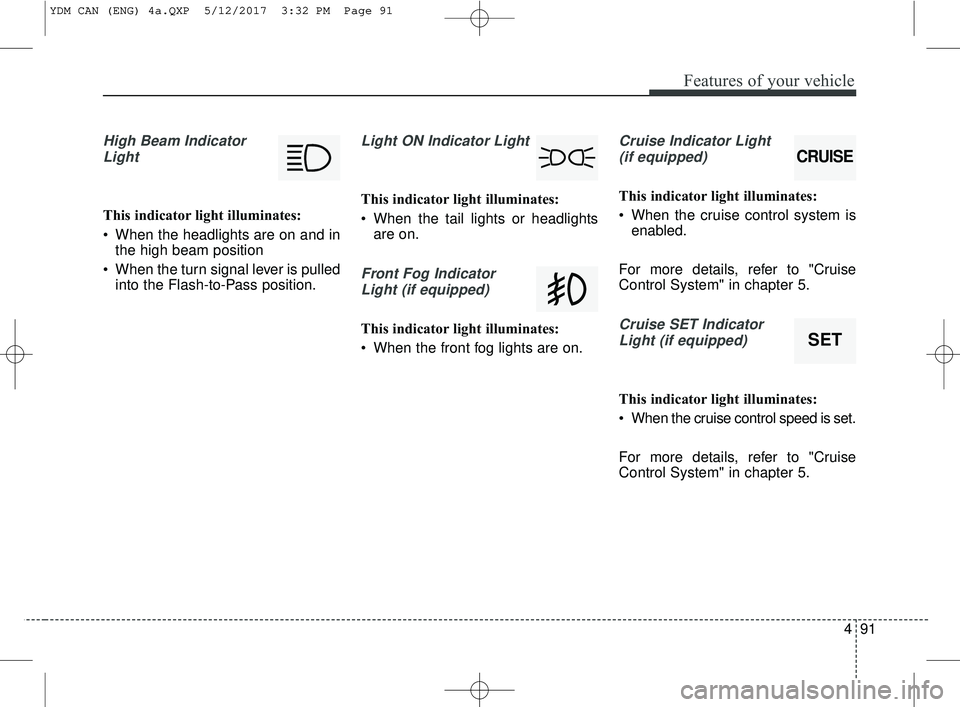
High Beam IndicatorLight
This indicator light illuminates:
When the headlights are on and in the high beam position
When the turn signal lever is pulled into the Flash-to-Pass position.
Light ON Indicator Light
This indicator light illuminates:
When the tail lights or headlightsare on.
Front Fog Indicator
Light (if equipped)
This indicator light illuminates:
When the front fog lights are on.
Cruise Indicator Light (if equipped)
This indicator light illuminates:
When the cruise control system is enabled.
For more details, refer to "Cruise
Control System" in chapter 5.
Cruise SET Indicator Light (if equipped)
This indicator light illuminates:
When the cruise control speed is set.
For more details, refer to "Cruise
Control System" in chapter 5.
CRUISE
SET
YDM CAN (ENG) 4a.QXP 5/12/2017 3:32 PM Page 91
Page 167 of 584
Features of your vehicle
92
4
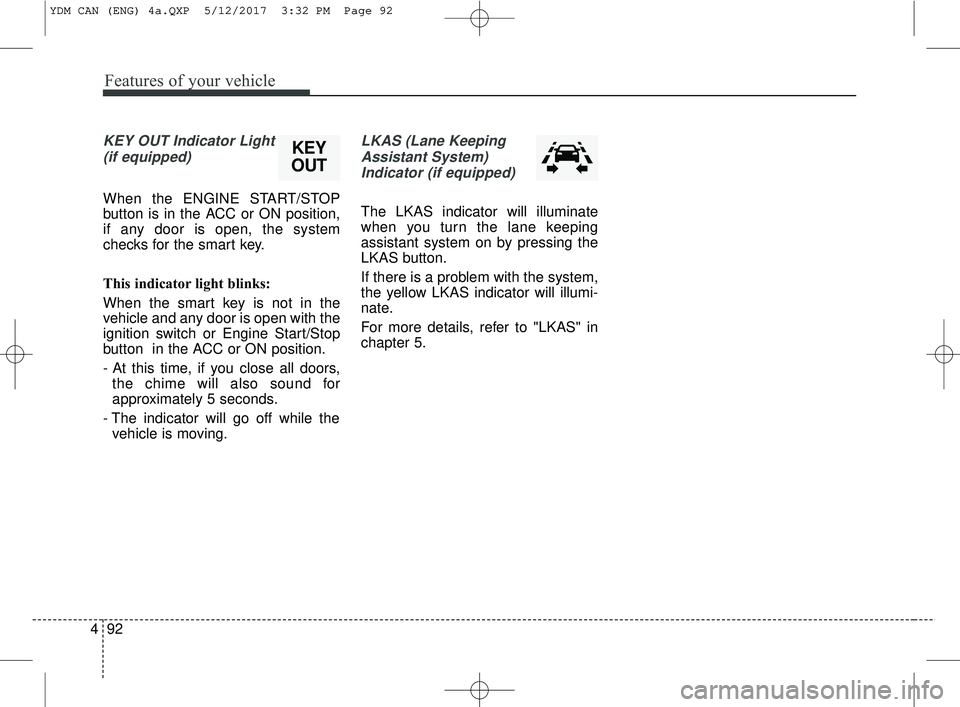
KEY OUT Indicator Light
(if equipped)
When the ENGINE START/STOP
button is in the ACC or ON position,
if any door is open, the system
checks for the smart key.
This indicator light blinks:
When the smart key is not in the
vehicle and any door is open with the
ignition switch or Engine Start/Stop
button in the ACC or ON position.
- At this time, if you close all doors, the chime will also sound for
approximately 5 seconds.
- The indicator will go off while the vehicle is moving.
LKAS (Lane Keeping
Assistant System)Indicator (if equipped)
The LKAS indicator will illuminate
when you turn the lane keeping
assistant system on by pressing the
LKAS button.
If there is a problem with the system,
the yellow LKAS indicator will illumi-
nate.
For more details, refer to "LKAS" in
chapter 5.
KEY
OUT
YDM CAN (ENG) 4a.QXP 5/12/2017 3:32 PM Page 92
Page 169 of 584
Features of your vehicle
94
4
Battery saver function
The purpose of this feature is to
prevent the battery from being dis-
charged. The system automatically
turns off the parking lights when
the driver removes the ignition key
and opens the driver-side door.
With this feature, the parking lights will turn off automatically if the driv-
er parks on the side of the road at
night.
If necessary, to keep the lights on
when the ignition key is removed,
perform the following:
1) Open the driver-side door.
2) Turn the parking lights OFF and ON again using the light switch
on the steering column.
Headlight escort function
(if equipped)
The headlights (and/or taillights) will
remain on for approximately 20 min-
utes after the ignition key is removed
or turned to the ACC or LOCK posi-
tion. However, if the driver’s door is
opened and closed, the headlights
are turned off after 30 seconds.
The headlights can be turned off by
pressing the lock button on the trans-
mitter (or smart key) twice or turning
off the light switch from the headlight
or Auto light position.
If the driver gets out of the vehicle
through other doors (except driver's
door), the battery saver function
does not operate and the headlight
escort function does not turn off
automatically. Therefore, It causes
the battery to be discharged. In this
case, make sure to turn off the lamp
before getting out of the vehicle.
If the headlights are not working
properly have your vehicle inspected
by an authorized Kia dealer.
Don't attempt to inspect or replace
the wiring yourself to prevent mal-
function.
Daytime running light
Daytime Running Lights (DRL) can
make it easier for others to see the
front of your vehicle during the day.
DRL can be helpful in many different
driving conditions, and it is especially
helpful after dawn and before sunset.
The DRL system turns OFF when:
1. The position lights or headlightsare ON.
2. The parking brake is applied.
3. Engine stops.
LIGHTING
YDM CAN (ENG) 4a.QXP 5/12/2017 3:32 PM Page 94
Page 170 of 584
495
Features of your vehicle
Lighting control
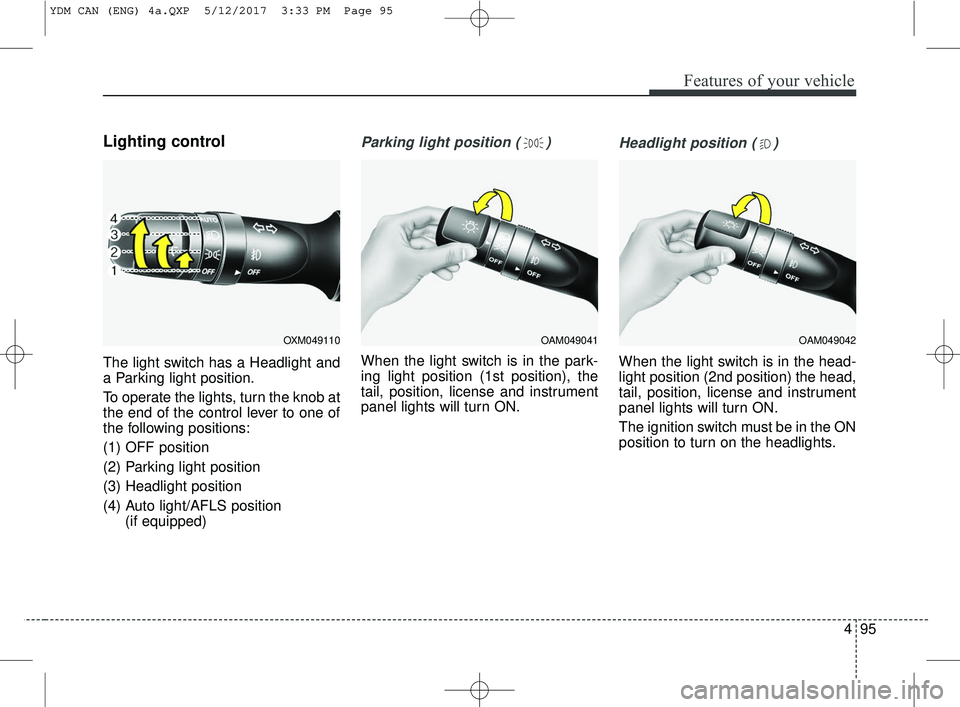
The light switch has a Headlight and
a Parking light position.
To operate the lights, turn the knob at
the end of the control lever to one of
the following positions:
(1) OFF position
(2) Parking light position
(3) Headlight position
(4) Auto light/AFLS position(if equipped)
Parking light position ( )
When the light switch is in the park-
ing light position (1st position), the
tail, position, license and instrument
panel lights will turn ON.
Headlight position ( )
When the light switch is in the head-
light position (2nd position) the head,
tail, position, license and instrument
panel lights will turn ON.
The ignition switch must be in the ON
position to turn on the headlights.
OAM049041OXM049110OAM049042
YDM CAN (ENG) 4a.QXP 5/12/2017 3:33 PM Page 95
Page 171 of 584

Features of your vehicle
96
4
Auto light position (if equipped)
When the light switch is in the AUTO
light position, the taillights and head-
lights will turn ON or OFF automati-
cally depending on the amount of
light outside the vehicle.
Never place anything over the sensor
(1) located on the instrument panel.
This will ensure better auto-light sys-
tem control.
Do not clean the sensor using a win-
dow cleaner, the cleaner may leave a
light film which could interfere with
sensor operation. If your vehicle has window tint or
other types of metallic coating on the
front windshield, the Auto light sys-
tem may not work properly.
High beam operation
To turn on the high beam headlights,
push the lever away from you. Pull it
back for low beams.
The high-beam indicator will light
when the headlight high beams are
switched on.
To prevent the battery from being
discharged, do not leave the lights
on for a prolonged time while the
engine is not running.
OYDDCO2042OAM049044
YDM CAN (ENG) 4a.QXP 5/12/2017 3:33 PM Page 96
Page 172 of 584
497
Features of your vehicle
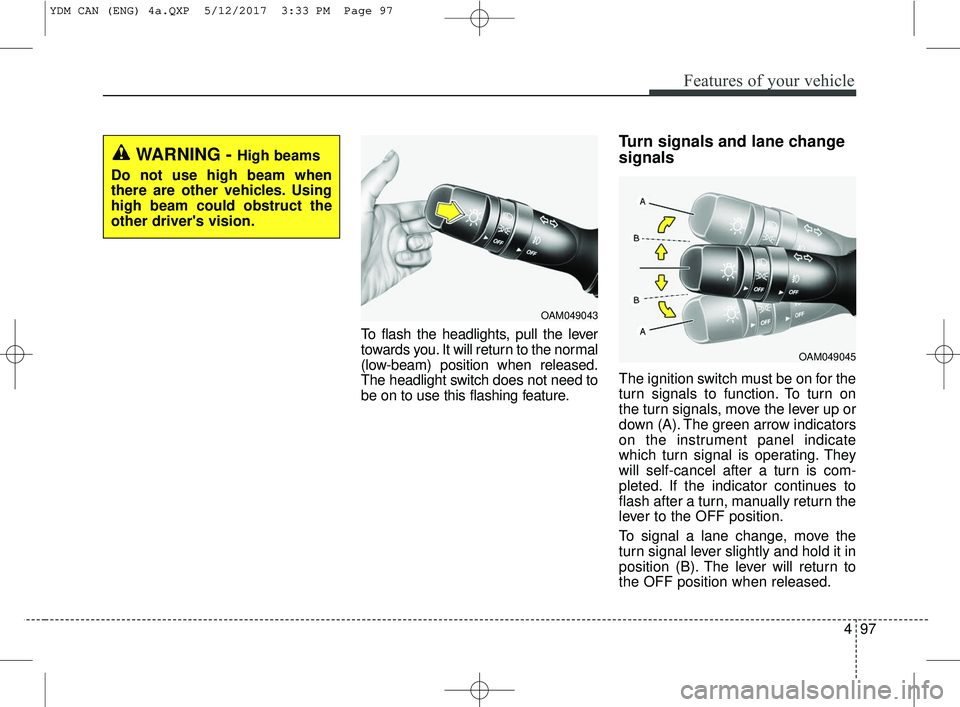
To flash the headlights, pull the lever
towards you. It will return to the normal
(low-beam) position when released.
The headlight switch does not need to
be on to use this flashing feature.
Turn signals and lane change
signals
The ignition switch must be on for the
turn signals to function. To turn on
the turn signals, move the lever up or
down (A). The green arrow indicators
on the instrument panel indicate
which turn signal is operating. They
will self-cancel after a turn is com-
pleted. If the indicator continues to
flash after a turn, manually return the
lever to the OFF position.
To signal a lane change, move the
turn signal lever slightly and hold it in
position (B). The lever will return to
the OFF position when released.
WARNING - High beams
Do not use high beam when
there are other vehicles. Using
high beam could obstruct the
other driver's vision.
OAM049043
OAM049045
YDM CAN (ENG) 4a.QXP 5/12/2017 3:33 PM Page 97