Eco KIA FORTE 2018 Repair Manual
[x] Cancel search | Manufacturer: KIA, Model Year: 2018, Model line: FORTE, Model: KIA FORTE 2018Pages: 584, PDF Size: 15.14 MB
Page 140 of 584
465
Features of your vehicle
Trip A/B
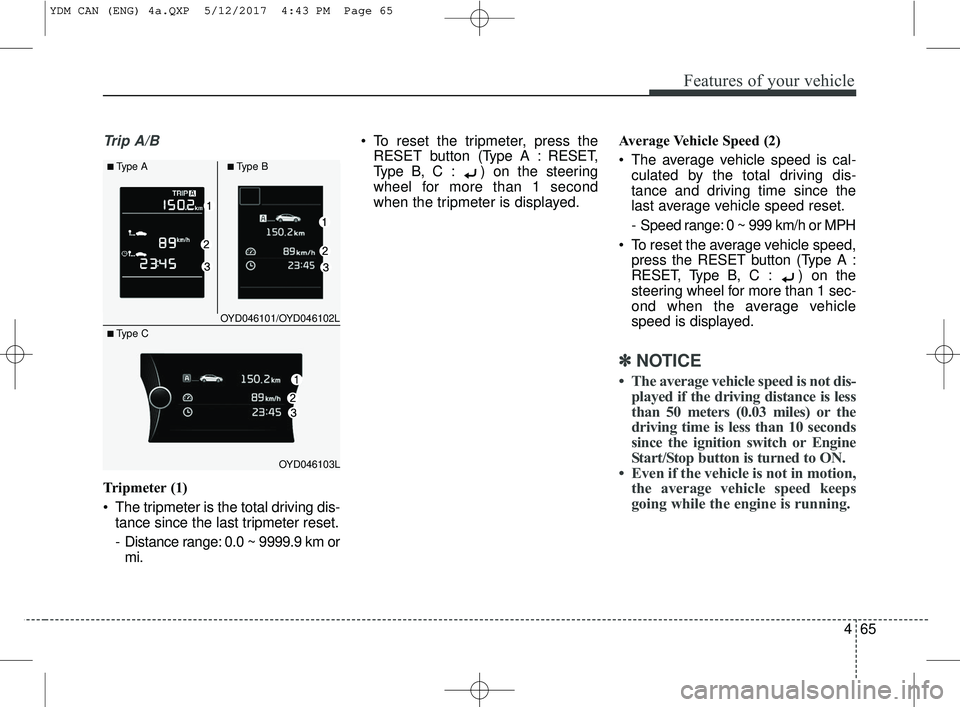
Tripmeter (1)
The tripmeter is the total driving dis-tance since the last tripmeter reset.
- Distance range: 0.0 ~ 9999.9 km ormi. To reset the tripmeter, press the
RESET button (T ype A : RESET,
Type B, C : ) on the steering
wheel for more than 1 second
when the tripmeter is displayed. Average Vehicle Speed (2)
The average vehicle speed is cal-
culated by the total driving dis-
tance and driving time since the
last average vehicle speed reset.
- Speed range: 0 ~ 999 km/h or MPH
To reset the average vehicle speed, press the RESET button (Type A :
RESET, Type B, C : ) on the
steering wheel for more than 1 sec-
ond when the average vehicle
speed is displayed.
✽ ✽ NOTICE
• The average vehicle speed is not dis-
played if the driving distance is less
than 50 meters (0.03 miles) or the
driving time is less than 10 seconds
since the ignition switch or Engine
Start/Stop button is turned to ON.
• Even if the vehicle is not in motion, the average vehicle speed keeps
going while the engine is running.
OYD046101/OYD046102L
OYD046103L
■Type A■Type B
■ Type C
YDM CAN (ENG) 4a.QXP 5/12/2017 4:43 PM Page 65
Page 141 of 584
Features of your vehicle
66
4
Elapsed Time (3)
The elapsed time is the total driv-
ing time since the last elapsed time
reset.
- Time range (hh:mm): 00:00 ~ 99:59
To reset the elapsed time, press the RESET button (T ype A :
RESET, Type B, C : ) on the
steering wheel for more than 1
second when the elapsed time is
displayed.
✽ ✽ NOTICE
Even if the vehicle is not in motion,
the elapsed time keeps going while
the engine is running.
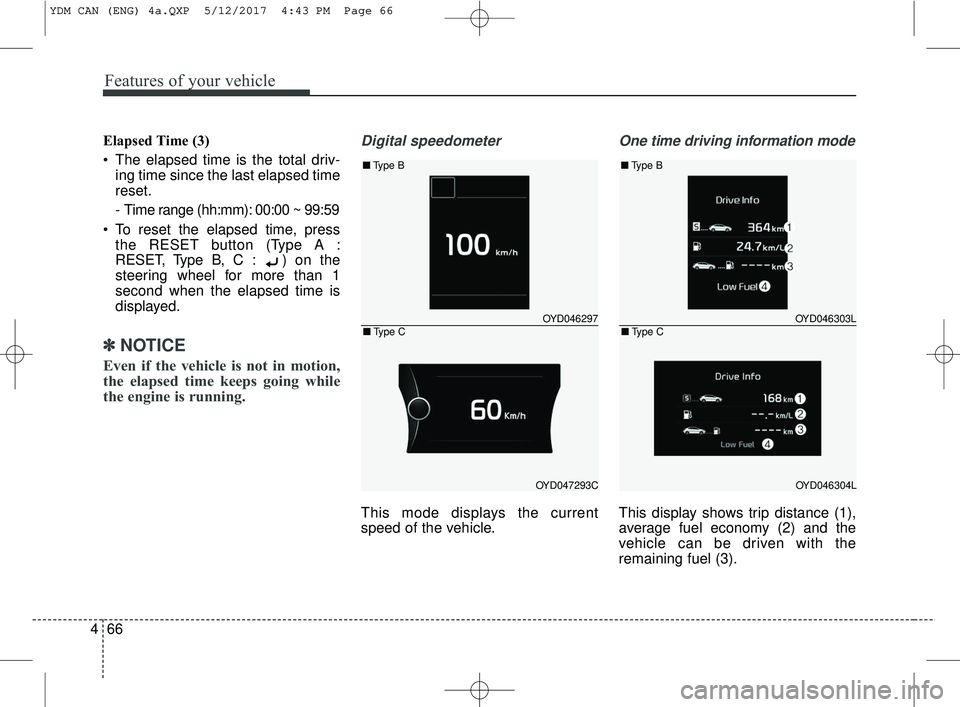
Digital speedometer
This mode displays the current
speed of the vehicle.
One time driving information mode
This display shows trip distance (1),
average fuel economy (2) and the
vehicle can be driven with the
remaining fuel (3).
OYD046297
OYD047293C
■ Type B
■Type COYD046303L
OYD046304L
■Type B
■Type C
YDM CAN (ENG) 4a.QXP 5/12/2017 4:43 PM Page 66
Page 142 of 584
467
Features of your vehicle
This information is displayed for a
few seconds when you turn off the
engine and then goes off automati-
cally. The information provided is cal-
culated according to each trip.
If the estimated distance is below 1
km (1 mi), the distance to empty (3)
will display as "---" and a refuel mes-
sage will appear (4).LCD Modes (for Type B, C
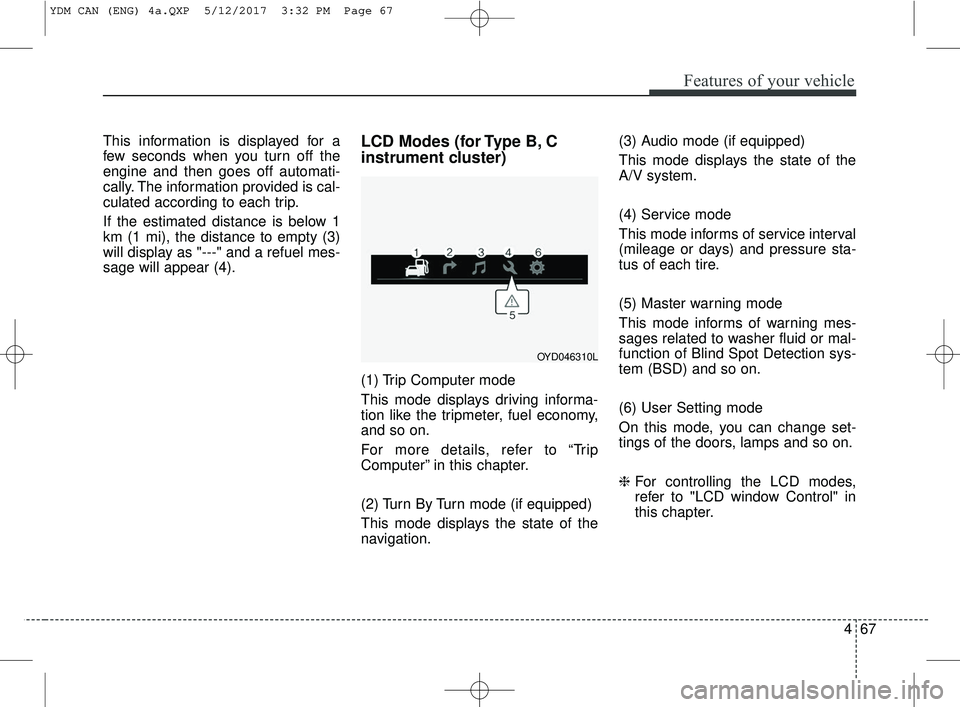
instrument cluster)
(1) Trip Computer mode
This mode displays driving informa-
tion like the tripmeter, fuel economy,
and so on.
For more details, refer to “Trip
Computer” in this chapter.
(2) Turn By Turn mode (if equipped)
This mode displays the state of the
navigation.(3) Audio mode (if equipped)
This mode displays the state of the
A/V system.
(4) Service mode
This mode informs of service interval
(mileage or days) and pressure sta-
tus of each tire.
(5) Master warning mode
This mode informs of warning mes-
sages related to washer fluid or mal-
function of Blind Spot Detection sys-
tem (BSD) and so on.
(6) User Setting mode
On this mode, you can change set-
tings of the doors, lamps and so on.
❈
For controlling the LCD modes,
refer to "LCD window Control" in
this chapter.
OYD046310L
YDM CAN (ENG) 4a.QXP 5/12/2017 3:32 PM Page 67
Page 144 of 584
469
Features of your vehicle
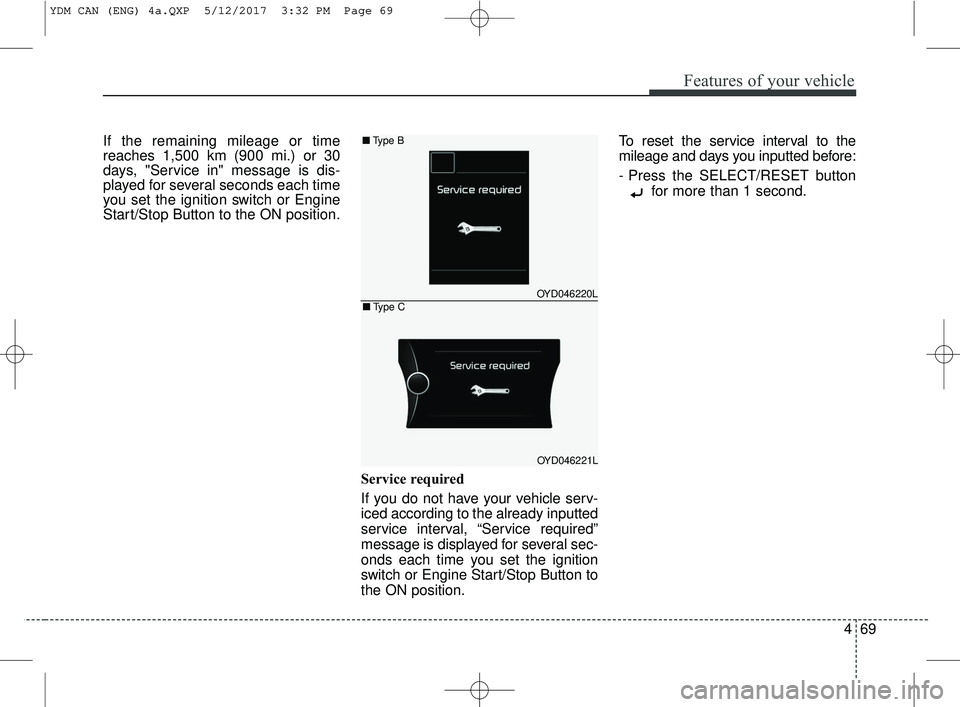
If the remaining mileage or time
reaches 1,500 km (900 mi.) or 30
days, "Service in" message is dis-
played for several seconds each time
you set the ignition switch or Engine
Start/Stop Button to the ON position.Service required
If you do not have your vehicle serv-
iced according to the already inputted
service interval, “Service required”
message is displayed for several sec-
onds each time you set the ignition
switch or Engine Start/Stop Button to
the ON position.To reset the service interval to the
mileage and days you inputted before:
- Press the SELECT/RESET button
for more than 1 second.
OYD046220L
OYD046221L
■Type B
■Type C
YDM CAN (ENG) 4a.QXP 5/12/2017 3:32 PM Page 69
Page 147 of 584
Features of your vehicle
72
4
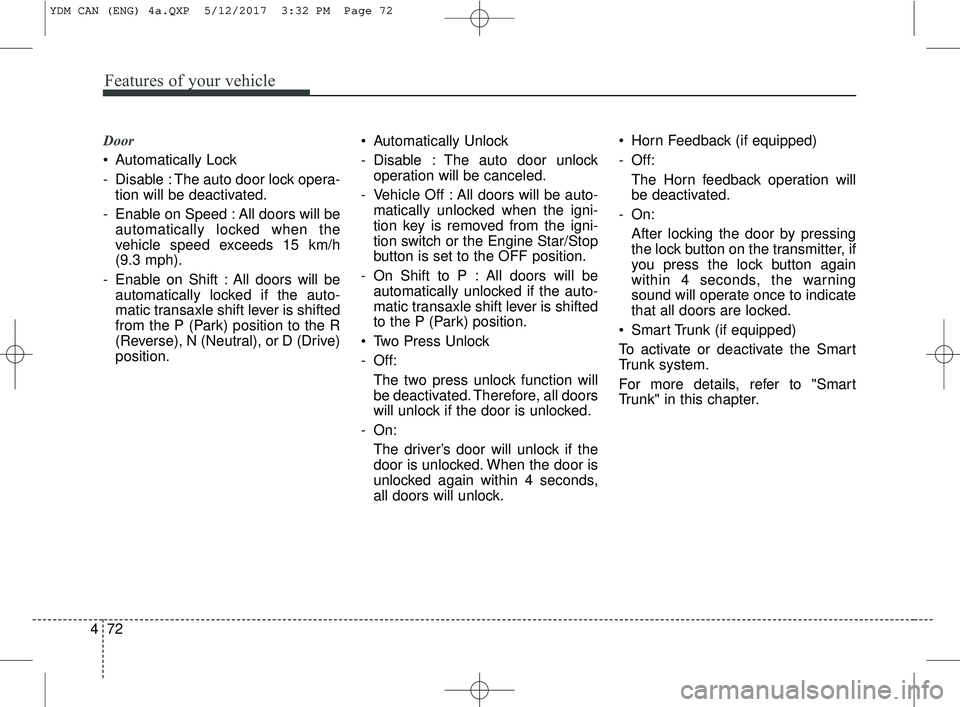
Door
Automatically Lock
- Disable : The auto door lock opera-
tion will be deactivated.
- Enable on Speed : All doors will be automatically locked when the
vehicle speed exceeds 15 km/h
(9.3 mph).
- Enable on Shift : All doors will be automatically locked if the auto-
matic transaxle shift lever is shifted
from the P (Park) position to the R
(Reverse), N (Neutral), or D (Drive)
position. Automatically Unlock
- Disable : The auto door unlock
operation will be canceled.
- Vehicle Off : All doors will be auto- matically unlocked when the igni-
tion key is removed from the igni-
tion switch or the Engine Star/Stop
button is set to the OFF position.
- On Shift to P : All doors will be automatically unlocked if the auto-
matic transaxle shift lever is shifted
to the P (Park) position.
Two Press Unlock
- Off: The two press unlock function will
be deactivated. Therefore, all doors
will unlock if the door is unlocked.
- On: The driver’s door will unlock if the
door is unlocked. When the door is
unlocked again within 4 seconds,
all doors will unlock. Horn Feedback (if equipped)
- Off:
The Horn feedback operation will
be deactivated.
- On: After locking the door by pressing
the lock button on the transmitter, if
you press the lock button again
within 4 seconds, the warning
sound will operate once to indicate
that all doors are locked.
Smart Trunk (if equipped)
To activate or deactivate the Smart
Trunk system.
For more details, refer to "Smart
Trunk" in this chapter.
YDM CAN (ENG) 4a.QXP 5/12/2017 3:32 PM Page 72
Page 149 of 584
Features of your vehicle
74
4
Service interval (if equipped)
On this mode, you can activate the
service interval function with mileage
(km or mi.) and period (months).
- Off : The service interval function
will be deactivated.
- On : You can set the service interval (mileage and months).
For more details, refer to "Service
Mode" in this chapter.
✽ ✽ NOTICE
If it is not available to set service
interval on your vehicle, we recom-
mend that you consult an authorized
Kia dealer.
Other features
Fuel Economy Auto Reset
- Off : The average fuel economy will
not reset automatically whenever
refueling.
- After Ignition : The average fuel economy will reset automatically
when driving.
- After Refueling : The average fuel economy will reset automatically
when refueling.
Fuel Economy Unit
Choose the preferred fuel economy
unit.
Temperature Unit
Choose the preferred temperature
unit.
Language (if equipped)
Choose preferred the language.Warning messages
Warning messages appear on the
LCD to warn the driver. It is located in
the center of the instrument cluster.
The warning message may appear
differently depending on the type of
instrument cluster and some may not
show the warning message at all.
The warning message is shown in
either symbol, symbol and text, or
text type only. You can choose the
preferred language (for Type B only)
by selecting the User setting menu in
LCD mode.
YDM CAN (ENG) 4a.QXP 5/12/2017 3:32 PM Page 74
Page 153 of 584
Features of your vehicle
78
4
Key not detected (for smart key system)
This warning message illuminates
if the smart key is not detected
when you press the Engine
Start/Stop Button.
Press START button again
(for smart key system)
This warning message illuminates if you can not operate the Engine
Start/Stop Button when there is a
problem with the Engine Start/Stop
Button system.
It means that you could start the engine by pressing the Engine
Start/ Stop Button once more.
If the warning illuminates each time you press the Engine
Start/Stop Button, we recommend
that you have the vehicle inspected
by an authorized Kia dealer. Press START button with smart key
(for smart key system)
This warning message illuminates
if you press the Engine Start/Stop
Button while the warning message
“Key not detected” is illuminating.
At this time, the immobilizer indica- tor light blinks.
Check fuse “BRAKE SWITCH”
(for smart key system and automatic
transaxle/transmission)
This warning message illuminates if the brake switch fuse is discon-
nected.
It means that you should replace the fuse with a new one. If that is
not possible, you can start the
engine by pressing the Engine
Start/Stop Button for 10 seconds in
the ACC position. Shift to P or N to start engine
(for smart key system and automatic
transaxle)
This warning message illuminates
if you try to start the engine with
the shift lever not in the P (Park) or
N (Neutral) position.
✽ ✽ NOTICE
You can start the engine with the
shift lever in the N (Neutral) position.
But, for your safety, we recommend
that you start the engine with the
shift lever in the P (Park) position.
YDM CAN (ENG) 4a.QXP 5/12/2017 3:32 PM Page 78
Page 155 of 584
Features of your vehicle
80
4
Warning lights
✽ ✽
NOTICE - Warning lights
Make sure that all warning lights
are OFF after starting the engine. If
any light is still ON, this indicates a
situation that needs attention.
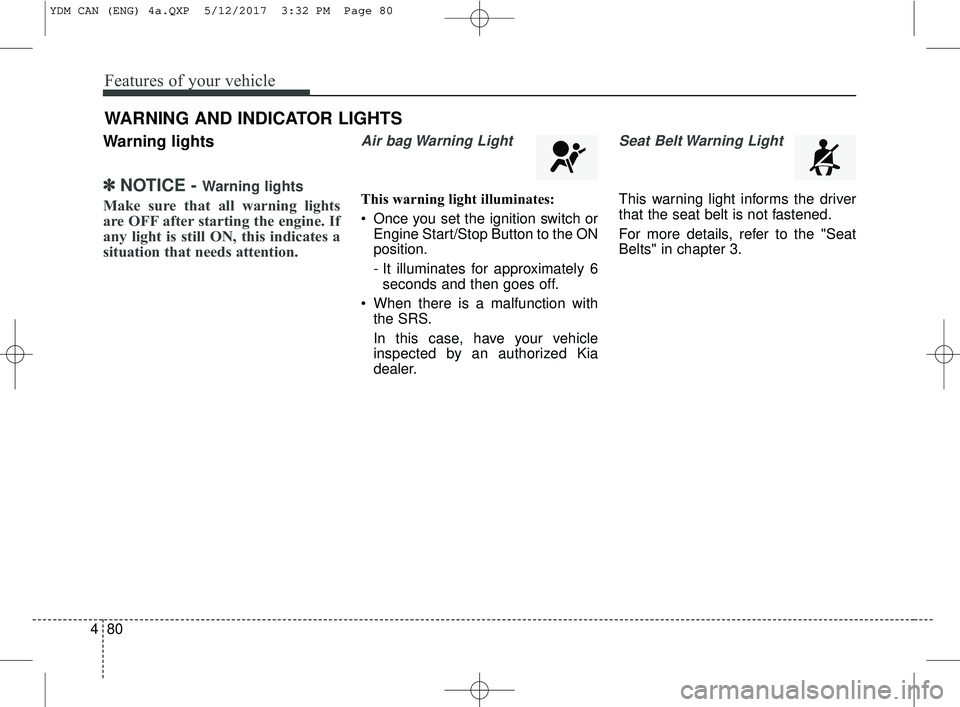
Air bag Warning Light
This warning light illuminates:
Once you set the ignition switch or
Engine Start/Stop Button to the ON
position.
- It illuminates for approximately 6seconds and then goes off.
When there is a malfunction with the SRS.
In this case, have your vehicle
inspected by an authorized Kia
dealer.
Seat Belt Warning Light
This warning light informs the driver
that the seat belt is not fastened.
For more details, refer to the "Seat
Belts" in chapter 3.
WARNING AND INDICATOR LIGHTS
YDM CAN (ENG) 4a.QXP 5/12/2017 3:32 PM Page 80
Page 156 of 584
481
Features of your vehicle
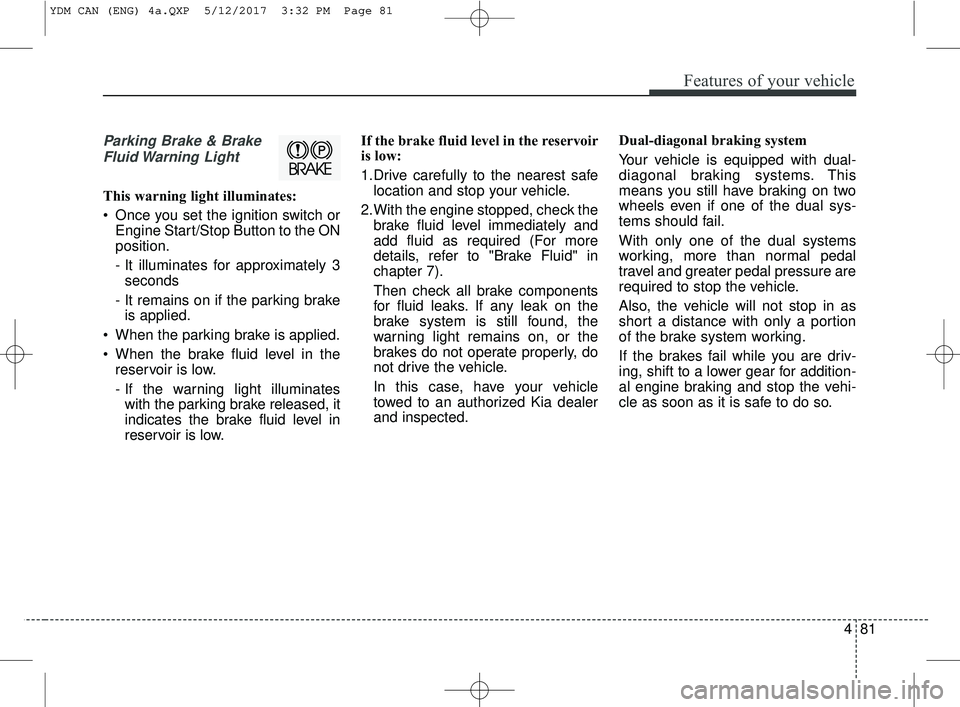
Parking Brake & BrakeFluid Warning Light
This warning light illuminates:
Once you set the ignition switch or Engine Start/Stop Button to the ON
position.
- It illuminates for approximately 3seconds
- It remains on if the parking brake is applied.
When the parking brake is applied.
When the brake fluid level in the reservoir is low.
- If the warning light illuminateswith the parking brake released, it
indicates the brake fluid level in
reservoir is low. If the brake fluid level in the reservoir
is low:
1.Drive carefully to the nearest safe
location and stop your vehicle.
2.With the engine stopped, check the brake fluid level immediately and
add fluid as required (For more
details, refer to "Brake Fluid" in
chapter 7).
Then check all brake components
for fluid leaks. If any leak on the
brake system is still found, the
warning light remains on, or the
brakes do not operate properly, do
not drive the vehicle.
In this case, have your vehicle
towed to an authorized Kia dealer
and inspected. Dual-diagonal braking system
Your vehicle is equipped with dual-
diagonal braking systems. This
means you still have braking on two
wheels even if one of the dual sys-
tems should fail.
With only one of the dual systems
working, more than normal pedal
travel and greater pedal pressure are
required to stop the vehicle.
Also, the vehicle will not stop in as
short a distance with only a portion
of the brake system working.
If the brakes fail while you are driv-
ing, shift to a lower gear for addition-
al engine braking and stop the vehi-
cle as soon as it is safe to do so.
YDM CAN (ENG) 4a.QXP 5/12/2017 3:32 PM Page 81
Page 157 of 584
Features of your vehicle
82
4
Driving the vehicle with a warning
light ON is dangerous. If the Parking
Brake & Brake Fluid Warning Light
illuminates with the parking brake
released, it indicates that the brake
fluid level is low.
In this case, have your vehicle inspect-
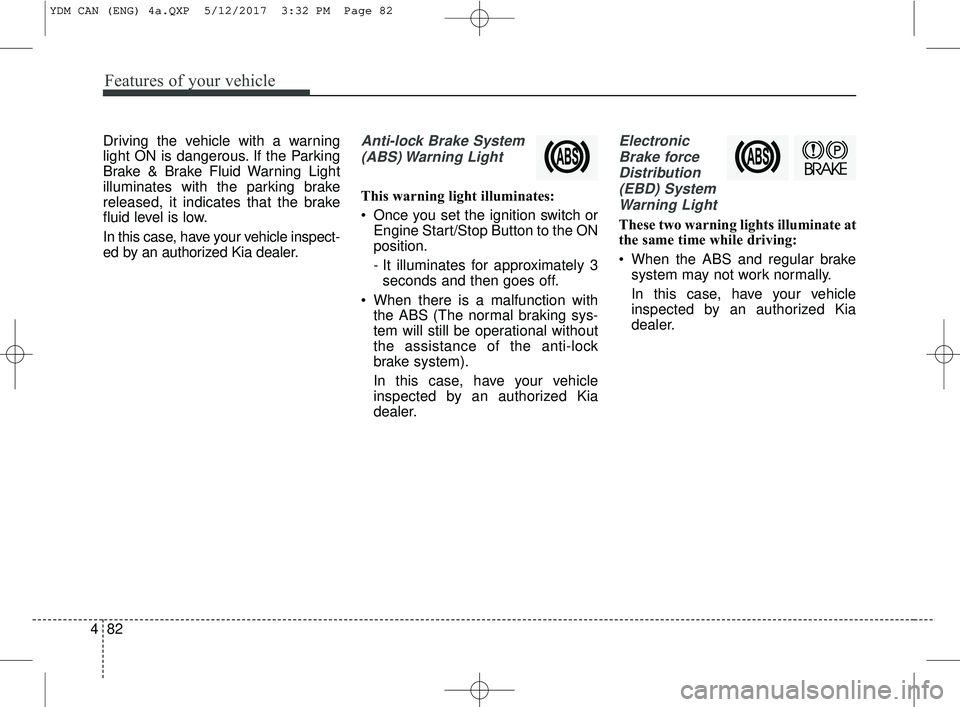
ed by an authorized Kia dealer.Anti-lock Brake System
(ABS) Warning Light
This warning light illuminates:
Once you set the ignition switch or Engine Start/Stop Button to the ON
position.
- It illuminates for approximately 3seconds and then goes off.
When there is a malfunction with the ABS (The normal braking sys-
tem will still be operational without
the assistance of the anti-lock
brake system).
In this case, have your vehicle
inspected by an authorized Kia
dealer.
Electronic
Brake forceDistribution(EBD) SystemWarning Light
These two warning lights illuminate at
the same time while driving:
When the ABS and regular brake system may not work normally.
In this case, have your vehicle
inspected by an authorized Kia
dealer.
YDM CAN (ENG) 4a.QXP 5/12/2017 3:32 PM Page 82