steering wheel KIA FORTE 2019 Owner's Manual
[x] Cancel search | Manufacturer: KIA, Model Year: 2019, Model line: FORTE, Model: KIA FORTE 2019Pages: 550, PDF Size: 11.66 MB
Page 152 of 550
467
Features of your vehicle
Manual reset
To clear the average fuel economy
manually, press the RESET or OK
button on the steering wheel for
more than 1 second when the aver-
age fuel economy is displayed.Automatic reset
(For type B, C cluster)
To make the average fuel economy
be reset automatically whenever
refueling, select the “Fuel economy
auto reset” mode in User Setting
menu of the LCD Windows (Refer to
“LCD Windows”).
OFF - You may set to default manu-
ally by using the trip switch reset but-
ton.
After ignition - The vehicle will auto- matically set to default once 4 hours
pass after the Ignition is in OFF.
After refueling - After refueling more than 6 liters (1.6 gallons) and driving
over 1 km/h (1 mph), the vehicle will
reset to default automatically.
- 4 hours after ignition off, tripmeterwill be reset automatically.✽ ✽ NOTICE
The average fuel economy is not dis-
played for more accurate calculation
if the vehicle does not drive more than
10 seconds or 50 meters (0.03 miles)
since the ignition switch or Engine
Start/Stop button is turned to ON.
BDm CAN (ENG) 4.qxp 7/4/2018 10:06 AM Page 67
Page 161 of 550
Features of your vehicle
76
4
Engine has overheated
This warning message illuminates
when the engine coolant tempera-
ture is above 120°C (248°F). This
means that the engine is overheated
and may be damaged.
❈ If your vehicle is overheated, refer
to “Overheating” in chapter 6.
Shift to P (for smart key system)
This warning message illuminates if you try to turn off the engine without
the shift lever in P (Park) position.
At this time, the Engine Start/Stop Button turns to the ACC position (If
you press the Engine Start/Stop
Button once more, it will turn to the
ON position). Low Key Battery
(for smart key system)
This warning message illuminates
if the battery of the smart key is
discharged when the Engine
Start/Stop Button changes to the
OFF position.
Press START button while turn steer-
ing (for smart key system)
This warning message illuminates if the steering wheel does not
unlock normally when the Engine
Start/Stop Button is pressed.
It means that you should press the Engine Start/Stop Button while
turning the steering wheel right
and left. Steering wheel unlocked
(for smart key system)
This warning message illuminates
if the steering wheel does not lock
when the Engine Start/Stop Button
changes to the OFF position.
Check Steering Wheel Lock System
(for smart key system)
This warning message illuminates if the steering wheel does not lock
normally when the Engine
Start/Stop Button changes to the
OFF position.
Check power steering (if equipped)
This warning message illuminates when there is a malfunction with
EPS.
BDm CAN (ENG) 4.qxp 7/4/2018 10:07 AM Page 76
Page 252 of 550
Driving your vehicle
65
WARNING- Check sur-roundings
Always check the surrounding
areas near your vehicle for peo-
ple, especially children, before
putting a vehicle into D (Drive)
or R (Reverse).
WARNING- Fire risk
When you intend to park or stop
the vehicle with the engine on,
be careful not to depress the
accelerator pedal for a long
period of time. It may overheat
the engine or exhaust system
and cause fire.WARNING- Loose objects
Securely store items in your
vehicle. When you make a sud-
den stop or turn the steering
wheel rapidly, loose objects
may drop on the floor and it
could interfere with the opera-
tion of the foot pedals, possibly
causing an accident.
WARNING- Driving while intoxicated
Do not drive while intoxicated.
Drinking and driving is danger-
ous. Even a small amount of
alcohol will affect your reflexes,
perceptions and judgment.
Driving while under the influ-
ence of drugs is as dangerous
as or more dangerous than driv-
ing drunk.
WARNING- Proper footwear
Always wear appropriate shoes
when operating your vehicle.
Unsuitable shoes (high heels, ski
boots, sandals, etc.) may inter-
fere with your ability to use the
brake and accelerator pedals.
BDm CAN (ENG) 5.QXP 7/4/2018 10:12 AM Page 6
Page 253 of 550
57
Driving your vehicle
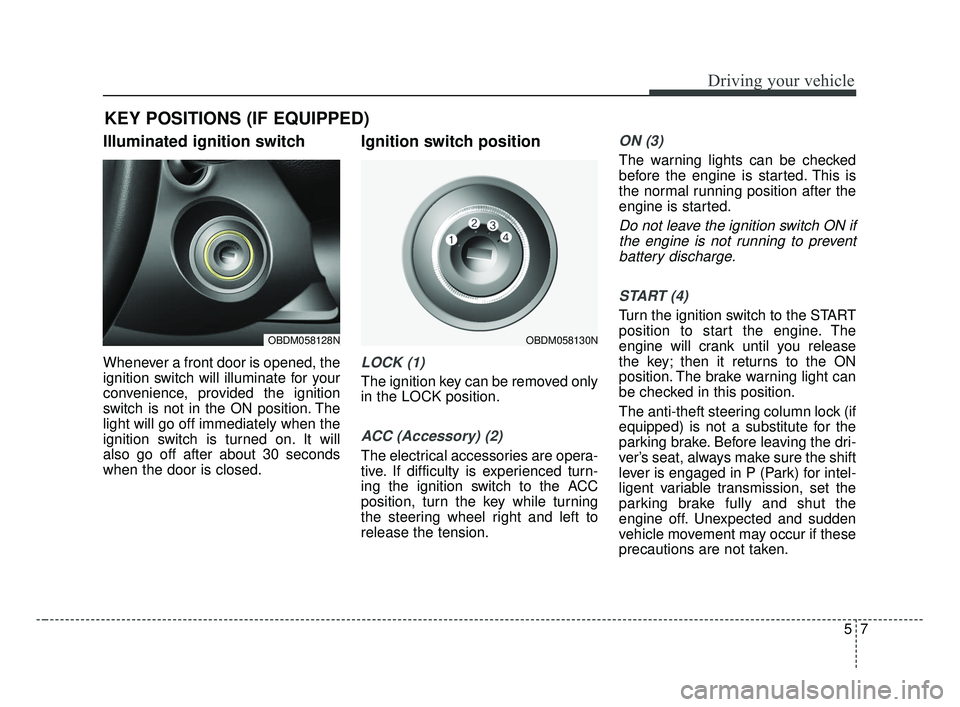
Illuminated ignition switch
Whenever a front door is opened, the
ignition switch will illuminate for your
convenience, provided the ignition
switch is not in the ON position. The
light will go off immediately when the
ignition switch is turned on. It will
also go off after about 30 seconds
when the door is closed.
Ignition switch position
LOCK (1)
The ignition key can be removed only
in the LOCK position.
ACC (Accessory) (2)
The electrical accessories are opera-
tive. If difficulty is experienced turn-
ing the ignition switch to the ACC
position, turn the key while turning
the steering wheel right and left to
release the tension.
ON (3)
The warning lights can be checked
before the engine is started. This is
the normal running position after the
engine is started.
Do not leave the ignition switch ON ifthe engine is not running to preventbattery discharge.
START (4)
Turn the ignition switch to the START
position to start the engine. The
engine will crank until you release
the key; then it returns to the ON
position. The brake warning light can
be checked in this position.
The anti-theft steering column lock (if
equipped) is not a substitute for the
parking brake. Before leaving the dri-
ver’s seat, always make sure the shift
lever is engaged in P (Park) for intel-
ligent variable transmission, set the
parking brake fully and shut the
engine off. Unexpected and sudden
vehicle movement may occur if these
precautions are not taken.
KEY POSITIONS (IF EQUIPPED)
OBDM058128NOBDM058130N
BDm CAN (ENG) 5.QXP 7/4/2018 10:12 AM Page 7
Page 255 of 550
59
Driving your vehicle
Starting the engine
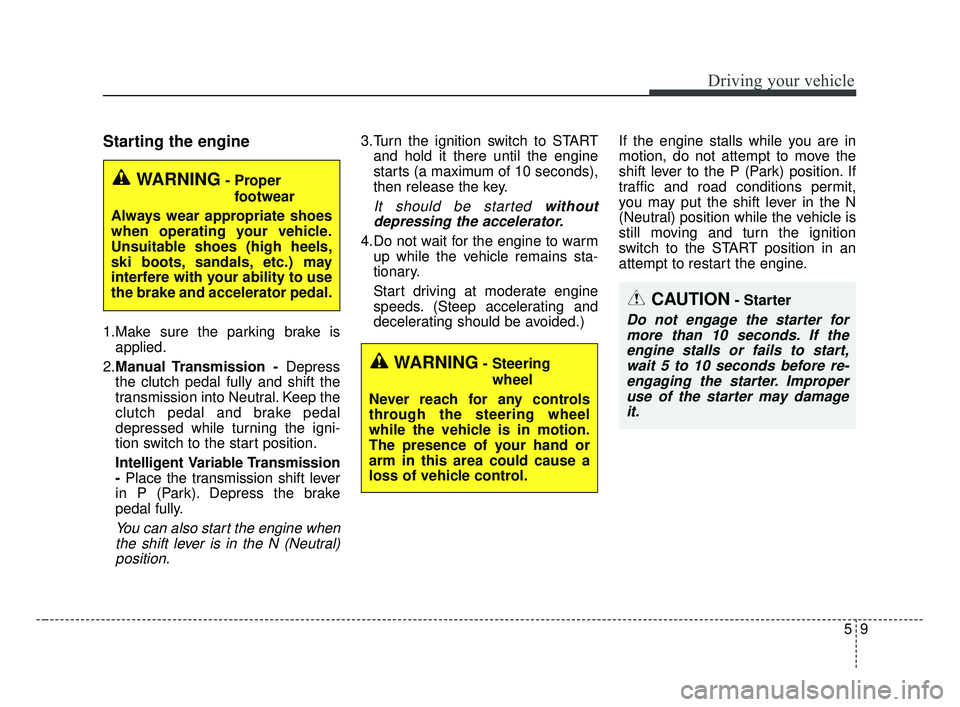
1.Make sure the parking brake isapplied.
2. Manual Transmission - Depress
the clutch pedal fully and shift the
transmission into Neutral. Keep the
clutch pedal and brake pedal
depressed while turning the igni-
tion switch to the start position.
Intelligent Variable Transmission
- Place the transmission shift lever
in P (Park). Depress the brake
pedal fully.
You can also start the engine when the shift lever is in the N (Neutral)position.
3.Turn the ignition switch to START and hold it there until the engine
starts (a maximum of 10 seconds),
then release the key.
It should be started withoutdepressing the accelerator.
4.Do not wait for the engine to warm up while the vehicle remains sta-
tionary.
Start driving at moderate engine
speeds. (Steep accelerating and
decelerating should be avoided.) If the engine stalls while you are in
motion, do not attempt to move the
shift lever to the P (Park) position. If
traffic and road conditions permit,
you may put the shift lever in the N
(Neutral) position while the vehicle is
still moving and turn the ignition
switch to the START position in an
attempt to restart the engine.
CAUTION- Starter
Do not engage the starter for
more than 10 seconds. If theengine stalls or fails to start,wait 5 to 10 seconds before re-engaging the starter. Improperuse of the starter may damageit.
WARNING- Steering
wheel
Never reach for any controls
through the steering wheel
while the vehicle is in motion.
The presence of your hand or
arm in this area could cause a
loss of vehicle control.
WARNING- Proper footwear
Always wear appropriate shoes
when operating your vehicle.
Unsuitable shoes (high heels,
ski boots, sandals, etc.) may
interfere with your ability to use
the brake and accelerator pedal.
BDm CAN (ENG) 5.QXP 7/4/2018 10:12 AM Page 9
Page 257 of 550
511
Driving your vehicle
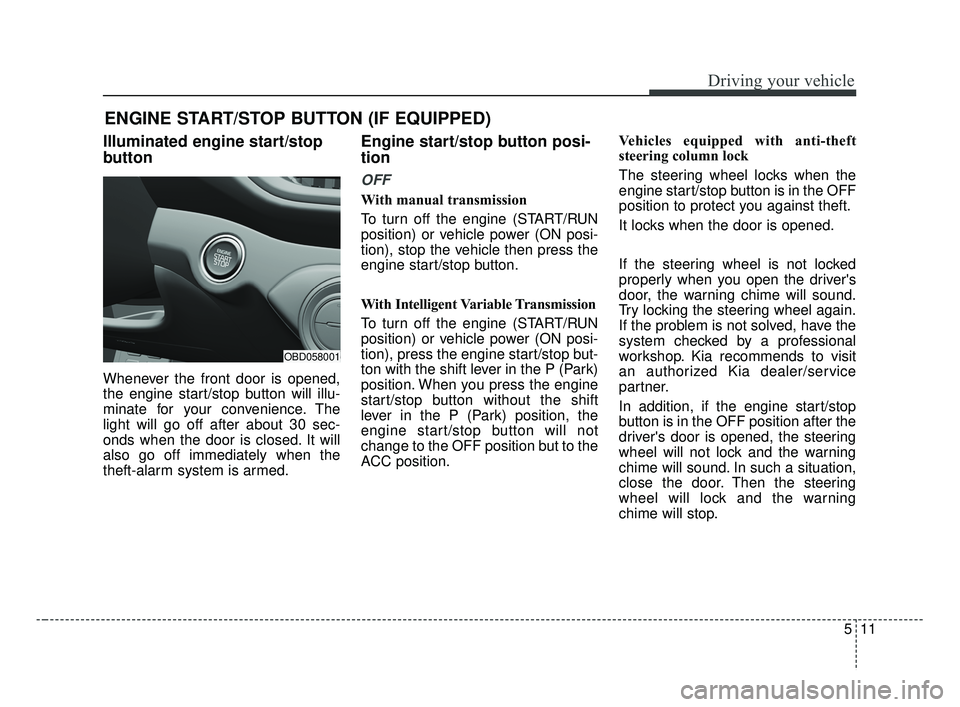
Illuminated engine start/stop
button
Whenever the front door is opened,
the engine start/stop button will illu-
minate for your convenience. The
light will go off after about 30 sec-
onds when the door is closed. It will
also go off immediately when the
theft-alarm system is armed.
Engine start/stop button posi-
tion
OFF
With manual transmission
To turn off the engine (START/RUN
position) or vehicle power (ON posi-
tion), stop the vehicle then press the
engine start/stop button.
With Intelligent Variable Transmission
To turn off the engine (START/RUN
position) or vehicle power (ON posi-
tion), press the engine start/stop but-
ton with the shift lever in the P (Park)
position. When you press the engine
start/stop button without the shift
lever in the P (Park) position, the
engine start/stop button will not
change to the OFF position but to the
ACC position.Vehicles equipped with anti-theft
steering column lock
The steering wheel locks when the
engine start/stop button is in the OFF
position to protect you against theft.
It locks when the door is opened.
If the steering wheel is not locked
properly when you open the driver's
door, the warning chime will sound.
Try locking the steering wheel again.
If the problem is not solved, have the
system checked by a professional
workshop. Kia recommends to visit
an authorized Kia dealer/service
partner.
In addition, if the engine start/stop
button is in the OFF position after the
driver's door is opened, the steering
wheel will not lock and the warning
chime will sound. In such a situation,
close the door. Then the steering
wheel will lock and the warning
chime will stop.
ENGINE START/STOP BUTTON (IF EQUIPPED)
OBD058001
BDm CAN (ENG) 5.QXP 7/4/2018 10:12 AM Page 11
Page 258 of 550
Driving your vehicle
12
5
✽ ✽
NOTICE
If the steering wheel doesn't unlock
properly, the engine start/stop but-
ton will not work. Press the engine
start/stop button while turning the
steering wheel right and left to
release the tension.
✽ ✽
NOTICE
You are able to turn off the engine
(START/RUN) or vehicle power
(ON), only when the vehicle is not in
motion.
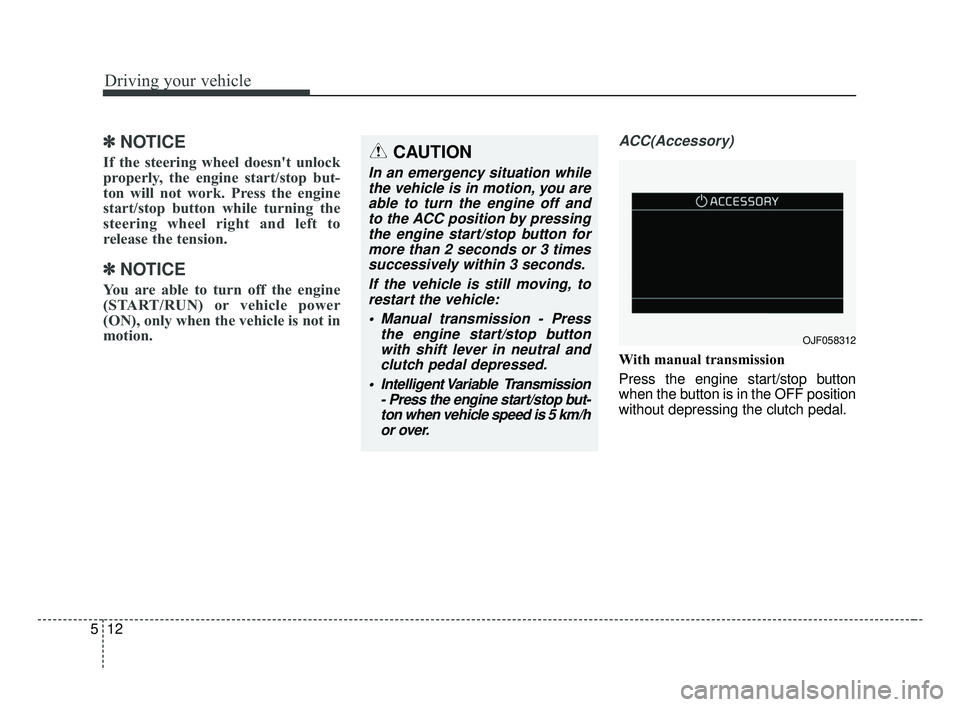
ACC(Accessory)
With manual transmission
Press the engine start/stop button
when the button is in the OFF position
without depressing the clutch pedal.
CAUTION
In an emergency situation while
the vehicle is in motion, you areable to turn the engine off andto the ACC position by pressingthe engine start/stop button formore than 2 seconds or 3 timessuccessively within 3 seconds.
If the vehicle is still moving, torestart the vehicle:
Manual transmission - Press the engine start/stop buttonwith shift lever in neutral andclutch pedal depressed.
Intelligent Variable Transmission - Press the engine start/stop but-ton when vehicle speed is 5 km/hor over.
OJF058312
BDm CAN (ENG) 5.QXP 7/4/2018 10:13 AM Page 12
Page 259 of 550
513
Driving your vehicle
With Intelligent Variable Transmission
Press the engine start/stop button
while it is in the OFF position without
depressing the brake pedal.
The steering wheel unlocks and elec-
trical accessories are operational.
If the engine start/stop button is in the
ACC position for more than 1 hour,
the button is turned off automatically
to prevent battery discharge.ON
With manual transmission
Press the engine start/stop button
when the button is in the ACC position
without depressing the clutch pedal.
With Intelligent Variable Transmission
Press the engine start/stop button
while it is in the ACC position without
depressing the brake pedal.
The warning lights can be checked
before the engine is started. Do not
leave the engine start/stop button in
the ON position for a long time. The
battery may discharge, because the
engine is not running.
START/RUN
With manual transmission
To start the engine, depress the clutch
pedal and brake pedal, then press the
engine start/stop button with the shift
lever in the N (Neutral) position.
With Intelligent Variable Transmission
To start the engine, depress the brake
pedal and press the engine start/stop
button with the shift lever in the P
(Park) or the N (Neutral) position. For
your safety, start the engine with the
shift lever in the P (Park) position.
✽ ✽
NOTICE
If you press the engine start/stop
button without depressing the clutch
pedal for manual transmission vehi-
cles or without depressing the brake
pedal for manual transmission /
Intelligent Variable Transmission
vehicles, the engine will not start
and the engine start/stop button
changes as follow:
OFF ➔ ➔
ACC ➔ ➔
ON ➔ ➔
OFF or ACC
BDm CAN (ENG) 5.QXP 7/4/2018 10:13 AM Page 13
Page 260 of 550
Driving your vehicle
14
5
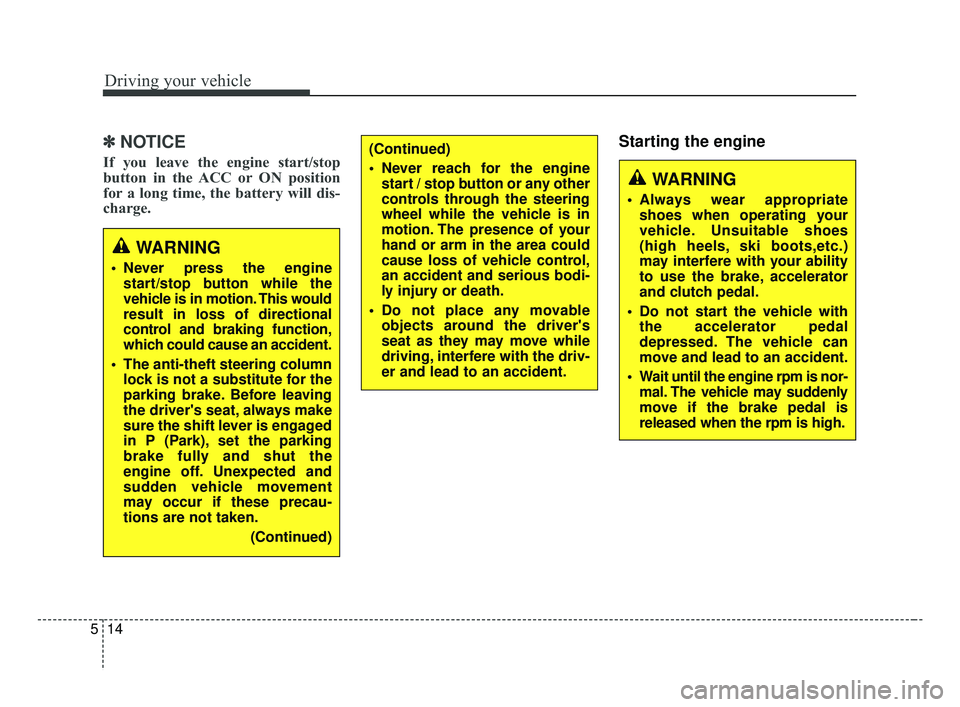
✽ ✽
NOTICE
If you leave the engine start/stop
button in the ACC or ON position
for a long time, the battery will dis-
charge.
Starting the engine
WARNING
Never press the engine
start/stop button while the
vehicle is in motion. This would
result in loss of directional
control and braking function,
which could cause an accident.
The anti-theft steering column lock is not a substitute for the
parking brake. Before leaving
the driver's seat, always make
sure the shift lever is engaged
in P (Park), set the parking
brake fully and shut the
engine off. Unexpected and
sudden vehicle movement
may occur if these precau-
tions are not taken.
(Continued)
(Continued)
Never reach for the enginestart / stop button or any other
controls through the steering
wheel while the vehicle is in
motion. The presence of your
hand or arm in the area could
cause loss of vehicle control,
an accident and serious bodi-
ly injury or death.
Do not place any movable objects around the driver's
seat as they may move while
driving, interfere with the driv-
er and lead to an accident.
WARNING
Always wear appropriateshoes when operating your
vehicle. Unsuitable shoes
(high heels, ski boots,etc.)
may interfere with your ability
to use the brake, accelerator
and clutch pedal.
Do not start the vehicle with the accelerator pedal
depressed. The vehicle can
move and lead to an accident.
Wait until the engine rpm is nor- mal. The vehicle may suddenly
move if the brake pedal is
released when the rpm is high.
BDm CAN (ENG) 5.QXP 7/4/2018 10:13 AM Page 14
Page 267 of 550
521
Driving your vehicle
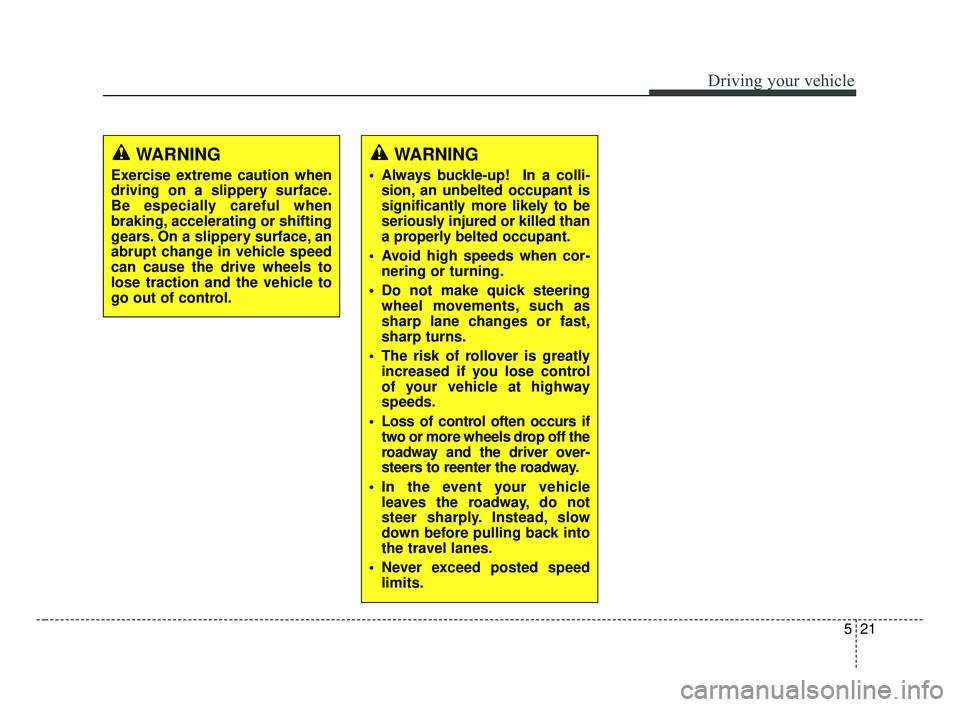
WARNING
Always buckle-up! In a colli-sion, an unbelted occupant is
significantly more likely to be
seriously injured or killed than
a properly belted occupant.
Avoid high speeds when cor- nering or turning.
Do not make quick steering wheel movements, such as
sharp lane changes or fast,
sharp turns.
The risk of rollover is greatly increased if you lose control
of your vehicle at highway
speeds.
Loss of control often occurs if two or more wheels drop off the
roadway and the driver over-
steers to reenter the roadway.
In the event your vehicle leaves the roadway, do not
steer sharply. Instead, slow
down before pulling back into
the travel lanes.
Never exceed posted speed limits.
WARNING
Exercise extreme caution when
driving on a slippery surface.
Be especially careful when
braking, accelerating or shifting
gears. On a slippery surface, an
abrupt change in vehicle speed
can cause the drive wheels to
lose traction and the vehicle to
go out of control.
BDm CAN (ENG) 5.QXP 7/4/2018 10:13 AM Page 21