engine KIA K900 2018 Owners Manual
[x] Cancel search | Manufacturer: KIA, Model Year: 2018, Model line: K900, Model: KIA K900 2018Pages: 544, PDF Size: 14.82 MB
Page 254 of 544
Features of your vehicle
4
4-173
When the operation of the air ventila-
tion is not needed, keep the switches
in the OFF position.
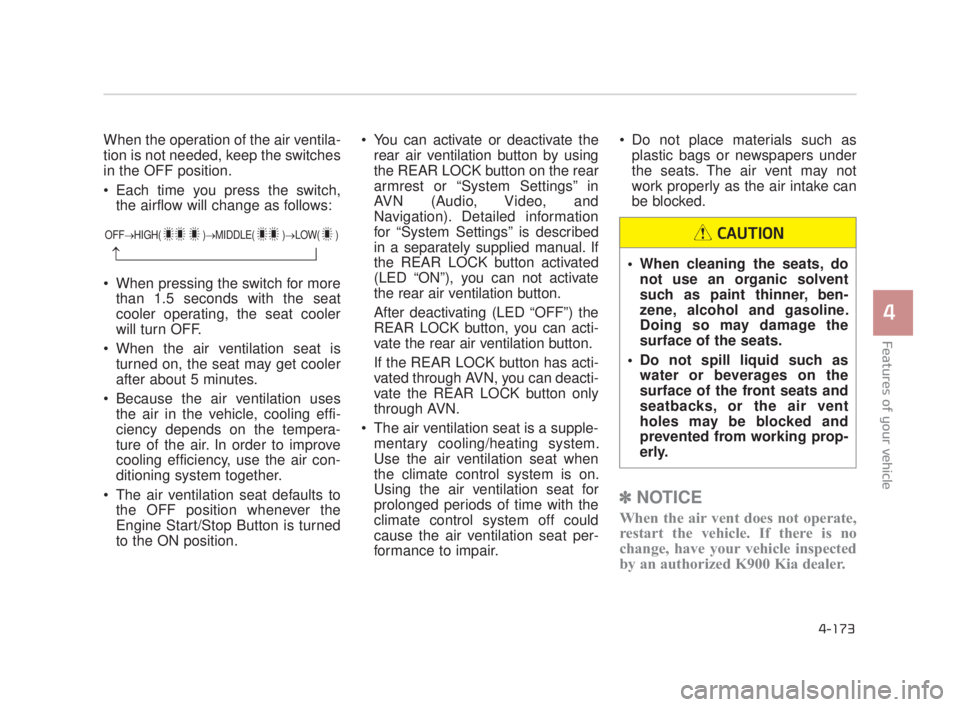
Each time you press the switch,the airflow will change as follows:
When pressing the switch for more than 1.5 seconds with the seat
cooler operating, the seat cooler
will turn OFF.
When the air ventilation seat is turned on, the seat may get cooler
after about 5 minutes.
Because the air ventilation uses the air in the vehicle, cooling effi-
ciency depends on the tempera-
ture of the air. In order to improve
cooling efficiency, use the air con-
ditioning system together.
The air ventilation seat defaults to the OFF position whenever the
Engine Start/Stop Button is turned
to the ON position. You can activate or deactivate the
rear air ventilation button by using
the REAR LOCK button on the rear
armrest or “System Settings” in
AVN (Audio, Video, and
Navigation). Detailed information
for “System Settings” is described
in a separately supplied manual. If
the REAR LOCK button activated
(LED “ON”), you can not activate
the rear air ventilation button.
After deactivating (LED “OFF”) the
REAR LOCK button, you can acti-
vate the rear air ventilation button.
If the REAR LOCK button has acti-
vated through AVN, you can deacti-
vate the REAR LOCK button only
through AVN.
The air ventilation seat is a supple- mentary cooling/heating system.
Use the air ventilation seat when
the climate control system is on.
Using the air ventilation seat for
prolonged periods of time with the
climate control system off could
cause the air ventilation seat per-
formance to impair. Do not place materials such as
plastic bags or newspapers under
the seats. The air vent may not
work properly as the air intake can
be blocked.
✽ NOTICE
When the air vent does not operate,
restart the vehicle. If there is no
change, have your vehicle inspected
by an authorized K900 Kia dealer.
OFF→ HIGH( )→ MIDDLE( )→LOW( )
→ When cleaning the seats, do
not use an organic solvent
such as paint thinner, ben-
zene, alcohol and gasoline.
Doing so may damage the
surface of the seats.
Do not spill liquid such as water or beverages on the
surface of the front seats and
seatbacks, or the air vent
holes may be blocked and
prevented from working prop-
erly.
CAUTION
KH USA 4:2018 4/18/2017 6:03 PM Page 173
Page 261 of 544
Features of your vehicle
4-180
Aux, USB and iPod®port
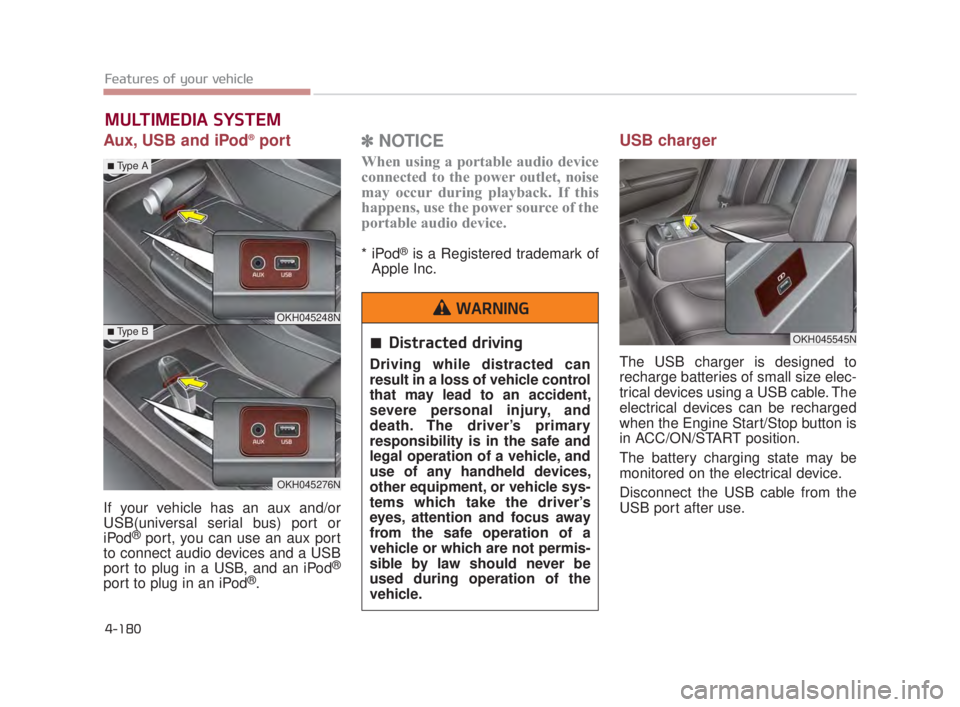
If your vehicle has an aux and/or
USB(universal serial bus) port or
iPod
®port, you can use an aux port
to connect audio devices and a USB
port to plug in a USB, and an iPod
®
port to plug in an iPod®.
✽ NOTICE
When using a portable audio device
connected to the power outlet, noise
may occur during playback. If this
happens, use the power source of the
portable audio device.
* iPod®is a Registered trademark of
Apple Inc.
USB charger
The USB charger is designed to
recharge batteries of small size elec-
trical devices using a USB cable. The
electrical devices can be recharged
when the Engine Start/Stop button is
in ACC/ON/START position.
The battery charging state may be
monitored on the electrical device.
Disconnect the USB cable from the
USB port after use.
MULTIMEDIA SYSTEM
OKH045545N
OKH045248N
OKH045276N
■Type A
■Type BDistracted driving
Driving while distracted can
result in a loss of vehicle control
that may lead to an accident,
severe personal injury, and
death. The driver’s primary
responsibility is in the safe and
legal operation of a vehicle, and
use of any handheld devices,
other equipment, or vehicle sys-
tems which take the driver’s
eyes, attention and focus away
from the safe operation of a
vehicle or which are not permis-
sible by law should never be
used during operation of the
vehicle.
WARNING
KH USA 4:2018 4/18/2017 6:04 PM Page 180
Page 262 of 544
Features of your vehicle
4
4-181
Some devices are not supportedfor fast charging but will be
charged with normal speed.
Use the USB charger when the engine is running to prevent bat-
tery discharge.
Only devices that fits the USB port can be used.
The USB charger can be used only for battery charging purposes.
Battery chargers cannot be charged. Audio / Video / Navigation sys-
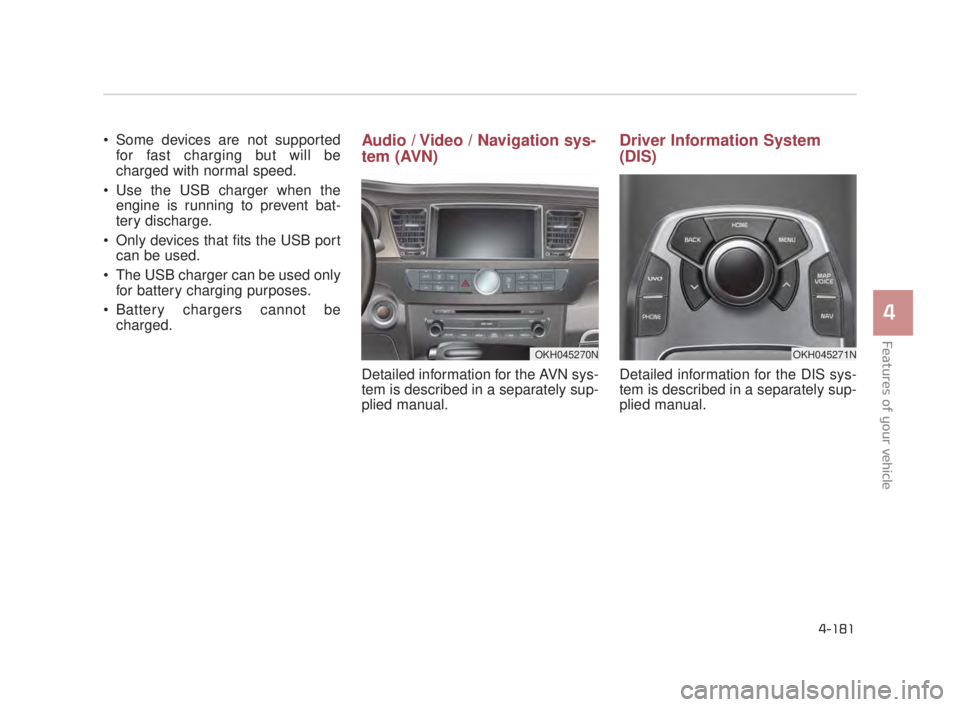
tem (AVN)
Detailed information for the AVN sys-
tem is described in a separately sup-
plied manual.
Driver Information System
(DIS)
Detailed information for the DIS sys-
tem is described in a separately sup-
plied manual.
OKH045271NOKH045270N
KH USA 4:2018 4/18/2017 6:04 PM Page 181
Page 266 of 544
Driving your vehicle
5
Driving your vehicle
5
Driving your vehicle
Before driving......................................................5-4
..........................................5-4
........................................................5-4
Engine START/STOP button...............................5-6
..............5-6
...................5-6
Starting the engine .............................................5-9
......................5-9
Automatic transmission (shift by cable) ............5-11
.........................5-11
..........................................5-15
Automatic transmission (shift by wire) ..............5-16
.........................5-16
..........................................5-26
Brake system ....................................................5-27
......................................................5-27
.................................5-31
...............................5-41
................................5-47
.........................................5-47
Autonomus Emergency Braking (AEB).............5-49
.........................................................5-49
....................................................5-51 .....................................5-52
Drive mode integrated control system ..............5-54
.................................5-54
..............................................5-55
...............5-55
............................5-58
Cruise control system .......................................5-62
.............................................5-63
...................................5-63
....................5-64
............................5-64
the cruise control on ...........................................5-64
..5-65
approximately 20 mph (30 km/h) ........................5-65
..5-66
Advanced Smart Cruise Control System ..........5-67
...........................................5-68
...........5-72
.........................5-76
......................................5-76
Lane Departure Warning System (LDWS)........5-82
.................................................5-84
.......................5-84
5
KH USA 5:2018 4/12/2017 9:58 AM Page 1
Page 268 of 544
Driving your vehicle
5
5-3
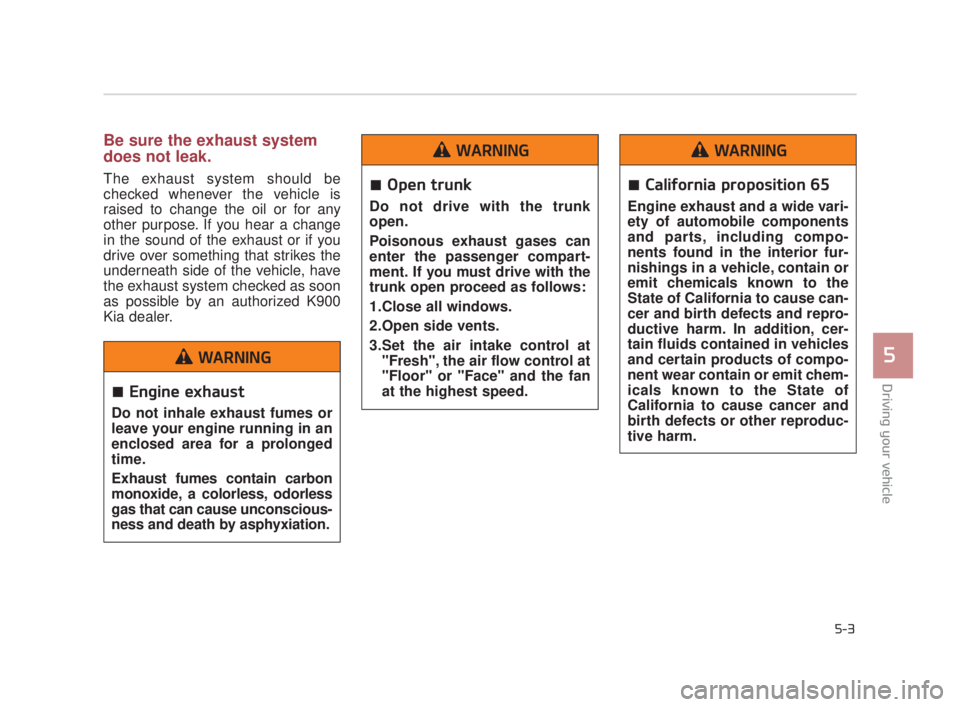
Be sure the exhaust system
does not leak.
The exhaust system should be
checked whenever the vehicle is
raised to change the oil or for any
other purpose. If you hear a change
in the sound of the exhaust or if you
drive over something that strikes the
underneath side of the vehicle, have
the exhaust system checked as soon
as possible by an authorized K900
Kia dealer.
Engine exhaust
Do not inhale exhaust fumes or
leave your engine running in an
enclosed area for a prolonged
time.
Exhaust fumes contain carbon
monoxide, a colorless, odorless
gas that can cause unconscious-
ness and death by asphyxiation.
WARNING
Open trunk
Do not drive with the trunk
open.
Poisonous exhaust gases can
enter the passenger compart-
ment. If you must drive with the
trunk open proceed as follows:
1.Close all windows.
2.Open side vents.
3.Set the air intake control at"Fresh", the air flow control at
"Floor" or "Face" and the fan
at the highest speed.
WARNING
California proposition 65
Engine exhaust and a wide vari-
ety of automobile components
and parts, including compo-
nents found in the interior fur-
nishings in a vehicle, contain or
emit chemicals known to the
State of California to cause can-
cer and birth defects and repro-
ductive harm. In addition, cer-
tain fluids contained in vehicles
and certain products of compo-
nent wear contain or emit chem-
icals known to the State of
California to cause cancer and
birth defects or other reproduc-
tive harm.
WARNING
KH USA 5:2018 4/12/2017 9:58 AM Page 3
Page 269 of 544
5-4
Driving your vehicle
Before entering vehicle
Be sure that all windows, outsidemirror(s), and outside lights are
clean.
Check the condition of the tires.
Check under the vehicle for any sign of leaks.
Be sure there are no obstacles behind you if you intend to back up.
Necessary inspections
Fluid levels, such as engine oil,
engine coolant, brake fluid, and
washer fluid should be checked on a
regular basis, with the exact interval
depending on the fluid. Further
details are provided in Section 7,
“Maintenance”.
Before starting
Close and lock all doors.
Position the seat so that all con-trols are easily reached.
Buckle your seat belt.
Adjust the inside and outside rearview mirrors.
Be sure that all lights work.
Check all gauges.
Check the operation of warning lights when the Engine Start/Stop
button is turned to the ON position.
Release the parking brake and make sure the brake warning light
goes off.
For safe operation, be sure you are
familiar with your vehicle and its
equipment.
BEFORE DRIVING
Distracted driving
Focus on the road while driving.
The driver's primary responsi-
bility is in the safe and legal
operation of the vehicle. Use of
any hand held devices, other
equipment or vehicle systems
that distract the driver should
not be used during vehicle
operation.
WARNING
Check surrounding
Always check the surrounding
areas near your vehicle for peo-
ple, especially children, before
putting a vehicle into D (Drive)
or R (Reverse).
WARNING
KH USA 5:2018 4/12/2017 9:58 AM Page 4
Page 270 of 544
Driving your vehicle
5
5-5
Driving while intoxicated
Do not drive while intoxicated.
Drinking and driving is danger-
ous. Even a small amount of
alcohol will affect your reflexes,
perceptions and judgment.
Driving while under the influ-
ence of drugs is as dangerous
as or more dangerous than driv-
ing drunk.
WARNING
Loose object
Securely store items in your
vehicle. When you make a sud-
den stop or turn the steering
wheel rapidly, loose objects
may drop on the floor and it
could interfere with the opera-
tion of the foot pedals, possibly
causing an accident.
WARNING
Fire risk
When you intend to park or stop
the vehicle with the engine on,
be careful not to depress the
accelerator pedal for a long
period of time. It may overheat
the engine or exhaust system
and cause a fire.
WARNING
KH USA 5:2018 4/12/2017 9:58 AM Page 5
Page 271 of 544
5-6
Driving your vehicle
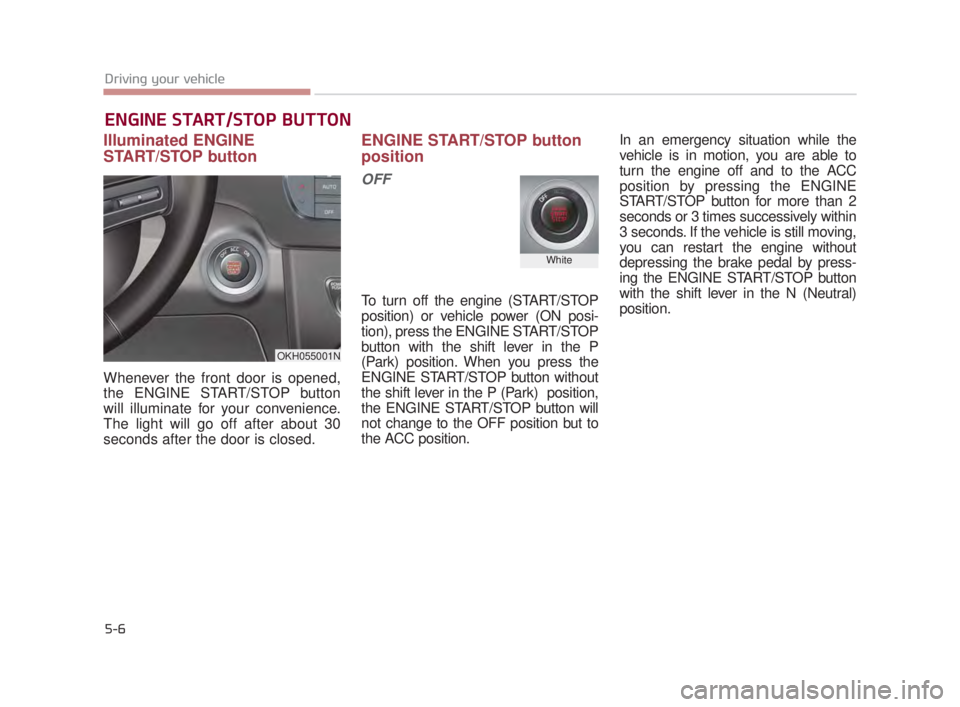
Illuminated ENGINE
START/STOP button
Whenever the front door is opened,
the ENGINE START/STOP button
will illuminate for your convenience.
The light will go off after about 30
seconds after the door is closed.
ENGINE START/STOP button
position
OFF
To turn off the engine (START/STOP
position) or vehicle power (ON posi-
tion), press the ENGINE START/STOP
button with the shift lever in the P
(Park) position. When you press the
ENGINE START/STOP button without
the shift lever in the P (Park) position,
the ENGINE START/STOP button will
not change to the OFF position but to
the ACC position.In an emergency situation while the
vehicle is in motion, you are able to
turn the engine off and to the ACC
position by pressing the ENGINE
START/STOP button for more than 2
seconds or 3 times successively within
3 seconds. If the vehicle is still moving,
you can restart the engine without
depressing the brake pedal by press-
ing the ENGINE START/STOP button
with the shift lever in the N (Neutral)
position.
ENGINE START/STOP BUTTON
OKH055001N
White
KH USA 5:2018 4/12/2017 9:58 AM Page 6
Page 272 of 544
Driving your vehicle
5
5-7
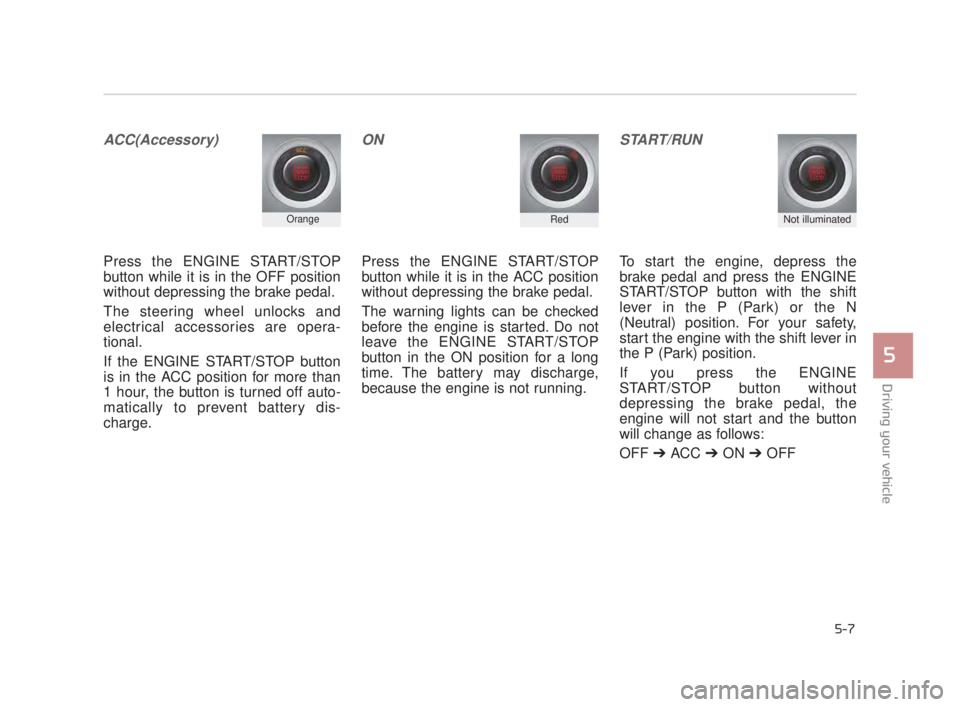
ACC(Accessory)
Press the ENGINE START/STOP
button while it is in the OFF position
without depressing the brake pedal.
The steering wheel unlocks and
electrical accessories are opera-
tional.
If the ENGINE START/STOP button
is in the ACC position for more than
1 hour, the button is turned off auto-
matically to prevent battery dis-
charge.
ON
Press the ENGINE START/STOP
button while it is in the ACC position
without depressing the brake pedal.
The warning lights can be checked
before the engine is started. Do not
leave the ENGINE START/STOP
button in the ON position for a long
time. The battery may discharge,
because the engine is not running.
START/RUN
To start the engine, depress the
brake pedal and press the ENGINE
START/STOP button with the shift
lever in the P (Park) or the N
(Neutral) position. For your safety,
start the engine with the shift lever in
the P (Park) position.
If you press the ENGINE
START/STOP button without
depressing the brake pedal, the
engine will not start and the button
will change as follows:
OFF ➔ ACC ➔ON ➔OFF
OrangeRedNot illuminated
KH USA 5:2018 4/12/2017 9:58 AM Page 7
Page 273 of 544
5-8
Driving your vehicle
If you leave the ENGINE START/
STOP button in the ACC or ON posi-
tion for a long time, the battery will
discharge.
Starting vehicle
Never press the ENGINE
START/STOP button while the
vehicle is in motion except in on
emergency. This would result in
loss of directional control and
braking function, which could
cause an accident.
WARNING
KH USA 5:2018 4/12/2017 9:58 AM Page 8