ignition KIA NIRO 2020 Manual PDF
[x] Cancel search | Manufacturer: KIA, Model Year: 2020, Model line: NIRO, Model: KIA NIRO 2020Pages: 687, PDF Size: 11.43 MB
Page 343 of 687
533
Driving your vehicle
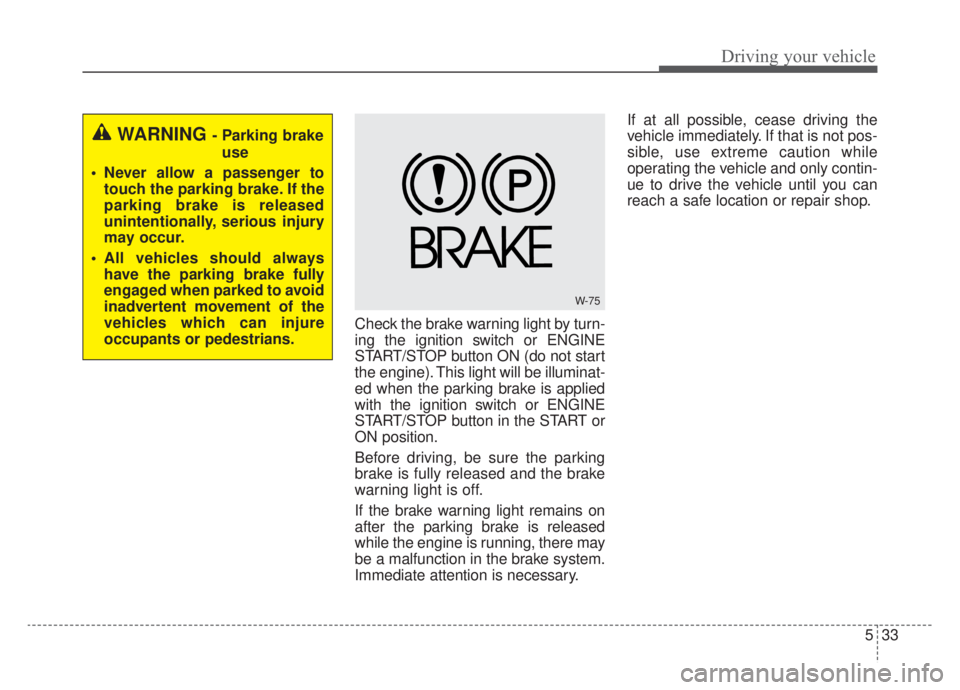
Check the brake warning light by turn-
ing the ignition switch or ENGINE
START/STOP button ON (do not start
the engine). This light will be illuminat-
ed when the parking brake is applied
with the ignition switch or ENGINE
START/STOP button in the START or
ON position.
Before driving, be sure the parking
brake is fully released and the brake
warning light is off.
If the brake warning light remains on
after the parking brake is released
while the engine is running, there may
be a malfunction in the brake system.
Immediate attention is necessary.If at all possible, cease driving the
vehicle immediately. If that is not pos-
sible, use extreme caution while
operating the vehicle and only contin-
ue to drive the vehicle until you can
reach a safe location or repair shop.
WARNING - Parking brake
use
Never allow a passenger to touch the parking brake. If the
parking brake is released
unintentionally, serious injury
may occur.
All vehicles should always have the parking brake fully
engaged when parked to avoid
inadvertent movement of the
vehicles which can injure
occupants or pedestrians.
W-75
Page 345 of 687
535
Driving your vehicle
To release EPB (Electronic Parking
Brake) automatically:
Shift lever in P (Park)With the engine running depress
the brake pedal and shift out of P
(Park) to R (Reverse) or D (Drive).
Shift lever in N (Neutral) With the engine running depress
the brake pedal and shift out of N
(Neutral) to R (Reverse) or D
(Drive).
Depress the accelerator pedal slowly when the following condi-
tions are satisfied:
1. Start the engine.
2. Fasten the driver's seat belt.
3. Close the driver's door, engine hood and liftgate.
4. The shift lever is in R (Rear), D (Drive) or manual mode.
Make sure the brake warning light
goes off.✽ ✽ NOTICE
• For your safety, you can engage
the EPB even though the ignition
switch or ENGINE START/STOP
button is in the OFF position, but
you cannot release it.
• For your safety, depress the brake pedal and release the parking
brake manually with the EPB
switch when you drive downhill or
when backing up the vehicle.
EPB (Electronic Parking Brake) may
be automatically applied when:
The EPB is overheated
Requested by other systems
The hybrid system is turned off
with the EPB applied
✽ ✽ NOTICE
• If Auto Hold is operating (Green
light), EPB is applied automatical-
ly when the hybrid system is
turned off.
• If Auto Hold is in ready position (White light), EPB is applied auto-
matically after 1 second from the
hybrid system off timing. In this
case, if the EPB switch is pressed
within 1 second, the EPB will not
be applied.
CAUTION
If the parking brake warning
light is still on even thoughthe EPB has been released,have the system checked byan authorized Kia dealer.
Do not drive your vehicle with the EPB applied. It may causeexcessive brake pad andbrake rotor wear.
Page 348 of 687
Driving your vehicle
38
5
EPB malfunction indicator
(if equipped)
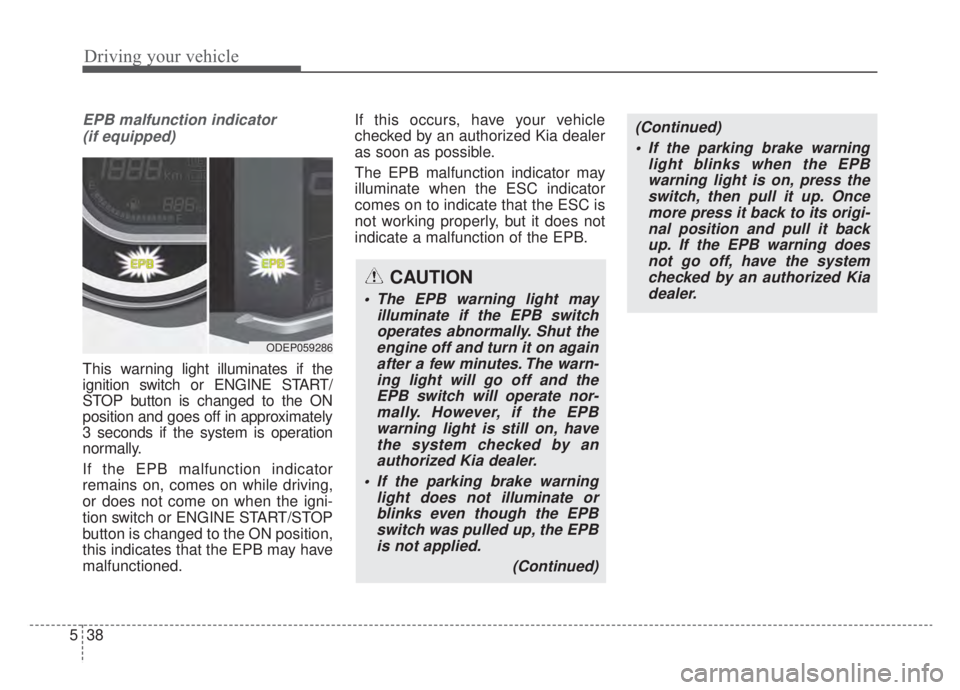
This war ning light illuminates if the
ignition switch or ENGINE START/
STOP button is changed to the ON
position and goes off in approximately
3 seconds if the system is operation
normally.
If the EPB malfunction indicator
remains on, comes on while driving,
or does not come on when the igni-
tion switch or ENGINE START/STOP
button is changed to the ON position,
this indicates that the EPB may have
malfunctioned. If this occurs, have your vehicle
checked by an authorized Kia dealer
as soon as possible.
The EPB malfunction indicator may
illuminate when the ESC indicator
comes on to indicate that the ESC is
not working properly, but it does not
indicate a malfunction of the EPB.
ODEP059286
CAUTION
The EPB warning light may
illuminate if the EPB switchoperates abnormally. Shut theengine off and turn it on againafter a few minutes. The warn-ing light will go off and theEPB switch will operate nor-mally. However, if the EPBwarning light is still on, havethe system checked by anauthorized Kia dealer.
If the parking brake warning light does not illuminate orblinks even though the EPBswitch was pulled up, the EPBis not applied.
(Continued)
(Continued) If the parking brake warning light blinks when the EPBwarning light is on, press theswitch, then pull it up. Oncemore press it back to its origi-nal position and pull it backup. If the EPB warning doesnot go off, have the systemchecked by an authorized Kiadealer.
Page 355 of 687
545
Driving your vehicle
Even with the anti-lock brake sys-tem, your vehicle still requires suf-
ficient stopping distance. Always
maintain a safe distance from the
vehicle in front of you.
Always slow down when cornering. The anti-lock brake system cannot
prevent accidents resulting from
excessive speeds.
On loose or uneven road surfaces, operation of the anti-lock brake
system may result in a longer stop-
ping distance than for vehicles
equipped with a conventional
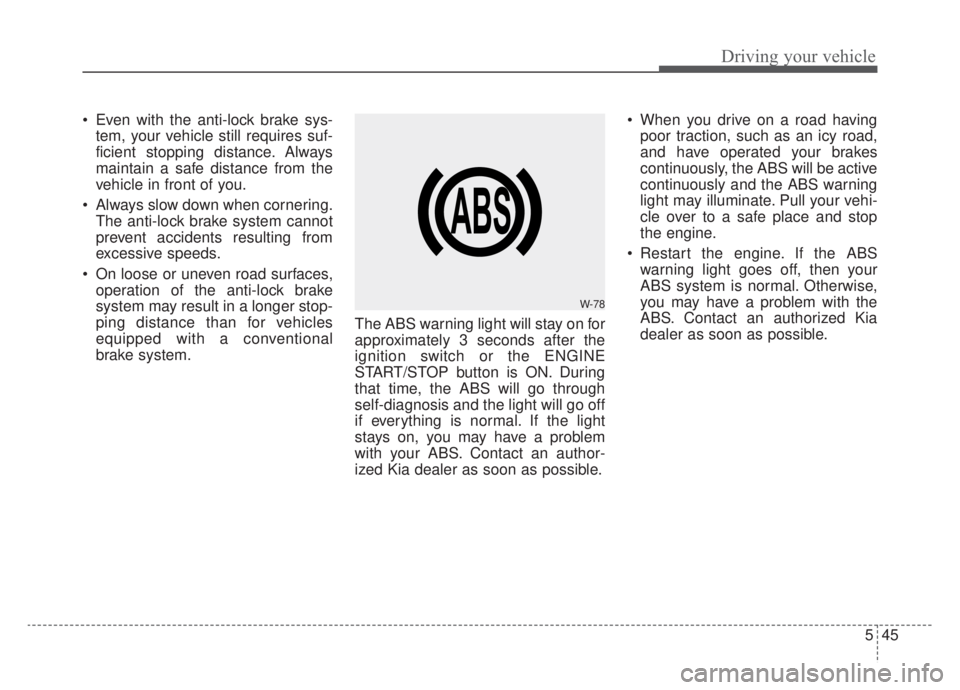
brake system. The ABS warning light will stay on for
approximately 3 seconds after the
ignition switch or the ENGINE
START/STOP button is ON. During
that time, the ABS will go through
self-diagnosis and the light will go off
if everything is normal. If the light
stays on, you may have a problem
with your ABS. Contact an author-
ized Kia dealer as soon as possible. When you drive on a road having
poor traction, such as an icy road,
and have operated your brakes
continuously, the ABS will be active
continuously and the ABS warning
light may illuminate. Pull your vehi-
cle over to a safe place and stop
the engine.
Restart the engine. If the ABS warning light goes off, then your
ABS system is normal. Otherwise,
you may have a problem with the
ABS. Contact an authorized Kia
dealer as soon as possible.
W-78
Page 357 of 687
547
Driving your vehicle
The Electronic Stability Control (ESC)
system is an electronic system
designed to help the driver maintain
vehicle control under adverse condi-
tions. It is not a substitute for safe driv-
ing practices. Factors including speed,
road conditions and driver steering
input can all affect whether ESC will be
effective in preventing a loss of control.
It is still your responsibility to drive and
corner at reasonable speeds and to
leave a sufficient margin of safety.
When you apply your brakes under
conditions which may lock the wheels,
you may hear a “tik-tik’’ sound from the
brakes, or feel a corresponding sensa-
tion in the brake pedal. This is normal
and it means your ESC is active.
✽ ✽NOTICE
A click sound may be heard in the
engine compartment when the vehi-
cle begins to move after the engine is
started. These conditions are normal
and indicate that the Electronic
Stability Control System is function-
ing properly.
ESC operation
ESC ON condition
When the ignition switch orthe ENGINE START/STOP
button is turned ON, ESC
and ESC OFF indicator
lights illuminate for approxi-
mately 3 seconds, then
ESC is turned on.
ton for at least half a sec-
ond after turning the igni-
tion switch or the ENGINE
START/STOP button ON
to turn ESC off. (ESC OFF
indicator will illuminate). To
turn the ESC on, press the
ESC OFF button (ESC
OFF indicator light will go
off).
you may hear a slight tick-
ing sound. This is the ESC
performing an automatic
system self-check and does
not indicate a problem. When operating
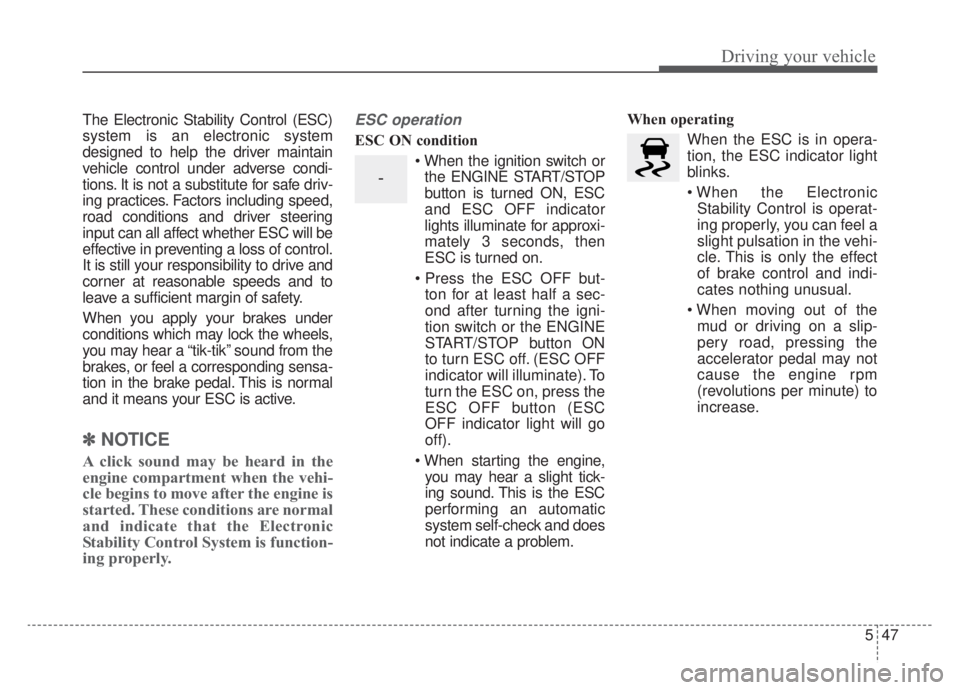
When the ESC is in opera-
tion, the ESC indicator light
blinks.
Stability Control is operat-
ing properly, you can feel a
slight pulsation in the vehi-
cle. This is only the effect
of brake control and indi-
cates nothing unusual.
mud or driving on a slip-
pery road, pressing the
accelerator pedal may not
cause the engine rpm
(revolutions per minute) to
increase.
-
Page 358 of 687
Driving your vehicle
48
5
ESC operation off
ESC OFF state
This car has 2 kinds of ESC
off states.
If the engine stops when
ESC is off, ESC remains off.
Upon restarting the engine,
the ESC will automatically
turn on again. “Traction Control disabled”
ESC off state 1
To cancel ESC operation, press the
ESC OFF button (ESC OFF ) for
less than 3 seconds and the ESC
OFF indicator light (ESC OFF ) will
illuminate. At this state, the engine
control function does not operate. It
means the traction control function
does not operate. Only the brake con-
trol function will operate.
“Traction & Stability Control disabled”
To cancel ESC operation, press the
ESC OFF button (ESC OFF ) for
more than 3 seconds. ESC OFF indi-
cator light (ESC OFF ) will illumi-
nate and ESC OFF warning chime
will sound. At this state, the engine
control function and brake control
function do not operate. It means the
car stability control function will not
operate any more.
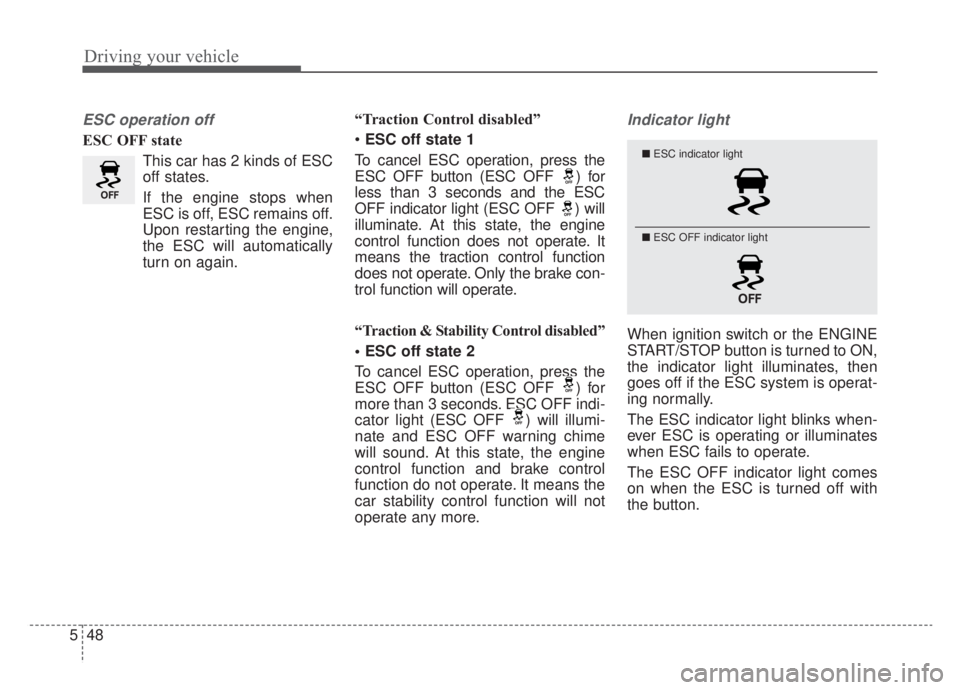
Indicator light
When ignition switch or the ENGINE
START/STOP button is turned to ON,
the indicator light illuminates, then
goes off if the ESC system is operat-
ing normally.
The ESC indicator light blinks when-
ever ESC is operating or illuminates
when ESC fails to operate.
The ESC OFF indicator light comes
on when the ESC is turned off with
the button.
■ ESC indicator light
■ ESC OFF indicator light
Page 363 of 687

553
Driving your vehicle
FCA system is designed to detect
the vehicle ahead or pedestrians
ahead in the roadway through front
view camera recognition to warn the
driver that a collision is imminent,
and if necessary, apply emergency
braking.
❈FCA stands for Forward Collision-
Avoidance AssistSystem setting and activation
Forward safety
The driver can activate FCA system
by placing the ignition switch or
ENGINE START/STOP button to the
ON position and by selecting:
“User Settings → Driver Assistance
→ Forward Safety”
- If you select “Active Assist”, FCA system activates. FCA produces
warning messages and warning
alarms in accordance with the col-
lision risk levels. Also, it controls
the brakes in accordance with the
collision risk levels.
- If you select “Warning Only”, FCA system activates and produces
only warning alarms in accordance
with the collision risk levels. You
should control the brake directly
because FCA system do not con-
trol the brake.
- If you select “Off ”, FCA system deactivates,
FORWARD COLLISION-AVOIDANCE ASSIST (FCA) (FRONT VIEW CAMERA ONLY)
(IF EQUIPPED)
WARNING
Take the following precautions
when using Forward Collision-
Avoidance Assist system:
This system is only a supple-mental system and it is not
intended to, nor does it replace
the need for extreme care and
attention of the driver. The
sensing range and objects
detectable by the sensors are
limited. Pay attention to the
road conditions at all times.
NEVER drive too fast in accor- dance with the road condi-
tions or while cornering.
Always drive cautiously to prevent unexpected and sud-
den situations from occur-
ring. FCA system does not
stop the vehicle completely
and is only intended to help
mitigate an imminent colli-
sion.
Page 365 of 687
555
Driving your vehicle
✽ ✽NOTICE
If you change the warning timing,
the warning timing of other systems
may change. Always be aware of
warning timing before changing the
warning timing.
Prerequisite for activation
FCA system gets ready to be activat-
ed, when the “Active Assist”, or
“Warning Only”, under the Forward
Safety is selected on the LCD dis-
play, and when the following prereq-
uisites are satisfied.
- The ESC is activated.
- The driving speed is over 5 mph (8
km/h). (However, FCA is activated
within certain driving speed.)
- The system detects a vehicle or a pedestrian in front, which may col-
lide with your vehicle. (FCA may
not be activated or may sound a
warning alarm in accordance with
the driving situation or vehicle con-
dition.)
❈ FCA may not operate properly
according to the frontal situation,
the direction and speed of pedes-
trian.WARNING
Completely stop the vehicle
on a safe location before oper-
ating the switch on the steer-
ing wheel to activate/deacti-
vate FCA system.
FCA system automatically activates upon placing the
ignition switch to the ON posi-
tion. The driver can deactivate
FCA system by canceling the
system setting on the LCD
display or Infotainment
System screen.
FCA system automatically deactivates upon canceling
the ESC. When the ESC is
canceled, FCA system cannot
be activated on the LCD dis-
play or Infotainment System
screen.
The FCA system warning light
will illuminate, which is nor-
mal.
Page 379 of 687

569
Driving your vehicle
FCA system is to reduce or to avoid
accident risk. It recognizes the dis-
tance from the vehicle ahead, the
pedestrian or the cyclist through the
sensors (i.e. front view camera and
front radar), and, if necessary, warns
the driver of accident risk with the
warning message or the warning
alarms and apply emergency brak-
ing.
❈FCA stands for Forward Collision-
Avoidance Assist.
❈ Sensor fusion (front view camera
+ front radar) FCA system oper-
ates for the vehicle ahead, the
pedestrian or the cyclist in front.System setting and activation
Forward safety
The driver can activate FCA system
by placing the ignition switch or
ENGINE START/STOP button to the
ON position and by selecting:
“User Settings → Driver Assistance
→ Forward Safety”
- If you select “Active Assist”, FCA system activates. FCA produces
warning messages and warning
alarms in accordance with the col-
lision risk levels. Also, it controls
the brakes in accordance with the
collision risk levels.
- If you select “Warning Only”, FCA system activates and produces
only warning alarms in accordance
with the collision risk levels. You
should control the brake directly
because FCA system do not con-
trol the brake.
- If you select “Off ”, FCA system deactivates,
FORWARD COLLISION-AVOIDANCE ASSIST (FCA) (SENSOR FUSION) (IF EQUIPPED)
WARNING
Take the following precautions
when using Forward Collision-
Avoidance Assist system:
This system is only a supple-mental system and it is not
intended to, nor does it replace
the need for the extreme care
and attention of the driver. The
sensing range and objects
detectable by the sensors are
limited. Pay attention to the
road conditions at all times.
NEVER drive too fast in accor- dance with the road condi-
tions or while cornering.
Always drive cautiously to prevent unexpected and sud-
den situations from occur-
ring. FCA system does not
stop the vehicle completely
and is only intended to help
mitigate an imminent colli-
sion.
Page 382 of 687
Driving your vehicle
72
5
FCA warning message and
system control
FCA system produces warning mes-
sages and warning alarms in accor-
dance with the collision risk levels of
followings like vehicle’s sudden brak-
ing in front or lack of vehicle to vehi-
cle distance or collision to pedestri-
ans or cyclist. Also, it controls the
brakes in accordance with the colli-
sion risk levels.
The driver can select the initial warn-
ing activation time in the User set-
tings in the LCD display. The
options for the initial Forward
Collision Warning include Normal or
Late initial warning time.
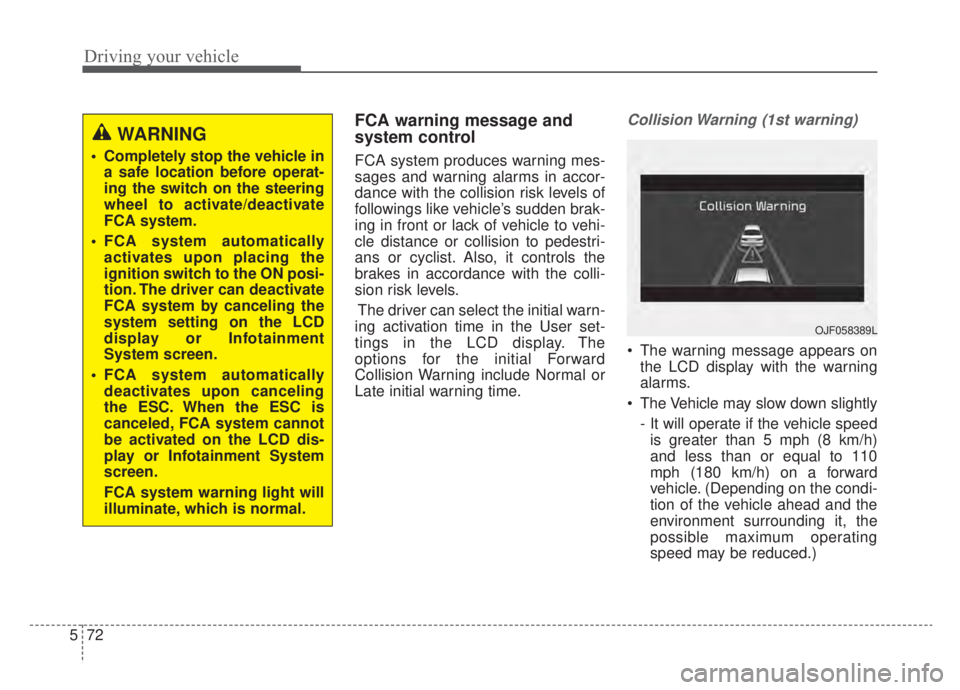
Collision Warning (1st warning)
The warning message appears on the LCD display with the warning
alarms.
The Vehicle may slow down slightly - It will operate if the vehicle speedis greater than 5 mph (8 km/h)
and less than or equal to 110
mph (180 km/h) on a forward
vehicle. (Depending on the condi-
tion of the vehicle ahead and the
environment surrounding it, the
possible maximum operating
speed may be reduced.)
WARNING
Completely stop the vehicle in a safe location before operat-
ing the switch on the steering
wheel to activate/deactivate
FCA system.
FCA system automatically activates upon placing the
ignition switch to the ON posi-
tion. The driver can deactivate
FCA system by canceling the
system setting on the LCD
display or Infotainment
System screen.
FCA system automatically deactivates upon canceling
the ESC. When the ESC is
canceled, FCA system cannot
be activated on the LCD dis-
play or Infotainment System
screen.
FCA system warning light will
illuminate, which is normal.
OJF058389L